Read, find, and discuss the details
You can now shape transcripts around the way you read, share an asset directly from a search preview, and see useful file details with less clicking. Longer assistant conversations and shared review sessions also stay more responsive and dependable.
New features
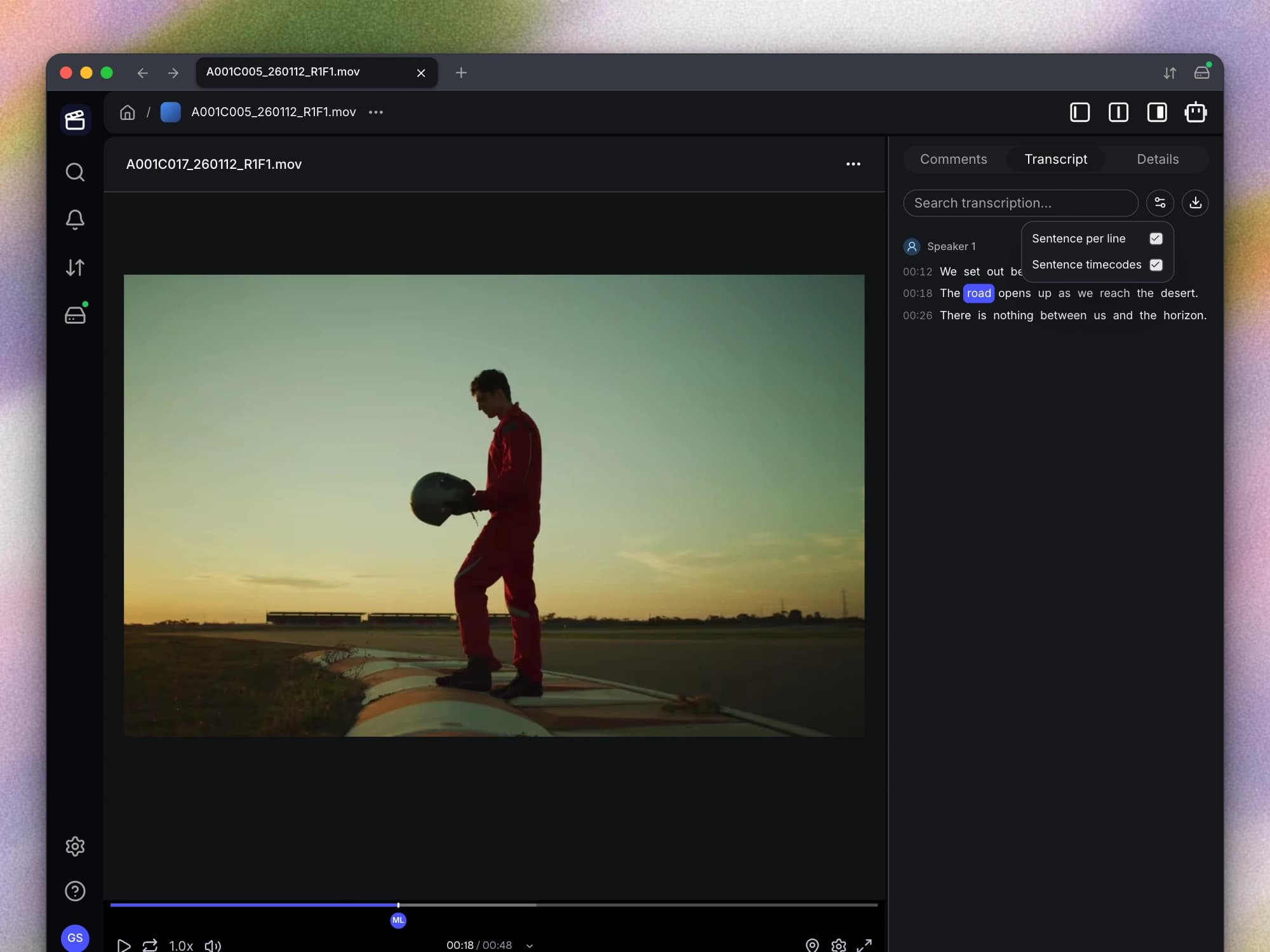
- Choose how your transcript is laid out. You can now display each sentence on its own line and choose whether every line includes a timecode. Sentence boundaries are also handled more consistently, making longer transcripts easier to read and scan for the passage you need.
Improvements
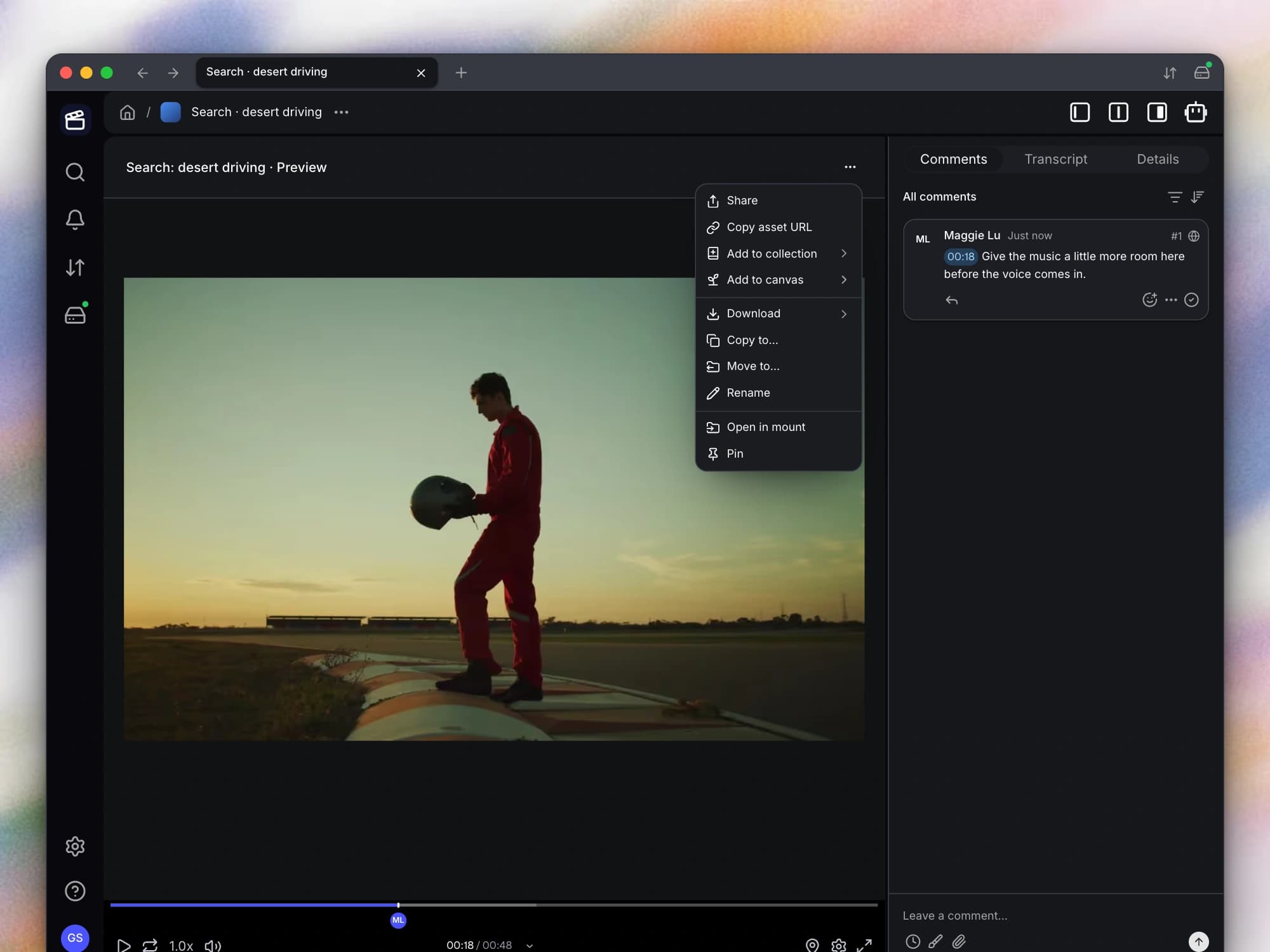
- Share an asset from its search preview. You can now create a share link from an asset preview opened through the command palette or AI search. You can go from finding a file to sending it for review without first opening a separate asset page.
- See key file details with fewer clicks. You can now see the General metadata section expanded when you open an asset’s details. You can also hover over the upload date to see its exact date and time when a relative label is not specific enough.
- Work through longer assistant conversations smoothly. You can now scroll through a long assistant conversation more smoothly and return to earlier messages with less waiting. The interface also handles incoming updates more efficiently while the assistant is responding.
Bug fixes
- Keep search adjustments from changing the original request. You can now adjust a generated search without overwriting the saved interpretation of your original request. Returning to the same request no longer unexpectedly restores the manual edits as though they were part of what you first asked.
- Place timed feedback where you pause. When you pause media to add a range comment, collapsed range handles line up with the current playhead. You can start marking the intended moment without first correcting handles left at an earlier position.
- Recover shared sessions and folder listings. Your shared page retries a failed background session refresh instead of leaving the session stuck after a temporary problem. Mounted folders also discard outdated listing snapshots when their contents change, reducing cases where old entries reappear.
- See the correct video timeline on iPhone. You can now see a video’s duration and move through its timeline normally again on iPhone. The timeline no longer gets stuck at 0:00 when you open the file.