More dependable editing and assistant workflows
You can now keep working through temporary connection trouble and save editing projects with more reliable revision history. You also get a desktop build for Intel Macs and clearer feedback while the assistant works on a request.
New features
- Use Aspect on an Intel Mac. You can now download a desktop build made for Intel Macs alongside the Apple Silicon version. You can use the same desktop workflow with a build that matches your Mac’s processor.
Improvements
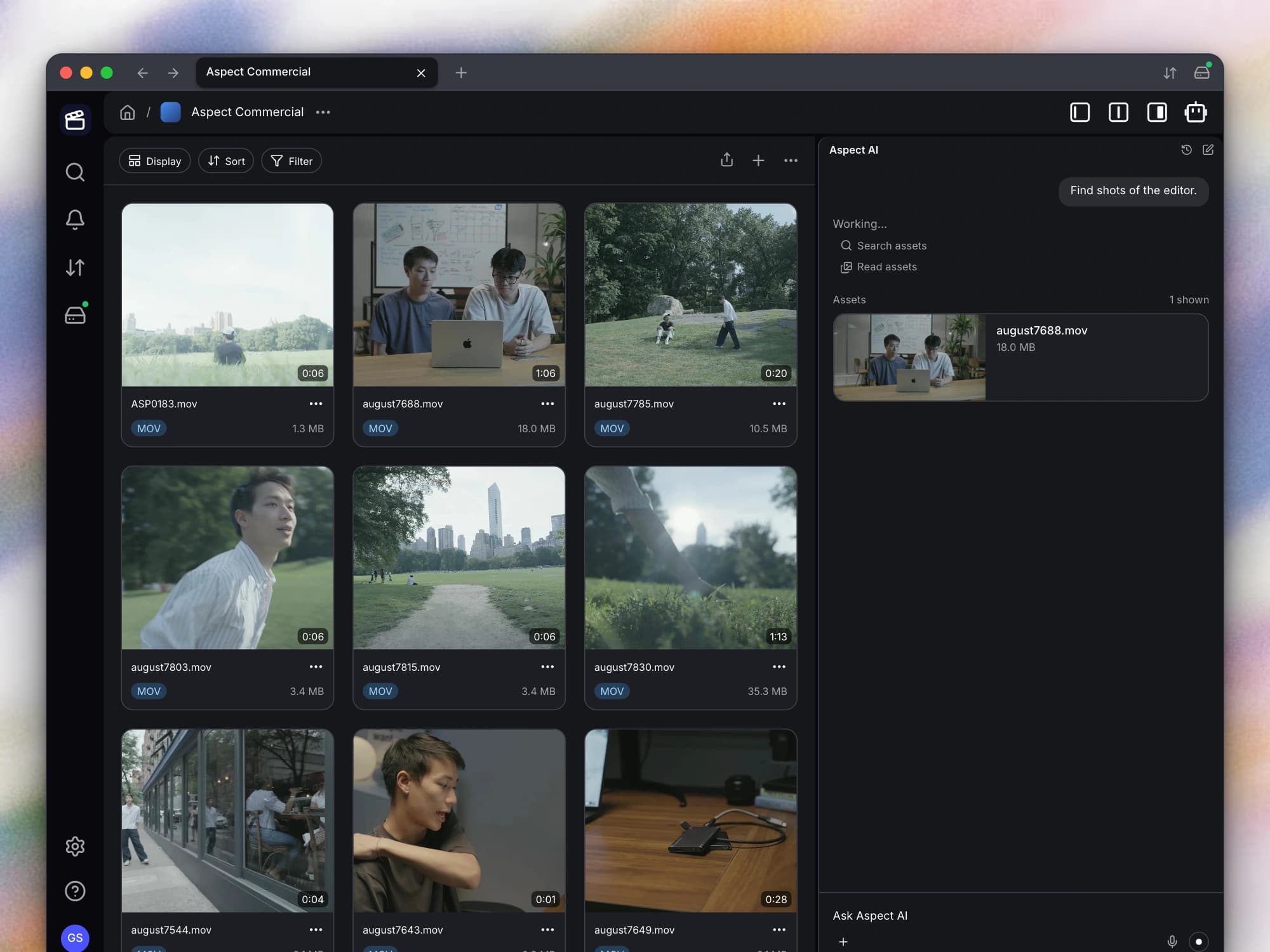
- Follow the assistant’s progress. You can now see the assistant’s activity as it works, including the operations it is running and its streamed progress. The assistant also gains a copy-items action, giving you another way to organize content from a conversation.
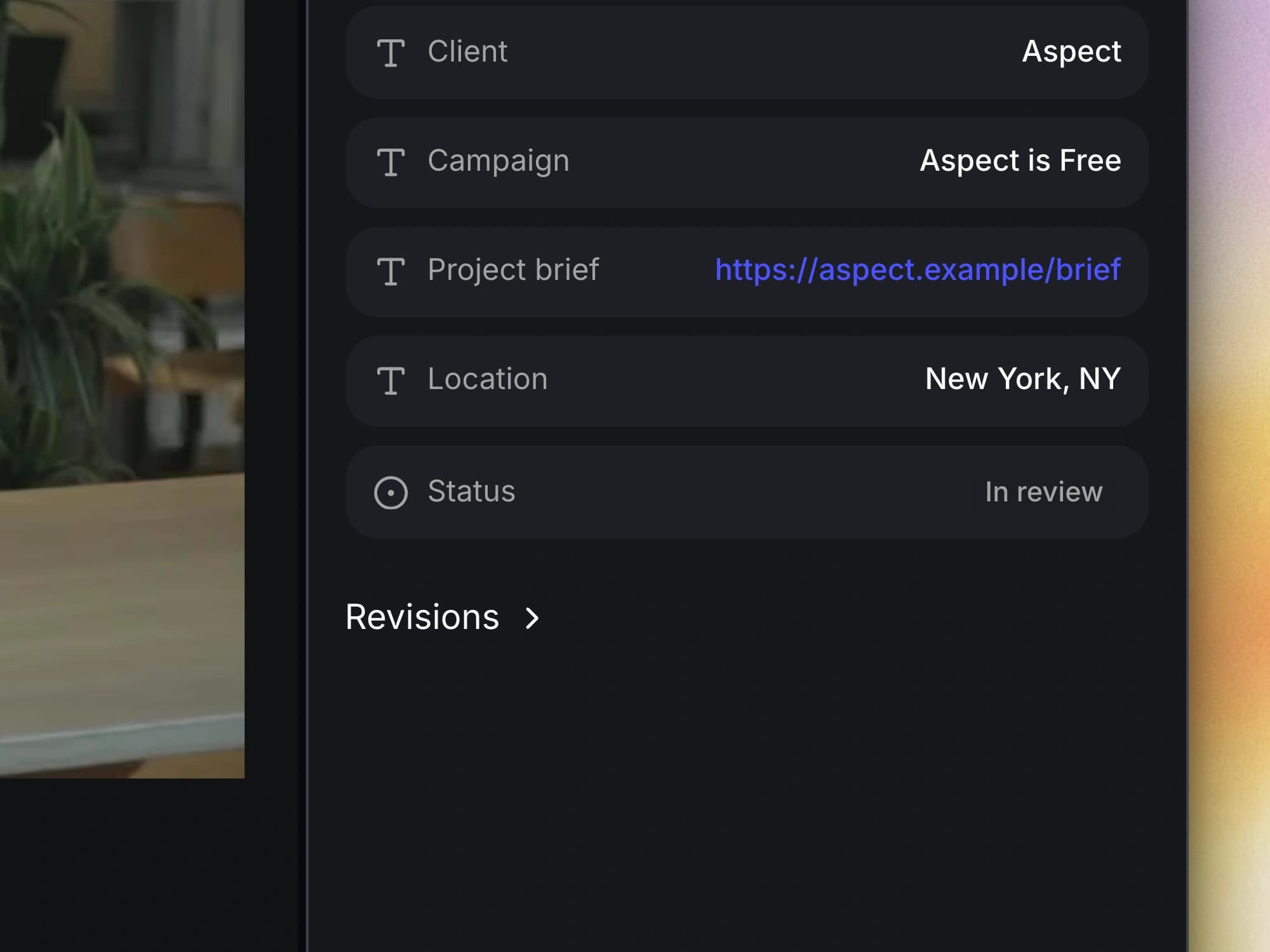
- Use links directly from metadata. You can now click a URL stored in a text metadata field to open the linked page. This makes references in your metadata useful without first copying them into a browser.
- Work with deeply nested folders. You can now use deeper folder structures without the old fixed traversal-depth limit cutting off supported operations. Folder paths, descendant lookups, and access checks also avoid more repeated work on large hierarchies.
Bug fixes
- Preserve revision history when editing apps save. Your mounted drive handles more of the temporary-file and replacement patterns used by editing applications, including Premiere Pro and CapCut. A save is more likely to stay attached to the existing asset’s revision history instead of behaving like an unrelated new file.
- Keep mounts during temporary sign-in service outages. Your mounted drives and queued writes can survive a temporary outage of the sign-in provider more reliably. Aspect retries the connection instead of treating that temporary failure as an immediate reason to discard the working session.
- Reconnect after server interruptions. Your app can recover its live connection after more server restarts and connection refusals. You can receive updates again without having to reload the page after every interruption.
- Keep keyboard actions inside the active dialog. When you are working in a dialog, arrow keys no longer select files behind it, and Enter is less likely to start a background rename. Your keyboard input stays focused on the action you are confirming.
- Refresh nested share pages safely. You can now refresh a file or folder page inside a share without being sent to a 404 page. Your shared deep links remain usable when opened directly or revisited.