Bring Aspect into your terminal
You can now upload, download, browse, and mount Aspect content from a standalone command-line tool. You can use it in your own scripts or connect an AI agent to the same workflow, while the iPhone app gains faster ways to select and preview your media.
New features
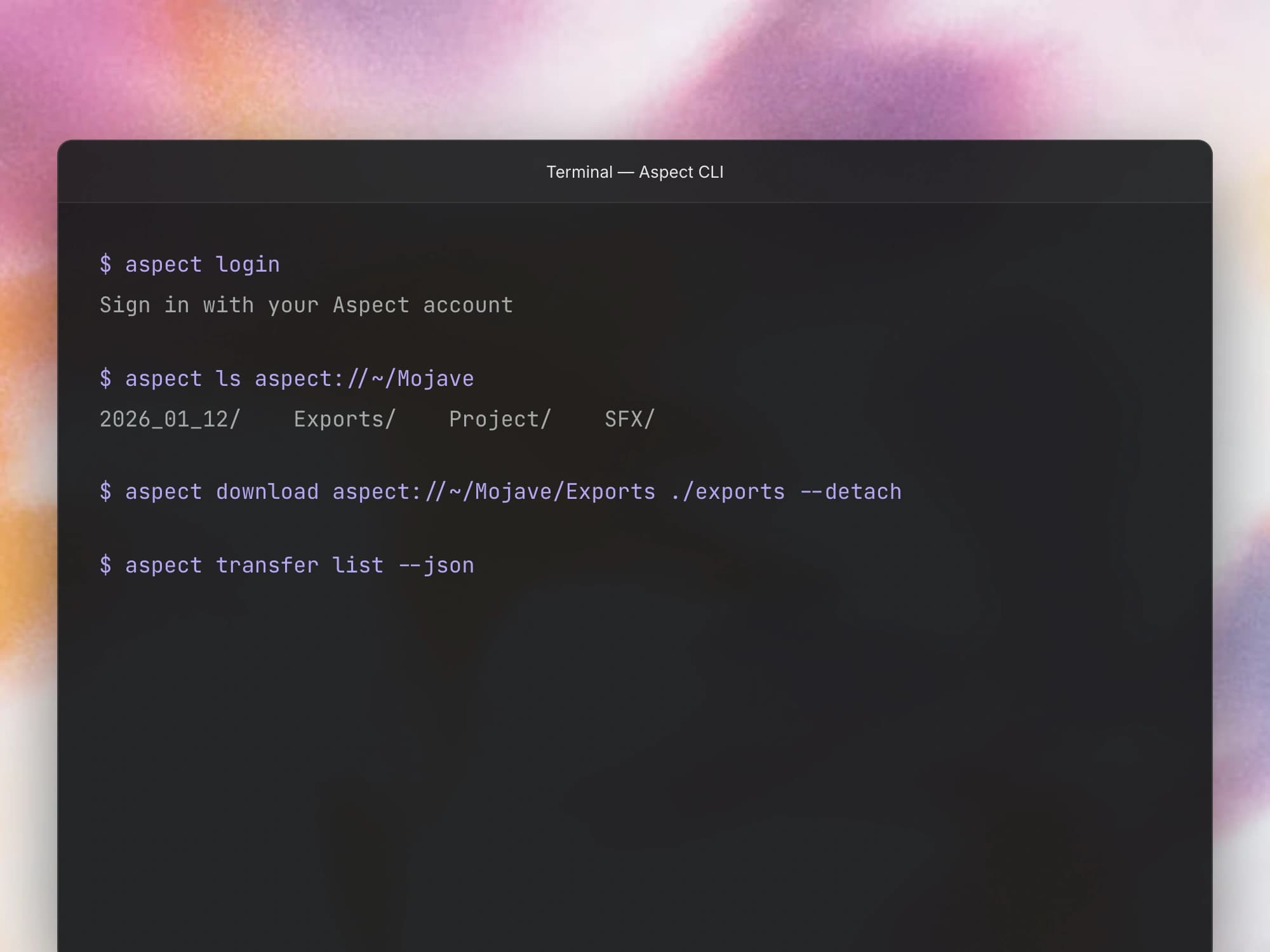
- Use the Aspect CLI. You can now sign in, browse your workspace, and transfer files from the terminal with the
aspectCLI. You can address content withaspect://paths and use structured JSON output when you want to build the commands into a script. - Track transfers in the background. You can now start a CLI upload or download in the background and check its progress later with the transfer commands. You can also inspect your login, transfer, and mount status from the terminal.
- Mount from the terminal, including on Linux. You can now mount a project or folder through the CLI and work with its files from other applications. Linux gains a FUSE-based mount alongside the existing macOS and Windows drive support.
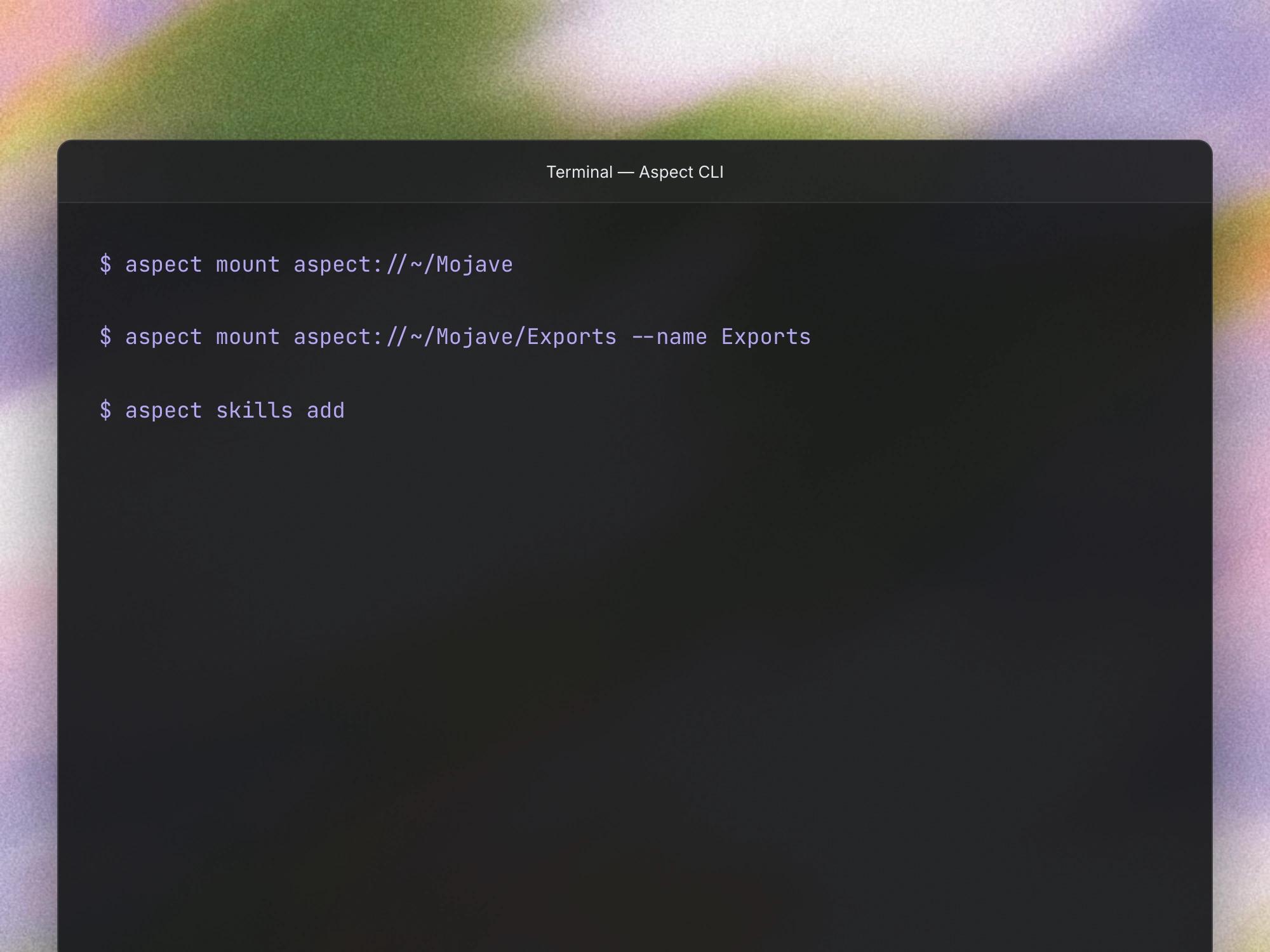
- Teach your AI tools the CLI workflow. You can now run
aspect skills addto install the CLI’s agent skill for supported tools detected on your machine. That gives your agent instructions for using Aspect’s transfers, paths, and mounts.
Improvements
- Select several items on iPhone. You can now select multiple assets or folders in the iPhone app and apply supported actions to the whole selection. This makes larger download and organization tasks easier to handle from your phone.
- Scrub video thumbnails with your finger. You can now drag across a video thumbnail on your iPhone to preview moments in the clip. You can get a better sense of its contents before opening the full viewer.
- See where a folder belongs. On iPhone, you can now see the folder path beneath the directory page title. When similar folder names appear in several places, the path helps you confirm you are working in the right location.
- Start with a sample project. New accounts can begin with a demo project that provides sample content to explore. You can try the library workflow before bringing in your own media.
Bug fixes
- Keep your iPhone session signed in. Your iPhone sign-in session now remains usable for its full supported lifetime. You should need to sign in less often when your session is still valid.
- More reliable CLI setup and Windows downloads. You can now install the CLI more reliably and download into an existing folder on Windows. These fixes address an installer cleanup failure and an existing-folder error that could block an otherwise valid download.