Say it, select it, keep working
You can now dictate a comment, search, or assistant message when speaking is easier than typing. You also get quicker ways to work with multiple files and more useful safeguards while your desktop transfers are running.
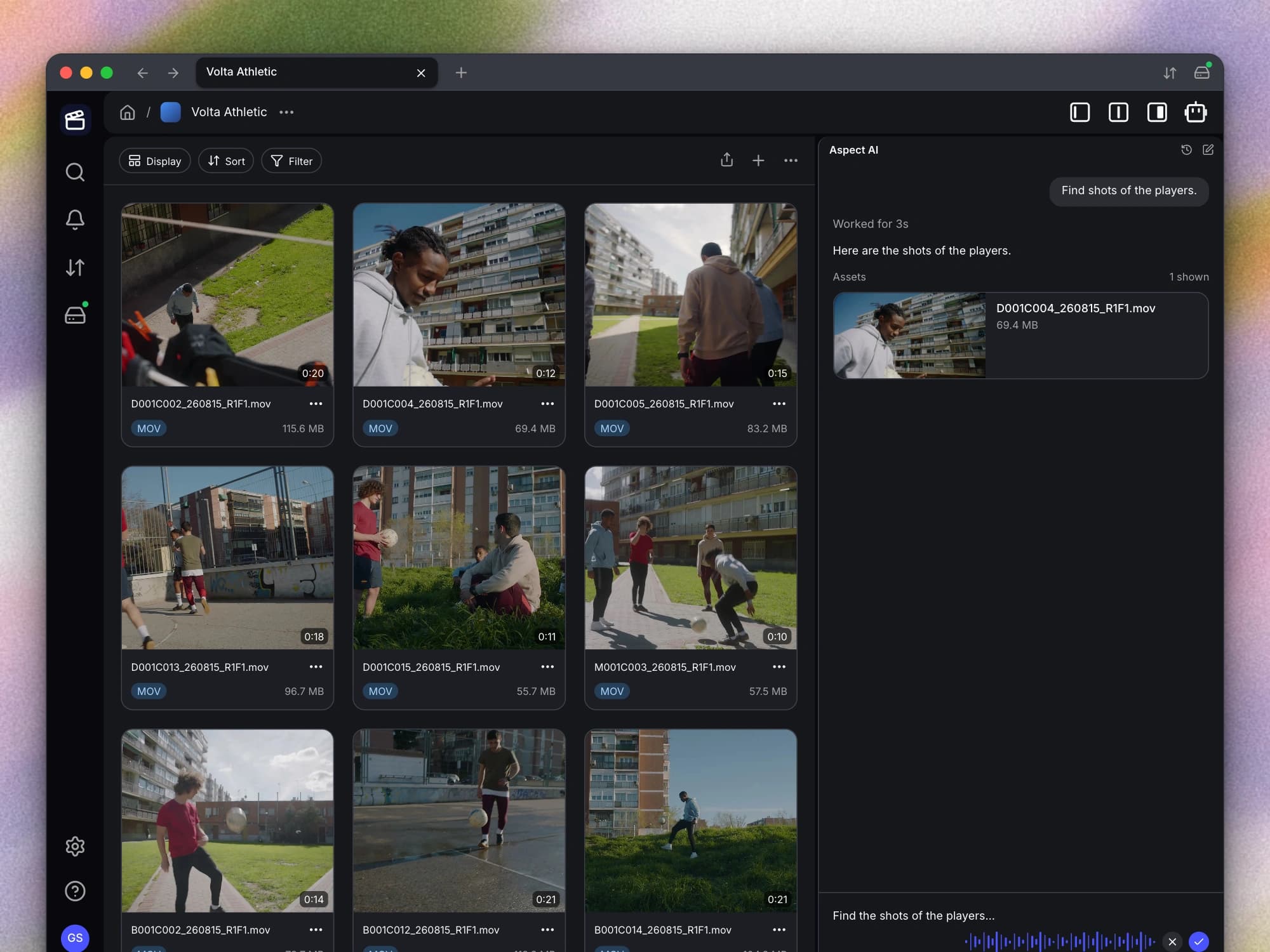
New features
- Dictate comments, searches, and assistant messages. You can now use your microphone to turn speech into text in comments, search, and the assistant. You can review the recognized text before using it, giving you a faster way to capture feedback or a longer request.
Improvements
- Select all from the keyboard. You can now use Cmd+A on Mac or Ctrl+A on Windows to select items in asset and directory views. This makes it easier to apply actions to a larger selection without dragging across the page.
- Pin several items at once. You can now select multiple files or folders and pin or unpin them together from the context menu. You no longer need to repeat the same offline-availability action for each selected item.
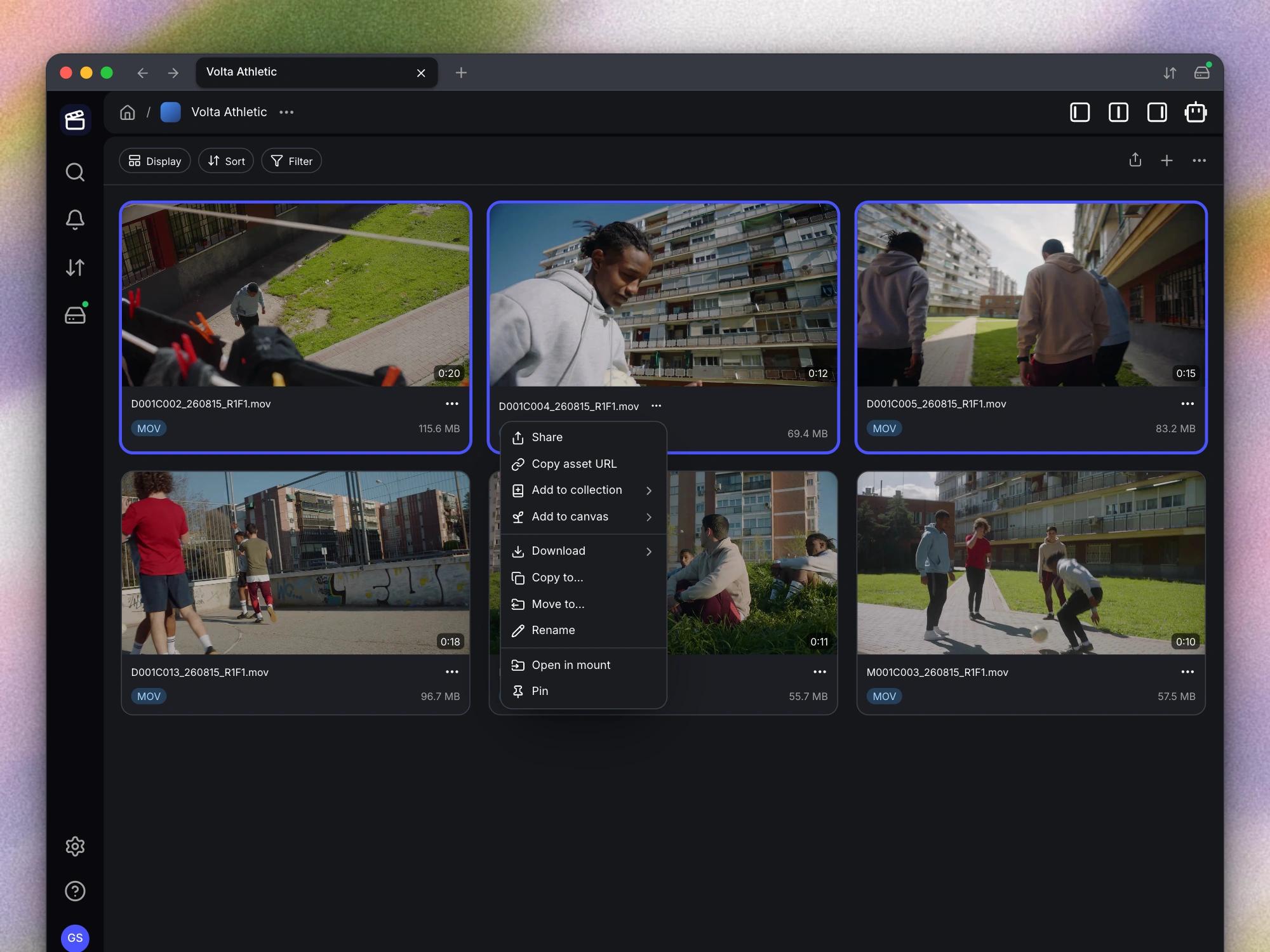
- Review animated GIFs as media. You can now review animated GIFs with broader preview and playback support. Your generated playback and scrub previews also handle transparent pixels consistently, so the animation remains usable in the media viewer.
- Load larger libraries more smoothly. You can now browse large asset and directory listings more smoothly as file details load into the view. Search results use the same approach, reducing the amount of information that has to arrive before you can start browsing.
- Keep background transfers running. Your desktop app helps keep the computer awake while uploads, downloads, or drive sync work is active. If you try to quit during that work, you can see a warning explaining what will be interrupted before you decide to close the app.
- Recover an unresponsive mount. You can now force unmount an unresponsive drive when a normal unmount cannot complete. This gives you a recovery option when a stuck mount prevents you from getting back to your work.
Bug fixes
- Clearer desktop update checks. You can now check for updates and receive a clear result, including when your app is already up to date. Installation and update permission handling is also more reliable.
- Keep your selection while scrolling. You can now use the scrollbar without unexpectedly clearing your selected files. Your selection stays available for the next action as you move through the list.