
Choose between watching, downloading, and editing
These three access methods serve different purposes, even when they begin with the same uploaded video.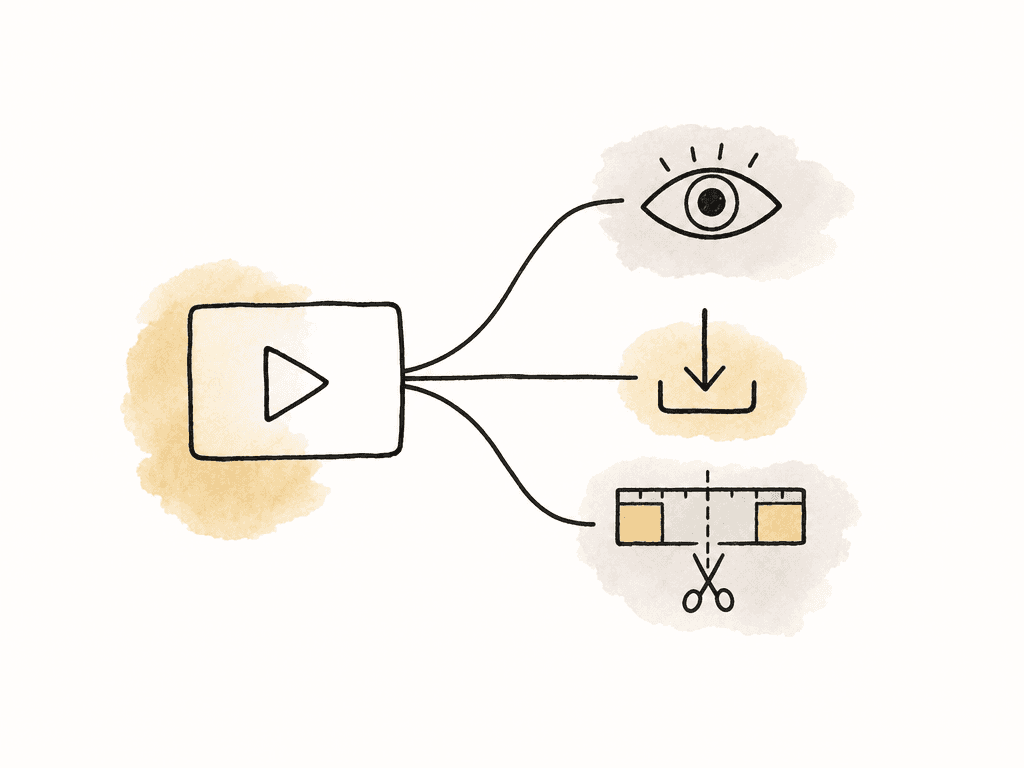
| Recipient's task | What to provide | What completion looks like |
|---|---|---|
| Watch a cut and give feedback | A browser preview with commenting enabled when needed | The reviewer records feedback or accepts the identified revision. |
| Save and use an approved deliverable | A download-enabled link to the delivery files | The recipient saves the expected files and confirms they open. |
| Continue editing the production | Access to the project and its required source media | The editor opens the project, finds its media, and can continue the agreed work. |
Use a preview for review
A streaming preview lets the recipient watch without first saving the full original to their computer. This suits a client checking wording, pacing, graphics, or requested changes. If they need to leave notes, give them comment access and tell them where to put the feedback. If the purpose is simply to present completed work, view-only access may be enough. In Aspect, guests can review shared content in a browser without creating an account or installing software. Downloading and commenting are separate link permissions. You can enable comments for a review while leaving downloads off.Use a download for final delivery
Enable downloading when the recipient needs a file for publishing, distribution, local playback, or their own archive. State which file serves which purpose. An approved master, a compressed upload copy, and a caption file may all belong in the delivery, but the recipient shouldn't have to infer their uses from a folder of exports. The downloadable original is the file you uploaded. If you uploaded only a review MP4, enabling downloading doesn't produce a higher-quality master. Confirm the client's delivery specifications before export, and check that the shared set contains those exports.Use project access for ongoing editing
An editor needs more than permission to watch the picture. Establish which project file, video, audio, graphics, and other dependencies they require, and whether they will work from a local copy or shared media. Application versions, fonts, and plug-ins may also need agreement before the handoff. With the Aspect desktop app on macOS or Windows, an editor can mount the project and open its files directly in creative applications. For an outside editor, a Limited Member account with access to the required project keeps unrelated projects out of view. Shared media access and timeline collaboration remain separate responsibilities: for example, Premiere Team Projects manages edit changes through Adobe, while Aspect supplies the media.Prepare the files before preparing the link
Choose the exact revision and verify the export before uploading. A filename such asCampaign_MainFilm_v04_Master.mov identifies the deliverable and revision; keep the approval record with it so the recipient can confirm that the decision applies to this file. For a multi-file delivery, include a short list of filenames, file sizes, intended uses, and any required companion files. That list gives your recipient something concrete to check against the download.
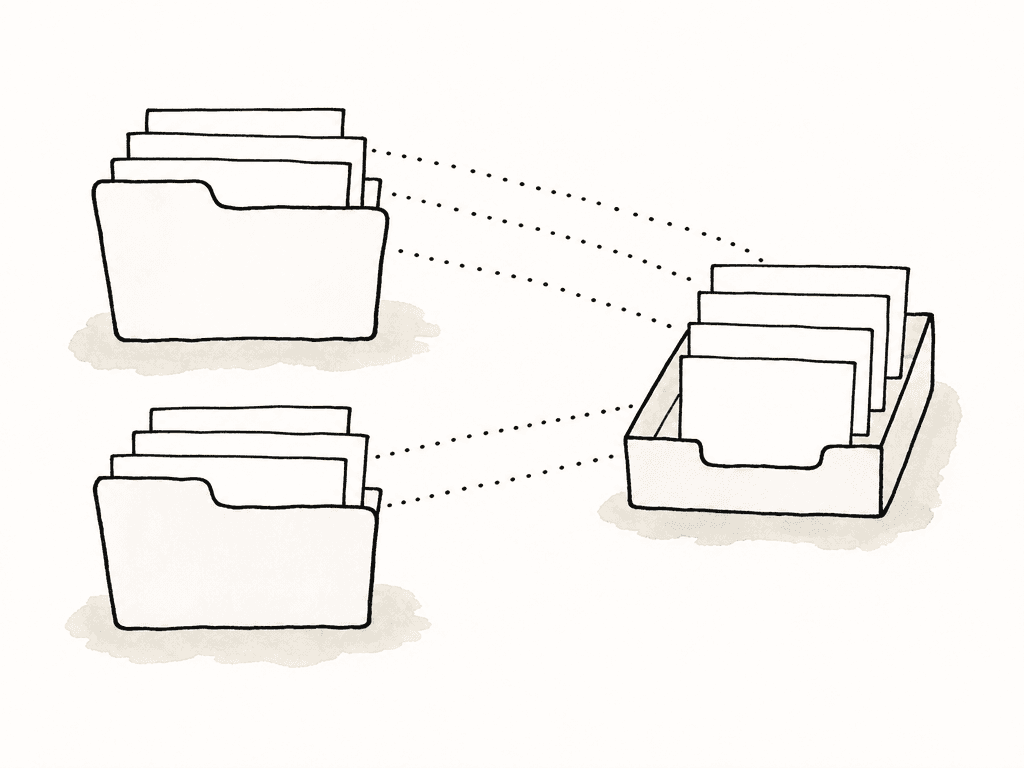
Send only the files your client needs for this review. A client evaluating one main film doesn't need every source clip or rejected export. If several deliverables live in different production folders, gather the selected files in a collection. In Aspect, collections reference existing assets without moving or duplicating them, so the delivery can have its own order while production folders stay organized.
Set access for the recipient's actual job
Create separate links when the reviewer and delivery recipient need different permissions. Aspect's sharing controls support this without requiring a separate upload for each audience. A producer can close a review link after sign-off while leaving a delivery link available for the agreed download window. Before sending, review these settings on the exact link the client will receive:- Included content: Check every asset and folder in the shared set. A folder link can expose more material than the single video you intended to discuss.
- Comments and downloads: Allow comments for feedback and downloads for recipients who need copies. Leave adding, organizing, and metadata editing off unless those actions are part of the handoff.
- Versions: Confirm which cut opens by default and whether earlier revisions are visible. Aspect's version stacks keep feedback with its revision, but the sender still needs to check the stack order and link settings.
- Metadata: Show useful delivery information and hide internal notes, costs, private contacts, or other fields the recipient does not need.
- Password: Use one when the material requires it, and send it separately when practical. Anyone with both the link and password may be able to open the content; a password does not establish the viewer's identity.
- Expiration: Set a realistic deadline, including the time zone in the recipient's instructions. Allow room for the client's working hours and a retry if a transfer fails.
Give the client an instruction they can follow
Suppose you're delivering a 28 GB master, a smaller MP4 for publishing, and a caption file. The client has already reviewed several cuts. Their marketing lead needs to confirm the last change, while their publishing partner needs the final files. First, send the marketing lead a comment-enabled review link with downloading off. Hide earlier versions unless comparison is part of the request, and identify the revision in the accompanying note:Please review Campaign Main Film, version 4, using the link below. Open the video and leave any remaining changes as comments at the relevant moment. Please confirm that this revision is approved by 3 p.m. Eastern Time on Thursday; this link is for review, and I will send the approved delivery files separately.That note explains what to open, where feedback belongs, and what decision is needed. The client doesn't need instructions about mounting storage or opening an editing application because neither action helps them complete this review. Once the responsible reviewer accepts the revision, check that the delivery files correspond to it. Record the approved revision in the review conversation, then update its custom approval-status field in Aspect as a separate step. Then send the publishing partner a download-enabled link to a collection containing only the three delivery files:
This collection contains the approved version 4 master, the publishing MP4, and its caption file. Download all three to your delivery storage and use the MP4 for the planned upload. The master is 28 GB, so check that the destination has enough free space before starting. Access ends Friday at 5 p.m. Eastern Time. Please reply once the downloads are complete and you have opened the video and caption file.Include the exact filenames and expected sizes with that message or in a short delivery document. If the client needs only the publishing copy, send a smaller selection with instructions that match it. This saves the client from downloading a large master they won't use.
Verify receipt separately from upload and review
After the upload finishes and the preview is ready, the client still needs to review or download the files. Ask for confirmation of that step before marking the delivery complete. For a review, request a comment or explicit reply that identifies the revision and decision. Aspect records active guest actions such as comments, edits, and uploads, but anonymous share links do not identify passive viewers. You can't infer that a named stakeholder watched the full cut simply because the link works. For a download, ask the recipient to check the expected file count and names, confirm that their transfer finished, and open the files in the intended application. File sizes provide a useful additional check. For a technical delivery that requires stronger integrity verification, agree on a checksum comparison: both sides calculate a digital fingerprint of each file and compare the results. Matching filenames alone do not verify file contents.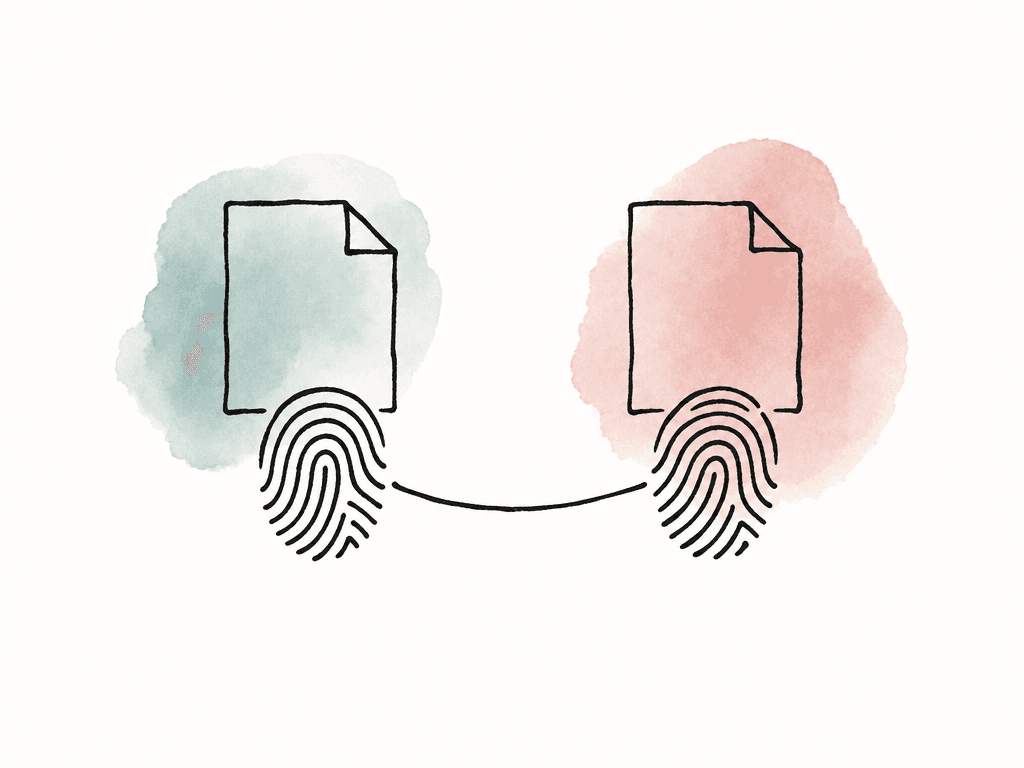
Close access after the agreed handoff
Once the client confirms receipt, retain the delivery file list and the acceptance message with the project record. Disable or delete temporary links when their work is complete, and review any separate links or project permissions that remain active. Archiving an Aspect project leaves its sharing permissions unchanged, so archiving alone does not end client access. Revoking a link prevents future access through that URL; it cannot remove copies already downloaded. Keep a record of the filenames, revision, and receipt confirmation so both sides can identify the delivery if a correction is needed later.FAQ
For a client who only needs to watch or review, send a browser preview link with clear instructions and the appropriate comment permission. For final delivery, enable downloading and identify the exact files the client should save. Choose the access method around the client's task, available storage, and workplace restrictions rather than file size alone.
Yes. Aspect prepares streaming previews that guests can open in a browser without an Aspect account or installed software. The original remains stored separately and unchanged. Wait until the preview is ready and check playback before requesting a review; viewing still depends on the recipient's connection and device.
In Aspect, the streaming preview does not change the stored original. A guest with download permission can download the original file that was uploaded. Make sure that file is the intended delivery master, since downloading an uploaded review export will only provide that review export.
Ask the recipient to confirm the expected filenames and file count, completion of their downloads, and that the files open in their intended application. For a technical handoff, agree on a checksum comparison as well. Aspect's anonymous share links do not identify passive viewers, so a working link or assumed viewing activity should not be treated as a delivery receipt.
You can disable or delete an Aspect share link to stop future access through that link. An expiration date can also end link access automatically. These controls do not recall files that have already been downloaded, and other active links or workspace permissions must be reviewed separately.
Use project access for an ongoing collaborator who needs to work inside the project, particularly an editor using shared source media. In Aspect, a Limited Member can be restricted to explicitly assigned projects. A guest review or download link is usually sufficient for someone who only needs selected deliverables.