Post-production
Start cutting 100GB files without the download.
Aspect streams originals into Premiere Pro, Avid, or Resolve on demand. Give assistant editors, offline editors, and finishing artists shared media, dailies, revision notes, and masters in one workspace.







Start the edit in the tools you know
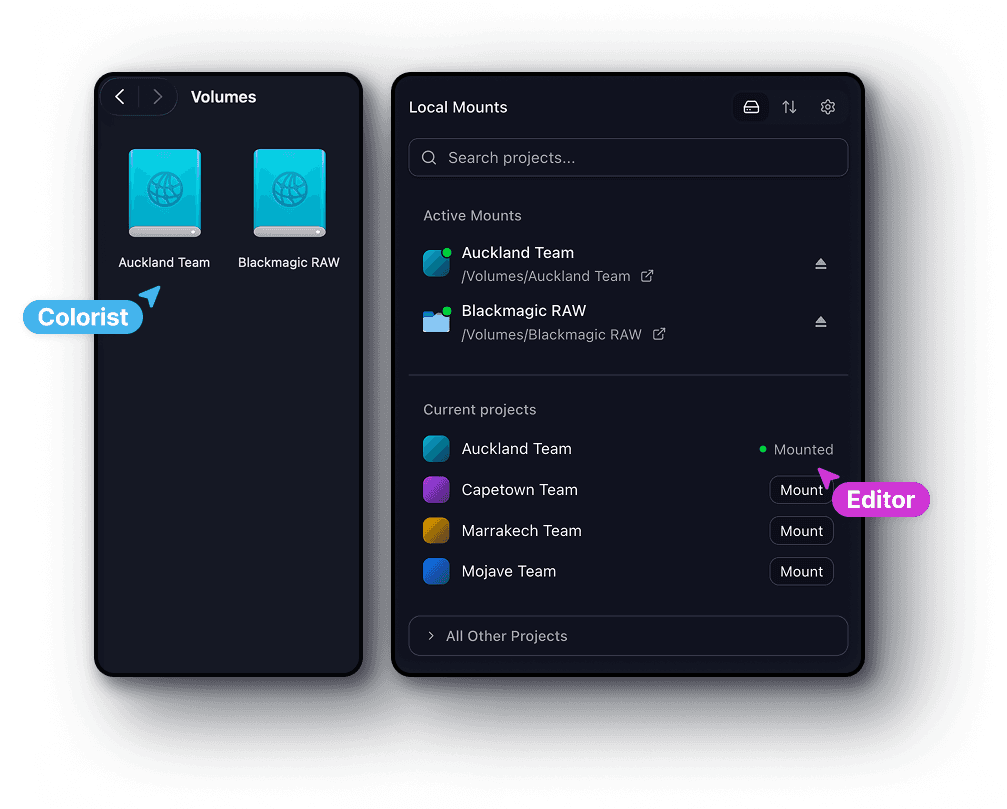
Mount the production as a drive and open camera originals in Premiere Pro, Resolve, or Avid. Keep your existing bins and project structure while the team works from shared media.
Start cutting before the full download
Aspect streams the parts of uploaded rushes your editor requests. Start pulling selects and building the assembly without first copying the whole shoot to your workstation.
Bring finishing in with fewer transfers
Share the source and turnover folders a colorist or VFX artist needs. Remote specialists mount that material directly, with access limited to their part of the production.
From ingest to delivery
Replace three separate tools with one production workspace.
Store the rushes, review the cut, and deliver the masters in Aspect. Keeping these three jobs together means assistant editors and post supervisors spend less time re-uploading media and rebuilding links between stages.

Cut out repeat uploads between tools
Keep camera originals, review versions, and delivery masters in the production project. Move from editorial to review and handoff without building a new media library for each tool.

Keep every edit bay supplied
Connect the studio and remote editors to the same footage. A shared facility cache serves already retrieved media over the local network, reducing repeat cloud downloads across busy edit bays.
Add specialists without exposing other jobs
Give a freelance colorist, sound editor, or VFX vendor access to the folders for their turnover. Keep other productions and internal working material outside that access.
Built for the whole post team
Reduce the handoff time between editorial, review, and finishing.
Assistant editors organize rushes, producers review dailies, and colorists need source media for conform. Shared files and versioned notes keep each person supplied as the cut moves toward picture lock and delivery.
Assistant editors
Organize camera originals, audio, and project files in one place. Set up the production structure once so the team can mount it and get to work.
Producers and post supervisors
Open review cuts in the browser, follow feedback and versions, and share the right cut with the right people. Keep the conversation attached to the production.
Editors and colorists
Work in your preferred creative apps from the same mounted project. Cached footage stays close to your workstation, and saved changes sync back to the team.
Freelancers and remote specialists
Mount only the folders shared with you. Pin the files you need before going offline, then sync your changes when you reconnect.
Fits your post workflow
Keep your established edit workflow. Make its shared media easier to reach.
Cut in Premiere Pro or Avid, grade in Resolve, and hand source plates to your effects team. Mount the production media in the tools you already use, with setup guides for the editor and project-sharing requirements.


On-site shared cache
Download shared footage once. Serve the rest of the edit bays locally.
With an on-site cache node, the first workstation retrieves media from the cloud and other bays read the cached data over the studio network. Keep dailies and heavy camera originals close to the team without repeating the same download at every desk.
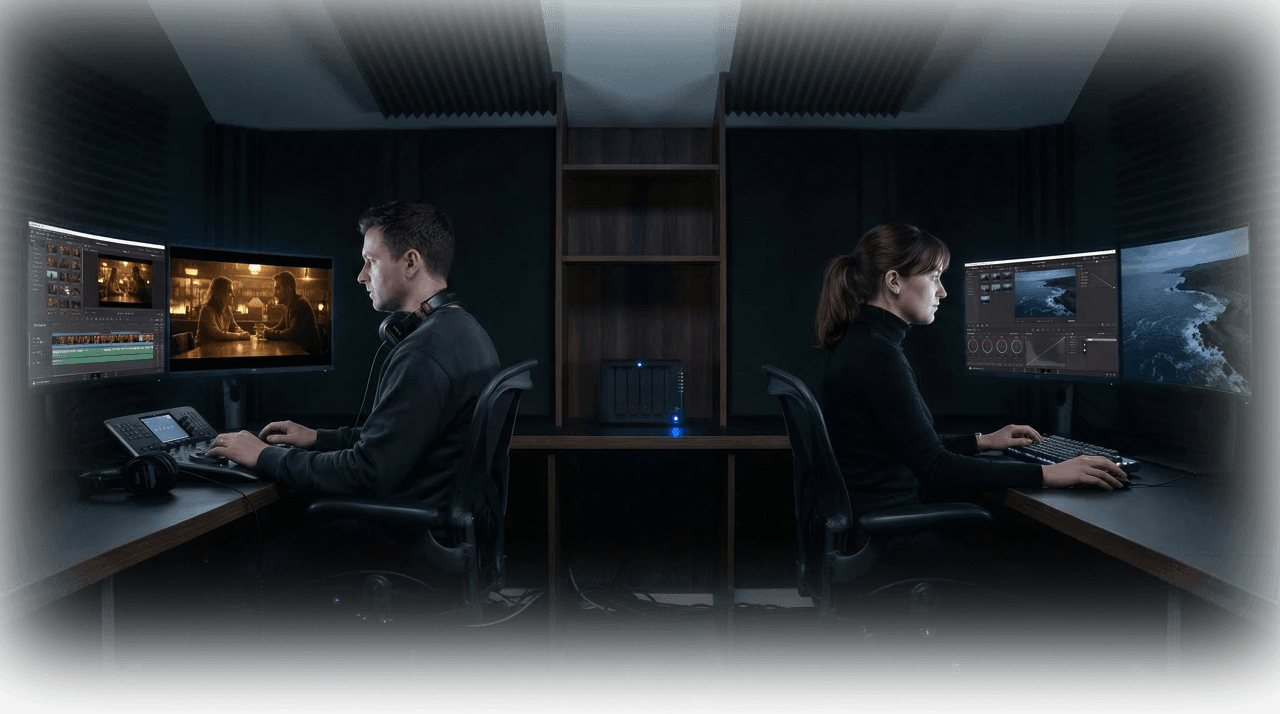
Cache once, keep streaming locally
The first person to open a file streams it from the cloud. After that, everyone on the same network reads it at full LAN speed without redundant downloads.

Works forever with one paste
Each user pastes in the cache's local address once. After that, Aspect routes through it automatically without repeat configuration.
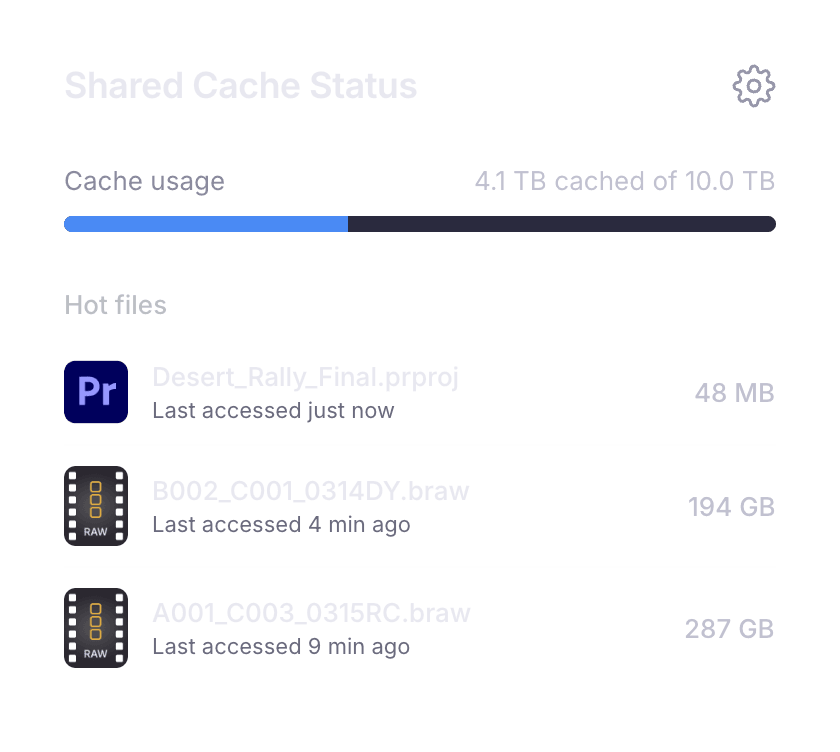
Smart eviction
Frequently accessed files stay warm. The cache automatically manages its own storage, keeping active project data ready and clearing stale bytes.
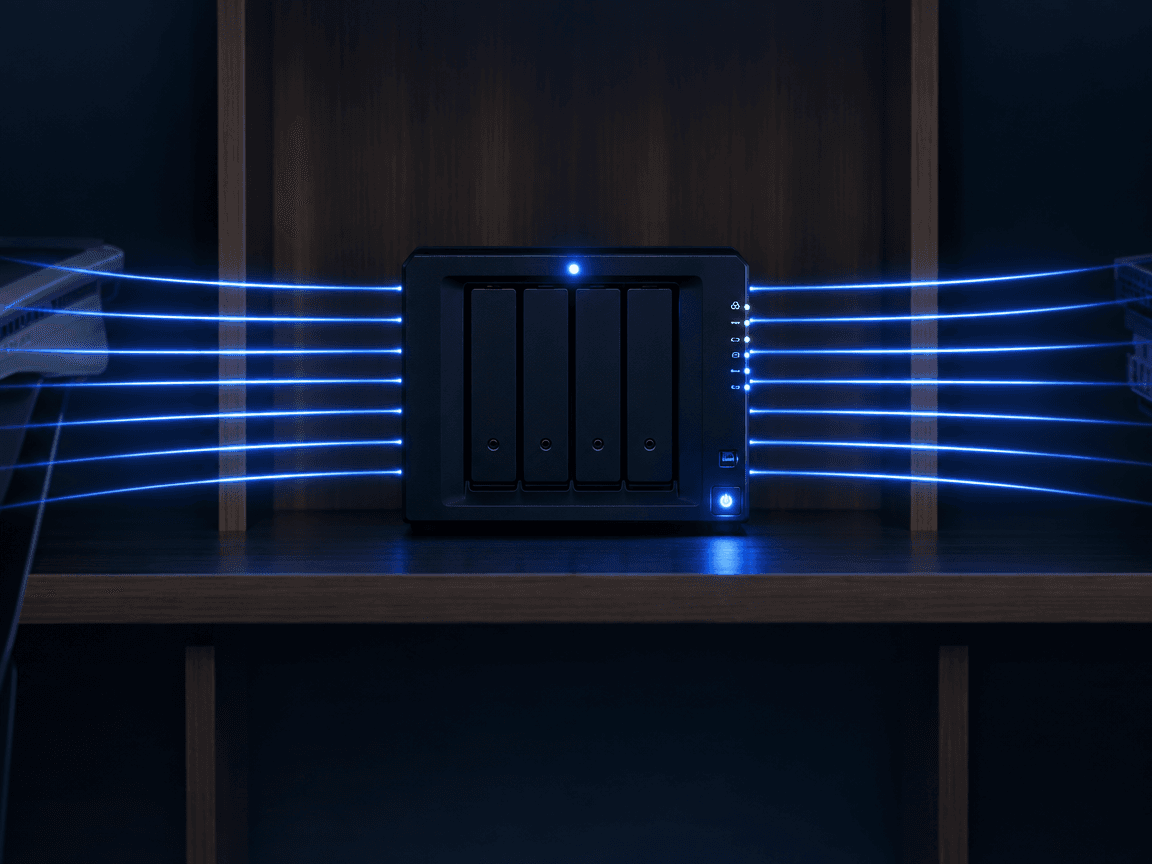
No bandwidth upgrades
A single second-tier cache node serves your entire facility. Even on limited upstream bandwidth, your team works at local network speed.
From first cut to final master
Cut the repeated file transfers that hold up the next stage of post.
Keep the production’s source media, review cuts, and delivery masters connected from the first upload through the final archive.
Get the team ready to cut
Upload and organize camera originals, audio, and project files. Share the right folders with the team, then pin any media needed for offline work.
Keep feedback with each cut
Upload review versions alongside the working media. Stack revisions, collect frame-specific feedback, and let collaborators follow the history of the cut.
Deliver the masters and keep the archive
Share final masters in a collection without moving the source files. Archive completed media for long-term storage while retaining previews and metadata.
Get started
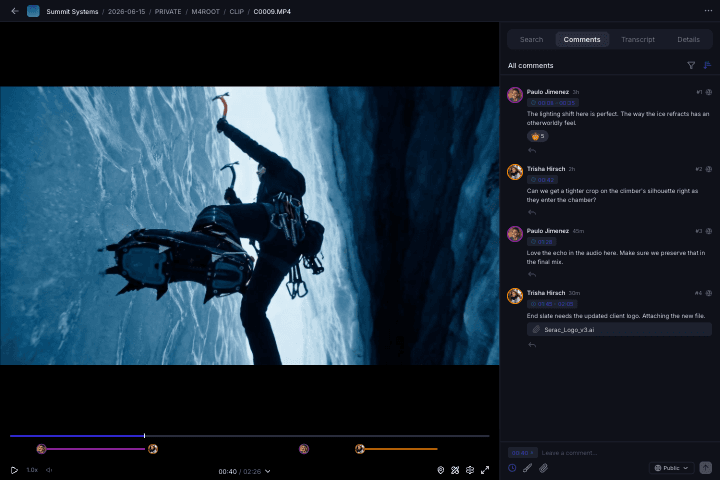
Review the cut together
Make the next revision faster with notes the editor can act on.
Pin a trim request to the frame, mark a sequence for a pacing change, or draw over a VFX detail. Producers and finishing teams can review the cut in context instead of sending a separate list of timecodes.
Pinned comments
Drop a comment on any frame. It stays anchored to that exact timecode and position.
Range markers
Select a range on the timeline to give feedback across an entire segment of video.
On-screen markup
Draw and annotate directly on the frame to highlight exactly what needs to change.