News and journalism
Get breaking stories to air faster.
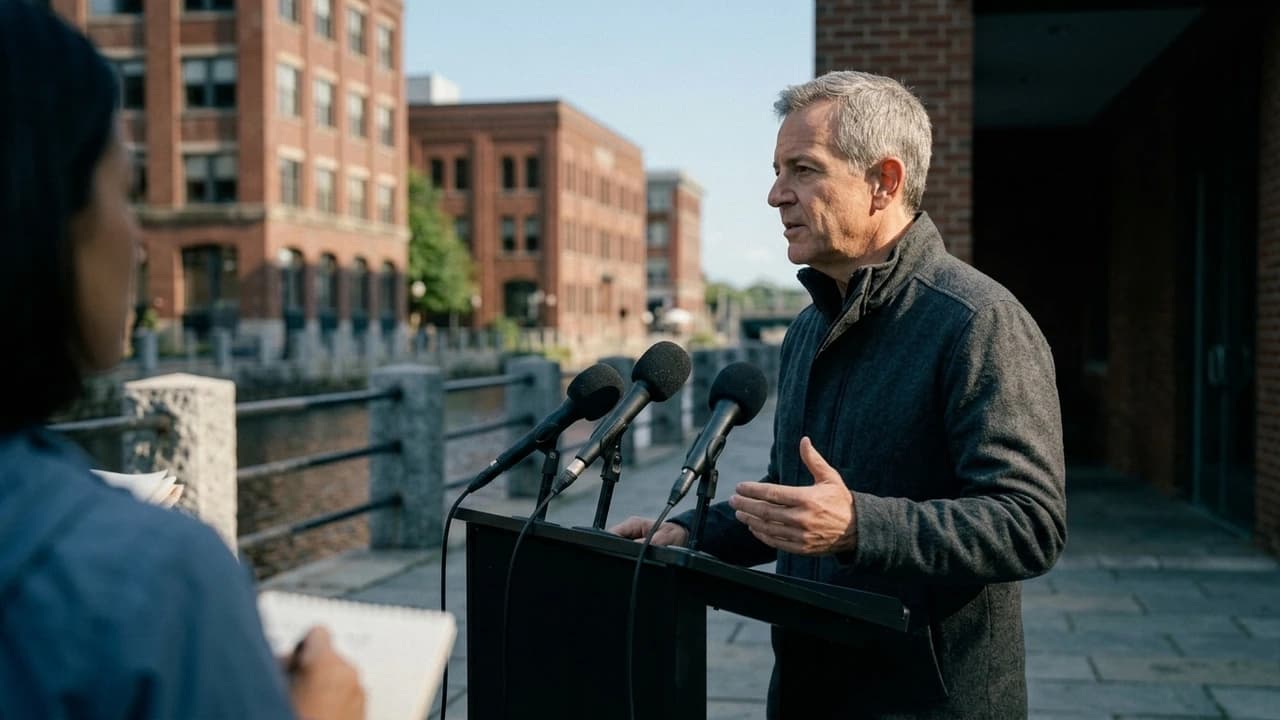
Aspect gives broadcast, digital, and social desks the same uploaded field footage. Find press-conference soundbites, pull supporting archive material, and review packages without waiting for another desk to copy the files.




Start the package before the full download
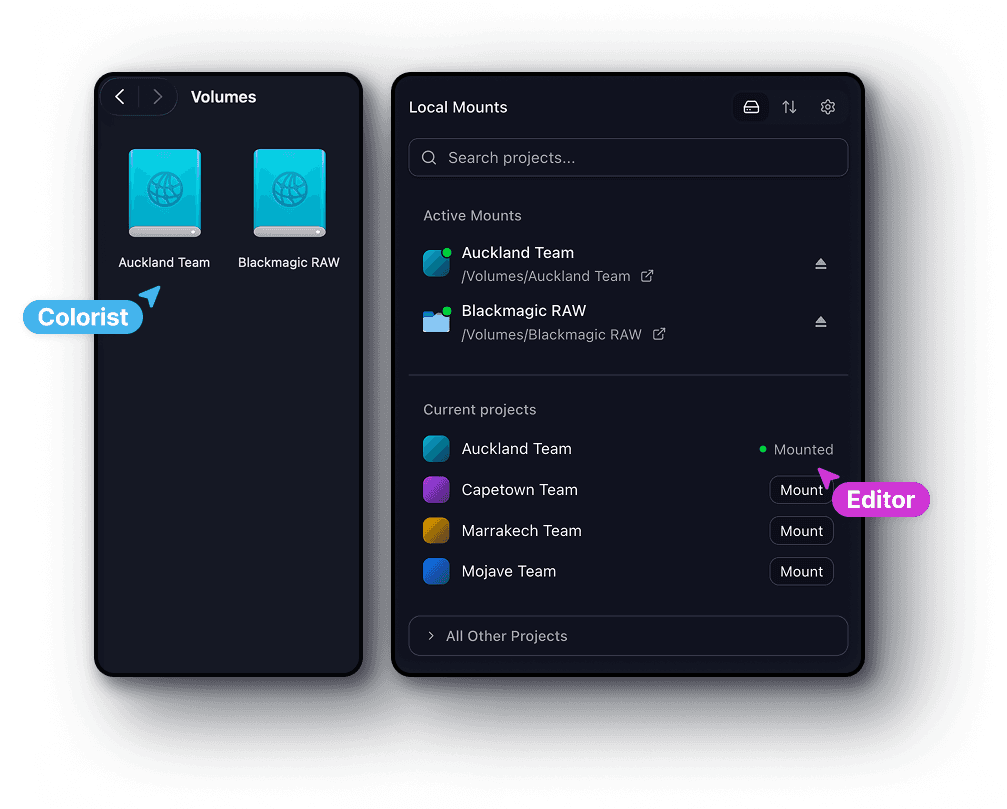
Mount the shared story project and open uploaded interviews and field recordings in your editor. Aspect streams the media your cut needs as you work.
Find the soundbite faster
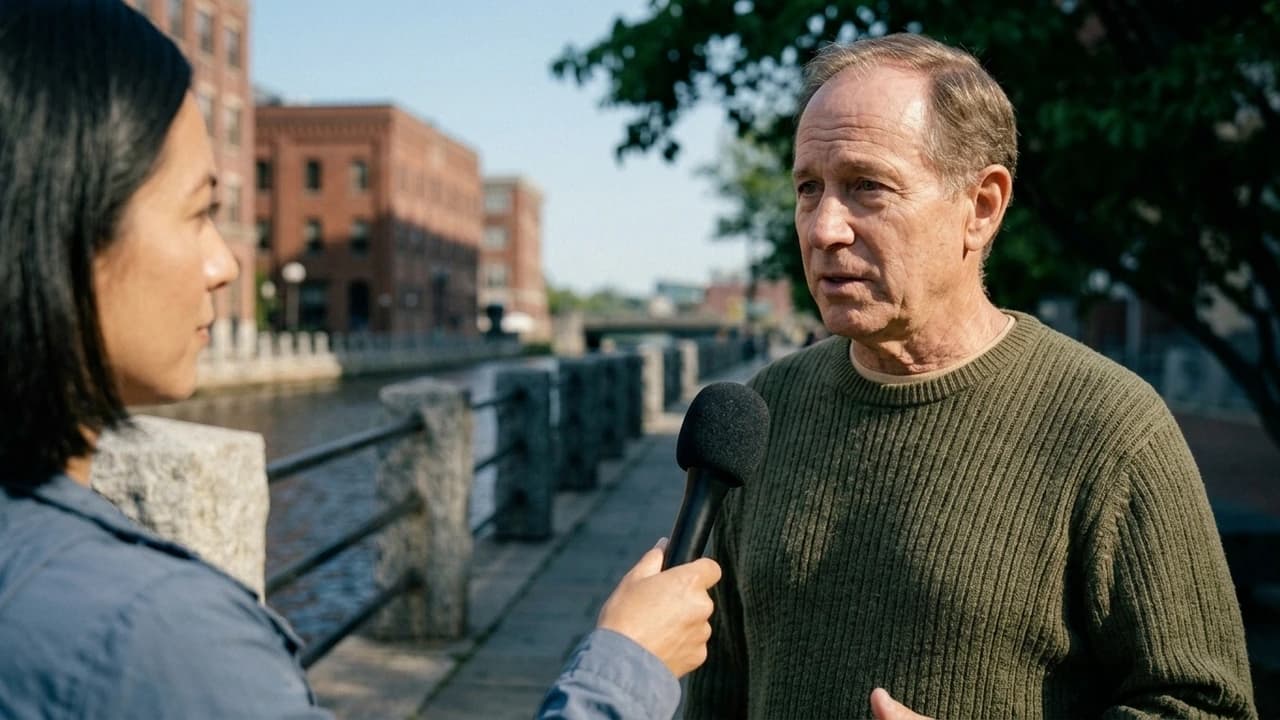
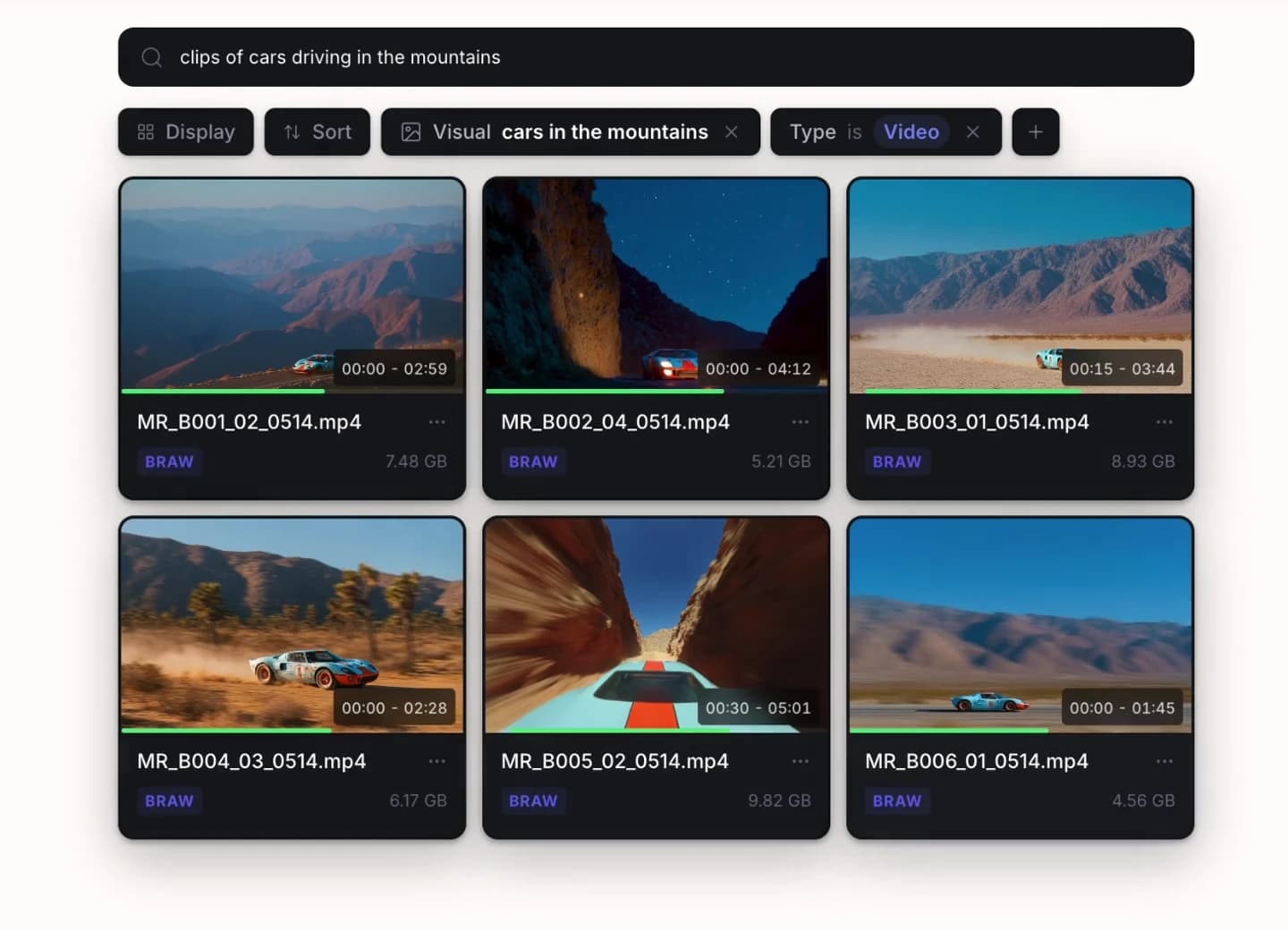
Search processed interview and press-conference transcripts for the quote. Use plain language to find supporting archive scenes, then check the original recording for context.
Keep source context through every edit
Attach the story, location, recording date, and usage notes to footage. Give the next desk the context it needs when the same material is used for another package.
Reporting that builds on what came before
Research the follow-up faster with an archive the whole newsroom can search.
Earlier hearings, interviews, and field coverage can supply the context for a developing story. Search transcripts and visuals, then check the beat, date, location, and source details before bringing that material into the new report.
Find a quote without replaying every interview
Automatic transcription adds a searchable text layer to interviews and briefings. Find the passage you need, then review it in the original recording.
Carry reporting context to the next desk
Use custom metadata for beats, dates, locations, and usage notes. Reference images can help identify recurring public figures across the footage library.
Put earlier coverage to work sooner
Gather earlier coverage into a collection for the desk working on a follow-up. Archive storage retains previews and metadata so older media remains discoverable.
From the field to the newsroom
Get broadcast and digital edits moving from the same field material.
Field producers upload the recordings, assignment editors select the angle, and broadcast, web, and social teams prepare their own cuts. Shared media keeps one desk’s work from depending on another desk’s file transfer.
Field producers
Upload recordings into the story project and attach useful location and source details. Share the material with the desk without building a separate folder for every output.
Assignment editors and producers
Search interviews and past coverage for the story you are developing. Collect relevant assets for the team and leave precise notes on working cuts.
Broadcast, digital, and social editors
Mount the shared footage from your editing workstation. Work on different versions of the story without waiting for another desk to export a copy of the source.
Archive and media operations teams
Keep metadata and previews with completed coverage as it moves into archive storage. Set access to projects and folders so each team sees the material it needs.
Fits the newsroom edit
Keep your newsroom’s editing tools. Bring the shared footage to each desk.
Open mounted story media in Premiere Pro, Avid, or Resolve for the bulletin, web package, or social edit. Use the setup guides to configure shared access around your newsroom’s project workflow.


Shared cache for newsroom edit suites
Retrieve field footage once. Keep newsroom edit suites working locally.
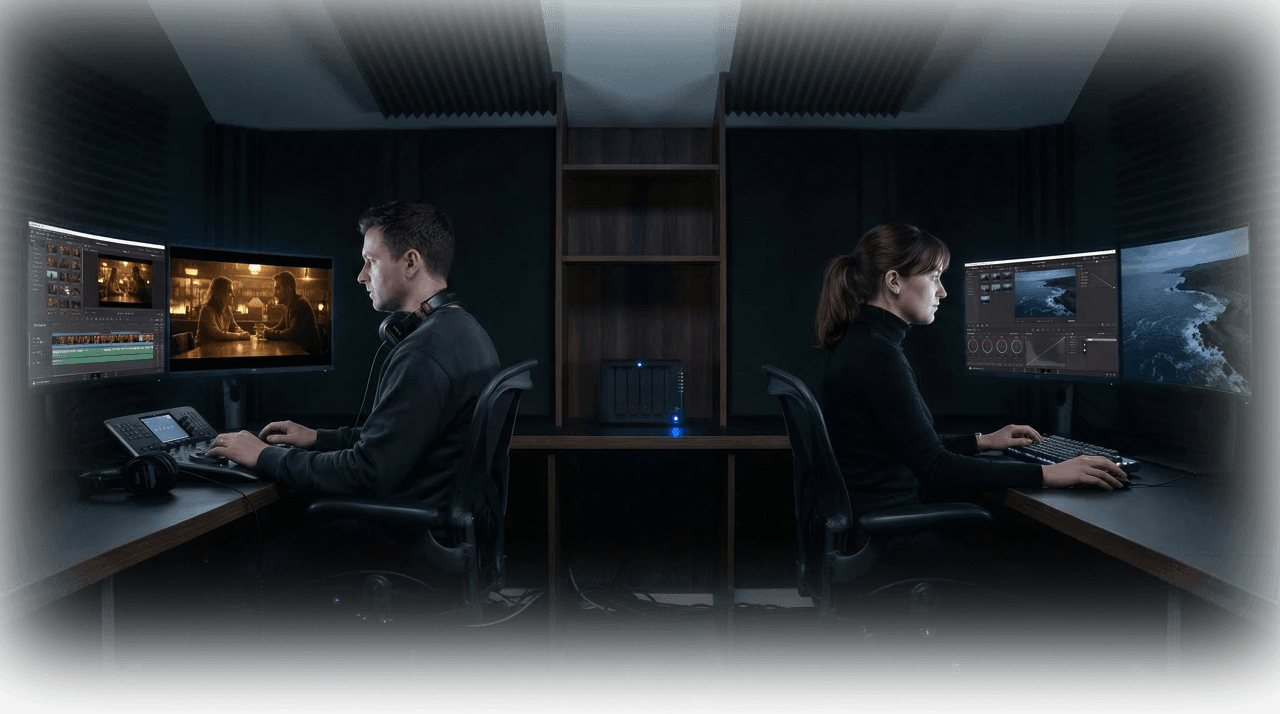
When several desks need the same press conference or field recording, an on-site cache reduces repeated cloud transfers. After the first workstation retrieves the media, other suites can read the cached data over the newsroom network.
Cache once, keep streaming locally
The first person to open a file streams it from the cloud. After that, everyone on the same network reads it at full LAN speed without redundant downloads.

Works forever with one paste
Each user pastes in the cache's local address once. After that, Aspect routes through it automatically without repeat configuration.
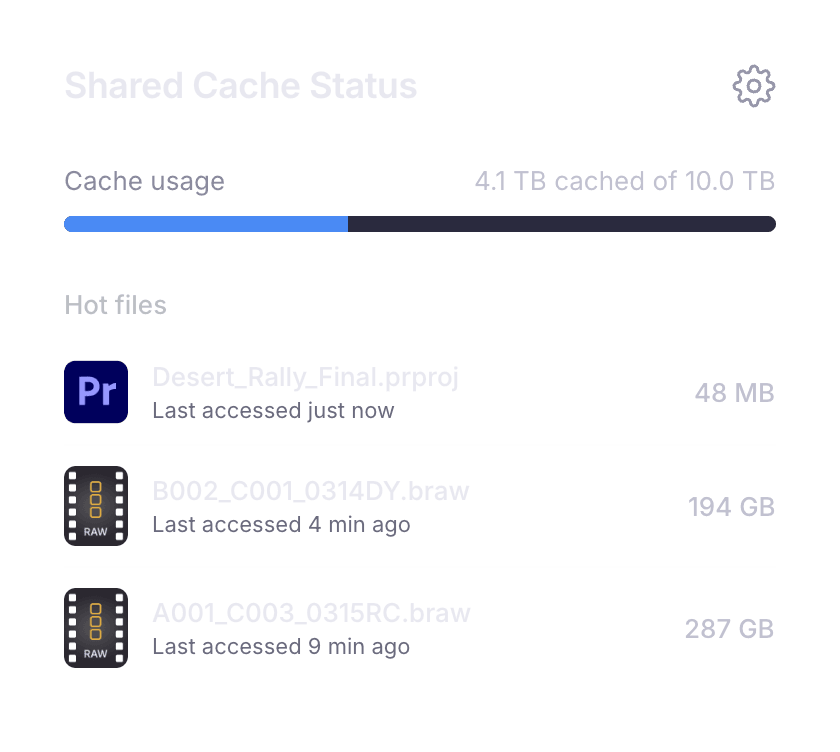
Smart eviction
Frequently accessed files stay warm. The cache automatically manages its own storage, keeping active project data ready and clearing stale bytes.
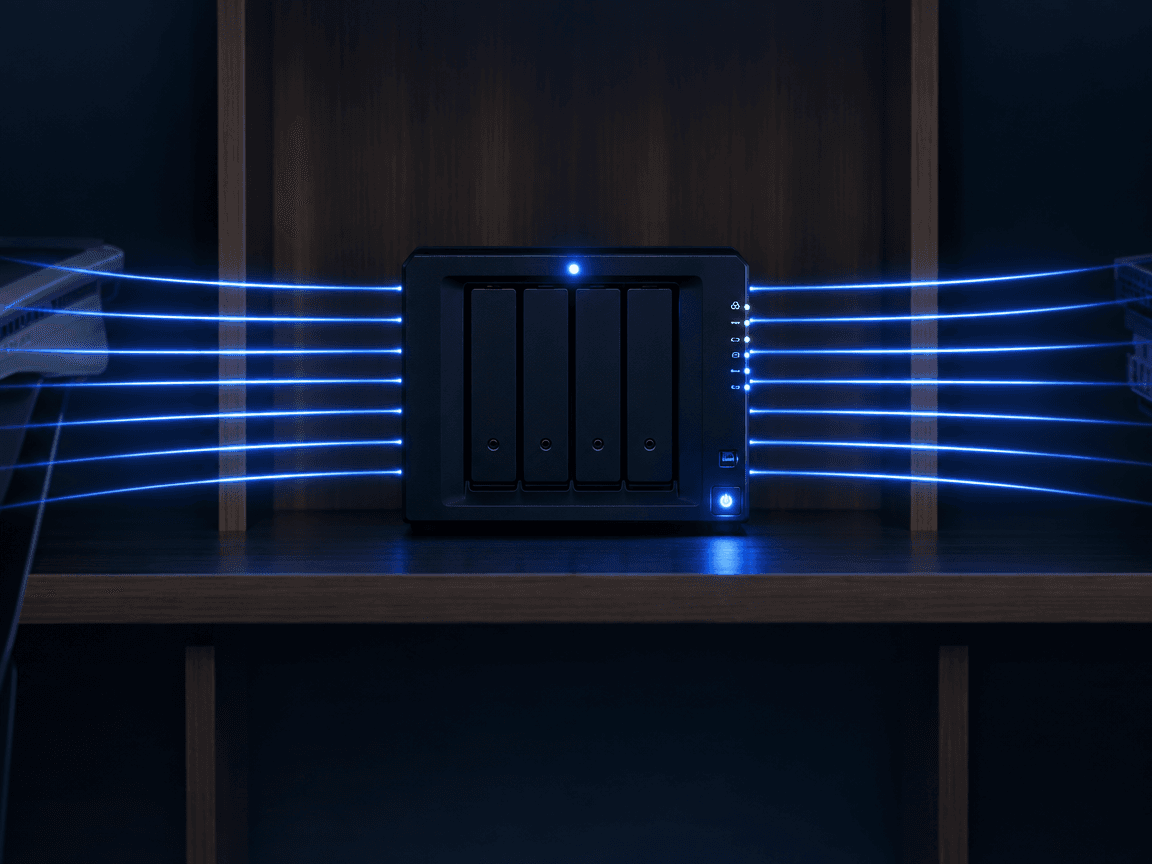
No bandwidth upgrades
A single second-tier cache node serves your entire facility. Even on limited upstream bandwidth, your team works at local network speed.
A story that stays connected
Make today’s reporting easier to use in tomorrow’s coverage.
Keep interviews, source details, editorial notes, and archive previews connected after the first bulletin airs, so follow-up reporting can build on the work already done.
Bring the material into the story
Upload footage, attach location and source details, and share the project with the desks covering it. Editors mount the same media for their own outputs.
Review the package in context
Find supporting interviews and archive footage, then collect feedback on the cut. Stack revisions so the team can follow the version being prepared for publication.
Keep the reporting available for next time
Archive completed media while retaining previews and metadata. The next desk can search past coverage and build on the work already done.
Get started
Keep editorial notes with the cut
Resolve editorial changes faster before the package airs.
Flag the quote boundary, lower-third correction, or archive shot on the relevant frame. Producers and editors can follow the request through each version without translating a separate timecode list under deadline.
Pinned comments
Drop a comment on any frame. It stays anchored to that exact timecode and position.
Range markers
Select a range on the timeline to give feedback across an entire segment of video.
On-screen markup
Draw and annotate directly on the frame to highlight exactly what needs to change.