More image formats, less desktop friction
You can now preview more of the source files your team works with and control how much space Aspect uses on your desktop. These updates also make everyday saves, moves, and sync operations more dependable.
New features
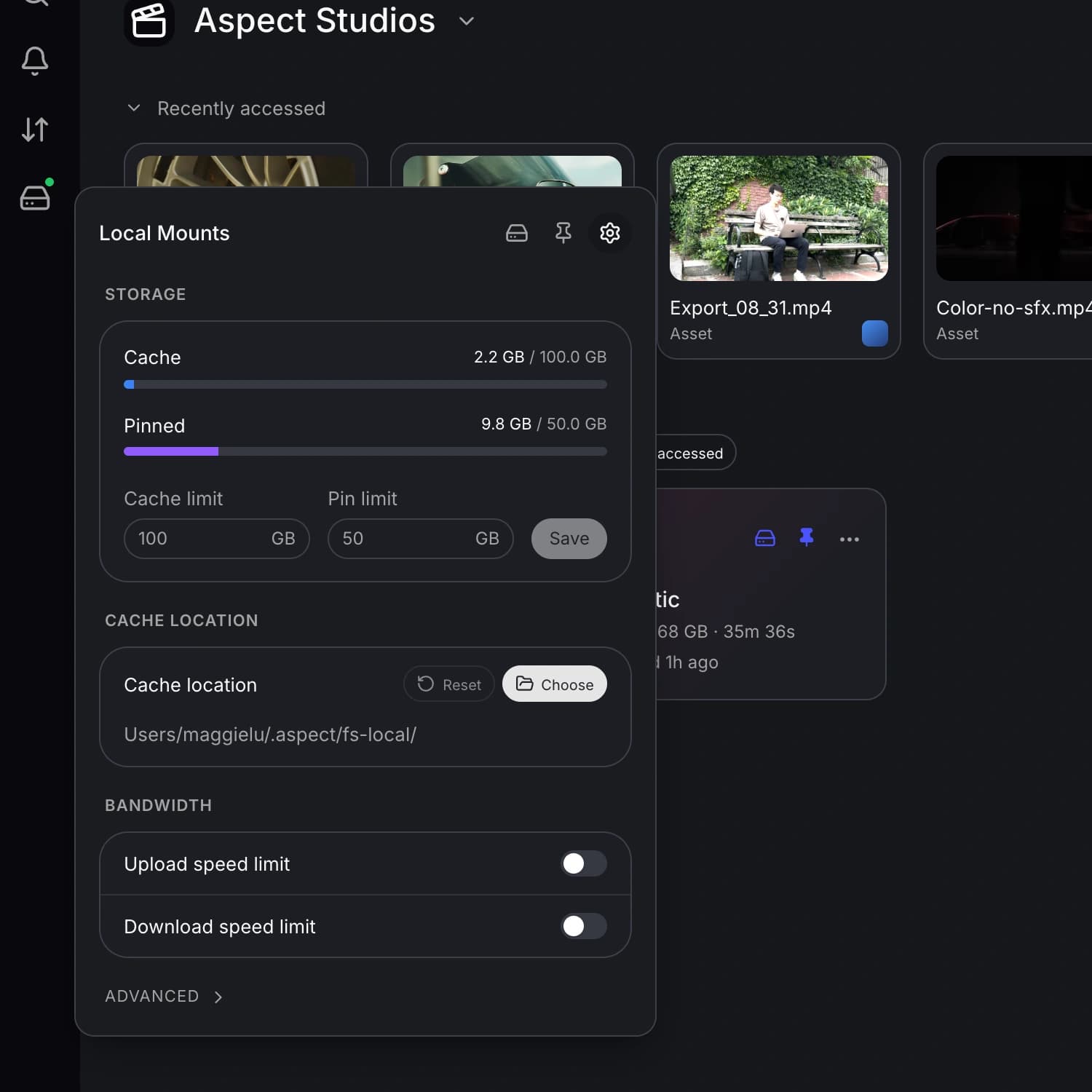
- Choose how much disk space Aspect uses. You can now set a maximum cache size in the desktop app and see how much storage is used and available on your device. This gives you more control over how much local space you set aside for Aspect.
Improvements
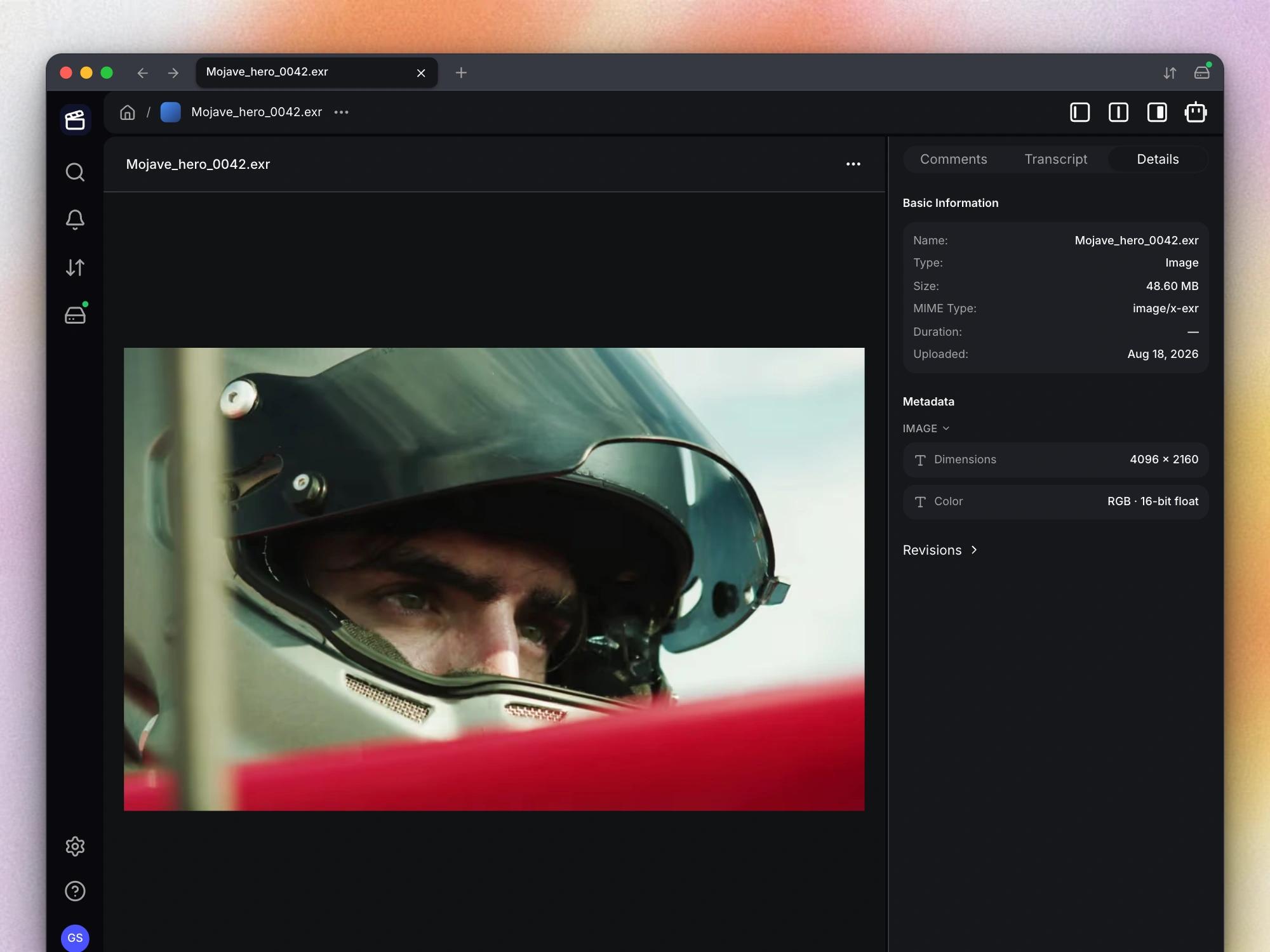
- Preview more camera and HDR images. You can now preview more camera RAW and HDR image formats, including EXR, directly in Aspect. Your previews also make better use of embedded camera images and orientation information, so you can review more source files without opening another app.
Bug fixes
- Save the current video frame. You can now save the current video frame as an image again. You also receive a confirmation when the image is saved, or an error message if the save cannot finish.
- Fewer conflicts when moving or replacing files. You can now move files, choose Keep Both, and replace existing items with fewer name-conflict errors. These operations now handle names already present in the destination or in Trash more reliably.
- Quick file changes stay in sync. Your mounted drive now handles files that are created and deleted in quick succession more reliably. Temporary files should no longer leave the same sync problems when you remove them before an upload starts.
- Accurate storage information on a fresh install. You can now see your desktop storage information on a fresh install and after clearing the cache. You no longer need an existing cache folder for Aspect to report the space available on your device.