Agree on the deliverables and owners before ingest
The producer starts with a short project brief that names the deliverables, aspect ratios, frame rates, caption requirements, and delivery destinations. Include the review deadlines with a time zone and identify who can approve the final work. These decisions affect the edit: a vertical cutdown may need different framing, while a captioned version needs time for someone to check names and technical terms. Assign ownership by stage. The assistant accepts and organizes the camera media. The lead editor owns the active edit. The finishing artist prepares the final picture and sound. The producer consolidates feedback and releases deliverables after the client lead approves them. Put those names in the brief and describe what each person must finish before handing work over. For example, the assistant's job ends when the media inventory matches the received cards and the editor has opened a test sequence. This catches missing cards and broken media links before the lead editor starts the cut.Ingest the footage without losing its context
The assistant first copies the camera cards into a designated ingest location and preserves their folder structure, including sidecar files. Keep each card in its own clearly identified folder so identically named clips from different cards can't overwrite one another. Retain the cards until the team's verified-copy and backup requirements are satisfied.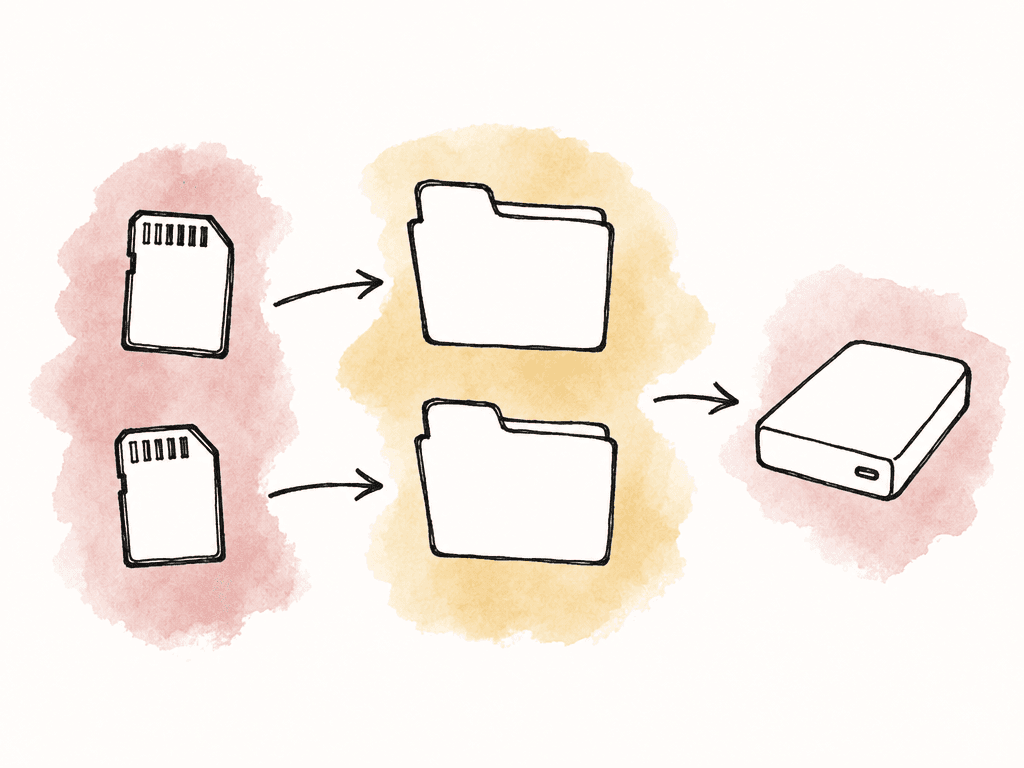
Northstar_Launch_202609/
  00_Admin/
    Brief_and_Delivery_Specs/
    Ingest_Reports/
    Handoff_Notes/
  01_Camera_Originals/
    20260921_CameraA_Card001/
    20260921_CameraB_Card001/
  02_Audio/
  03_Graphics_and_Music/
  04_Proxies/
  05_Edit_Projects/
  06_Review_Exports/
  07_Final_Deliverables/
Give each person access appropriate to their work
The producer creates the project in Aspect and assigns access before the first editing session. Aspect's sharing and permissions documentation distinguishes ongoing workspace collaborators from guests who receive a link to selected content. These settings fit the example campaign:| Person | Access setting | Purpose |
|---|---|---|
| Producer | Member with Full Access to this project | Organize content and manage sharing. |
| Freelance assistant, editor, and finishing artist | Limited Member with Editor access to this project | Work inside the campaign without receiving access to other projects. |
| Client reviewers | Review link with viewing and commenting enabled | Give feedback on selected exports. |
| Delivery recipient | Separate link with viewing and downloading enabled | Retrieve the checked final files. |
Camera_Originals doesn't make that folder read-only. If someone should only view or download a category of material, place it in a separate project and assign that person the appropriate role there. Within the working team, the assistant should own structural changes so a casual rename does not break media references.
Set up shared media and open a test sequence
Before you import the full shoot, agree on how each editor will access the media. Editors may use local copies, proxies, a mounted cloud filespace, or a combination. A proxy is a smaller editing copy linked to its original. It reduces transfer and playback demands, while the original remains available for finishing. Aspect's mounted-drive access lets editors open shared files through their desktop applications. Follow the mounting guide and agree on volume names or drive mappings. Consistent paths help the next editor open the project without rebuilding its media links. The assistant builds a short sequence using footage from the shoot, separate audio, a graphic, and any multicamera material expected in the edit. Each workstation opens it from the intended location. Check playback, scrubbing, proxy attachment, audio, and a short export. Include a section that hasn't already been cached, because replaying one familiar clip can hide first-access delays.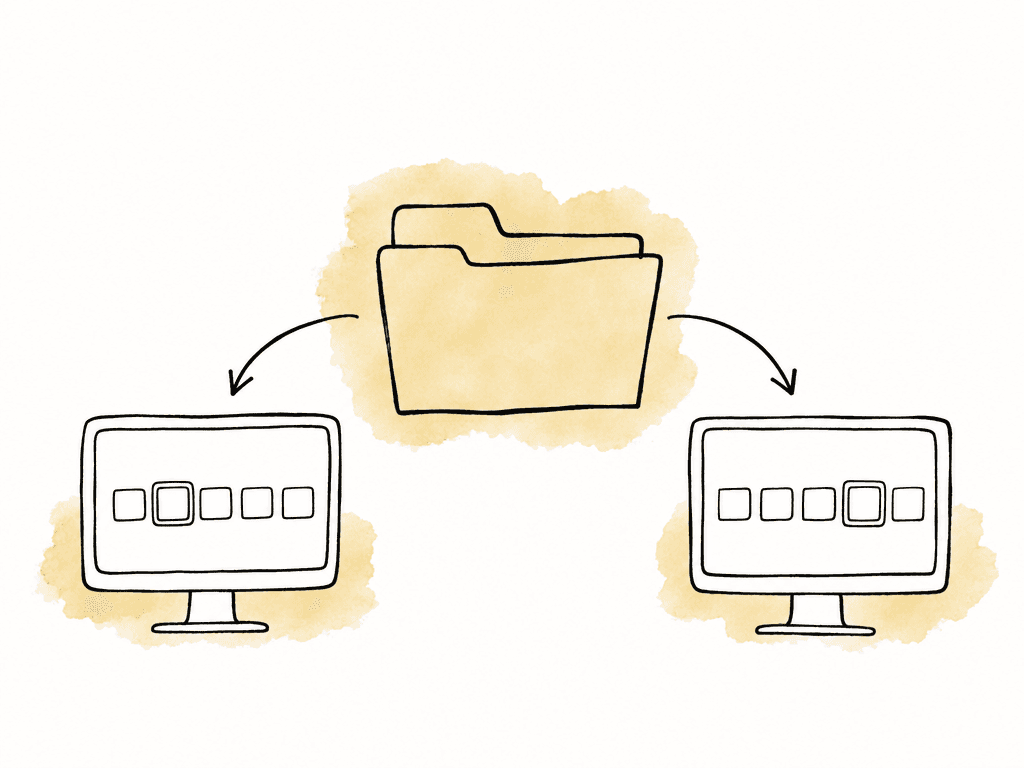
Coordinate editing projects separately from shared footage
Give each editor access to the shared footage, then configure project collaboration in the editing application. Two people opening and saving the same project file can overwrite each other's changes, even when both can play all the media. In a Premiere workflow, the example team could use Productions to separate the assistant's selects from the lead editor's assembly projects. Adobe describes Productions as supporting work across different project files with project locking. Aspect's Premiere workflow guide explains how to combine that approach with mounted media. Enable the application's locking controls and give each editor a recognizable username. Before concurrent work begins, verify that the second workstation sees an open project as read-only. For a handoff, the current owner saves and closes the project, waits for synchronization, and tells the next owner which project and sequence to open. The recipient confirms that the expected changes are present before continuing. For Resolve, configure a shared project library before inviting another editor to work concurrently. For a sequential file handoff, explicitly name the next owner and keep dated checkpoints. Include application versions, required fonts or plug-ins, unresolved media, and the next task in the handoff note. Offline work needs the same ownership agreement because a disconnected editor can't depend on live coordination.Run review against named revisions
The lead editor exportsNorthstar_Launch_90s_v001_review.mp4 and watches the export before the producer sends it. Check the beginning and end, sound, titles, and any known problem sections. The producer tells reviewers what's ready for comment: story and pacing at the rough-cut stage, for example, with temporary graphics identified in the review note.
Ask for feedback on the shared revision using comments attached to the relevant frame or time range. A note about the title at 00:18 is actionable when it identifies the requested wording. A note saying “use the other one” needs clarification before the editor spends time interpreting it.
The producer consolidates conflicts between the two reviewers and distinguishes required changes from suggestions. The editor responds to the agreed notes, exports v002, and adds it to the same version stack. Confirm that the new revision appears by default and that the link exposes only the versions intended for the client.
Approval status field, but must update it after confirming the decision. Review a new revision before treating it as approved.
Finish, deliver, and leave a recoverable project
The finishing artist receives the locked sequence, reference export, change notes, and required original media. Check the conform, meaning the finished sequence's links to the intended source shots, before color or final sound work proceeds. Confirm that the export uses the intended source quality and includes the agreed graphics, captions, and audio tracks. Quality control should cover the actual delivery files. Play them, inspect their technical properties against the brief, and check filenames, durations, aspect ratios, audio, and captions. The producer then shares a delivery set containing only the approved files and asks the recipient to confirm receipt. Include the approved filenames in the delivery message so the recipient knows which versions to use. Before you close the project, preserve the final editing project, necessary media, approved masters, approval record, rights information, and a readme describing application dependencies. Identify the retention owner and retention period. Confirm that the recovery copy can be opened and that the team knows how to request a future revision. Review collaborator access and disable or delete temporary share links when the project closes. Keep the archive's original files available to the people responsible for future revisions.Use this handoff checklist for the next project
Before each owner releases their stage, confirm the following:- Producer to assistant: The brief names the deliverables, deadlines, technical requirements, reviewers, and final approver.
- Assistant to editor: The ingest report accounts for the source media, verified copies are retained, and the editor can open the test sequence.
- Editor to editor: The current owner has saved and closed the project, synchronization has finished, and the recipient has checked the expected sequence.
- Editor to reviewers: The export has been watched, the review scope is stated, and the shared link opens the intended revision with the intended permissions.
- Reviewers to editor: The producer has resolved conflicting instructions and identified which changes the next revision must address.
- Producer to finishing artist: The approved revision and remaining finishing tasks are recorded, and the required sources and reference export are available.
- Producer to delivery recipient: The actual deliverables passed quality control, their filenames match the delivery record, and receipt is confirmed.
- Producer to retention owner: The reusable project and approval record are preserved, recovery has been checked, and temporary access has been reviewed.
FAQ
It needs verified source media, a consistent way for editors to access that media, and a method for coordinating changes to editing projects. It also needs revision-specific feedback, a named approval owner, delivery specifications, and a retention plan. Assign someone to accept each handoff so that an upload or export is checked before the next stage starts.
Editors can share access to the same footage, but that does not by itself coordinate changes to an editing project. Use the editing application's collaboration system or an explicit handoff between project owners. For example, Premiere Productions divides work across project files and uses project locking. Confirm that the intended locking behavior works on both workstations before concurrent editing begins.
There's no single speed that suits every project. Requirements depend on the media bitrate, the number of streams playing together, application behavior, and what is already stored locally. Test a sequence that includes the camera formats, effects, and number of video streams your editors use each week, on their normal connections. Use suitable proxies or download the required media in advance if streaming cannot support the planned session.
Pinning the editing-project file alone does not download its linked footage, audio, graphics, or proxies. Identify and pin the files the sequence needs, wait for the downloads to finish, and test the sequence from the mounted drive. Coordinate ownership before working offline and confirm synchronization has finished before another editor takes over.
Ask the designated approver to identify the exact revision and state what is approved, such as the picture edit, captions, or delivery master. Preserve that decision with the revision. In Aspect, approving a comment and changing an asset's custom Approval status field are separate actions, so the producer should update the status after confirming the decision.
No. Review project membership and disable or delete share links when client access should end. Keep access available to the people responsible for retaining the source files and handling future revisions.