What native editability means
Instead of receiving advice or a rendered video, you ask an assistant to make supported changes inside your editing application. The result remains a native sequence or composition that you can open, adjust, and continue editing yourself. Each connector exposes specific operations, not every application command. Choose one that supports your task, and save a recoverable project version before trying changes. An in-app Adobe AI Assistant, the hosted Adobe for Creativity connector, and a local MCP acting on a desktop project are separate connections. Access to one does not provide the others. “Local” also describes where the application tools run; it does not guarantee an offline AI model or prevent information from reaching your assistant provider.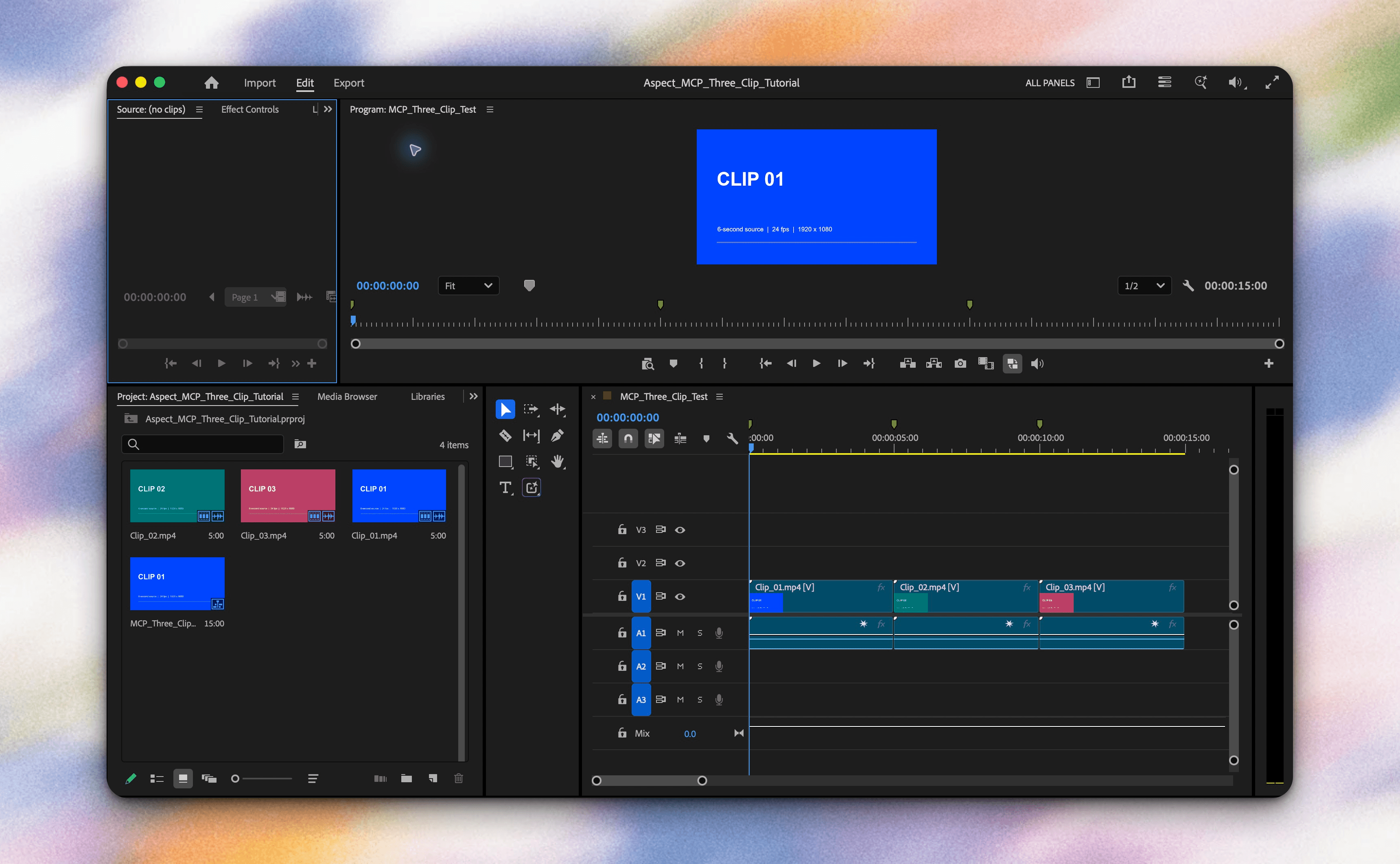
Choose an editor you can use today
Start with where your work needs to remain editable:- Premiere: The independent connector needs a local MCP server and a matching Premiere panel. Use it for an editable Premiere timeline. Follow the Premiere MCP guide.
- After Effects: The independent kumoproductions server uses scripting to work in AE. We recommend it when your task maps to a clear composition structure. Follow the After Effects MCP guide.
- Resolve: DaVinci Resolve Studio 21.1 includes a native MCP server through File > Setup AI Assistants. This is Blackmagic’s integration, not Adobe’s preview. Follow the Resolve MCP guide.
Choose Claude Desktop or local Codex
Claude Desktop and a local Codex session can launch MCP processes on your editing computer. For Claude, follow the connector guide alongside Claude Desktop’s local-server instructions. For the OpenAI route, use Codex in the ChatGPT desktop app or local Codex. OpenAI’s MCP documentation covers server registration and~/.codex/config.toml, including [mcp_servers.name], command, and args. ChatGPT web does not read that local configuration.
These routes connect independently installed tools; neither installs Adobe’s preview. Keep credentials in supported authentication flows or secure configuration, never in prompts or screenshots.
Bring footage and review context through Aspect
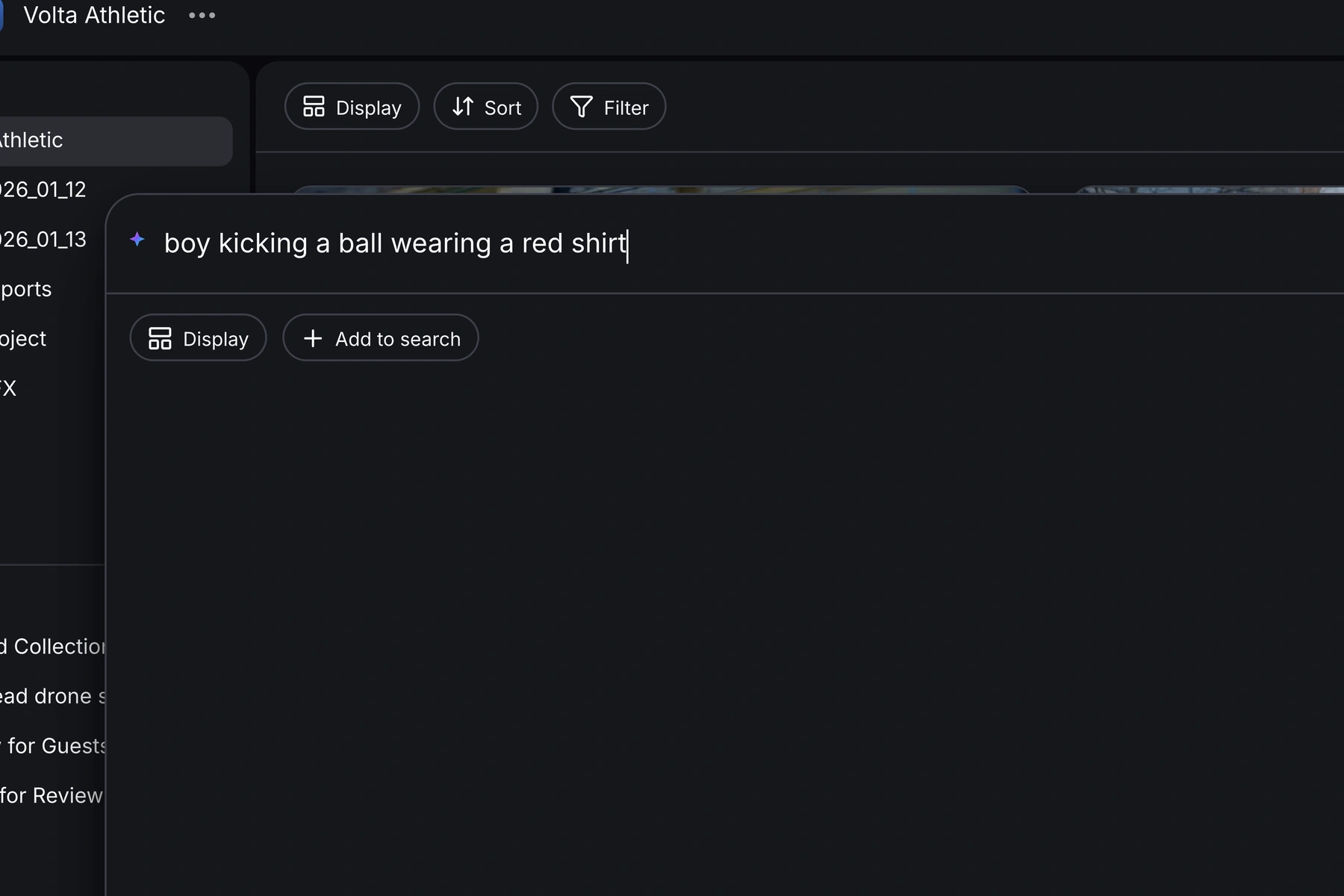
Aspect helps the same assistant find footage, read transcripts, organize selects, and retrieve review notes. The editing application’s connector makes native project changes; Aspect itself does not edit a Premiere sequence or AE composition. In Aspect, open Settings > Aspect Agent & MCP, follow the connection instructions, and sign in. Then ask:List the Aspect workspaces and projects I can access.Choose your project and give the assistant a concrete brief. Request source filenames, transcript excerpts, and time ranges, plus relevant review notes identified by asset or version. See Aspect’s MCP documentation and agentic editing workflow. Mount the chosen project in the Aspect desktop app’s drive view so the editor can open original media through Finder or File Explorer. Use those stable source paths. Mounting streams needed bytes; pinning downloads full files and must finish before offline use. If you use proxies, preserve proxy-to-original matching rather than assuming automatic conform.
A prompt to try: selects into a rough cut
This is a prompt to try, not a completed cross-app test. Replace the project name with yours:Use Aspect to find two interview passages about the product launch in the Launch Campaign project, plus supporting B-roll showing the product in use. Propose selects first. For each interview passage, return the source filename, transcript excerpt, source in and out times, and why it fits. For B-roll, include the filename, source range, and what is visible. Retrieve relevant review notes and flag conflicting directions. Wait for me to approve the selects. After approval, use the connected Premiere tools to create a new sequence named Launch_RoughCut_01 from the approved mounted source files. Confirm sequence settings with me first. Leave existing sequences untouched, keep dialogue and B-roll separately editable, and add no music, effects, or generated media. If an operation is unsupported, explain rather than substituting another action. Report what changed.The first result should be a source-based selects proposal. After approval, the intended result is a new editable sequence. Open it, listen for clipped words, and watch whether the B-roll supports the dialogue. You choose the strongest takes and judge the pacing.
When Adobe opens its beta
We do not have access to Adobe’s preview. When beta documentation becomes available, use it for supported applications, versions, clients, and tools, not today’s independent connector configuration. Start with a small change in a duplicate sequence or composition. Private beta planned for early 2027 does not establish when you will receive access.Common mistakes
The server connects, but Premiere does not respond. Check the matching panel and open project. With the independent connector, ask it to runverify_premiere_connection.
Aspect finds a clip, but the editor reports missing media. Check the mount and source path; repeating the search will not fix file access.
The request is too broad. We recommend narrow follow-ups:
Compare this sequence with the approved selects. Report missing passages or changed source ranges without editing.
Retrieve review notes for this edit from Aspect and propose revisions, separating explicit requests from your suggestions.
Propose a tighter opening using only approved footage. Explain the trade-off before creating a new version.
Frequently Asked Questions
Adobe’s November 10, 2026 announcement describes a preview, not a generally available integration. Adobe says a private beta is planned for early 2027, but that doesn't guarantee access. Independent Premiere and After Effects connectors are separate options with their own installation requirements and supported tools.
The independent Premiere connector described in this guide requires both a local MCP server configured for your assistant and the matching connector panel installed in Premiere. Follow the same connector project’s instructions for both components. Once connected, ask the assistant to run verify_premiere_connection without making changes and identify the open project.
ChatGPT web doesn't read your local Codex configuration. For the workflow described here, use local Codex or Codex in the ChatGPT desktop app with the editor connector configured on the editing computer. Registering a server with Codex doesn't install the editor-side components or provide access to Adobe’s official preview.
Not necessarily. Local describes where the application tools run, not where the AI model processes information. Tool results, transcripts, filenames, or other project details may reach your assistant provider, depending on the connector and configuration. Review the provider’s data settings and your organization’s confidentiality requirements before connecting client work.
Yes, if the connector supports the requested operations, it can make changes in a native sequence or composition rather than returning only a rendered video. Editability doesn't imply support for every application feature. Ask which tools are available, work in a duplicate sequence or composition, and inspect the result in the editor.