Sports media
Turn game footage into highlights faster.
Aspect gives broadcast and social editors the same uploaded game footage. Find player reactions or post-game soundbites, cut highlights, and prepare sponsor deliverables without sending separate copies to every desk.
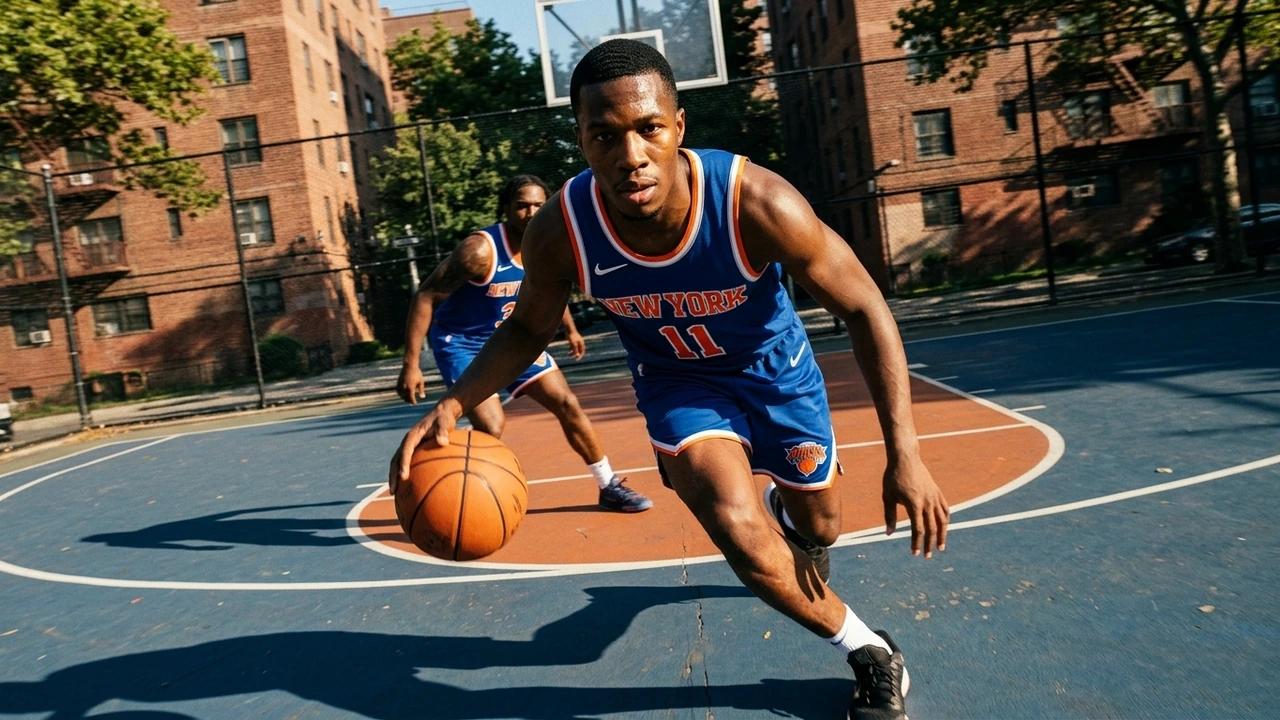






Start the highlight edit sooner
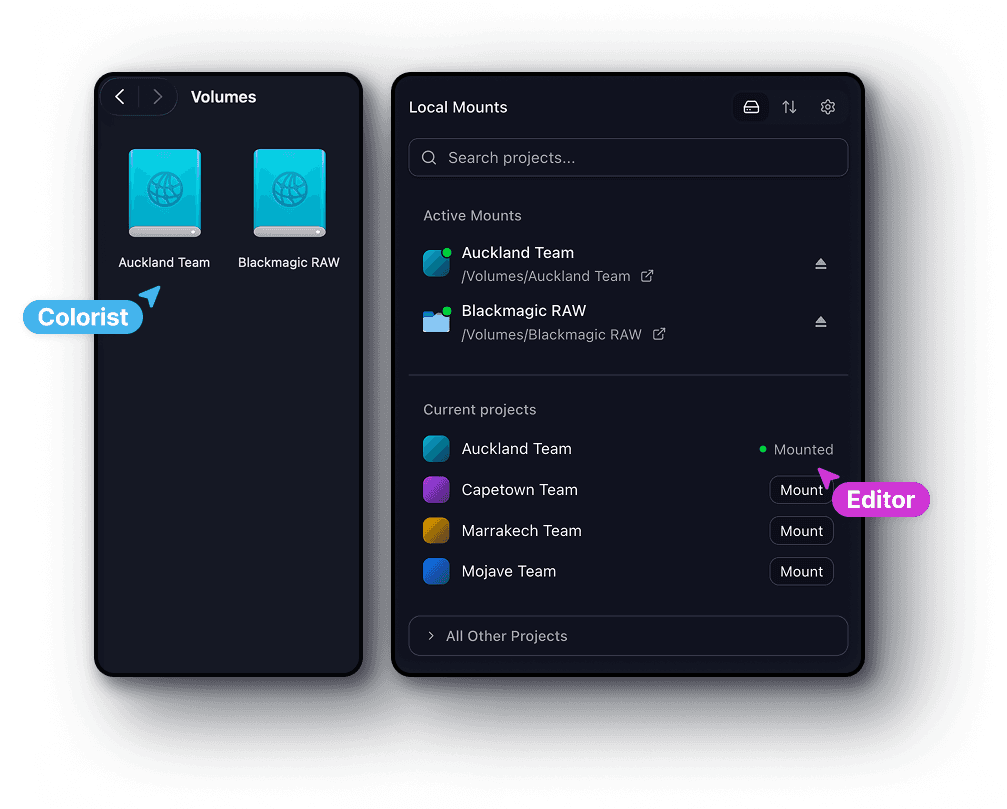
Open uploaded match footage in your editor through a mounted drive. Aspect streams the parts you need, so the first highlight cut does not depend on downloading the full game.
Find the player moment faster
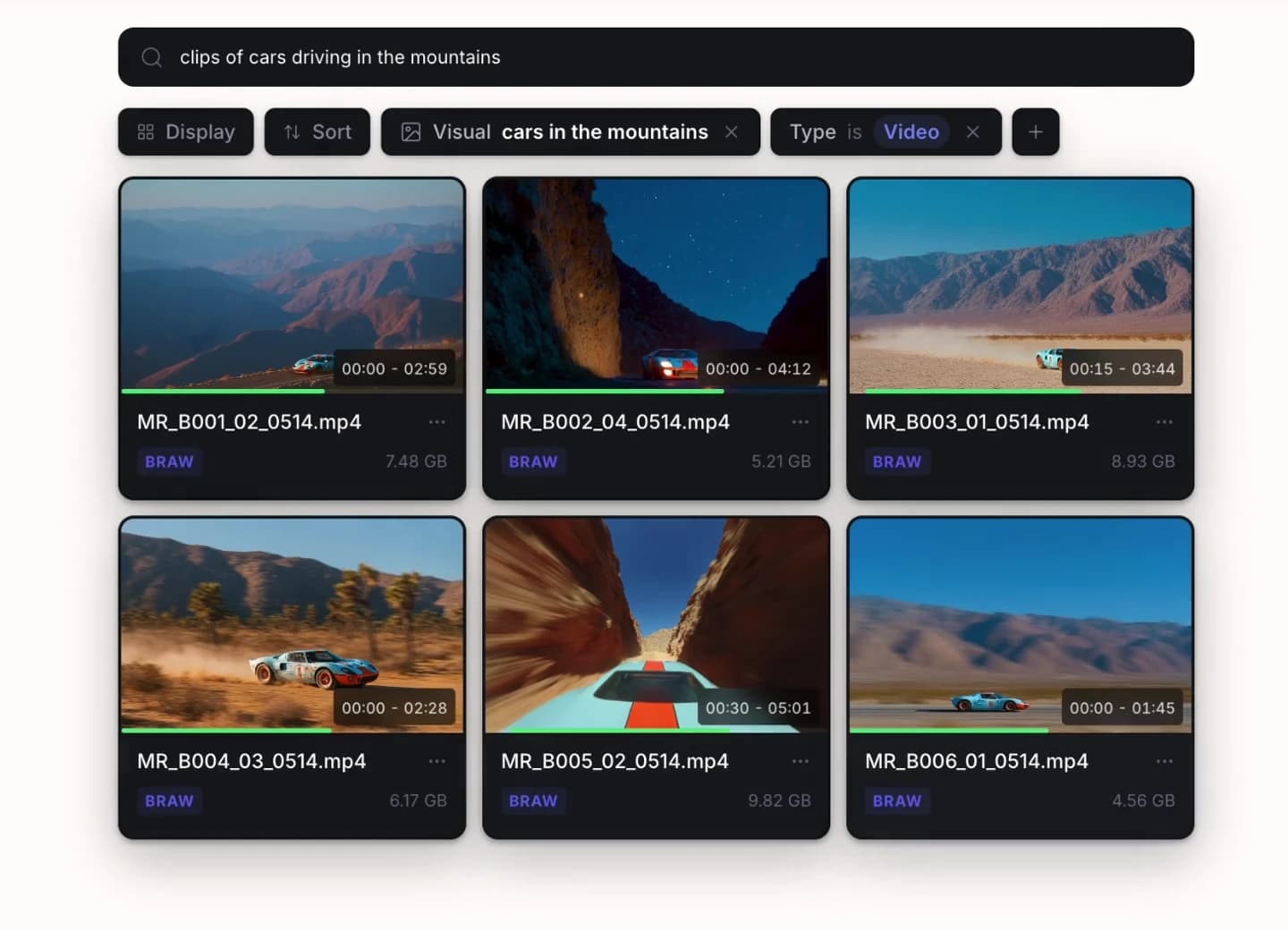
Describe a celebration or sideline reaction, or search a post-game interview transcript. Pull the moment for a player feature without scrubbing every recording from the event.
Deliver sponsor packages with fewer copies
Collect approved highlights, player interviews, and stills for the league, sponsor, or press desk. Each collection uses assets from the shared game library.
A library that lasts beyond game day
Turn past seasons into the next player story or sponsor package.
Player retrospectives, rivalry previews, and season recaps draw on footage from many games. Keep athlete references, opponent details, and interview transcripts searchable so the archive can contribute to the next edit.
Find the soundbite without the scrub
Search interview transcripts for a coach’s comment or an athlete’s answer. Use visual search for celebrations and crowd reactions to build the supporting sequence.
Find a player across the season
Supply reference images of players and coaches for face recognition. Add game, opponent, venue, and usage fields so producers can narrow appearances to the right fixture and context.
Build recaps from an archive you can search
Bring clips from different games into a collection for a season film or sponsor review. Archived media retains previews and metadata so earlier coverage stays discoverable.
Every desk, one footage library
Finish broadcast, social, and partner cuts from one shared game library.
The broadcast desk needs a highlights package, social needs a vertical reaction clip, and partnerships needs sponsor coverage. Let each team work from the same source footage while keeping access and review notes tied to its deliverables.
Highlight and broadcast editors
Open the shared footage in familiar editing tools. Build a highlight package without waiting for another desk to finish copying its source files.
Social producers
Search for the play, reaction, or interview moment behind the post. Keep versions and review notes with each cut as you prepare different formats.
Partnerships and sponsorship teams
Build collections of approved clips and stills for each partner. Set preview, comment, and download permissions without opening the whole game library.
Media operations and archivists
Keep season, player, and usage details attached to the footage. Connect existing S3 storage and archive completed projects while preserving previews and search metadata.
Delivery for every audience
Package one game for every partner with less delivery admin.
Prepare separate highlight reels, player stills, and interview selects for sponsors, league partners, and press. Collections reference the original assets and let you choose which game and usage metadata recipients see.
Give each partner a ready-to-use package
Present highlights, player interviews, and stills together. Apply your team’s logo and colors so the handoff feels like part of the same production.
Keep usage details with the delivery
Choose which metadata recipients can see. Include the game, player, format, or usage information they need while keeping internal fields out of the presentation.
Limit access to the agreed handoff
Allow viewing or downloading for each shared package. Use passwords and expiry dates when access should end after an event or campaign.
Get started
Review before the next deadline
Get highlight revisions cleared before the next publishing deadline.
Flag a player identification, sponsor graphic, or interview trim on the exact frame. Keep producer feedback with the cut so an editor can make the requested change while the post-game window is still open.
Pinned comments
Drop a comment on any frame. It stays anchored to that exact timecode and position.
Range markers
Select a range on the timeline to give feedback across an entire segment of video.
On-screen markup
Draw and annotate directly on the frame to highlight exactly what needs to change.