Real estate and construction
Turn site captures into project updates faster.
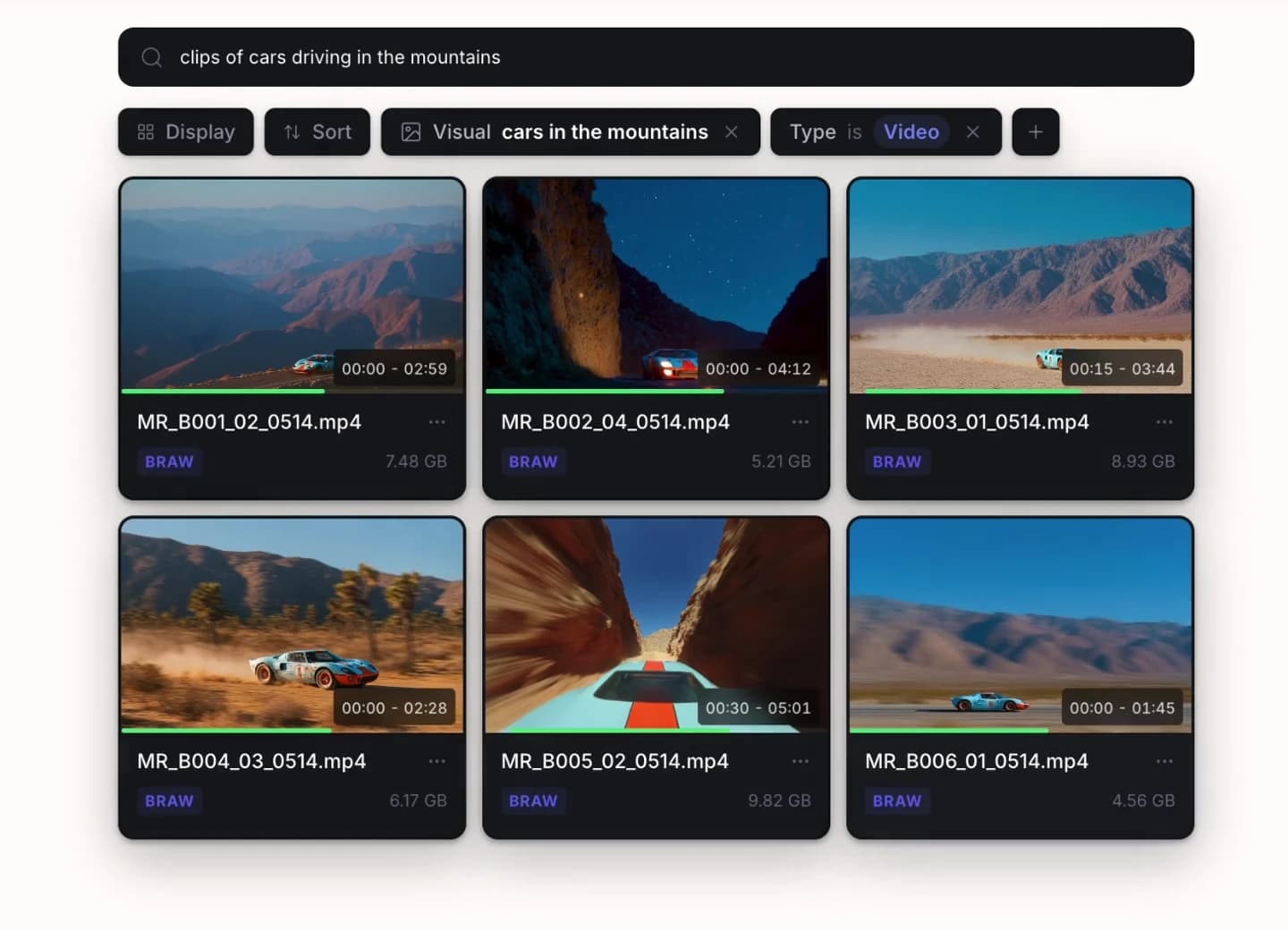
Aspect brings drone footage, progress photos, and walkthroughs into one searchable library. Help site teams answer owner requests, review captures, and supply approved imagery to leasing teams as development progresses.


Find the right site view faster
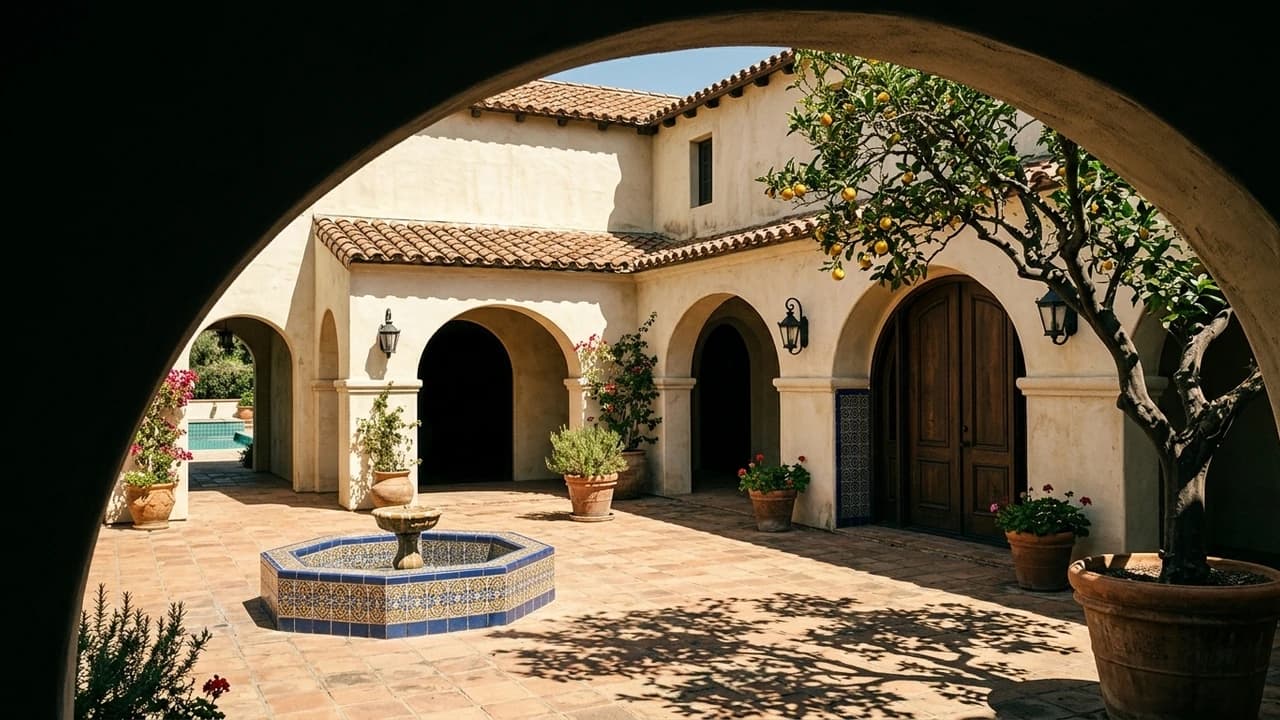
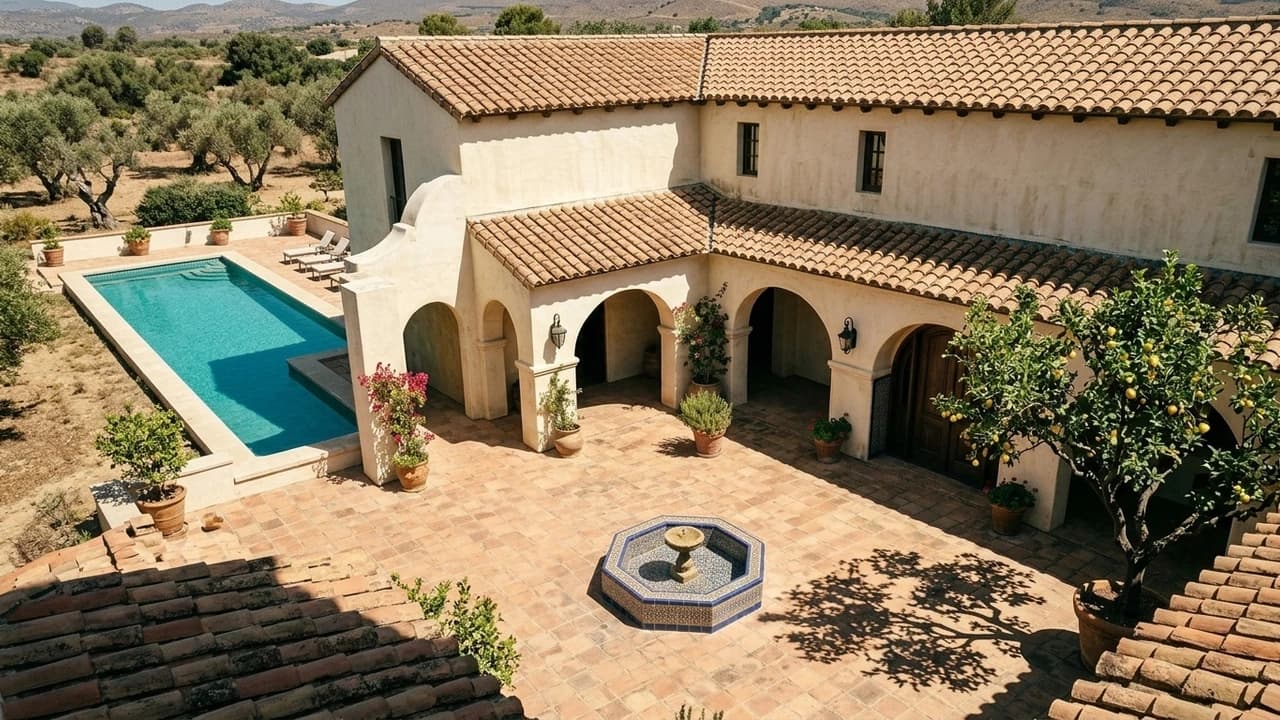
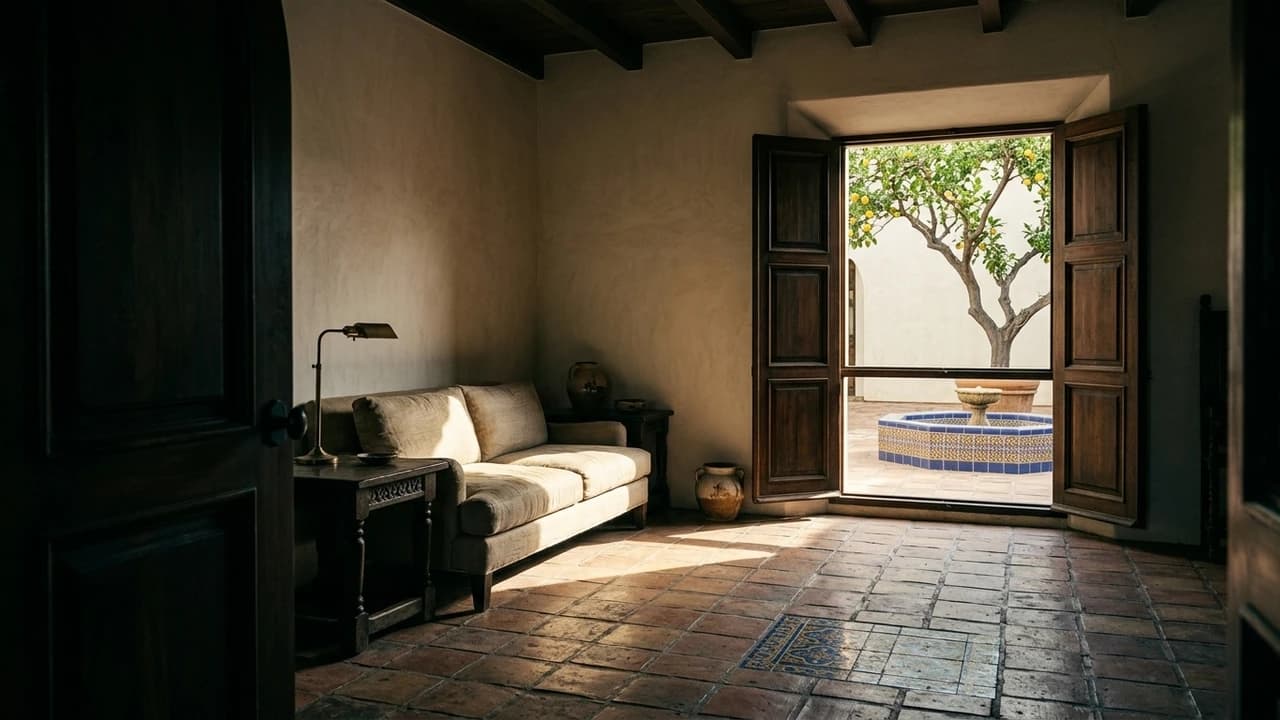
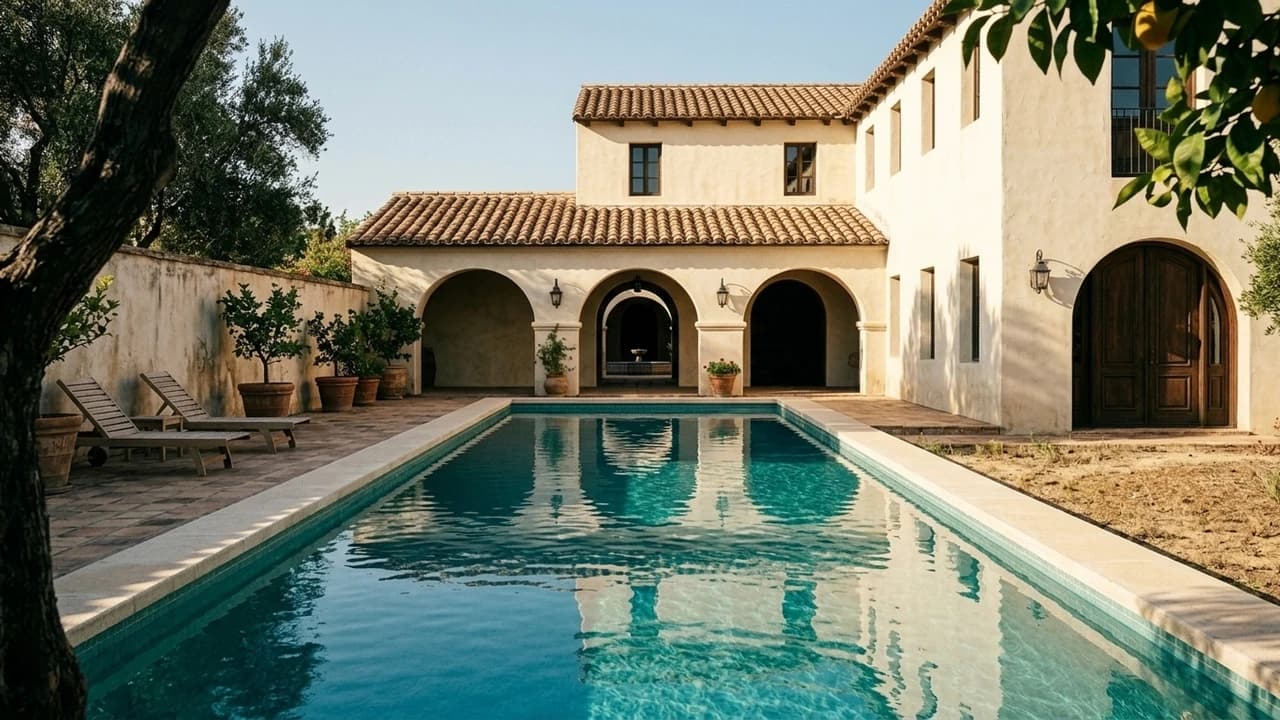
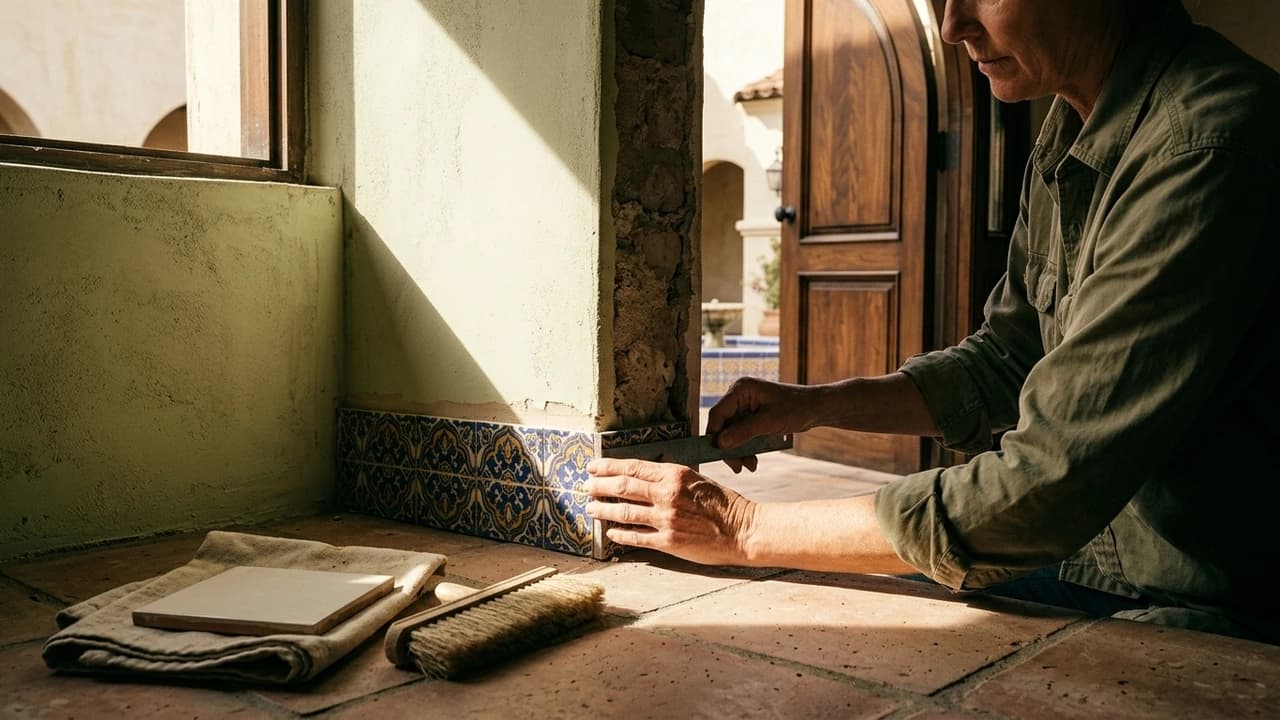
Describe an aerial view, lobby, or building exterior, then narrow results with site and phase metadata. Find the useful capture without asking every contractor to resend its files.
Make progress records easier to trace
Keep building, phase, capture date, and milestone fields with incoming media. Give owners and project managers the context to understand which stage a photo or walkthrough shows.
Prepare owner updates with fewer handoffs
Share a selected set of progress photos and walkthrough clips in a collection. Owners, consultants, and leasing partners can review their package without receiving the full project archive.
A library that follows the project
Answer project questions sooner with site records that are easy to find.
A development can span several contractors and years of site visits. Organize captures by building, phase, and date so a new project manager can find an earlier condition, prepare a milestone report, or brief the next media contractor.
Trace a capture to the right project phase
Create metadata fields that match your project structure. Add the site, building, capture date, and milestone to incoming media so a progress update remains understandable months later.
Find the space without chasing the photographer
Describe the exterior, lobby, or aerial view you are looking for. Combine search with project metadata to narrow the results to the relevant site and phase.
Build milestone reports with less repackaging
Gather selected progress photos, walkthrough clips, and supporting media into a collection. Reuse the source assets for investor updates and leasing packages without reorganizing the library.
Built for the development team
Reduce the back-and-forth between the site, owner, and marketing team.
Site crews contribute progress captures, owners review the milestone, and leasing teams need approved imagery for listings. Give each group the relevant media and access as the project moves from construction to launch.
Development and project managers
Keep progress documentation organized by site and milestone. Find the right capture for an owner update without asking each contractor to resend its latest folder.
Site teams and media contractors
Contribute photos, aerial footage, and walkthrough videos to the relevant project. Keep review comments attached to the delivered media so requests for another angle or revision stay clear.
Owners and capital partners
Open a selected set of progress media for the next project update. Review the material shared with you without navigating the full working library or requesting large attachments.
Sales, leasing, and marketing teams
Find approved property imagery and walkthrough clips for listings and presentations. Package the material for a building or unit type in a collection ready for the next handoff.
Visualize the possibilities with AI
Start with the space you have. Explore how it could look.
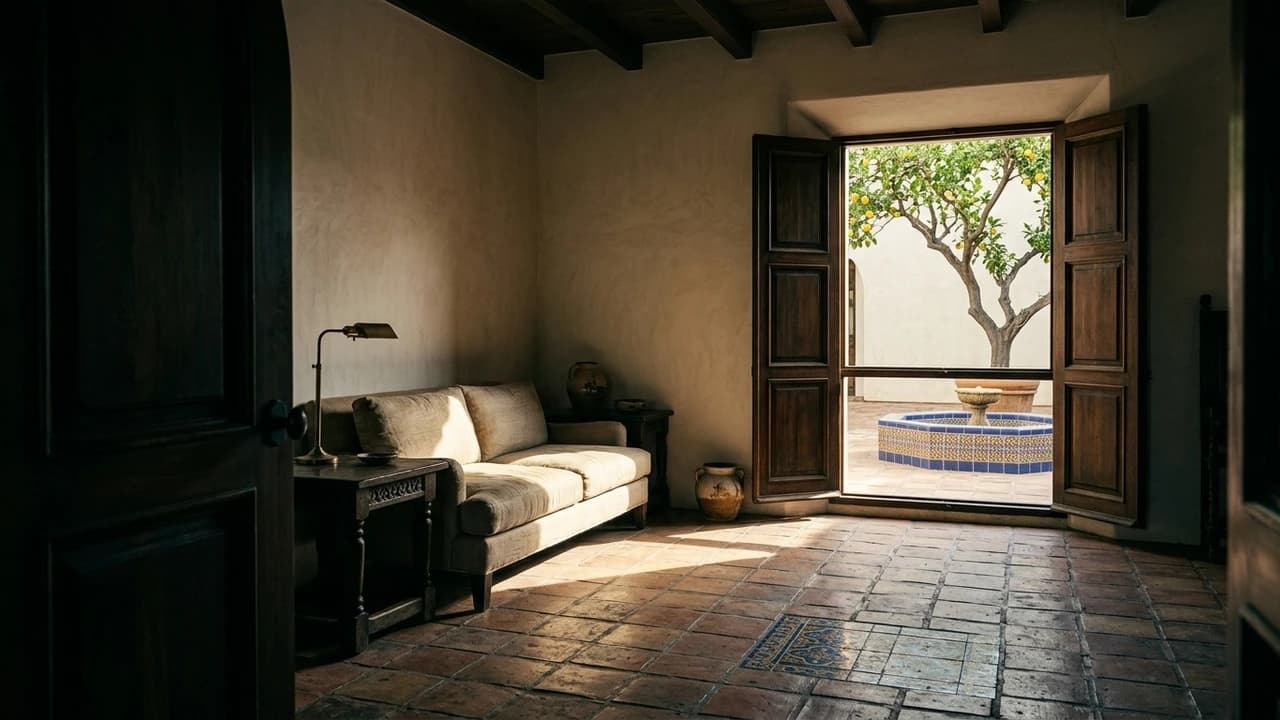
Bring property photos onto a shared canvas to explore lighting, furniture, and interior styling with AI. Keep the original capture beside each concept so designers, owners, and marketing teams can develop a direction together.
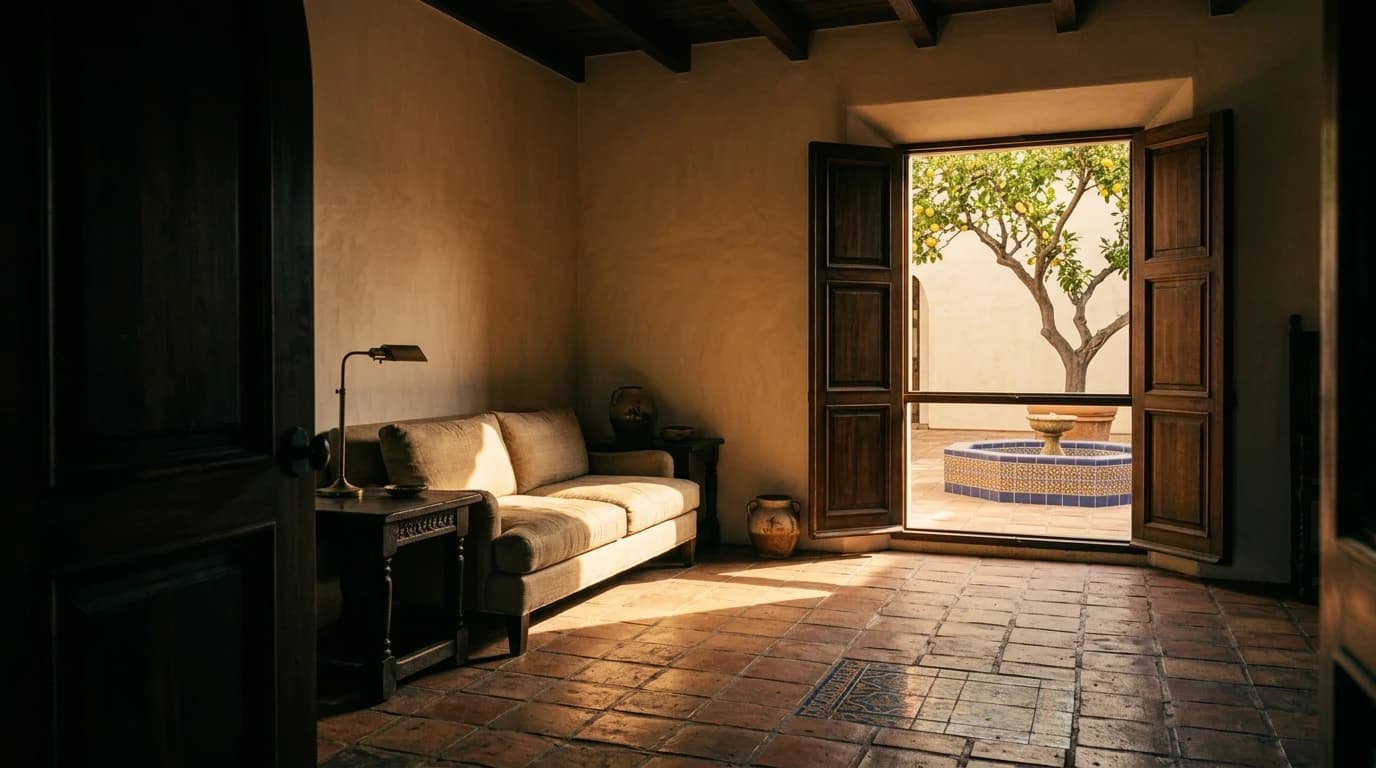
See the same room in a new light
Explore a warmer afternoon or a different lighting mood from an existing property photo. Compare the generated treatment with the original before planning the next shoot.
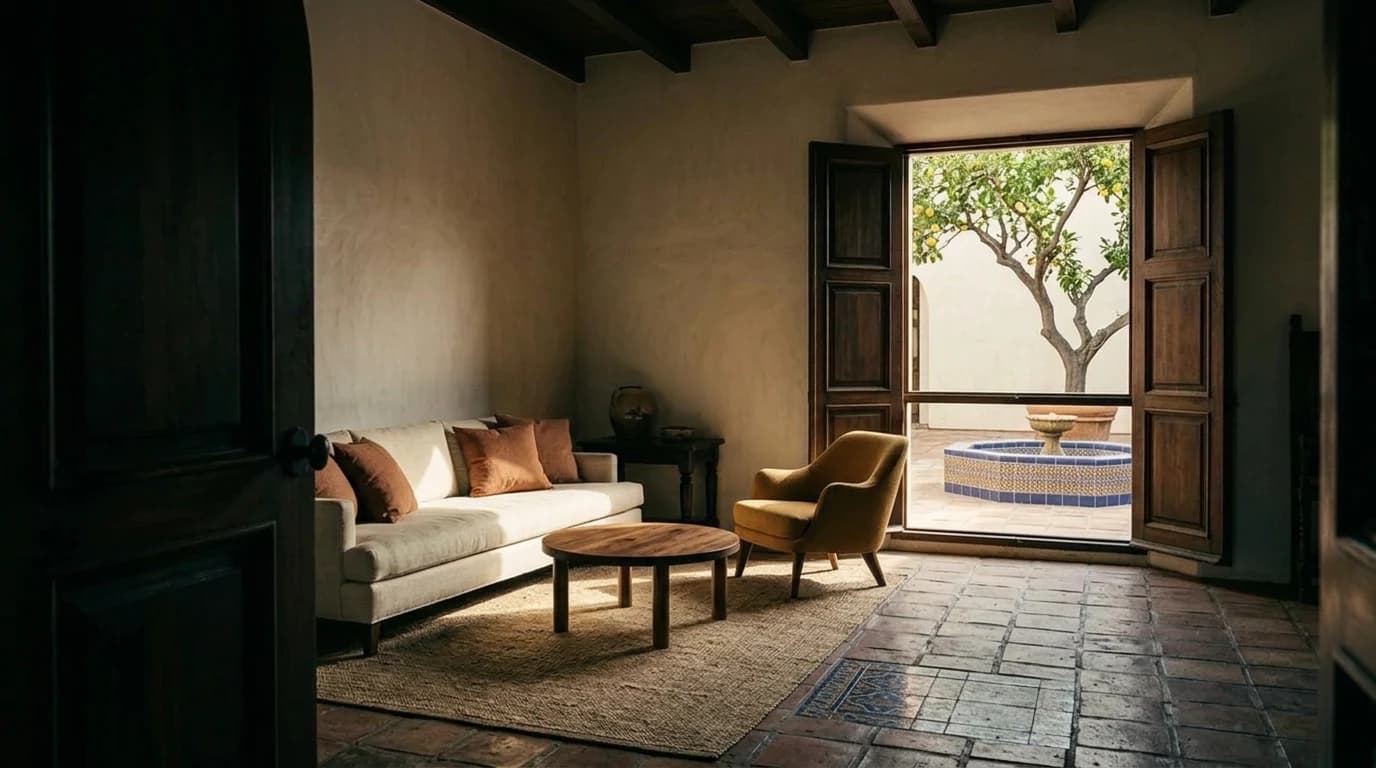
Try furniture before moving it in
Use AI to explore virtual staging, alternative furniture, and different styling. Compare a furnished concept with the source photo while the team decides what suits the space.
Develop the space together
Bring designers, property teams, and connected agents onto the same canvas. Discuss the lighting and furnishing options with the original photo and generated concepts in view.
From progress report to property launch
Spend less time assembling updates for every project milestone.
Use the project library to build owner progress reports, investor presentations, and leasing launch packages. Each collection presents selected photos, drone clips, and walkthroughs with the building, phase, and capture details recipients need.
Give owners a complete milestone picture
Bring photos, drone clips, walkthroughs, and supporting files together in a branded collection. Give recipients one place to browse the media selected for that stage of the project.
Make every capture easier to interpret
Display selected metadata such as building, phase, and capture date. Help the recipient understand which part of the development they are looking at without decoding a filename.
Share progress without opening the archive
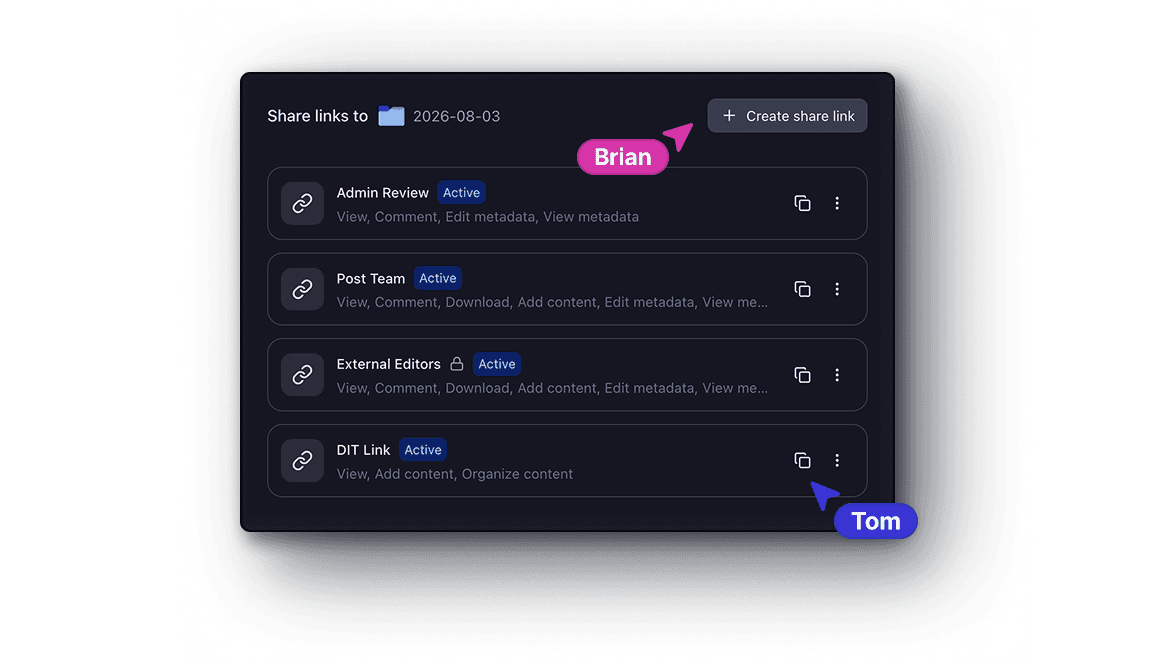
Choose whether a recipient can view, comment, or download the selected media. Manage links for owners, consultants, and leasing partners from the same workspace.
Get started