Live events and entertainment
Finish event recaps faster, from any editing desk.
Aspect connects uploaded venue footage with on-site and remote editors. Keep recordings, highlights, and producer notes together as the team prepares same-day recaps, social cutdowns, and sponsor deliverables.
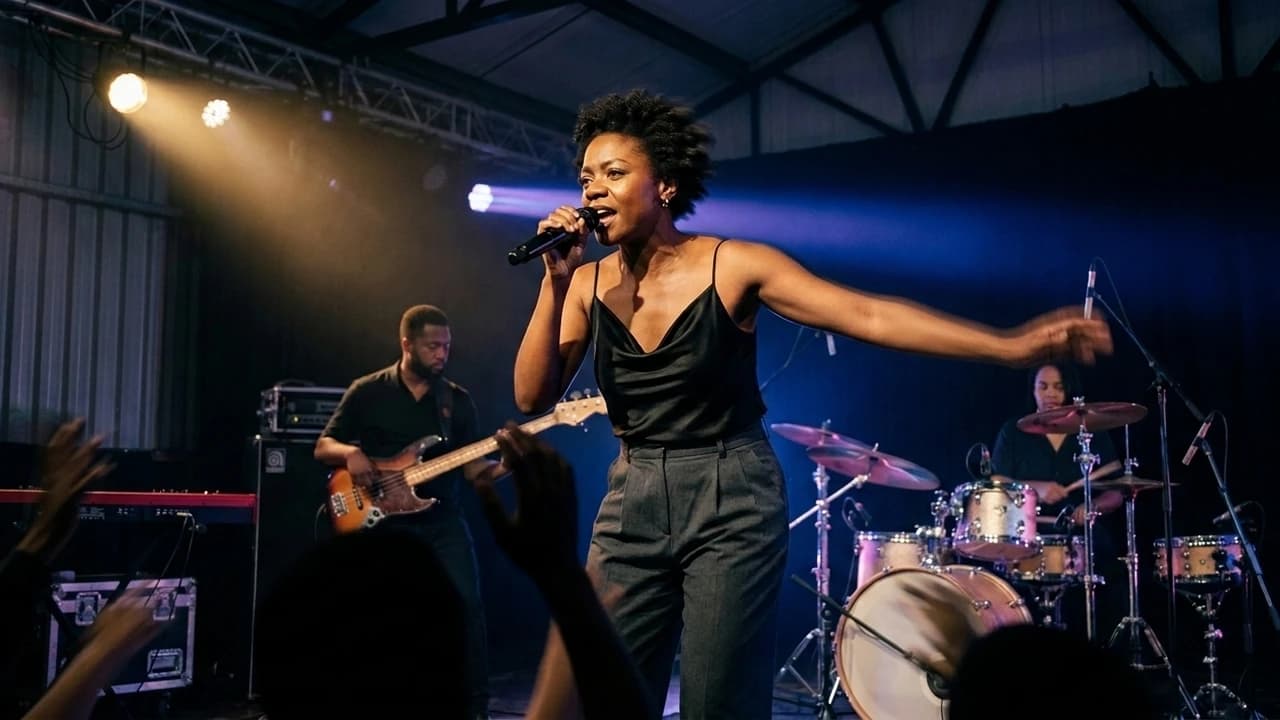
Get the first recap cut moving sooner
Open uploaded event footage on a mounted drive and stream the parts your edit needs. Begin selecting the keynote or performance moments without downloading every camera angle first.
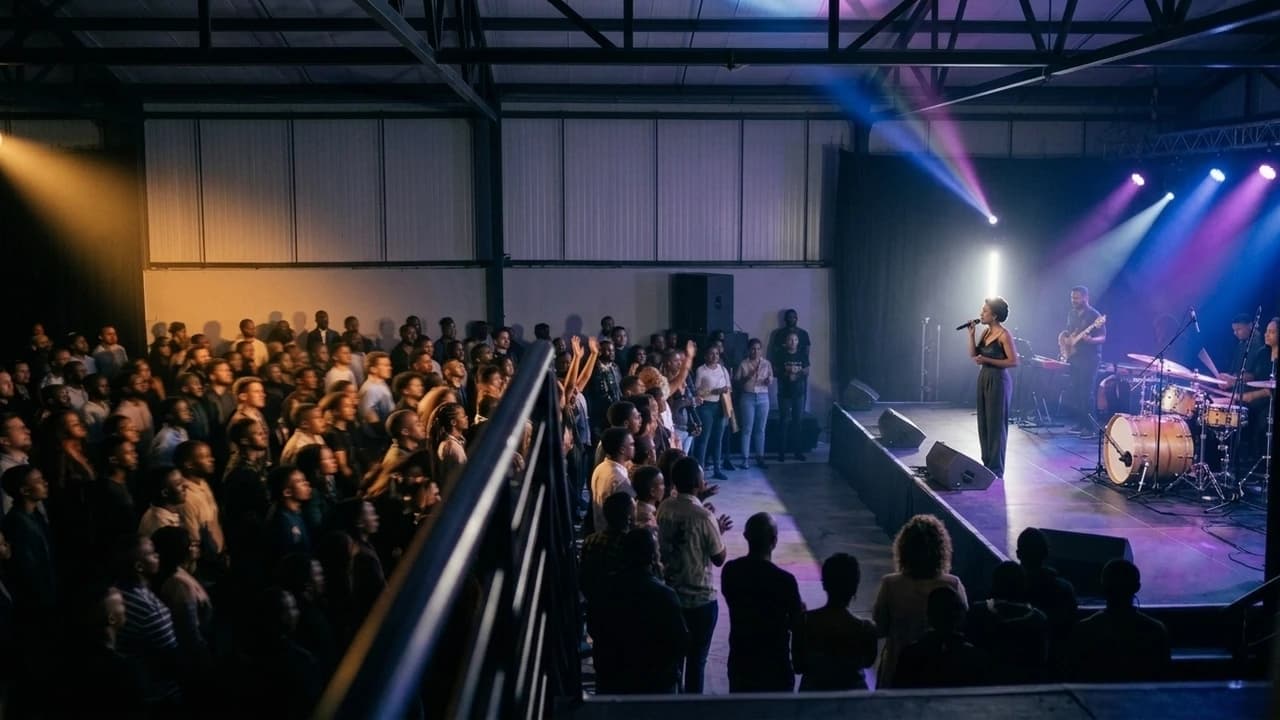
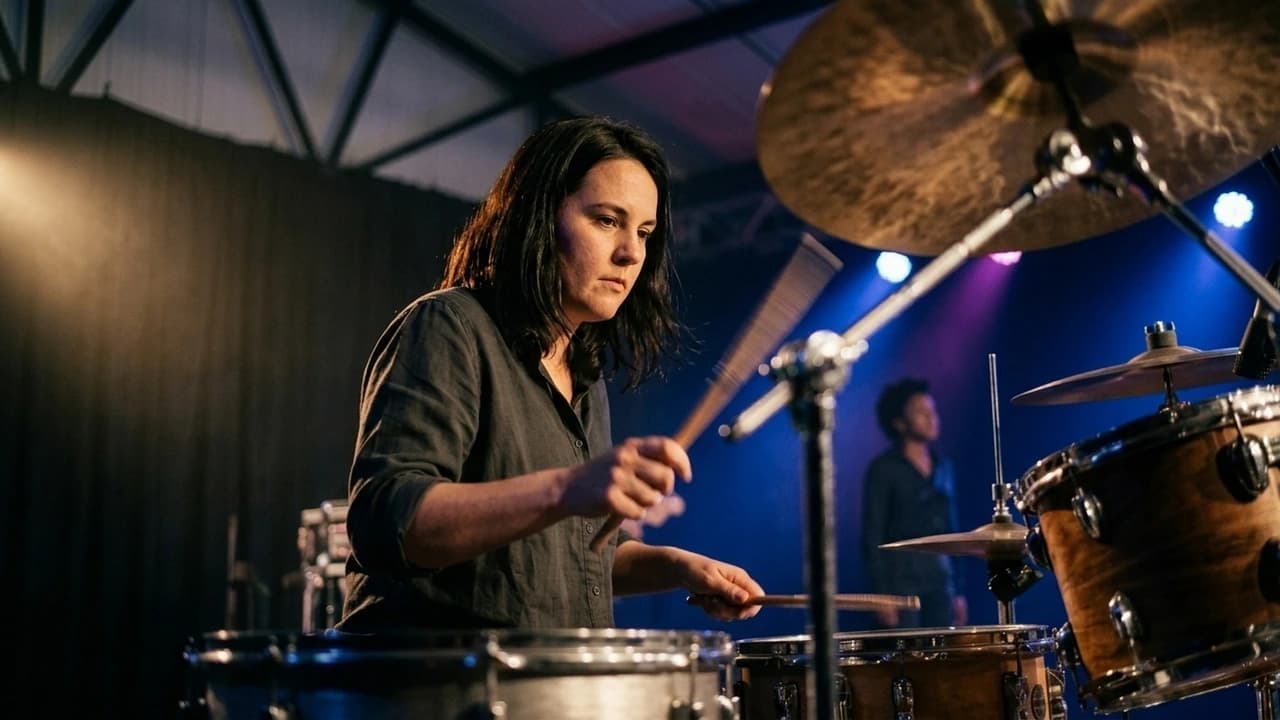
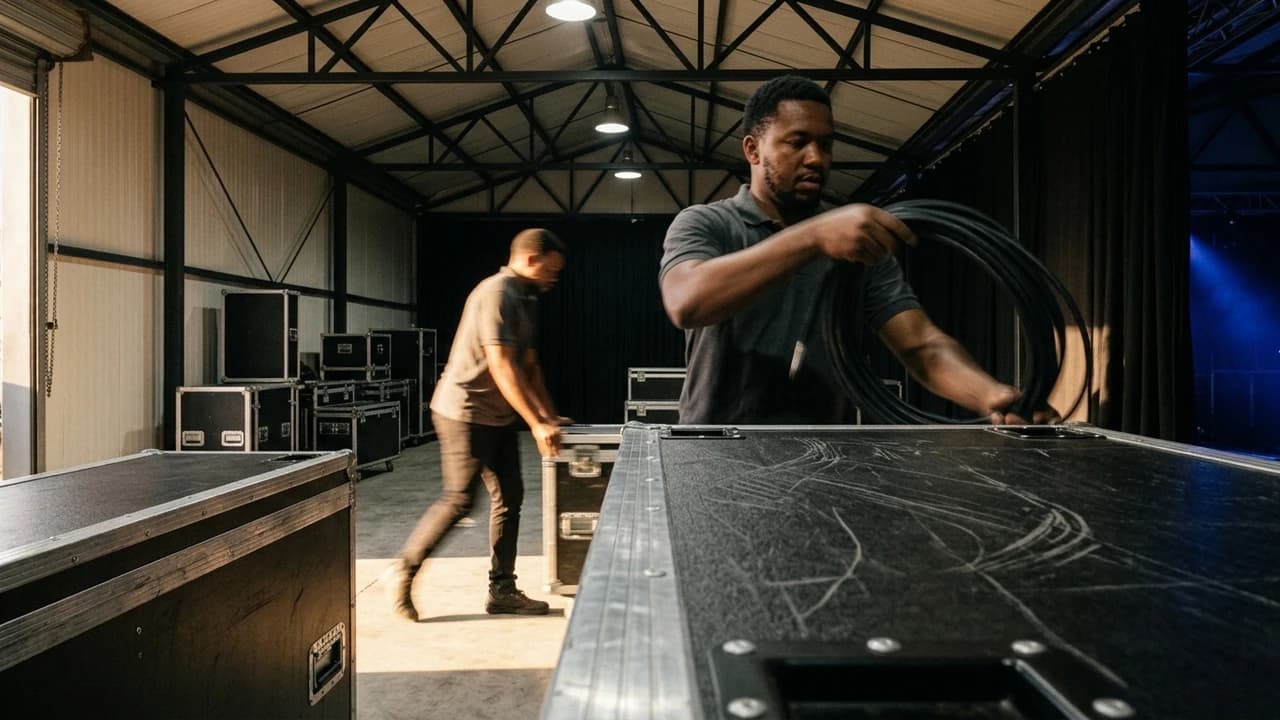
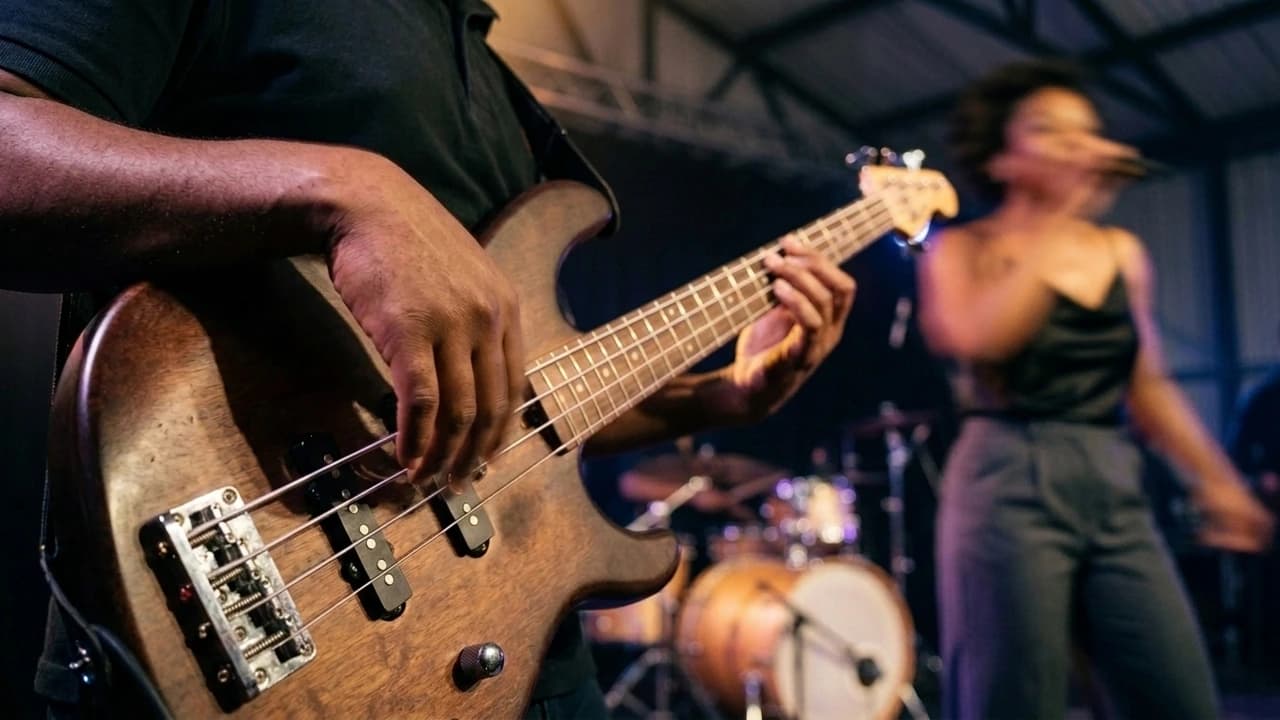
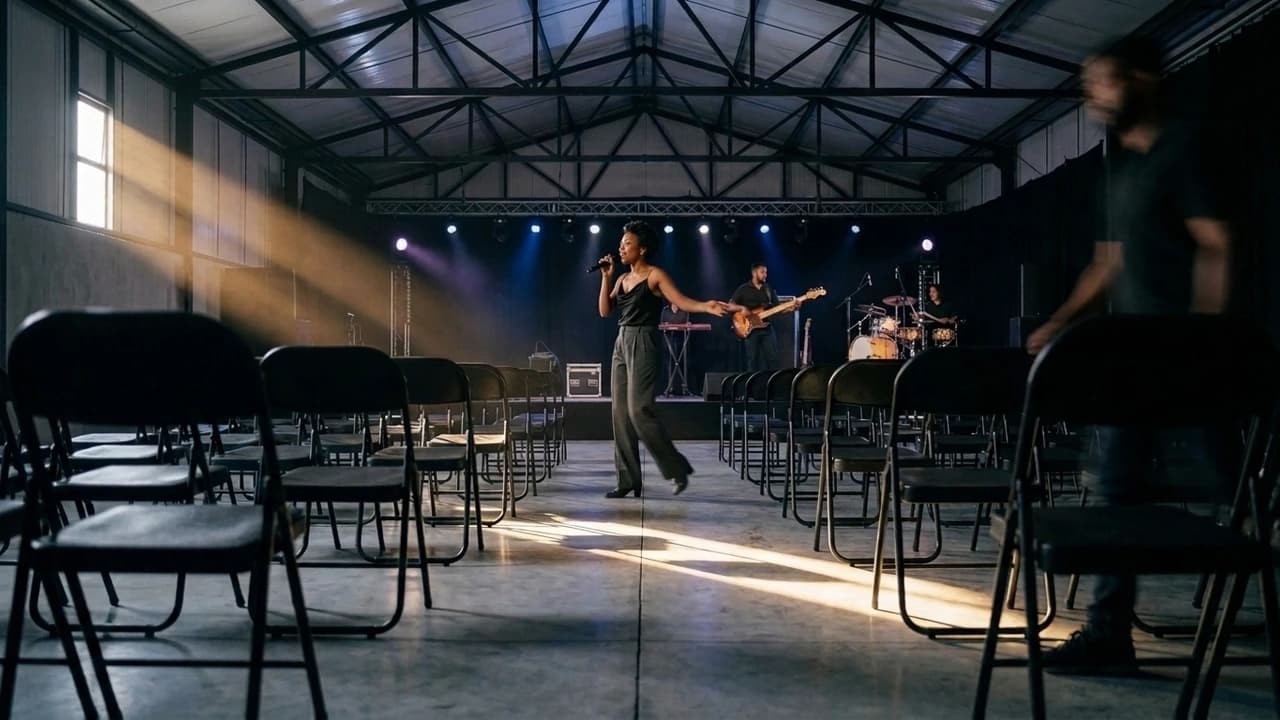
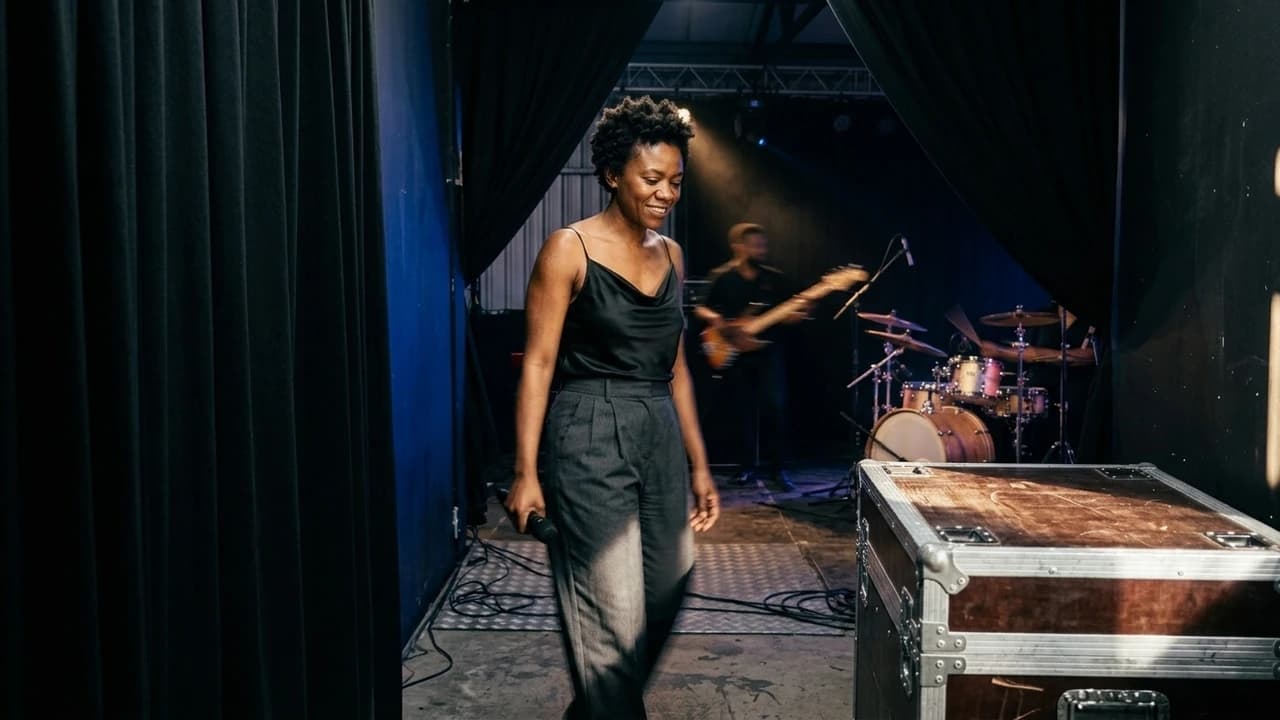
Produce more outputs from the same footage
Give recap, social, and sponsor editors access to the shared source recordings. Mount the relevant projects together while each editor works toward a different deliverable.
Get partner deliveries out with less admin
Create selected packages for artists, sponsors, and press from approved clips and stills. Give each recipient the material and download access agreed for its handoff.
From the venue to every output
Keep same-day edits moving without another media copy for every output.
A conference recap, vertical speaker clip, and sponsor film may all use the same multicamera recordings. Keep that footage shared and organize it by stage, session, and day so editors can work on the outputs in parallel.

Switch deliverables without moving source files
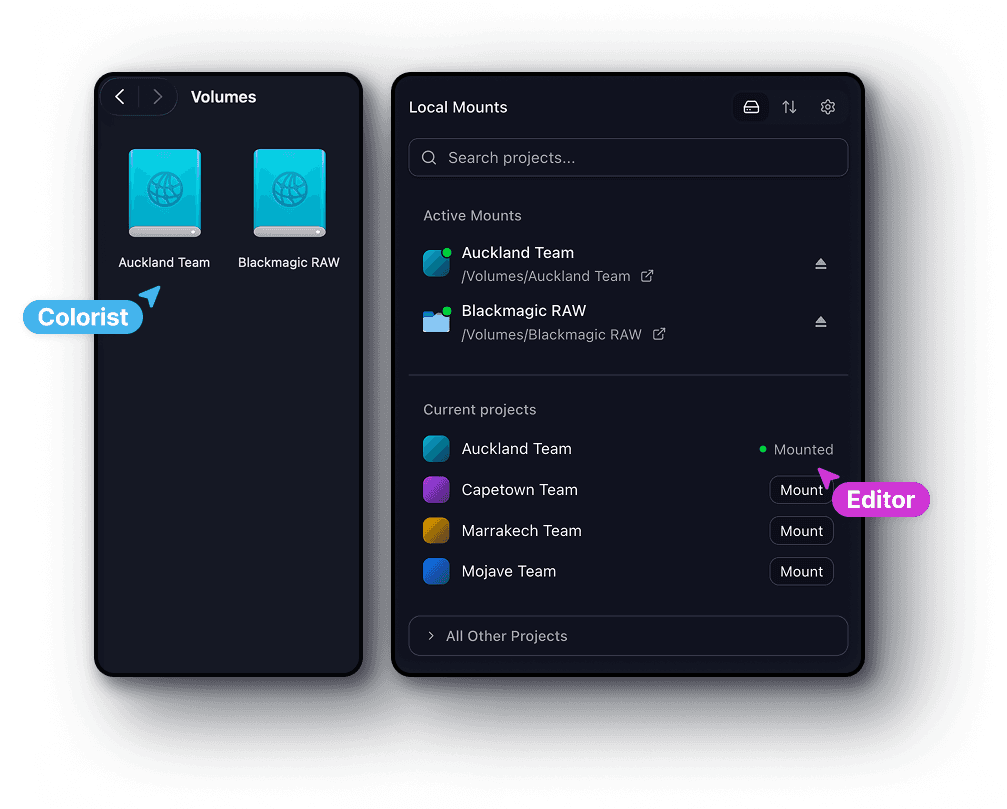
Mount the event footage and your deliverable projects together. Keep source files available when you switch from a social cut to the longer recap.
Resolve partner notes while the edit is active
Collect the producer’s changes and partner feedback on the work itself. Versions and frame-specific comments help editors follow the next revision.
Prepare the press kit from approved assets
Select approved stills, recap edits, and interviews for each recipient. Collections bring files together without rebuilding a delivery folder of copies.
One production across locations
Shorten the distance between the venue and the remote edit.
Media managers organize camera uploads, venue producers review the recap, and remote specialists finish the partner cuts. Shared project access keeps the next edit from waiting for someone to assemble and send another transfer.
Event producers and media managers
Organize footage by stage, session, or day, then share the folders each editor needs. Keep review cuts and partner packages inside the same event workspace.
On-site editors
Cut from uploaded media on a mounted drive. Pin files before moving somewhere with limited connectivity so the work you need stays available offline.
Remote post teams
Open the shared footage from your own workstation and editing tools. Receive feedback on the cut without waiting for someone at the venue to send another drive.
Sponsors, artists, and press teams
Open a link to the material prepared for you. Preview, comment, or download according to the permissions set by the event team.
Ready for the event edit
Keep every editor in their usual tools. Give them the same event footage.
Cut the recap in Premiere Pro or Resolve, animate sponsor graphics in After Effects, and finish a social output in Final Cut Pro. Mount shared event recordings so each specialist can use the source media in their own workflow.


Sponsor, press, and partner delivery
Finish more partner handoffs with less copying and repackaging.
Use the approved event assets to build a sponsor recap, artist selects, and a press photo kit. Branded collections keep each recipient’s package focused without duplicating the originals into another delivery folder.
Deliver several packages from one library
An asset can appear in more than one collection without being duplicated. Build the sponsor package and press kit from the files already in the event project.
Make event deliveries easy to recognize
Apply a logo and brand colors to the collection. Give recipients a clear place to browse the delivery instead of a loose set of download links.
Keep access tied to the partner handoff
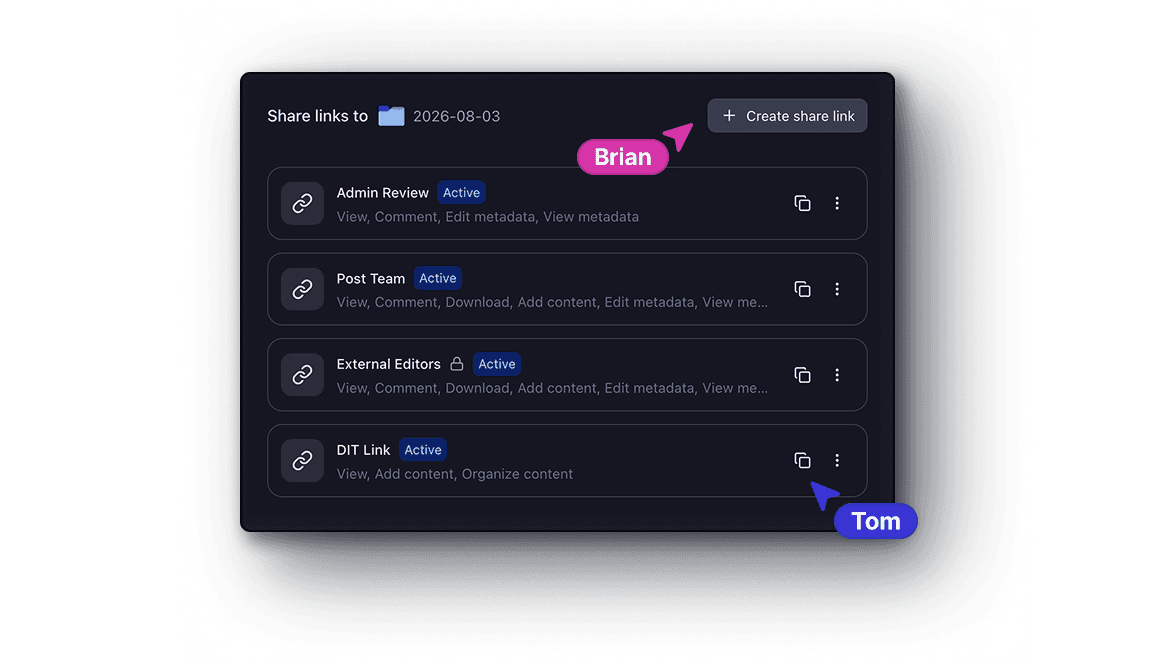
Choose whether a link allows previewing, comments, or downloads. Add a password or expiry date for packages that should have limited access.
Get started
Feedback while the event is moving
Clear event revisions faster while producers and partners are still available.
Point to a missed sponsor logo, an artist shot, or a trim in the keynote recap. Frame comments and markup give remote editors a precise change to make while the venue team reviews the next version.
Pinned comments
Drop a comment on any frame. It stays anchored to that exact timecode and position.
Range markers
Select a range on the timeline to give feedback across an entire segment of video.
On-screen markup
Draw and annotate directly on the frame to highlight exactly what needs to change.