Consumer marketing
Get approved product content to market faster.
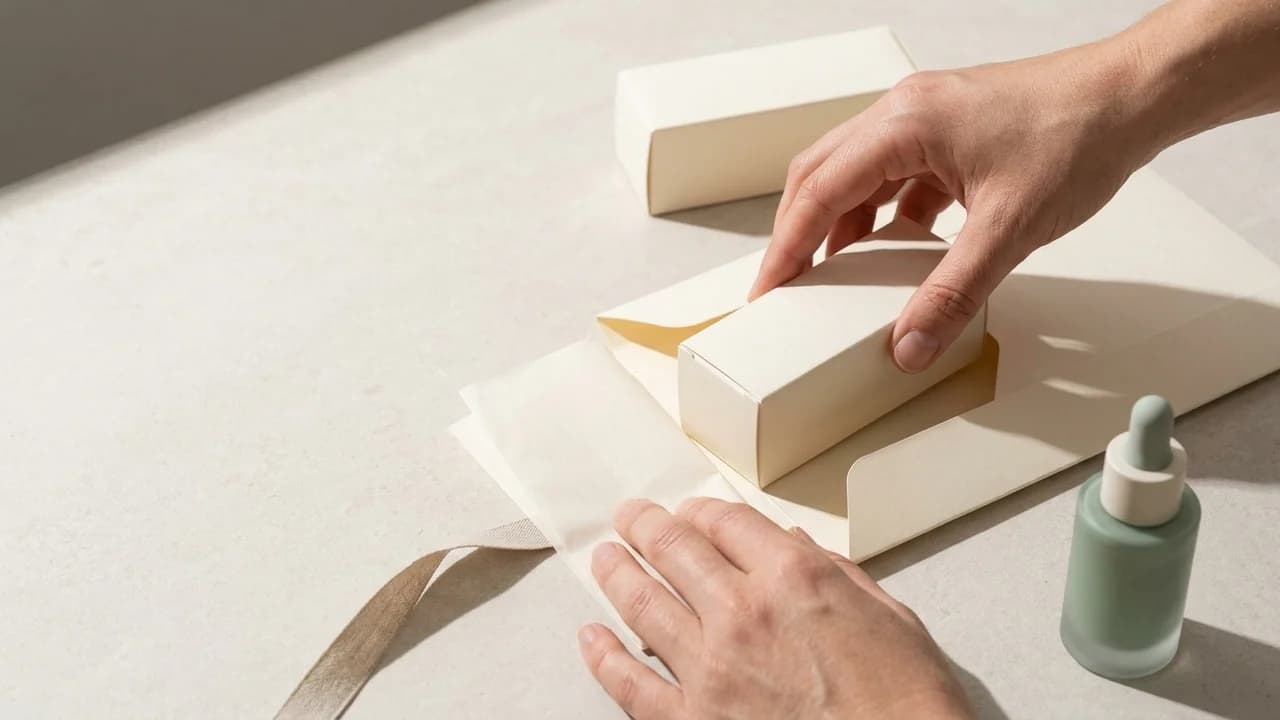
Aspect keeps product imagery, campaign cutdowns, and regional variants searchable. Give brand, legal, and commerce teams one place to review packaging details, choose SKU imagery, and deliver approved assets to retailers.




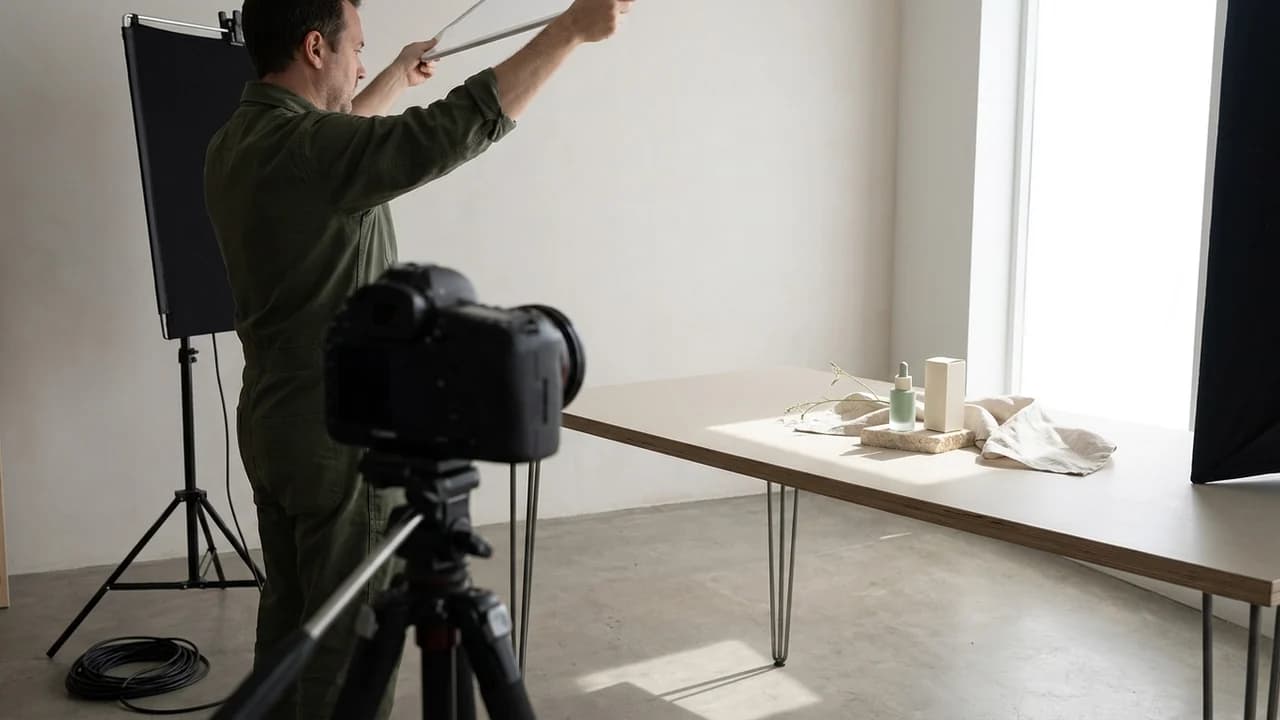
Resolve launch feedback faster
Pin brand, legal, and regional notes to the packaging shot, claim, or end card that needs changing. Keep the feedback with each campaign version as launch day approaches.
Get the right assets to every retailer
Package product stills, launch films, and channel variations in branded collections. Give each retailer or regional team the selected assets for its part of the launch.
Find usable product shots sooner
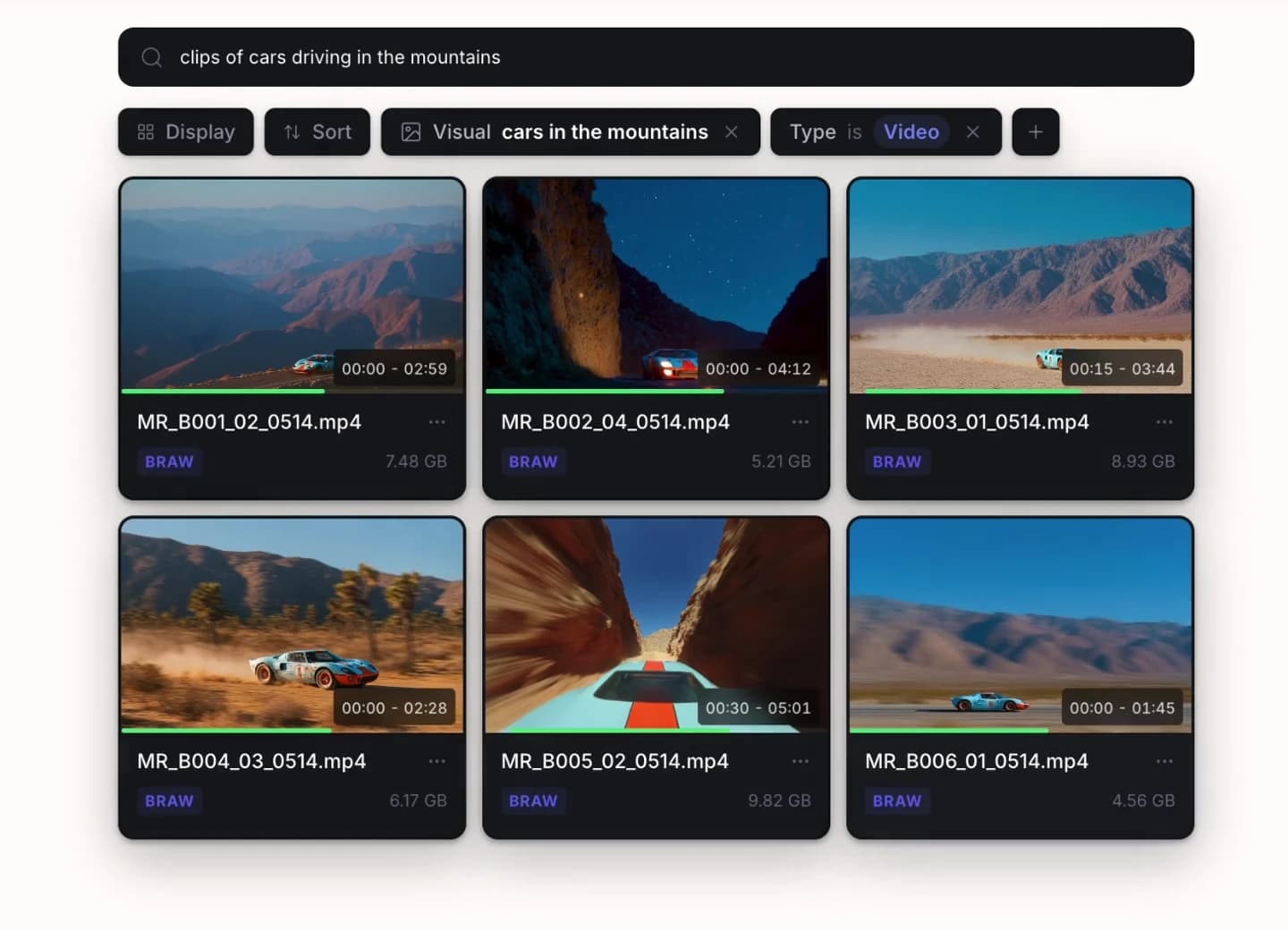
Describe a packshot or lifestyle scene, then narrow the results by your SKU, colorway, campaign, or market fields. Find material to reuse before briefing another shoot.
Make your library work harder
Get more campaigns from the product content you already own.
A launch shoot can support product detail pages, retailer sell-in, seasonal campaigns, and paid social. Search the existing library and check its market and usage metadata before commissioning another round of product photography.
Reuse the shot before reshooting it
Search for a packaging close-up, product demonstration, or lifestyle scene from an earlier launch. Natural language search helps teams find the image even when they do not know its filename.
Pick the right product variation
Add SKU, colorway, packaging version, market, and channel fields. Configure automated metadata for repeatable labels, with approval and usage details beside the files being selected.
Build launch kits with fewer copies
Collect the hero film, product stills, and social cutdowns from the source library. Reuse those assets in regional and retailer packages without duplicating them into separate delivery folders.
Built for the campaign team
Shorten the handoff from creative production to commerce.
Brand teams choose the imagery, legal checks the claims, and regional teams prepare the channel mix. Keep all three working from the same campaign assets so a revised packshot or approved cutdown is easier to find and deliver.
Brand and product marketing
Find existing product imagery and check its campaign, market, and usage details before briefing new work. Keep the approved brand material close to the variants being developed.
Creative operations and producers
Track product and channel variants with shared metadata. Keep agency deliveries and internal revisions in the same project so the next launch does not start with a search through old links.
Legal and regional reviewers
Leave a note on the frame, claim, or packaging detail that needs attention. Review the relevant version and keep the discussion beside the work the creative team will revise.
Retail, channel, and agency partners
Open a branded collection for the market or channel you support. Preview the selected assets and download the deliverables without browsing the internal working library.
Keep your production tools
Produce every campaign format from the same shared source media.
Editors mount launch footage in Premiere Pro or Resolve while designers and motion teams contribute product imagery and exports. Keep the long-form film, retailer assets, and social versions together for review.





From product assets to campaign ideas
Start with your product. Explore what the campaign could become.
Use product photography, packaging, and brand references to explore campaign imagery with AI. Keep the marketing team, designers, and connected agents on one shared canvas as the strongest direction takes shape.



Give one product new creative directions
Combine a product packshot with an ingredient or mood reference. Explore campaign settings and visual treatments before commissioning the next round of production.
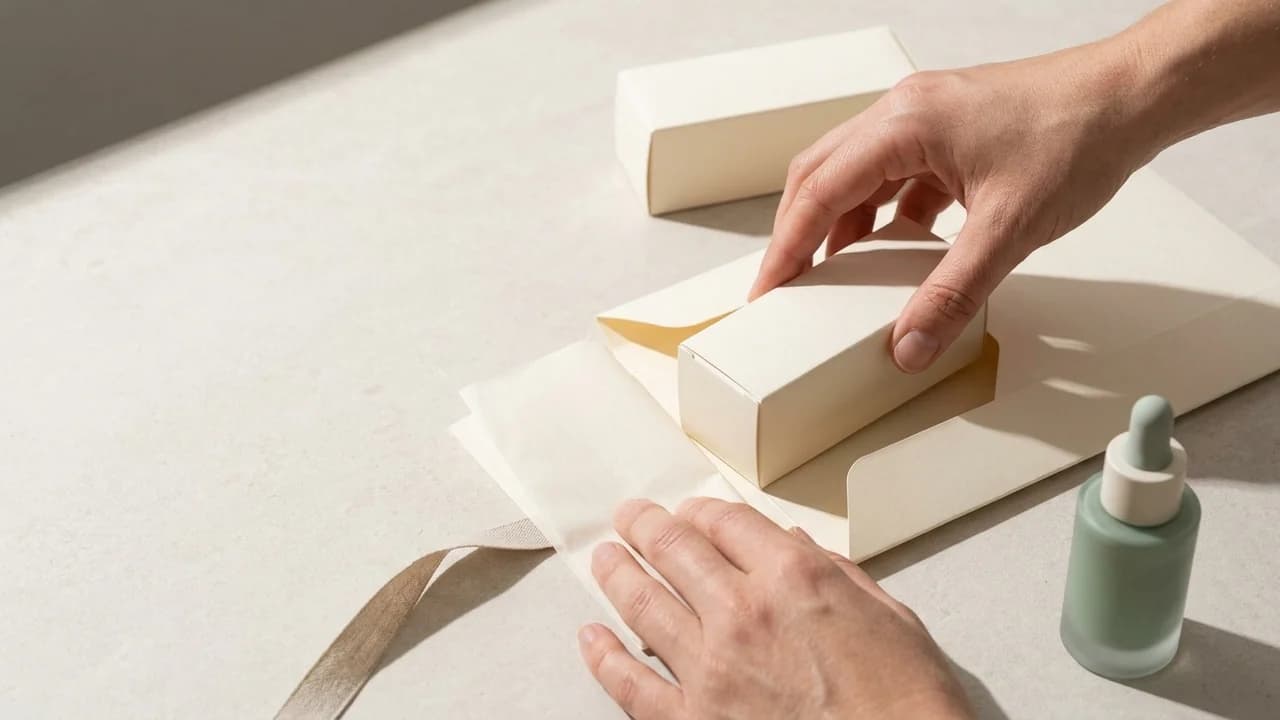
Build from the brand you already have
Keep approved packaging, product imagery, and brand colors close to every concept. Guide AI exploration with those assets and check the results against the source references.
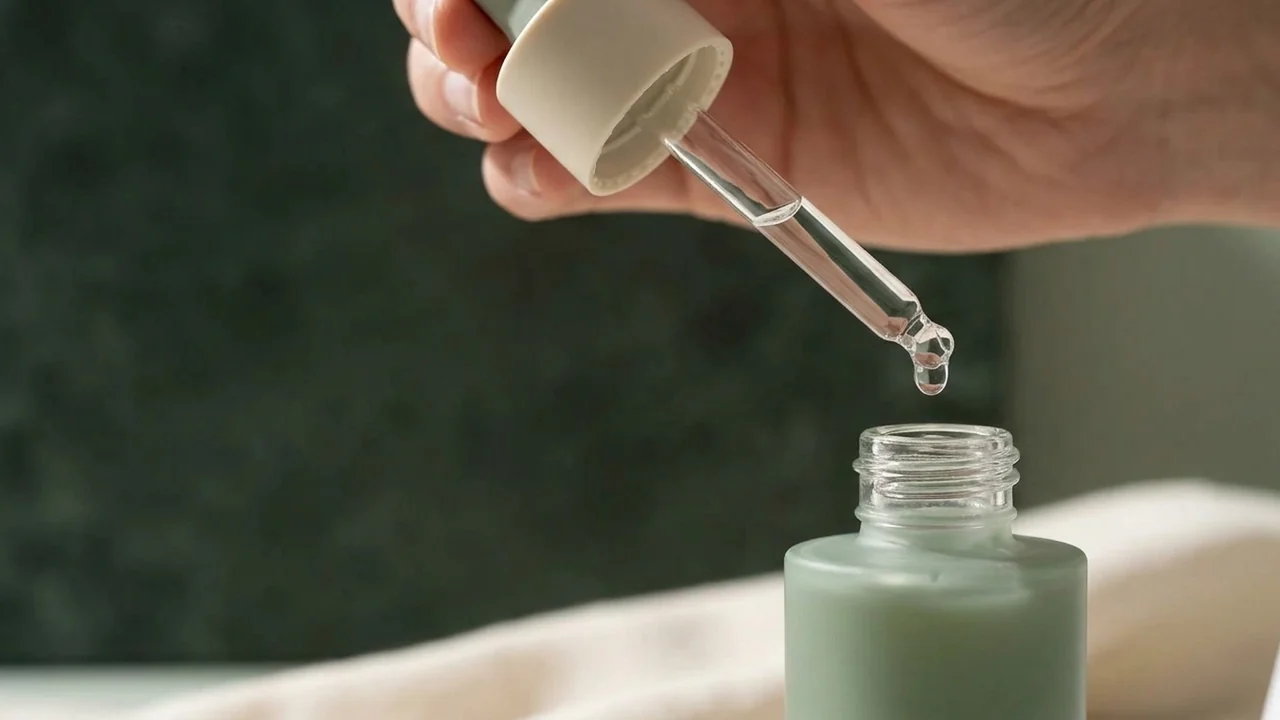
Develop the campaign as a team
Work through concepts together on the canvas. Brand leads and designers can discuss changes while connected agents help develop variations from the same references.
Ready for each market
Reduce the work between approval and every regional rollout.
Build a retailer kit, product-page asset set, or regional social package from the approved campaign library. Branded collections keep the selection and useful metadata together for the team putting those assets into market.
Give partners a complete launch kit
Present campaign films, stills, and channel variations together. Apply your brand colors and logo so partners receive a clear, recognizable place to get the assets.
Make the right variant easier to choose
Show selected metadata such as market, channel, format, and usage window. Give recipients context for choosing an asset while keeping internal production notes private.
Control access through the rollout
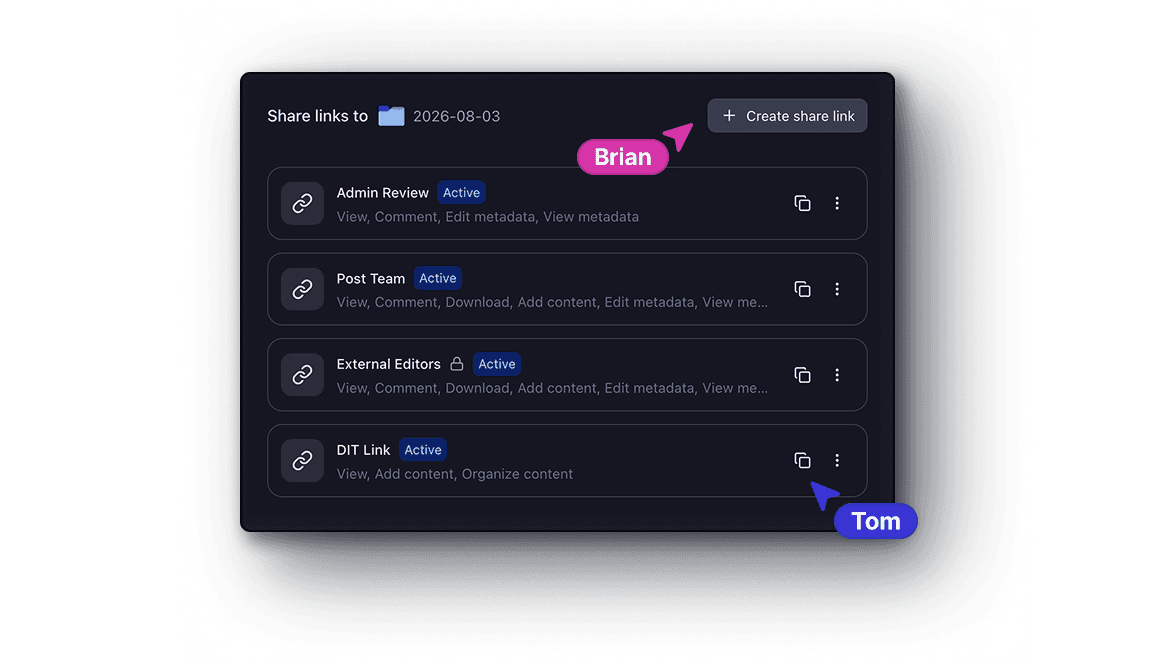
Set whether recipients can view, comment, or download. Use passwords and expiry dates where needed, and manage partner links from the same workspace as the campaign.
Get started