
Compare the five video review tools
| Product | Review workflow | Details that affect the setup |
|---|---|---|
| Frame.io | Video comments and revision uploads through Premiere | Team adds internal comments; sharing controls vary by plan. |
| Wipster | Client feedback becomes editing tasks, with separate review and approval modes | An existing review link can be updated to show a selected revision. |
| Filestage | Creative and marketing work passes through separate reviewer groups | Free and Starter include two groups; Business includes three. |
| Ziflow | Approval permissions and multiple stages route work across departments | Stage limits, automation, integrations, and retained history vary by plan. |
| Aspect | Comments and versions stay with the media library used for editing | The producer records the accepted cut in the asset's approval field. |
Compare pricing, reviewer access, and storage
These prices are in US dollars. Annual figures are monthly equivalents with annual billing. Aspect Pro, Frame.io, and Wipster Team charge per seat or member. Filestage and Ziflow include a set number of people in the team price. Compare the included storage alongside those subscription charges.| Product and plan | Price and billing | Included capacity and cost details |
|---|---|---|
| Aspect Pro | Starts at $30/seat/month with monthly billing. Or $25.50/seat/month with annual billing. | Includes 500 GB per seat. Lower storage rates are available for larger team requirements. |
| Frame.io Pro | $15 per member per month on monthly billing, or $13 per member per month billed annually. | Up to five members. Standard storage starts at 2 TB and adds 2 TB per additional member. Includes 250 GB of Mounted Storage. |
| Frame.io Team | $25 per member per month on monthly billing, or $22 per member per month billed annually. | Up to 15 members, internal comments, and 500 GB of Mounted Storage. Standard storage starts at 3 TB and adds 2 TB per additional member. |
| Wipster Light | $11.95 per month on monthly billing, or $9.95 per month billed annually. | An individual plan with 50 GB of storage and unlimited projects, reviews, and reviewers. |
| Wipster Team | $25 per user per month on monthly billing, or $19.95 per user per month billed annually. | Storage starts at 250 GB. Includes team-only comments, custom branding, and unlimited reviewers. |
| Filestage Starter | $249 per team per month on monthly billing, or $199 per team per month billed annually. | Includes 10 team members, 1 TB of storage, two reviewer groups, and unlimited reviewers. |
| Filestage Business | $399 per team per month on monthly billing, or $329 per team per month billed annually. | Includes 10 team members, 3 TB of storage, three reviewer groups, and automations. |
| Ziflow Standard | $249 per team per month on monthly billing, or $199 per team per month billed annually. | Includes 15 users, 1 TB of storage, two workflow stages, and unlimited reviewers. |
| Ziflow Pro | $399 per team per month on monthly billing, or $329 per team per month billed annually. | Includes 20 users, 2 TB of storage, three workflow stages, and unlimited reviewers. |
Follow a cut from the first comments to final approval
Suppose you're making a 90-second product launch video with your team. The editor sends version 1 to the creative lead, a marketing manager, and a legal reviewer. Marketing requests a new closing message, while legal requires wording that conflicts with that request. The producer resolves the conflict, and the editor uploads version 2 with a shorter introduction and revised end card. Before the brand owner approves version 2, the producer needs to confirm that the revised wording satisfies legal and that the editor addressed the earlier notes. Internal discussion should remain private, while each reviewer sees the cut intended for them. The delivery coordinator then needs an approval tied to a specific file, without having to interpret a long comment thread. A version comparison should also handle the way your edits change. If version 2 loses two seconds at the beginning, the same timestamp no longer represents the same shot in both cuts. While you're trying the tools, check how the viewer handles playback, alignment, audio selection, and comments when the two versions differ in duration.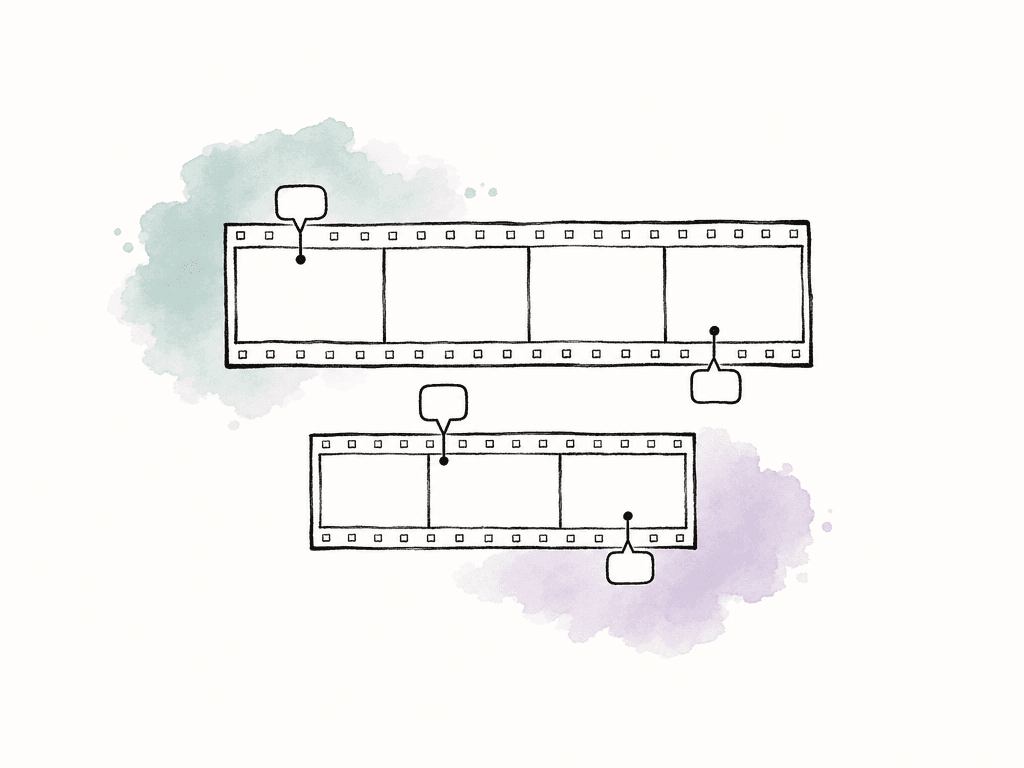
Frame.io: client comments and version uploads inside Premiere
Frame.io lets clients leave timestamped comments, time ranges, and drawings on shared cuts. A reviewer who isn't signed in enters a name and email when submitting a first comment. The sender controls whether commenting and downloading are available. For the example launch film, the marketing manager can mark the end card directly, and the editor can return to that note inside Premiere. The Frame.io V4 panel is built into Premiere 25.6 and later. It supports sequence uploads, version management, and comment markers in the timeline. That reduces the manual work of matching browser notes to an edit. Frame.io also provides a comparison viewer and version stacks. For approval, a share can expose a featured metadata field, such as status, that a reviewer can update. Decide who should use that control and what the status means. A completed comment and a changed status still need an agreed decision process behind them. The paid plans cap Pro at five members and Team at 15. Team adds internal comments, which matters when the producer needs to discuss the conflicting requests privately. Check those controls before assuming the lowest paid tier fits the project. Frame.io Drive also streams media to desktop editing applications through Mounted Storage. Its file access uses Suite Studios technology embedded in Drive, and mounted capacity depends on the plan. Aspect takes a different approach: file streaming, search, and review were built together as one product, so the source library and review work share the same project.Wipster: focused video feedback with explicit review modes
Wipster turns frame comments into tasks the editor can work through and provides side-by-side comparison for revised cuts. Reviewers can access shared media without creating an account or logging in, as explained in its roles guide. Wipster separates feedback from sign-off through Review, Approval, and Preview modes. The producer can collect changes in Review mode, then request sign-off in Approval mode when the revised cut is ready. Review links can also select a specific version. The same guide recommends maintaining an existing link and updating its selected media or revision. That means the team can preserve a familiar URL, but you'll need to check which cut it displays. Uploading a new file is only part of preparing the next review round. Wipster offers integrations with Premiere Pro, After Effects, Final Cut Pro, and Slack. Its pricing page lists unlimited reviews and reviewers, with 50 GB of storage on Light and storage starting at 250 GB on Team. Team also includes team-only comments. For a small production company, the choice may depend more on internal collaboration and retained versions than on the number of clients receiving links.Filestage: separate review groups for creative, legal, and brand
Filestage organizes review around groups of stakeholders. Its video review tools include timestamped comments, annotations, side-by-side version comparison, and separate review stages. External reviewers can enter their name and email to comment or approve without creating an account. In the launch-film scenario, the creative lead, legal reviewer, and brand owner can belong to different reviewer groups. This makes it easier to distinguish a creative decision from legal acceptance, and to keep a group from reviewing work before the intended stage. Filestage also offers automations for moving work between stages; verify the triggers and actions included in the plan you're evaluating.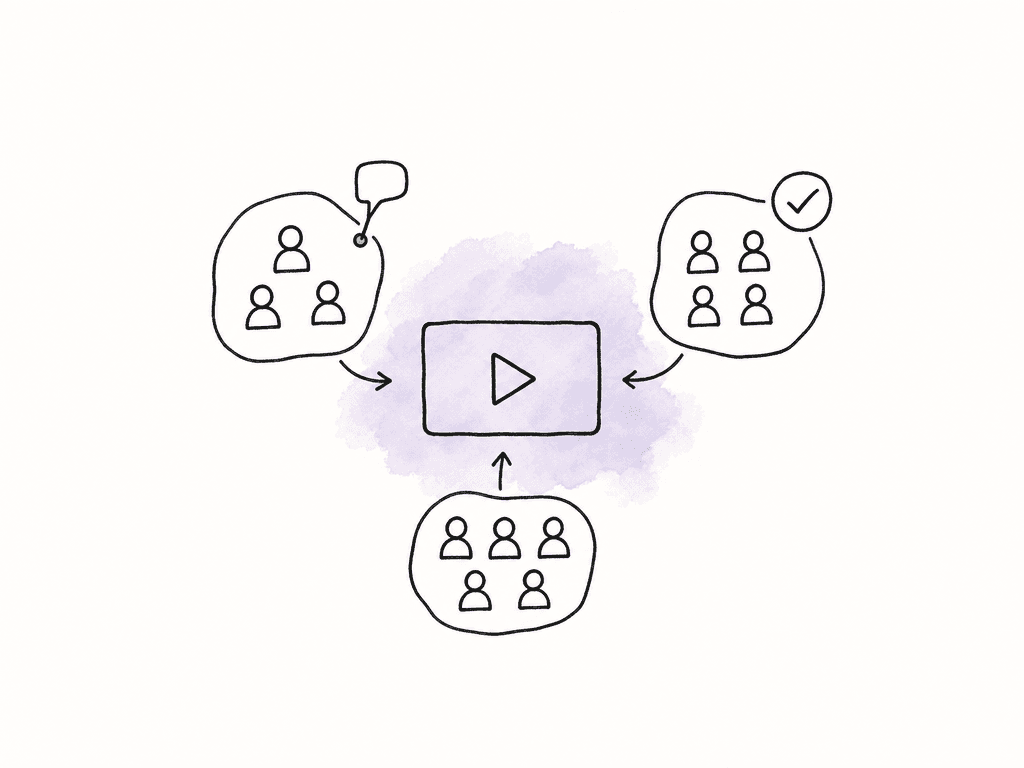
Ziflow: approval permissions and routing across departments
Ziflow separates Comment and Approve permissions. Comment permission allows feedback; Approve permission allows a reviewer to submit or revoke a decision that contributes to the stage or proof outcome. For the launch film, that lets the producer invite someone to advise on messaging without automatically making that person a required approver. Ziflow's routing tools support defined stages and reusable workflows. You can model your team's approval sequence, including stages that run in parallel. External reviewers don't need a full account. The guest access guide explains invitation links and email access codes when authentication is required. Its review tools also support annotations and version comparison, so the approval structure sits alongside the visual feedback process. Pay close attention to the plan boundaries. Standard includes two workflow stages, Pro includes three, and Enterprise lists unlimited stages. The Free plan has one stage and 60 days of review history. Pro lists advanced integrations with project management tools such as Asana and monday.com, while Adobe Creative Cloud plugins are listed on Free. Those differences can matter more than unlimited external reviewers, particularly when approval records need to remain accessible after the campaign ends.Aspect: video review alongside source footage, search, and editing access
Aspect keeps source footage, review exports, and feedback in the same project. Its review tools include frame and range comments, annotations, version comparison, and a Premiere panel for working with the library, client notes, and version uploads. Your editors can open the project as a drive on macOS or Windows, then save review exports alongside the media used to make them.
Try a complete review round with your client
Try the tools that match your review process with the people who normally comment on your work. Use a project that reflects a typical week, including a first cut, conflicting notes, and a revised export. Include someone reviewing on a phone and someone outside your organization so you can see the same invitation and commenting process your clients will use. Work through the review in order:- Receive precise feedback. Have the client mark one frame, one time range, and one general concern. Confirm that the editor can locate each note in the normal editing workflow.
- Protect internal discussion. Discuss the conflicting requests privately, then verify what the client can see through the actual review link.
- Compare a changed cut. Upload the shorter version, inspect the old comments, and confirm which revision opens for the client.
- Record an authorized decision. Have the brand owner approve the intended cut. Check whether another reviewer can change that outcome and whether a later upload requires a new decision.
- Complete delivery and retain the record. Identify the final file, download it with the appropriate permissions, and confirm that the review history remains accessible for the required period.
FAQ
Frame.io and Wipster offer frame-specific video feedback and editing integrations. Filestage and Ziflow add reviewer groups and approval stages for departments such as creative, legal, and brand. Aspect keeps review and version history alongside the source footage editors access from their desktops, with visual and spoken-content search across the library.
All five products in this guide support external review without a full product account. The exact experience differs: clients may enter a name and email address, use an invitation link, enter a shared password, or verify an email code. Check the actual link settings because account-free access doesn't necessarily mean anonymous access.
No. Resolving comments records that feedback has been addressed, while approval records an authorized person's decision about a particular revision. Identify who can approve, which version they accepted, and whether any conditions remain before releasing the file. A later revision should receive its own review decision.
Reviewers can approve individual comments, while the producer records the overall cut status in a custom metadata field. For example, the producer can set version 2 to In review, record the client's acceptance against that revision, and update the field to Approved. Keep the approval attached to a named revision so the delivery editor knows which cut to export.
Compare paid team members separately from external reviewers, then check storage, active projects, reviewer groups or workflow stages, internal comments, integration access, and review-history retention. A plan with unlimited reviewers can still be unsuitable if it lacks a required approval stage or retains history for too short a period.