
The criteria that matter
When evaluating a platform that combines media storage, client review, and AI organization, check where it stores files, how reviewers access them, and what its search can find. The first question is where the media actually lives. Some tools are cloud-first storage systems. Some connect to your existing NAS or SAN, a cloud bucket, or an archive. Some are really review tools with uploads. Check whether the tool will replace your storage or add search to the storage you already use. The second question is whether review happens where the media lives. A real combined workflow should keep comments and approvals, versions, and asset status close to the file. If review links create another disconnected copy of the work, you still have a handoff problem. The third question is what the AI actually indexes. “AI search” can mean very different things:- Transcript and speaker content
- Faces or people
- Objects, logos, and text visible in the frame
- Scene descriptions or semantic visual understanding
- Folder names, filenames, comments, and manually entered metadata
- Custom metadata fields your team creates

Workflow fit by platform
| Platform | Where the media lives | Review where the media lives | What the AI indexes | Archive metadata behavior | Operational fit |
|---|---|---|---|---|---|
| Aspect | Shared cloud filespace with mounted-drive style access, streaming, offline pinning, shared cache behavior, and enterprise archive support | Yes. Frame-accurate comments, markup, approvals, version stacking, Slack and Premiere notifications, and a Premiere Pro panel | Transcript, people and faces, objects, scene descriptions, custom metadata, natural-language search, custom object labeling, automated metadata prompts, and transcription across 160 plus languages | Archived assets and projects keep their previews, metadata, and AI access | Best fit when a team wants to consolidate storage, review, editing access, AI organization, and archive-aware search in one managed platform |
| Frame.io | Cloud-first creative collaboration platform for storing, organizing, managing, and reviewing work-in-progress assets | Yes. Strong review, playback, comments, stakeholder sharing, approvals, and collaboration across web, iOS, and iPadOS | Semantic search across images and video, transcripts where a transcription exists, comments, and more than thirty metadata fields. Face detection is explicitly not supported, and there is no logo or on-screen-text recognition | No archive tier. Media stays in pooled account storage, and exceeding the quota locks the account rather than moving anything to a cheaper tier | Best fit when review, approvals, stakeholder collaboration, and metadata-driven active work are the main bottlenecks |
| Axle AI | Connects existing folders, NAS, SAN, cloud buckets, and archive storage rather than requiring a new cloud-only workspace | Yes, with upload, review, approval, transcription, tagging, and metadata, though the client-facing review is plainer than Frame.io's or Aspect's | Semantic search, transcription, trainable faces, scene understanding, and logo/text recognition. AI tagging and transcription can run on premise, in private cloud, or in Axle AI Cloud | Archived media stays searchable. Through the Archiware P5 integration, files move to disk, LTO, or cloud, and the tape number is written back to Axle as metadata so the asset can still be found | Best fit when a facility wants AI MAM across storage it already owns or operates |
| Shumai | Self-hosted upload and management of video and image assets, based on the Kompozy review | Yes. Frame-by-frame review is supported | Semantic search over visual and conceptual meaning using Gemini vector embeddings, plus AI metadata autofill. No transcription, face recognition, object detection, or on-screen-text recognition | No archive tier of its own. Assets sit in the S3-compatible or local storage you point it at, so lifecycle and retention rules are yours to set | Best fit for technical teams that want open-source, self-hosted review with an AI layer and can operate their own infrastructure |
Aspect
Aspect is for the team that wants one system instead of three. It is a close fit when the goal is to consolidate the most common media workflow stack: shared cloud storage and local access, review and approval, and AI-powered organization. Its public site describes it as an AI platform for enterprise video teams, and its product positioning is explicitly about automating repetitive work across the media stack rather than just adding AI search to a file browser. For storage behavior, Aspect is designed as a shared cloud filespace that can mount on a computer like a network drive. Editors can work from the same file space instead of passing around duplicate folders. It also streams media on demand, pins files for offline work, and shares cache behavior across larger facilities. For review, Aspect includes frame-accurate comments and markup, approvals with version stacking, and a Premiere Pro panel. Its review page states that notes appear directly on the frame and that Aspect can notify the right people in Slack and Premiere. That makes it a true combined workflow rather than a storage system that requires a separate review platform. The AI indexing story is the strongest part of Aspect’s fit here. Aspect lets teams search footage by transcript, people and objects, scene descriptions, and custom metadata. Aspect also extracts transcripts and tags, faces and objects, and other metadata automatically as files arrive. On top of that sit natural-language search, custom object labeling, and automated metadata prompts, plus facial recognition and automatic transcription across more than 160 languages. The archive point is unusually explicit. Aspect’s enterprise notes state that archived assets and projects can preserve previews, metadata, and AI access. If archive search is part of your buying criteria, that's a meaningful distinction because many tools talk about active-library AI but are less clear about long-term metadata behavior.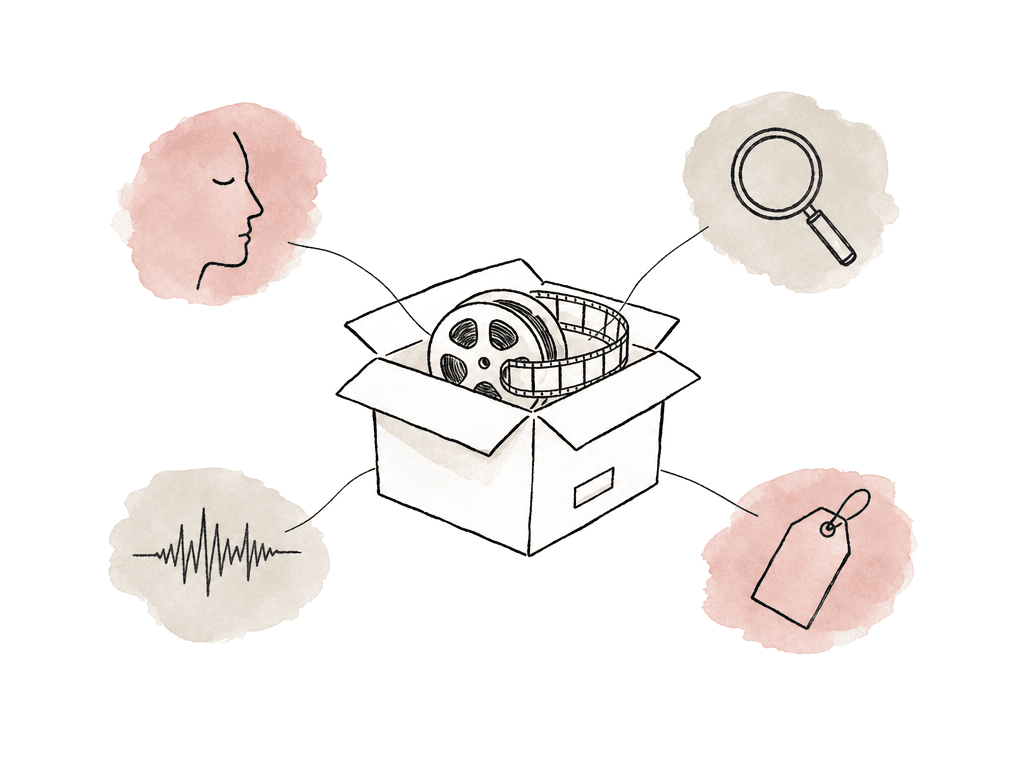
Frame.io
Frame.io is for teams whose bottleneck is client feedback and approvals. It's the obvious benchmark here because it's widely associated with media review, approval, and creative collaboration. The retrieved Frame.io V4 materials position it as a flexible platform for organizing, reviewing, and managing work-in-progress assets. Frame.io also describes a centralized, cloud-first workflow where teams can store, organize, review, and connect stakeholders across video and photo work. For review workflows, Frame.io is still one of the safer choices. Its knowledge center has a dedicated collaboration and playback area, and its public platform page emphasizes review and approvals, comments appearing with the work in progress, and stakeholder review on web, iOS, or iPadOS. If your main bottleneck is client feedback, approvals, and stakeholder access, Frame.io remains a good fit. Frame.io V4 also has a serious metadata framework. Its workflow management page says teams can use 33 built-in metadata fields plus custom fields such as status, selects, and rating, along with assignee and keywords. Collections can automatically group and spotlight folders or assets based on metadata, and saved Collections can update in real time. The AI story is more specific in some places and less clear in others. Frame.io’s help center lists AI Search under upload and organization. Its AI Assistant documentation says the assistant is built into Frame.io and understands the context of projects, assets, and folder structure, plus comments and metadata. It can build folder structures from a description and rename assets. It can also apply custom metadata in bulk and summarize reviewer comments. That's useful AI, especially for project organization and review operations. The visual indexing is narrower than Aspect's or Axle's, though. Frame.io does semantic search across images and video, so a search for a clock will find a shot with a clock prominently in frame, and it searches transcripts once a transcription exists. What it does not do is recognize faces. Frame.io lists face detection as unsupported and treats facial recognition as a feature still under consideration. Logo and on-screen-text recognition aren't offered either. If your search problem is "find every shot of this executive," that gap is the whole decision. Frame.io has no archive tier. Uploads consume pooled account storage, and there's no lifecycle mechanism that moves cold projects to a cheaper tier while keeping them searchable. Running past the quota locks the account until you free space or buy more. For a team whose library grows every quarter, that turns archive into a recurring budget conversation rather than a storage setting. Frame.io is the best fit for teams that prioritize review and approvals, stakeholder collaboration, and metadata-driven organization inside a mature cloud-first creative workflow. It isn't the best fit for buyers whose main requirement is deep AI discovery of what is inside years of footage — faces and objects, visual scenes, archive-search continuity — unless Frame.io can verify those capabilities during procurement.Axle AI
Axle AI is a strong option when the storage question starts with, “We already have storage. Can we make it searchable and reviewable?” Axle AI is AI-powered media asset management that connects existing folders, NAS, and SAN, plus cloud buckets and archive storage. That makes Axle different from cloud-first review platforms. It's less about forcing every team into one new cloud workspace and more about cataloging media, proxies, and transcripts, alongside AI tags and metadata, in a browser interface. For facilities with established storage infrastructure, that can be the better architectural fit.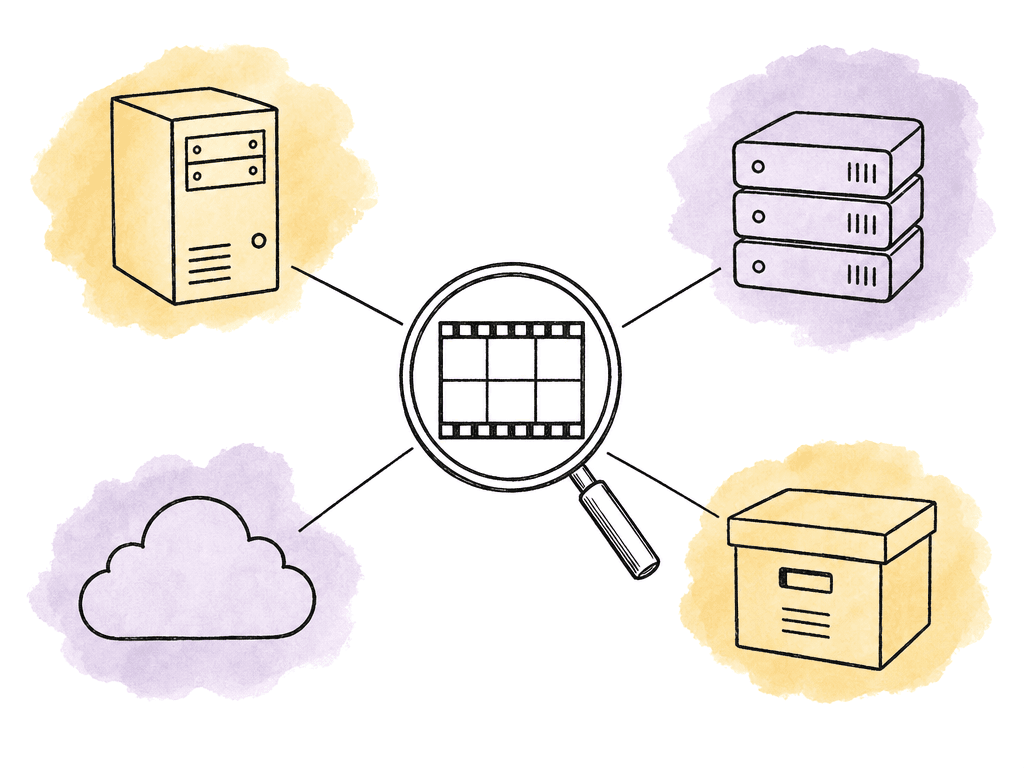
Shumai
Shumai belongs in the conversation for technical teams that want open-source, self-hosted review with an AI layer. A Kompozy review published May 21, 2026 describes Shumai as one of the more complete open-source, self-hosted Frame.io alternatives available at the time. The same review says it pairs frame-by-frame review with semantic search and Gemini metadata autofill, and that it's free under the MIT license. The tradeoff is also clear in that source: Shumai is early-stage, self-hosted only, and has no SaaS option. That makes it attractive for teams that care about data ownership and have the engineering capacity to operate their own system. It is much less attractive for teams that want a vendor-operated cloud platform with onboarding, enterprise support, and minimal infrastructure work. For the combined storage, review, and AI requirement, Shumai is closer to a self-hosted review and creative management system than a full enterprise media storage platform. Users upload video and image assets and leave feedback, and they get frame-by-frame review, semantic search, and metadata autofill. That may be enough for a small technical studio or internal tools team. It isn't a managed cloud filespace, a mounted storage workflow, or a MAM connected to NAS, SAN, and archive. The AI layer is narrow but honest about itself. Semantic search runs on Gemini vector embeddings, so you can find assets by visual or conceptual meaning, and AI metadata autofill populates custom fields on new assets. There's no transcription, face recognition, object detection, or on-screen-text recognition. Storage is whatever you point it at, using the local filesystem or any S3-compatible service such as AWS S3, Cloudflare R2, or MinIO, which also means archive lifecycle and retention are yours to configure on the bucket rather than features Shumai provides. Shumai is the best fit for technical teams that want an open-source, self-hosted Frame.io-style alternative and are comfortable operating infrastructure. It isn't the best fit for non-technical creative teams, enterprise buyers needing managed SaaS, or teams whose main problem is large-scale media storage and archive search.How to choose between them
If review and approvals are the center of gravity, start with Frame.io and Aspect. Frame.io is the most obvious review-first platform in this set, with strong stakeholder collaboration, metadata fields, and Collections built into mature review workflows. Aspect is the stronger fit when you also want the same platform to handle shared storage and editing access, AI tagging, and archive-aware AI access. If AI library discovery is the center of gravity, compare Aspect and Axle first. Aspect is a better fit when you want one cloud media platform with review and storage included. Axle is a better fit when your existing storage architecture is staying in place and you want a MAM layer that can index across folders, NAS, and SAN, plus cloud buckets and archive storage. If ownership and self-hosting are the center of gravity, Shumai is the outlier worth evaluating. It isn't the safest managed platform choice, but for technical teams that want open-source review plus AI metadata assistance, it may be the right kind of tradeoff. The most useful buying motion is to run the same test across every contender. Upload or connect a messy sample set. Include interviews, b-roll, and approved edits. Add revisions, client comments, and a few archived assets. Then search for things your team never manually tagged. Ask each platform to find spoken phrases, people, and visual concepts. Then ask for objects, client-approved versions, and old campaign clips. The gap between “AI search exists” and “AI search finds the clip your editor needs” shows up fast.Comparison table
| Platform | Storage model | Review and approval | What the AI indexes | Archive metadata | Best fit |
|---|---|---|---|---|---|
| Aspect | Shared cloud filespace with mounted-drive style access, streaming, offline pinning, and enterprise archive storage support | Frame-accurate comments, markup, approvals, version stacking, Premiere notifications | Transcript, people/faces, objects, scene descriptions, custom metadata | Archive preserves previews, metadata, and AI access | Enterprise video teams consolidating storage, review, AI organization, and archive search |
| Frame.io | Cloud-first platform for storing, managing, organizing, and reviewing media assets | Review, collaboration, playback, stakeholder sharing, approvals | Semantic search across images and video, transcripts, comments, and metadata fields, with no face, logo, or on-screen-text detection | No archive tier; media stays in pooled account storage | Teams prioritizing client review, stakeholder collaboration, and metadata-driven active work |
| Axle AI | Connects existing folders, NAS, SAN, cloud buckets, and archive storage | Review and approval are included, though the client-facing side is plainer than Frame.io's or Aspect's | Semantic search, transcription, trainable faces, scene understanding, logo/text recognition | Archives to disk, LTO, or cloud via Archiware P5, writing the tape location back as searchable metadata | Teams keeping existing storage and adding AI MAM across it |
| Shumai | Self-hosted upload and management of creative assets based on Kompozy review | Frame-by-frame review | Semantic search via Gemini vector embeddings, plus metadata autofill | No archive tier; lifecycle rules belong to the storage you host it on | Technical teams wanting open-source, self-hosted review with an AI layer |
FAQ
Start with the workflow you want to collapse, rather than the vendor list. Four differences do most of the work: where the media lives, whether review comments and approvals stay attached to the same assets, what the AI actually indexes, and whether AI metadata remains usable when media moves to archive. A tool that only searches filenames or manually entered metadata will behave very differently from one that indexes transcripts, faces, objects, scene descriptions, and custom fields.
Frame.io is the strongest review-first benchmark in this roundup. Its public V4 materials and help content emphasize review and approvals, stakeholder collaboration, comments, metadata fields, Collections, and workflow management. Aspect is also a strong option if the team wants review and approval inside the same platform as shared storage, editing access, AI tagging, and archive-aware search.
For deeper AI indexing, Aspect supports search across transcripts, people and faces, objects, scene descriptions, custom metadata, automated tags, custom objects, and natural-language queries. Axle AI supports semantic search, transcription, trainable faces, scene understanding, objects, logos, text recognition, vector search, and custom metadata. Frame.io AI Assistant has context around projects, assets, folders, comments, and metadata. Validate visual indexing such as faces, objects, logos, or scene descriptions before assuming support.
This varies more than buyers expect. Aspect keeps previews, metadata, and AI access on archived assets and projects. Axle AI archives to disk, LTO, or cloud through its Archiware P5 integration and writes the tape location back as metadata, so archived media stays searchable. Frame.io has no archive tier at all: media stays in pooled account storage, and going over quota locks the account rather than moving media to a cheaper tier. Shumai has no archive tier of its own either, because it stores assets in whatever S3-compatible or local storage you point it at, which makes lifecycle rules your responsibility.
Axle AI is a better fit when the team already has storage infrastructure it wants to keep, such as folders, NAS, SAN, cloud buckets, or archive storage. It positions itself as AI-powered media asset management that indexes existing storage rather than requiring all assets to live in a new cloud workspace. Teams whose main pain is polished client review and stakeholder approval may prefer Frame.io or Aspect, depending on whether they also need integrated storage and AI organization.
Ask whether proxies, previews, transcripts, tags, and custom metadata remain searchable after the asset leaves active storage. Aspect’s enterprise archive option is designed to preserve previews, metadata, and AI access for long-term storage.