Start with the workflow criteria
Before looking at products, define the behaviors that affect editors day to day. The important criteria are:- Does the storage appear as a normal drive or share in Finder, File Explorer, and the NLE?
- Does it download whole files, stream byte ranges, or expose a real shared filesystem?
- Can users choose cache size and location, and can admins predict how much local disk the tool will consume?
- Can an editor pin files or folders before travel and keep working with no connection?
- Is this active storage only, or does it also fit into a 3-2-1 backup strategy?
Workflow fit profile
| Option | Normal drive or share behavior | Data access model | Cache and prefetch | Offline access | Multi-project mounting |
|---|---|---|---|---|---|
| Aspect | Mounts projects or folders like a shared drive in Finder or File Explorer | Streams bytes on demand into a local cache, so no full download is required first | Cache size and location are configurable, and intelligent prefetching pulls bytes ahead of the playhead | Pin files and folders for full offline access, outside the normal cache | Mount several projects and individual folders at the same time |
| LucidLink | Presents a shared cloud filespace for editors instead of a download and re-upload workflow | Streams only the parts of centrally stored files that the workstation asks for | Cache size is configurable and defaults to 25 GiB, with up to 80 percent of it available to pinned data | Right-click pinning caches a file or folder locally and keeps it synced in the background | Each filespace carries its own mount location and cache settings |
| Suite | Described by Suite as a filesystem that mounts as a local drive on many computers | Breaks files into small blocks and streams them to the local device on demand | Cache location and size are configurable, several cache drives are supported, and an SSD is required | Pre-caching pulls a chosen file or folder down ahead of time from Finder | Confirm this in a trial if your editors cut across several projects at once |
| Avid NEXIS | Purpose-built shared media storage for Avid-centered on-prem, cloud, and hybrid workflows | Built for Media Composer, Pro Tools, and larger Avid production environments, rather than generic cloud drive replacement | Client caching is tuned for Avid editing over a facility network rather than for internet streaming | Remote and offline work depends on NEXIS Remote or on copied media | Editors mount several workspaces, with access controlled per user and project |
| On-prem NAS | Exposes SMB or NFS shares from systems such as TrueNAS, QNAP, or Synology | Local file serving over the facility LAN | Cache behavior depends on hardware and configuration. PostForward cites 10GbE as the baseline for serious post-production | Remote offline work needs copied media, a VPN, or a remote desktop | Users can mount several shares, but project behavior depends on the NAS and NLE setup |
The main storage models under the same “cloud NAS” label
Most buyer confusion starts here. These tools all present a mounted drive. Underneath, they work nothing alike.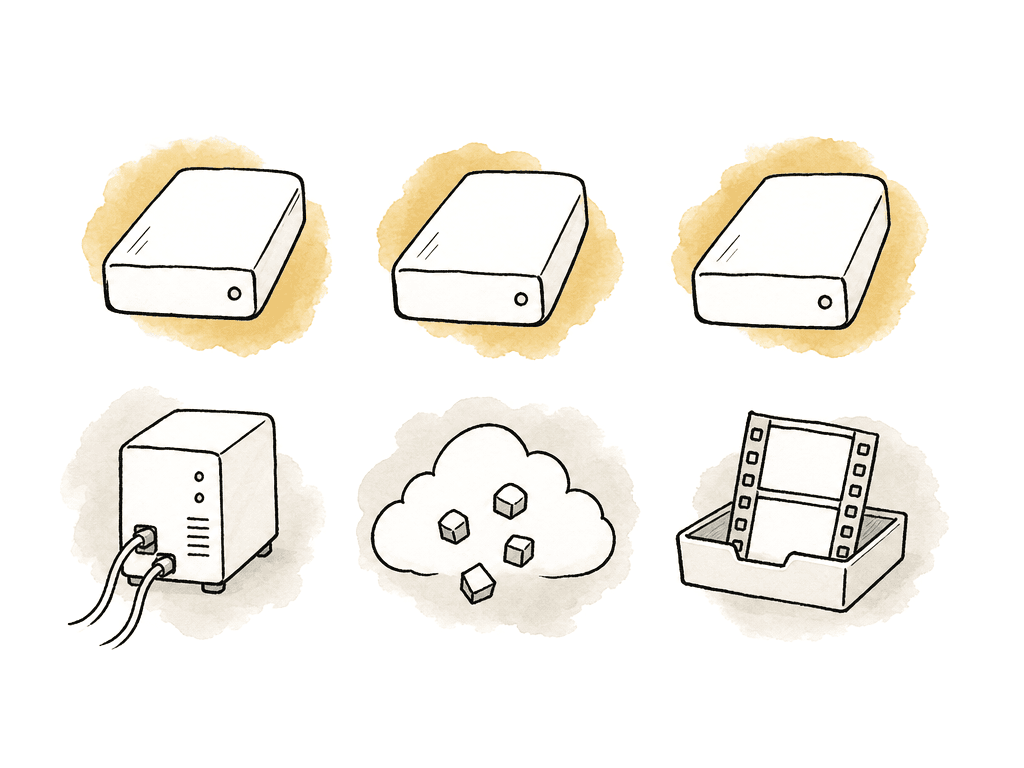
Aspect
Pick Aspect if you want cloud NAS-style mounted access and media-specific collaboration in the same workspace. The storage behavior is the core reason to evaluate it in this category. Aspect lets editors mount a project or folder so it appears like a shared drive in Finder or File Explorer. Work starts before the whole file arrives, because Aspect streams bytes on demand into a local cache. Users can also configure cache size and location. Aspect uses intelligent prefetching to fetch bytes before the editor reaches them in the video.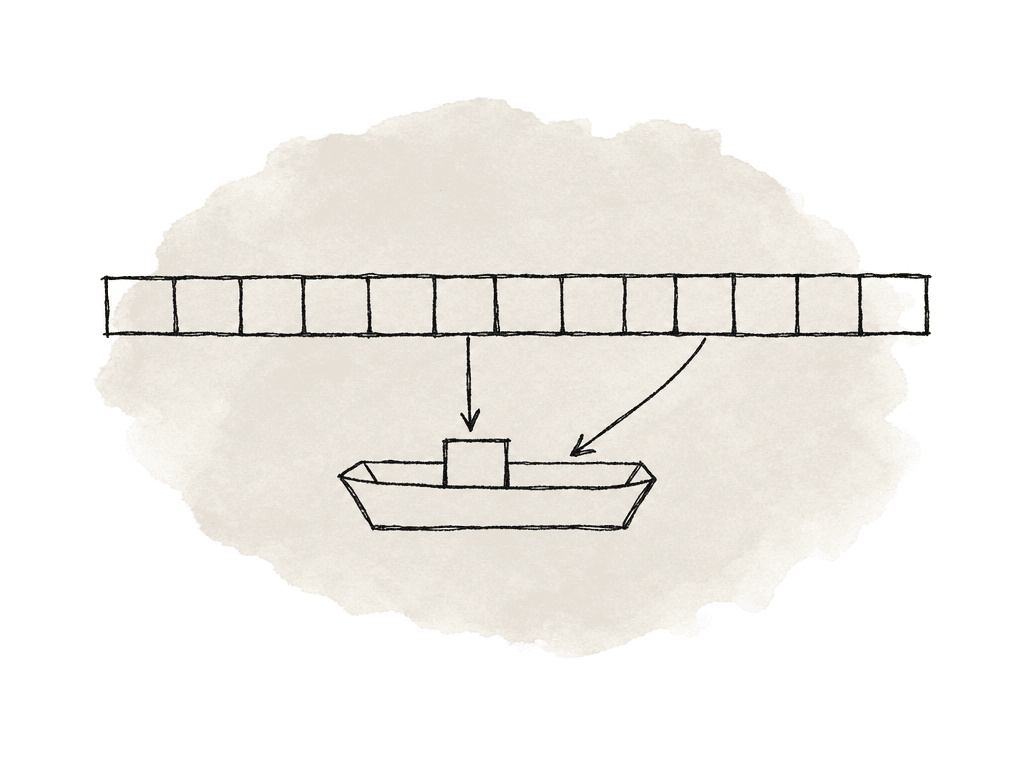
LucidLink
Pick LucidLink if the priority is a dedicated cloud file streaming layer and nothing bundled around it. LucidLink’s January 2026 cloud editing workflow keeps files centrally in the cloud while editors access only what they need, when they need it. The May 2026 LucidLink video explains the product model as connecting to a file space and streaming only the parts of the file needed, rather than downloading hundreds of gigabytes first. That makes LucidLink a strong choice for teams trying to replace the “download, edit, upload” loop with a mounted cloud filespace. If your storage decision is mostly about giving remote editors a shared volume that behaves like production storage instead of sync storage, LucidLink is a serious contender. The workflow controls underneath are more configurable than the marketing suggests. Cache size is adjustable and defaults to 25 GiB, and up to 80 percent of that can hold pinned data, which leaves the rest free for everything an editor opens next. Pinning itself is a right-click on a file or folder in Finder or Explorer, after which LucidLink caches the content locally and keeps it synced. Those two settings are what decide whether an editor can work on a plane. Test the rest in a proof of concept, because the numbers that matter are yours:- How much cache your timelines actually need
- How long a pin takes to complete over your office connection
- What happens when several editors pin the same project at once
Suite
Pick Suite if you want a cloud-native filesystem that mounts as a local drive across many remote machines. Suite’s technical article calls Suite a filesystem rather than an application. It mounts as a local drive on any number of computers. Suite says it operates like a local NAS while being accessible from anywhere with an internet connection. A LAPPG presentation describes it as a cloud-based NAS, mounted as a local drive, with media streaming to the local device. That presentation also mentions a minimum of 10 Mbps upload and download, while noting that real needs depend on the media. That suits teams who want familiar drive-based workflows without maintaining a facility NAS. Centralized cloud storage is the reason most teams start looking at cloud NAS at all, and Suite speaks to it directly. Suite's cache is configurable in the same places you would expect. You set the cache location and size, you can point it at an external SSD, and you can run several cache drives at once. Suite requires an SSD rather than a spinning disk, because it splits files into small blocks and stores them in random order. For work ahead of a flight or a weak location, right-clicking a file or folder in Finder and choosing to add it to the pre-cache pulls that media down in advance. If Suite is on the shortlist, run a real project with the connection deliberately degraded, and watch what happens when an editor jumps around a long camera original that was never pre-cached. Choose Suite over a broader media platform when you want the storage layer to stay focused, with review, AI search, and metadata workflow living in other products.Avid NEXIS
Pick Avid NEXIS if you run an Avid-heavy facility that needs media storage designed around Media Composer, Pro Tools, and larger production environments. Avid’s official documentation says Avid recommends NEXIS Collaborative Storage for media workflows including Pro Tools and Media Composer. It describes the system as designed for audio and video workflows in media and entertainment. Avid’s product page also positions NEXIS for on-premises, cloud, and hybrid workflows. Avid NEXIS Remote is available for cloud deployments and coming soon for on-premises systems. The 2026.6.0 Avid NEXIS ReadMe lists support for Avid NEXIS Ubuntu 24.04 Client on AWS and Azure. It also lists support for 600 active clients on Avid NEXIS Cloud Storage on AWS. That's a different buying decision from a small team picking a cloud drive. It's more infrastructure, and it's built for organizations that already live in Avid workflows. The concession: if your team is mostly Premiere Pro or Resolve, or you want a lightweight mounted cloud drive for freelancers, Avid NEXIS may be heavier than the problem requires. If your team is Avid-centered and needs enterprise shared storage across on-prem, cloud, or hybrid environments, it may be the more appropriate system than a general-purpose cloud NAS.On-prem NAS is still a legitimate answer
A local NAS is still the best choice when editors share a building, the media is heavy, and LAN performance has to be predictable. PostForward describes a NAS as a dedicated file server on the network, commonly used as the first shared-storage step for small and mid-sized post teams. It also notes that the critical performance factor is network bandwidth, with 10GbE as the baseline for serious post-production. The stack is familiar:- TrueNAS, QNAP, Synology, or similar hardware
- SMB or NFS shares over 10GbE networking
- RAID planning, permissions, and snapshots
- Backup jobs
- Enough local SSD or HDD performance for the number of editors
What everyone who isn't an editor gets
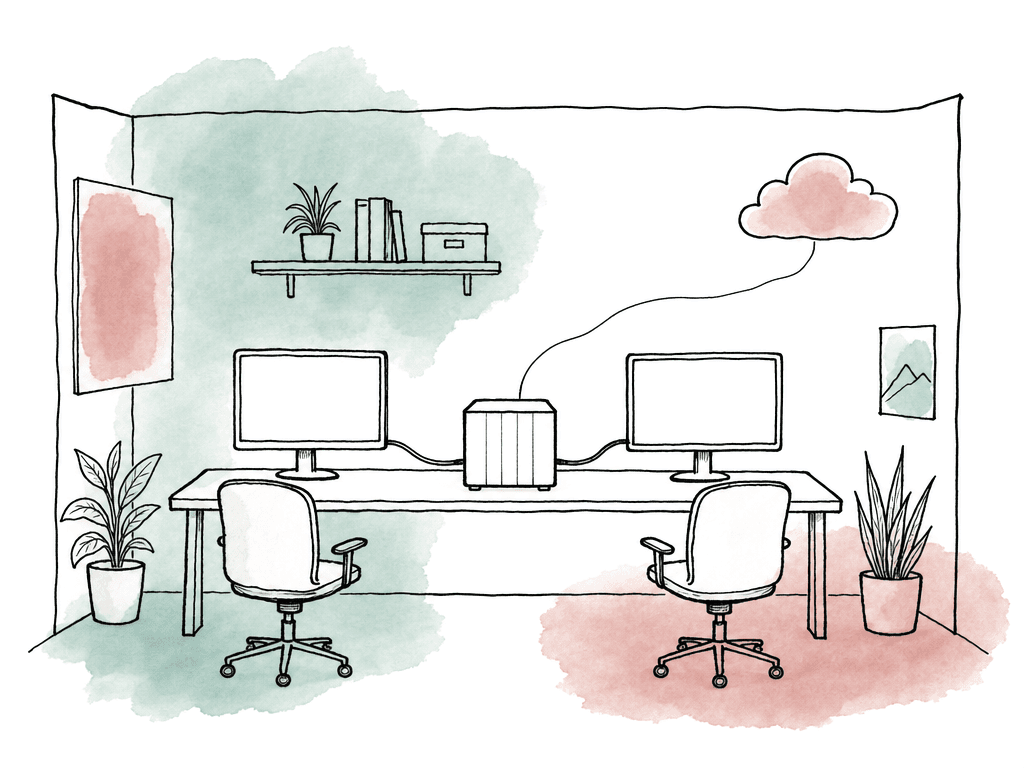
The storage layer is only half the buying decision. Once media is mounted, the next question is who else can see it. Producers, clients, and executives rarely have an NLE, and asking them to install a filesystem client to approve a cut is how review ends up scattered across email and Slack. That is where these options separate most sharply. Aspect and LucidLink have both grown a real front end on top of the mount. The other three are still storage, on purpose, and expect you to bring your own review tool.| Option | Review and approval | Web preview in a browser | Mobile app |
|---|---|---|---|
| Aspect | Frame-accurate comments, annotations, replies, version stacking, and approvals, attached to the exact asset and version, plus a Premiere Pro panel | Yes. Proxies and previews stream in the browser, so reviewers and clients never open Finder or an NLE | Yes, native iOS and Android apps |
| LucidLink | None. Notes live in email, Slack, or a separate review product | Yes. The web experience plays supported video and audio without installing the client | Yes, iOS and Android apps with thumbnail browsing and in-app playback |
| Suite | None. Review lives in a separate product you buy alongside it | Share links let a recipient download an asset, but there is no in-browser player for the filespace | No |
| Avid NEXIS | None. Review and approval come from separate Avid products such as MediaCentral | No. NEXIS serves storage, and its web console is for administration rather than viewing media | No |
| On-prem NAS | None. A review platform sits alongside the NAS | Vendor file managers such as Synology DSM or QNAP File Station play some formats, but that is file browsing, not frame-accurate review | Vendor file apps exist, though they browse files rather than run review |
How to think about bad connections
Bad connections expose the truth of the architecture.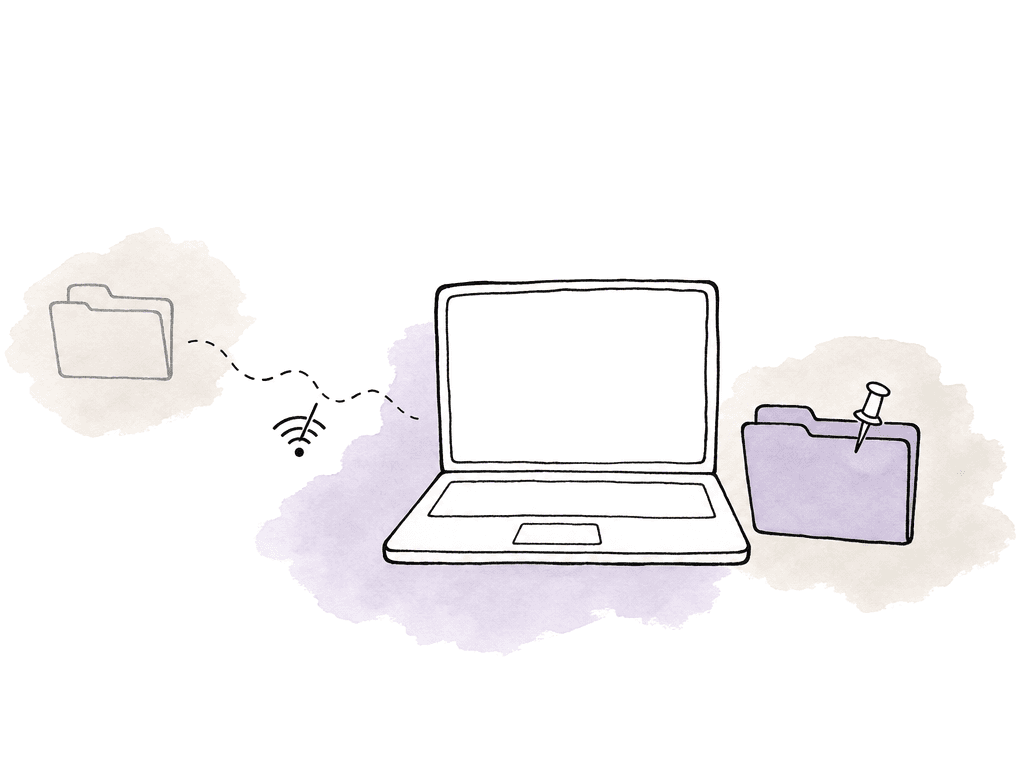
- Uncached playback stalls because the NLE requests bytes that haven't arrived yet.
- Offline work only succeeds for files or folders that were explicitly pinned.
- The user may need to reconnect before the mounted drive becomes usable again.
- Background uploads can compete with playback if bandwidth is limited.
Best-fit verdicts
Aspect is best for teams that want mounted cloud media, offline pinning, and review or asset intelligence in one platform. Configurable cache, prefetch, and multi-project mounting sit underneath that. LucidLink is best for teams that want a focused cloud file streaming system, replacing download-sync workflows with a mounted shared filespace. Suite is best for teams that want a cloud-native filesystem presented as a local drive, especially when the buying goal is familiar NAS-like remote collaboration. Avid NEXIS is best for Avid-centered production environments that need purpose-built media storage across on-prem, cloud, or hybrid deployments. On-prem NAS is best for co-located teams that need fast, predictable LAN storage and can solve remote access separately. AWS TAMS-style architecture isn't really a cloud NAS product for editors. AWS’s guidance describes TAMS as storing media as discrete chunks in object storage, reached through an open-source API for cloud-native fast-turnaround workflows. It belongs in the conversation for engineering-heavy broadcasters and platforms, not for a team that simply wants a mounted drive.Comparison by workflow fit
| Option | Best fit | Mounted-drive model | Working with a poor connection |
|---|---|---|---|
| Aspect | Video teams wanting mounted cloud storage plus review, search, and collaboration | Projects or folders mount like a shared drive in Finder or File Explorer | Pinned files stay usable offline. Unpinned uncached media still depends on the connection |
| LucidLink | Teams wanting a dedicated cloud file streaming layer | Editors access a cloud filespace instead of download and re-upload workflows | Pinned and cached data is safer than uncached data. Test streaming against real codecs and weak networks |
| Suite | Teams wanting a cloud-native filesystem that mounts like a local drive | Suite says it mounts as a local drive on any number of computers | Connection quality is central. Pre-cache anything an editor will scrub through on a weak network |
| Avid NEXIS | Avid-heavy facilities and enterprise media environments | Purpose-built Avid shared storage for on-prem, cloud, and hybrid workflows | Evaluate it inside an Avid reference workflow, not as a generic mounted drive replacement |
| On-prem NAS | Co-located edit teams needing predictable LAN performance | SMB or NFS shares from systems such as TrueNAS, QNAP, or Synology | Excellent on the LAN, weak for remote editors unless paired with another access model |
FAQ
The terms overlap in buyer conversations, but they don't always mean the same thing. A traditional NAS is a file server on a local network that exposes SMB or NFS shares. PostForward's March 20, 2026 guide describes NAS systems from vendors such as TrueNAS, QNAP, and Synology this way. A mounted cloud filesystem presents storage like a local drive, but the data may live in cloud storage and stream to the workstation on demand. LucidLink and Suite fit that general model. Aspect combines mounted access with media workflow features such as review and asset intelligence, plus caching, prefetching, and offline pinning.
The answer changes with the codec and the bitrate. It also changes with timeline complexity, cache behavior, and connection quality. Cloud streaming systems can work well when they fetch only the parts of files an editor needs, but bad connections expose uncached media quickly. The article recommends testing real projects, including multicam timelines and long camera originals, before buying. For co-located editors cutting heavy media, an on-prem NAS with 10GbE may still be more predictable than a cloud-mounted workflow.
There's no single best option for every remote team. Aspect is a strong fit when the team wants mounted cloud media in the same platform as review and searchable media context. The storage layer offers configurable cache, intelligent prefetching, and offline pinning, plus mounting several projects at once. LucidLink is a strong fit when the main goal is a dedicated cloud file streaming layer that replaces download, edit, upload workflows. Suite suits teams that want a cloud-native filesystem that mounts as a local drive. Avid NEXIS is better suited to Avid-centered enterprise environments than to lightweight freelancer cloud-drive use.
It depends on whether the needed media is already cached or explicitly pinned for offline use. In Aspect, you can pin files and folders for full offline access. Unpinned and uncached media still depends on the connection. LucidLink offers right-click pinning that caches a file or folder locally and keeps it synced, and Suite has a pre-cache action that pulls chosen media down ahead of time. In general, three things stall first on a poor connection: uncached timeline sections, large file jumps, and media that has never been requested.
On-prem NAS is the better fit when editors work mostly in one facility, the media is large, and predictable LAN performance outweighs remote access. PostForward's March 20, 2026 guide describes NAS as a common shared-storage step for post teams and cites 10GbE as the baseline for serious post-production. The tradeoff is remote collaboration. LucidLink's January 27, 2026 article notes that traditional NAS and SAN systems are fast but facility-bound, with remote editors needing VPNs, remote desktops, or shipped drives.
Only media that's already cached or deliberately saved for offline work should be treated as available without a connection. Aspect lets editors pin the files and folders they need before travel, so those assets stay available for full offline access.