Start with the lifecycle
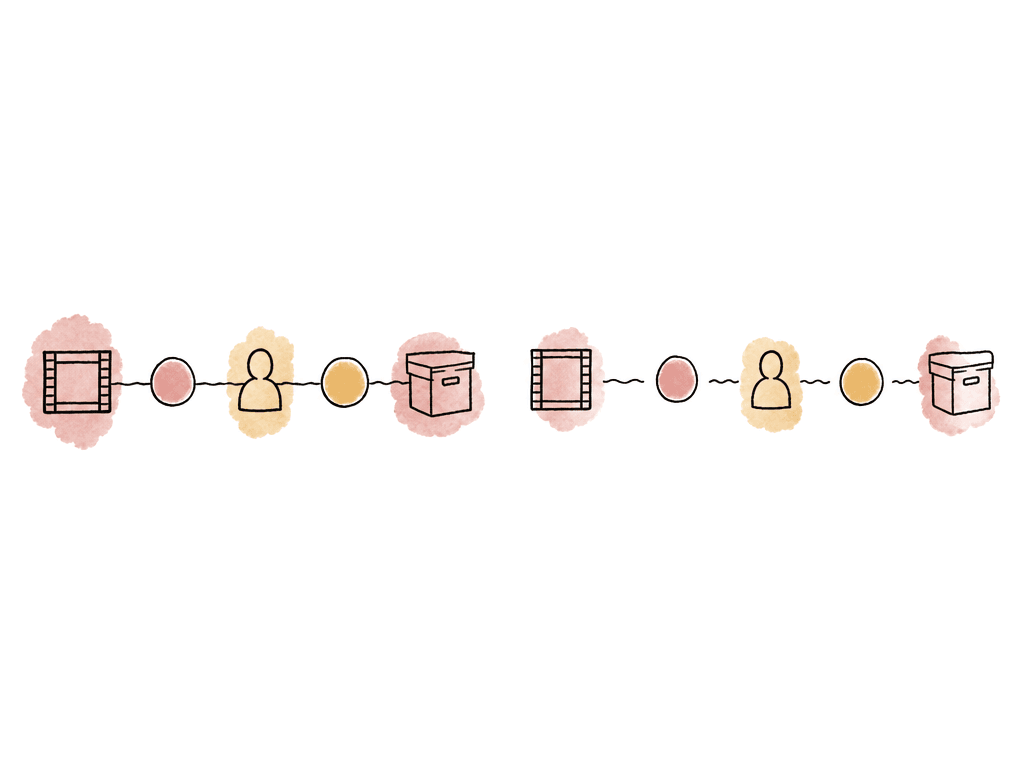
Before comparing platforms, define what "all-in-one" actually needs to cover for your team. For video review and approval, the minimum bar extends beyond playback and comments. A real review-to-archive workflow needs to preserve several kinds of context:- The exact asset and version that was reviewed
- Frame-accurate comments, annotations, or timecoded notes
- Reviewer identity and approval status
- Previewable archived media, not just downloadable storage
- Searchable metadata so your team can find old work again
final_v7_REAL_APPROVED.mov.
The criteria that separate review tools from lifecycle platforms
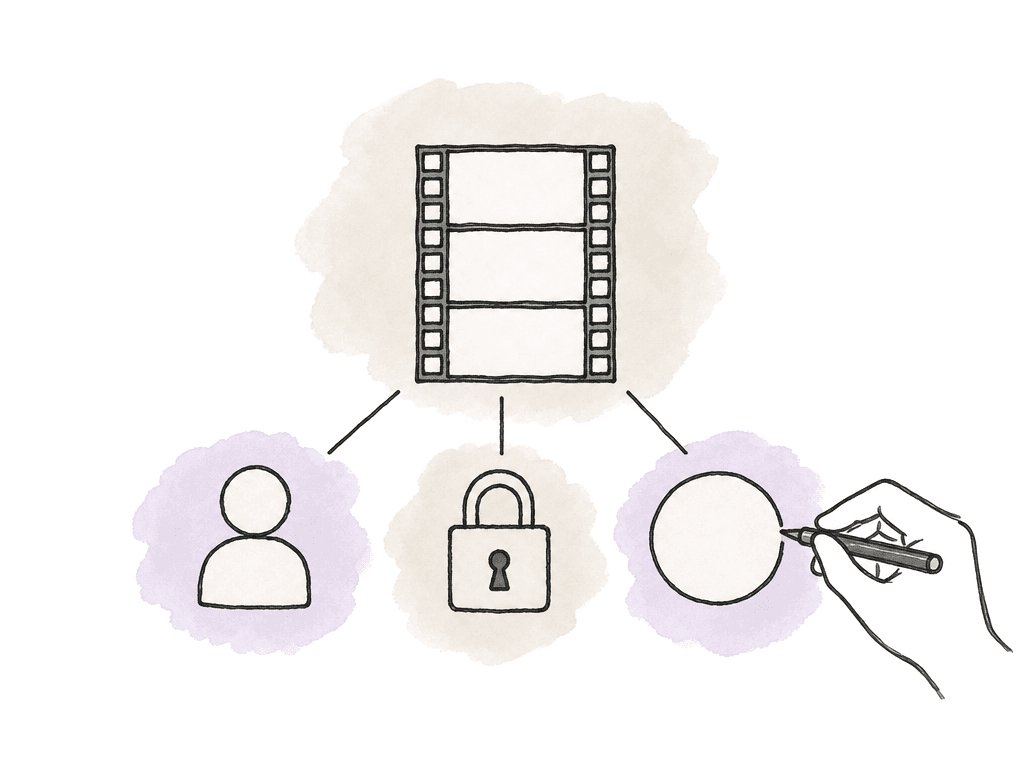
Most buyers should compare platforms against five areas. First, review precision. For video, comments need to attach to a frame, timecode, or range. If reviewers can only leave general notes, editors still have to translate feedback manually. Second, version memory. When your team uploads a new rough cut, the platform should keep old comments attached to the creative decision they refer to. It should be obvious which notes belong to which version. Third, the approval trail. Some teams only need a status like "approved." Others need reviewer-level trails and signed approvals, or one-time passwords and compliance-friendly records. Fourth, archive continuity. Closed projects should remain useful. That means feedback, approvals, and metadata should still be available later, along with previews and version context. Fifth, retrieval and reuse. Media teams increasingly need to find old footage and identify what was approved. They also need to reuse shots and understand rights or campaign context. Those criteria create a clearer buying conversation than "which tool is best?" A marketing compliance team, an editorial post team, and an enterprise media library all need review and approval. They weight these five criteria very differently.| Platform | Review precision | Version memory | Approval trail | Archive continuity | Retrieval and reuse | Strongest buyer signal |
|---|---|---|---|---|---|---|
| Aspect | Frame-accurate comments, annotations, markup, replies, and timeline ranges | Version stacking keeps feedback tied to the asset, version, frame, and timeline range | Approval support with change and revision history | Enterprise archive storage preserves previews, metadata, and AI access | AI-powered search across spoken words, people, objects, scene descriptions, and custom metadata | Best when the archive needs to remain part of the active media system |
| Frame.io | Frame-accurate comments at exact timecode, with comment cards and timeline bubbles | Version stacks are documented in Frame.io resources | Comments, review, and approval status attached to assets, without the identity-checked sign-off Filestage offers | Product page says RAW files can remain organized, retrievable, and viewable | Metadata fields and Collections support organization and retrieval | Best when media-first teams need polished cloud review and organized viewable assets |
| Filestage | Frame-accurate and time-based feedback for video and audio | Side-by-side version comparison, including comments | Verified approvals with electronic signatures and one-time passwords | Project archiving keeps feedback for future reference, with exportable reports | Strong for approval records, but long-term media preview, AI search, and reuse should be validated separately | Best when stakeholder sign-off and compliance-friendly approval records are the priority |
| Avid Content Core | Timecoded browser feedback directly on the timeline | Version comparison lets reviewers swap between versions, and content, feedback, and versions are managed in one place | Assigned reviewers, approval stages, role-based permissions, and status tracking | Archiving runs on Avid's production backbone alongside transcoding and orchestration, so archived stories stay reachable from the same system | Built around controlled production workflow and publishing rather than searchable archive reuse | Best when teams need structured review stages inside a production workflow |
Aspect: best for enterprise video teams that want review, storage, and searchable archives together
Aspect is for enterprise video teams whose archive has to stay part of the active media system. Aspect describes its platform as combining file storage with real-time collaboration, review and approval workflows, and AI-powered asset management for enterprise media teams. For review, Aspect supports frame-accurate comments, annotations and markup, plus replies, version stacking, and approvals. Its review workflow keeps feedback tied to the asset and version, and to the exact frame and timeline range. That pays off on a project with several rounds. The comment stays attached to the creative object and moment it describes. Aspect also supports generated previews and proxies. Sharing comes with permissions, password protection, and link expiry. For client or stakeholder review, that gives teams a controlled way to show work without turning every round into a download handoff. The archive angle is where Aspect is most distinct in this comparison. Aspect's enterprise archive storage preserves previews, metadata, and AI access for long-term storage. Archived assets stay previewable and searchable. They don't disappear into cold storage where every retrieval means a download, a restore, or a manual hunt.
Frame.io: best for cloud-first media review with strong stakeholder collaboration
Frame.io is for media-first teams that want a cloud-first place to centralize media, edits, and reviews, along with notes and stakeholders. Frame.io provides a platform for managing media assets, edits, reviews, notes, and stakeholders. Feedback and notes live with each asset, which is what preserves context during review. For video feedback, Frame.io's V4 knowledge center describes frame-accurate commenting. Reviewers can pause at an exact timecode and add a comment. That note appears as a comment card and a bubble at the timecode position. Its resource library also includes topics such as creating version stacks, creating review links, leaving comments, and managing shared links. Frame.io also has a broader media organization story. Its workflow management page says teams can use metadata to sort and group assets into Collections, with built-in metadata fields and custom fields. The named examples are status and selects, rating and assignee, and keywords. For teams managing many deliverables across stakeholders, that metadata layer can be useful. For archive continuity, Frame.io's product page says teams can keep RAW files organized, retrievable, and viewable when needed. That is an important claim for buyers who care about whether archived material stays useful after a campaign wraps. Where buyers should look closely is the approval trail. Frame.io covers review and comments, notes attached to assets, metadata, version stacks, and viewable archive. What it doesn't offer is the verified approval mechanism Filestage documents, with electronic signatures and one-time passwords. If your organization needs identity-checked sign-off for compliance, compare that requirement directly. Don't assume every "approval" button produces the same audit value. Frame.io is the better fit when the work is media-first and stakeholders need a polished review experience. It suits teams that want flexible organization around assets, metadata, and cloud collaboration.Filestage: best for structured marketing approvals and formal sign-off
Filestage is for approval-heavy, stakeholder-heavy workflows, especially marketing teams reviewing several asset types. Filestage lets teams share, comment on, and approve videos with automated timestamps, version control, and real-time collaboration. Filestage's supported file types page was published May 14, 2026. It says Filestage supports videos, live websites, PDFs, design files, and other marketing review assets. For video, Filestage supports frame-accurate feedback and time-based comments on the timeline across a wide range of video and audio formats. It also supports project dashboards with reviewer groups and status indicators. Filestage's help documentation describes reviewer-level statuses:- approved
- approved with minor changes
- change requests
- rejection
- no submitted review
Avid Content Core: best for structured production review inside a controlled workflow
Avid Content Core is for teams that want review and approval connected to production workflow. Avid Content Core supports structured review and approval with timecoded feedback, assigned reviewers, approval stages, role-based permissions, and status tracking. The same source says reviewers can leave feedback directly on the timeline in the browser. Teams can track, filter, and resolve reviewer comments in a controlled workflow before approval. It also describes publishing once to multiple platforms. That makes Avid Content Core a better fit for teams that care about structured production review and downstream publishing actions. Its strengths are review stages, assigned reviewers, and timecoded feedback, along with role-based sign-off, status tracking, an audit trail of who did what and when, and version comparison. Archiving is part of Avid's production backbone rather than a previewable archive tier of its own, so it doesn't promise the archive-preview and long-term approval retention that Aspect, Frame.io, and Filestage each address directly. If a closed project has to stay playable and auditable years later, make that the demo. So the buying question is simple. If your pain is controlled review inside a production workflow, Avid may fit. If your top concern is what survives project close — approvals, comments, previews, search — ask for a concrete archive demonstration.The handoff most tools break
The risky moment is the transition from active project to closed project.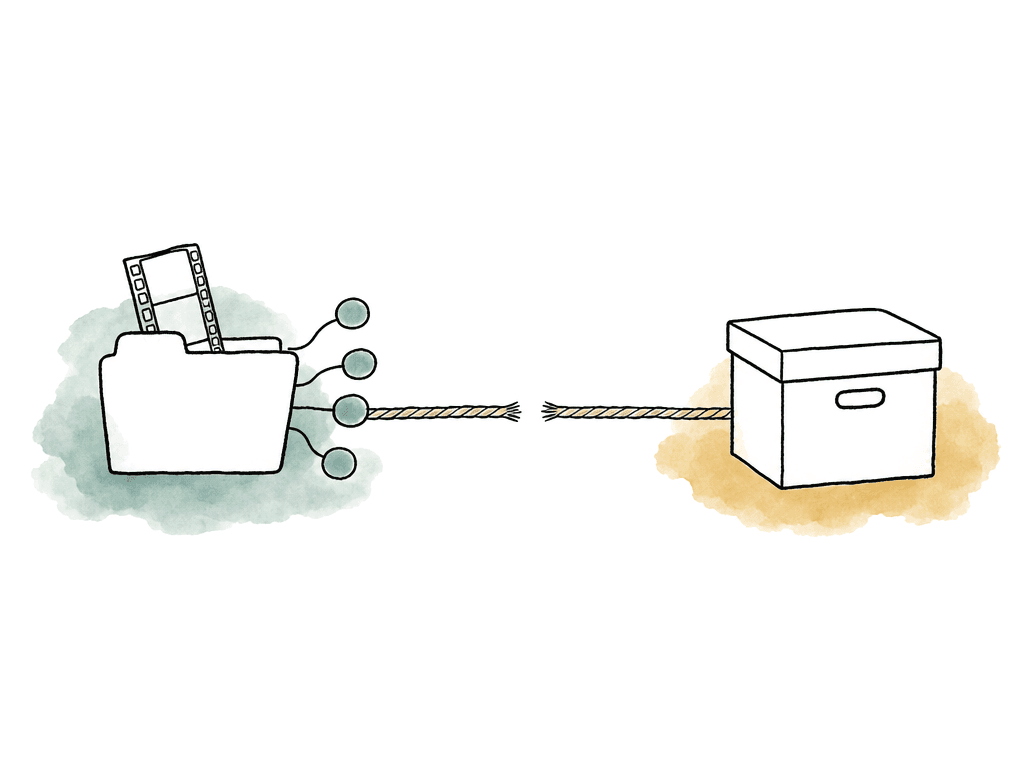
- Your team saves the final export, but the approval trail stays in the review tool
- Your team exports comments as a PDF, but the media version context is lost
- The archive stores camera originals, but not previews or review notes
- Your team retains old work, but nobody can search it by contents
- Your team archives a project, but retrieving it requires downloading large files before anyone can confirm what is inside
Best-fit verdicts
Aspect is best for enterprise video teams that want storage, review, and approval in one media platform, with AI search and archive continuity attached. It is especially relevant when archived material has to stay previewable, searchable, and reusable. Frame.io is best for media-first teams that want cloud review with frame-accurate comments. Version stack workflows, metadata, and viewable media archives come with it. Filestage is best for marketing, brand, and legal approval workflows, including regulated ones. Those teams need reviewer status, version comparison, and verified approvals, plus exportable reports. Deep media library management is secondary for them. Avid Content Core is best for production teams that need assigned reviewers and approval stages. Role-based permissions, timeline feedback, and status tracking sit inside a broader production workflow.Comparison table
| Platform | Best fit | Review precision | Approval trail | Version handling | Archive and retention | Main tradeoff to validate |
|---|---|---|---|---|---|---|
| Aspect | Enterprise video teams needing review, storage, AI search, and archive continuity together | Frame-accurate comments, annotations, timeline ranges, markup | Approval support and change/revision history | Version stacking tied to asset context | Enterprise archive storage preserves previews, metadata, and AI access | May be more platform than needed for lightweight marketing proofing |
| Frame.io | Cloud-first media teams managing WIP assets, notes, stakeholders, and metadata | Frame-accurate comments at exact timecode | Review and approval positioning, with notes living on assets | Version stacks referenced in resources | Product page says RAW files can stay organized, retrievable, and viewable | Verify approval audit depth if your organization requires identity-checked sign-off |
| Filestage | Marketing and regulated teams needing structured stakeholder approvals | Frame-accurate, time-based video feedback | Verified approvals with electronic signatures and one-time passwords | Side-by-side version comparison with comments | Project archiving keeps feedback for future reference, with exportable reports | Validate long-term media preview, search, and reuse needs beyond approval records |
| Avid Content Core | Production teams needing controlled review stages and publishing workflow | Timecoded browser feedback directly on timeline | Assigned reviewers, approval stages, role-based permissions, status tracking | Tracks, filters, and resolves reviewer comments before approval | Archiving sits inside Avid's production backbone rather than a separate previewable archive tier | Ask for a project-close and archive demonstration |
FAQ
There's no single best choice for every team. Aspect is the strongest fit when video review, storage, AI search, metadata, and previewable archive continuity need to live in one media platform. Frame.io is a strong fit for cloud-first media review and stakeholder collaboration. Filestage is better when formal stakeholder approval, reviewer status, reports, and verified sign-off are the priority. Avid Content Core fits teams that need structured review stages inside a controlled production workflow.
Many tools handle comments during active review, but the workflow can break after approval. Approvals end up living separately from final files. Comments get exported without version context. Archived media becomes hard to preview, and teams cannot prove which reviewer approved which version. A useful archive should preserve the asset, version history, comments, approvals, metadata, and preview access after the project closes.
Filestage supports formal approval trails in this comparison. Its verified approvals documentation describes electronic signatures and one-time passwords, and says these support compliance with FDA 21 CFR Part 11 and EU Annex 11. That makes Filestage a strong fit for marketing, legal, brand, and regulated review workflows that need identity-checked sign-off.
Yes. Frame.io's V4 knowledge center describes frame-accurate commenting at an exact timecode. Frame.io also says feedback and notes live with each asset, and its resources reference version stacks, review links, shared links, and deleted asset recovery. Buyers should separately verify the depth of its approval audit trail if they need signed or identity-checked approvals.
Aspect is positioned more as a cloud media platform than a lightweight proofing tool. It combines file storage, collaboration, review and approval workflows, custom metadata, generated previews and proxies, permissions, and AI-powered asset management. Its archive storage is described as preserving previews, metadata, and AI access. That helps teams who need to find, preview, and reuse approved media after a project closes.
They should stay connected to the exact asset, version, frame, and project context instead of being exported into a separate PDF or lost in email. Aspect supports long-term project archiving while preserving previews, metadata, and AI search access for archived assets through its archive storage.