Start with the workflow map, not the subnet map
Before you create VLANs or firewall rules, map how media actually moves through the shop. Security decisions get messy when your team makes them around device names instead of workflows.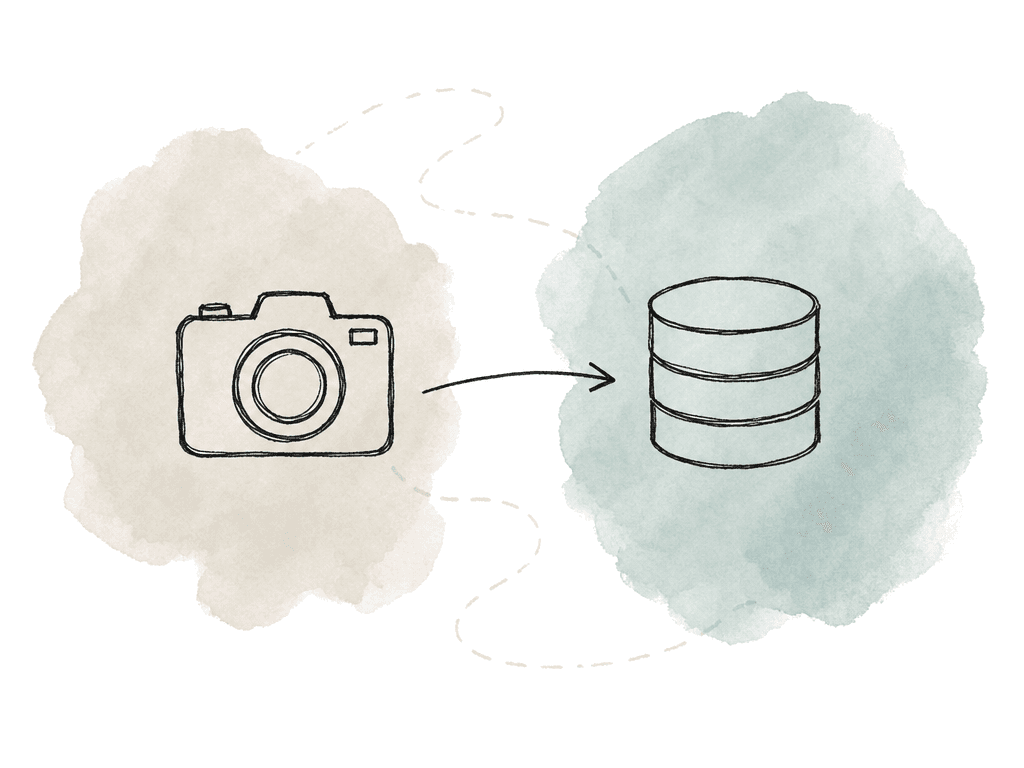
- Camera card ingest to shared storage
- Editorial workstations reading proxies or high-res media
- Render nodes pulling source media and writing outputs
- Remote editors, producers, clients, and vendors accessing selected systems
- Cloud sync, archive, backup, and delivery services moving media outside the facility
Segment the network around trust and traffic type
Network segmentation is where the setup starts to become real. In most post environments, VLANs are the right building block. Normal managed switches support them, they keep broadcast domains sane, and they give your firewall or Layer 3 switch a clear place to enforce policy. A useful segmentation model for post includes zones like these:| Zone | Typical systems | Commonly allowed access | Commonly restricted access |
|---|---|---|---|
| Office | Email, finance systems, printers, general user devices | Internet, office file services, approved business apps | Production storage, storage admin, render management, finishing systems |
| Production editorial | Edit workstations, assistant editor stations, project tools | Editorial storage, license servers, project databases, review upload tools | Management interfaces, backup consoles, office admin systems |
| Shared storage | NAS, SAN clients, media servers, storage controllers | Media client protocols from approved production VLANs, storage replication where required | Guest Wi-Fi, broad office access, direct internet exposure |
| Ingest and transcode | Card readers, DIT systems, watch folders, transcode nodes | Write access to ingest storage, access to transcode queues and metadata tools | Finance systems, unrelated project shares, unrestricted outbound internet |
| Finishing | Color, online, mastering, high-value media workstations | Required storage, license servers, delivery or review systems | Guest networks, vendor networks, general browsing paths where avoidable |
| Render and compute | Render workers, encoding nodes, automation runners | Source media, queue manager, license server, output locations | User file shares, email, broad web access, administrative networks |
| Management | Firewalls, switches, hypervisors, storage admin, appliance consoles | Admin workstations, jump hosts, monitoring systems | Normal user workstations, remote users without privileged approval |
| Remote access | VPN, ZTNA, remote desktop gateways, jump hosts | Specific apps, desktops, or services based on identity and role | Full subnet access, storage admin by default, unmanaged vendor paths |
| Guest and client Wi-Fi | Client laptops, phones, visitor devices | Internet only | Facility LAN, production storage, management systems |
| Vendor exchange or DMZ | Transfer portals, review tools, cloud gateways | Specific upload, download, delivery, or API destinations | Internal production subnets except explicitly required paths |
- Office network for email, finance, general web use, printers, and admin systems
- Production editorial network for edit workstations and editorial project access
- Shared storage network for NAS, SAN clients, media servers, and storage management
- Ingest and transcode network for card readers, DIT carts, transcode systems, and watch folders
- Finishing network for color, online, mastering, and high-value media access
- Render or compute network for render workers, encoding nodes, and automation systems
- Audio control and audio-over-IP networks where required by the equipment
- Management network for switch, firewall, hypervisor, storage, and appliance administration
- Remote access network for VPN, zero trust network access, jump hosts, or remote desktop gateways
- Guest and client Wi-Fi with internet-only access
- Vendor exchange or DMZ network for systems that receive or send content externally
- Backup and archive network for backup servers, LTO, object storage gateways, and replication tools
Keep high-performance media networks separate from general security traffic
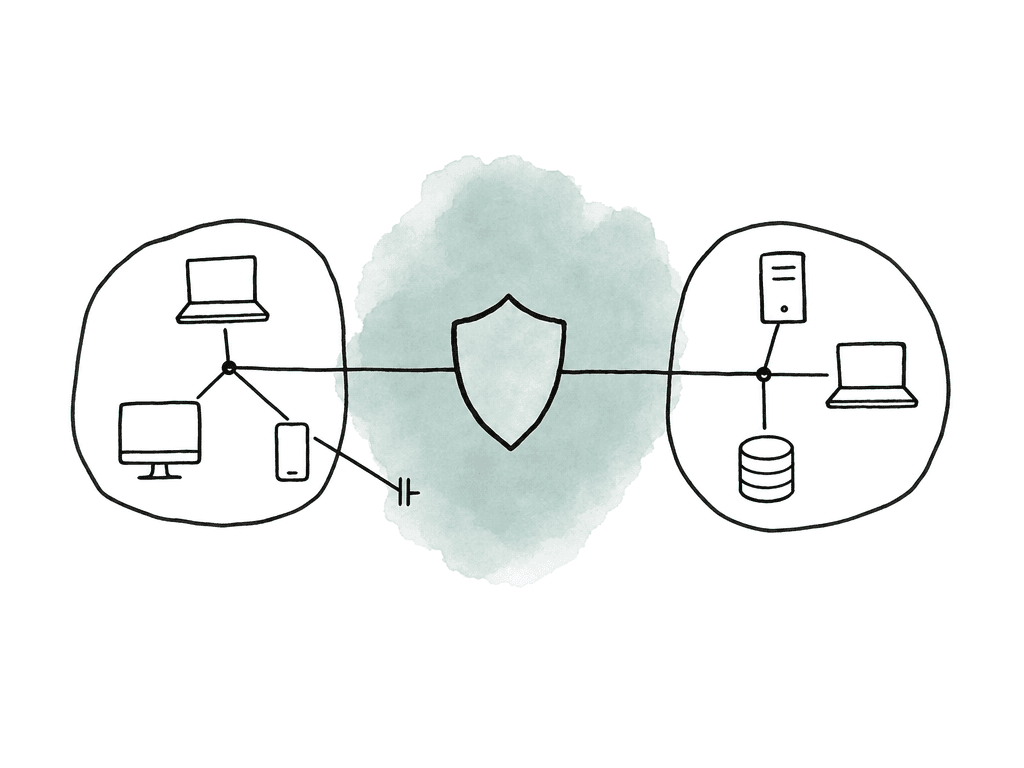
Post-production networks aren't like normal office networks. Security controls that are fine for email and web browsing can break real-time media workflows if you place them in the wrong path. Shared storage and audio-over-IP often have specific network requirements, and so do control surfaces and timing-sensitive systems. Avid EUCON control surfaces, for example, are Ethernet devices, but they aren't happiest on a noisy general-purpose LAN. Avid guidance recommends dedicated network interfaces or separate networks in some Pro Tools configurations, especially when EUCON is used alongside systems such as Dante, MTRX, or other audio/control traffic. Any temporary Ethernet interruption can disrupt the control surface connection. The same principle applies to other specialized media traffic. Design Dante, AVB, and PTP timing networks intentionally. NEXIS production networks and SAN client traffic need the same deliberate treatment. Don't casually put intrusion prevention, deep packet inspection, or chatty office devices in the middle of a low-latency production path without testing. Protect these networks by controlling who can join them and what can route into them. Keep admin access on a management network. Restrict workstation membership by switch port, and use MAC controls where they help. Add 802.1X where you can support it, and set clear firewall policy at the edge. Monitor the traffic, but avoid inline security devices that introduce jitter or packet loss unless the vendor qualifies them for that workload. Security shouldn't make playback stutter. If it does, people will bypass it.Build ACLs from roles, not exceptions
Access control lists are where many post networks drift into chaos. The first version is clean. Then a producer needs access to something, a vendor needs a temporary path, and a freelancer arrives. A storage migration happens. Six months later the firewall is full of rules nobody wants to touch. Start with roles. Avid’s role-based security guidance is useful here because it matches the real tension in post: people need fast access to media, but only to the media and systems required for their job. That idea maps cleanly to network policy. Useful roles might include:- Assistant editor
- Editor
- Colorist or finishing artist
- Audio mixer or sound editor
- IT administrator
- Default deny between zones
- Allow only required source, destination, protocol, and port
- Limit management interfaces to the management network
- Require remote users to land in a controlled access zone, not directly onto the production LAN
- Add expiration dates or review dates for vendor and temporary rules
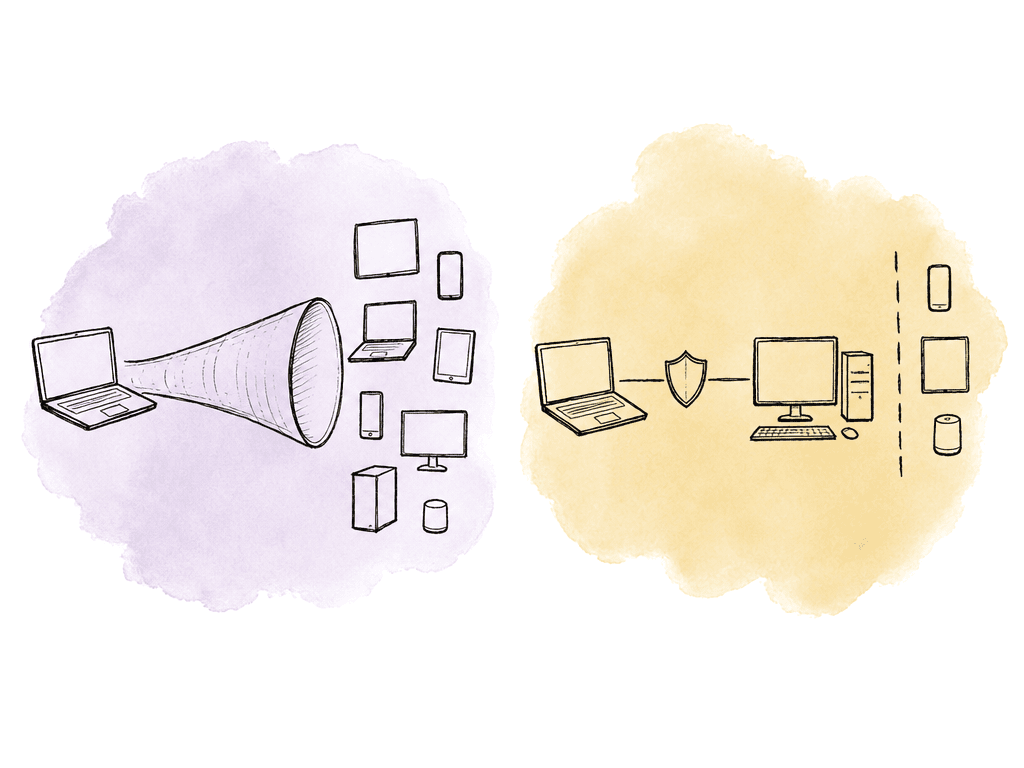
Treat VPN as an access path
VPNs are still common in post because they're familiar and they work with on-prem systems. The problem is that many VPN setups act like a drawbridge: once someone authenticates, they can reach far more than they should. That isn't enough for modern post. Remote workflows now involve home networks, unmanaged devices, and cloud services. Vendor tools and people moving between shows add to the surface. Avid’s security guidance calls out the risk of extending facility access to remote collaborators through VPNs without tight controls. MovieLabs’ zero trust recommendations push the same direction: your access system should grant access per session, based on identity, device state, and policy, with least privilege applied. For remote access, you want these controls in place:- Multifactor authentication for every remote user
- Named accounts, not shared VPN logins
- Role-based access groups mapped to firewall policy
- Device posture requirements where possible, such as managed endpoint, encryption, and current security patches
- No split tunnel for sensitive workflows unless you have a clear reason and monitoring
- Session logging for remote desktop, file access, and administrative actions
- Regular review of remote users, groups, and point-to-point connections
- Separate vendor access paths from employee access paths
Put production servers behind controlled zones
A common failure mode is dropping a new media server, NAS, automation controller, or transcode box onto the nearest open switch port. It works, so it stays there. That's how production infrastructure ends up exposed to office laptops, guest devices, and malware from general-purpose browsing. Put servers in server or production zones with explicit access rules. The same applies to cloud gateways and MAM systems, to transfer tools and license servers, and to render managers. For each server, document the service ports it actually uses. Some media applications rely on a known list of TCP and UDP ports plus HTTPS APIs. Others open multiple service ports for agents, databases, search, indexing, or inter-node communication. The vendor documentation is what settles it, because guessing leads to either broken workflows or overly broad rules. A sane server rule set includes:- Client access only from the VLANs that need the service
- Admin access only from management workstations or a jump host
- Service-to-service access only between known systems
- Outbound internet access limited to updates, licensing, cloud endpoints, or transfer destinations that are required
- Logging enabled for denied traffic during testing
- No direct inbound internet exposure unless your team has designed and hardened the system for it
Monitor for behavior alongside outages
Post teams already monitor performance: storage throughput, render failures, and upload speeds. Dropped frames and offline media get watched too. Security monitoring needs to sit beside that, because many incidents first look like normal technical weirdness. A ransomware event may start as unusual SMB activity. Credential misuse may look like a login from a new location at an odd hour. Data exfiltration may look like an unexpected outbound transfer from a finishing machine. Malware may show up as DNS requests from a render node that shouldn't be browsing the web at all. Good monitoring sources include:- Firewall allow and deny logs
- VPN or remote access logs
- Switch port status, MAC address changes, and VLAN changes
- DNS logs
- Authentication logs from directory services and identity providers
- Storage access logs, especially for high-value shares
- Endpoint detection and response alerts
- IDS or IPS alerts at the internet edge and between sensitive zones
- Cloud storage and transfer logs
- Application logs from MAM, automation, transcode, and delivery systems
Design threat detection around the assets clients care about
Not all alerts deserve the same response. A malware warning on a guest Wi-Fi phone isn't the same as suspicious access to unreleased camera originals. A failed login to a printer isn't the same as a new outbound transfer from the mastering network. Define your high-value assets and watch them closely:- Camera originals
- Editorial project files
- Edits before release approval
- VFX pulls and finals
- Color timelines and graded masters
- Audio stems and final mixes
- Screeners and review exports
- Client delivery packages
- Credentials, API keys, and service accounts
- Backup repositories and archive indexes
Make incident response specific to post
Incident response has to match how your facility works under deadline pressure. When something suspicious happens, people will ask the same questions every time: Can editorial keep cutting? Is client media exposed? Do we shut down the VPN? Are backups clean? Who calls the studio? Can we deliver today? If you haven't answered those in advance, the response will be improvised. Your incident procedure should define these response moves:- How to isolate a workstation, server, VLAN, or VPN group without powering off shared storage unnecessarily
- Who has authority to disable accounts, block firewall rules, or stop transfers
- How to preserve logs from firewalls, storage, endpoints, identity systems, and cloud services
- How to identify which projects, shares, or assets may have been touched
- How to contact clients, vendors, legal, insurance, and studio security teams
- How to switch to alternate workflows if the main storage, VPN, or transfer system is unavailable
- How to restore from backup without reintroducing the compromise
- How to document the timeline while people are still working the problem
Review rules on a production rhythm
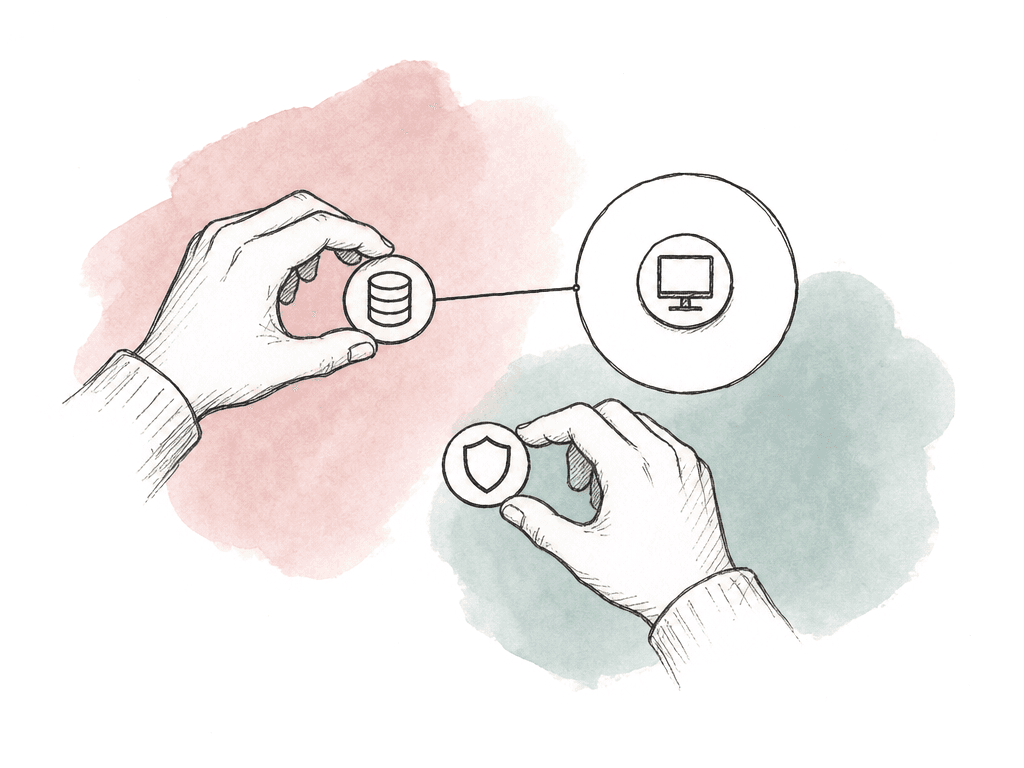
Post networks change constantly. Shows start and wrap, freelancers come and go, and your team adds vendors. Cloud tools get tested and abandoned. Temporary firewall rules become permanent because nobody remembers why they exist. Security maintenance needs to follow the production rhythm. Review remote access, vendor paths, and VPN users at regular intervals, and do the same for firewall rules and privileged accounts. Three months is a good cadence for active environments. Six months is the outer edge for anything touching sensitive production content. Pay special attention to:- Users who are no longer on an active show
- Shared accounts people use for convenience
- VPN groups with broad subnet access
- Admin accounts without MFA
- Storage shares open to large groups
The setup that usually works
For most post teams, the right target is a segmented network with role-based access and default-deny routing between zones. Add MFA-backed remote access, tuned monitoring, and a rehearsed incident process. That's much stronger than a flat LAN behind a firewall, and it doesn't require turning the facility into a bank. Start with the highest-risk, easiest-to-fix areas, in this order:- Isolate guest Wi-Fi from everything else.
- Require MFA for remote access.
- Restrict the management network to admin workstations and jump hosts.
- Lock down storage administration.
- Remove broad any-to-any rules.
FAQ
Start by mapping how media and project data move through the facility. Identify which systems need to talk to each other for ingest, editorial, and render, then do the same for finishing, audio, and review. Cover backup, delivery, and remote access as well. That workflow map should drive VLAN design, firewall rules, and access control decisions.
Common zones include office, production editorial, and shared storage; ingest and transcode, finishing, and render or compute; audio control or audio-over-IP, management, and remote access; and guest Wi-Fi, vendor exchange or DMZ, and backup or archive. Smaller facilities can begin with fewer zones, but guest, management, storage, production, and remote access should usually be separated early.
Not always. High-performance media storage, audio-over-IP, and control surfaces can be sensitive to latency, packet loss, and jitter, and so can timing systems and SAN traffic. Protect these networks by limiting who can connect, controlling routing into them, and monitoring traffic. Avoid placing untested inline inspection tools in paths that support real-time playback or recording.
Remote users should be granted access based on identity, role, device posture, and specific workflow need. Use multifactor authentication, named accounts, and role-based groups, then add session logging and narrow access to specific systems or services. Avoid giving VPN users broad subnet access just because they authenticated successfully.
Useful sources include firewall logs, VPN logs, and switch or VLAN changes, plus DNS logs, identity and authentication logs, and storage access logs. Endpoint detection alerts, IDS or IPS alerts, cloud transfer logs, and application logs from MAM, transcode, automation, and delivery systems round it out. Good detections focus on behavior: unusual SMB activity, large unexpected transfers, new admin accounts, access outside normal hours, and traffic between zones that shouldn't communicate.
Put external review in a controlled sharing path instead of opening SMB, VPN, or SAN access. Aspect lets teams share specific files or folders with scoped access controls, password protection, and link expiry through granular sharing permissions.