- Absolute paths
- MAM records and proxy links
- AAFs, XMLs, and LUT folders
- Audio turnovers and camera reports
- Permissions
Start with the migration boundary
Decide what kind of move you're actually doing. A storage upgrade can mean several different things, and each one changes the risk profile. Common migration shapes in media environments include:- Replacing an aging NAS or SAN with a larger on-prem system
- Moving project storage from direct-attached RAID to shared storage
- Consolidating loose production drives into managed storage
- Moving nearline or archive media to object storage or cloud-backed storage
- Replatforming from one MAM or archive system to another
Inventory the source like you expect surprises
You can't migrate what you haven't counted. Most facilities discover something ugly during the inventory: forgotten shuttle drives, duplicated shoot days, folders named “final_final_really_final,” media living outside the official project tree, or a MAM database pointing to paths that no longer exist.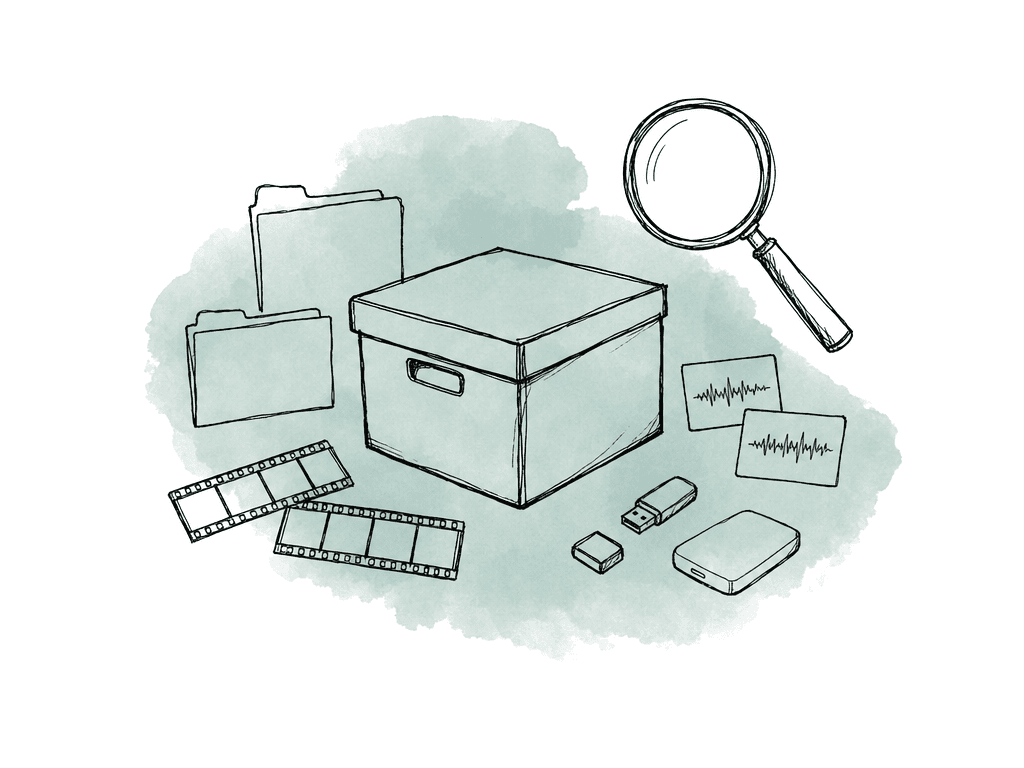
- Source location, such as volume, share, bucket, tape set, or drive label
- Total size and file count
- Folder owner or department owner
- Project, client, show, season, or archive collection
- Active, nearline, archive, legal hold, or delete candidate status
- File types, including camera originals, proxies, audio, project files, renders, graphics, stills, and documents
- Known application dependencies, such as Avid, Premiere Pro, Resolve, Pro Tools, MAM, render farm, transcode farm, or automation scripts
- Permission model and user groups
- Current backup status
- Path sensitivity, including absolute path references and mount point assumptions
Decide what shouldn't move
A storage upgrade is a rare chance to stop paying for old mess. It means classifying before deleting. Useful categories are:- Must move now: active projects, current season media, shared assets, show templates, brand packages, production-critical databases
- Can move later: cold archive, completed shows with no current requests, legacy renders that are backed by reproducible project files
- Should be preserved but not promoted: old project drives, unknown folders, stale exports, orphaned camera rolls
- Should be excluded after approval: duplicates, failed transcodes, cache folders, preview files, temporary renders, software installers, user trash
- Needs special handling: legal hold material, licensed stock, sensitive client assets, unreleased content, payroll or personal data mixed into production folders
Create source-side checksums before copying
Checksum after the copy is useful, but checksum before the copy is essential. The source-side checksum is your fingerprint of record. Without it, a destination verification can only tell you that two reads match at that moment, not that the destination matches the source as it existed when the migration began.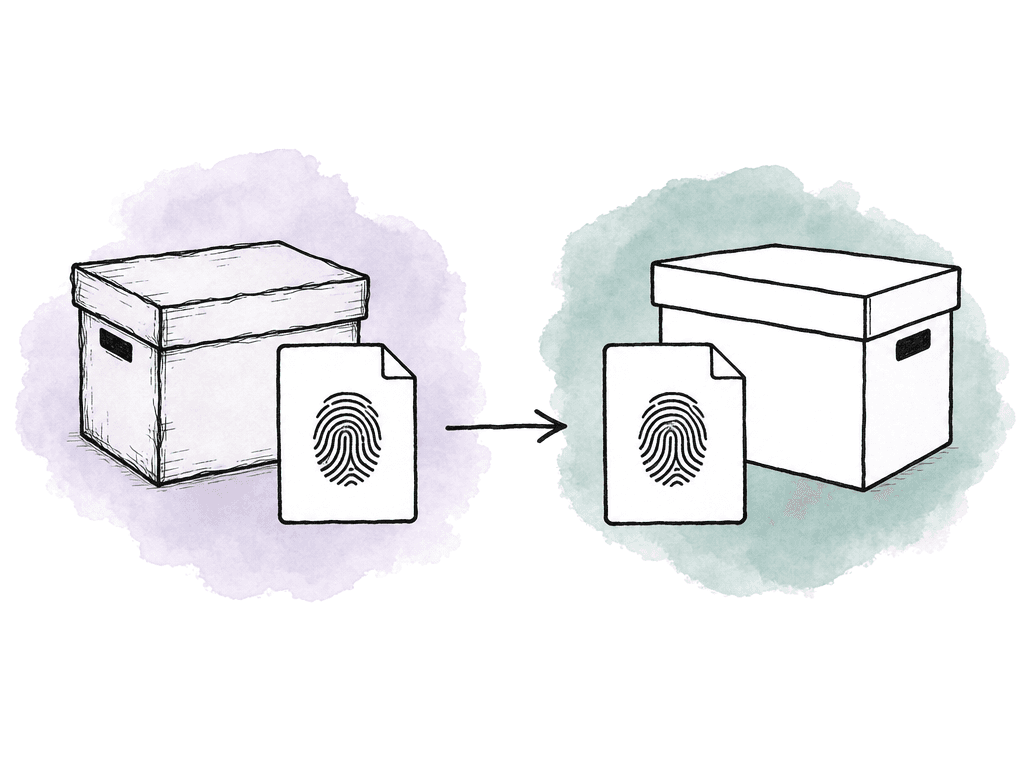
- MD5 is still common for media transfer reports and accidental corruption detection
- SHA-256 is stronger, and teams often prefer it when security or long-term evidary value matters
- xxHash is very fast and useful for large-scale internal verification when supported by your tools
- Tool-generated reports from offload or copy applications can be useful if they include file paths, file sizes, hashes, timestamps, tool version, and result status
Build the copy method around change rate
The right copy strategy depends on whether the source is quiet or still changing. You can often copy archive volumes once, verify them, and mark them complete. Active project storage needs staged copies and a short final sync window. There are three common patterns:- One-pass copy: best for read-only archive, completed projects, or sources you can freeze for the full duration
- Staged copy with delta sync: best for active shares where most data can move while users keep working, followed by a shorter final sync
- Snapshot-based copy: best when the storage platform can present a consistent point-in-time view while users continue working
| Copy pattern | Best fit | Source activity | Cutover approach | Main watchout |
|---|---|---|---|---|
| One-pass copy | Read-only archive, completed projects, or sources that can freeze | No writes during copy | Copy once, verify, then mark complete | Any later write creates a new delta outside the batch |
| Staged copy with delta sync | Active shares and current editorial work | Users keep working during bulk passes | Copy bulk data, run deltas, then pause writes for the final sync | Writes must stop during the final delta to avoid split-brain changes |
| Snapshot-based copy | Storage platforms that can expose point-in-time views | Users may continue writing outside the snapshot | Copy from the snapshot, then reconcile newer changes at cutover | Snapshot age, retention, and performance impact need active management |
- Timestamps, permissions, and ownership
- Extended attributes, ACLs, and symlinks
- Sparse files, hidden files, and case behavior
- On object storage, metadata fields and storage class
- Versioning and object naming rules
Verify at the destination as part of every batch
Validate every batch as it's copied, before you have too many files, too many logs, and too much schedule pressure. A solid batch record includes:- Batch name or migration ID
- Source root and destination root
- Start and end time
- File count and byte count expected
- File count and byte count copied
- Files skipped and why
- Files failed and error messages
- Source checksum manifest
- Destination checksum result
- Engineer or automation identity
- Decision your team made after verification, such as accepted, rerun, quarantined, or escalated
Plan cutover around projects, not hardware
Cut over one project, show, season, department, or share at a time where possible. Smaller moves limit the number of productions affected if a path, permission, or workflow fails.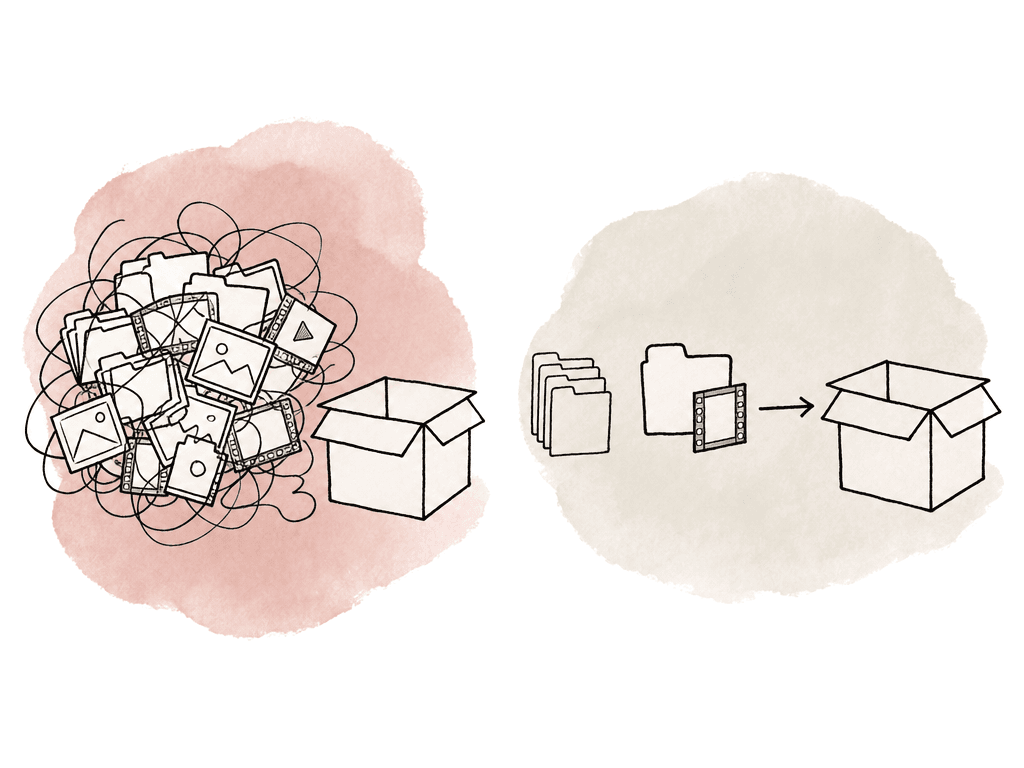
- Bulk copy while users stay on old storage
- Repeated delta syncs until the change set is small
- Announce a short read-only or offline window for the project or share
- Stop ingest, renders, watch folders, automation, and user writes for that scope
- Run the final delta sync
- Verify changed files and critical project paths
- Switch mount points, share aliases, DNS names, drive mappings, or MAM storage targets
- Have selected users open real work from the new storage
- Keep the old source intact and read-only during the rollback period
- Render nodes and transcode workers
- Ingest stations and VFX pull scripts
- Backup servers and MAM indexers
- QC systems and review export tools
Keep rollback simple and time-boxed
Define rollback as a specific action: “If the new project share fails validation, remount users to the old share, restart these services, and resume work from the old system.” The easiest rollback is leaving the old storage untouched, read-only, and available for a defined period. Read-only matters because once people write to both systems, rollback becomes reconciliation, which can get messy fast. Set the rollback window based on project pace. For active editorial, you may want a few working days. For archive, you may want enough time to test restores and random pulls. For a full MAM or automation migration, the rollback period may need to cover indexing, proxy generation, and user acceptance. During the rollback window, monitor the new system closely and look for:- Failed writes and permission denials
- Slow directories and disconnects
- Unexpected latency and full volumes
- Snapshot growth and backup failures
Protect media context during MAM and archive moves
If the migration touches a MAM, archive database, or media library, file integrity is only one layer, and you also need metadata integrity. Media context that often gets lost includes:- Original path and storage location
- Asset IDs and database IDs
- Reel, roll, card, scene, take, and clip metadata
- Timecode start, duration, frame rate, and drop-frame status
- Proxy and mezzanine relationships
- Thumbnail and preview links
- Rights, restrictions, client ownership, and retention rules
- User annotations, markers, tags, and review notes
Size the new storage for the next workflow, not the last one
Your migration plan should confirm the destination can actually support the workload. Capacity is the obvious part, but performance and behavior are the parts that hurt later. Evaluate the destination against real production use:- Sustained read throughput for multicam editorial, color, and finishing
- Write throughput for ingest, transcode, render, and cache workloads
- Metadata performance for folders with large file counts
- Snapshot and replication overhead
- RAID rebuild or erasure coding behavior under load
- Network capacity from suites, machine rooms, VPN users, and render nodes
- Permission model compatibility with existing directory services
- Backup integration and restore speed
- Monitoring, alerting, and support access
Decommission old hardware only after evidence says you can
Your team shouldn't power off old hardware the morning after cutover unless failure risk forces your hand. It's your safety net until the migration evidence, user validation, backup jobs, and restore tests all agree.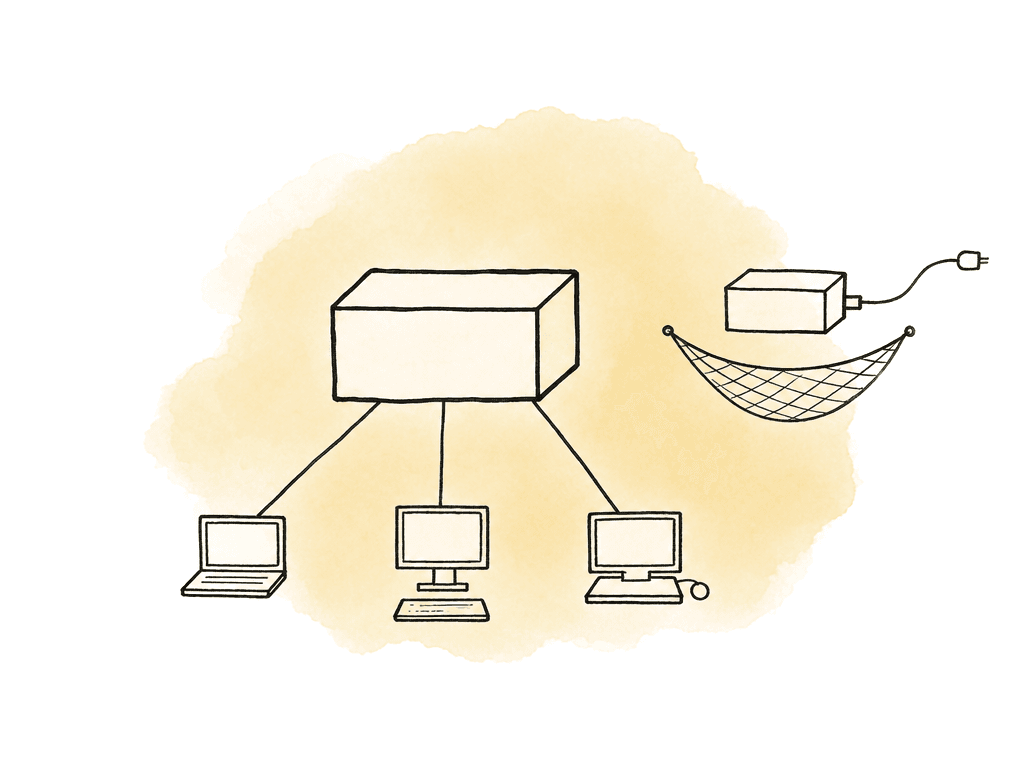
- Confirmed migration records for every in-scope batch
- Accepted checksum verification results
- User sign-off for active projects moved
- Successful backup of the new storage
- Successful restore test from the new backup
- MAM, automation, and render systems pointing to the new location
- Old storage in read-only mode during the retention window
- Documented exceptions for anything not migrated
- Secure wipe or destruction plan for drives leaving your control
- Updated asset inventory, rack diagrams, monitoring, and support contracts
The plan is the product
A good migration plan is a working system for answering hard questions quickly. Can we prove this file arrived unchanged? Can we tell which projects are still writing to the old share? Can editorial work tomorrow if the new array has a permissions issue? Can we restore from backup after the move? Can we explain why a folder didn't migrate? Can we find the old path for a MAM asset six months from now? If the answer is yes, the storage upgrade is under control. If the answer is “someone probably knows,” slow down. In media workflows, migration chaos costs downtime, broken relinks, missing context, delayed turnovers, failed restores, and teams losing trust in the storage they rely on every day.FAQ
Source-side checksums create a fingerprint of the files as they existed before migration. After copying, destination checksums can be compared against that record to prove the files arrived unchanged. Without a source checksum, a later verification may only prove that the destination can be read consistently, not that it matches the original source data.
Use a staged copy with delta syncs. Copy the bulk of the project data while users continue working on the old storage, then run repeated delta passes to catch changes. During a short cutover window, stop writes for that project or share, run a final sync, verify the changed files, switch users to the new storage, and keep the old storage read-only for rollback.
Classify data by workflow value and urgency. Active projects, current media, shared assets, and production-critical databases usually move first. Cold archive, old exports, duplicate candidates, cache files, and unknown folders may need later migration, review, exclusion, or special handling. Deletion or deduplication should only happen with approval and evidence, especially when media files may look similar but serve different purposes.
Many failures involve context rather than file loss. Projects may break because paths changed, permissions weren't preserved, MAM records point to old locations, proxies are disconnected, automation scripts use hardcoded paths, or render and transcode systems still reference the old storage. Testing real projects from the destination is essential because these issues may not appear in a basic copy report.
Usually no. The old storage should remain intact, available, and preferably read-only for a defined rollback period. This gives the team time to confirm user access, performance, backups, restores, MAM behavior, automation, and project relinking. Once the migration evidence is accepted and the new system is protected by backup, the old hardware can be wiped, retired, repurposed, or retained temporarily according to policy.
Treat those items as part of the migration scope, not optional extras, because losing them can make a searchable library feel like loose files. Aspect can help teams move from local storage or another cloud platform while preserving folder structure, metadata, rights, and version history during content migration.