

Design the farm around the handoff
In production, the farm is a handoff system. Artists, editors, assistants, TDs, and post supervisors all need to know what a submitter submitted, what version it used, whether it succeeded, where the result was written, and whether downstream jobs can start. For team delivery, the useful model is:- Source media, scenes, caches, LUTs, fonts, and configs live in controlled shared storage.
- Artists and editors submit jobs to a queue instead of rendering locally.
- Dependencies prevent downstream work from starting too early.
- Monitoring shows job state, worker health, errors, and throughput.
- The farm collects finished outputs into a predictable location with metadata.
Pick the farm pattern that matches your constraints
There are three common deployment patterns: local, cloud, and hybrid. None is universally best.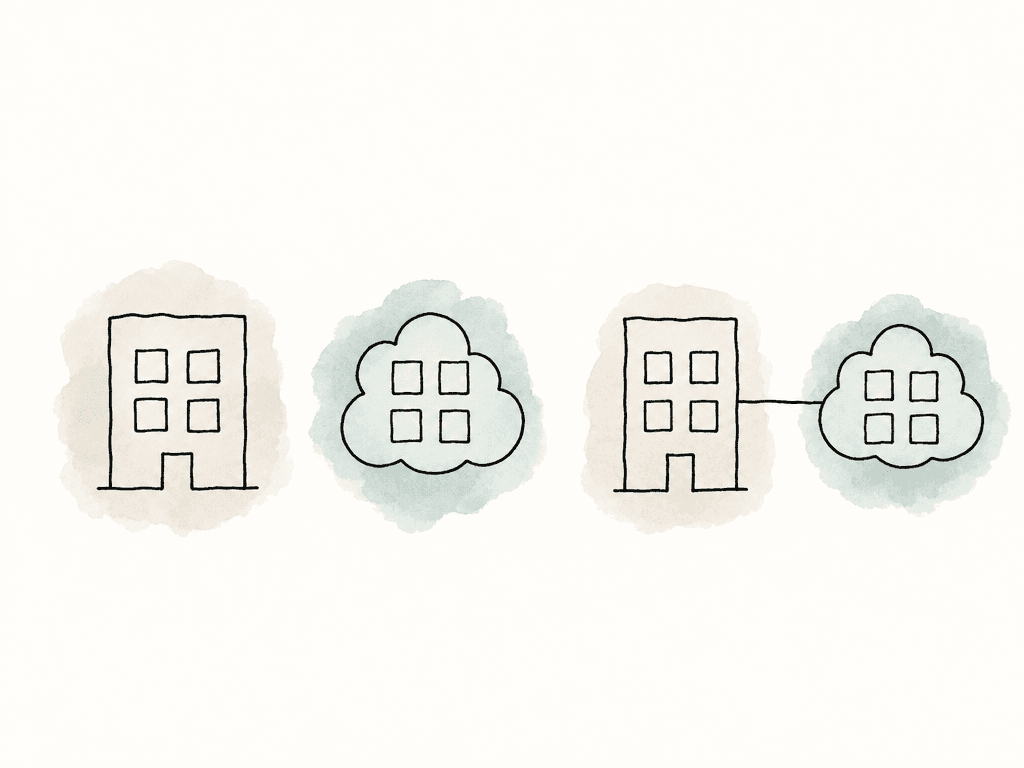
| Farm pattern | Best fit | Strengths | Tradeoffs | Setup focus |
|---|---|---|---|---|
| Local farm | Predictable volume, tight security rules, existing shared storage | Control over software versions, network paths, license servers, and storage performance | Fixed capacity when many teams hit finals at once | Maintain consistent on-prem worker builds, storage, and licensing |
| Cloud farm | Short demand spikes, temporary scale, reduced hardware ownership | Worker fleets can scale against queues for peak periods | Data movement, cost control, and environment packaging | Package assets, software, licenses, and output paths so workers can run without local assumptions |
| Hybrid farm | Existing on-prem setup that occasionally saturates | Local workers handle routine jobs, and cloud workers absorb peaks | Local and cloud workers must reach matching assets, software, licenses, and output destinations | Keep routine jobs close to storage and burst only portable workloads |
- Large EXRs, simulations, camera originals, and mezzanine files are expensive to move repeatedly, so data gravity matters.
- Client rules may restrict where your team can process source media and renders.
- Some DCC apps, render engines, codecs, and plugins are easy to scale, while others aren't.
- A steady 60 percent farm load favors owned hardware. Big deadline spikes favor cloud or hybrid.
- A local farm needs internal ownership. A managed cloud setup shifts some infrastructure work away, but not pipeline design.
Standardize worker environments
A farm worker should contain only what its build recipe installs; it should be repeatable and disposable. If someone manually installed a mystery plugin on one node and another doesn't have it, you have a lottery. For DCC rendering, install the same application versions across all compatible workers, preferably in the same paths on every machine; these version expectations affect tools and render managers:- Maya, Blender, and Cinema 4D
- 3ds Max, Houdini, and After Effects
- V-Ray, Redshift, and Arnold
- Octane and their plugin ecosystems
- Cinema 4D Team Render expects the same Cinema 4D version across machines, and Deadline-style render managers also become easier to configure when you install applications consistently.
- Operating system version and patch level
- CPU or GPU worker class
- GPU driver version
- DCC application versions
- Render engine versions
- Plugin and add-on versions
- Codec and FFmpeg builds for transcoding jobs
- Fonts, LUTs, OCIO configs, and color management files
- Environment variables and search paths
- Network mount names and drive mappings
- License server configuration
Treat storage as part of the farm
Missing files and bad paths cause most failed farm jobs. Scenes usually contain references to assets. They don't contain every texture, cache, plate, light profile, font, LUT, or audio file. When a scene renders locally, every absolute path may resolve because the artist’s workstation happens to have the drive mounted. A render node doesn't care what worked locally. It only sees what it can access. For team delivery, central storage should cover both inputs and outputs:- Inputs include project files, plates, and caches
- Inputs include textures, audio, and LUTs
- Inputs include fonts, render presets, and source mezzanines
- Outputs include frames, movies, and proxies
- Outputs include logs, manifests, and reports; they also include delivery packages.
- Source media that shouldn't be modified
- Working project files
- Published assets and caches
- Farm staging files
- Render outputs
- Transcode outputs
- Review outputs
- Final delivery outputs
- Logs and job reports
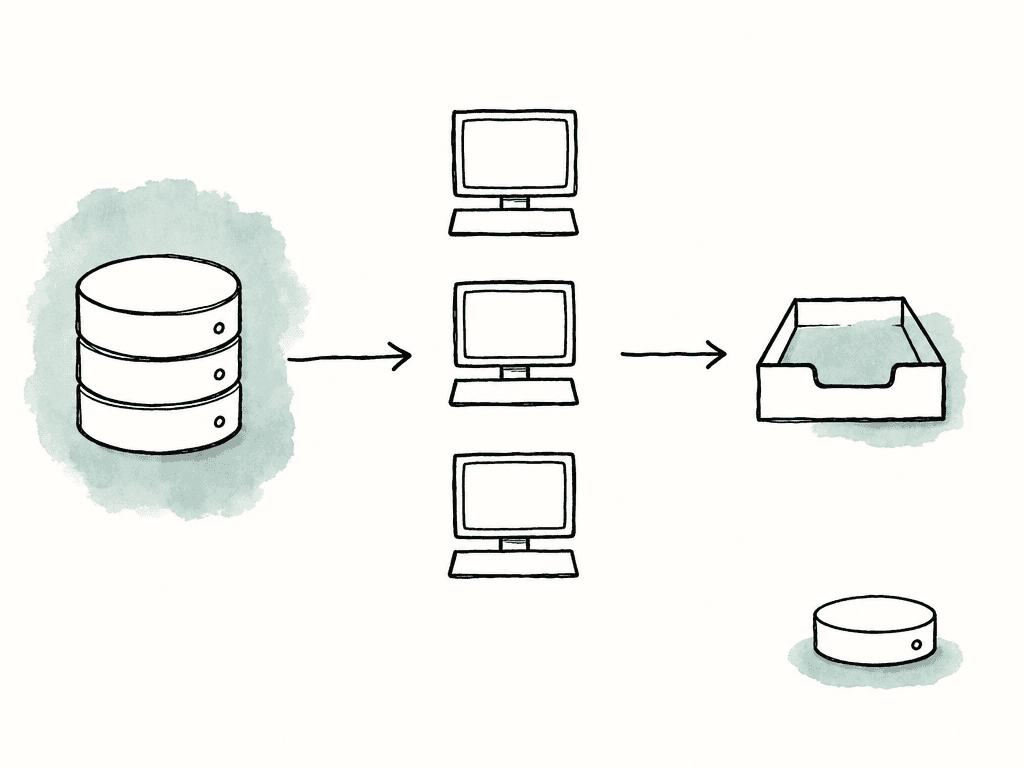
P:\show\shot and another expects /mnt/show/shot. A render manager can often map paths between platforms, but you still need a policy. Pick canonical paths, document them, and test them from every worker class.
Build queues around team behavior
A single giant queue is easy to set up and painful to run because teams need different lanes for different kinds of work. Queue managers such as Deadline, Deadline Cloud, OpenCue, Flamenco, and similar systems exist to schedule jobs across workers, set priority, retry failures, and expose status. In cloud systems, queues are often associated with fleets of workers. In local systems, workers typically connect to a repository or database and pull assigned tasks. The concept is the same: a queue holds work, workers execute it, and the farm manager decides what runs next. Useful queues often map to production intent rather than department politics. For example:- Test render queues give small frame ranges, lower priority, and fast feedback.
- Artist render queues handle iteration jobs from DCC apps and comps.
- Editorial transcode queues handle proxies, mezzanine conversions, and audio sync outputs.
- Dailies and review queues cover jobs needed for rounds or client review.
- Finals queues protect high-priority renders and encodes for delivery.
- Maintenance queues handle cache cleanup, integrity scans, and database tasks.
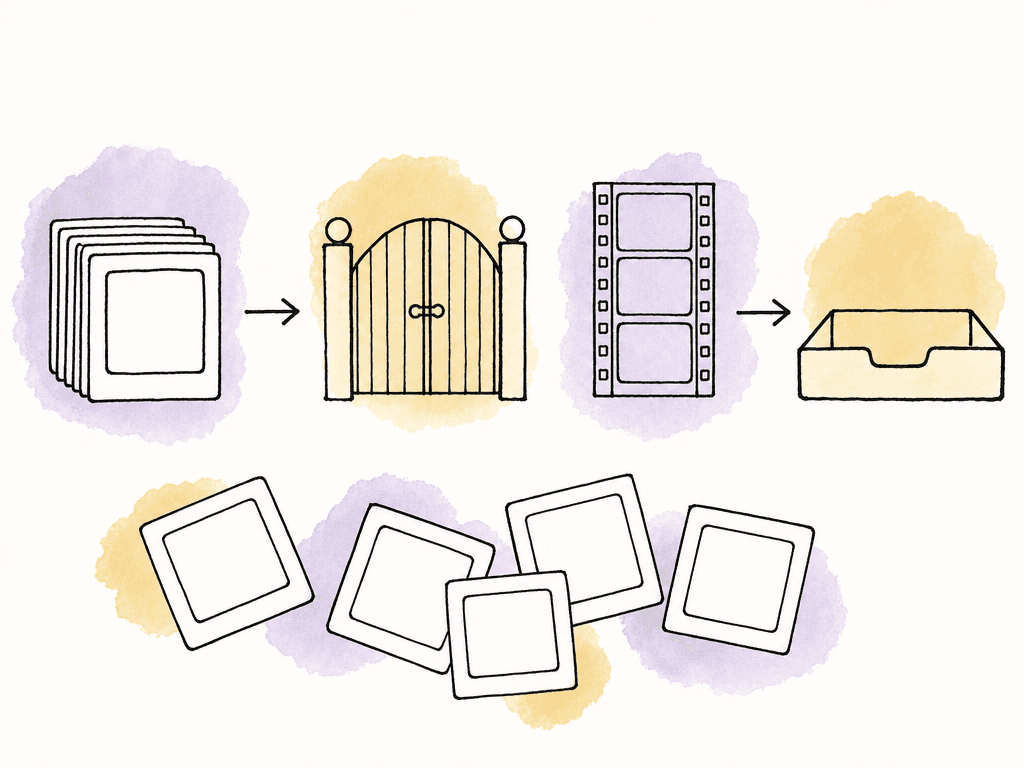
Use dependencies to protect downstream work
Dependencies are how you stop the farm from creating bad work quickly. A delivery workflow often has chains like:- Render EXR frames, then create review ProRes, then upload for notes.
- Export VFX plates, then transcode editorial proxies, then notify assistants.
- Simulate cache, then render lighting, then composite, then encode dailies.
- Encode adaptive bitrate renditions, then package HLS or DASH manifests.
- Render final frames, then QC, then create delivery files.
Submit portable jobs, not local assumptions
A farm submission should carry enough information for a worker to reproduce the result without relying on the submitter’s machine. For render jobs, capture the metadata and environment details compositors and downstream tools depend on:- Scene version, frame range, and camera
- Render layer, output path, and render engine
- Resolution, color config, and any required environment
- For batch camera rendering in tools such as 3ds Max with V-Ray, the output settings and render elements matter.
- If compositors expect separate channels or render elements, those outputs need explicit output paths and file formats. It's easy to render the beauty pass and forget the supporting passes the compositor needs.
- Source path, target format, and codec
- Bitrate or quality target, resolution, and frame rate behavior
- Audio mapping, timecode handling, and color transform
- Captions or subtitles and destination path
- If you use hardware acceleration, assign the job to workers that actually support the requested decode, filter, and encode path. Moving frames between GPU memory and system memory unnecessarily can erase much of the speed benefit, especially for 4K and higher workflows.
- Submitter and department
- Show, episode, sequence, shot, or asset ID
- Source version
- Output version
- Frame range or duration
- Application and renderer
- Required worker capability
- Queue and priority
- Dependency IDs
- Expected output location
- Notification target
Monitor farm health like a delivery system
A render farm can look busy while failing the delivery. CPU usage alone isn't enough. Monitor both queue status and infrastructure health across farm jobs and outputs:- Visibility into jobs, workers, and storage
- Visibility into licenses and outputs
- Queue monitors usually show job status, task progress, and retries
- Queue monitors also show worker assignment and logs
- Infrastructure health includes network throughput, disk latency, and CPU load; GPU utilization, VRAM usage, and memory pressure; license availability and worker error rates.
- Queue wait time by queue
- Average task duration by job type
- Failed task rate by worker
- Failed task rate by plugin or application version
- Retry count per job
- Worker offline count
- Storage read and write latency
- License checkout failures
- GPU memory failures
- Output folder write errors
- Frames completed versus frames expected
Plan for common failure modes
Most farm failures repeat, so treat them as known workflow cases. The common causes are familiar:- Missing textures, plates, caches, fonts, LUTs, or light profiles
- Absolute paths that only work on one workstation
- Plugin version mismatches
- VRAM or RAM exhaustion
- License checkout failure
Collect outputs where the team expects them
A farm is finished when the right people can find, review, QC, and deliver the result. Make central output collection part of the job definition. Don't rely on artists dragging files back from worker machines. For frames, write directly to shared storage or copy back atomically when the task completes. For movies and delivery packages, write to a staging location, then move to the published location only after the job completes and validates the file. For image sequences, protect against partial publishes. A folder with 997 of 1000 frames can look complete in a hurry, so use expected frame counts, marker files, manifests, or database records so downstream jobs know whether a sequence is ready.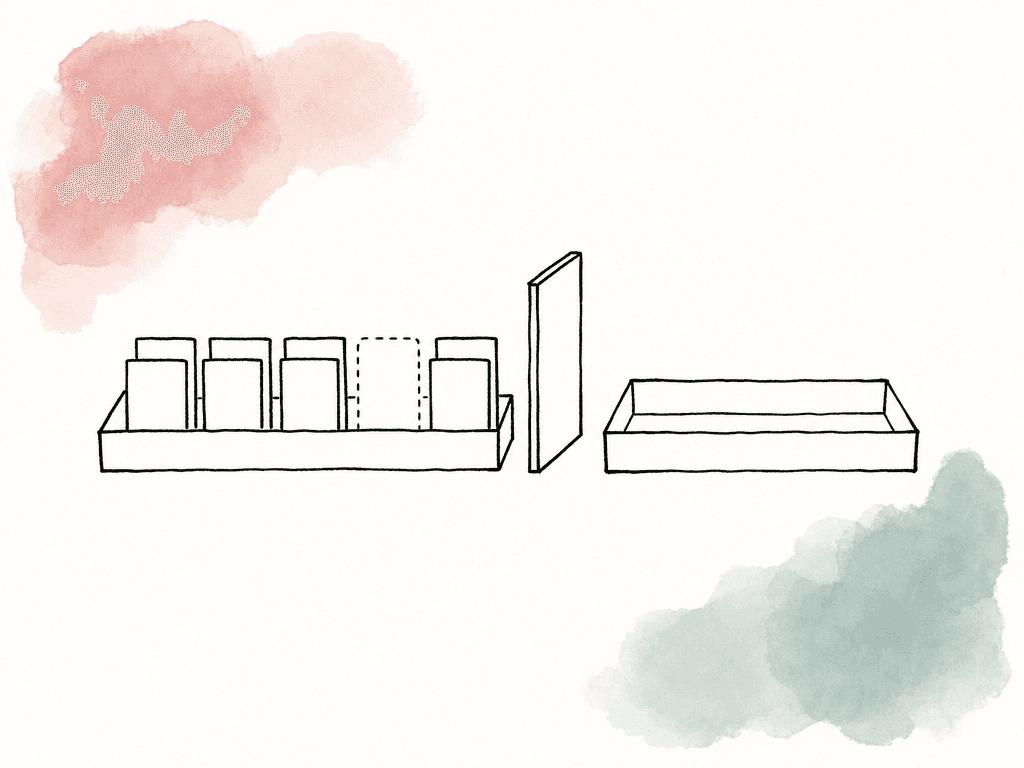
- The file exists at the expected path
- The file size is nonzero and stable
- The duration matches the expected duration
- The frame rate matches the target
- The audio track count and layout match the target
- The timecode starts where expected
- The codec and container match the target
- Captions or subtitles are present when required
- Checksums exist for handoff
Keep the farm useful between deadlines
The best farm setups become part of daily production. Give artists lightweight queues for quick frames. Let assistants submit proxy and mezzanine transcodes without waiting for a workstation. Let supervisors see whether a delivery is blocked by rendering, encoding, storage, or QC. Let TDs inspect failure patterns and fix the environment instead of debugging one desktop at a time. When your team configures a farm this way, it does more than make renders faster. It makes delivery more predictable. The team can see work moving through the system, dependencies prevent stale outputs, health monitoring catches bottlenecks, and central collection keeps files from scattering across machines. Start with consistency, then add capacity. Standardize the worker environment, make assets portable, structure queues around real team needs, encode dependencies into the workflow, monitor the whole path, and publish outputs to a place everyone trusts. That's what turns a group of machines into a delivery system.FAQ
Choose based on data size, security rules, licensing, burst demand, support capacity, and delivery timing. Local farms are strong when media is large, security is tight, and workload is predictable. Cloud farms are useful for temporary spikes but require careful packaging, data movement, and cost controls. Hybrid farms work well when local capacity handles routine work and cloud workers absorb peaks that are portable enough to run off site.
The workstation may have local assumptions that the farm doesn't share, such as installed plugins, cached textures, fonts, LUTs, mapped drives, codec support, or environment variables. A farm job must be portable, meaning the worker can resolve every path and dependency from controlled storage and a declared software environment without relying on the submitter's machine.
Queues should reflect production intent and urgency, not just departments. Common lanes include test renders, artist iteration, editorial transcodes, dailies, finals, and maintenance jobs. This lets supervisors protect urgent delivery work, assign jobs to the right worker types, and prevent low-priority tests from starving final renders or encodes.
Dependencies tell the queue manager that one job should wait for another job or task to finish successfully. They prevent downstream work from using missing, stale, or partial outputs. For example, a review ProRes should wait until the EXR frame render is complete, and a delivery package should wait until encoding and QC have passed.
Write outputs to a central staging location first, then move them to the published location only after validation. For image sequences, compare the expected and actual frame counts or use manifests, marker files, or database records. For movies and deliverables, confirm duration, frame rate, codec, audio layout, timecode, captions, file stability, and checksums before making the result available for review or delivery.
Publish outputs to a central location where the delivery team can review, QC, and trace the result back to the job that made it. Aspect helps by keeping versions, comments, and change history attached to the asset, so the newest review file doesn't get separated from its approval context in the review workflow.


