
Why standard uploads stall under pressure
FTP, SFTP, HTTPS, and most browser uploads usually ride on TCP. TCP is reliable, widely supported, and easy to pass through corporate networks, but it's also conservative by design because it sends data, waits for acknowledgements, reacts to packet loss as a congestion signal, and slows down when the path looks unstable. That behavior is fine for documents and small assets, but it becomes painful with media because production files are large enough for every weakness in the route to matter. A long-distance upload from São Paulo to London, Los Angeles to Sydney, or a hotel network to a cloud region may have plenty of advertised bandwidth, but the round-trip time and packet loss can keep a TCP transfer from filling the pipe. This is why a 1 Gbps connection doesn't automatically produce a 1 Gbps file transfer. The link may be capable of it, while the actual session crawls at 40, 80, or 150 Mbps. Over 1 TB, that difference is the whole night. UDP-based accelerated protocols take a different approach. They usually send data continuously over UDP while handling reliability, encryption, retransmission, congestion control, and integrity checks at the application layer. Instead of letting generic TCP behavior back off aggressively on imperfect long-haul paths, the transfer engine tries to keep the pipe full without overwhelming the network.
- High latency between sender and receiver
- Small but persistent packet loss
- Large single files, image sequences, or folders with thousands of files
- Field networks that may drop and reconnect
- A deadline where restarting from zero is unacceptable
Pick the transfer pattern that matches the job
Before opening ports or installing agents, decide where you need the media to land. The right configuration depends on whether the destination is a person, a cloud bucket, a managed transfer server, or shared production storage.| Transfer pattern | Best fit | Setup focus |
|---|---|---|
| Browser-based accelerated upload | External vendors, non-technical senders, and one-off urgent deliveries | Outbound access, resumable uploads, portal permissions |
| Client-to-server UDP acceleration | Approved endpoints on both sides with recurring high-volume movement | UDP data ports, bandwidth targets, user roles, logging |
| Accelerated cloud object storage ingest | Pipelines that land media directly in a bucket | Bucket region, edge routing, endpoint names, transfer costs |
| Managed SFTP or FTPS with acceleration | Partners that must use standard tools or existing scripts | Edge routing, throughput expectations, fallback behavior |
| Dedicated transfer terminal or facility connection | Production hubs, stages, labs, or offices with regular terabyte-scale ingest | Known ports, storage mapping, facility uplink, repeated throughput tests |
- Use browser-based accelerated upload to a transfer service for fast onboarding, external vendors, and non-technical senders who need a portal instead of a VPN.
- Use client-to-server UDP acceleration when both sides can install approved software and you need high throughput, resume, encryption, and central control.
- Use accelerated cloud object storage ingest when the destination is a bucket and the production pipeline already works from cloud storage.
- Use managed SFTP or FTPS with network acceleration when partners require standard protocols but you can improve the path with edge routing or a global accelerator.
- Use a dedicated high-bandwidth transfer terminal or facility connection for predictable ingest at production hubs, stages, labs, or offices where recurring terabyte-scale movement is normal.
Configure for sustained throughput
The useful metric is sustained Mbps or Gbps from the source disk to the destination storage. A simple estimate helps production decide whether a delivery plan is realistic. A 1 TB folder over a sustained 100 Mbps transfer takes roughly 22 hours. At 500 Mbps, it's closer to 4.5 hours. At 1 Gbps, around 2.2 hours. At 5 Gbps, under 30 minutes, assuming the disks, software, path, and destination can keep up. Those numbers expose a common trap: people look at the office internet plan, see “1 Gbps,” and schedule the handoff as if 1 Gbps will actually happen. It might not, because the uplink could be shared with the whole building, the firewall could inspect traffic, the destination could throttle writes, or the upload client could be single-threaded. In accelerated tools, set an intentional bandwidth target. Leaving a sender uncapped can starve video calls, remote desktop sessions, license servers, and review streams. Capping too low wastes the reason you configured acceleration in the first place. A practical starting point is 80 to 90 percent of the measured available upload when the connection is dedicated to the delivery, and less when the production network is shared.
Firewall and port planning
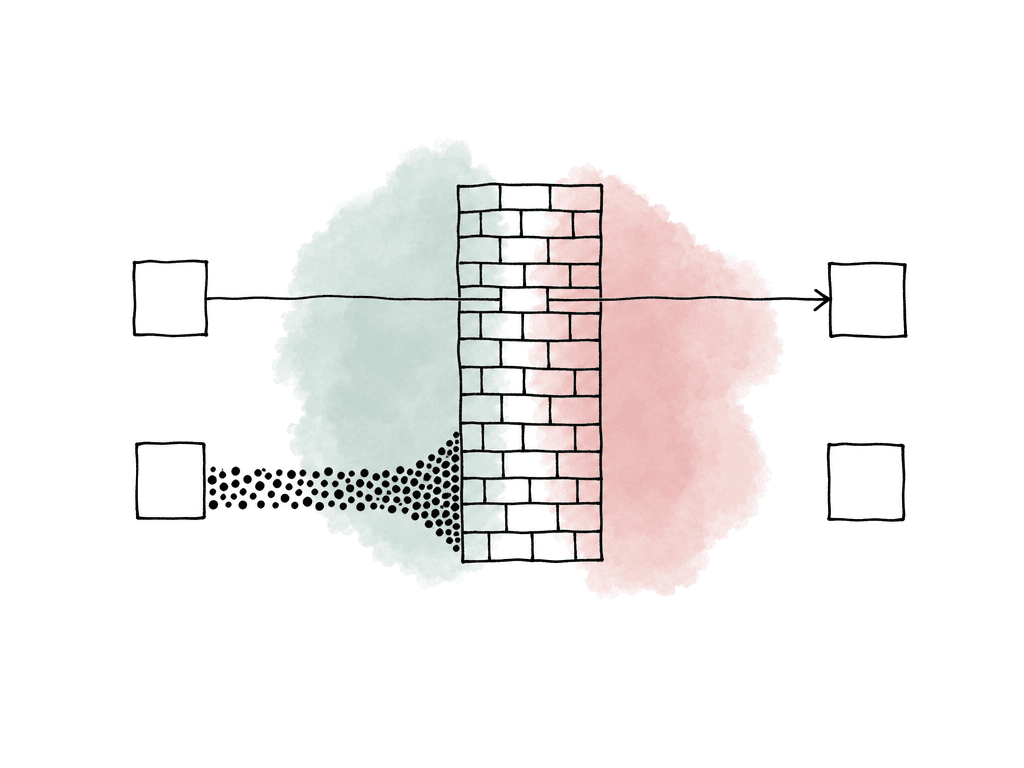
Accelerated transfer usually fails because UDP is blocked, firewalls reject the data path, TLS inspection interferes, NAT mappings expire, DNS lookups are restricted, or a receiver opened only the control port and not the data path. The exact ports depend on the product, but the planning conversation is consistent. Get the sender, receiver, and network administrator aligned on the traffic pattern before the delivery window. The network rules usually need to cover these areas:- Control traffic often uses TCP over a documented port for authentication, session setup, metadata, and management.
- Data traffic often uses UDP over one or more documented ports for accelerated payload transfer.
- Fallback traffic often uses HTTPS or TCP-based transfer if UDP is blocked, with lower expected throughput.
- Directionality matters because many cloud services only require outbound connections from the sender, while self-hosted servers may require inbound rules at the receiver.
- Your network administrator should review DNS and allowlists because some services use regional endpoints or edge locations, so hard-coding a single IP can break acceleration.
- NAT and session timers can cause long transfers to fail if firewall state expires during pauses or network changes.
- TLS or packet inspection can reduce throughput or interfere with encrypted transfer sessions.
- MTU and fragmentation problems from misconfigured VPNs, tunnels, or jumbo frames can create packet loss that only appears under load.
Endpoint setup is where speed becomes repeatable
Urgent delivery workflows shouldn't depend on someone remembering the right destination folder at 1:00 a.m. The endpoint should encode the handoff rules so the transfer shows up where the next department expects it. For production media, configure the receiving side around the workflow rather than around a generic inbox. Your team shouldn't upload editorial dailies, VFX pulls, sound turnovers, graphics packages, color turnovers, and final masters into the same dumping ground. Even if the same transfer system handles all of them, the landing paths, permissions, naming expectations, retention rules, and notifications are different. A useful endpoint configuration usually defines:- User or vendor access scoped to the project, show, episode, or delivery type
- Destination storage with enough capacity and write throughput
- Required folder structure or package naming convention
- Allowed file types if the workflow needs to reject obvious mistakes
- Resume behavior for interrupted uploads
- Checksum or integrity validation after transfer
- Notifications to the receiving team when upload and validation complete
- Retention or archive policy once the delivery is pulled into the next system
Cloud ingest changes the routing decision
If the destination is cloud storage, accelerated transfer can mean a few different things. UDP-based tools may upload into cloud object storage through their own transfer nodes. Cloud-native acceleration may route uploads through edge locations and then across an optimized backbone. Managed SFTP or FTPS endpoints may sit in front of object storage so partners can use familiar tools while the backend writes to a bucket. For long-distance uploads into object storage, bucket-level acceleration can help when senders are geographically far from the bucket region. The sender connects to a closer edge location, and the provider carries the data over an optimized internal path. This is especially useful when many contributors around the world upload to one central bucket, or when gigabytes to terabytes move across continents on a regular basis. The tradeoff is cost and architecture. Acceleration features can add data transfer charges, and they may only apply to specific bucket types, endpoint names, or regions. They also don't fix a weak local uplink. If the field crew has 20 Mbps upload from a hotel, edge routing won't turn it into 2 Gbps. It can reduce long-haul inefficiency, but it can't create bandwidth at the source. For facilities with recurring high-volume cloud ingest, private connectivity or dedicated transfer terminals may be a better fit than ad hoc uploads. If production regularly needs to move terabytes after shoot days, the business case changes from “make this upload faster” to “make ingest infrastructure predictable.”Field networks need resilience more than bragging rights
On set, instability is often as much of a problem as speed. Mobile hotspots, 5G routers, hotel Wi-Fi, venue networks, and temporary production offices can all produce decent speed tests and still fail during a multi-hour upload. For field delivery, prioritize resumable transfer and automatic recovery. If the connection drops at 87 percent, your team shouldn't have to restart the whole package. If a laptop sleeps, a hotspot rolls to a different network, or a VPN reconnects, the session should recover cleanly or at least preserve completed chunks.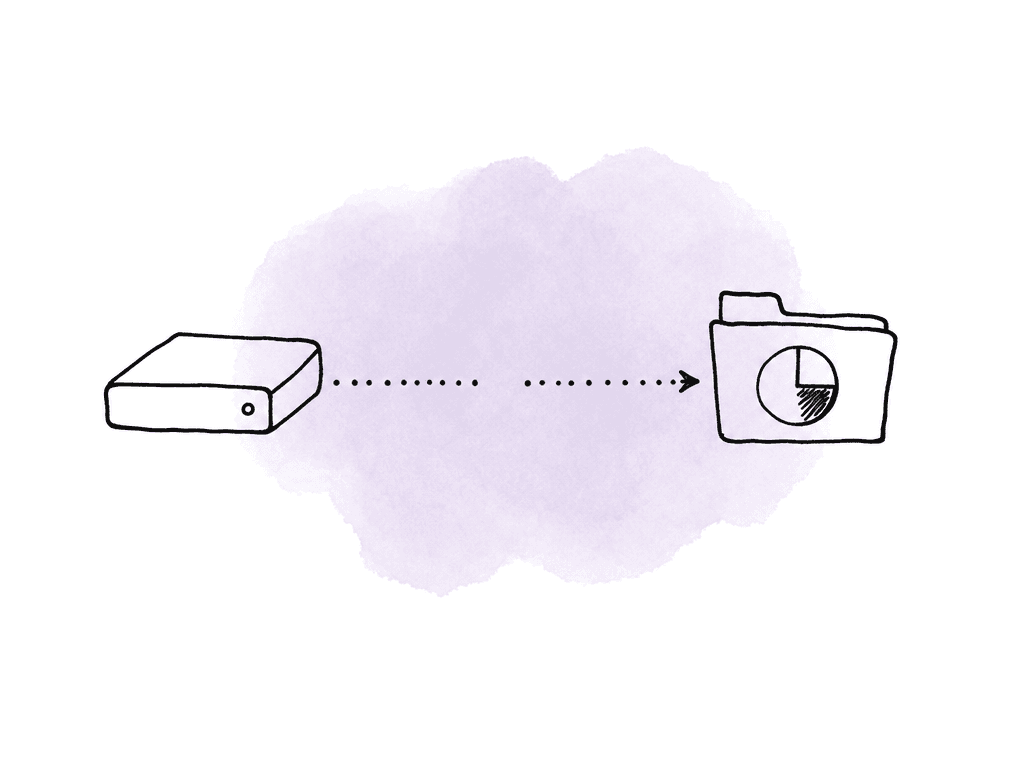
How to compare FTP, HTTP, and accelerated transfer honestly
Your team should use the same source media, same sender, same destination region, and the same time window for a useful speed comparison. Otherwise, the result mostly proves that networks vary. Use the sustained transfer rate to estimate whether a 1 TB delivery will meet the deadline:| Sustained transfer rate | Approximate time for 1 TB | Workflow impact |
|---|---|---|
| 50 Mbps | 44 hours | Misses most urgent editorial deadlines |
| 100 Mbps | 22 hours | Overnight only if the package is smaller or deadline is loose |
| 500 Mbps | 4.5 hours | Usable for same-day large turnovers |
| 1 Gbps | 2.2 hours | Strong for remote dailies and VFX pulls |
| 5 Gbps | 27 minutes | Facility-grade ingest or very strong cloud path |
| 10 Gbps | 13 minutes | High-end infrastructure, not a normal field assumption |
Security settings still matter when everyone is rushing
Urgency isn't a reason to bypass access control. Media deliveries often include unreleased footage, talent, client work, legal-sensitive material, or spoiler-heavy rough cuts. Accelerated transfer should still provide encryption in transit, scoped users, expiration, logging, and revocation. Avoid shared credentials for vendor uploads. Give each sender their own identity or upload portal so you can see who delivered what and when. If the tool supports project-level roles, keep upload-only users from browsing unrelated media. For temporary vendors, set access to expire after the delivery window or wrap date. For high-value assets, make sure the receiving workflow includes an audit trail: upload start, upload completion, validation status, downloader access, and any server-side movement into storage. If the delivery later becomes disputed, “someone sent it last night” isn't enough.When acceleration won't solve the problem
Accelerated transfer is powerful, but it isn't magic. Some delivery failures need a different fix. Common blockers include:- Local upload bandwidth is too low for the deadline.
- Source storage can't read fast enough or keeps disconnecting.
- Destination storage is full, throttled, or slow.
- Too many tiny files create overhead unless the tool parallelizes well or the package is bundled.
- The handoff requires review, relink, or validation steps that your team didn't include in the schedule.
The configuration that survives the next emergency
A good accelerated delivery setup has the required access, routing, storage, alerts, and speed target in place by the time the urgent job arrives because your team has created the users, the network administrator has approved the firewall rules, your team has mapped the destination folders, the storage has capacity, notifications go to the right people, and everyone knows the expected sustained speed. Run a representative test before the deadline day. Use a real package size, real folder structure, real source drive, real destination, and the same network the sender will use. Watch the sustained throughput after the first few minutes. Confirm that pause, resume, and validation work. Confirm that the receiving team can use the files immediately without renaming, moving, or asking who uploaded them. For post teams, the practical value is a tested handoff. When your team configures it well, accelerated file transfer gives the team a known delivery window instead of relying on an overnight upload to finish. That keeps the urgent delivery inside the schedule rather than leaving it to chance.FAQ
Use accelerated transfer when the files are large, the deadline is tight, and the sender and receiver are separated by distance, latency, or unreliable networks. It's most useful for camera originals, ProRes masters, EXR sequences, VFX turnovers, dailies, conform packages, and other media deliveries where a standard TCP-based upload may underuse the available connection.
The advertised connection speed is only one part of the path. TCP-based transfers can slow down because of latency, packet loss, firewall inspection, shared office bandwidth, slow source drives, destination throttling, or single-threaded upload tools. A 1 Gbps line might only sustain 80 to 150 Mbps in a real long-distance file transfer if the transfer method and network path aren't optimized.
The exact ports depend on the transfer product, but most systems need rules for control traffic, data traffic, and fallback traffic. Control traffic is often TCP for login, session setup, and management. High-speed payload traffic is often UDP on documented ports. Some services also need outbound HTTPS fallback, DNS access to regional endpoints, and NAT session settings that won't expire during long transfers.
Not necessarily. Accelerated UDP tools usually add reliability at the application layer. They can include encryption, retransmission, integrity checks, resume support, congestion control, and validation after upload. The advantage is that the application can keep data moving more efficiently over high-latency or lossy paths instead of relying only on generic TCP behavior.
The biggest gains appear when FTP or HTTP is failing to fill a good connection because of latency or packet loss. For example, a long-distance TCP upload might sustain only 80 Mbps on a 1 Gbps uplink, while a well-configured accelerated transfer could sustain several hundred Mbps or more. If the sender only has 40 Mbps upstream, acceleration can't create more bandwidth, but it can still help with resume, stability, and validation.
For urgent remote work, it can be better to avoid a full local copy altogether. Aspect lets editors open large media from a mounted cloud filespace in Finder or their NLE, so they can start cutting while the media still lives in the cloud as part of a shared cloud filespace.