
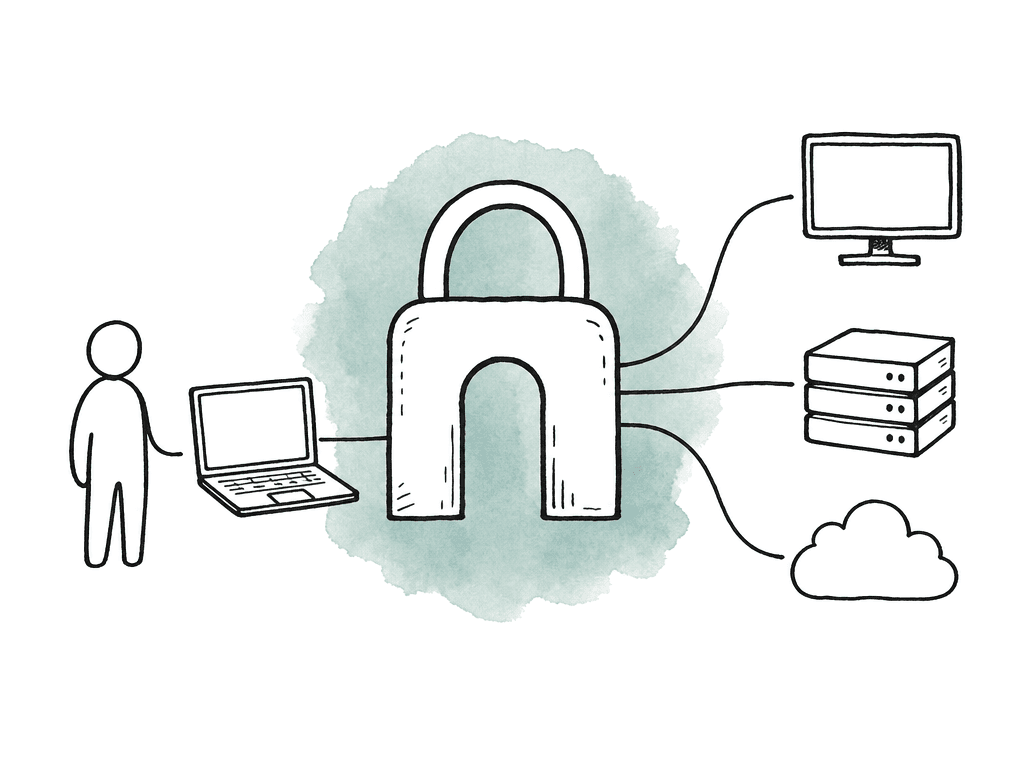
Map the real access paths first
Before you configure anything, write down how people actually reach the work. Post teams often have more paths than they think, especially after a few remote seasons, freelancer ramps, and cloud pilots. Common access paths include:- VPN into the facility network for NEXIS, license servers, project storage, admin tools, or shared services
- Remote desktop into physical edit bays, cloud workstations, render nodes, or jump hosts
- Cloud platform access for storage, workstations, transcoding, review systems, MAM, or asset transfer
- Vendor access for VFX, sound, color, localization, finishing, or delivery
- Admin access for IT, engineering, post supervisors, and technical directors
Decide where 2FA belongs in the workflow
A good remote post setup usually has three enforcement points. The first is the network or access gateway. This may be a VPN, a zero-trust network access service, or a remote access gateway that brokers traffic into the facility or cloud environment. This is where you stop the gateway from granting broad network access on password alone. The second is the remote desktop layer. For editorial, this is often the most important day-to-day access point. Editors and assistants may connect through RDP, PCoIP, NICE DCV, Parsec-style streaming, or another brokered desktop platform. The clean design is to require 2FA before a user can see or launch a workstation session, not after they're already on the host. The third is the cloud control plane. Anyone who can create instances, change firewall rules, generate access keys, alter storage permissions, or invite users can do serious damage. Cloud consoles should require 2FA for humans by default, with stricter methods for privileged roles. Your team should use the same identity source for these layers wherever possible. One directory, one user lifecycle, and group-based policy will beat a spreadsheet of local accounts every time. In Avid-style environments, for example, the choice between local users and directory-backed users affects how consistently you can apply role-based access. Directory-backed access also makes it easier to remove a temp assistant from every relevant system when the booking ends.Configure 2FA for VPN and access gateways
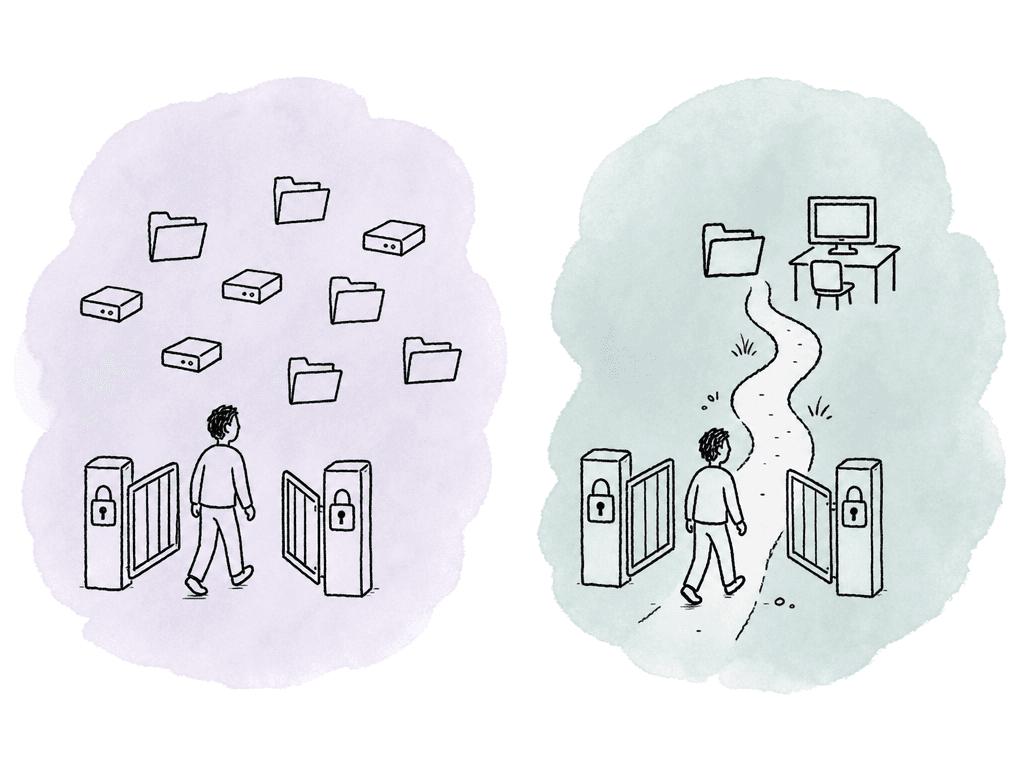
For VPN, the biggest mistake is treating it as the new front door to the whole facility. A traditional VPN can become a perimeter fence: once someone has the username and password, they may get broad internal reach. 2FA helps, but it doesn't fix excessive network access by itself. Connect VPN authentication to your identity provider or directory, enforce 2FA there, and restrict what each group can reach after login. Editorial, VFX vendors, producers, IT admins, and finishing artists shouldn't receive the same network access with the same routes. Useful VPN policy settings include:- 2FA required for every human user, including staff, vendors, and admins
- Group-based network rules that limit access to required subnets, hosts, or services
- Separate admin access policies for infrastructure, storage, firewall, and directory management
- Certificate-based device trust where managed machines are available
- Session timeout and reauthentication rules that match the risk of the project
- Logging of user, source IP, device, group, assigned route, and session duration
Configure 2FA for remote desktop access
Remote desktop is where post-production security gets real because it touches the actual edit environment. The user may not download camera originals, but they can play, screen record, export, copy text, mount storage, or access project files depending on how the host is configured. Avoid exposing RDP or workstation protocols directly to the internet. Put a gateway or broker in front of them and require 2FA there. For PCoIP-style workflows, the client connects to a broker or access layer, authenticates, then launches a remote workstation session. In cloud edit platforms, authentication often happens before the user reaches the edit seat. The remote desktop layer should answer three questions before launching a session: who is the user, what workstation or pool are they allowed to use, and is the second factor valid right now? Remote desktop 2FA has a few common patterns:- Gateway MFA: the user completes 2FA at the remote desktop gateway before any workstation session starts
- Identity provider MFA: the broker redirects authentication to the central IdP using SAML, OIDC, or a similar federation method
- RADIUS MFA: the gateway checks username and password against directory services and triggers 2FA through a RADIUS-compatible provider
- Host-level MFA: the workstation itself requires a second factor at OS login
Configure 2FA for cloud platforms and media services
Cloud access needs a different mindset because the risk includes both “can someone open a workstation?” and “can someone change the environment?” A compromised cloud admin account can expose storage, delete assets, spin up expensive resources, alter networking, or create new credentials that persist after the original account is fixed. For cloud platforms, enforce 2FA for all human console access. Use roles instead of long-lived user permissions wherever possible. Keep production environments isolated by show, customer, or project when the workflow requires it. Large studios and service providers often separate projects into different cloud accounts or account groups because isolation makes permissions, billing, and incident response cleaner. Cloud 2FA policy should cover these access types:- Human console users, including producers, post supervisors, TDs, admins, and engineers
- Privileged roles that can manage identity, networking, storage, keys, backups, or logging
- Remote workstation admins who can create, stop, image, or reassign edit machines
- Storage administrators who can change bucket, container, share, or archive permissions
- Automation accounts, which should use service credentials, scoped roles, and key rotation instead of interactive 2FA
Choose the right 2FA method
Not all second factors are equal, and post workflows have some constraints that office IT policies miss. People work in dark rooms, on stages, in airport lounges, on personal laptops, across time zones, and under delivery pressure. The method needs to be secure enough without creating constant support fires.| 2FA method | Best fit | Strengths | Operational cautions |
|---|---|---|---|
| Authenticator app using TOTP codes | Baseline access for mixed staff, editors, assistants, and freelancers | Widely supported, works offline, familiar to most users | Requires users to preserve or re-enroll codes when replacing phones |
| Push notification | Lower-risk users who need a simple login flow | Fast approval experience, low training burden | Vulnerable to approval fatigue if attackers trigger repeated prompts |
| Hardware security key | Admins, post engineering, cloud owners, TDs, and users with broad content access | Strong phishing resistance when supported by the identity platform | Requires key distribution, spare keys, and a recovery process |
| SMS code | Temporary fallback when stronger methods are impractical | Better than password-only, easy for users to understand | Depends on phone service, roaming, and SIM security |
| Backup codes | Emergency recovery for selected accounts | Useful when a phone or key is unavailable | Must be stored carefully, expired when appropriate, and retired after use |
- Authenticator app using TOTP codes: widely supported, works offline, familiar to most users, good default for mixed staff and freelancers
- Push notification: easy for users, but more vulnerable to approval fatigue if someone is spammed with prompts
- Hardware security key: strongest common option for privileged users, resistant to phishing when your team implements it properly
- SMS code: better than password-only, but weaker and more dependent on phone service, roaming, and SIM security
- Backup codes: useful for recovery, but your team must generate, store, and retire them carefully
Handle freelance and temporary staff without chaos
Freelancer enrollment is where many 2FA programs get messy because the real problem is identity lifecycle. Create named accounts for each person. Don't share “show_assistant” or “vendor_login” accounts, even if everyone promises to be careful. Shared accounts destroy accountability and make 2FA awkward because the second factor ends up tied to whoever set it up first. A clean enrollment flow includes a few required pieces:- Legal name, working name, email, phone or alternate contact, project, role, start date, and end date
- Manager or post supervisor approval before your team creates access
- Group assignment based on role and project, not one-off permissions
- 2FA enrollment before the first remote session
- Expiration date for temporary access
- Offboarding trigger tied to the booking end, not memory
Set enrollment rules users can actually follow
The user experience matters. If enrollment is confusing, people will screenshot QR codes, reuse personal accounts, forward prompts, or call the busiest engineer five minutes before a supervised session. Keep the instructions short and specific to the access path. “Install an authenticator app” isn't enough. Tell them which login page starts enrollment, what they should see, what to do if the QR code expires, and how to confirm the first code worked. For hardware keys, tell users whether they need USB-A, USB-C, NFC, or platform authenticator support. Don't enroll everyone at the same time if the show is active. Start with internal admins and post engineering, then assistants, then editors and producers, then vendors. This gives your support team time to find the weird cases: old phones, corporate email delays, browser issues, blocked push services, time drift on devices, and remote desktop gateway prompts that don't display clearly. It also helps to define who can reset a factor. A post supervisor shouldn't have to become an identity admin, but they may need an escalation path that works outside business hours. For high-risk accounts, require two-person approval before resetting 2FA. For low-risk temp accounts, a helpdesk identity check may be enough.Plan for lockouts before the first one happens
2FA failures aren't rare because phones get replaced, hardware keys go through the wash, freelancers travel, and push notifications get blocked. Authenticator apps lose entries during a phone migration, time-based codes fail when device clocks drift, remote desktop gateways sometimes can't reach the MFA provider, and cloud identity outages happen. Common lockout causes include:- New phone without migrated authenticator entries
- Incorrect device time causing TOTP codes to fail
- User removed from the wrong group or directory sync lag
- MFA provider outage or blocked network path from the VPN or gateway
- User attempting the right credentials against the wrong tenant, project, or identity domain
Keep roles tighter than the login
2FA isn't a substitute for role-based access. It reduces the chance that a stolen password becomes a breach, but it doesn't make broad permissions safe. Your access policy should reflect the role boundaries in post environments. An editor may need the edit workstation and project media, but not cloud billing or firewall rules. An assistant editor may need ingest, bins, turnovers, and proxy storage, but not final delivery archives. A producer may need review access and maybe download permissions, but not admin rights to shared storage. A vendor may need one folder for one deadline. Role-based security also makes 2FA easier to manage because access follows groups. When someone changes role, you change group membership. When the show wraps, you remove or expire the project group. When a vendor contract ends, you remove the vendor group. This is much safer than hunting through VPN users, remote desktop assignments, storage ACLs, and cloud IAM policies by hand. In cloud environments, project isolation can make this cleaner. Separate accounts, subscriptions, resource groups, or environments help prevent one show’s permissions from bleeding into another. That matters for service providers managing multiple clients, but it also matters inside studios with sensitive cuts, awards screeners, or split editorial teams.Watch the logs people forget to watch
After rollout, ask whether 2FA is stopping risky access without breaking production. Review authentication logs alongside VPN, remote desktop, and cloud logs. Look for repeated denials, strange geographies, impossible travel, late-night admin attempts, new device enrollments, and frequent factor resets. A single failed code is normal, but a pattern of push prompts at 3 a.m. isn't. For remote desktop, correlate MFA success with session launch. If users authenticate successfully but can't reach a workstation, the problem may be broker policy, group membership, license availability, firewall rules, or host assignment rather than MFA itself. For VPN, confirm the assigned routes match the user’s group. For cloud, watch for role assumption, access key creation, security group changes, and storage permission changes after login. This is also where you find bad workflow design. If half the users need emergency elevation every week, the role model is wrong. If assistant editors keep asking for direct storage access because the remote desktop workflow is too slow, that's a performance or architecture issue, not an authentication issue. Users will bypass security that ignores the real workflow.A sane default for most remote post teams
Use central identity and require 2FA for all human users, with TOTP as the baseline and hardware keys for privileged roles. Keep remote desktops off the public internet and scope VPN or access policies by group. Enforce 2FA on cloud consoles, give freelancers named accounts with expiration dates, and document how users can reset their authentication. That setup is the foundation for remote editorial that can survive stolen passwords, rushed onboarding, late-night turnovers, and the normal churn of production staffing. The important part is sequencing. Put 2FA at the access points that matter, tie those access points to roles, test the actual media workflow, and prepare for lockouts before they happen. Done that way, 2FA becomes a control that fits how post-production actually works.FAQ
Enforce 2FA at the identity layer that grants access, not only inside individual apps. For most remote post workflows, that means the VPN or zero-trust access gateway, the remote desktop broker, and the cloud platform account. These are the points where a stolen password could otherwise grant access to networks, edit workstations, storage, or admin consoles.
Usually not. VPN 2FA helps, but it doesn't protect paths that bypass the VPN, such as direct remote desktop access, separate cloud console accounts, or vendor portals. It also doesn't fix overly broad network permissions. VPN access should be paired with group-based routing, remote desktop MFA, cloud MFA, and role-based permissions.
Authenticator apps using time-based codes are a practical baseline because they're widely supported, familiar, and can work without cell service. Hardware security keys are stronger and should be used for privileged users, such as admins, post engineering, cloud owners, and anyone who can change storage, networking, or identity settings. SMS is better than password-only, but it's weaker and less reliable for travel-heavy crews.
Use named accounts for every person, not shared show or vendor logins. Collect role, project, start date, end date, and manager approval before access is created. Assign access through project and role groups, require 2FA enrollment before the first remote session, and set an expiration date so access doesn't remain active after the booking ends.
The reset process should confirm the user’s identity before changing the factor. Use a known manager, known phone number, video call, or pre-established recovery process. After verification, reset the factor, require immediate re-enrollment, and log who approved the reset. Privileged accounts should require stronger approval, such as a second admin or supervisor notification.
Treat broad VPN as the exception, not the default. If a freelancer only needs to cut or review media, a narrower workflow is safer than placing their machine on the facility network. Aspect can give editors a mounted shared file space in Finder or File Explorer, so they can work from a controlled shared cloud filespace instead of needing general network reach.