
Define what a successful retrieval looks like
Start with a request the archive should be able to answer: “Find a wide shot of the research vessel leaving the harbor at sunrise, check whether we can use it in paid social, and give the editor the original.” This request exposes three different needs: identifying the scene, checking permission to reuse it, and accessing the source file.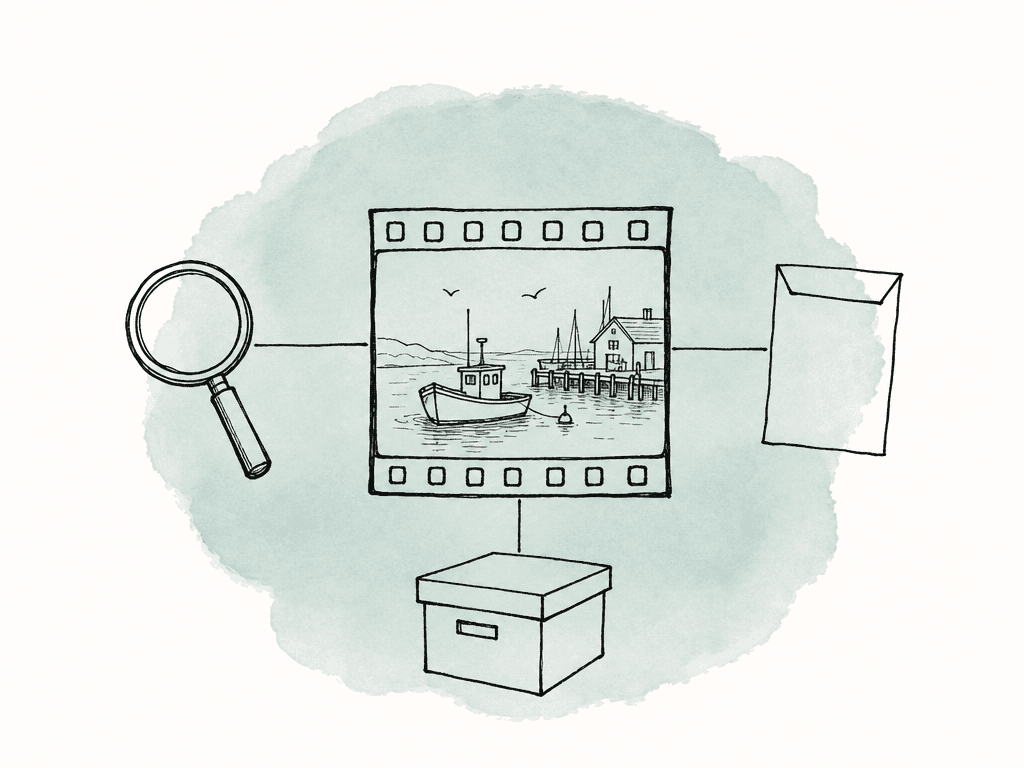
Preserve several ways to find the same footage
Folders provide production context. Keep camera originals with their expected card structures and sidecar files, and distinguish source footage from project files, masters, and working exports. Avoid reorganizing camera packages simply to make an archive list look cleaner. Descriptive records and collections can provide additional ways to browse without changing the sources. Previews help someone assess the visual content without first obtaining the full original. They should remain associated with that original through a stable asset record or identifier. Where filenames repeat across cards, a filename alone is insufficient: retain the project, card or folder path, and source identifier as well. Transcripts add a separate route into interviews and recordings. Aspect's time-linked transcripts let a producer search speech and jump to the corresponding moment. Listen to the selected passage and the surrounding conversation before using it so you can check what the speaker meant. Visual search serves footage that nobody describes aloud. A harbor shot may have engine noise and no dialogue, so its transcript contributes little. Aspect searches visual content alongside speech and metadata, letting a producer describe the scene and then inspect the matching footage.Use a small, consistent archive metadata template
Metadata is information attached to an asset, such as its shoot date, camera format, or usage rights. Start with the fields your team uses to find footage and decide whether it can appear in a new production. Requiring detailed descriptions that nobody uses adds work to every ingest and makes a large backlog harder to finish.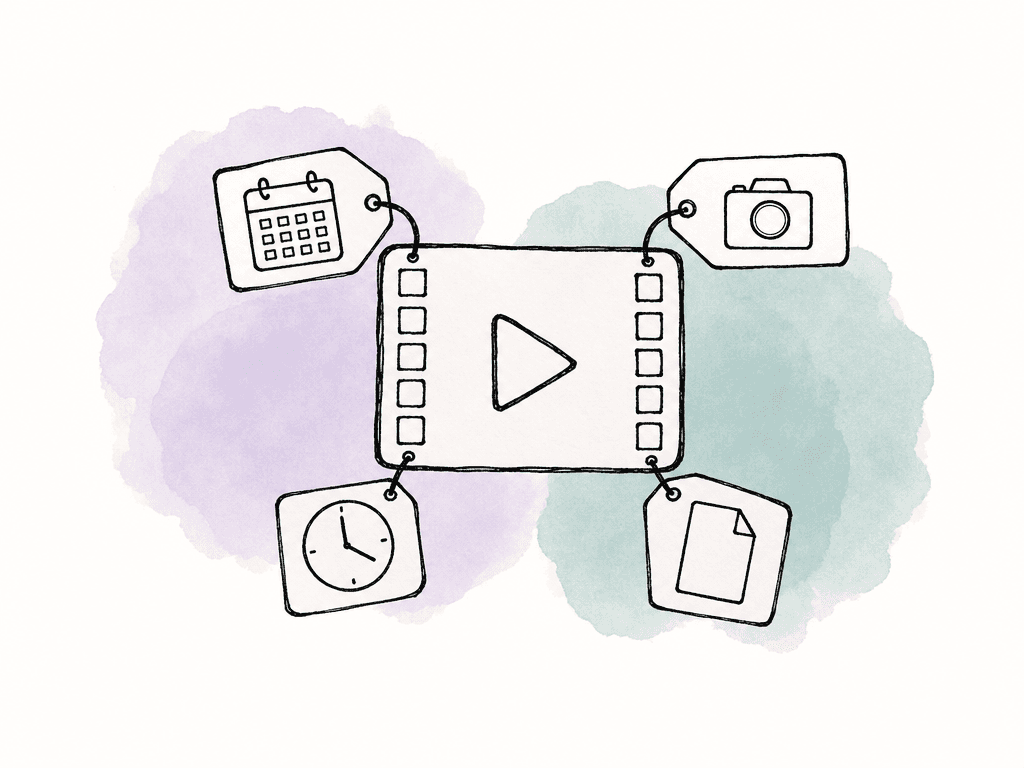
| Field | Suggested type | Example value |
|---|---|---|
| Archive identifier | Text | CR24-B012-C004 |
| Production | Text | Coastal Research 2024 |
| Shoot date | Date | 2024-06-18 |
| Source reference | Text | Camera B / Card B012 / B012_C004.mov |
| Description | Text | Wide shot of research vessel leaving harbor at sunrise |
| Content category | Multi select | Vessel; harbor; exterior |
| Useful moment | Text | Preview elapsed time 00:01:12–00:01:26 |
| Rights status | Single select | Review required |
| Rights reference | Text | Production rights register: CR24-017 |
| Archive owner | Text | Production operations |
| Original retrieval | Text | Mount the Coastal Research project through the Aspect desktop app |
| Last retrieval check | Date | Date entered after a completed check |
Complete processing before declaring the archive ready
An upload completing and an asset becoming fully searchable are separate events. Aspect begins indexing after upload, and transcripts can appear while other processing is still underway. Check the asset's processing status before treating a missing result as a cataloging failure. Review a sample from the camera formats your archive holds, including long recordings, silent footage, and media with multiple audio channels. Open previews, inspect available metadata, and follow several records back to their originals. If your team deliberately excludes a folder from AI indexing, document the manual search route for that material; it won't receive the same generated search information. Preservation also needs its own checks. Retain a file inventory and verify copies using recorded checksums, which are digital fingerprints used to compare file contents. Maintain independently protected copies according to your recovery requirements. A preview demonstrates that a viewing copy plays; it doesn't demonstrate that every original remains intact. The NDSA Levels of Digital Preservation provides a framework for assessing the broader preservation program.Record how to retrieve the originals
When you arrange long-term storage with searchable archive access, record the retrieval procedure beside the original's location. Name the person who handles retrieval requests and include the time the team should allow before editing. This gives producers a schedule to work from when older footage is needed for a new cut.Run a retrieval exercise from brief to editor
Use a request from your team, and ask someone who didn't organize the shoot to carry it out. They will expose gaps that the original producer might fill from memory, such as which card holds a shot or who approved its reuse. For the harbor brief, follow these steps.1. Find and inspect the footage
Open the relevant archived project and search for “wide shot of a research vessel leaving the harbor at sunrise.” In Aspect, inspect the generated filters as well as the results. If the query produces too little, remove uncertain details such as the time of day before broadening the project scope. A remembered shoot date may be wrong, while the subject remains useful. Preview potential matches and play the surrounding footage. Check the movement, composition, usable duration, and any visible branding or people that affect the brief. Record why a shot was accepted or rejected. Those reasons can reveal a useful missing field, such as whether a vessel's older branding is visible.2. Check reuse conditions and save the selection
Follow the rights reference and confirm that the intended use is covered. Escalate unresolved restrictions to the named owner before calling the shot ready. A previous approval may cover only the original campaign, territory, or publication period. Gather the selected files in an Aspect collection within the project. Collections point to existing assets without moving or duplicating the originals. Include a short note describing the new brief and record the selected moment separately, so the editor knows which part of each file to inspect.3. Obtain and open the original
Use the Aspect desktop mounting workflow on macOS or Windows. Mount the project, then use Open in mount on the search result to reveal the source in Finder or File Explorer. Import that file into the editing application and check the selected moment there.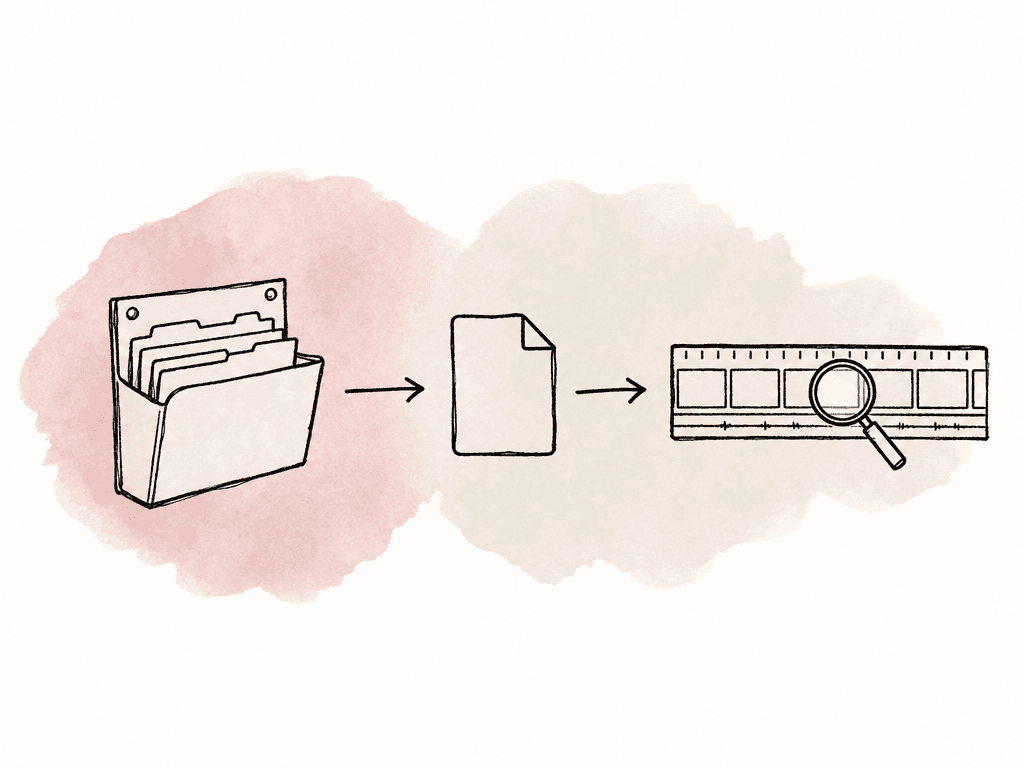
4. Record where the procedure slowed down
Log the request, selected asset identifier, useful time range, rights decision, original location, and any failure. Record separate timestamps for locating the shot, clearing its use, obtaining the original, and successfully opening it in the editor. This distinguishes a metadata problem from a storage delay or a missing decision-maker. Have the archive owner fix the underlying gap and repeat the failed part. For example, improve a source reference if two cards share a filename, or name a backup rights contact if a request stalled while its owner was away. Keep the procedure with the archive so another teammate can repeat it.Maintain the archive around actual reuse
Choose a few retrieval requests to repeat on a schedule that matches how often your team uses the library, and after a significant migration or storage change. Include frequently reused footage and older material that hasn't been opened recently. Update contact details and rights references when responsibilities or licenses change. Use the media lifecycle policy guide to define retention periods, deletion authority, and storage transitions. Record changes to those policies in the archive procedure. If footage moves to another storage location or a license expires, update its record so the next producer doesn't have to rediscover the change.FAQ
A searchable archive has a catalog that identifies each original file and provides ways to find its contents. Filenames and technical metadata help locate known assets, while previews, transcripts, descriptive metadata, and visual search help find useful moments when the filename is unknown. The catalog also needs a reliable connection to the original so a search result can become usable footage.
Start with an archive identifier, project or campaign, shoot date, source location, content description, responsible owner, and usage-rights reference. Preserve available technical metadata such as codec, frame rate, duration, resolution, and audio layout. Record the original's storage location and retrieval procedure separately from the availability of its preview.
AI search can help identify scenes, actions, spoken topics, and matching moments without someone describing every clip. It can't establish your team's contractual rights, verify whether a license covers a new campaign, or decide which archive copy is authoritative. Use AI-generated information for discovery and maintain those business decisions in reviewed fields with supporting records.
Set a target based on the team's delivery deadlines and the actual storage workflow. Measure how long it takes to find a shot, clear its use, obtain the original, and open it in the editing application. Include any wait for an off-site original in the schedule, even when its preview is already available.
A viewing copy is useful for selecting footage, but it should not be assumed to meet an editing application's proxy requirements. Check its relationship to the original, including timecode, frame rate, duration, and audio layout, before attaching it as a proxy. Keep a working route back to the original for finishing or any workflow that needs full-quality source media.