
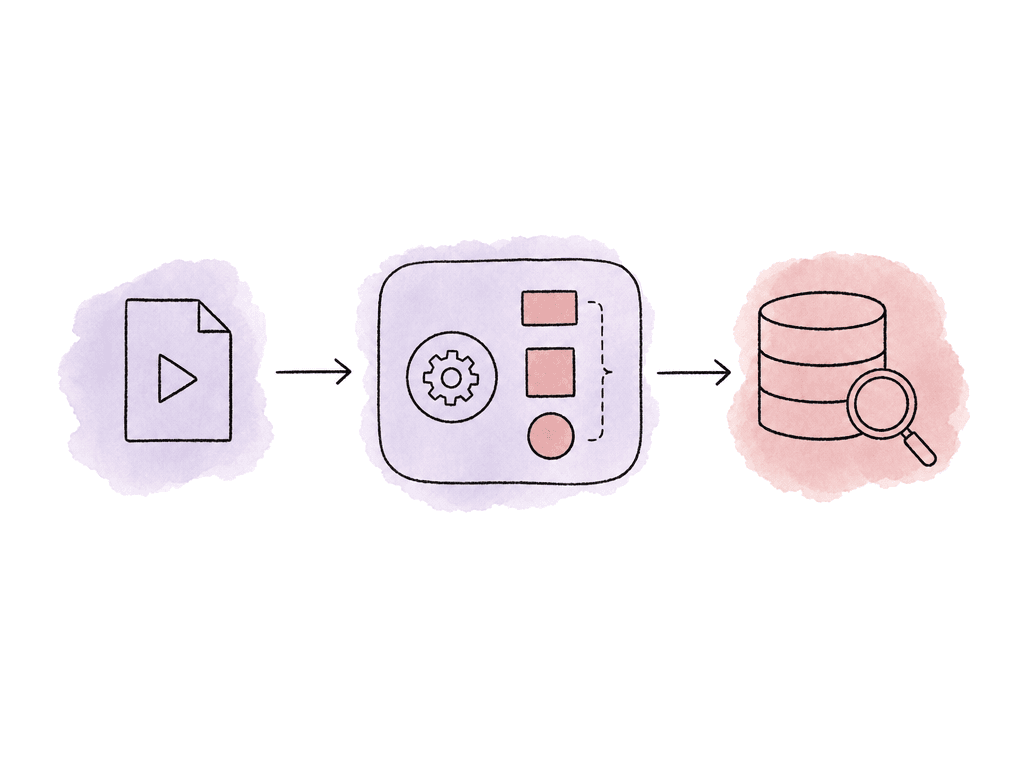
The media API is usually managing objects, not just files
Most media APIs separate storage, assets, processing instructions, jobs, outputs, and search indexes. The names vary by platform, but the pattern is consistent. A typical media API has a few core objects:- A storage location records where the original media lives, such as object storage, a registered bucket, or a signed upload target.
- An asset is the API’s record for a piece of media, with an ID, metadata, file references, and lifecycle state.
- A transform or processing profile is the recipe for what should happen to the asset.
- A job is one execution of that recipe against one input asset.
- An output asset may be a proxy, mezzanine, streamable rendition, transcript, thumbnail set, caption file, embedding index, or analysis result.
- A search index is the structure used to retrieve files, shots, scenes, or moments later.
Submitting an asset
Submitting an asset usually means one of two things: you upload the media through the API, or you tell the API where the media already lives. In production workflows, the second pattern is common because camera originals, proxies, review exports, and masters may already sit in cloud storage or shared storage managed by another process. A clean submission request usually includes more than the video file. Your submission request should carry enough context for the media to survive the rest of the pipeline.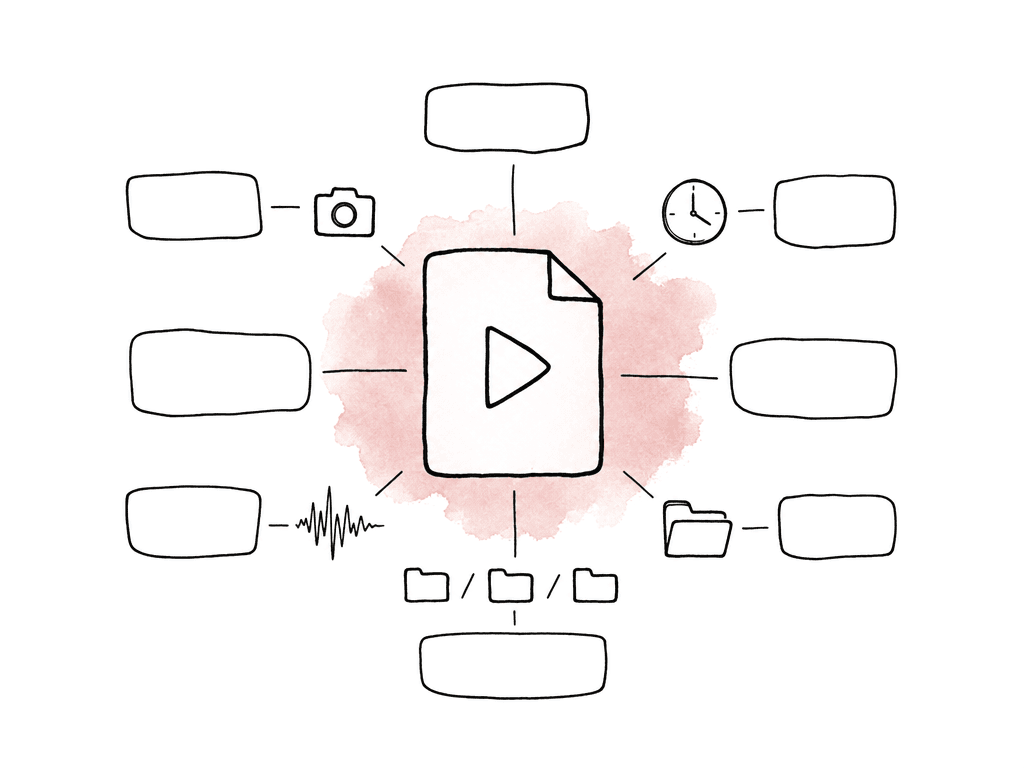
- Stable production, project, episode, scene, shoot day, or campaign identifiers.
- Original filename and path, especially if editorial or conform will need them later.
- Duration, frame rate, resolution, codec, and audio channel layout when known.
- Camera or sound roll metadata if it exists.
- Checksums or verification reports for high-value source media.
- Rights, territory, embargo, or internal access tags.
- Human-entered notes that your team keeps separate from machine-generated tags.
Processing is a job, not an instant response
After submission, the API generally creates or starts a processing job. Some platforms call the reusable recipe a transform, preset, profile, workflow, or pipeline. The idea is the same: define the processing once, then apply it to many assets. For video search, processing may include several operations chained together:- Decode the source and generate a proxy
- Extract thumbnails
- Segment the video into shots or time windows
- Run speech-to-text, detect on-screen text, and analyze visual content
- Create embeddings and write searchable records into a database or vector index
- Playback profiles create HLS, DASH, MP4 proxies, adaptive bitrate ladders, thumbnails, or preview clips.
- Editorial profiles create low-res proxies, audio splits, timecode-preserving derivatives, or mezzanine formats.
- Metadata profiles extract technical metadata, loudness, captions, OCR, shot boundaries, labels, and transcripts.
- Search profiles create visual, audio, text, and semantic indexes for file-level or moment-level retrieval.
- QC profiles detect missing audio, black frames, frozen frames, invalid headers, unsupported codecs, or other delivery issues.
What the API returns after submission
The first response from a media API is usually not the final result, but it's more often a receipt. You get an asset ID, job ID, upload state, or accepted status. That response tells you the system has enough information to start, not that the media is ready. A useful submission response may include:- Asset ID for later metadata updates and search association.
- Job ID for tracking processing state.
- Upload URL or storage reference if the binary transfer is separate.
- Initial validation status, such as accepted, pending, or rejected.
- Estimated processing hints, though these are often rough.
- Links or identifiers for related output assets once they exist.
- Error details if the system rejects the request immediately.
Polling and webhooks
Because media processing takes time, your application needs a way to learn when state changes. The two standard patterns are polling and webhooks.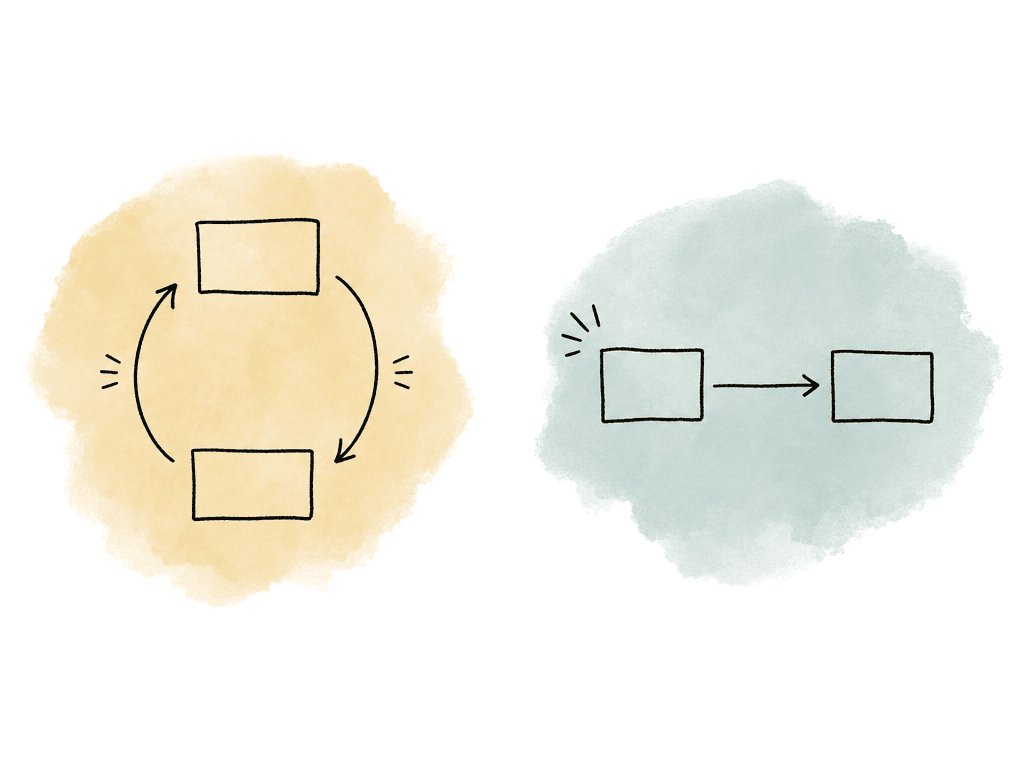
- Polling is easier to start with, but you need backoff, timeouts, and rate-limit handling.
- Webhooks scale better, but you need a reliable public endpoint, signature verification, retries, and idempotent event handling.
- Polling gives your app control over timing, but it can miss nuance if you only ask for a single status field.
- Webhooks give better event detail, but events can arrive more than once or out of order.
- Many teams use both: webhooks for automation, polling for user-facing status refresh and recovery.
The searchable index is a derivative asset
Search is the result of processing that creates an index, which might include several kinds of searchable evidence:- Transcript text
- Detected objects, OCR, and captions
- Shot boundaries and thumbnails
- Embeddings
- Manually entered metadata, or all of the above
interview_final.mov, the user wants to find the exact moment where the subject says a line, the car crosses frame, or the host mentions a sponsor.
A good video search index usually combines three layers:
- Visual information covers scenes, people, objects, actions, logos, on-screen text, shot changes, and thumbnails.
- Audio and language information covers speech transcription, speaker turns, captions, music cues, and translated text.
- Semantic information uses embeddings that let natural language queries match meaning rather than exact words.
Querying the index
Once processing completes, your application queries the index rather than the source video. The query can be keyword-based, metadata-filtered, semantic, or hybrid. A search request for a production archive might combine a natural language query with structured filters. For example, the user might search for “wide shot of the presenter entering the lobby” while restricting results to a specific show, shoot date, approved rights status, and proxy availability. The API then returns ranked matches, usually with pointers back to the asset and timestamps inside it. Search responses are most useful when they return evidence. In media workflows, the result should help someone decide whether to open the clip, mark a select, request a pull, or send it to edit.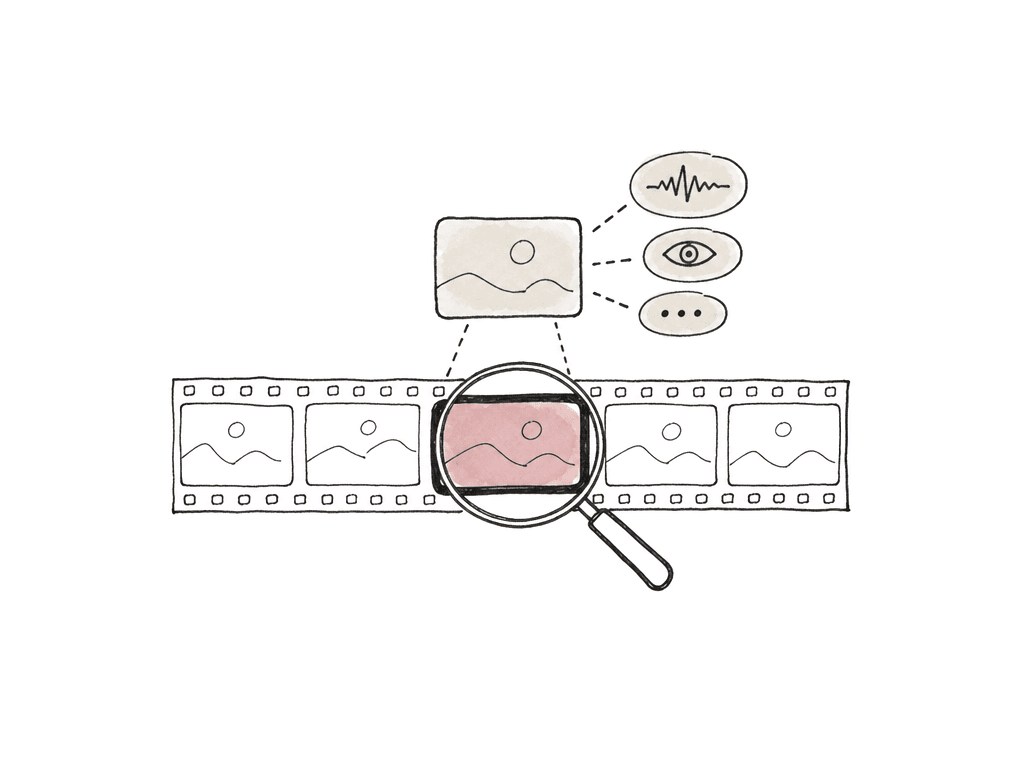
- Asset ID and human-readable title or filename.
- Start and end time for the matching moment.
- Thumbnail or preview reference.
- Transcript excerpt, caption text, OCR text, or detected label that explains the match.
- Confidence score or ranking signal.
- Matched metadata fields and applied filters.
- Rights or access status if it affects whether the clip can be used.
- Proxy or playback reference for fast review.
Timecode, chunks, and why moments get messy
Video is time-based, so search results need to point to useful moments. That sounds simple until you deal with real-world footage. Many AI indexing systems process video in chunks. A chunk might be five seconds, ten seconds, thirty seconds, or an overlapping window. The index stores what was found in each chunk, and then queries return the best matching chunk. This is good enough for many discovery workflows, but it may not be frame-accurate. A producer looking for b-roll can tolerate a result that starts a few seconds early. An assistant editor preparing pulls for a conform may need exact source timecode and reel names. A legal review team may need transcript timestamps accurate enough to defend what was said and when. A sports or news team may need your system to clip the moment with handles before and after the detected action. You should preserve both API time and editorial time. API results often use seconds from the start of the uploaded file. Editorial workflows may care about source timecode, sequence timecode, drop-frame behavior, camera roll, sound roll, and proxy-to-original relationships. If you flatten everything to “00:03:12 from upload,” you may make search easy while making editorial handoff painful.Where processing time gets underestimated
Video processing time depends on several factors beyond upload time:- File duration and codec
- Resolution and audio layout
- Number of outputs
- Model latency and queue depth
- Whether the source is immediately readable from storage
- Camera codecs that are accepted for storage but expensive or unsupported for processing.
- Multiple derivative outputs, such as proxies, thumbnails, transcripts, captions, and embeddings.
- Queueing when many jobs arrive at once, especially after a shoot day, live event, or archive migration.
- Retry behavior after transient storage, permission, or network failures.
- Index commit time after analysis finishes, especially with large batch imports.
| State | What it means | User-facing behavior | Common delay |
|---|---|---|---|
| Uploaded | The file transfer or storage reference exists | The asset can appear in the project, but processing is not ready | Large transfers, storage permissions, or signed URL issues |
| Validated | The system can open the source and read required metadata | Users can see that the asset is processable or rejected | Unsupported codecs, corrupt headers, missing video streams, or missing audio streams |
| Proxy ready | A review or playback derivative exists | Editors and producers can preview the asset before every analysis output is complete | Transcode queue depth, codec complexity, resolution, or audio layout |
| Transcript ready | Speech or caption text has been generated and time-aligned | Text search may work before visual or semantic search is complete | Speech-to-text latency, long duration, noisy audio, or multi-channel audio handling |
| Semantic index ready | Embeddings and searchable records have been written | Natural language and similarity search can begin returning moment-level matches | Chunking, model latency, vector writes, or index commit time |
| Searchable | The index, metadata, rights filters, and playback pointers are usable together | Users can search, review matched moments, and open a proxy or source reference | Metadata association, access rules, final index availability, or retry recovery |
Failure modes that matter in media workflows
Media API failures need to be exposed clearly because many of them have a known cause and a documented response:- Permission denied and file not found
- Unsupported format and corrupt header
- Invalid metadata, missing video stream, and missing audio stream
- Timeout and quota exceeded
- Job canceled
Choosing the shape of your integration
There are three common ways teams use media APIs for processing and search. Some teams use a single managed video API that handles upload, processing, playback, and indexing. This is a direct way to get a working system, especially when the team doesn't want to stitch together transcription, frame extraction, embeddings, storage, and vector search. The tradeoff is that you accept the provider’s object model, supported formats, and search behavior. Other teams build a media lake pattern. The original files remain in existing storage, while automated workflows catalog and process them into a unified search layer. This works well for organizations with media spread across buckets, shows, departments, or archive tiers. The challenge is governance: your team has to keep identifiers, permissions, metadata schemas, and lifecycle rules consistent enough for search to make sense. Technical teams sometimes assemble their own pipeline from separate services: storage, transcode, and search APIs. This gives control, but it also creates synchronization work. You have to align transcript words, timestamps, and access rules yourself. The best choice depends less on buzzwords and more on ownership. If your team can own queues, retries, model changes, index migrations, and media-specific edge cases, a custom pipeline can make sense. If the real goal is to help editors and producers find moments faster, a managed API or media lake pattern may get you there with less infrastructure.Test with ugly media, not demo clips
A media API integration can look perfect with short MP4 files and fall apart with actual production media. Test with the files your team really receives: long interviews, spanned camera cards, odd frame rates, multi-channel audio, mixed codecs, exports with burned-in captions, files with missing metadata, and assets stored in the places they'll actually live. During testing, watch the state transitions as closely as the final output. Confirm that your system can represent partial completion, failed sub-jobs, retries, duplicate webhook events, slow indexing, and search results that point to moments rather than whole files. Confirm that a user can understand what is ready without reading logs. The goal is to make the media lifecycle visible enough that production teams can trust it. Submit the asset with the right context. Run the correct processing profile. Store the IDs and states. Wait for the index to be ready. Query for moments with evidence. Surface failures in language that maps to real post work. That's the difference between a video upload integration and a media workflow that people can actually use.FAQ
Uploading usually refers to transferring the media file or providing a storage reference. Submitting an asset creates a managed record that the API can process, track, index, and associate with metadata. In real workflows, the asset ID, job ID, and output IDs are often more important than the original upload transaction.
Video processing can involve decoding, transcoding, thumbnail generation, transcription, OCR, shot detection, embeddings, indexing, and QC. These steps may take minutes or hours depending on duration, codec, resolution, queue depth, and the number of outputs requested. Because of that, the first API response is usually a receipt rather than the finished result.
Polling is simpler and works well for small batches, internal tools, or user-facing refreshes. Webhooks are better for automation at scale because the API sends events when states change. Many production systems use both: webhooks for workflow automation and polling for status recovery, dashboards, or active user sessions.
Different outputs finish at different times. A playback proxy may only require decoding and transcoding, while search may require transcription, visual analysis, chunking, embeddings, and index commits. A good integration should represent partial readiness, such as proxy ready, transcript ready, and semantic index ready, instead of treating processing as one single state.
Search results should return evidence, not only asset IDs. Useful responses usually include the matching asset, start and end time, thumbnail or preview link, transcript excerpt or detected label, confidence or ranking signal, applied metadata filters, and rights or access status. This lets editors and producers judge whether a result is useful without opening and scrubbing every file manually.
Treat readiness as layered instead of binary. Editors may be able to review or cut from a proxy before semantic search is finished, so the system should show which outputs are ready and which are still processing. Aspect helps here by automatically creating generated proxies and previews, which gives the team something usable while heavier indexing work continues.