

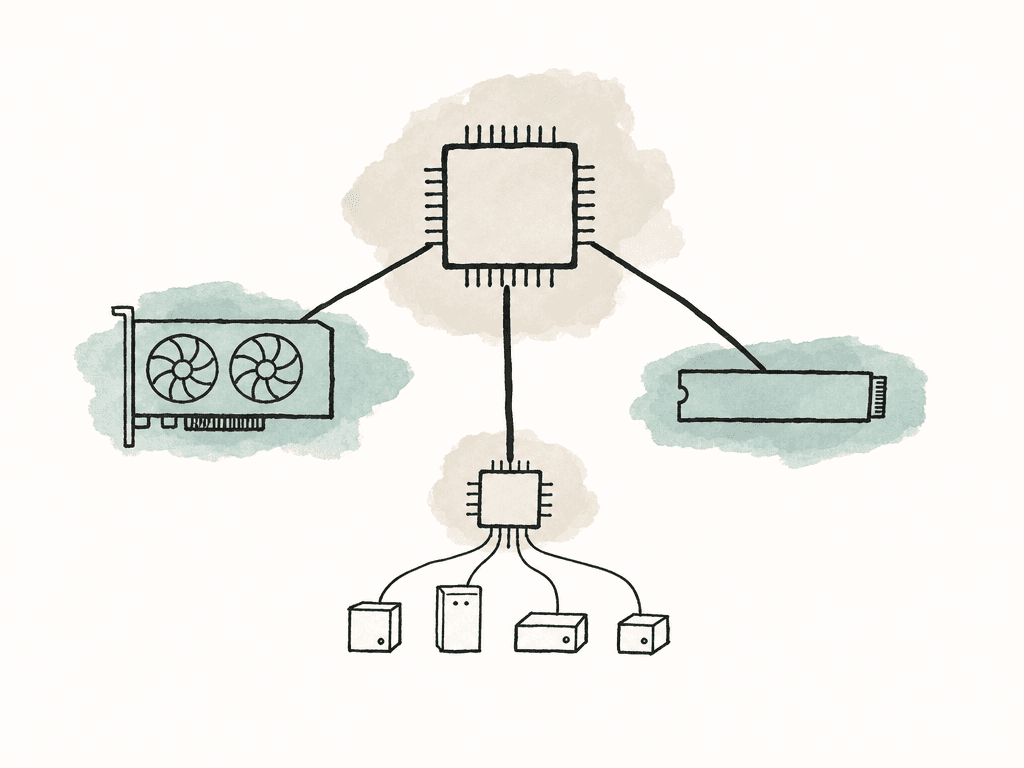
The simple rule for post workstations
Give direct CPU lanes to the parts that are most sensitive to latency and sustained bandwidth.| Device or role | Typical PCIe need | Best placement | Usually acceptable behind chipset? | Risk if underfed |
|---|---|---|---|---|
| Primary GPU | x16 physical, often x8 or x16 electrical | CPU-connected primary slot | No | Lower GPU transfer bandwidth, possible timeline or render slowdowns in GPU-heavy work |
| Scratch, cache, or active-media NVMe | x4 | CPU-connected M.2 slot or direct CPU add-in card | Sometimes, if it is not active during other heavy I/O | Inconsistent cache, conform, render, and copy performance |
| Boot and applications NVMe | x4 | CPU or chipset M.2 slot | Yes | Usually low impact unless it shares bandwidth with active media devices |
| 10GbE NIC | x4 is common | Stable CPU-connected or uncongested chipset slot | Often, if the chipset uplink is not saturated | Shared-storage playback or export drops during simultaneous disk or USB activity |
| 25GbE or faster NIC | x8 or higher is common | Prefer CPU-connected slot | Usually no | Network throughput collapses under real media loads |
| Capture or playback card | Often x4 or x8 | Prefer CPU-connected slot for realtime work | Risky | Dropped frames, unstable ingest, monitoring delay |
| Secondary GPU | x8 or x16 | CPU-connected slot with planned lane split | No, for serious acceleration | Poor scaling, contention with storage or I/O |
| Wi-Fi, audio, low-use USB, occasional storage | x1 to x4 | Chipset-connected slots are fine | Yes | Usually minimal unless the chipset path is already overloaded |
- Primary GPU for Resolve, Premiere Pro, After Effects, 3D, AI, and GPU-accelerated effects
- Fast NVMe drive used for cache, scratch, proxies, conforms, or active media
- 10GbE, 25GbE, or faster network card if the workstation depends on shared storage
- Capture and playback cards for realtime monitoring, ingest, or live processing
- Second GPU, if the application actually benefits from it
Lanes, width, and generation
A PCIe lane is a bidirectional data path. Devices combine lanes into wider links: x1, x4, x8, and x16 are the common ones you'll see in workstation specs. The two numbers that matter are lane width and PCIe generation. Width is how many lanes the device gets, and generation is how fast each lane is. Common device expectations look like this:- Modern GPU: usually x16 physically, often fine at x8 on PCIe 4.0 or PCIe 5.0 for many creative workloads
- NVMe SSD: usually x4
- 10GbE NIC: often x4, sometimes x8 depending on generation and controller
- 25GbE NIC: commonly x8 or x16 depending on card
- Capture card: varies widely, often x4 or x8
- RAID/HBA/storage controller: often x8 or x16
- Wi-Fi or audio card: commonly x1
CPU lanes and chipset lanes aren't the same
Most modern workstations get PCIe connectivity from two places: the CPU and the chipset. CPU lanes are the most direct lanes. They connect directly to the processor, and boards usually assign them to the primary GPU slot, one or more M.2 slots, and sometimes a second PCIe slot. Chipset lanes are still useful, but they share an uplink back to the CPU. On Intel platforms this is typically the DMI link. On AMD platforms it's the chipset link. The chipset may advertise plenty of PCIe lanes, but all chipset-connected devices eventually squeeze through that shared path. That distinction matters when you populate a board heavily. A chipset-connected NVMe drive, USB controller, SATA controller, onboard networking device, and lower PCIe slot may all be sharing the same uplink. Any one device may be fine, but several active devices at once can collide. For editorial work, this shows up when you copy media to an NVMe drive while pulling from shared storage over 10GbE, rendering cache, and exporting at the same time. Nothing is “broken,” but throughput becomes inconsistent because several devices are fighting for the same upstream connection.Why full slots can still mean reduced performance
Motherboard slot diagrams are often more important than the CPU spec. The CPU may support enough lanes for your plan, but the board decides how to wire those lanes. Common lane-sharing behaviors include:- Installing an SSD in a certain M.2 slot drops the primary GPU from x16 to x8
- Using the second full-length PCIe slot splits the GPU lanes into x8/x8
- Populating a lower M.2 slot disables a SATA port
- A physical x16 slot only runs at x4 through the chipset
- USB4 or Thunderbolt controllers consume lanes that could otherwise feed storage or expansion
A lane plan for a single-GPU edit workstation
A single-GPU edit workstation doesn't need an extreme platform if the lane plan is clean. A common target looks like this:- GPU in the primary CPU-connected slot at x16, or x8 if the platform is PCIe 4.0/5.0 and the workload isn't GPU transfer-bound
- One CPU-connected NVMe drive for active cache, scratch, or current media
- Boot/application NVMe either CPU-connected or chipset-connected
- 10GbE NIC on a stable x4 or better link
- Any additional slower storage behind the chipset
Planning for multiple GPUs
Multiple GPUs change the decision, and they also expose the limits of consumer desktop platforms quickly. A two-GPU setup often wants x8/x8 from CPU lanes. That can work well on many boards, especially with PCIe 4.0 or 5.0. But you need to confirm that the second full-length slot is actually CPU-connected and that using it doesn't disable the storage layout you care about. More than two GPUs is where consumer boards usually stop making sense. At that point, you need a platform with more CPU lanes, better spacing, enough power, airflow, and a topology that keeps GPUs, NICs, and NVMe devices balanced. For GPU-heavy systems, the topology matters as much as total lane count. NVIDIA’s server guidance for PCIe systems emphasizes balanced PCIe architecture, including distributing GPUs across CPU sockets and PCIe root ports, and placing NICs and NVMe drives within the correct topology for the workload. That advice targets enterprise servers, but the principle applies to media workstations too: don't cluster every critical device behind one congested path if the platform gives you better options. For post teams, multiple GPUs make sense when the application and workflow use them well. Resolve Studio, some 3D renderers, AI inference tools, and realtime processing systems may benefit. Many editorial workflows still do better with one faster GPU, clean storage, and reliable networking.Planning for multiple NVMe drives
You can easily overbuy NVMe drives because the sockets are small and the benchmark numbers are huge. Each typical M.2 NVMe drive wants four PCIe lanes. Four drives can consume sixteen lanes, which is the same width as a full GPU slot.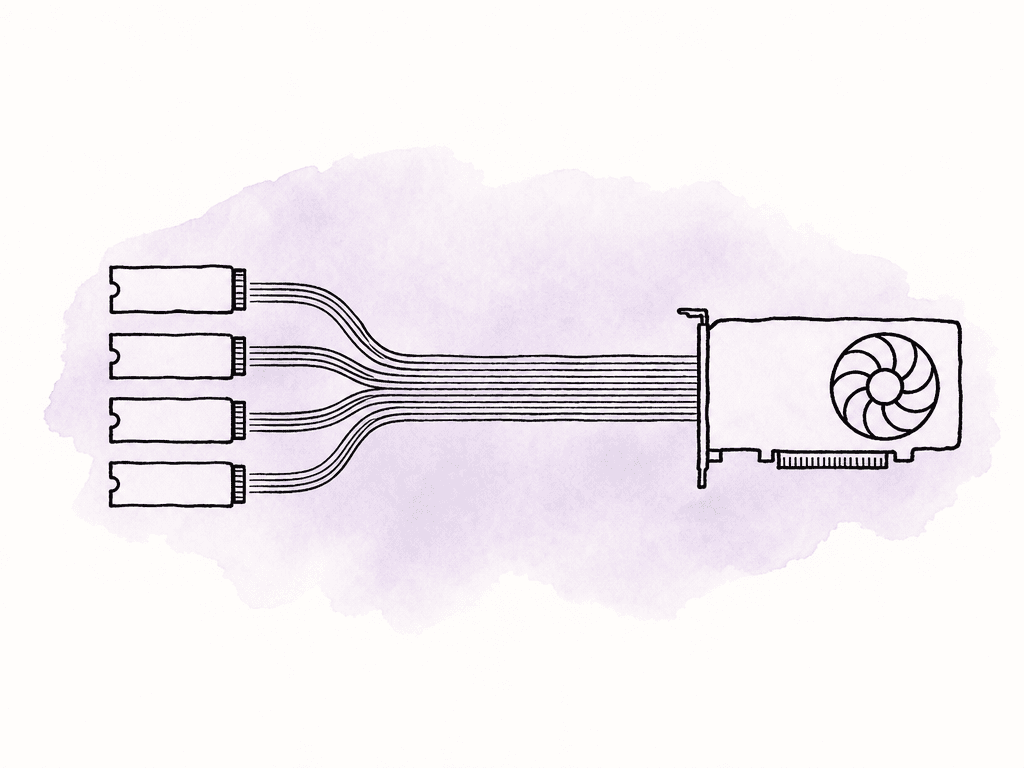
- One or two M.2 slots are CPU-connected, usually best for scratch and active media
- Additional M.2 slots are chipset-connected and share the chipset uplink
- Some boards support PCIe bifurcation, splitting an x16 slot into x4/x4/x4/x4 for an add-in NVMe card
Capture cards and realtime video systems
Capture and playback cards deserve more attention than they usually get. Realtime video I/O is unforgiving. Dropped frames, delayed monitoring, or unstable ingest can come from bandwidth contention just as easily as from driver issues. Realtime video processing systems often combine GPUs, DeckLink or similar capture cards, NVMe storage, and high-speed networking. These systems are sensitive to both total bandwidth and topology. A capture card sharing chipset bandwidth with a storage controller and USB devices may work on a light job and fail during a real session. For these builds, keep related devices close in topology when possible. If a GPU processes frames from a capture card and writes to NVMe, your build will perform more predictably when you don't separate those devices by unnecessary uplinks or congested chipset paths. On Linux systems, tools such as lstopo can show PCIe and NUMA topology. On Windows, GPU-Z, vendor tools, Device Manager views, and motherboard utilities can help confirm negotiated link width and generation. The goal is to keep the devices that exchange time-sensitive media data from waiting on the wrong bridge.Intel, AMD, workstation, and server platforms
Consumer Intel and AMD platforms can be excellent for single-GPU edit workstations, but they have limited direct CPU lanes. Typical consumer patterns look like this:- Intel desktop platforms commonly provide CPU lanes for the primary GPU and at least one CPU-connected NVMe drive, with additional devices behind the chipset over DMI
- AMD Ryzen desktop platforms commonly provide CPU lanes for GPU, NVMe, and chipset connectivity, with additional expansion through the chipset
- Higher-end chipsets add connectivity, but chipset lanes still share the chipset uplink
- Board wiring varies heavily, even within the same chipset family
Apple platforms are different
Apple Silicon systems don't expose PCIe lane allocation in the same way as a PC workstation. The SoC integrates the GPU, memory is unified, and internal storage isn't something you rearrange across M.2 slots. For many editors, that's part of the appeal: there's no motherboard lane puzzle to solve. The tradeoff is less internal expandability. On Mac Studio and MacBook Pro systems, expansion is mostly external through Thunderbolt and USB. That means the planning question shifts from “which slot gets CPU lanes?” to “which external devices share each Thunderbolt bus?” The Apple Silicon Mac Pro adds PCIe expansion slots for I/O cards, storage cards, networking, and other supported PCIe devices, but it doesn't behave like an old dual-GPU tower where you can drop in conventional discrete GPUs for acceleration. For media teams, the Mac Pro’s PCIe slots are more about specialized expansion than GPU scaling. For Apple-based rooms, lane planning becomes Thunderbolt topology planning. Avoid stacking storage, capture hardware, audio interfaces, and network adapters on the same bus if they all need sustained bandwidth during a session.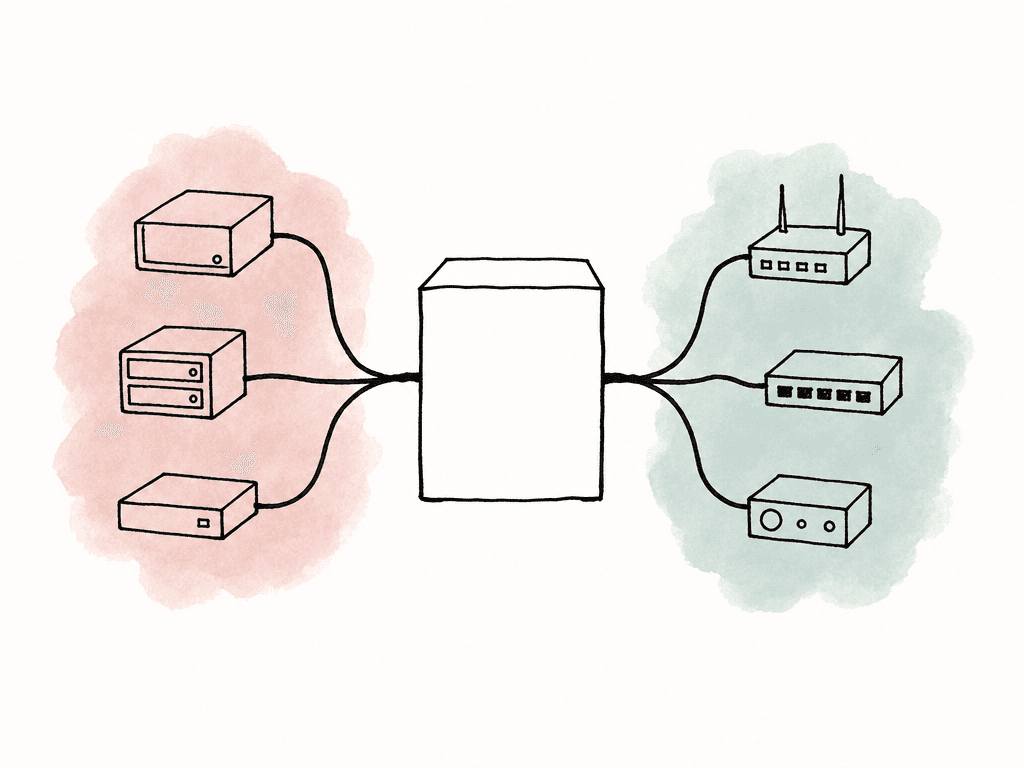
How to confirm what the system actually negotiated
After you assemble the system, install drivers, or change hardware, confirm negotiated PCIe link width and generation. Do this under load when possible, because some devices downshift at idle to save power. Useful signals include:- GPU link width and generation in GPU-Z, NVIDIA tools, or system profiler utilities
- NVMe link width and generation in vendor SSD tools or system information utilities
- PCIe topology in lstopo on Linux
- Disk throughput tests that hit the intended workflow path, not only synthetic peak numbers
- Actual timeline playback, cache generation, ingest, and export tests using representative media
When to move up a platform
Move beyond a mainstream desktop platform when the required direct devices no longer fit cleanly. That usually happens when the build needs several of these at once:- Two or more GPUs that need meaningful bandwidth
- Three or more high-performance NVMe drives active at the same time
- 25GbE or faster networking
- Multiple capture/playback cards
- Predictable performance under simultaneous ingest, playback, render, and export loads
FAQ
No. A slot can be physically x16 but electrically wired as x16, x8, x4, or even x1. It may also change speed depending on which M.2 slots, other PCIe slots, Thunderbolt controllers, or onboard devices are enabled. Always check the motherboard manual for the actual slot wiring and lane-sharing rules.
Many extra M.2 slots are connected through the chipset rather than directly to the CPU. Those drives may share the same chipset uplink with USB, SATA, networking, and lower PCIe slots. One drive may perform well alone, but several active devices can compete for the same path and cause inconsistent throughput.
A mainstream desktop platform is often fine for a single GPU, one or two NVMe drives, and 10GbE. A workstation-class platform becomes more appropriate when the system needs multiple GPUs, several active NVMe drives, 25GbE or faster networking, capture cards, HBAs, large RAM capacity, or predictable performance during simultaneous playback, ingest, render, and export work.
Start with the devices that need predictable bandwidth and low latency. Usually that means the primary GPU, active NVMe cache or media storage, high-speed networking, capture and playback cards, and any second GPU that the software can actually use. Boot drives, Wi-Fi, audio cards, and occasional-use storage can often sit behind the chipset without causing problems.
Apple Silicon Macs don't expose PCIe lane allocation like a PC workstation. The GPU is integrated into the SoC, memory is unified, and internal storage isn't arranged across user-selectable M.2 slots. Planning mainly shifts to Thunderbolt and USB topology, especially when external storage, capture hardware, audio interfaces, and network adapters are used at the same time.
The workstation still needs a stable PCIe path for its NIC, especially with 10GbE or faster shared storage. For a whole office, Aspect can add an on-site cache node so repeated media access stays local after the first pull and editors get files at full LAN speed.


