
The four ways you get charged
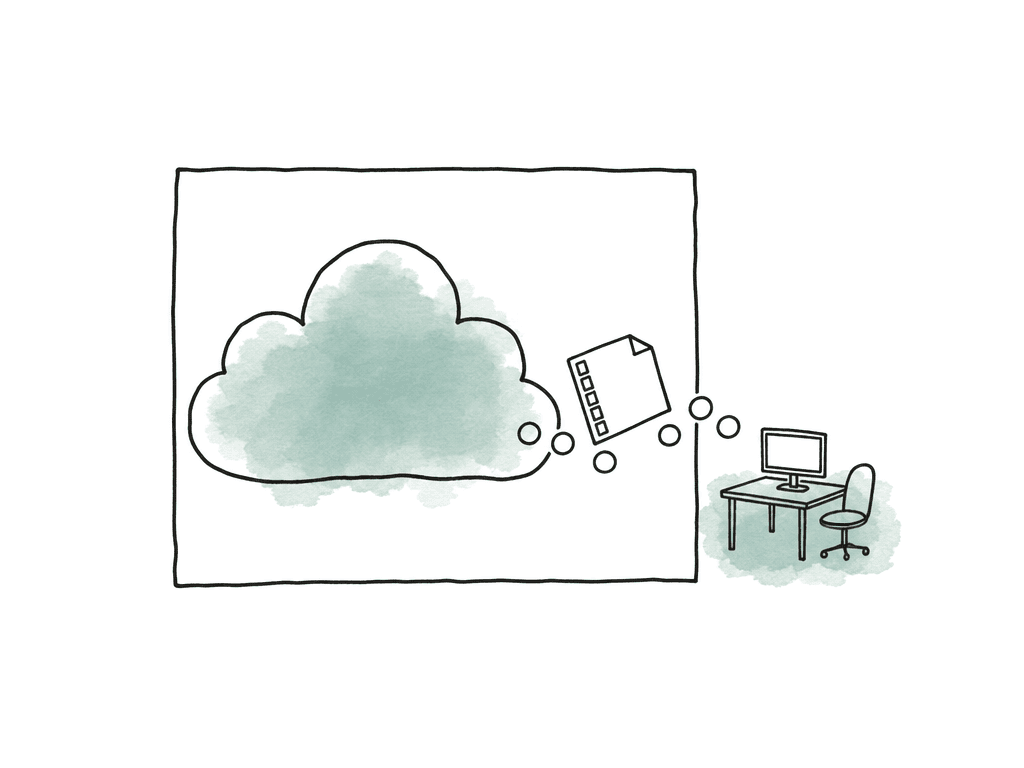
"Egress" gets used as though it were one line item. It is really four different charges that stack, and knowing which one you are looking at is most of the skill.Where the data is going
Not every byte that leaves a bucket is billed the same way. Moving data inside the same region is usually free or close to it. Moving it to a different region of the same cloud costs something. Moving it out to the public internet costs the most. Moving it into a CDN in front of your own bucket is often free, which is a detail worth knowing because it is the basis of several cheaper architectures. The practical version: the same file can cost nothing or a lot depending only on where it lands.How much you move
Every major provider tiers the rate down as volume rises. On AWS the first 10 TB in a month runs $90 per TB, and you have to pass 150 TB before the rate falls to $50 per TB. The discount is real but it is shallow, and you reach it by spending an enormous amount first.The retrieval fee sitting under the cold tier
This is the one that catches media teams, because it is invisible in a storage-price comparison. A cold or archive tier charges you a second, separate fee to make the data readable again, and you pay egress on top of it. Amazon S3 Glacier Deep Archive stores for about a dollar per terabyte per month, which looks unbeatable next to anything else on this page. Then a bulk restore adds a retrieval charge, standard egress adds its own charge on top, and the file is not available for up to twelve hours regardless. Cold tiers also enforce minimum storage durations, so deleting a file after a month still bills you for the rest of the term. Deep archive is priced for data you hope never to read. A media archive is data you read constantly, usually in a hurry, usually because someone downstream is waiting.The exit door that stays shut
Since 2024, AWS, Google Cloud, and Microsoft have all waived egress fees for customers leaving the platform, and from January 2027 providers serving EU customers will not be permitted to charge switching fees at all under the EU Data Act. Read the conditions before you count on it. AWS requires an account in good standing, more than 100 GB stored, and that you move all of your data off. Azure requires advance notice to support, removal within 60 days, and cancellation of every associated subscription. These waivers are for closing the account. They do nothing for the case that actually costs you money, which is pulling your own footage back while remaining a paying customer.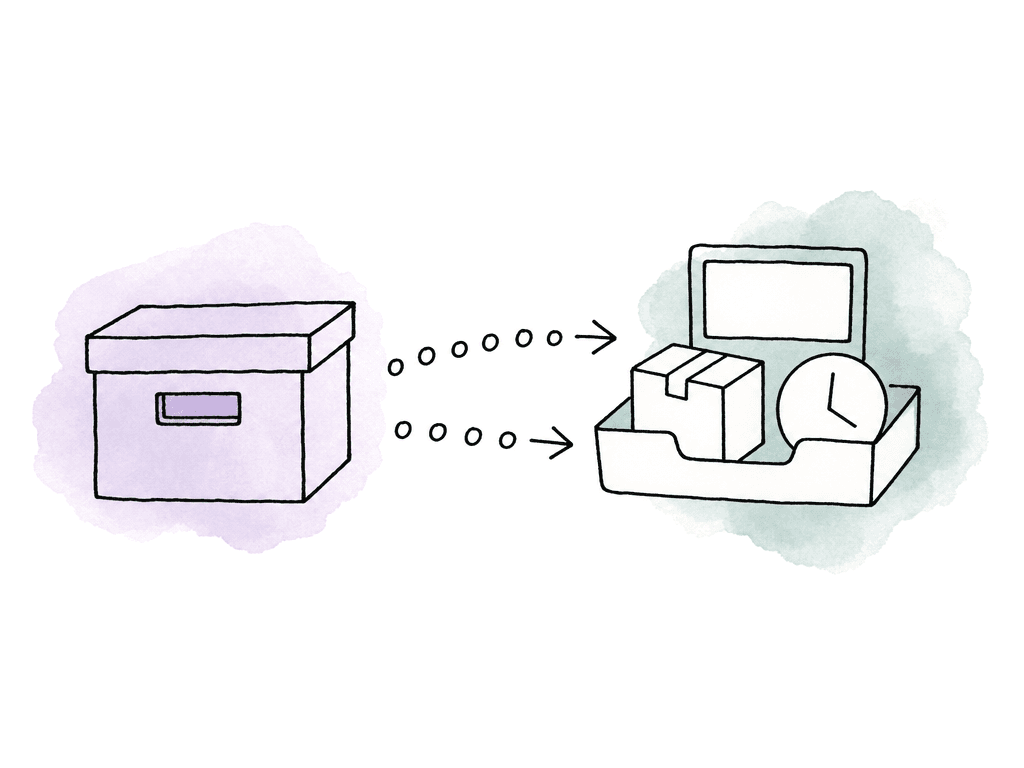
What the providers actually charge
List prices for US regions. Storage is the headline number everyone compares; egress is the number that decides the bill.| Provider | Storage per TB/month | Egress to the internet | The catch |
|---|---|---|---|
| AWS S3 | About $23 (Standard) | 100 GB/month free, then $90/TB to 10 TB, tiering to $50/TB above 150 TB | Glacier tiers look far cheaper to store but add a retrieval fee and a restore wait of minutes to twelve hours |
| Azure Blob | About $18 (Hot) | 100 GB/month free, then $87/TB to 10 TB, tiering to $50/TB above 150 TB | Archive tier carries its own rehydration fee and delay, and early deletion still bills the minimum term |
| Google Cloud Storage | About $20 (Standard) | $120/TB for the first TB on the default Premium tier, falling to $80/TB above 10 TB | The cheaper $85/TB Standard network tier routes differently, so you trade latency for the discount |
| Backblaze B2 | $6.95 | Free up to 3× your average monthly storage, then $10/TB | The 3× allowance is generous for archives and tight for libraries that get browsed constantly |
| Wasabi | $7.99 | None | Fair use expects egress not to exceed what you store; sustained heavy pulling can get throttled. 90-day minimum storage duration |
| Cloudflare R2 | $15 | None | Storage costs roughly twice Backblaze, and Class A and B operation charges still apply |
| Aspect | Active and cold tiers | None on either tier | Proxies mean most requests never touch the original |
Aspera is not a storage tier
Aspera comes up in egress conversations often enough to be worth separating out, because it is a different kind of product and the confusion is expensive. Aspera is transfer acceleration. Its FASP protocol pushes large files across long or lossy networks much faster than ordinary TCP, which is why post facilities have relied on it for years to move masters between continents. What it does not do is change what the storage provider charges. When you pull data through Aspera on Cloud, the underlying cloud still bills egress, IBM absorbs that charge, and IBM passes it back to your subscription. Aspera's own transfer pricing then sits on top, starting around $950 per TB and tiering down with volume, with plans bundling a fixed egress allowance and additional egress billed separately. So Aspera solves "this transfer takes eleven hours and keeps failing." It does not solve "this transfer costs $4,000." If the problem is the invoice rather than the wall clock, acceleration is the wrong tool.Why media gets hit harder than anything else
Two properties of video make egress bite in a way it does not for databases or documents. The first is obvious: the files are enormous. A single day of multicam 4K is measured in terabytes, so a rate that looks trivial on a spreadsheet turns into a real number the first time a project comes back. The second is less obvious and does more damage. Media gets pulled repeatedly, by different people, for different reasons, from the same archive. Editorial restores a project. Then VFX needs plates from it. Then marketing wants selects. Then a distributor asks for a remaster. Then legal wants the raw interviews. Each department pulls independently, often not knowing another already has the files, and every pull bills again.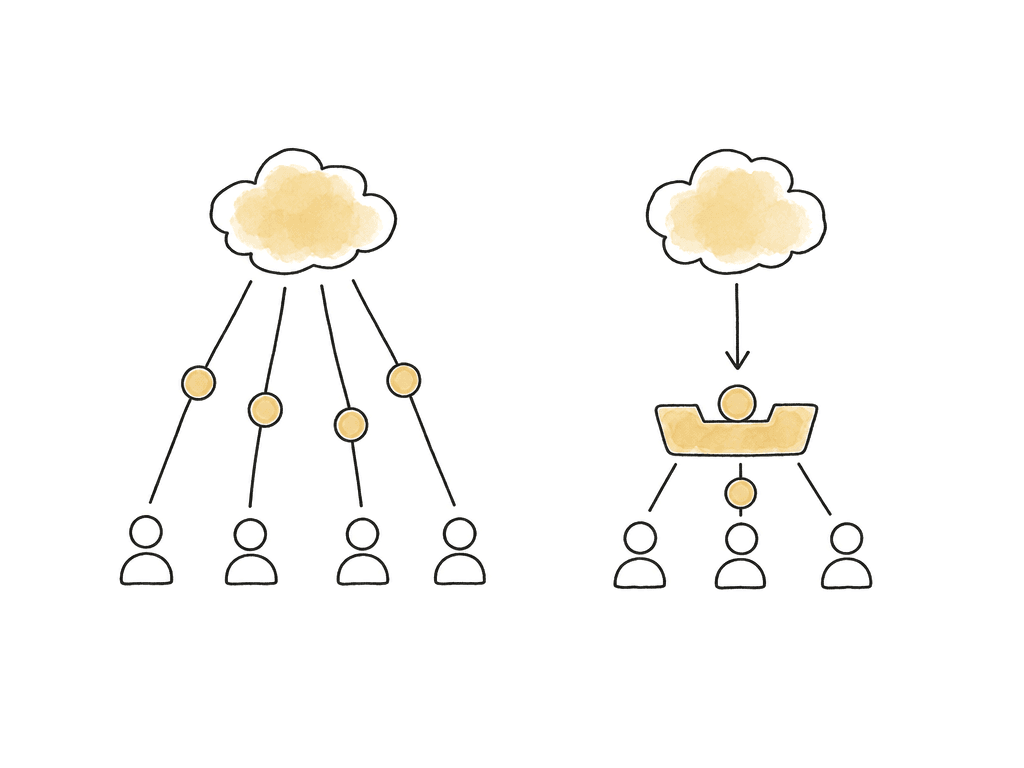
The preview problem nobody prices in
Here is the part that rarely makes it into a cost model, and it is the reason egress bills come in higher than anyone forecast. Object storage cannot show you your media. Open an S3, Azure, Google Cloud, Backblaze, Wasabi, or R2 console and you get a list of filenames, sizes, and dates. There is no player. There is no thumbnail worth the name for a video file. If you need to know whetherA047C012_240815_R1XY.mov is the take with the good performance, the only way to find out is to download it.
That download is a billable egress event, and it stays billable when the answer is no. A search through an archive for one usable shot can mean pulling a dozen files to look at them, throwing away eleven, and paying full freight for all twelve. Teams model egress as though every retrieval were intentional. In practice a large share of it is people paying to find out what they already own.
Bad filenames make it worse, and every archive has bad filenames.
How Aspect is different
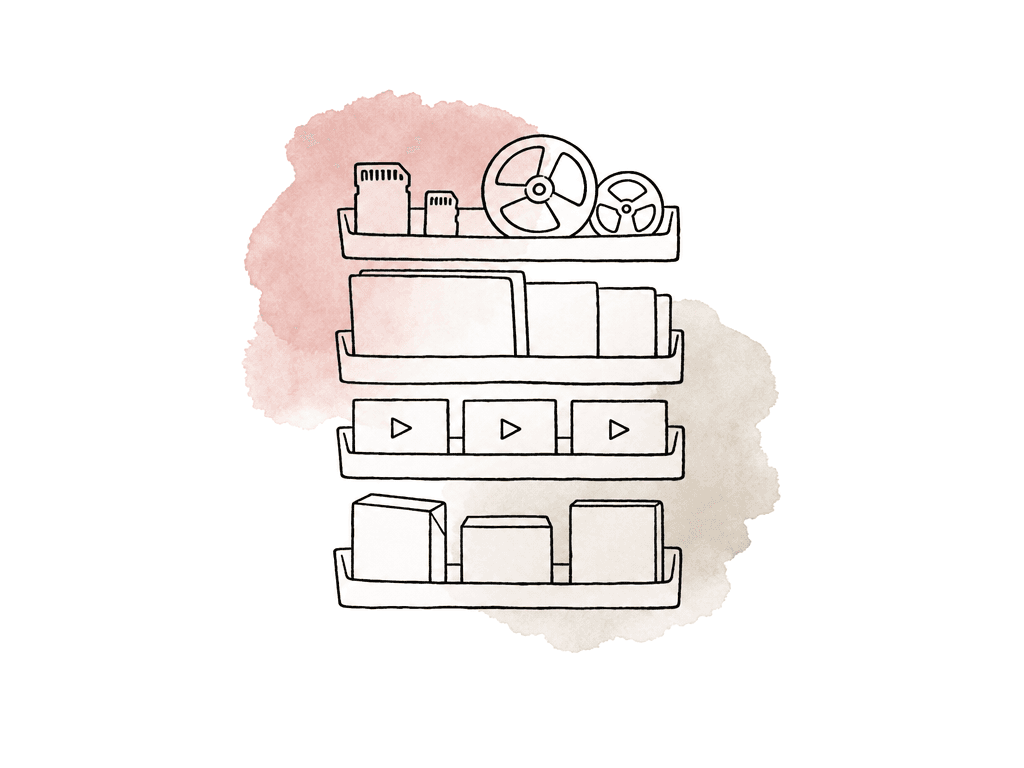
Aspect charges no egress on either its active tier or its cold storage tier. Pulling a finished project back, handing masters to a distributor, or restoring an old season does not add a volume-based line to the bill. That matters more in combination with the previous section than on its own. Because Aspect generates proxies and previews for every asset, most of the work that would otherwise be a download is not a download at all. Someone scrubs the footage in a browser, checks the take, reads the transcript, and finds the shot without the original moving anywhere. Cold storage behaves the same way: archived material stays indexed and searchable through the same interface as active media, so an old project is something you browse rather than something you restore in order to browse. For teams that already own storage, BYOS3 connects existing S3-compatible buckets directly, which leaves whatever egress arrangement you have with that provider in place while adding the preview and search layer on top.How to decide
Work out three numbers before comparing any price sheet. How many terabytes will leave the archive in a year, counting every department separately rather than assuming one restore serves everyone. How fast they have to arrive, because that number alone rules out deep archive tiers with multi-hour restores. And how many people will go looking through the archive without knowing exactly which file they want, because that is the population generating the egress nobody forecast. If you rarely expect to retrieve the archive, compare deep archive storage rates and budget for retrieval if you do need it. If the archive is something your team actually works from, price the retrieval, not the storage, and treat any tier with a restore delay as unsuitable regardless of what it costs to hold. Most media archives are the second kind. They just get bought as though they were the first.FAQ
Egress is what a cloud provider charges you to move data out of its network. Uploading is almost always free. Downloading is where the meter runs. For a media team, an egress event is any moment footage leaves the bucket: an editor pulling camera originals to a workstation, a delivery to a distributor, a restore for a legal request, or a copy to another cloud. It is billed by volume, which is why it lands harder on video than on almost any other kind of data.
In US regions at list price, AWS gives you 100 GB per month free and then charges $90 per TB for the first 10 TB, dropping to $50 per TB above 150 TB. Azure is close behind at $87 per TB for the first 10 TB after its own 100 GB free allowance. Google Cloud's default Premium tier starts at $120 per TB and falls to $80 per TB above 10 TB. Backblaze B2 gives free egress up to three times your average stored volume and charges $10 per TB after that. Wasabi and Cloudflare R2 charge nothing for egress.
Because a cold tier adds a retrieval fee that is separate from egress, and you pay both. Pulling a file out of Amazon S3 Glacier Deep Archive means a bulk retrieval charge, then the normal per-gigabyte egress charge on top, then a wait of up to twelve hours before the file is even available. Cold tiers also carry minimum storage durations, so deleting early still bills you for the remaining days. Deep archive is priced for data you hope never to read. Media archives get read constantly.
No, and this is a common misunderstanding. Aspera is transfer acceleration software, not a storage tier. When you pull data through Aspera on Cloud, the underlying provider still bills egress, IBM pays it, and IBM passes it back to your subscription. Aspera makes a transfer faster over a long or lossy network. It does not make it free, and its own per-gigabyte transfer pricing sits on top of whatever the storage provider charges.
Only for leaving. AWS, Google Cloud, and Microsoft all waive egress when a customer exits the platform entirely, and from January 2027 providers serving EU customers cannot charge switching fees at all. Those waivers require you to move all your data out and close the account, so they do nothing for the everyday case that actually costs media teams money, which is pulling your own footage back while remaining a customer.
Object storage shows you a list of filenames. To find out whether a clip is the one you want, you download it, and that download is a billable egress event whether or not the file turns out to be right. A platform that generates proxies lets someone scrub the footage in a browser first, so the full-resolution original moves only when it is genuinely needed. Aspect generates previews for every asset and charges no egress on its active or cold tier.