
| Option | Speed profile | Cost shape | Recipient friction | Security and control | Best fit |
|---|---|---|---|---|---|
| MASV | Fast for large ad hoc transfers, especially when browser-friendly delivery matters | $250/TB pay-as-you-go after 15 GB free each month, or $58/month for 250 GB down to $973/month for 5 TB | Low, usually easiest for non-technical uploaders and recipients | Strong transfer controls, but teams should confirm routing, storage, and residency requirements | External uploads, freelance delivery, field transfers, fast project-based sends |
| Signiant | Strong sustained performance for managed media operations | Not published. Sold as an annual subscription by user-count tier, so the bill does not move with volume | Medium, smooth for supported users but the app can create friction on locked-down machines | Strong admin, audit, portal, and storage control options | Studio, broadcaster, facility, and vendor exchange across owned storage |
| Aspera | Very fast when endpoints, network, ports, and clients are properly configured | Transfer priced from about $950/TB and tiering down, plus the underlying cloud egress passed through | Medium to high for casual users, lower for trained partners | Highly configurable, depends on deployment and IT governance | Existing Aspera environments, automated endpoint-to-endpoint transfer, controlled enterprise pipelines |
| Cloud storage | Depends on upload method, client, network, and storage service behavior | Upload is usually free; the cost is storage per TB/month plus egress on the way back out | Varies widely, simple shared links can work, direct buckets can be difficult | Very strong when IAM and policies are managed correctly, risky when permissions are improvised | Archive, long-term storage, cloud-native processing, and system-of-record storage |
- Transfers are slower than expected.
- Recipients can't get the client app working.
- Costs are unpredictable.
- Files arrive in the wrong place without enough traceability.
Start with the workflow
Most transfer debates start with speed claims. Speed only helps if the transfer fits the workflow you actually run. A post team needs one of these patterns:- Send: your team pushes files to a specific person or group.
- Receive: vendors, freelancers, production, or clients upload files to you.
- Sync or automate: files move repeatedly between storage systems, departments, or facilities.
- Ingest to cloud: files need to be uploaded directly to S3, Azure Blob, Google Cloud Storage, or another object store.
- Field upload: someone outside your network needs to send material from a hotel, truck, edit bay, stadium, or production office.
- Typical file size: 5 GB, 50 GB, 500 GB, 5 TB, or larger.
- Frequency: once a month, weekly, daily, continuous.
- Direction: send out, receive in, or both.
- Recipient type: engineer, editor, client, freelancer, agency, broadcaster, archive team.
- Destination: human download, NAS, object storage, MAM, review platform, or processing pipeline.
- Required controls: expiration, audit logs, password or SSO, watermarking elsewhere, checksum, permissions, retention, compliance.
Speed is mostly about the slowest part of the path
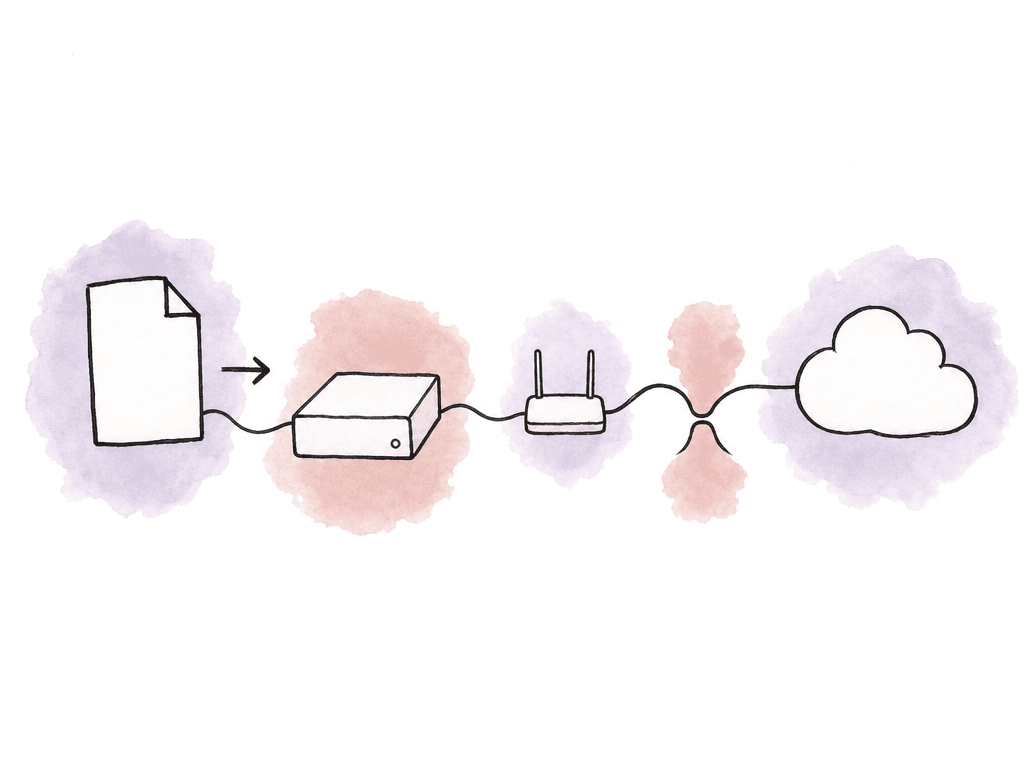
Aspera, MASV, and Signiant all exist because ordinary file transfer methods struggle with high-latency networks and packet loss, with browser limits, and with very large objects. None of them beats physics. If the sender has 40 Mbps upload, a 1 TB package is going to take a long time no matter what logo is on the portal. A useful reference point: at 100 Mbps sustained upload, 1 TB takes roughly 22 hours. At 1 Gbps sustained, the same transfer is closer to a few hours. At 10 Gbps, the bottleneck moves off the internet connection and onto the storage system, the local network and disk read speed, or the destination ingest path. The common speed killers:- Wi-Fi instead of wired ethernet.
- Uploading from a slow bus-powered drive.
- Reading thousands of tiny files instead of a few large packages.
- Corporate firewalls blocking acceleration protocols or local helper apps.
- Destination cloud storage throttling, permission errors, or lifecycle rules.
MASV makes sense for fast, low-friction transfers
MASV is often the easiest choice when you need to send or receive very large files with people who aren't part of your IT environment. It's browser-based, uses HTTPS, and is designed to avoid the plugin and firewall setup that can make legacy managed file transfer painful for outside recipients. That matters in production. If a producer, a freelance editor, or a small vendor needs to upload 400 GB by tonight, the best tool is the one they can use without calling IT.
- One-off or bursty deliveries measured in tens of gigabytes to multiple terabytes.
- Receiving files from clients, field teams, freelancers, or production offices.
- Upload portals where non-technical users need a simple drag-and-drop flow.
- Cloud ingest into storage such as S3-compatible systems, Azure, Google Cloud, or other connected destinations.
- Workflows where setup speed matters more than deep enterprise customization.
Signiant makes sense for established media operations
Signiant Media Shuttle is deeply established in media and entertainment, and it's built around portals for sending, submitting, and sharing files. Broadcasters, studios, and post houses commonly use it, along with sports organizations and enterprise media teams, when they need secure and reliable movement of large files across many users and locations. Your team can configure Media Shuttle with on-premises storage, cloud object storage, or hybrid storage. For on-premises and hybrid deployments, Signiant uses SDCX Server software. For cloud-only object storage deployments, it can work without on-prem SDCX infrastructure. Signiant Console lets administrators create storage profiles and assign them to portals, which is useful when multiple teams need different destinations. Signiant is a strong fit for these jobs:- Ongoing facility, broadcaster, studio, or vendor file exchange.
- Teams with existing NAS, SAN, or object storage that must remain the source of truth.
- Operations that need multiple branded portals for different departments or partners.
- Enterprise security, support, administration, and audit expectations.
- Hybrid workflows spanning on-prem storage and cloud storage.
Aspera makes sense when enterprise control outweighs setup friction
IBM Aspera is one of the original names in accelerated large-file transfer, and it's known for high-speed movement over long distances. Many enterprise environments use it. If you're in a studio, a broadcaster, or an archive — or in life sciences or another large technical organization — you may already have Aspera nodes and workflows running, with automation and security reviews behind them. Aspera is a strong fit for these jobs:- Existing Aspera environments where replacing the pipeline would create risk.
- High-volume automated transfer between known endpoints.
- Enterprise workflows with dedicated IT support.
- Situations where UDP-based acceleration is approved and tuned.
- Large recurring transfers where license and infrastructure costs are justified.
Cloud storage isn't the same as file transfer
Cloud storage is where files live. File transfer tools are how files get there reliably and how humans interact with the process. Mixing those up causes a lot of bad workflows.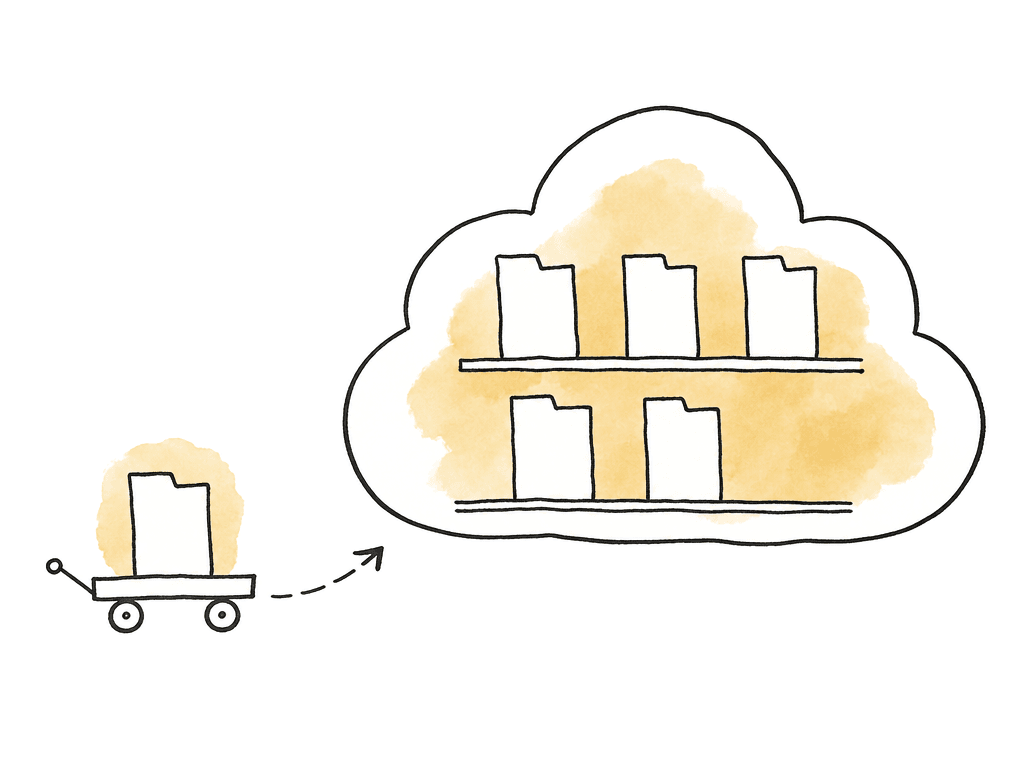
- Long-term storage, archive, backup, or shared production storage.
- Internal teams that already understand permissions and folder structure.
- Automated pipelines where files trigger processing after upload.
- Cloud-native video editing, VFX, AI, localization, or distribution workflows.
- Huge capacity requirements where object storage economics make sense.
- Public client upload without training.
- Fast ad hoc delivery to non-technical recipients.
- Large folder uploads over unreliable connections.
- Workflows needing simple branded portals and transfer notifications.
- Transfers where failed uploads need automatic retry and clear status.
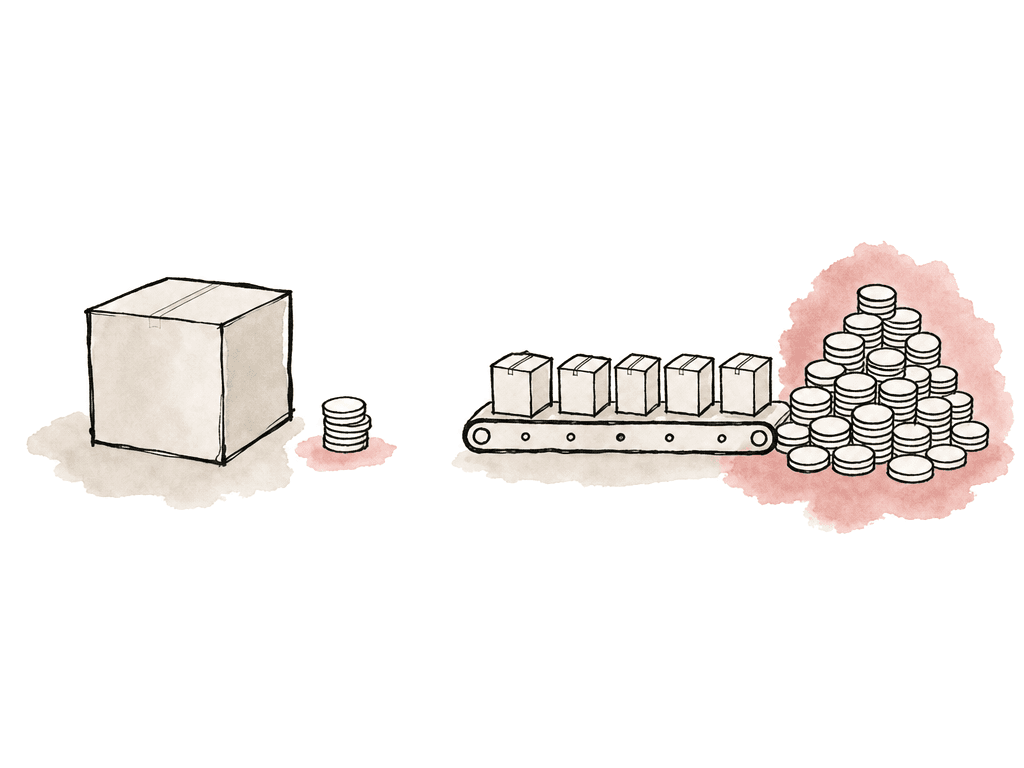
Cost depends on frequency more than file size
A 2 TB transfer sounds expensive until you compare it to a missed edit day, a couriered drive, or a producer babysitting a failed upload overnight. Cost models vary enough that you have to match them to your actual usage pattern. Think about cost in these buckets:- Transfer fees: by volume, by committed usage, or by overage.
- Licenses: named users, seats, portals, enterprise contracts, or nodes.
- Infrastructure: servers, cloud storage, egress, ingress, networking, support time.
- Recipient support: how many people need help installing apps or retrying failed uploads.
- Idle cost: what you pay when no project is transferring.
- Operational risk: late delivery, failed ingest, duplicate uploads, missing folders.
Security is about control
Check that the transfer tool provides the encryption, access controls, and retention settings your delivery requires. For media teams, useful security controls include:- SSO or identity provider support for internal users.
- Expiring links or portals for external users.
- Permissioned upload and download access.
- Audit logs showing who uploaded, downloaded, and when.
- Encryption in transit and at rest.
- Storage location control.
- Admin visibility across teams and portals.
- Compliance alignment such as ISO, TPN, SOC, or similar requirements when needed.
Ease of use matters most at the edge of the workflow
You can train your internal team. You can't train external users. This is where many otherwise good systems fail. Non-technical recipients and uploaders need a short path:- Open the portal or invitation.
- Authenticate if required.
- Drag files or folders.
- Keep the browser or app alive.
- See progress.
- Receive confirmation.
- Know who to contact if something fails.
How the options compare
Here is how the four options land across common post and production scenarios:| Scenario | Best fit | Why |
|---|---|---|
| One-off 20 GB client delivery | Cloud drive or MASV | Cloud drive may be enough if limits and permissions are simple. MASV is better if reliability and tracking matter. |
| 300 GB upload from a freelancer | MASV | Low setup friction, resumable large-file transfer, good for non-technical senders. |
| 2 TB camera originals from field to post | MASV, Signiant, or Aspera | The choice depends on whether the sender is unmanaged, part of a portal workflow, or on a supported enterprise endpoint. |
| Daily studio-to-vendor exchange | Signiant or Aspera | Known endpoints, repeat usage, admin controls, and enterprise support matter more than instant onboarding. |
| Cloud-native ingest into S3 or Azure | MASV or Signiant plus cloud storage | A transfer layer provides human-friendly upload and object storage remains the destination. |
| Existing enterprise Aspera deployment | Aspera | Worth keeping if it's stable, supported, and already integrated. |
| Huge physical-to-cloud upload near production | Cloud provider transfer terminal or high-bandwidth ingest service | When local internet is the bottleneck, purpose-built physical upload infrastructure may beat any remote upload tool. |
| Archive storage | Cloud storage | Transfer is temporary. Storage, lifecycle, retrieval, and cost controls are the real decision. |
How to make the call
A default decision tree looks like this: For occasional large transfers to or from external people, start at MASV. It addresses the “please upload this huge folder without installing anything weird” problem better than most enterprise tools. For a media organization with recurring transfers across multiple departments and controlled partners, where storage must stay under your control, Signiant is worth serious evaluation. It's built for exactly that operating model. For an existing Aspera shop with trained users and automated workflows, don't replace it because a newer tool looks easier. Replace it when onboarding, cost, or cloud integration is causing real pain. For storage, archive, and cloud-native processing, cloud storage is the right base. Don't expect it to provide a polished transfer experience by itself. A transfer layer belongs in front of it whenever humans are uploading or downloading large packages. For very large jobs where the local uplink is the blocker, the first question is whether internet transfer is even the right path. Purpose-built ingest locations, high-bandwidth production facilities, or physical shuttle workflows can still make sense for tens or hundreds of terabytes under deadline. The best setup uses more than one tool. A practical production stack might run MASV portals for outside uploads and Signiant for recurring facility exchange, with cloud object storage as the destination and internal tooling handling automation. That stays manageable as long as each tool has one clear job. The mistake is forcing every transfer through the same system because your organization already approved it. Large-file workflows break at the edges: the hotel Wi-Fi upload, the freelance vendor laptop, the client who can't install an app, the cloud bucket nobody has permission to write to, the 800 GB folder that times out at 96 percent. The right tool is the one you match to the failure mode you actually need to avoid.FAQ
For one-time or occasional large transfers, MASV is the easiest fit. Recipient friction is low, it supports large uploads and downloads, and it doesn't usually require external users to install a specialized client. For smaller packages, a normal cloud drive link may be enough if permissions, file size limits, and reliability aren't concerns.
Signiant makes more sense when file transfer is a recurring operational workflow rather than an ad hoc delivery need. It's a strong fit for broadcasters, studios, post houses, and other media organizations that need branded portals with administrative controls and auditability. It also supports known partners and connects transfers to on-prem or cloud storage under their control.
Yes. Aspera can still be a strong choice when a team already has IBM Aspera infrastructure, trained users, and approved firewall rules, with automation and support in place. It's best suited to controlled, repeatable, high-volume enterprise workflows. It's less attractive for casual external users who need to send a large file quickly without setup.
Cloud storage is excellent for storing, archiving, and integrating files with downstream systems. It isn't always a good human-facing transfer experience. Object storage often requires credentials, IAM policies, and bucket paths, plus a command-line tool or a custom upload interface. Consumer and business cloud drives are easier to use, but can run into sync confusion, file size limits, and poor retry behavior on massive folders. Browser upload issues and storage caps come up too.
At 100 Mbps sustained upload, 1 TB takes roughly 22 hours. At 1 Gbps sustained upload, it's closer to a few hours. In practice the time depends on the sender’s connection, on packet loss, and on whether they are on Wi-Fi or wired ethernet. Drive speed, file count, destination performance, and firewall behavior all move the number, as does whether the transfer can resume cleanly after an interruption.
The transfer is only the first step. Once files arrive, the team still needs previews, permissions, and search, plus metadata and archive rules. Aspect can sit on top of media storage so teams can browse and organize assets, preserve metadata, and keep archived projects usable with archive access.