| Migration area | Ask the vendor | Prove it in the pilot |
|---|---|---|
| Metadata | Will custom fields, embedded metadata, rights notes, captions, transcripts, and technical metadata remain searchable and exportable? | Search for known values and confirm they land in usable fields, not a generic notes dump. |
| Version history | Will prior versions stay connected to the current asset with comments, approvals, timestamps, and owners intact? | Open a real version stack and confirm reviewers can tell which notes and approvals belong to which cut. |
| Permissions | How will internal roles, external reviewers, folder access, download rights, expired links, and view-only rules map? | Log in as a producer, assistant, client, and reviewer to confirm each user sees only what they should. |
| Folder structure | Will the full folder tree, empty template folders, original paths, long names, and duplicate names survive? | Compare the migrated project against the source and confirm assistants can still find assets where they expect them. |
Start with one representative project
Don't begin with the whole library, and don't test with a tidy folder someone made for evaluation. Pick one real project that has the normal messiness of your workflow.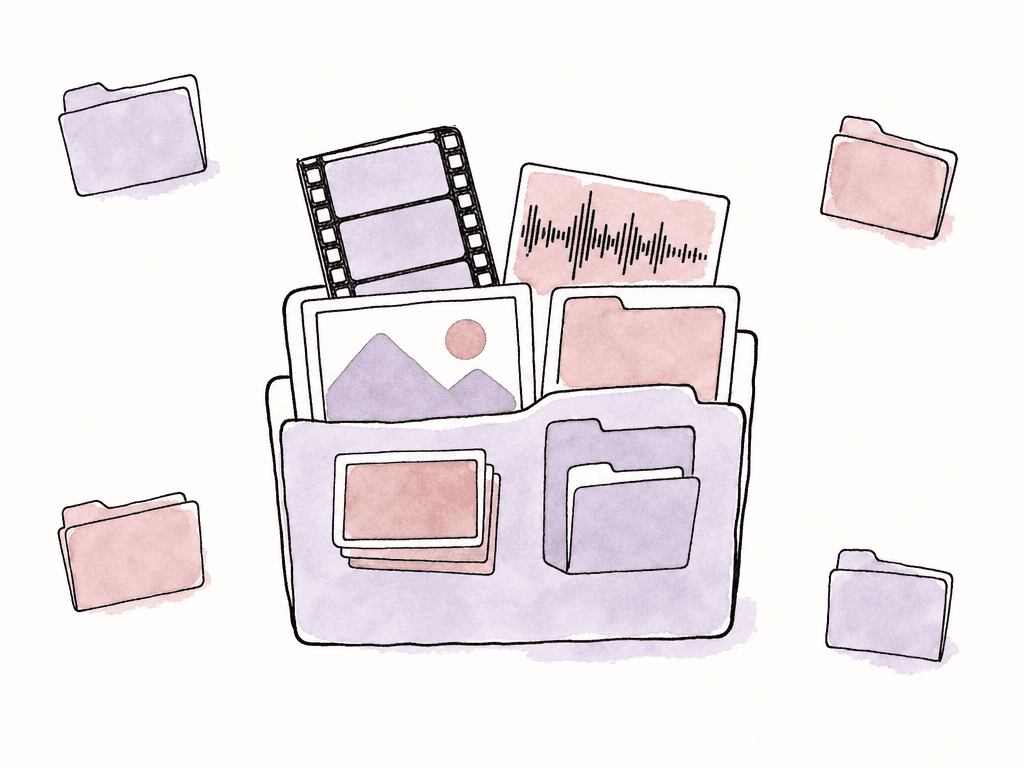
- Camera originals or high-res masters
- Proxies or mezzanine files
- Multiple cut versions
- Review comments or approval notes
- Custom metadata fields
- Rights or usage restrictions
- A nested folder structure
- A mix of file types, including stills, audio, captions, graphics, and project files
- Internal users, external reviewers, and client access
- Which proxy belongs to which master
- Which version replaced which edit, and which comments belong to which version
- Which folder rules carry meaning for your assistants
- Which people should still have access, and to what
Metadata is where migrations break
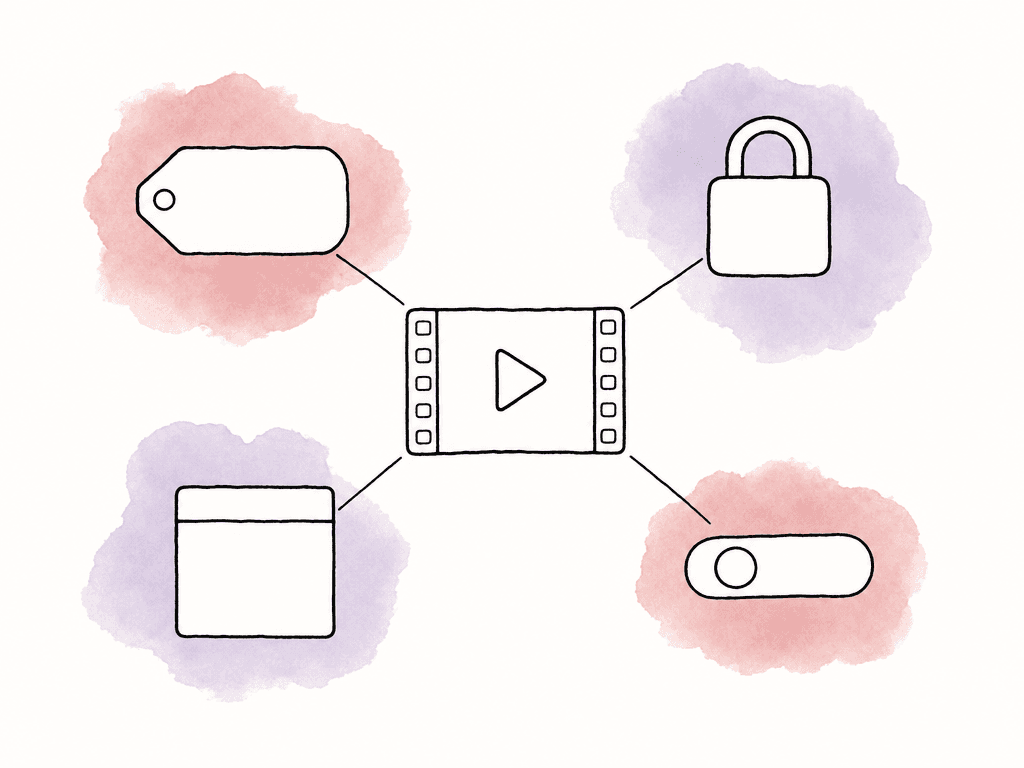
Most media teams don't realize how much they rely on metadata until it disappears. Filename and upload date move cleanly. The fields that break are the ones your team invented over time. Ask the vendor how the new platform will import and store each type of metadata, how your team will search it, and how your team can export it later. That includes both embedded file metadata and platform-level metadata. The fields worth testing include:- Clip name, reel name, scene, take, camera, shoot date, and timecode
- Custom tags, labels, campaign names, show names, and episode numbers
- Rights notes, territory restrictions, expiration dates, and talent usage limits
- Transcript text, speaker labels, captions, and subtitles
- Approval status, air status, legal status, or archive status
- Original path, source platform ID, and any unique asset identifier
- Technical metadata like codec, resolution, frame rate, audio channel layout, and duration
Version history needs more than the latest file
A lot of platforms can migrate the current version of a file. Fewer preserve the version stack in a way that still makes sense to a producer reviewing a trailer, an episode, or a social cut. Ask how the platform handles existing versions during migration. You want to know whether versions remain connected or become separate standalone files. Test the cases your team actually uses:- Rough cut, fine cut, locked cut, textless, final, and revised final
- Client review versions with comments attached
- Assets with the same filename uploaded at different times
- Versions that changed format, such as ProRes to H.264 review file
- Old versions that should remain viewable but not downloadable
- Approval states attached to specific versions, not just the asset as a whole
Permissions rarely map perfectly
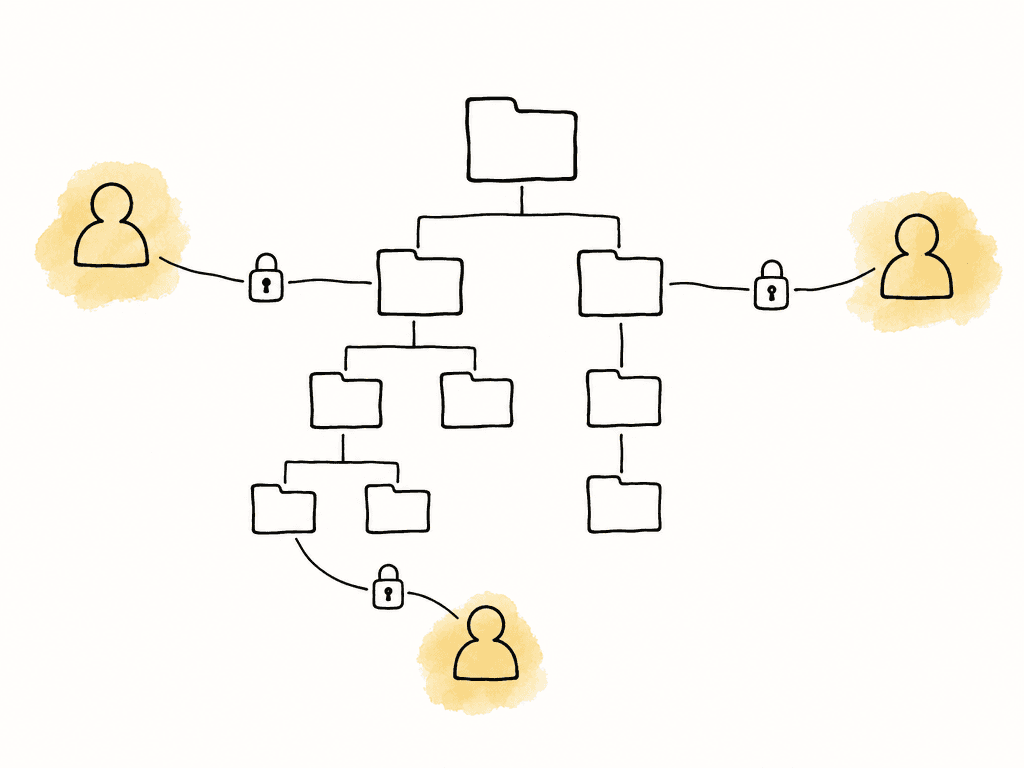
Permissions are the easiest area to underestimate. On paper both platforms support admins, reviewers, and external users. Underneath those shared labels, the two permission models can behave very differently. Ask the vendor to map your current permission structure into their model before migration, and don't wait until after the files arrive. The mapping should cover:- Internal admins, producers, editors, assistants, legal, marketing, and archive users
- External clients, agencies, vendors, freelancers, and reviewers
- Folder-level access
- File-level access
- Share links and their expiration dates
- Download permissions
- Watermarking or view-only restrictions
- Approval permissions
- Revoked users and inactive accounts
Folder structure is more than cosmetic
Folder structure carries meaning. It tells assistants where to drop new media and editors where to find proxies. It tells producers which assets are approved and archive teams how the project was delivered. Ask whether the new platform preserves the full folder tree, including empty folders if your team uses them as templates. Then ask how it handles illegal characters, duplicate folder names, and long paths. A migration can look successful while still damaging the folder logic. Common problems include:- Flattened folder trees
- Renamed folders due to unsupported characters
- Duplicate folders merged together
- Empty template folders omitted
- Files moved into generic “Imported” folders
- Original paths lost
- Sort order changed in a way that disrupts assistant workflows
Watch for proxy, master, and conform assumptions
A media platform migration isn't the same as moving an NLE timeline, but the same lesson applies: interchange formats and migration tools only carry the data their designers built them to carry. If a vendor says “we preserve everything,” ask what “everything” means in technical terms. For editorial and finishing teams, the risk sits in relationships and references:- Proxy-to-master relationships
- Source filename consistency
- Timecode and reel metadata
- Sidecar files such as captions, LUTs, XMLs, AAFs, EDLs, and CSVs
- Review files connected to high-res masters
- Watermarked screeners connected to clean exports
- Audio stems connected to picture versions
Ask how the migration will actually run
Once the pilot looks good, ask for the migration plan in writing. It should explain how the data moves, how long it will take, and who owns each task. It should also say how your team and the vendor will validate the result. You want practical answers to questions like:- Will the vendor pull from the old platform, receive a drive, or require your team to upload?
- Can the migration run incrementally, or does it require a hard cutover?
- Who retries failed files, and how?
- How does the vendor or platform detect duplicates?
- What happens to files that the new platform can't preview?
- How will your team or the vendor use checksums or file counts to confirm completeness?
- What reports will you receive after each batch?
- Can users keep working during migration, or does the library need to freeze?
Define the cutover in human terms
The technical migration may finish before the team is ready to work in the new platform. Plan the cutover around active productions, delivery deadlines, and client approvals. For many teams, the cleanest path is a phased move:- Migrate and validate one completed project
- Migrate a small group of active projects
- Freeze changes in the old platform for a defined window
- Move the remaining library in batches
- Keep the old platform read-only for a short overlap period
Know what happens if you leave later
A platform switch is also the moment to ask about your next exit. That may feel premature, but it's much easier to negotiate and understand export terms before you sign than when you're already trying to leave. Ask what your data looks like on export, including the structure and context around the media files.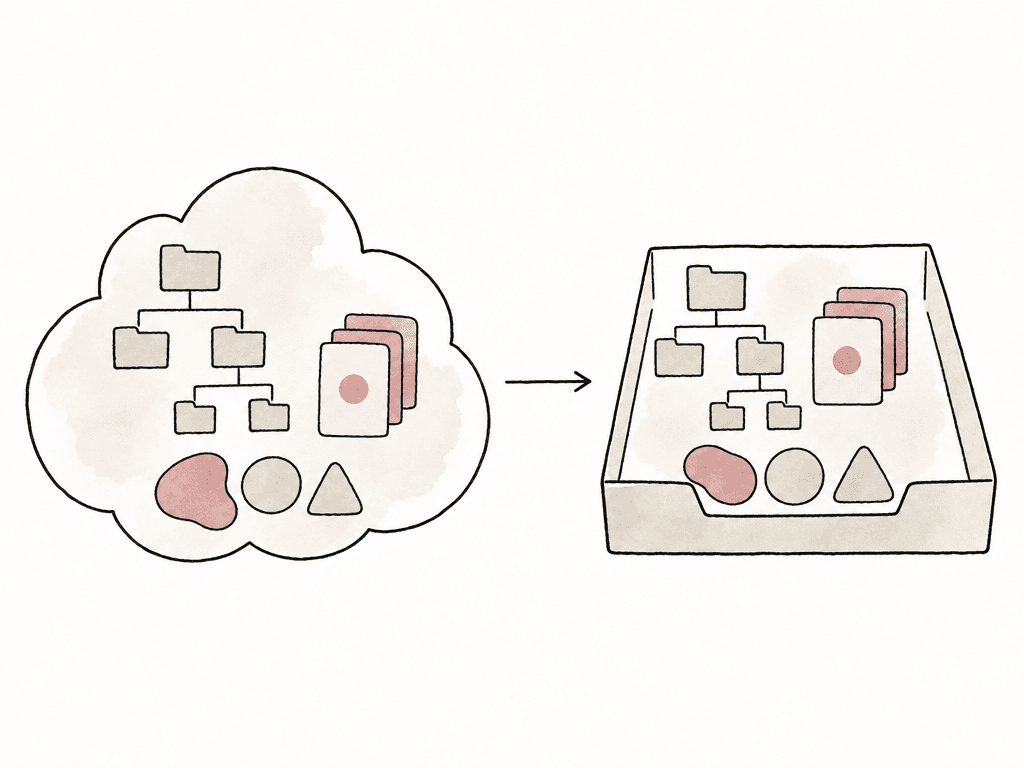
- Original media export
- Proxy and preview file export
- Folder structure export
- Metadata export format
- Version history export
- Comment and approval history export
- User and permission export
- Rights data export
- Captions, transcripts, and sidecar files
- Audit logs or activity history
- Costs for bulk export, storage retrieval, or support
- Timeline for account access after cancellation
Making the decision
A media platform is ready for your library when it can prove four things with your real project:- Metadata shows up in usable, searchable fields
- Version history remains intelligible to whoever reviews it next
- Permissions preserve intent for every user type
- Folder structure comes out intact
FAQ
Run a pilot migration with one real project that reflects your normal workflow. It needs version stacks, review comments, and custom metadata, plus nested folders and real user permissions. A clean sample folder won't reveal whether the new platform can preserve the relationships your team depends on. Aspect provides complimentary migration from any cloud or local platform and preserves metadata, folder structure, rights, and version history.
It depends on how the vendor maps it. Filename and upload date are usually simple. Everything your team built by hand needs testing: custom fields, rights data, and approval states, along with timecode and reel names. Ask where each field will land, whether it stays searchable, and how it can be exported later.
Version history preserves the context behind approvals, comments, revisions, and delivery decisions. If only the latest file migrates, producers and reviewers may lose the record of what changed, who approved which cut, and which comments applied to each version.
Not always. Two platforms can use the same labels, such as admin, member, and reviewer, and still run very different permission models underneath. The goal is to preserve intent: who can view, who can download or upload, and who can approve. Test by logging in as different user types, not only as an admin.
Ask how the media itself exports, then how the context around it exports: folder structure, version history, and comments. Cover permissions, rights data, captions, transcripts, and audit history in the same conversation. Then ask what bulk export costs, which data is proprietary, and how long you keep account access after cancellation.
Run a pilot on one real project. It should carry version stacks, live permissions, and custom metadata, along with review notes, rights fields, and mixed media types. Aspect supports migration from cloud or local platforms and preserves metadata, folder structure, rights, and version history as part of its supported migration.