How each product handles shared files and review
The LucidLink platform streams requested data into a locally mounted filespace and caches it for repeated access. Editors can open the same source files in different applications without first downloading the entire project. The platform also includes browser guest access, previews, file pinning, and optional facility caching.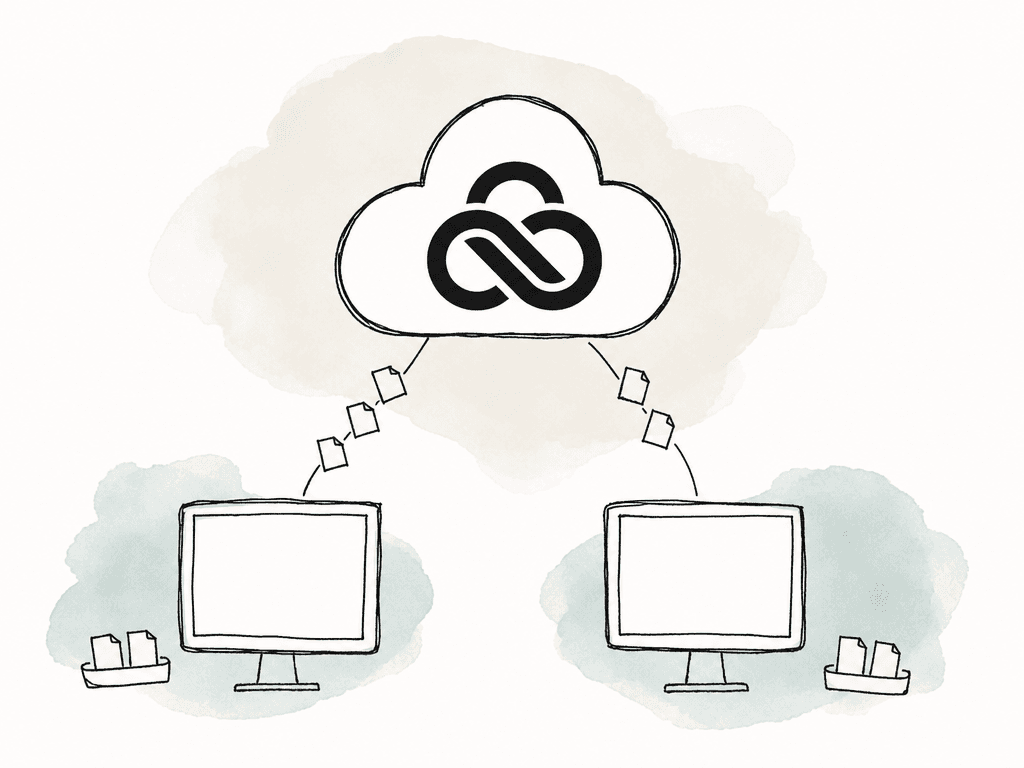
| Requirement | LucidLink | Frame.io |
|---|---|---|
| Open shared media in desktop applications | A mounted filespace streams requested file data. | Drive mounts projects assigned to Mounted Storage. |
| Give external people access | Guest links provide browser access to shared files and folders. | Share links support client viewing and comments without a paid reviewer seat. |
| Run detailed creative review | Use a connected review application for frame comments and revision review. | Frame comments, annotations, version stacks, and comparison tools are included. |
| Work across several existing cloud stores | Enterprise LucidLink Connect can expose multiple sources in a filespace. | Drive accesses projects held in Frame.io. |
When to use each product
Use LucidLink with an existing review system
If your client review system already works, LucidLink can provide the shared drive for camera originals, graphics, and sound libraries. Set project permissions for freelancers, agree on the directory structure, and configure caching or pinning for the files each editor needs. A guest link is enough for a collaborator who needs to inspect or retrieve a folder. For a client who needs to annotate a frame or compare several cuts, send a link from the video review system. Give each link a clear purpose so the client knows where to leave feedback.Use Frame.io for editing access and review in the same account
If your camera uploads, producer selections, and client comments already live in Frame.io, Drive gives your editors access to that media on the desktop. Its Premiere Pro guidance describes importing mounted media and rendering exports back into the mounted project. It also explains the separate option of exporting through the Frame.io panel to keep comments connected to a sequence. Check mounted capacity before moving the working library. Frame.io separates standard storage from Mounted Storage. Its Drive setup guide measures mounted usage by the total size of projects enabled for desktop access across the account. That usage isn't multiplied by the number of editors, but it also isn't limited to the few clips an editor has cached. Only projects can be mounted, so a large project containing mostly unused footage can still matter to the quota.
When LucidLink and Frame.io work well together
Suppose your agency keeps camera originals, graphics, and audio in LucidLink, and your clients already use Frame.io review links. Editors can work from the production filespace and upload the cuts selected for review. You can keep the originals in LucidLink and upload just the review exports to Frame.io.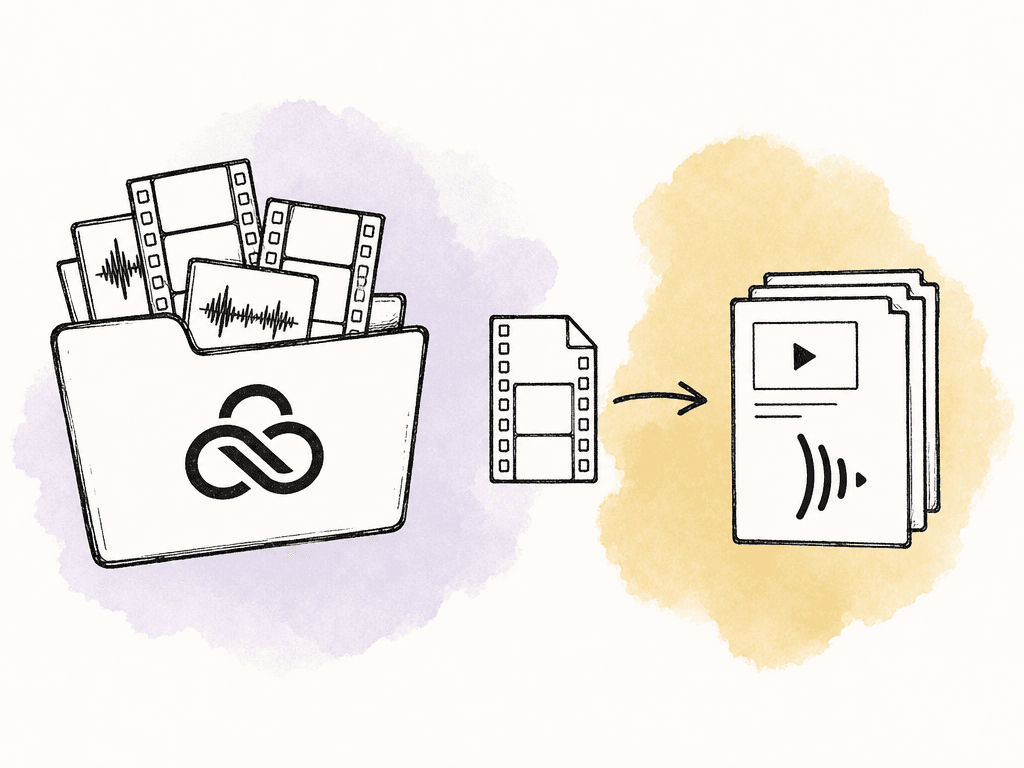
- Give the sequence and export a stable identifier, such as
Campaign_Main_30s_v03. Record the corresponding Frame.io asset or version link alongside the production handoff. - Keep comments on that review version and name the person responsible for deciding whether the cut is accepted. A request being addressed and the whole cut being approved are different decisions.
- When the next export is uploaded, verify the intended version relationship. Before delivery, match the accepted review revision to the actual master file and its technical specifications.
Compare the same workload and storage type
Count the people who need access and the amount of footage they need to open, then compare the monthly subscriptions on that basis. A paid editor or producer who manages projects is different from an external reviewer using a share link. Likewise, storage that holds review files is different from capacity that can be mounted for editing.| Plan | Price in USD | What determines the bill |
|---|---|---|
| LucidLink Business | $32/member/month with monthly billing, or $27/member/month with annual billing. | Each member adds 400 GB to the shared allowance. Additional storage is billed after that pooled capacity is used. |
| Frame.io Team | $25/member/month with monthly billing, or $22/member/month paid as $264/member/year. | Standard storage grows with paid membership. The separate Mounted Storage allowance is 500 GB, with additional capacity priced separately. |
| Aspect Pro | Starts at $30/seat/month with monthly billing. Or $25.50/seat/month with annual billing. | Includes 500 GB per seat. Lower storage rates are available for larger team requirements. |
Compare the cost per included TB
The table below divides one paid seat's monthly price by the mounted storage included with that plan, using 1 TB = 1,000 GB. This gives you the same unit for each service; it doesn't mean each vendor sells a standalone 1 TB plan at that price.| Plan | Cost per included TB per month | Calculation using monthly billing |
|---|---|---|
| Aspect Pro | $60/TB/month | $30 per seat divided by 0.5 TB included per seat. Larger team storage volumes have lower rates. |
| LucidLink Business | $80/TB/month | $32 per member divided by 0.4 TB included per member. |
| Frame.io Team | $50/TB/month for the included mounted allowance | One $25 member subscription divided by 0.5 TB of Mounted Storage per workspace. |
Compare a five-person team with 4 TB
The worked comparison below uses monthly billing and excludes tax. Annual commitments reduce some seat prices, but they don't remove the need to budget for the storage your editors will mount. For example, take five paid production members, twelve external reviewers, and a 4 terabyte (TB) working library. That library includes the outputs retained by the production team. A 200 gigabyte (GB) subset of exports is also kept in Frame.io when using the two-product workflow. Assume the billed LucidLink usage stays at 4 TB throughout the month and that the team needs Frame.io Team features in either configuration. With monthly billing, the subscription costs are:| Cost component | LucidLink plus Frame.io | Frame.io for editing and review |
|---|---|---|
| Production access | Five LucidLink Business members at $32 each: $160 per month. | Five Frame.io Team members at $25 each: $125 per month. |
| Mounted working library | Business includes 400 GB per member, or 2 TB for five members. The additional 2 TB adds $160 per month. | Team includes 500 GB of Mounted Storage. A 4 TB working library requires a quote for at least 3.5 TB of additional mounted capacity. |
| Review workspace | Five Frame.io Team members add $125 per month. Their standard allowance accommodates the 200 GB of review exports. | Review uses the same Frame.io workspace and member subscription. |
| External review | Twelve people use share links without paid reviewer seats. | The same twelve people use share links without paid reviewer seats. |
| Subscription subtotal | $445 per month before tax and additional services. | $125 per month plus the required Mounted Storage expansion, before tax and additional services. |
Use Aspect to keep file access, search, and review in one project
Aspect's file streaming, search, and review were built together as one product. Editors use mounted media access on macOS or Windows to open footage in their editing applications. Producers search the same library, organize selects, and send review links from the project where the editor saves the cuts. For example, you can search for a visual or spoken moment from an earlier shoot and send the matching file to your editor. Use Open in mount to reveal the original, import it into the edit, and save the revised cut back to the project. The review viewer keeps the new comments and version comparison alongside those files. Record the client's accepted revision in the asset's custom approval-status field. Approving an individual comment records the decision on that note; the asset field records the overall cut status. When several editors share the project, use the editing application's collaboration controls to manage their changes while Aspect supplies the media. Before working offline, pin the required files and folders in Aspect and wait until they've finished downloading. Include the sequence's referenced footage, audio, graphics, and project file so the edit opens with all its dependencies after you disconnect. At Aspect's $60/TB monthly storage equivalent, the same 4 TB library corresponds to $240/month before volume pricing. Book a demo with the Aspect team to discuss the rate for your storage requirements and walk through the five-person production workflow. Bring the size of the working library and the files you need to retain after delivery.FAQ
Frame.io Drive mounts projects on macOS and Windows using Suite Studios streaming technology embedded in the app. Creative applications can open, edit, and save that cloud media, but the projects must fit within the account's Mounted Storage allocation. Check that quota separately from standard storage, along with application support and the need for an internet connection.
Use both when editors work from LucidLink and clients already review cuts in Frame.io, or when an Enterprise team uses LucidLink Connect to reach several cloud libraries. You don't need to upload every original twice; review exports can remain separate from the production footage. If the working media already lives in Frame.io, compare its Mounted Storage capacity and cost before adding LucidLink for desktop access.
LucidLink provides browser guest links, previews, and shared file access. A client who needs to annotate frames and compare revised cuts also needs a video review tool. Frame.io and Aspect both provide those review functions, including comments tied to specific versions.
No. A conventional workflow may keep originals in LucidLink and upload only review exports to Frame.io. LucidLink also documents an Enterprise Connect workflow that exposes Frame.io and other storage sources in a filespace while the originals remain in those systems. Confirm the connector's scope, permissions, and commercial terms instead of assuming either full duplication or a free connection.
Aspect brings file streaming, media search, and review together in one project. Editors mount the project on macOS or Windows, open the source footage in their editing applications, and save revised cuts back to the project. Producers can then share the cut for comments, compare versions, and record the accepted revision without moving the media into a separate review library.