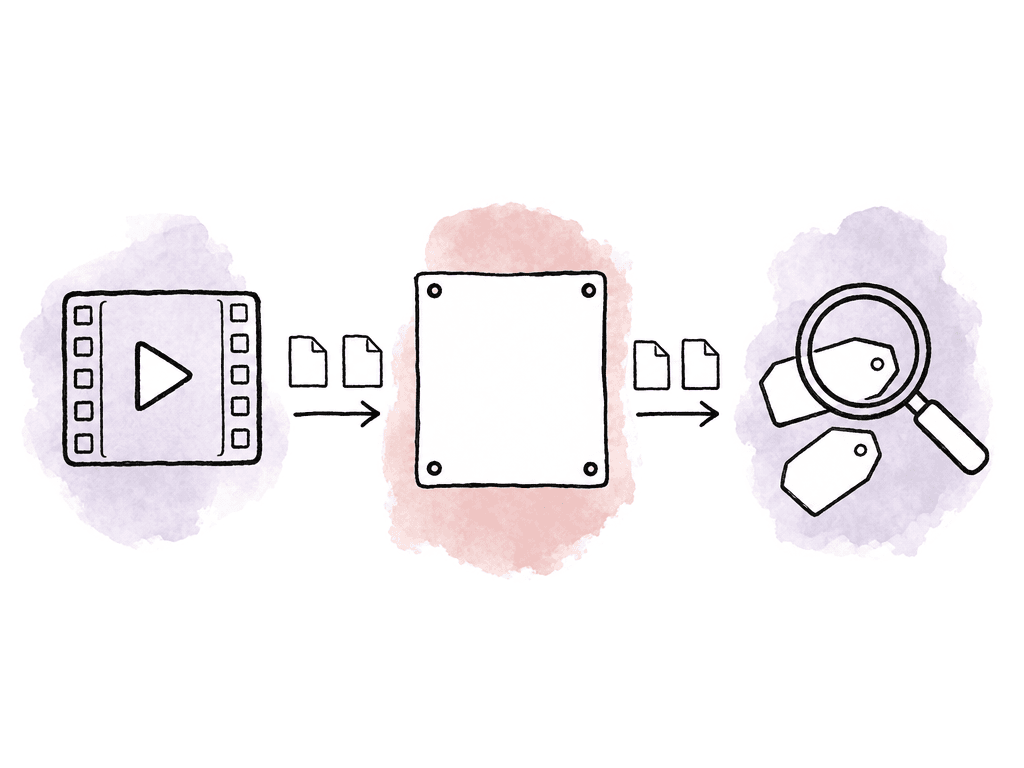
Start with the workflow
For a storage-plus-AI evaluation, the usual review feature comparison is too narrow. Most modern tools can collect comments and approvals. The bigger differences show up around where the media lives, how search works, and whether editors can work without duplicating files. The useful criteria are: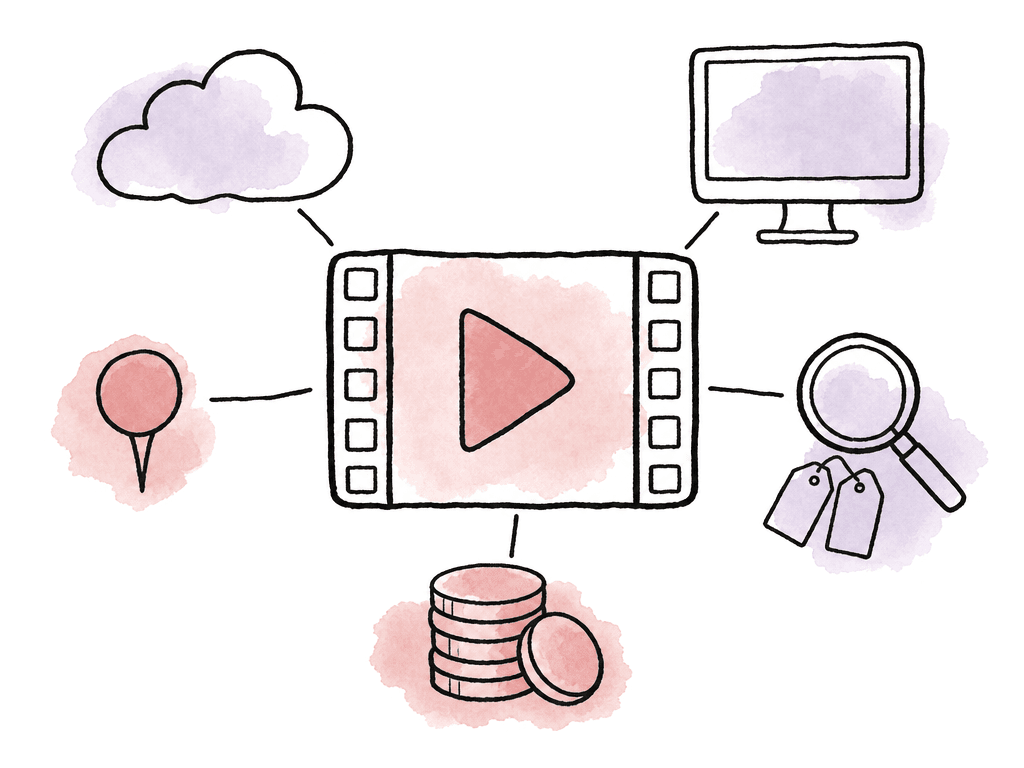
- Primary storage: Can the platform hold the working media library, or is it mostly a review destination?
- Desktop access: Can editors open media from Finder, File Explorer, or an NLE without downloading whole folders first?
- Review depth: Does it support frame-accurate comments, versions, annotations, approvals, and stakeholder access?
- AI organization: Does AI help people find, classify, or manage assets, not just summarize comments?
- Storage limits and pricing: Does the plan structure make sense for large media libraries?
| Product | Primary storage | Desktop or NLE access | Review depth | AI organization | Storage and pricing constraint | Strongest fit |
|---|---|---|---|---|---|---|
| Frame.io | Can support meaningful storage on paid plans, with published allowances such as 2 TB plus 2 TB per added member on one plan and 3 TB plus 2 TB per added member on another | Expanding beyond browser-based review, but teams should confirm mounted storage allocation and plan access | Mature review and approval workflow with familiar stakeholder commenting | Natural language search on paid plans, semantic search in beta for Teams and Enterprise in the cited Dec. 2025 notes, and AI Assistant in Labs in the cited June 2026 notes | Main question is whether storage scale, mounted access, and AI features are mature and available on the plan the team needs | Adobe-centered teams that want to stay close to Frame.io while reevaluating its newer storage and AI direction |
| Aspect | Designed as a shared cloud filespace for the working media library, not only review exports | Editors can mount shared files in Finder or File Explorer, stream bytes as needed, pin media for offline work, manage cache settings, and mount projects or folders | Frame-accurate comments, annotations and markup, version stacking, revision history, transcription, and a Premiere Pro panel for timeline comments | Plain-language footage search, automated metadata from prompts, custom object labeling from sample images, facial recognition, and automatic transcription across 160-plus languages | Best fit when the team is ready to consolidate storage and workflow rather than only replace a proofing page | Media teams that want one cloud home for footage, editorial access, review, metadata, and AI search |
| Wipster | Provides project folders and published storage tiers, including 50 GB on one plan, Team starting at 250 GB, expansions up to 1 TB, and Enterprise starting at 1 TB | Offers NLE and collaboration integrations, including feedback sync into Final Cut Pro and a Premiere Pro and After Effects extension | Strong video proofing with frame-accurate feedback, comments pinned to timecode, approvals, tasks, and side-by-side version comparison | WipAI focuses on brand compliance, design governance, accessibility, and legal exposure checks rather than broad footage discovery | Published storage tiers should be compared against actual camera-original volume before treating it as the main footage home | Creative and brand teams that need structured review, stakeholder approvals, and automated brand or accessibility checks |
| Filestage | Organizes projects, files, versions, feedback, and review decisions across many asset types | Not a mounted media storage platform or NLE-streaming workspace | Strong approval infrastructure with reviewer groups, permissions, comments, versions, and review decisions | Review Agents can check for rules-based issues such as missing logos, forbidden terms, and spelling mistakes | Validate storage scale and media-library requirements directly before relying on it for footage storage or semantic media search | Marketing and content teams managing multi-asset approvals, especially where rule-based review can reduce repetitive checks |
Frame.io is changing, but the storage question still matters
Frame.io is for teams already standardized on Adobe, and it should be your baseline. Its review workflow is familiar, and Adobe has been expanding the platform beyond classic browser-based review. Frame.io's help center describes storage allowances including 2TB plus 2TB per added member on one paid plan and 3TB plus 2TB per added member on another. Frame.io was mainly the place finished edits went for approval. Frame.io is also adding AI and search. Release notes published December 4, 2025 said the search experience had been rebuilt. Those notes describe natural language processing search available for all paid plans, plus semantic search in beta for Teams and Enterprise plans. Release notes published June 23, 2026 described a Frame AI Assistant in Labs that can organize assets, summarize feedback, generate creative content, and take action across a project using natural language. Frame.io's Labs documentation says Labs is an opt-in program for early access features that are still being tested. So teams already deep in Adobe and Frame.io shouldn't assume the platform has stood still. It now has a stronger storage and AI direction than many buyers remember. The open question is whether those capabilities are mature enough, available on the right plan, and broad enough for your team's full media library. Frame.io is a strong fit for teams already standardized on Adobe workflows that want strong review, expanding desktop access, and emerging AI inside Frame.io. The main things to watch are plan limits and mounted storage allocation. Check too whether the AI features you care about are generally available or still in Labs or beta.Aspect is built around one shared media home
Aspect is for teams that want to stop splitting storage, review, and AI across different systems. Aspect combines cloud media storage with real-time collaboration, review and approval, and mounted access. AI-powered asset management sits in the same platform. Instead of one system for storage, one for review, and another for finding footage, teams work from a shared cloud filespace.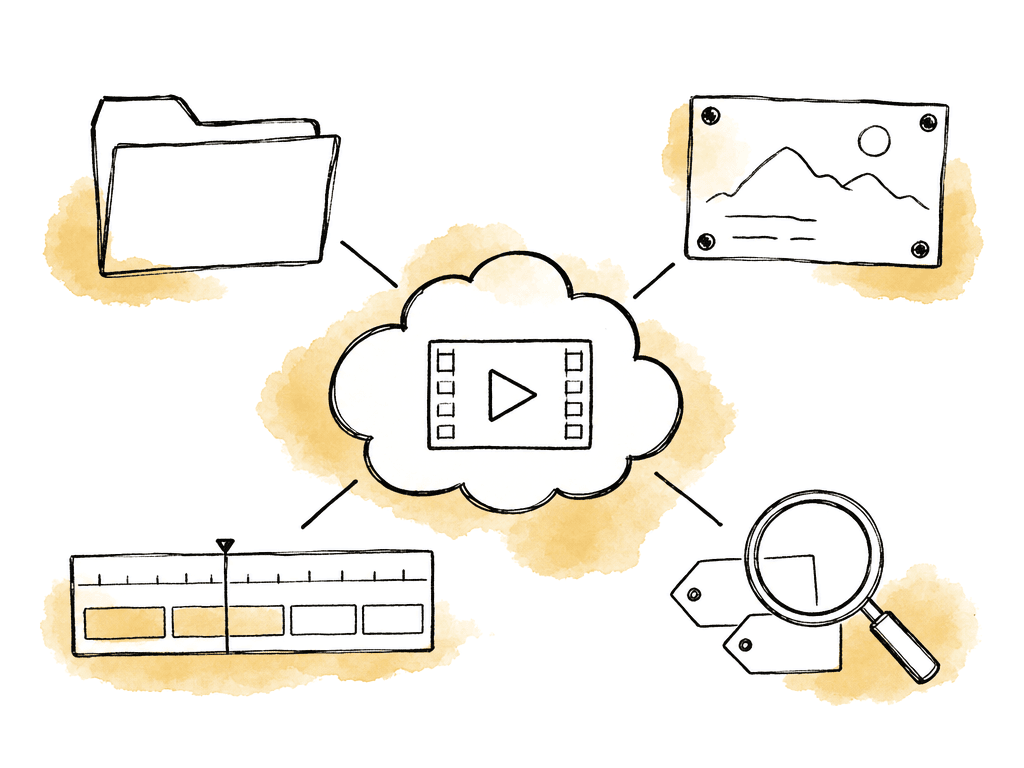
- plain-language search across footage
- automated metadata from prompts
- custom object labeling from sample images
- facial recognition for people the team cares about
- automatic transcription on every asset across 160-plus languages
Wipster is strong for review and brand compliance, lighter as the main footage home
Wipster is for creative and brand teams whose review has compliance attached. It is clearly focused on review and approval, and it has added AI around brand rules. Teams can create project folders and upload media and documents for review. They can share privately or through a public URL, track review status, and compare versions side by side. Its video proofing page describes one place to review, comment, and approve video, with frame-accurate feedback and comments pinned to exact timecode. For teams trying to replace email-based approvals, that's a good fit. Wipster also has NLE and collaboration integrations. Its integrations page says it can sync feedback into Final Cut Pro. Its Premiere Pro and After Effects extension lets users share work-in-progress video from the timeline. It also lists Slack activity notifications. The AI story is more specific than general media organization. Wipster's WipAI supports automated brand compliance, design governance, and accessibility. WipAI finds brand violations, accessibility gaps, and legal exposure risks. It can spot issues such as:- logo usage and typography
- WCAG contrast ratios
- required metadata
- audio levels for the hearing-impaired
Filestage is approval-oriented, with AI reviewers for rules-based checks
Filestage is for marketing and content teams routing many asset types through approval. It centers on projects, files, and comments. Around those sit reviewer groups and permissions, plus versions and review decisions. Its getting-started material describes creating and managing projects, organizing reviewers and permissions, collecting feedback, and submitting review decisions. Another Filestage guide describes a project as a centralized space for files and versions, and for feedback and review decisions. It says projects can contain a mix of print assets, social posts, and promotional videos, as well as web designs and other work. That breadth is important because Filestage isn't only a video post-production tool. It's built for structured approval workflows across many content types. Filestage Review Agents can automatically check files for issues like missing logos and forbidden terms, spelling mistakes, and more. Review Agents work like a real reviewer by leaving comments directly on files based on rules you give them. That can be valuable for marketing operations, packaging, and regulated content, and for high-volume approval flows. For footage storage and AI asset organization, the evidence is thinner. Filestage's own documentation covers project organization, reviewer management, file and version management, storage and project limit increases, and AI reviewers. It doesn't establish Filestage as a mounted media storage platform or a semantic footage search system. Filestage is a strong fit for marketing and content teams that need organized approvals across multiple asset types. It is strongest where automated rule-based review can catch common issues. The main thing to watch is scope. Your real question may be where terabytes of footage should live, and how editors stream it into an NLE. Filestage may not be the closest match for that.The common failure mode is buying three partial systems
The risky setup looks like this. Cloud storage holds the originals. Frame.io or another tool handles review. A separate AI/DAM layer does search and tagging. Each tool solves a real problem, but the joints between them become the workflow.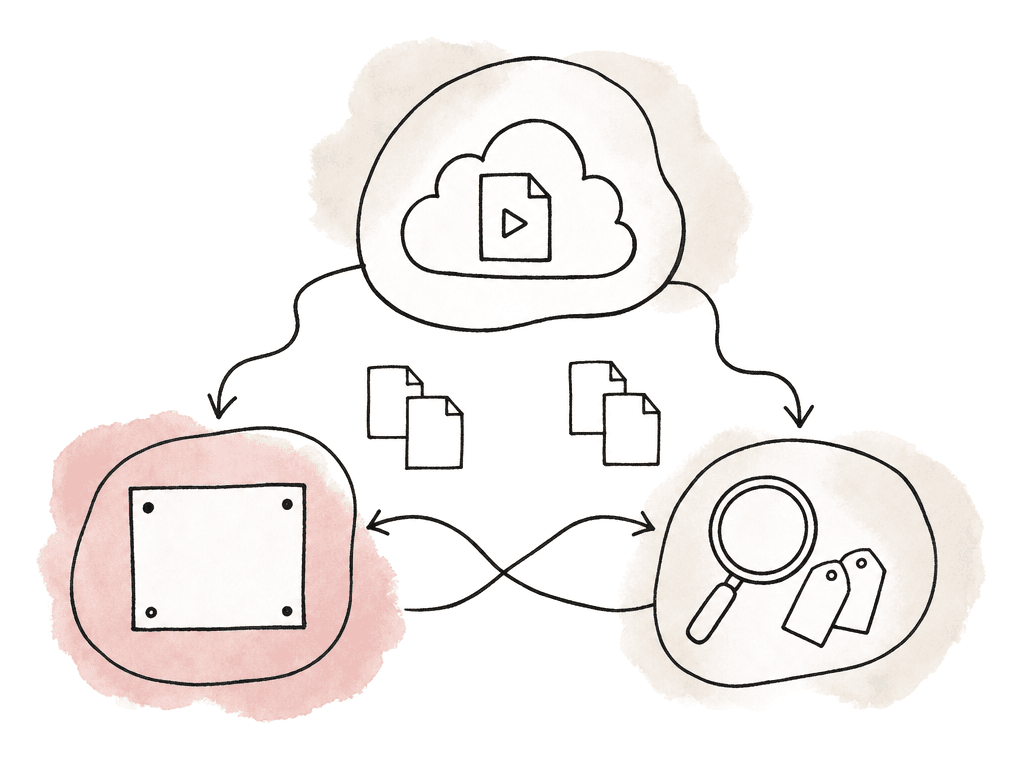
- Upload lag: your team must export, upload, process, and share review assets before anyone can comment.
- Version drift: review edits, source media, proxy folders, and delivery files end up with slightly different names and locations.
- Search gaps: AI can only search the files that were uploaded into that system, not the full library.
- Permissions mismatch: your team manages storage permissions and review-link permissions separately.
- Archive loss: when a project wraps, comments, versions, metadata, and source files may not stay together.
How to choose
If your team mainly needs faster approvals, Wipster and Filestage are legitimate options. Wipster is more video-review oriented: frame-accurate comments, version comparison, and NLE integrations, with WipAI for brand and accessibility checks. Filestage is broader approval infrastructure: reviewer groups, permissions, and review decisions, plus AI Review Agents for rules-based file checks. If your team is already on Frame.io, re-evaluate the current product instead of judging it by older workflows. Frame.io has published rebuilt search and natural language search. It has semantic search in beta for some plans and an AI Assistant in Labs. The deciding questions are plan fit and storage scale. Then ask about AI availability, and whether Frame.io can become the actual library for your media. If your team wants to consolidate the stack, Aspect is the strongest fit in this set. It is designed around the combined workflow: shared cloud storage, mounted desktop access, and review and approval. Versions, metadata, and AI organization live in the same place. That's the path that most directly addresses the "we don't want to pay for three systems" problem.Comparison table
| Product | Strongest fit | Storage role | Review role | AI role | Main constraint to evaluate |
|---|---|---|---|---|---|
| Frame.io | Adobe-centered teams that want strong review plus expanding storage and AI | Published mounted storage and plan-based storage allowances | Mature review and approval workflow | NLP search, semantic search in beta for Teams and Enterprise as of Dec. 2025 notes, AI Assistant in Labs as of June 2026 notes | Whether mounted storage and AI capabilities are available and mature enough on the plan you need |
| Aspect | Teams consolidating storage, review, NLE access, and AI asset management | Shared cloud filespace with mounted desktop access, byte streaming, cache controls, offline pinning | Frame-accurate comments, annotations, versions, transcription, Premiere Pro panel | Plain-language footage search, automated metadata, custom object labeling, facial recognition, transcription | Best fit when you're ready to consolidate the media workflow, not just swap proofing tools |
| Wipster | Video proofing teams and brand teams with structured approval needs | Published plans list 50GB, Team starting at 250GB, Enterprise starting at 1TB, with storage expansions noted | Frame-accurate review, approvals, tasks, version comparison, NLE integrations | WipAI for brand compliance, design governance, accessibility, and legal exposure checks | Confirm whether its storage model fits working footage, not only review files |
| Filestage | Marketing and content teams managing multi-asset approvals | Project and file organization, with documentation covering storage and project limit increases | Reviewer groups, permissions, comments, versions, review decisions | Review Agents for checks such as missing logos, forbidden terms, and spelling mistakes | Don't treat it as a mounted footage storage or semantic media search platform without validating those needs directly |
FAQ
Frame.io shouldn't be treated as only a browser review tool anymore. Its release notes also describe natural language search, semantic search in beta for some plans, and an AI Assistant in Labs. Check whether those AI capabilities are available on your plan and meet your team's workflow needs.
In this roundup, Aspect is the clearest fit for teams trying to consolidate the stack. It combines shared cloud storage, mounted desktop access, review and approval, versioning, metadata, transcription, and AI-powered media search. That suits teams that want footage to live in the same place where editors access it, reviewers comment on it, and producers search it later.
Wipster is a strong fit when the main problem is structured video proofing, stakeholder approval, version comparison, and brand or accessibility compliance. Its product and WipAI pages describe frame-accurate comments, approval workflows, NLE integrations, and AI checks for issues like logo usage, typography, WCAG contrast, metadata, and audio levels. Compare its published storage tiers against your footage volume before treating it as the main home for camera originals.
Filestage is broader approval infrastructure rather than a video-storage platform. Its help materials describe projects, files, reviewer groups, permissions, comments, versions, and review decisions across many asset types. Its Review Agents can check files for issues such as missing logos, forbidden terms, and spelling mistakes. Filestage isn't a mounted media storage system or semantic footage search platform.
Most modern review tools can collect comments and approvals. The harder workflow problem is media gravity. If originals live in one system, review files in another, and AI tags or search in a third, teams deal with upload lag, version drift, duplicated permissions, and incomplete search. A storage-plus-AI evaluation asks whether the platform can reduce handoffs between storage, editing, review, search, and archive.
Yes, if it's built around the media library rather than only around exported review files. Aspect is designed as a shared cloud filespace where teams can store footage, mount it on the desktop, review cuts, keep versions together, and search assets later from the same shared cloud filespace.