Start with the workflow
Most creative review tools offer timestamped comments, annotations, version history, and approvals. Test how those features work when your team needs to find a note, compare revisions, or confirm who approved a cut. The evaluation criteria that matter most for video-heavy creative teams are:- Annotation depth: whether reviewers can leave precise, time-based, visual feedback that editors can act on without translation.
- Version stacking: whether new edits stay connected to previous edits, notes, and decisions.
- Approval tracking: whether the team can see who has approved, who is blocked, and what still needs attention.
- Reviewer friction: whether a non-technical stakeholder can open a link, comment, and approve without training.
- Media workflow fit: whether review happens on top of the media your team already uses, or on a separate uploaded copy.
| Tool | Best fit | Annotation depth | Version stacking | Approval tracking | Reviewer friction | Media workflow fit |
|---|---|---|---|---|---|---|
| Ziflow | Larger marketing, brand, legal, compliance, and creative operations teams that need formal proofing across many asset types | Commenting, markup, and annotation for video and audio, with feedback down to the second | Yes. Compare mode puts two proof versions side by side or as an overlay, Auto Compare highlights what changed between them on stills and video, and comments can be copied forward from one version to the next | Strong fit for structured approval workflows, multi-stage review, and campaign-level approval paths | Best when a team can support process setup and reviewer onboarding, because the workflows are built to be configured | Separate proofing environment for broad creative approval across documents, images, video, audio, websites, and campaign assets |
| Wipster | Video-first agencies, producers, and in-house teams that want dedicated review and approval without enterprise proofing overhead | Frame-accurate video proofing, pinpoint annotations, and comments that can become tasks | Version control, prior-version toggling, and side-by-side comparison | Tracks review status through feedback cycles, approvals, and final delivery | Built around simple review for creative teams and clients | Upload-based proofing workspace, with a Final Cut Pro extension for bringing comments into the edit timeline |
| Vimeo Review | Teams already using Vimeo for video hosting, sharing, portfolios, embeds, or client delivery | Time-stamped comments, context-sensitive annotations, sorting, filtering, resolving, and CSV export | Vimeo describes version history and version control inside Review | Supports status labels and approvals inside Vimeo Review | Strong for outside stakeholders because Vimeo says reviewers can comment on review links without a Vimeo account | Review is built into Vimeo's hosted video platform, so it fits best when the review asset already lives in Vimeo |
| Aspect | Enterprise video teams that want review connected to the same shared production media editors and producers already use | Supports frame-accurate comments, annotations, markup, timeline ranges, timestamped replies, and notifications | Stacks versions on the asset and keeps review connected to the version, with revision history in the same workspace | Supports approval workflows connected to comments, notifications, versions, and asset context | Browser review for stakeholders, plus a mounted-drive workflow for editors who work from Finder, File Explorer, or the NLE | Shared cloud filespace that mounts as a drive, streams full-resolution media into the NLE, and keeps review attached to working media |
Ziflow: strongest when proofing complexity matters
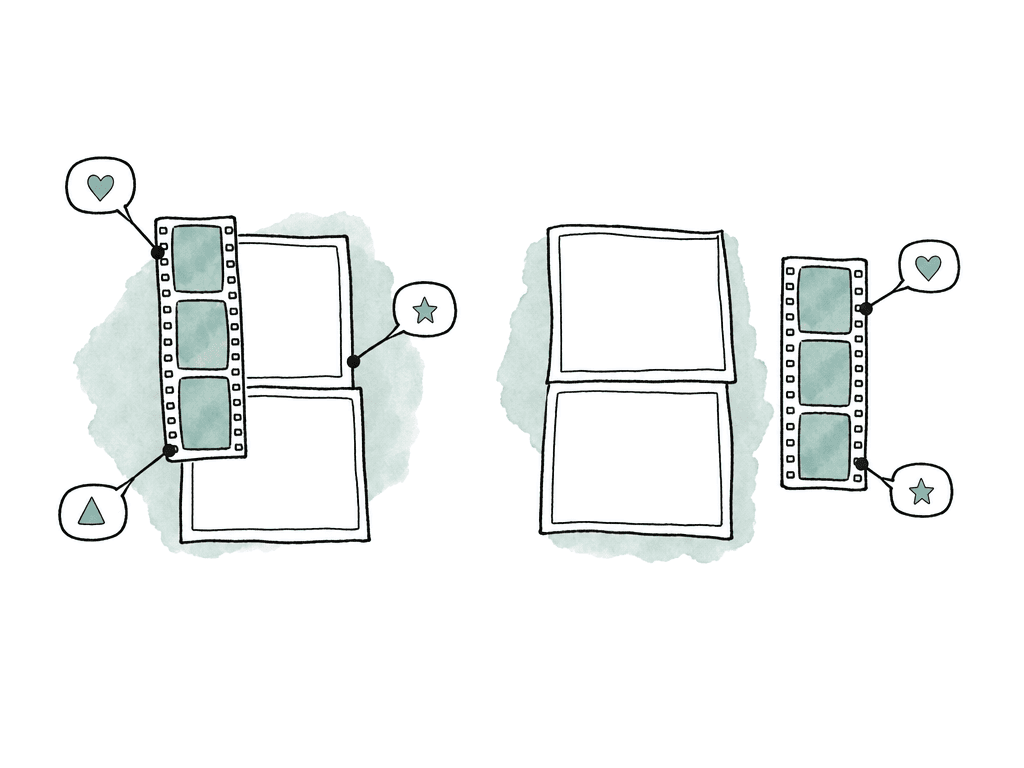
Ziflow is for teams whose review problem is process rather than video. It is the most traditional enterprise proofing platform in this set. Ziflow positions itself around centralized review and approval across creative assets, including documents, images, videos, audio, live websites, and campaign-level reviews. Ziflow also says it can support review processes for more than 1,200 formats. That list includes video and web. It also covers PDFs, PSDs, and more. Breadth is the main reason to consider it. Ziflow gives marketing, brand, and legal stakeholders one structured proofing environment when your team reviews far more than video. The same holds for compliance and creative teams. Its pricing page says reviewers can comment, mark up, and annotate video and audio, with reviewers providing feedback down to the second. It also describes support for reviewing multiple rich media assets in a single proof.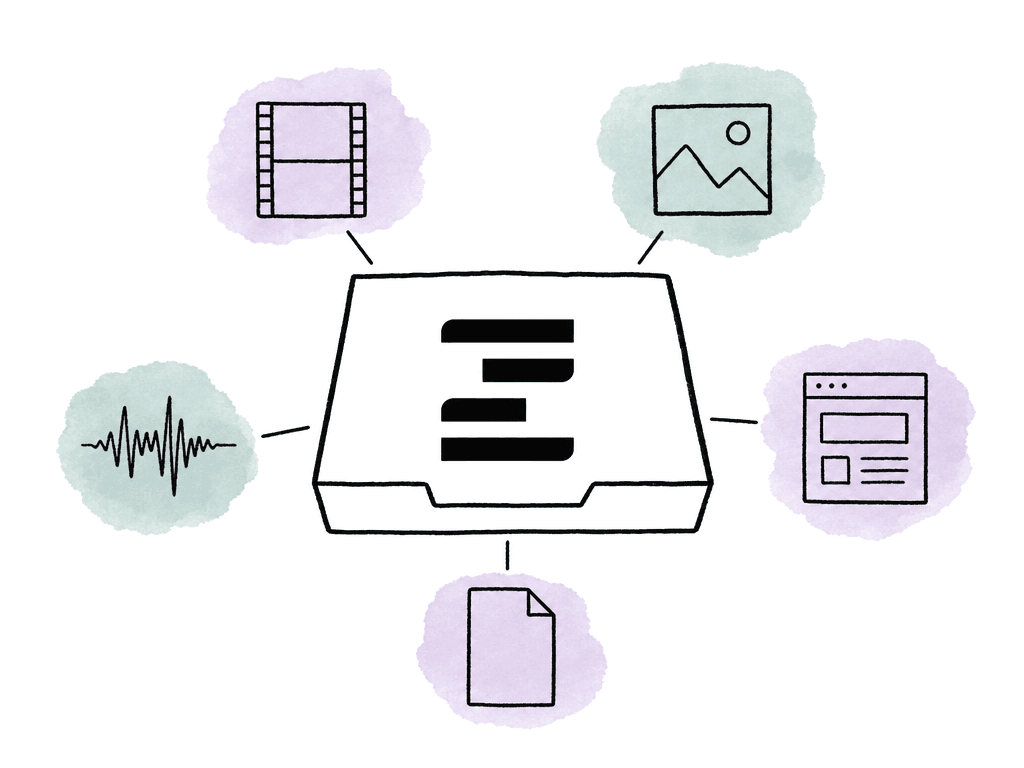
Wipster: strongest for video-first teams that want low-friction proofing
Wipster is for production teams that need review structure without a heavyweight proofing system. Its product page describes a workflow for creating project folders, uploading video, image, PDF, and audio files. The rest of that described workflow covers:- collecting feedback
- tracking review status through feedback cycles, approvals, and final delivery
- comparing versions side by side
Vimeo Review: strongest when your review lives where your hosting already is
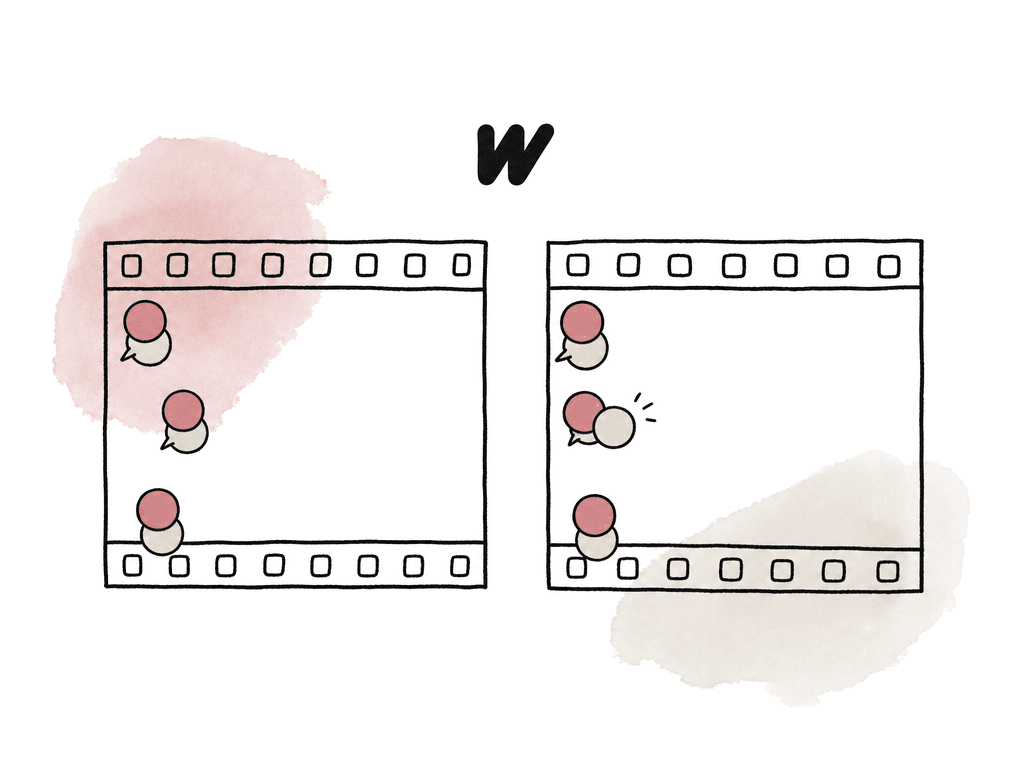
Vimeo Review is for teams whose work already sits in Vimeo. It is part of Vimeo's hosting and video platform rather than a standalone proofing system. Vimeo's review tools blog says the new Vimeo Review is built into the same ad-free platform teams already use to host, manage, and share videos, so teams don't need standalone review software for that use case. That helps if your team already uploads work to Vimeo for hosting and sharing. The same applies to portfolios, embeds, and client delivery. Adding comments and approvals inside that environment is simpler than adopting a separate proofing vendor. Vimeo says Review supports time-stamped comments that can be sorted, filtered, and resolved. It also lists status labels and version history, plus custom review links with passwords and expiration. Vimeo has also been reducing reviewer friction. Its simplified Vimeo Review announcement says reviewers no longer need an account to access or comment on a review link. Vimeo's product updates page says people can comment on review links without a Vimeo account and that comments can be exported as CSV. Another Vimeo update says Vimeo Review includes time-coded comments, version control, and customizable secure review links inside Vimeo. That makes Vimeo Review attractive when your biggest problem is getting comments from outside stakeholders without login friction. A client, executive, or partner can open a review link and leave feedback without being onboarded into a separate system. The tradeoff is scope, because Vimeo Review is designed around videos that live in Vimeo. Vimeo's Studio plan page says Studio is built for agencies, businesses, and production teams that use video as the backbone of their work. That page lists team controls, higher storage, and priority support. But the sourced review claims are still centered on hosted video review. They do not extend to broader creative proofing across documents, stills, and live websites. Production files and NLE-mounted media sit outside that scope too. Vimeo Review is best for teams already using Vimeo as a hosting and sharing hub. It fits when they need simple client comments and timestamped feedback, with version history and fewer login walls. It is less ideal when your review workflow must cover many non-video asset types, or when editors need review to stay connected to the production media they are editing from.Aspect: strongest when review should sit on the working media
Aspect is for teams that do not want review to be a separate upload destination. Aspect combines cloud media storage with collaboration, review and approval, and AI-powered asset management. The workflow difference is that the same project can mount as a drive in Finder or File Explorer, stream media on demand, and remain the place where review and sharing happen.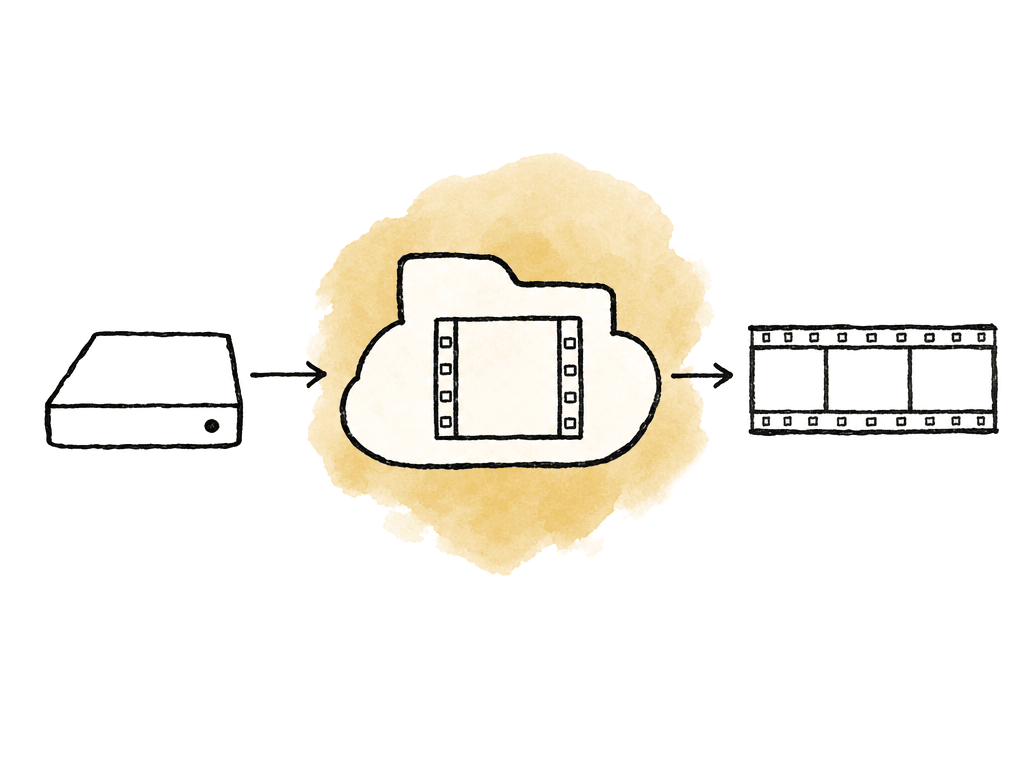
How the tools compare on the criteria that matter
Annotation is now table stakes, but depth still varies. Ziflow supports commenting, markup, and annotation for video and audio, with reviewers providing feedback down to the second, according to its pricing page. Wipster positions itself around frame-accurate video proofing and pinpoint annotations. Vimeo Review supports time-stamped comments and context-sensitive annotations. Aspect supports frame-accurate comments, annotations, and markup, plus timeline ranges and comments tied to asset versions. Versioning is where review tools either calm the process down or create confusion. Wipster publicly describes version control, prior-version toggling, and side-by-side comparison. Vimeo says Review includes version history and version control. Aspect stacks versions on the same asset and keeps review connected to the version. Ziflow supports centralized proofing across campaigns and rich media proofs, but the sourced excerpts here are stronger on breadth and workflow than on specific version stacking behavior. Approval tracking is strongest in the tools built around formal proofing. Ziflow's positioning around approval workflows and campaign-level reviews suits structured approvals. Wipster tracks review status through feedback cycles, approvals, and final delivery. Vimeo supports status labels and approvals inside Review. Aspect supports approval workflows tied to comments and notifications, with version history and asset-level review context. Reviewer training is harder to quantify from public sources, but the positioning is telling. Vimeo has made "no account needed" commenting a major part of the simplified Review experience. Wipster repeatedly positions itself around simple, intuitive video review for creative teams and clients. Ziflow emphasizes complex workflows and broad proofing coverage, which is valuable when you need it and heavier when you don't. Aspect uses familiar shared-drive behavior for production users and browser-based review for stakeholders, which helps when the team includes both editors and non-technical reviewers.What they cost
List prices, before annual discounts.| Tool | Entry price | Seat model | Storage |
|---|---|---|---|
| Ziflow | Free for 2 users, then $199 per month billed annually | Standard covers 15 users, Pro is $329 per month for 20. External reviewers are unlimited and never billed | 1 TB on Standard, 2 TB on Pro |
| Wipster | From $25 per member per month | No member cap on Team | 250 GB on Team, extra storage $12 per month per 250 GB |
| Vimeo Review | From $12 per month billed annually | Starter $12, Standard $25, Advanced $75, all including review | Tied to the video count on each plan rather than sold as capacity |
| Aspect | Contact sales | Priced per workspace rather than per reviewer | Active and cold tiers, with no egress fees on either |
Best-for verdicts
Ziflow is the best fit when your review workflow spans many asset types, many stakeholders, and formal approval paths. It is especially compelling for marketing operations, regulated creative review, and campaign-level proofing where complexity is part of the job. Wipster is the best fit when your team primarily reviews video and images, plus audio and PDFs, and wants a dedicated proofing workspace that clients and producers can understand quickly. Its side-by-side comparison, version control claims, and Final Cut Pro extension make it a strong option for video-first teams. Vimeo Review is the best fit when your videos already live in Vimeo. You get fast review links, timestamped comments, and version history, plus status labels and lower client login friction, without adding a standalone review system. Aspect is the best fit when review should stay connected to the media pipeline. Editors mount shared projects, stream files into the NLE, and collect frame-accurate notes in the same place. Version stacking and AI library search sit alongside them.Comparison table
| Tool | Best fit | Annotation depth | Version handling | Approval tracking | Reviewer friction | Media workflow fit |
|---|---|---|---|---|---|---|
| Ziflow | Enterprise proofing across campaigns, documents, images, video, audio, websites, and many stakeholders | Commenting, markup, and annotation for video and audio, with feedback down to the second based on Ziflow pricing page | Ziflow emphasizes multi-asset and campaign proofing more than specific version stacking | Strong fit for structured approval workflows and campaign-level review | Best when teams can support setup and process management | Separate proofing environment for broad creative approval |
| Wipster | Video-first teams and agencies that need simple review and approval | Frame-accurate feedback, pinpoint annotations, and comments that become tasks | Version control, prior-version toggling, and side-by-side comparison | Tracks review status through feedback cycles, approvals, and final delivery | Built around easy review for creative teams and clients | Upload-based review workspace, with an FCP extension for timeline comments |
| Vimeo Review | Teams already hosting and sharing video on Vimeo | Time-stamped comments, context-sensitive annotations, sorting, filtering, and resolving | Version history and version control | Status labels and approvals inside Vimeo Review | Strong for external reviewers because Vimeo says accountless commenting is supported | Review is built into Vimeo's hosted video platform |
| Aspect | Video teams that want review attached to shared production media | Frame-accurate comments, annotations, markup, timeline ranges, replies, and notifications | Version stacking plus change and revision history on the asset | Approval workflows connected to the same media workspace | Browser review for stakeholders, mounted-drive workflow for editors | Shared cloud filespace that mounts as a drive and streams media into the NLE |
FAQ
Ziflow is the strongest fit when formal approval routing is the priority. Ziflow centers on review and approval across documents, images, videos, audio, live websites, and campaign-level reviews. That makes it a better fit for marketing operations, compliance-heavy review, and large stakeholder groups than a lightweight video-only review link.
Vimeo Review and Wipster are both positioned around low-friction stakeholder review. Vimeo's product updates say reviewers can comment on review links without a Vimeo account, which is useful for clients and executives. Wipster's public FAQ and product pages emphasize simple review for creative teams and clients. Aspect also reduces friction, because stakeholders review in the browser while editors work from a mounted drive. It is a broader media platform, though, rather than only a lightweight review link tool.
Yes, but the breadth varies. Ziflow has the broadest public positioning, with support for documents, images, videos, audio, live websites, campaign reviews, and more than 1,200 formats according to Ziflow materials. Wipster supports video, image, PDF, and audio review according to its product materials. Vimeo Review is centered on hosted video review inside Vimeo. Aspect supports review across media in a shared cloud workspace, with video review, stills, metadata, transcription, and asset search tied to the same project environment.
Version stacking keeps each new cut connected to earlier cuts, notes, and decisions. Without it, teams lose track of whether feedback applied to V2, V4, or the current cut. Wipster publicly describes version control, prior-version toggling, and side-by-side comparison. Vimeo Review offers version history and version control. Aspect stacks versions on the asset so comments and approvals stay connected to the working media. Ziflow is oriented toward broad proofing and approval workflows, so validate its specific version-stacking behavior if that workflow is central to you.
Aspect is a better fit when review is part of a larger media operations problem. Consider it if editors need to mount shared projects as a drive, stream full-resolution files into an NLE, collect frame-accurate notes, stack versions, search media with AI, and deliver from the same workspace. In that setup, review stops being a separate uploaded copy. If the need is only to send an occasional hosted video to a client for comments, Vimeo Review or Wipster is simpler.
If the main pain is duplicate exports and disconnected notes, look for a review workflow that stays attached to the working media rather than to an uploaded MP4. Aspect lets teams mount the same project as a drive, stream media into the NLE, and keep review activity tied to the asset in one shared cloud filespace.