
Five Frame.io alternatives for video teams
Start with the part of production you want to improve, then compare the tools that cover it.| Product | What it provides | Where it fits |
|---|---|---|
| Aspect | Source media, desktop editing access, search, and client review | Production teams sharing footage between producers, editors, and clients |
| Dropbox Replay | Media review alongside a Dropbox subscription | Teams already exchanging files through Dropbox |
| Filestage | Internal, client, and specialist approval groups | Campaigns that need separate rounds of stakeholder feedback |
| Ziflow | Staged approvals across video and other campaign assets | Teams that need sequential or parallel approval workflows |
| Iconik | Review within a library connected to existing storage | Media libraries that span on-premises and cloud storage |
What the review and storage plans cost
The prices below are in US dollars. Annual figures are monthly equivalents paid on an annual subscription. Frame.io Team is included as a baseline, while the alternative plans show whether you pay per seat, for a team package, or for an add-on. Aspect Pro includes storage with each paid seat.| Product and plan | Price and billing | Included capacity and other charges |
|---|---|---|
| Aspect Pro | Starts at $30/seat/month with monthly billing. Or $25.50/seat/month with annual billing. | Includes 500 GB per seat. Lower storage rates are available for larger team requirements. |
| Frame.io Team | $25 per member per month on monthly billing, or $22 per member per month billed annually. | Up to 15 members. Standard storage starts at 3 TB and adds 2 TB per additional member. Mounted Storage is a separate 500 GB allocation. |
| Dropbox Replay Add-On | $12 per user per month on monthly billing, or $10 per user per month billed annually. | An eligible paid Dropbox subscription is required separately. Replay uses that subscription's storage allowance. |
| Filestage Starter | $249 per team per month on monthly billing, or $199 per team per month billed annually. | Includes 10 team members, 1 TB of storage, and two reviewer groups. |
| Filestage Business | $399 per team per month on monthly billing, or $329 per team per month billed annually. | Includes 10 team members, 3 TB of storage, and three reviewer groups. |
| Ziflow Standard | $249 per team per month on monthly billing, or $199 per team per month billed annually. | Includes 15 users, 1 TB of storage, and two workflow stages. |
| Ziflow Pro | $399 per team per month on monthly billing, or $329 per team per month billed annually. | Includes 20 users, 2 TB of storage, and three workflow stages. |
| Iconik Starter: Standard User | $65 per Standard User per month, with no commitment. | This is the user charge. Storage, AI, and services consume additional credits. |
What Frame.io offers in 2026
Frame.io provides review links, a Premiere integration, and Camera to Cloud connections. Its current plans include frame-accurate and range-based comments, version stacks, a comparison viewer, custom metadata, collections, and transcription. Pro includes passphrase-protected shares and link expiration; Team adds internal comments and restricted projects and folders. Frame.io Drive provides desktop access on macOS and Windows, with Suite Studios' streaming technology embedded in the application. Its Mounted Storage streams media into creative applications. Aspect developed its file-streaming system alongside its media library and review tools, so opening an original on the desktop is part of the same workflow as finding and reviewing it in the browser. The storage allowances are separate. The pricing page lists 250GB of Mounted Storage on Pro and 500GB on Team, while ordinary storage uses a different allocation. The Team trial includes only 250GB of Mounted Storage. A team with several terabytes in Frame.io should therefore calculate how much must be mounted at once, rather than assume the entire ordinary storage allowance is available for desktop streaming.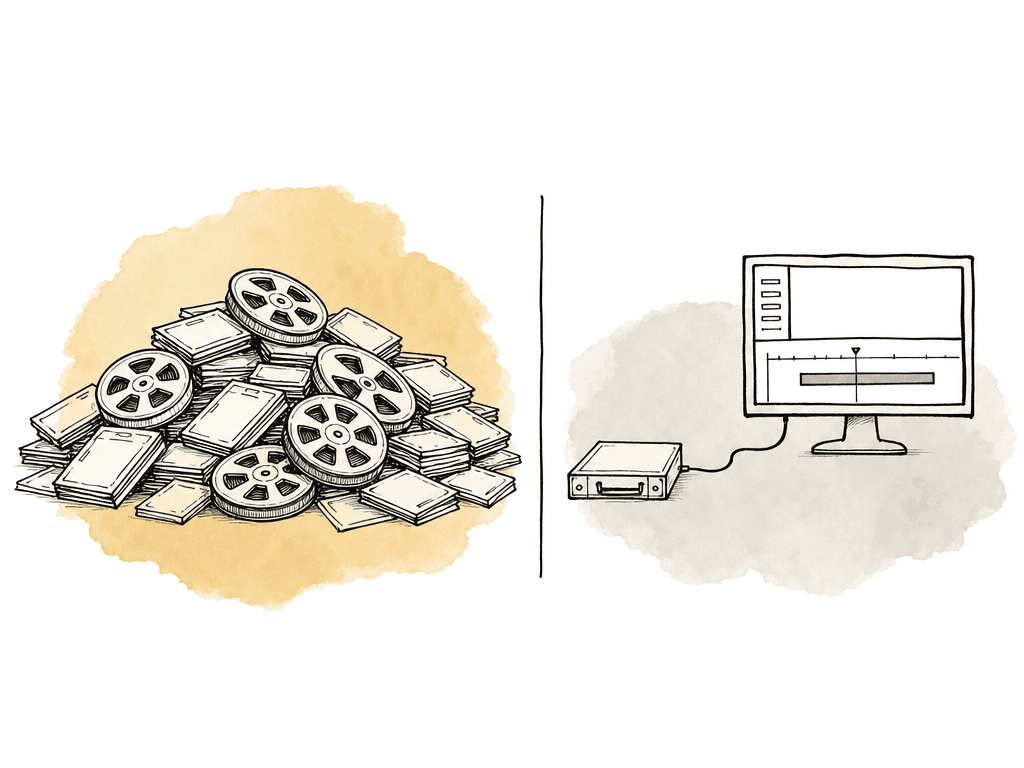
Aspect: source footage, editing, and client review
Aspect brings shared storage, footage search, and frame-accurate review into one platform. Your editors can mount a project on Mac or Windows and open its media in their editing applications. Producers search the same media, and clients review selected assets through share links. For example, a producer can find a product close-up from an earlier shoot, open its original through the mounted drive, and give the editor the file and time range. The editor uses it in a revised cut, uploads the revision, and adds it to the existing version stack. The client can then compare the review rounds while the source media remains available to the production team.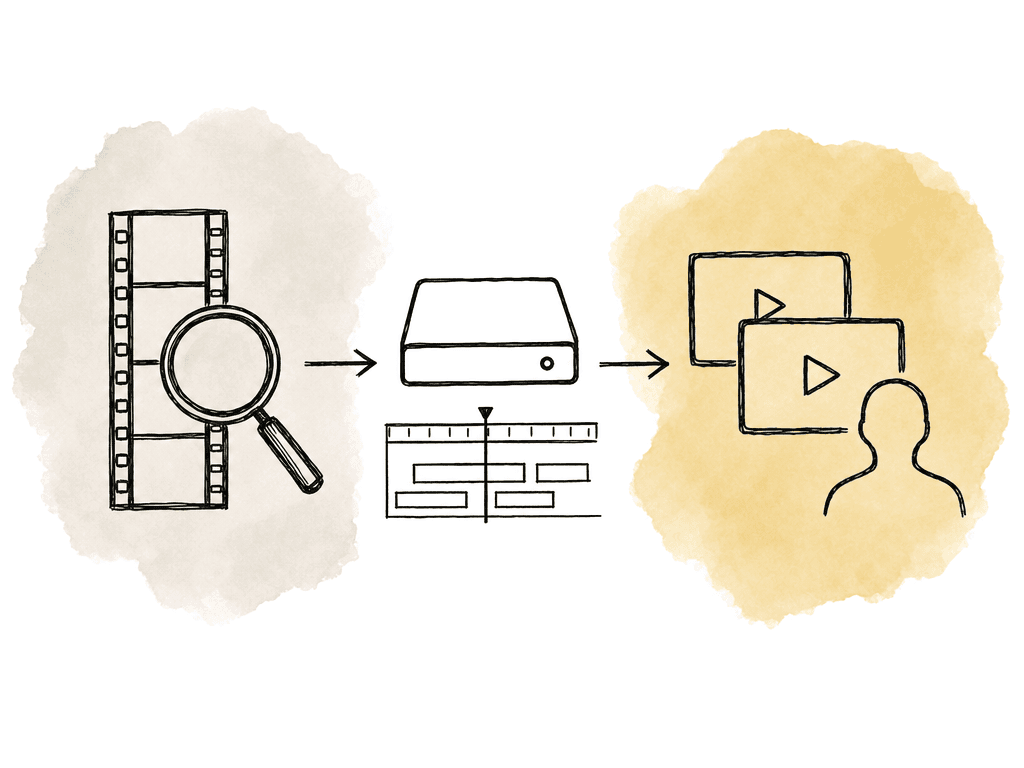
Dropbox Replay: a practical choice for an existing Dropbox workflow
Dropbox Replay adds live review sessions, comments, and markup to files stored in Dropbox. It integrates with Premiere Pro, Final Cut Pro, and DaVinci Resolve, so editors can view feedback and upload revised cuts within supported editing workflows. The distinction between basic access and the paid Replay Add-On matters. The Add-On includes video version comparison, due dates, password-protected links, editor-only comments, and video transcription and captions. It removes the file upload count limit, subject to the Dropbox account's storage capacity. An eligible paid Dropbox subscription is also required. Dropbox says files already in the account and opened in Replay don't count a second time toward storage. Files uploaded to Replay from a local drive or third-party tool do consume Dropbox storage. If you already pay for Dropbox, include that storage allowance when comparing Replay's additional cost with a separate review service. Editors still need access to the original media through Dropbox. Include the time to download that footage and the local disk space it occupies when comparing Replay with a platform that also streams editing media.Filestage: organize reviews by stakeholder group
Filestage separates feedback into reviewer groups, such as production, brand, and legal. External reviewers can comment and approve without creating an account. The platform covers video alongside designs, documents, websites, and other creative deliverables. The current free plan permits one active project and five new files per month, which makes it a limited evaluation environment. Starter includes two reviewer groups, due dates and reminders, and version comparison. Business includes three reviewer groups, automations, review reports, and review agents. Enterprise includes unlimited reviewer groups and additional approval and administration controls. Filestage's review agents check material against criteria such as grammar, required imagery, and compliance instructions. Try them with a video your team produces regularly and the rules your reviewers apply to it. These checks help with reviewing a finished asset; you'll still need a way to store and find the footage used to make it.Ziflow: define approval stages across a campaign
Ziflow manages approvals across video, documents, designs, and interactive campaign material. It provides version comparison, comments, markup, and staged workflows that can run sequentially or in parallel. For example, brand and legal can review simultaneously, with the client receiving the cut after both finish. Check which plan includes the number of stages and the decision history your team needs.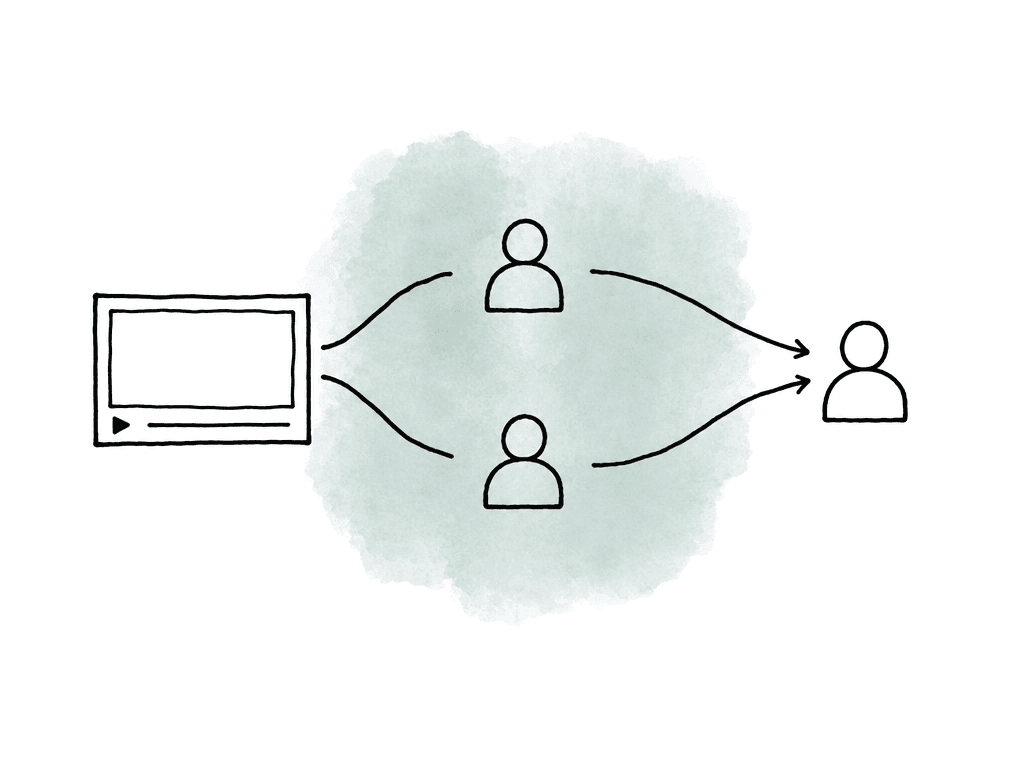
Iconik: bring review into an established media library
Iconik catalogs footage across on-premises and cloud storage. It can connect existing storage or use its own, while providing metadata, search, and media management. Its review tools include time-based comments, version comparison, approval status tracking, and external review links that don't require a full account. Producers can find and review media without moving the company's existing library into a new storage service. Editors still need a route to the originals, whether that means connecting to a shared drive or downloading selected files. Include that retrieval process in a trial, since playing a browser proxy doesn't open the original in an editing application. On the Starter plan, Collaborator users cost $0, Browse Users cost $9, Standard Users cost $65, and Power Users cost $120 per month. Storage, AI, and services consume credits in addition to those user charges. Professional and Enterprise use custom pricing. Master-quality review through the Iconik Desktop Player is listed with Professional, while synchronous-review limits differ by tier. Ask for a quote based on your actual storage connections, proxy requirements, AI processing, transfers, and reviewer roles. A library with existing infrastructure should compare the cost of operating those connections with the cost and disruption of moving the media elsewhere.Run one complete review before switching
Choose a project that reflects your weekly workflow. For an agency, that could be a 90-second video with three revisions, two editors, a producer, and reviewers from brand and legal. Include its interview clips and supporting footage so the trial covers the source media as well as the review exports.- Establish access. Give an external reviewer the permissions they would receive in production. Check whether they can comment without seeing internal discussions, unrelated projects, or earlier cuts that should remain private.
- Request a precise revision. Add a note to a particular frame and a second note covering a time range. Have the editor locate both through the intended workflow and upload the next cut.
- Record the decision. Compare the cuts, confirm which requests were addressed, and identify the exact revision each stakeholder approves. Check whether progression is manual or enforced by configured stages.
- Retrieve supporting footage. Search for an interview phrase and a visual detail. Inspect the matching moment, locate the original, and open it in the editor using the proposed storage arrangement.
- Deliver and retain the record. Download or share the approved revision, then export the review history you need to keep. Check whether an old link can still expose a superseded cut.
Compare the cost of completing and keeping a project
Compare the plans against the same workload: paid team members, external reviewers, source footage, review exports, mounted capacity, AI processing, and the approval features you use. Aspect Pro starts at $30 per seat per month with 500 GB included per seat, and larger team storage volumes have lower rates. Include overlapping subscriptions during migration. A lower review subscription may have little effect if the main expense is storing and retrieving source footage. Finally, migrate a completed project before an active one. Compare the files, version order, comments, annotations, decisions, and permissions at both ends. Keep readable exports of history that can't move, and replace external share links deliberately. If your team wants to keep source footage, editing access, and client review together, book a demo with the Aspect team using a recent production as the example. Bring its storage size, editor count, and review process so the discussion covers the work your team does every week.FAQ
Aspect combines shared editing storage, searchable footage, and client review. Dropbox Replay adds feedback tools to an existing Dropbox workflow. Filestage and Ziflow organize work into approval stages, while Iconik provides review across a library connected to existing storage. For a production team that wants producers and editors working from the same source media, Aspect provides both browser access and a mounted desktop drive.
Yes. Frame.io Drive uses Suite Studios' streaming technology to provide desktop access on macOS and Windows. Mounted Storage has a separate allocation from ordinary account storage: 250GB for Pro and 500GB for Team, with the Team trial limited to 250GB. Size this allocation around the media editors actually need to mount.
Yes. In Aspect, editors mount project files on Mac or Windows, while producers browse and search those files in the media library. Clients receive share links to selected assets, where they can leave frame-accurate feedback and compare versions. Editors can keep working with the originals without giving clients access to the full project folder.
Dropbox Replay has limited access without the paid Replay Add-On, with upload allowances depending on the Dropbox plan. The Add-On removes the file upload count limit within the account's storage capacity and adds features such as video version comparison, password-protected links, and editor-only comments. It costs $12 per user per month on monthly billing or $10 per user per month billed annually, in addition to an eligible paid Dropbox subscription.
Don't assume they will transfer automatically. Files, version relationships, comments, annotations, approval decisions, and share links are separate migration requirements. Pilot the move with a completed project containing several review rounds, compare the source and destination records, and retain a readable export of any history the destination cannot preserve.