P026_RIVER_LAUNCH, to show how a small production team with several deliverables can organize ingest, editing, review, delivery, and archive files. Productions organized around seasons and episodes can use the separate guide to folder structures for multi-season TV shows for that additional hierarchy.
Start with one stable project root
Choose a permanent project identifier before the first import. A campaign's public title may change; the identifier should not. In this example,P026 identifies the production and RIVER_LAUNCH makes it recognizable to people browsing storage.
Copy this tree into the project's setup notes and create the directories your production needs. The original_card_contents entries describe where complete card copies belong; they're placeholders, not extra folders to insert into the camera's own structure.
P026_RIVER_LAUNCH/
  00_ADMIN/
    README.txt
    INGEST_REPORTS/
    DELIVERY_SPECS/
    HANDOFF_NOTES/
  01_ORIGINALS/
    CAMERA/
      2026-09-14/
        CAM_A/
          A001/
            original_card_contents
          A002/
            original_card_contents
        CAM_B/
          B001/
            original_card_contents
      2026-09-15/
    AUDIO/
      2026-09-14/
        RECORDER_01/
      2026-09-15/
  02_EDITING_MEDIA/
    PROXIES/
      2026-09-14/
        CAM_A/
          A001/
          A002/
        CAM_B/
          B001/
    SYNCED_DAILIES/
  03_ASSETS/
    GRAPHICS/
    MUSIC/
    SOUND_EFFECTS/
    STOCK/
    LOOKS/
  04_PROJECTS/
    EDITING/
    GRAPHICS/
    COLOR/
    SOUND/
    HANDOFF_PACKAGES/
  05_REVIEW/
    MAIN_60S/
    SOCIAL_15S/
  06_DELIVERY/
    MASTERS/
    SOCIAL/
    CAPTIONS/
    DELIVERY_MANIFEST.txt
  99_ARCHIVE_RECORDS/
    DEPENDENCIES.txt
    RETENTION.txt
    RECOVERY_NOTES.txt
01_ORIGINALS; an export is a new file with a different purpose and belongs in review or delivery.
Keep 00_ADMIN to information that everyone with project access may see. Store restricted contracts or personnel information in an appropriately restricted system or separate project. A directory named PRIVATE provides no protection by itself.
04_PROJECTS holds supported project files, exports, and handoff packages. If the editing application stores its live project in a database or cloud service, leave it there. Record that location in the README and save project exports or backups in 04_PROJECTS. Don't relocate a live application database merely to make it fit the tree.
Preserve the camera card before organizing its footage
Give each card a unique containing directory using the shoot date, camera identity, and card number. This prevents two cameras'C0001 clips from colliding without changing either clip's original name. Preserve everything beneath that directory, including metadata, sidecars, indexes, and any subfolders created by the camera.
Adobe's guidance for transferring file-based media specifically recommends copying the entire folder with all subfolders to retain the original structure. A camera recording can depend on relationships that are invisible when you look only at its video files. Treat the complete card copy as the unit of ingest, and use the appropriate import workflow for the format.
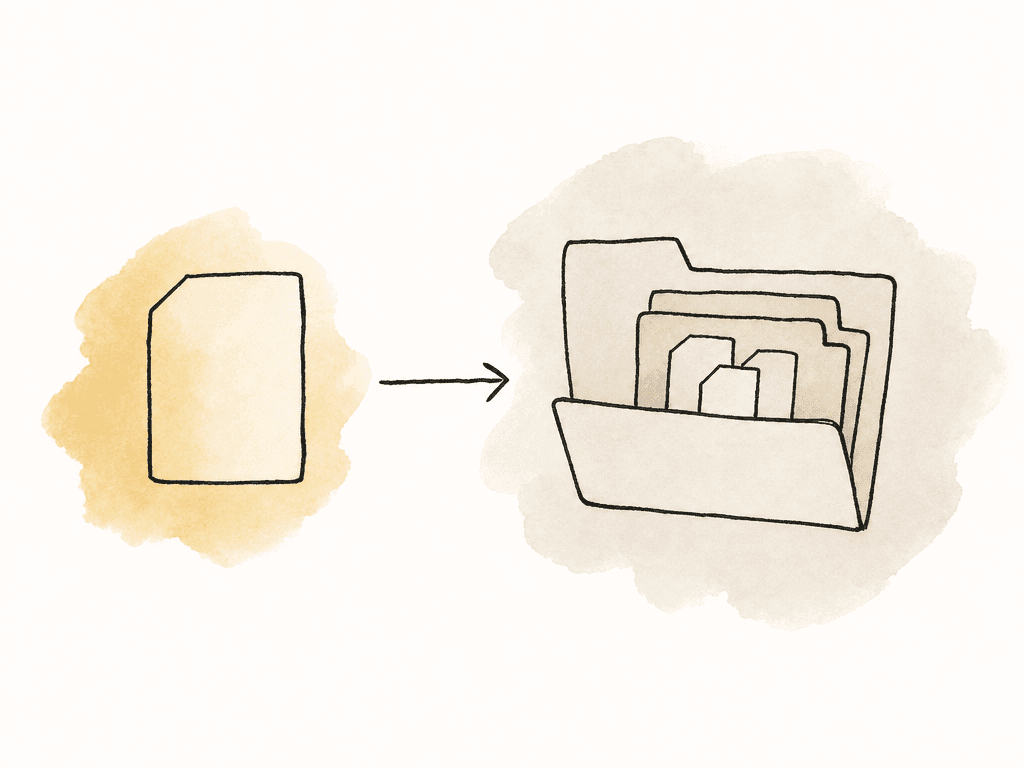
INGEST_REPORTS. Use a copy tool that checks transferred data against the source, and retain its report. A matching file count alone doesn't establish that every byte transferred correctly.
For the example shoot, the assistant editor accepts A001 only after the report is complete and clips from the beginning, middle, and end of the card open correctly. They then import from its permanent location. A card may need temporary receiving storage during transfer, but the editor shouldn't import from that temporary path and depend on moving the files during cleanup.
Aspect's folder upload workflow preserves nested directory structure. After uploading, confirm transfer completion and reconcile the received files with the ingest inventory before treating the cloud copy as ready for the next person.
Use filenames to identify files that leave the folder
When you export a file for a client, its parent folder may not travel with it. Name team-generated files so their identity survives that handoff. Use a small, documented vocabulary rather than allowing each editor to invent abbreviations. For the campaign example:P026_MAIN_60S_EDIT_v012.prproj
P026_MAIN_60S_REVIEW_v012_2026-09-21.mp4
P026_MAIN_60S_MASTER_3840x2160_23976p_v013.mov
P026_SOCIAL_15S_1080x1920_2997p_v004.mp4
P026_MAIN_60S_EN-US_CAPTIONS_v013.srt
v013 sorts consistently and provides a reference that survives email, downloads, and archive retrieval. Define frame-rate tokens such as 23976p and 2997p in the README so recipients know they mean 23.976 and 29.97 progressive frames per second.
Use YYYY-MM-DD for dates, and specify what each date represents. Here, the review date is the export date; the shoot date remains in the original-media hierarchy. Avoid punctuation that conflicts with paths, and keep filenames short enough to read in editing applications and transfer tools.
Reserve these rules for files the team creates. Leave camera-generated names intact. Give proxies a source mapping that includes the card identity, and use the editing application's supported naming and attachment workflow. A smaller MP4 is suitable as an editing proxy only after its timecode, frame rate, duration, and audio layout have been checked against the original.
A version number also doesn't express approval. v013 may still need changes, and a later revision may invalidate a previous decision. Record the approved revision explicitly instead of accumulating names such as FINAL_FINAL_NEW.
Assign an owner to every handoff
Assign someone to check each handoff. Without that agreement, several people can put files in the right folders while each assumes someone else checked the contents. On a small job, you may fill several roles, but the rest of your team should know who confirms that an upload, edit, or delivery is ready.| Stage | Responsible owner | Condition for the next handoff |
|---|---|---|
| Ingest | Data wrangler or ingest operator | Complete card copies and verification reports are available. Exceptions are documented. |
| Preparing the edit | Assistant editor | Imports, audio, source paths, and any proxy attachments have been checked. |
| Editing | Assigned editor | The current project or published changes are saved, and collaborators know who can edit next. |
| Review | Producer | Reviewers receive the intended revision, and the decision identifies that revision. |
| Delivery | Finishing editor and producer | Export checks pass, required files are listed, and the approved delivery is confirmed. |
| Archive | Media operations owner | Dependencies, retention decisions, access, and the recovery procedure are recorded. |
Keep shared paths consistent as editors join
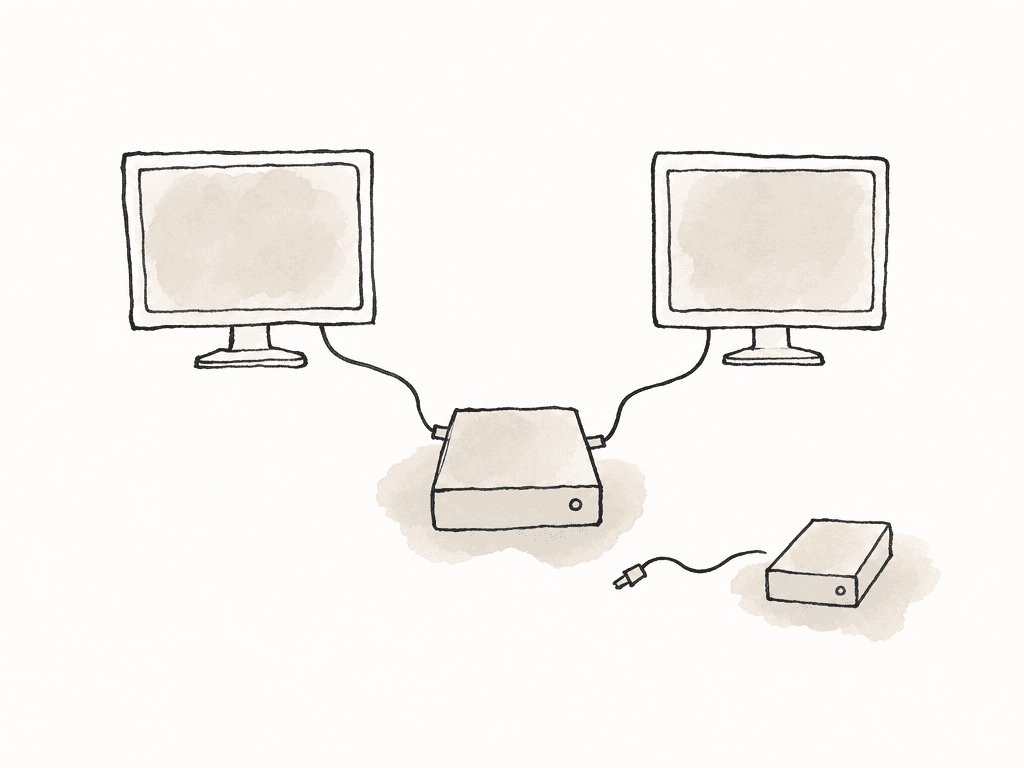
A correct filename doesn't prevent offline-media errors if each workstation sees a different location. Record the intended mount root and folder hierarchy inREADME.txt, and check them on a second workstation before a large import. Avoid importing from personal Downloads folders or temporary external drives when the shared copy is the intended source.
Use metadata and collections for overlapping categories
Folders work well for an asset's stable home. They become awkward when a single clip is simultaneously an interview select, a product shot, and an option for three different cuts. Creating a physical copy for each category introduces several files to maintain and makes it harder to identify the source. Put those overlapping facts in project metadata. A practical starting set is subject, shoot location, intended deliverable, usage restrictions, and review status. Use defined select options where consistency matters, and assign a person to maintain each operational field. Rights status should come from checked licensing information; a searchable label does not itself authorize reuse. When you need to gather selects for an editor or client, create a collection. In the example project,INTERVIEW_SELECTS can reference clips from both shoot days while SOCIAL_OPTIONS references some of the same clips. The physical card folders remain unchanged, and the editor continues to use the original source paths.
Separate review history from delivery and archive records
Keep review exports under the relevant deliverable in05_REVIEW. In Aspect, version stacks group related review revisions and retain comments with their respective versions. Confirm which revision appears by default before sharing. Stacking review cuts is separate from backing up a working project file.
The producer records the approved revision and the finishing editor checks the exact files entering 06_DELIVERY. The delivery manifest should list filenames, versions, dimensions, frame rates, audio requirements, captions, and the approval reference. If the team uses Aspect's custom approval-status field, update it deliberately: approving a comment and changing that field are separate actions.
At closeout, preserve the project and the dependencies needed to reopen it. Record application versions, plug-ins, fonts or font requirements, external library locations, original-media locations, and any accepted missing elements. Record the backup locations and retention owner in 99_ARCHIVE_RECORDS; that directory documents recovery and doesn't constitute another backup merely because it is named for archiving.
Before releasing working storage, have someone follow the recovery notes to reopen the retained project. Play a sequence containing the camera formats, graphics, effects, and audio used in the final delivery. Keep the original structure stable unless the archive plan requires a verified migration. Review access at closeout and remove any guest links or project memberships that are no longer needed.FAQ
Start with administration, originals, editing media such as proxies, supporting assets, project files, review exports, final deliveries, and archive records. Keep the same top-level names across productions, but create department-specific subfolders only when the work needs them. Original camera-card contents should remain together inside uniquely named card folders.
Preserve camera-generated filenames and the complete card structure unless your camera and editing workflow explicitly support a tested change. Rename the containing production, shoot-day, camera, and card folders instead. Moving only video files or separating sidecars can lose relationships that the camera format or editing application depends on.
Keep generated editing proxies in a separate, predictable directory and retain enough of the source hierarchy to distinguish identical clip names from different cards. Attach them through the editing application's proxy workflow. Check timecode, frame rate, duration, and audio layout before treating a viewing copy as an editing proxy.
No. A folder name describes your intention, while permissions determine access. In Aspect, a workspace member's project role applies throughout that project's content. Use appropriate project boundaries and configure guest share links for the specific files or collections each recipient needs.
Use collections for curated groups and metadata for searchable facts such as subject, location, or usage restrictions. An Aspect collection points to assets in their existing locations, so a clip can appear in several collections without being moved or copied. Confirm the collection's contents and sharing settings before giving another person access.
Avoid changing working paths merely to mark a project complete. Record the final project version, dependencies, delivery manifest, retention decision, and recovery procedure first. If the files need to move, verify the retained copy and reopen the project from its new location before releasing the working copy.