What the audio handoff is really trying to preserve
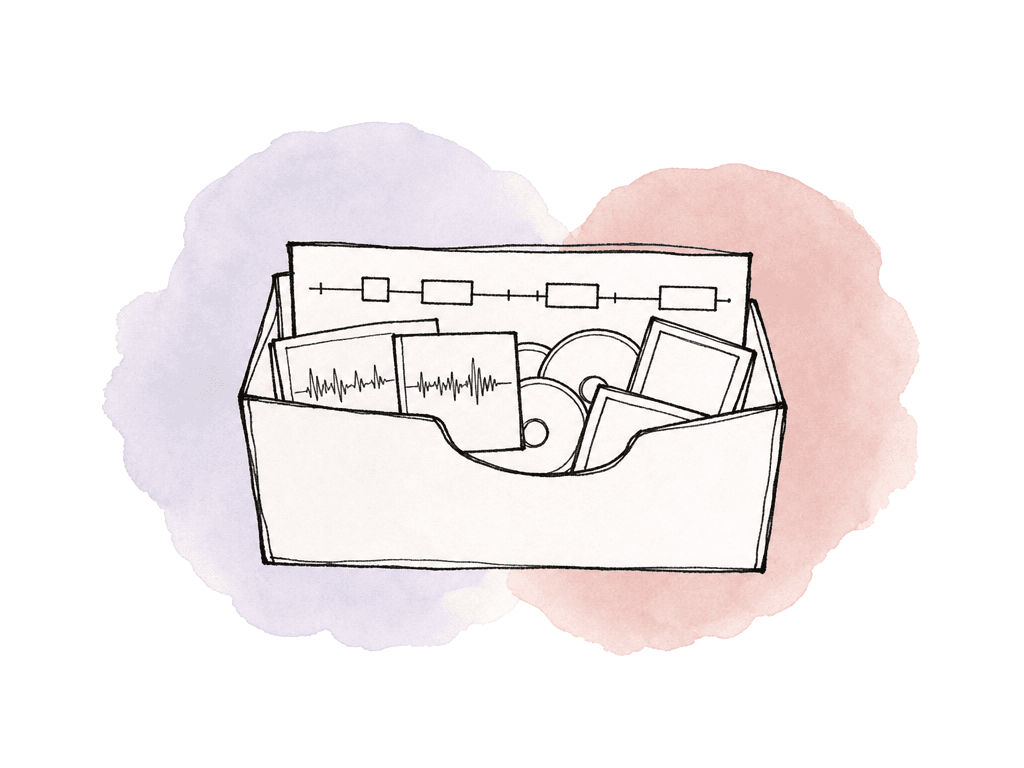
Picture editorial isn't sending audio post a “mix.” It's sending a reconstruction of the edit: clips, source references, timing, track layout, fades, clip names, and enough extra media on each side of every cut for cleanup and smoothing. That handoff usually includes three things:- An AAF or OMF containing the edited production audio and timeline structure
- A reference video that matches the exact picture lock you're handing off
- Supporting notes, such as start timecode, version name, pull-up or pull-down issues, known missing media, and any unusual sync decisions
The short version: AAF for most modern handoffs, OMF for legacy compatibility
OMF, or Open Media Framework, is the older interchange format. It was built to move media and edit decisions between systems, and a lot of post tools still recognize it. That legacy support is the main reason it remains in delivery specs. AAF, or Advanced Authoring Format, is newer and generally more capable. In audio post, teams commonly prefer it because it can preserve more of the editorial context: track names, clip names, volume automation, pan data, fades, and richer metadata depending on the exporting application and import target. Here is the useful comparison for handoff decisions:| Area | OMF | AAF |
|---|---|---|
| Best use | Older workflows, simple timelines, facilities that explicitly request it | Current audio post handoffs, larger timelines, richer metadata |
| Embedded media size | Commonly limited to 2 GB for embedded OMF 2.0 | Not constrained by the same OMF 2 GB embedded limit |
| Metadata | More limited | Usually carries more timeline and clip information |
| Automation and track names | Often limited or lost depending on app | More likely to preserve track names, clip names, volume, pan, and fades |
| Compatibility | Broad legacy support | Strong modern support, but implementation varies by NLE and DAW |
| Failure pattern | Export too large, missing metadata, split deliveries | Import quirks, relinking issues, unsupported multichannel references, app-specific bugs |
Why sound teams usually prefer AAF
Audio post wants the least ambiguous version of the picture edit. AAF usually gets closer to that than OMF. Track names matter because editorial track layout often carries intent. A1 and A2 might be boom. A3 through A6 might be lavs. Later tracks may be temp effects, production FX, music, VO, scratch, or guide mixes. If that structure arrives intact, the assistant has a head start. If it arrives as generic mono tracks with missing names, someone has to reverse-engineer the edit. Clip names matter for production audio conforming. Dialogue editors may need to trace a timeline clip back to its source recorder file or alternate channel. When metadata survives the handoff, they can find alternate takes, fill gaps, or repair a bad lav choice without asking editorial to rebuild the whole sequence. Automation matters too, but with a caveat. Editorial volume rides are often not final mix moves, but they tell the sound team what the editor intended. A dip under dialogue, a temp music swell, or a rough transition can be useful communication. AAF is more likely than OMF to carry those moves in a way the audio team can inspect or discard. AAF is also safer when the project is simply too large for OMF. Embedded OMF 2.0 has a 2 GB limit in many workflows. That sounds large until you export a 45-minute episode with 24-bit WAV, multiple dialogue channels, temp music, temp SFX, and 5-second handles. Once the export crosses the cap, you're splitting by acts, splitting by track groups, or switching formats.
Where OMF still makes sense
OMF has a narrow role. Use OMF when the audio facility asks for it, when the receiving system is old, or when you're moving a simple timeline where the 2 GB cap isn't a problem. Some facilities still list embedded OMF 2.0 as an accepted or preferred delivery format because they built their intake process around it years ago. OMF can also be a fallback when a specific AAF export path is failing and the mix team confirms that they would rather have a simpler but openable handoff. For example, a small commercial with clean production dialogue and minimal track structure may survive OMF perfectly well. You risk assuming OMF will behave like AAF. It often won't. If your edit relies on track names, clip gain detail, automation, or a large amount of embedded media, OMF becomes fragile fast. Once you start splitting OMFs by track group just to get under the size limit, you create more chances for mismatched start times, missing tracks, and import confusion.Export settings that usually travel well
The exact menu names vary between Media Composer, Premiere Pro, Resolve, and other video editing tools, but the target is consistent: send individual timeline clips as WAV media with handles, not a flattened mix. For a normal audio post turnover, these settings are a solid baseline:- Use AAF unless the sound team requests OMF 2.0
- Use WAV audio
- Use a 48 kHz sample rate
- Use 24-bit audio
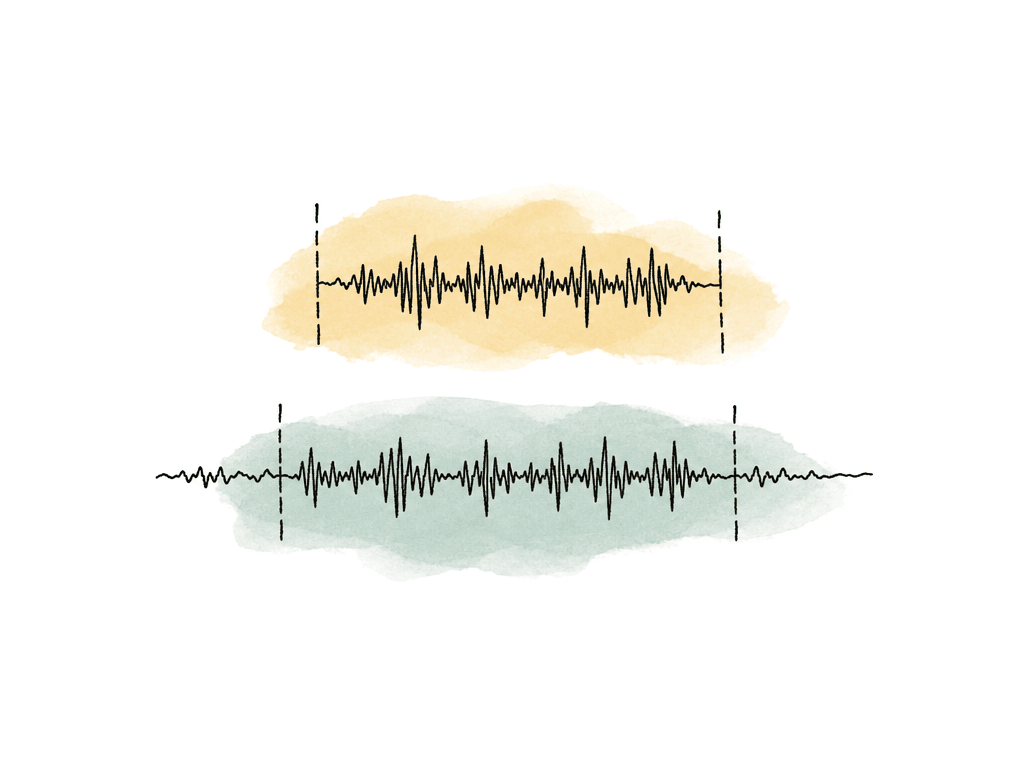
- Include 5-second handles as a common baseline, with longer handles if the sound team requests them
- Embed media or consolidate/copy media, based on the receiving facility’s preference
- Don't rely on video inside the AAF or OMF; send a separate reference movie
- Don't assume NLE audio effects will translate; discuss whether to render any critical temp effects
Embedded vs referenced media
Embedded exports put the timeline data and media into one package, while referenced exports keep the AAF or OMF smaller and point to separate media files. Both can work, and both can fail.| Media approach | Best fit | Main risk | Packaging note |
|---|---|---|---|
| Embedded AAF | Modern handoffs, remote delivery, jobs where one self-contained file reduces relinking work | Large files can expose application-specific import issues | Send with a separate reference movie and turnover notes |
| Referenced AAF with consolidated media | Larger jobs, facilities with a defined media-folder workflow, cases where embedded export fails | Missing, moved, or renamed media can appear offline after import | Keep the AAF and all referenced audio in a clean folder structure with a manifest |
| Embedded OMF 2.0 | Legacy systems and simple timelines that specifically require OMF | Many workflows hit the 2 GB embedded OMF ceiling | Split only after agreeing on acts, reels, or track groups with audio post |
Clean the sequence for interchange
A sequence that plays fine in the NLE can still export a broken AAF. Interchange formats are less forgiving than NLE timelines because they only support a subset of what your NLE can display. Nested audio is one of the most common traps. Delivery specs from audio facilities often call this out directly: AAF and OMF handoffs don't reliably carry nested audio structures. If a dialogue clip is buried inside a multicam, nest, compound clip, or subsequence, flatten it into normal timeline clips before export.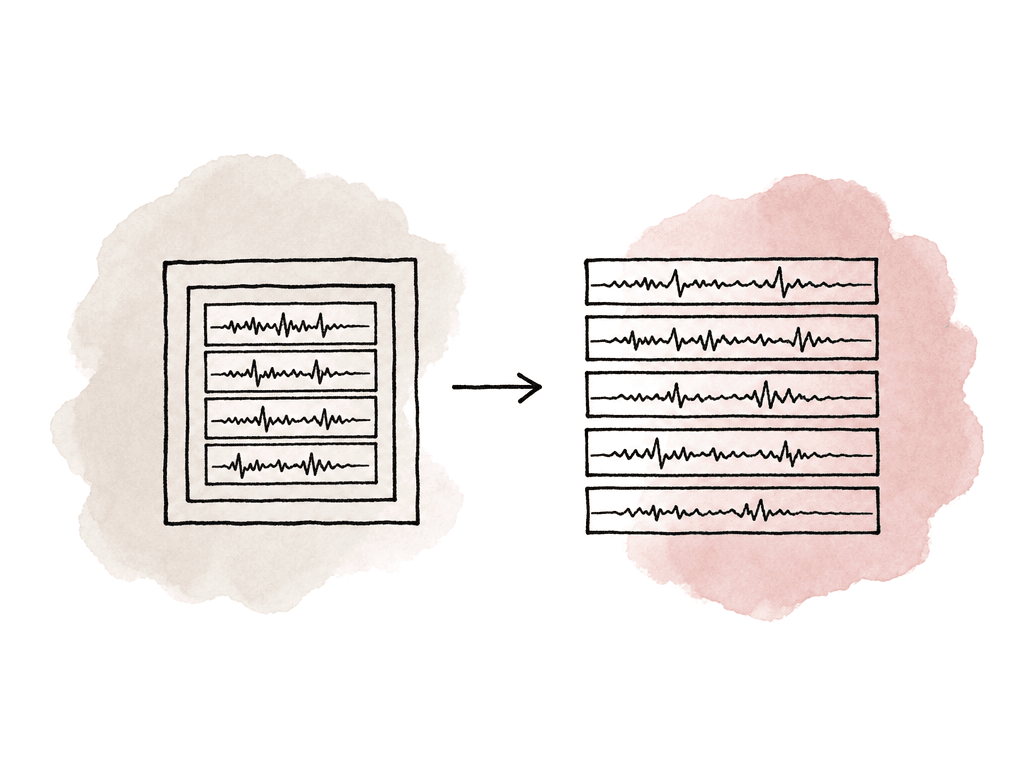
- You duplicate it from the locked picture sequence, so the edit master remains untouched
- You flatten or commit audio nests, multicams, and compound clips
- You remove or clearly label muted junk, unused guide tracks, and offline scratch elements
- You organize dialogue, VO, SFX, music, and guide mix tracks into sensible groups
- You match the timeline start timecode to the reference video and the sound team’s session setup
- You note any intentional gaps, mutes, or unusual sync choices
Application quirks are part of the decision
AAF and OMF are standards, but every application implements them a little differently. That's why two exports with the same apparent settings can behave differently once they hit Pro Tools. Media Composer to Pro Tools is one of the more established paths, but settings still matter. Media Composer can embed, link, copy, or consolidate media depending on workflow, and the receiving system may expect media in a particular folder structure. Avid documentation even notes cases where consolidated WAV media from an AAF needed to live in an OMFI MediaFiles folder for Media Composer to see it online. That kind of detail is exactly why “it exported successfully” isn't the same as “the handoff is usable.” Premiere Pro can produce workable AAFs, but sound teams often watch for nested sequences, transition problems, odd channelization, and multichannel references. If a Pro Tools import complains about unsupported multichannel audio references, the fix is often to re-export with channels broken out to mono or to embed media rather than reference interleaved files. Resolve can export Pro Tools-targeted AAFs, but teams should still test the path for the specific show. Roundtrips can differ depending on source media, timeline setup, audio channel mapping, and whether the export is rendering new media or referencing existing files. Final Cut Pro workflows often need an extra conversion path because native AAF export isn't the same as in traditional track-based NLEs. That doesn't make the workflow impossible, but it does mean the post supervisor should budget time for a turnover test instead of discovering conversion issues at picture lock.Common failure modes and what they usually mean
When an AAF or OMF fails, the error message is rarely the whole story. Check which timeline feature or media choice triggered the failure. These are the problems worth recognizing quickly:- If media is offline after import, the AAF referenced files that weren't delivered, moved, renamed, or placed where the receiving app expects them
- If an export exceeds the size limit, the embedded OMF is over the common 2 GB ceiling, often due to long runtime, many tracks, or long handles
- If track names or automation are missing, the format or export path didn't preserve that metadata, which is more common with OMF
- If an import is corrupt or incomplete, nested clips, unsupported transitions, or application-specific AAF bugs may have produced a file that looks valid but can't be read properly
- If there's a multichannel audio import error, the DAW may not support the way the NLE referenced interleaved multichannel files
- If there's sync drift or offset, sample rate, timeline start, pull settings, or reference video mismatch may be wrong
- If fades or effects don't match NLE playback, the NLE effect wasn't translated, or a transition was rendered differently on export
How to know the handoff is good enough to send
The person exporting should import the AAF or OMF into a clean test session if they have access to the receiving tool or a reliable local equivalent. This doesn't need to be a full sound edit, but it should be a sanity pass: do the tracks appear, does media come online, does the first frame line up, do obvious clips match the reference, and are handles present? If editorial can't test in Pro Tools, editorial can still make the handoff safer by checking the package itself. Confirm that the export completed without warnings, the file size makes sense, the reference movie is the correct version, the timecode burn-in matches the sequence, and the delivery folder includes any referenced media. If you had to split an OMF by acts or track groups, give each piece the same start timecode logic and clear naming. Keep the turnover note short but specific. Include the sequence name, version, runtime, frame rate, sample rate, bit depth, handle length, export format, whether media is embedded or referenced, and anything the mixer shouldn't have to guess. If the first audio event doesn't start at the program start timecode, say so. If there are temp music edits the team should treat only as guide, say so. If production audio was missing and replaced with camera scratch in a scene, say so.The decision that avoids most pain
Use AAF for the main handoff unless the audio team asks for OMF. Use OMF only for legacy requirements, simple timelines, or confirmed facility preference. If audio post requires OMF and the embedded file crosses 2 GB, split by acts, reels, or track groups only after agreeing on the plan with audio post. For modern turnovers, you take a bigger risk when you send an interchange file that preserves less than the sound team needs. A clean AAF with WAV media, 48 kHz/24-bit audio, sensible handles, flattened tracks, and a matching reference movie will give audio post the best chance of opening the session and getting to work instead of becoming your export support desk.FAQ
Send an AAF unless the audio team specifically asks for an OMF. AAF is usually the safer modern choice because it can carry more timeline information, handles larger turnovers more reliably, and is less constrained by the common 2 GB embedded OMF limit.
Sound teams often prefer AAF because it's more likely to preserve track names, clip names, fades, volume automation, pan data, and other metadata that helps them understand the editorial intent. It also handles larger and more complex timelines better than OMF in most current workflows.
OMF is still appropriate when the receiving facility requests it, when an older system requires it, or when the sequence is simple enough that the OMF size and metadata limitations aren't a problem. It can work well for short, straightforward projects, but it's a weaker choice for large timelines with many tracks, long handles, or important metadata.
A common safe baseline is AAF, WAV audio, 48 kHz, 24-bit, with handles such as 5 seconds unless the sound team specifies otherwise. Keep the timeline flattened, avoid nested audio and unsupported effects, and send a separate reference movie with visible timecode that matches the exact turnover sequence.
Yes. The reference movie is essential for confirming sync, version, timing, and editorial intent. It should match the exact picture lock being turned over and include visible timecode. If the audio import is offset, missing a clip, or has a translation issue, the reference movie gives the sound team a trusted source to compare against.
Keep the AAF, copied audio media, reference movie, and turnover notes in one package with a stable folder structure. Aspect gives editorial and audio post one shared cloud filespace, so nobody is reconciling duplicate uploads, renamed folders, or partial handoffs.