
- Generate checksums from the source files.
- Copy the files to one or more destinations.
- Generate checksums from each destination and compare them against the source.
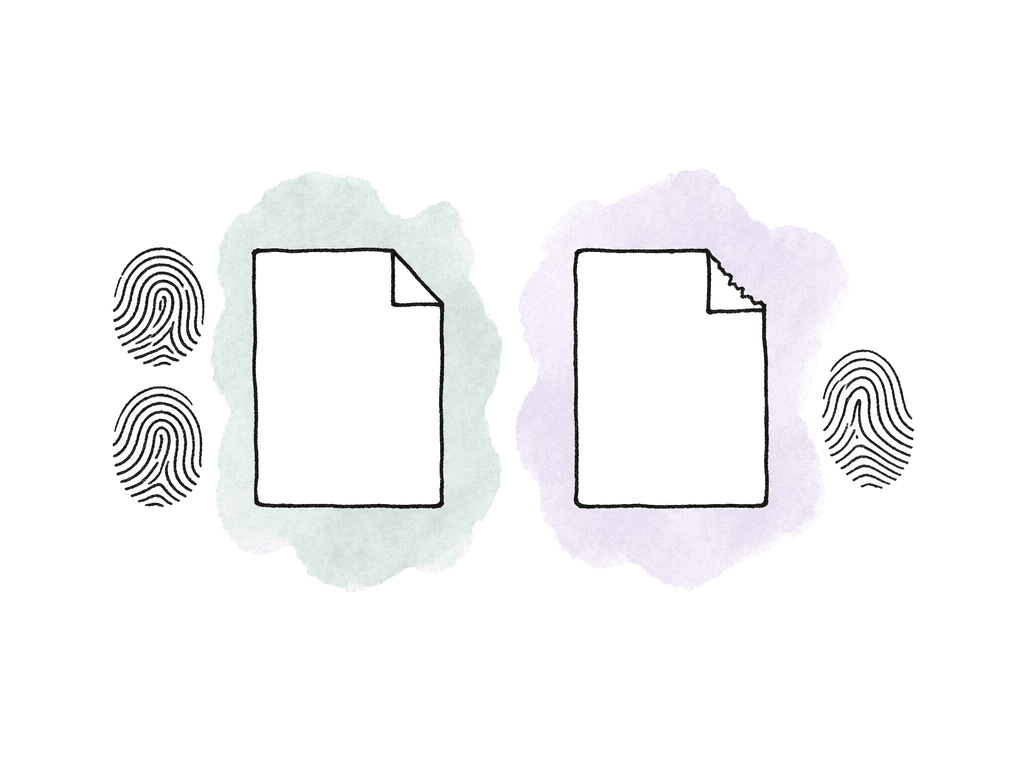
Pick the checksum method before the shoot
The fastest way to create confusion is to let every loader, DIT, and post vendor use a different verification setting. Decide the checksum type during technical prep and write it into the workflow memo. For most media offloads, the common choices are:- xxHash or xxHash64: Very fast. Useful for large camera originals, image sequences, and multi-terabyte shoot days.
- MD5: Slower than xxHash, but widely supported across post tools, archive systems, and manifest formats.
- SHA1: Also widely available and stronger than MD5 from a cryptographic standpoint, but slower and less common than MD5 in legacy media offload workflows.
| Method | Best fit | Relative speed | Compatibility | Notes |
|---|---|---|---|---|
| xxHash or xxHash64 | Fast on-set and near-set verification of large camera originals and image sequences | Usually fastest | Good where tools support it, but less universal than MD5 | Pick the exact variant and keep it consistent across manifests and receiving verification |
| MD5 | General media offloads where vendors, labs, or older tools expect MD5 manifests | Moderate | Very broad | Strong default for accidental corruption detection when handoff compatibility comes first |
| SHA1 | Pipelines already standardized on SHA1, or environments that require it | Slower than xxHash, varying by tool and hardware | Broad, but less common than MD5 in legacy media offload workflows | Use it when the workflow specifies it |
Copying isn't verification
A normal file copy confirms one thing: the operating system believes it wrote files to a destination. It doesn't prove that every destination file matches the original content. It also leaves production with no answer when someone asks whether Card A023 was verified before it was reformatted. Simple copy tools fail in ordinary ways:- A copy operation skips hidden files or metadata because someone dragged a folder incorrectly.
- A camera card is partially copied after a reader disconnects and remounts.
- A destination drive reports success, but a file differs due to storage or cable errors.
- A human copies only the visible media folder and misses sidecar metadata, audio, or camera database files.
- Folder naming drifts between destinations, making later comparison harder.
Build the offload around the camera card, not individual clips
Treat each card, mag, or recorder volume as the unit of work. The unit is the volume, not the shot list. Preserve that source volume exactly enough that post can reconstruct and verify it later.
PROJECT_DAY03/
  A_CAM/
    A023_20260730/
      <entire card contents>
  B_CAM/
    B014_20260730/
      <entire card contents>
- Project or production name
- Shoot date or media date
- Camera or recorder ID
- Card or mag ID
- Source volume name
- Destination volume names
- Checksum algorithm
- Start and finish time
- Data wrangler name
- Verification result
Generate hashes from the source at the point of offload
Generate the source hash while the original camera media is still mounted. That's your reference. If you only hash the destination after copying, you haven't proven it matches the card. You've made a fingerprint of whatever landed on the drive.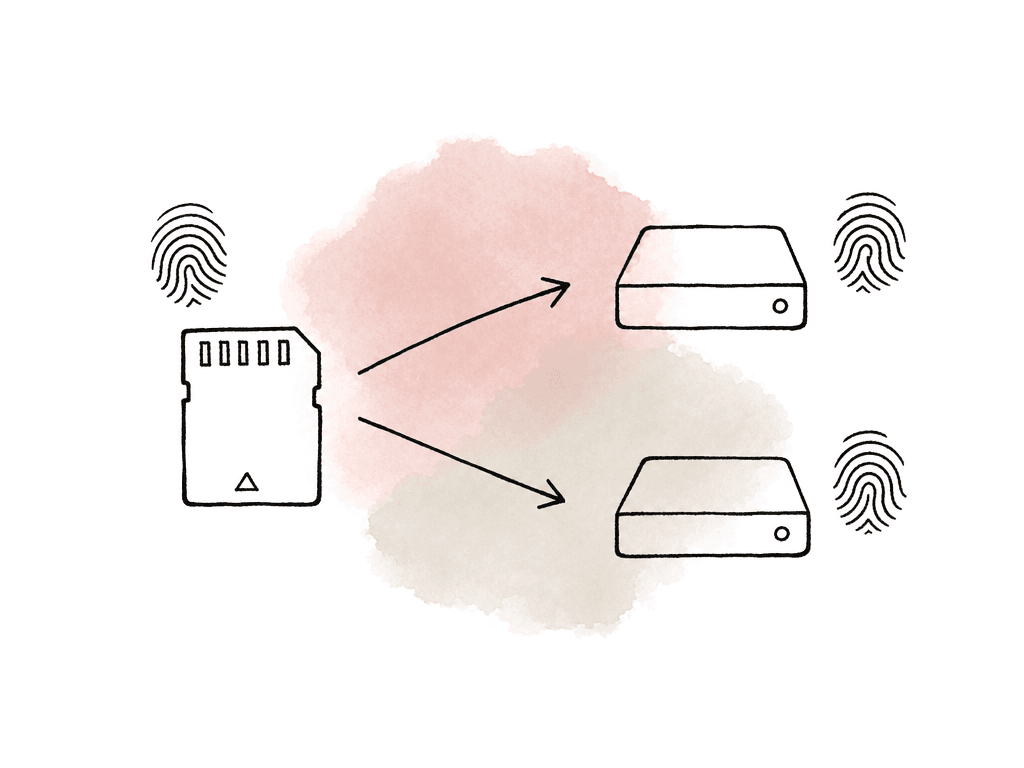
source card -> generate source hashes
source card -> copy to destination A and destination B
destination A -> generate destination hashes and compare to source
destination B -> generate destination hashes and compare to source
write report -> only then release card for reuse
9b1f4c7a7a5f2b31  A023/PRIVATE/CLIP/C0001.MXF
31fb7a2c14d98009  A023/PRIVATE/CLIP/C0002.MXF
/Volumes/CARD_A023/..., it gets harder to use once the card is unmounted or the folder moves to a server. Store paths relative to the card root or the card container folder.
Use manifests that post can keep
A checksum result printed to a terminal is better than nothing, but it isn't a production record. Save manifests and logs alongside the copied media, and in a separate operations folder. Common options include:- Plain text hash manifests, such as MD5, SHA1, or xxHash list files.
- CSV logs with a row per file and columns for source, destination, and status.
- ASC MHL manifests when your toolchain supports them.
- PDF or HTML reports from dedicated offload applications.
- JSON logs for automated ingest systems or pipeline tools.
Verification against the source is different from destination-to-destination comparison
Two comparisons get confused with each other. The first is source-to-destination verification. It proves that Destination A matches the original card, and that Destination B matches the original card. This is the core offload requirement. The second is destination-to-destination comparison. It proves that two copies match each other, which is useful, but by itself it says nothing about the card. If the original copy operation skipped a file and your team made both destinations from that incomplete copy, destination-to-destination verification still passes. Verify every destination directly against the source before the card is cleared. If time or hardware forces you to clone Destination B from Destination A, make that visible in the log. Don't let the report imply both copies were independently verified against the camera card.A shell pattern for scripted offloads
Dedicated offload software is the right choice for many productions, especially when multiple cards, multiple destinations, and formal reports are involved. Technical directors and post teams still need scriptable verification for labs, near-set ingest, and automated backups. The exact commands vary by operating system and installed tools, but the pattern is consistent:#!/usr/bin/env bash
set -euo pipefail
SRC="/Volumes/A023"
DEST1="/Volumes/RAID_01/PROJECT/DAY03/A_CAM/A023"
DEST2="/Volumes/RAID_02/PROJECT/DAY03/A_CAM/A023"
LOGDIR="/Volumes/RAID_01/PROJECT/DAY03/_OFFLOAD_LOGS/A023"
ALG="md5"
mkdir -p "$DEST1" "$DEST2" "$LOGDIR"
echo "Offload started: $(date)" | tee "$LOGDIR/offload.log"
echo "Source: $SRC" | tee -a "$LOGDIR/offload.log"
echo "Destination 1: $DEST1" | tee -a "$LOGDIR/offload.log"
echo "Destination 2: $DEST2" | tee -a "$LOGDIR/offload.log"
echo "Algorithm: $ALG" | tee -a "$LOGDIR/offload.log"
rsync -a --protect-args "$SRC"/ "$DEST1"/
rsync -a --protect-args "$SRC"/ "$DEST2"/
cd "$SRC"
find . -type f -print0 | sort -z | xargs -0 md5sum > "$LOGDIR/source.md5"
cd "$DEST1"
md5sum -c "$LOGDIR/source.md5" > "$LOGDIR/dest1_verify.txt"
cd "$DEST2"
md5sum -c "$LOGDIR/source.md5" > "$LOGDIR/dest2_verify.txt"
echo "Offload finished: $(date)" | tee -a "$LOGDIR/offload.log"
echo "Review verification files for any FAILED entries." | tee -a "$LOGDIR/offload.log"
- Refuse to run if the destination folder already exists, unless the data wrangler confirms the resume behavior.
- Record file counts and total byte counts for source and destinations.
- Capture tool versions, OS version, and logged-in user.
- Fail the job if any verification output contains
FAILED. - Save logs to both destinations, not just one.
- Write a summary file that a non-technical production person can read.
macOS and Windows command differences
If your team mixes platforms, test the commands before the first shoot day. Hash tools use different names and output formats. On Linux,md5sum, sha1sum, and often xxhsum are straightforward. On macOS, the built-in MD5 and SHA commands may be named differently, such as md5 and shasum. Their default output may not match GNU-style md5sum -c verification. Many teams install GNU coreutils or a dedicated xxHash utility to keep scripts consistent.
On Windows, PowerShell can generate hashes with Get-FileHash, including MD5 and SHA1 depending on policy and version. For xxHash, you'll typically rely on a third-party command-line utility or an offload application.
Verification depends on the manifest format as much as the hash value. If one machine writes manifests another machine can't check, you've created avoidable friction.
For cross-platform workflows, define these details:
- The hash algorithm and its exact variant, such as xxHash64 versus xxHash3.
- The exact tool or application used to generate the manifest.
- Whether paths are relative to the card root or the destination folder.
- How spaces, special characters, and non-ASCII filenames are handled.
- Where your team stores the logs on each destination.
Speed is part of safety
Verification takes time, and time pressure is where bad decisions happen. The safest workflow is the one that keeps up with camera turnover without asking data wranglers to bypass it. Checksum speed depends on the algorithm, the CPU, and the throughput of the storage and readers. File count is the other major factor, along with how efficiently the tool reads source and destination. For large media files, storage throughput can dominate. For image sequences with thousands of files, per-file overhead can dominate instead. xxHash is attractive because it's designed for speed. On many real media jobs it verifies much faster than MD5 or SHA1, which is the difference between keeping cards moving and building a dangerous backlog. MD5 may still be the right choice when downstream compatibility outweighs ingest speed. Don't judge speed from one small test folder. Test with representative media:- A full camera card from each camera type.
- The largest expected card size.
- Any image sequence formats.
- Multichannel production audio.
- The actual card readers, hubs, and cables you'll use on set.
- The destination drives that will receive the copies.
- The same number of simultaneous copies expected on set.
Network and cloud transfers need their own proof
A common misconception is that network protocols, storage systems, or hardware checksum offload features already "handle checksums," so file-level verification is redundant. None of them replace media verification. Network checksum offload deals with packet-level checksums handled by network hardware and drivers. It helps move packets efficiently and catches certain transmission errors at the network layer. It doesn't give your post supervisor a file-level manifest proving thatA023/C0007.MXF on the shuttle drive matches the original card.
Cloud storage and managed transfer platforms may run integrity checks internally. That's useful, but it isn't a production-controlled source manifest unless the workflow exposes comparable file hashes and logs. Uploading camera originals to cloud storage doesn't change the routine:
- Generate or preserve a manifest from the original media.
- Verify uploaded objects against expected hashes when the platform allows it.
- Log the result.
How to handle failures
A checksum mismatch isn't a nuisance to click past. It means the destination file isn't identical to the source manifest. The correct response is to preserve evidence, isolate the failed copy, and retry from the original source while it's still available.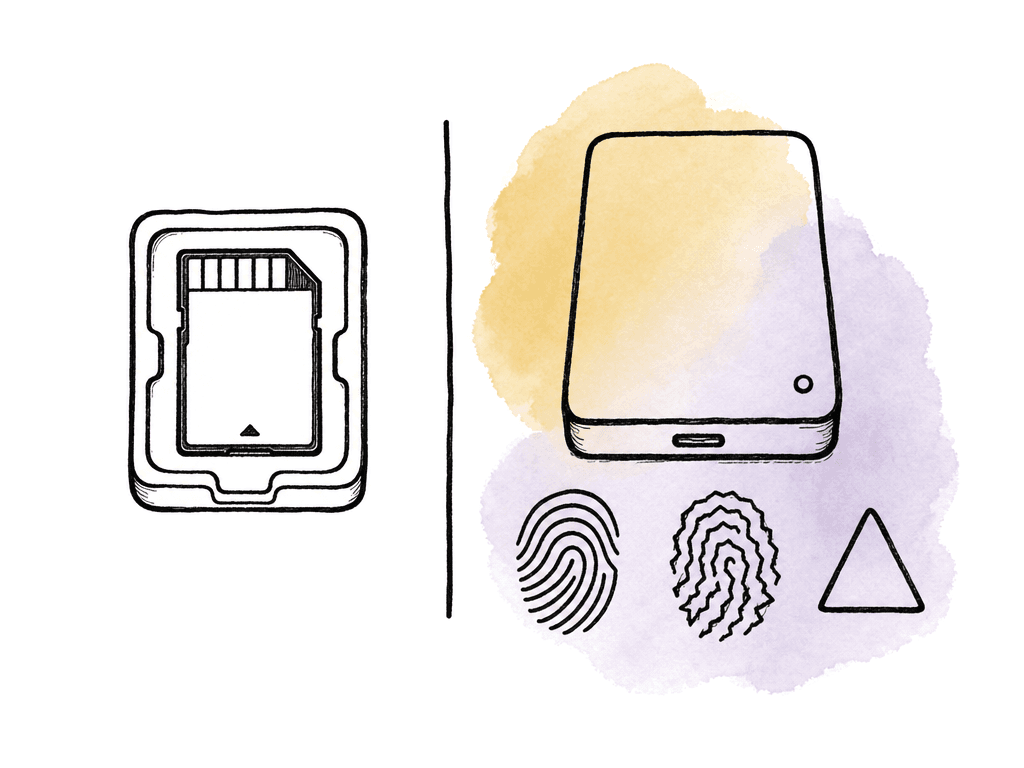
- One file reports a checksum mismatch.
- A file exists on the source but is missing on a destination.
- A destination has extra files that aren't in the source manifest.
- The source card disconnects during hashing or copy.
- Verification can't complete because a destination drive unmounts.
Logging should be consistent and complete
The best offload logs are predictable, consistent, and easy to audit. A useful summary might read:Project: RIVER_UNIT
Shoot Day: Day 03
Card: A023
Camera: A Cam
Source Volume: A023
Destinations:
RAID_01/PROJECT/DAY03/A_CAM/A023
RAID_02/PROJECT/DAY03/A_CAM/A023
Algorithm: xxHash64
Files: 487
Bytes: 512,884,301,824
Started: 2026-07-30 18:42:11
Finished: 2026-07-30 19:16:44
Destination 1: PASS
Destination 2: PASS
Operator: J. Lee
Notes: Verified against original card before release.
_TRANSFER_LOGS, _OFFLOAD_REPORTS, or _MHL folder at the shoot day level, with the relevant reports duplicated onto each shuttle or backup destination. If the delivery drive gets separated from the main storage, the verification evidence should travel with it.
Card release needs an explicit status
The most dangerous moment in the process is the question "Can I clear this card?" Make that answer procedural. Your team shouldn't release a card because a copy job completed. Release it when the offload record says the required destinations passed verification against the source. If the production requires three copies, the card waits for three verified copies. If the workflow memo says one on-set RAID and one shuttle drive before reformat, that's the rule. Naming and status language helps here. Use states like:IN_PROGRESSCOPY_COMPLETE_VERIFYINGVERIFIED_OKFAILED_HOLD_CARDRELEASED_TO_CAMERA
Make the receiving side verify too
Offload verification proves that the first copies matched the card. It proves nothing about later handoffs, courier drives, or shared storage ingest. Receiving teams should verify against the supplied manifests when media arrives. For an assistant editor or post facility, the receive workflow should include:- Confirm the expected card IDs and folder names arrived.
- Verify received files against the provided hash manifests or MHL records.
- Compare card IDs against camera reports, sound reports, and dailies paperwork.
- Report missing, extra, or failed files immediately.
- Preserve the original folder structure during ingest.
The recommendation
If you're setting this up from scratch, use dedicated offload software when people on set need speed, multiple destinations, and clear data wrangler controls. Configure it to generate checksums during transfer, verify every required destination against the source, and export logs or MHL records that travel with the media. If you're scripting the workflow, keep it mechanical:- Copy the full card structure.
- Generate a source manifest immediately.
- Compare each destination against that manifest.
- Fail loudly on any mismatch.
- Write logs a human can read.
FAQ
Only after every required destination has been copied and checksum-verified against the original source media. For many productions that means at least two verified copies plus a readable log. The log should name the card ID, the destinations, and the verification result, along with the checksum method, time, and operator.
Use whatever the studio, archive vendor, or lab requires. If you control the workflow, pick xxHash for speed, which shows up most on large camera originals and image sequences. MD5 stays the safe choice when post tools and manifests need to read it. Choose SHA1 when your pipeline already standardizes on it. Compatibility with receiving teams outranks preference.
No. A normal copy shows only that the operating system attempted to write files to the destination. It doesn't prove every destination file matches the original card byte-for-byte, and it leaves no production record behind. A proper offload generates checksums, compares them against the source, and saves the logs or reports.
Destination-to-destination comparison can be useful, but it isn't a substitute for source-to-destination verification. If both destinations were made from an incomplete or corrupted copy, they can match each other while neither matches the original card. The safest workflow verifies each required destination directly against the source before the card is released.
Don't reformat or reuse the source card. Preserve the failed logs, isolate the questionable copy, and retry from the original source to a clean destination. If your production has an approved repair procedure, follow that instead. When the source card throws read errors or disconnects repeatedly, escalate immediately to the DIT, the camera department, or your data recovery plan.
Treat checksum reports as production metadata that lives with the footage. Store the manifests with the media, then track the card ID, shoot day, and verification status as fields inside the asset system. Aspect supports spreadsheet-like asset views and custom fields, so post teams can sort, filter, and audit offload records using custom metadata.