Start with the source of truth
The first decision is who owns the shot record. For most shows, editorial should own the editorial record: shot ID, cut status, source timecode, handles, current cut length, and what version is actually in the sequence. VFX production can own the vendor record: bid status, task status, artist work, internal vendor notes, and review submissions. The problem starts when both sides think their tracker is the master record for everything.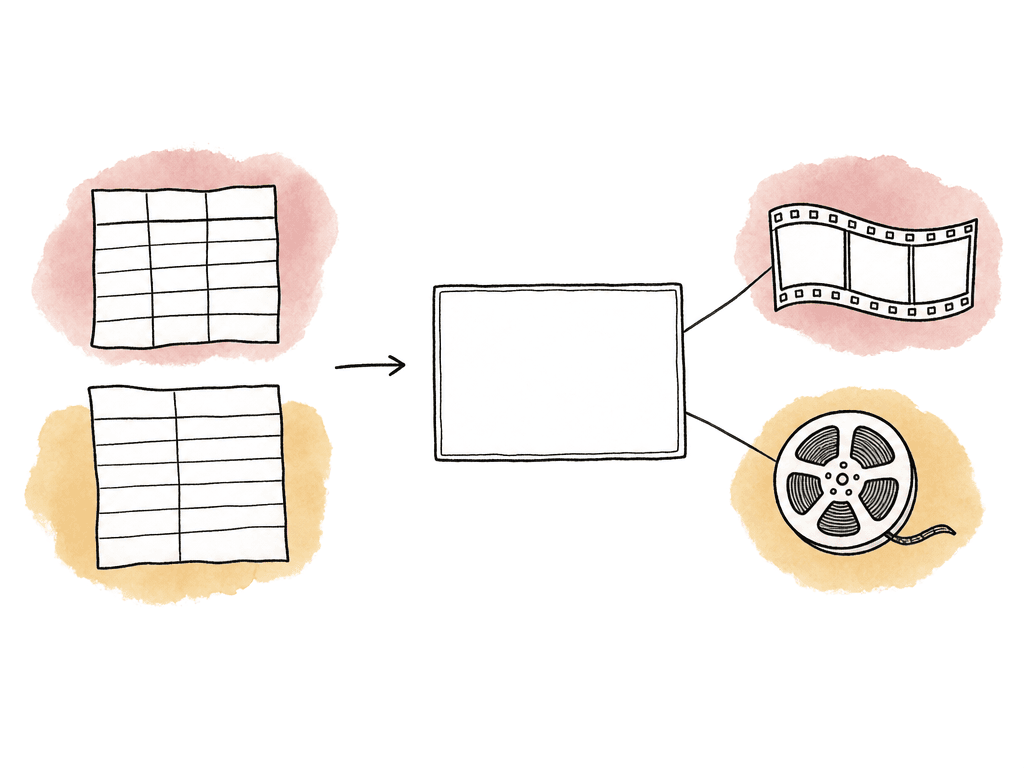
- Has this shot been turned over?
- Which vendor has it?
- What version is editorial currently carrying?
- What is the next expected delivery date?
- Is the shot final for finishing, or only final for the temp edit?
The core workflow you're tracking
VFX tracking follows the same loop on almost every show: editorial identifies a shot, editorial sends turnover packages, vendors work and submit versions, editorial cuts versions back in, notes go back to the vendor, and approved finals get delivered for finishing. That sounds simple until the edit keeps moving. A VFX editor or assistant editor may be tracking shots that the cut adds, retimes, or moves to another vendor. A post supervisor may be watching dates, costs, and client approvals. A vendor producer may be tracking internal tasks that editorial shouldn't have to see. The tracker should support the actual roundtrip as the connective tissue between the edit, the pull list, vendor delivery, review, and final conform. A useful shot record usually needs these fields at minimum:- Shot ID
- Sequence, reel, scene, or episode
- Editorial in and out
- Source clip or plate reference
- Handle length
- Current cut duration
- VFX description
- Vendor
- Turnover name or batch
- Current VFX status
- Latest submitted version
- Version currently cut into the edit
- Next vendor delivery date
- Review notes or note reference
- Approval state
- Final delivery received date
- Cut change flag
Use editorial shot IDs as the shared language
Keep shot IDs stable and readable, with no information hidden in punctuation or one-off abbreviations. If the show already has previs IDs, bid IDs, or vendor IDs, keep them, but don't make editorial chase them during turnover. Once shots enter the edit, your team should use the editorial shot name as the shared production reference. A common pattern is some combination of episode or reel, sequence or scene, shot number, and version. For example, an episodic show might use something likeEP103_SC045_SH020, while a feature might use R02_SC017_SH030. The exact format matters less than consistency.
Where teams get into trouble is renaming shots every time the edit changes. Don't do that. If a shot is extended, slipped, or revised, update the shot record. If it becomes a materially different shot, create a new shot and relate it to the old one. If a previs code or bid code existed earlier, keep it in a separate field so old bids and notes still make sense.
This is especially important when your team assigns vendors after initial tracking has already started. If your team built the database during pre-production around previs or bidding names, update the shot code to match editorial naming once turnovers begin. Keep the old names as reference fields, not as the primary way humans identify shots.
Keep the status list short enough to trust
A VFX status field is useful only if everyone knows what each value means. Too many shows end up with status soup: temp, awaiting temp, vendor temp, client temp, almost final, final pending, final final, final approved, approved final, tech final. Nobody wants to ask what “almost final” means during a turnover meeting. Start with a small status set that maps to actual decisions:- Not Turned Over means editorial knows the shot exists, but the vendor doesn't have a complete package yet.
- Turned Over means editorial has sent plates, reference, notes, metadata, and delivery expectations.
- In Progress means vendor work has started, or the shot is actively assigned.
- Submitted means a version has come back for review.
- Notes Sent means editorial, director, client, or supervisor notes have gone back to the vendor.
- Approved means the director, client, or supervisor has given creative approval, but final delivery may not be complete.
- Final means the vendor has delivered approved media in the required format and the shot is ready for finishing.
- Omitted means the shot is no longer active in the edit.
Spreadsheet, database, or dedicated tracking tool?
For a small project with one vendor, a few dozen shots, and one person maintaining the data, a well-built spreadsheet can work, and it's familiar and easy to share. Many editorial teams start there because the first need is visibility, not a full production system. The question is when the spreadsheet stops being a tracker and becomes a liability.
| Tracking approach | Best fit | Main strength | Main risk |
|---|---|---|---|
| Spreadsheet | Small project with one or two vendors, limited shot count, simple approvals, and one clear owner | Fast setup, familiar sharing, simple filtering, and low overhead | Version drift, loose edit permissions, and conflicting copies can weaken trust |
| Custom database | Shows with specific editorial workflows and a team that already knows the system | Tailored fields, views, turnover reports, and naming rules | The workflow depends on the person or team maintaining the structure |
| Dedicated tracking tool | Multi-vendor shows with many versions, formal reviews, task tracking, and frequent status reporting | Connects shots, versions, tasks, vendors, notes, dates, and review history | Setup discipline and clear ownership rules are required from the start |
- One or two vendors
- A limited shot count
- Simple approval chain
- Low version count
- Minimal need for vendor-side task tracking
Separate the editorial tracker from the vendor task tracker
Vendors need more detail than editorial needs because they may track matchmove, comp, and internal supervisor review. Editorial usually doesn't need that level of task breakdown. Editorial needs to know when a usable version is coming back, whether notes were received, and whether the version in the edit is current. Trying to force every vendor task into the editorial tracker makes the tracker noisy. Trying to hide all vendor progress until a delivery appears makes the tracker useless for scheduling. The compromise is to roll vendor work up into statuses and dates that editorial can act on. For each vendor-assigned shot, track the current vendor-facing state, but keep the visible editorial view focused on schedule and decisions. A post supervisor should be able to filter by vendor and see what is due this week. An assistant editor should be able to filter by “Submitted” and see what needs to be cut in. A VFX editor should be able to see which shots have notes waiting to go back. This is also where permissions matter. Vendors may need access to their assigned shots, delivery dates, and notes, but not the full show database. If your system supports vendor portals or filtered views, use them. If you're using a spreadsheet, create controlled views or exports rather than giving every vendor full edit access to the master tracker.Track delivery dates as living data
The delivery date field is one of the most abused fields in VFX tracking. If it only shows the original target date, it isn't useful. If it changes silently, nobody trusts it. Treat delivery dates as schedule data with history and context. At minimum, separate these date fields when the schedule is moving:- Turnover date
- Vendor bid or start date
- Next expected submission
- Actual submission date
- Notes sent date
- Approved date
- Final delivery date
Make version tracking impossible to misunderstand
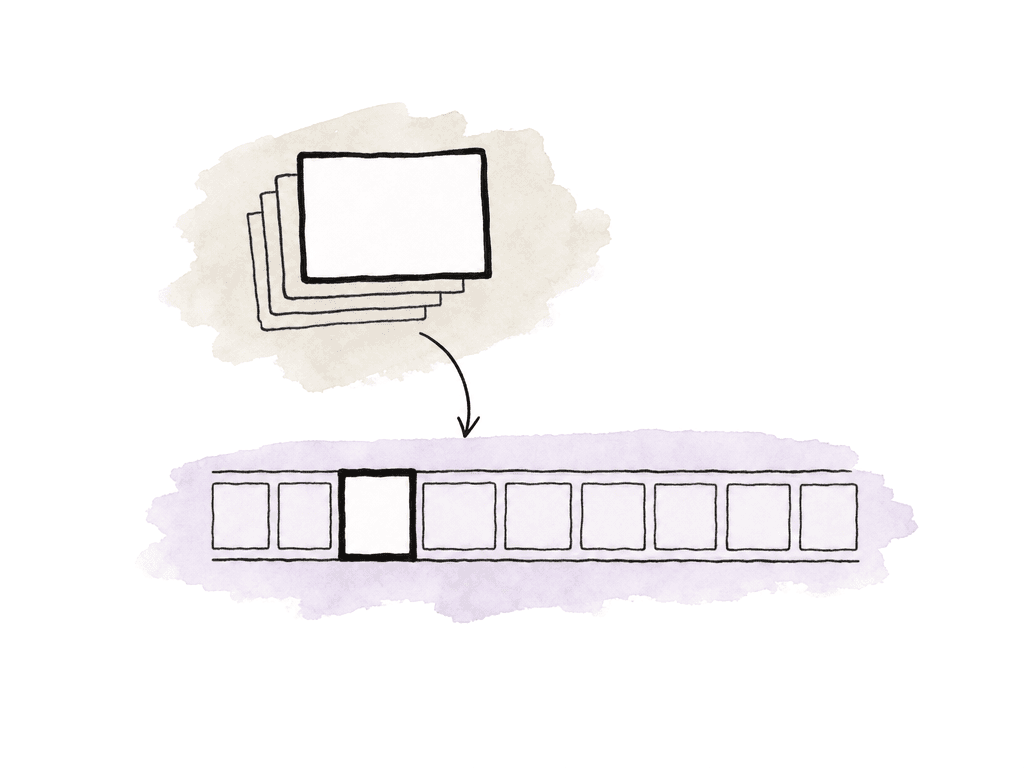
Every submitted VFX version should have a version number, a date, and a relationship to the shot record. The most dangerous phrase in a VFX review is “the latest one.” Latest according to whom? The vendor? The producer? The editorial bin? The review playlist? The director’s notes? Track two separate ideas:- Latest vendor-submitted version
- Version currently cut into the edit
v012, while editorial is still carrying v010 because v011 and v012 haven't been reviewed or cut in. If the tracker only says “v012,” the director may assume the timeline reflects that version when it doesn't.
Tie turnovers to the shots they contain
A turnover is more than a file transfer because it's a package of intent: these are the shots, this is the edit, these are the frame ranges, these are the plates, these are the handles, this is the reference, and this is what needs to be done. Associate each turned-over shot with a turnover name or batch. That gives you a clean way to answer questions later: Which shots were included in turnover 006? Were the correct handles sent? Did this vendor receive the revised plate? Did the shot change after the batch went out? A good turnover record should connect to the shot records it contains and include the information vendors need to start without chasing editorial, which usually means:- locked or intended cut references, EDL/XML information where relevant, and source media references
- plates, handles, and lens or camera notes if available
- retime information and color pipeline notes
- temp comps and creative direction
Watch for cut changes that break the tracker
Last-minute changes are normal, but the tracker should make them visible instead of pretending the cut is stable.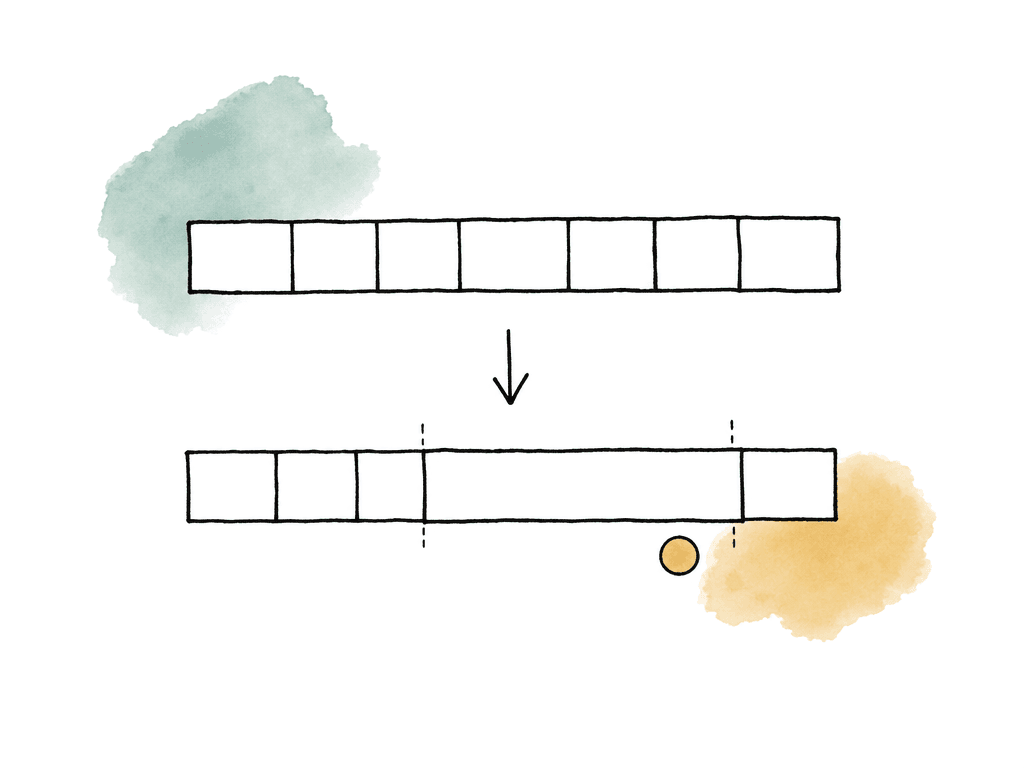
- Shot added
- Shot omitted
- Shot extended beyond available handles
- Shot shortened enough to affect timing
- Shot slipped against source
- Retime changed
- Split shot created
- Two shots combined
- New plate required
- Temp comp replaced with a different creative direction
Keep editorial updated without turning meetings into data entry
The tracker should reduce meeting time. A good VFX status meeting can move quickly if the data is already current. A bad one becomes a live archaeological dig through emails, chat threads, file names, and someone’s memory of what the director said last Thursday. Use views that match the way people work. Editorial may need a “submitted today” view. The post supervisor may need a “due this week by vendor” view. The director review may need only shots ready for creative review. Finishing may need shots marked approved but not final delivered. For production teams, the most useful views are often based on exceptions:- Shots due soon with no recent vendor update
- Submitted versions not yet reviewed
- Approved shots missing final media
- Turned-over shots with no delivery date
- In-progress shots affected by cut changes
- Finals delivered but not cut into editorial
Handle split shots and multiple vendors deliberately
Split shots are where simple trackers start to bend. One vendor may handle the creature, another may handle environment, and editorial may receive combined comps from a finishing vendor or lead facility. If the tracker only allows one vendor and one status per shot, the team will start inventing workarounds in notes. There are two common ways to handle this. For lighter workflows, keep one editorial shot record and add vendor-specific subfields or linked rows. For heavier workflows, create child records for each vendor component and keep the editorial shot as the parent. The parent shot answers, “What is in the edit?” while the child records answer, “Who is doing which piece?” Don't let split-shot complexity leak into editorial naming unless it has to. The editor shouldn't need three different shot names for one visible shot in the timeline. Keep the editorial shot ID stable, then track vendor parts underneath it.The real rule: update at the moment the work changes hands
VFX tracking fails when updates lag behind reality. Editorial turns over a shot, but the tracker still says pending. A vendor submits a new comp, but editorial doesn't mark it received. The team sends notes in a thread, but the status never changes. A director, client, or supervisor approves a shot in the room, but finishing still sees it as in progress. The fix is making tracker updates part of the handoff itself. When editorial sends a turnover, update the turnover and status. When a vendor submission is uploaded, update the version and received date. When your team sends notes, update the notes status. When a director, client, or supervisor approves a shot, separate creative approval from final media delivery. When editorial cuts in final media, record that editorial is carrying the final. That cadence is what makes the tracker trustworthy. Whether you use a spreadsheet or a dedicated production tracking system, the same principle applies: change the data when the work changes hands, not when someone eventually has time to clean up the database. A good VFX tracker needs to be current, shared, specific, and tied to the edit. If it tells editorial what to cut in, tells vendors what they owe, and tells production what is at risk, it's doing its job.FAQ
A VFX shot tracker is usually the shared production view of each shot: shot ID, turnover status, vendor, current version, delivery dates, approval state, and whether the shot is in the cut. A vendor task tracker is more detailed and may include internal steps such as roto, paint, matchmove, animation, lighting, comp, supervisor review, and QC. Editorial usually needs the rolled-up status and delivery expectations, not every internal vendor task.
A spreadsheet can work well for a small project with a limited shot count, one or two vendors, a simple approval chain, and one person responsible for updates. It should use consistent shot IDs, controlled status values, separate columns for latest submitted version and version in the cut, and clear delivery dates. Once the show has multiple vendors, heavy versioning, complex reviews, or frequent status reporting, a dedicated tracking tool is usually safer.
A simple status list is often best: Not Turned Over, Turned Over, In Progress, Submitted, Notes Sent, Approved, Final, and Omitted. The key is that each status should trigger a real action. For example, Submitted means the shot needs review, Notes Sent means the vendor has feedback, and Final means approved media has been delivered in the required format for finishing.
Cut changes should be flagged in the shot record as soon as they happen. The tracker should show whether the shot was added, omitted, extended, shortened, slipped, retimed, split, combined, or changed enough to require a new plate or revised turnover. Don't delete omitted shots, since they may return and may still have cost, history, or vendor work attached.
Editorial should track both the latest vendor-submitted version and the version currently cut into the sequence. These are often different. A vendor may have submitted v012 while editorial is still carrying v010 because the newer versions haven't been reviewed or cut in yet. Keeping those fields separate prevents confusion during reviews and screenings.
Treat version identity as part of the review workflow, not just the file name. Editorial should track both the latest vendor submission and the version currently cut into the timeline, while Aspect keeps revisions stacked together so reviewers land on the right asset and its related notes through version stacking.