Map the editorial workflow before choosing the access pattern
A zero trust plan should follow the way the team actually works. Don't start with “we need remote access to the office.” Start with the specific editorial jobs that happen outside the facility. Common remote access patterns look like this:- Lead editor cutting in an NLE using a remote workstation or cloud workstation
- Assistant editor ingesting, organizing, syncing, transcoding, and relinking media
- Producer or director reviewing rough cuts in a browser
- Color, sound, VFX, or finishing vendor receiving selected media or connecting to a dedicated environment
- Technical director administering storage, render nodes, workstations, MAM integrations, or transfer systems
- Remote desktop into a workstation near the media
- Proxy or optimized media workflows with controlled sync
- Browser-based review and approval without download rights
Treat VPN as transport, not permission
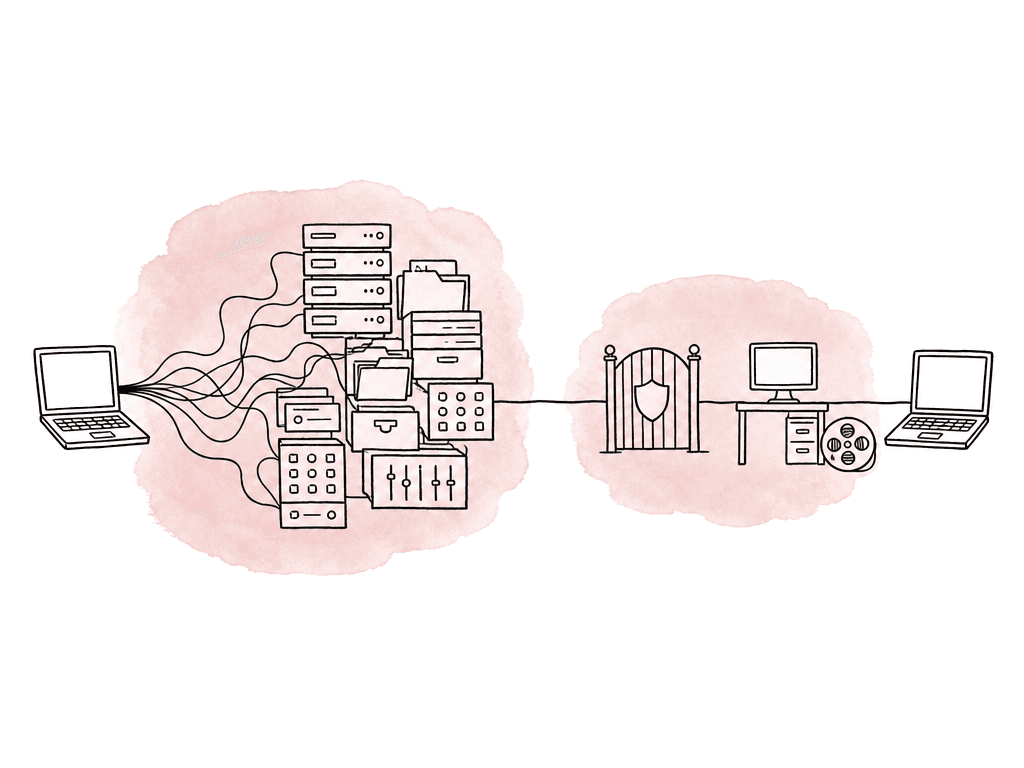
If you already have VPN infrastructure, you can keep it while you move toward zero trust. The key change is to stop allowing broad network routes after connection. A remote user shouldn't receive access to the whole subnet just because MFA succeeded. A better VPN or ZTNA configuration defines narrow routes and policies around specific applications or hosts. For editorial, that means publishing only the services users need:- Remote workstation protocol endpoints, such as PCoIP, RDP, NICE DCV, Teradici-style gateways, or vendor-specific remote desktop brokers
- MAM or asset management web interfaces
- Review and approval applications
- Transfer portals and controlled ingest locations
- License servers that approved workstations need, not every remote laptop
- Specific NAS shares or file services only when the workflow truly requires direct file access
- Admin interfaces only for named technical users through a separate admin policy
Build identity around real production roles
Zero trust access breaks quickly when everyone is “editorial remote,” so make roles match production responsibility. A useful starting model includes these access groups:- Editors: access to assigned project workstations, assigned NLE project spaces, review tools, and approved media locations
- Assistant editors: access to ingest folders, proxy generation systems, project organization areas, sync tools, and assigned workstations
- Post supervisors: access to dashboards, review links, delivery status, selected project folders, and reporting systems
- Producers and clients: browser review only, usually no source downloads unless explicitly approved
- Vendors: access to vendor-specific transfer areas, review portals, or isolated workstations
- Technical directors and admins: access to infrastructure consoles through separate privileged access policies
- Break-glass admins: emergency access with stronger logging, alerting, and time limits
| Role | Typical access | Access to avoid by default | Useful policy controls |
|---|---|---|---|
| Editor | Assigned workstation, NLE project space, approved media and export locations | Other shows, storage roots, admin consoles, unrelated ingest areas | Project group membership, managed device, MFA, session timeout |
| Assistant editor | Ingest folders, proxy systems, sync tools, assigned workstation, project organization areas | Firewall, MAM admin, finance shares, final master libraries | Project group membership, write limits, device posture, logged file movement |
| Post supervisor | Dashboards, review systems, delivery status, selected project folders | Raw storage administration, unrestricted source media downloads | SSO, MFA, read-focused access, expiring project membership |
| Producer or client | Browser review links, approval notes, watermarked screeners | SMB or NAS access, NLE project files, source media unless approved | Expiring links, watermarking, download controls, location risk checks |
| Vendor | Isolated transfer area, review portal, dedicated remote workstation when needed | Full production shares, unrelated project folders, persistent access after delivery | Time-bound access, vendor-specific groups, upload and download limits, session logging |
| Technical director or admin | Infrastructure consoles, storage management, access policy tools, remote support systems | Daily creative access through privileged accounts | Privileged access policy, phishing-resistant MFA, just-in-time elevation, admin session audit logs |
Require MFA that editors will actually use
Require MFA for remote editorial access. Use it to protect the identity provider and the VPN or ZTNA layer. Use it on privileged admin consoles, on MAM and review systems, and on cloud storage. If one login gets a user to the remote workstation and from there to all project content, that login needs strong protection.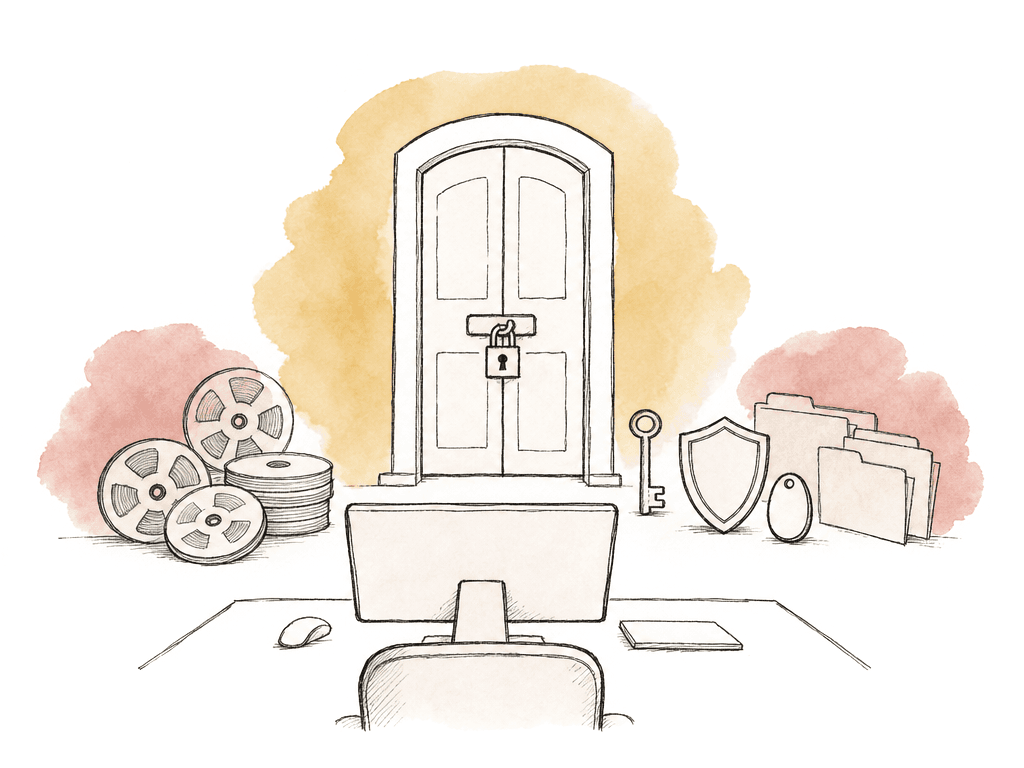
- SSO enforced through the identity provider
- MFA required for every remote access path
- Hardware security keys or passkeys for admins and high-risk users
- App-based MFA for standard users where hardware keys aren't feasible
- Number matching or phishing-resistant prompts to reduce push fatigue attacks
- Conditional re-authentication for new devices, new countries, unusual times, or risky sessions
- Separate break-glass accounts that your team stores and monitors carefully
Check device posture before allowing content access
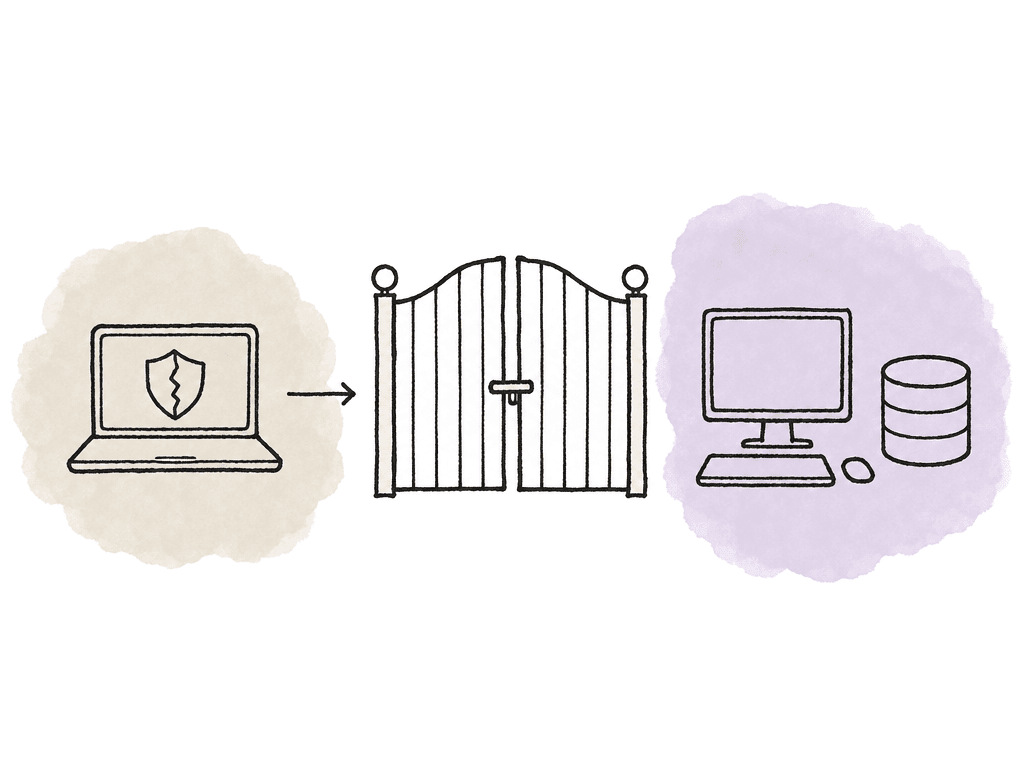
Zero trust isn't only “who are you?” It's also “what are you connecting from?” MovieLabs zero trust guidance for media production emphasizes that teams should evaluate trust per session and that no resource is inherently trusted. That includes the endpoint. For company-owned machines, posture checks should be straightforward. Enroll company-owned devices in MDM or endpoint management. Confirm disk encryption and screen lock, EDR or antivirus status, and OS version. Check firewall state and certificate presence too. Block devices with critical vulnerabilities or missing security controls. For personal or contractor-owned machines, decide how far you're willing to go. Some productions allow browser-only review from unmanaged devices but block file downloads and remote desktop access. Others require contractors to use managed loaner laptops, cloud workstations, or locked-down virtual desktops. The more sensitive the content, the less you should trust unmanaged endpoints. Useful device posture signals include:- Managed device enrollment
- Valid device certificate
- Supported operating system version
- Recent security patches
- Disk encryption enabled
- Endpoint protection running
- Local firewall enabled
- No jailbreak, root, or unsupported OS state
- No critical vulnerability flags
- Approved country or network context, if relevant
Write access policies around resources and sessions
Once identity and device posture are in place, write access policies in the language of the workflow. A good policy says who can reach which resource and from what kind of device. It also says under what conditions and for how long. For example, a policy might let an assistant editor on Project Falcon connect from a managed laptop with MFA. The policy reaches the Project Falcon ingest workstation and proxy storage, and only for the run of the show. That doesn't imply access to Project Atlas or the finance shares. It doesn't imply firewall admin or the archival master library either. Editorial access policies often need these dimensions:- Project membership
- Role on the project
- Device compliance
- MFA strength
- Resource type
- Session duration
- Download permission
- Upload permission
- Source media versus proxy media
- Internal user versus external vendor
- Normal hours versus exception access
- Country, region, or network risk
- Admin versus non-admin action
Segment the editorial environment
Zero trust access is much easier when the environment is segmented. If every service lives on one flat VLAN with broad share permissions, your policy layer has to fight the network design. At minimum, separate these zones logically:- Remote access gateways and brokers
- Editorial workstations
- Shared storage and NAS services
- MAM and production databases
- Render nodes and automation systems
- Transfer and ingest systems
- Review and approval systems
- Administrative interfaces
- Backup and archive systems
Make monitoring part of the session
Session monitoring is how you find out whether the policy is working. For editorial, you care about more than “login succeeded.” You need to see who accessed which resource and from which device. You also need to see for how long, and what they did with the access.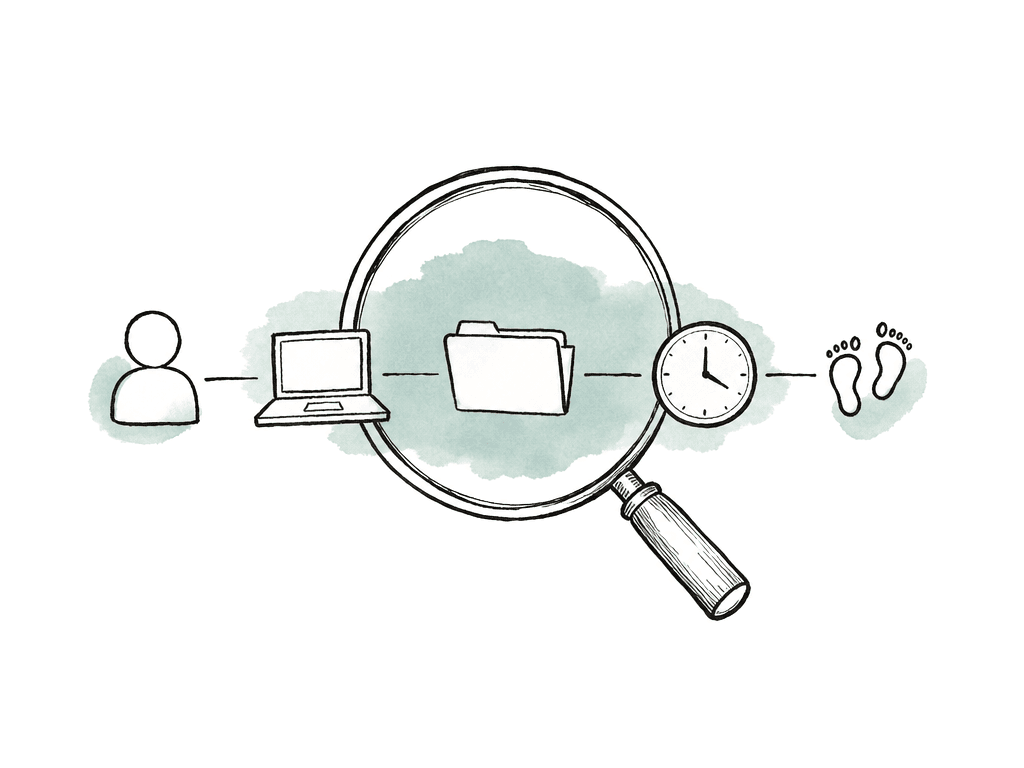
- Successful and failed remote access attempts
- MFA failures, resets, and unusual prompt patterns
- New device enrollment or certificate issuance
- Large downloads or unexpected source media transfers
- Permission changes on storage or MAM assets
Centralize logs so incidents are reconstructable
Logging only helps if you can reconstruct the timeline. In a zero trust editorial setup, the logs are scattered. Identity, access, and endpoint systems each hold a piece, and so do storage, cloud, and application systems. Pull them into a central logging platform or SIEM whenever possible. The core log sources are:- Identity provider sign-ins and MFA events
- VPN or ZTNA gateway access logs
- Device posture and endpoint security logs
- MDM compliance events
- Firewall and network flow logs
- Remote desktop broker logs
- MAM, review, and transfer system audit logs
- NAS and cloud storage access logs
- Admin console and policy change logs
- Backup and archive access logs
- User identity and device identity
- Source IP and resource
- Action, timestamp, and decision
- The policy reason
Common failure modes in editorial remote access
Most zero trust failures in post come from shortcuts teams take under schedule pressure. Watch for these patterns:- A full-tunnel VPN that gives broad subnet access after login
- Shared VPN accounts for freelancers or vendors
- Teams allow personal laptops to download source media with no posture checks
- NAS shares with everyone set to read-write
- Teams keep logs in separate consoles that nobody reviews
Roll it out without stopping the edit
Don't migrate the whole facility in one dramatic weekend unless you have no choice. Start with one project, one remote workflow, and one high-value resource. A good pilot might be remote assistant editor access to a dedicated workstation and project storage, or vendor access to an isolated transfer area. During the pilot, measure the things that affect both security and editorial productivity:- Login success rate and session stability
- Workstation performance and support tickets
- Blocked access requests and policy exceptions
- Transfer times and audit log completeness
FAQ
Not necessarily. A VPN can still be used as an encrypted transport layer, but it shouldn't grant broad network access by default. In a zero trust model, access is decided by identity and device posture. Role, project, and session risk feed the decision too, along with the specific resource being requested.
No. Freelancers and vendors should receive access only to the resources needed for their assignment, such as an isolated transfer area, a dedicated remote workstation, or a specific review portal. Access should be project-based and time-limited, it should be logged, and it should be removed when the engagement ends.
App-based MFA, passkeys, and hardware security keys are stronger choices than SMS codes. Privileged users such as technical directors, storage admins, and access policy administrators should use phishing-resistant MFA wherever possible.
They can be allowed for limited workflows, but access should depend on risk. For example, an unmanaged personal laptop might be allowed to view a watermarked browser review but blocked from downloading source media or connecting to a remote desktop. Sensitive productions often require managed loaner laptops, virtual desktops, or cloud workstations.
Retention should match client and studio requirements, insurer requirements, and incident response needs. Thirty days may be too short for productions where issues are discovered during delivery, wrap, or later audits. A useful policy keeps identity and gateway logs, endpoint and storage logs, and application and admin logs long enough to reconstruct access events if an incident occurs.
Keep the VPN or ZTNA policy focused on the specific resource the editor needs, such as a remote workstation, project folder, or approved media workspace. Aspect can reduce the need for broad NAS exposure by giving editors one controlled shared cloud filespace that mounts in Finder or File Explorer instead of placing their laptop on the production LAN.