| Sharing layer | Best fit | Setup focus | Main risk |
|---|---|---|---|
| Shared media over SMB | Mixed Mac and Windows editorial rooms with named users | Consistent paths, group permissions, snapshots, and 10GbE or better for edit bays | Playback works, but project collaboration is unsafe if shared project files are treated as multi-user |
| Shared media over NFS | Linux-heavy rooms, render nodes, and specialized workstations | UID/GID mapping, export rules, and write tests from every workstation | Identity mismatches create files that other users cannot modify |
| NLE project database or session server | Resolve collaboration and tools with server-backed project state | Low-latency LAN or VPN access, version consistency, and database backups | Media is online, but editors cannot safely coordinate project changes |
| File-based project locking | NLE workflows that support lock ownership on shared project files | Unique user names, stale lock procedure, and shared collaboration settings | Locks become confusing when users share accounts or app versions differ |
Decide what the server is responsible for
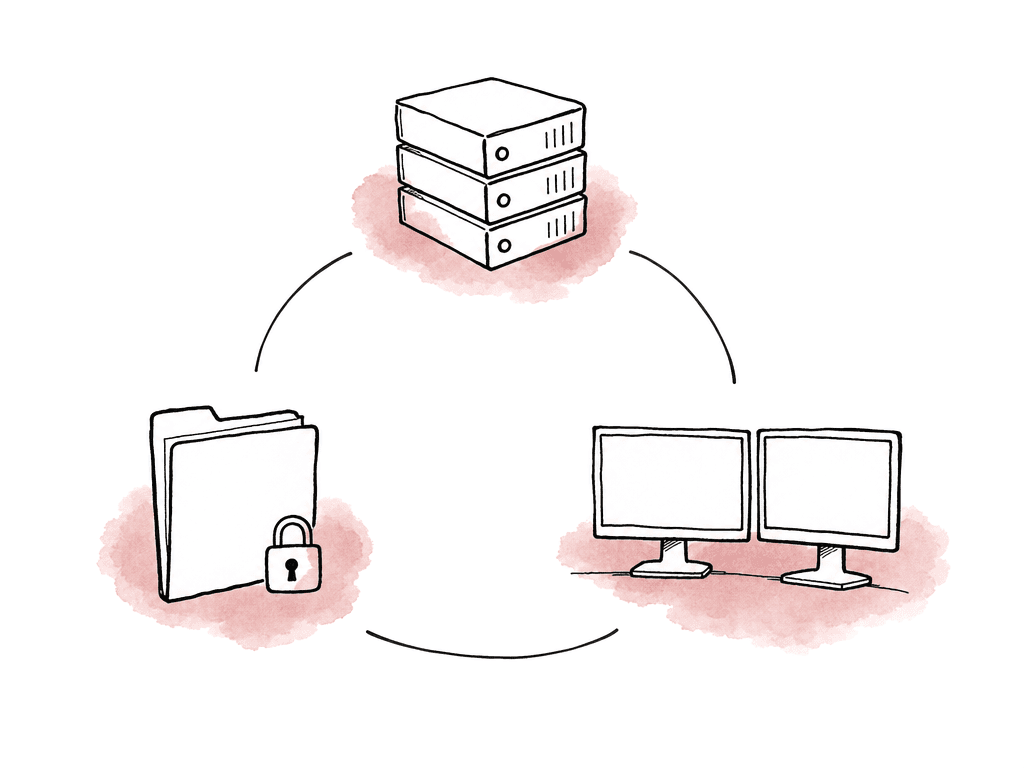
A shared project server can mean different things depending on the room. In one facility, it might be a rackmount storage server hosting media over SMB. In another, it might be a small always-on machine running a DaVinci Resolve PostgreSQL project database while media sits on a separate NAS. In a hybrid team, it might be a VPN-accessible server for project sessions while editors cut with local proxies. Before you choose hardware, define which responsibilities belong on the box. Common server responsibilities include:- Shared media storage for camera originals, proxies, renders, graphics, audio, and exports
- Project file storage for NLE project files, bins, templates, and supporting documents
- Project database hosting for applications that use a database-backed collaboration model
- User authentication and permissions for editors, assistants, producers, and finishing artists
- Backup staging, snapshots, and archive handoff to nearline, cloud, or LTO
- Optional services such as proxy generation, transcodes, remote review exports, or render caching
Choose hardware based on simultaneous streams, not total terabytes
Storage conversations tend to start with capacity, but multi-editor performance is usually limited by throughput, latency, and network design. A server with 200 TB of spinning disks isn't automatically good for six editors cutting multicam 4K. A smaller SSD-backed system may feel far better if the active workload is high-bitrate and random-access heavy.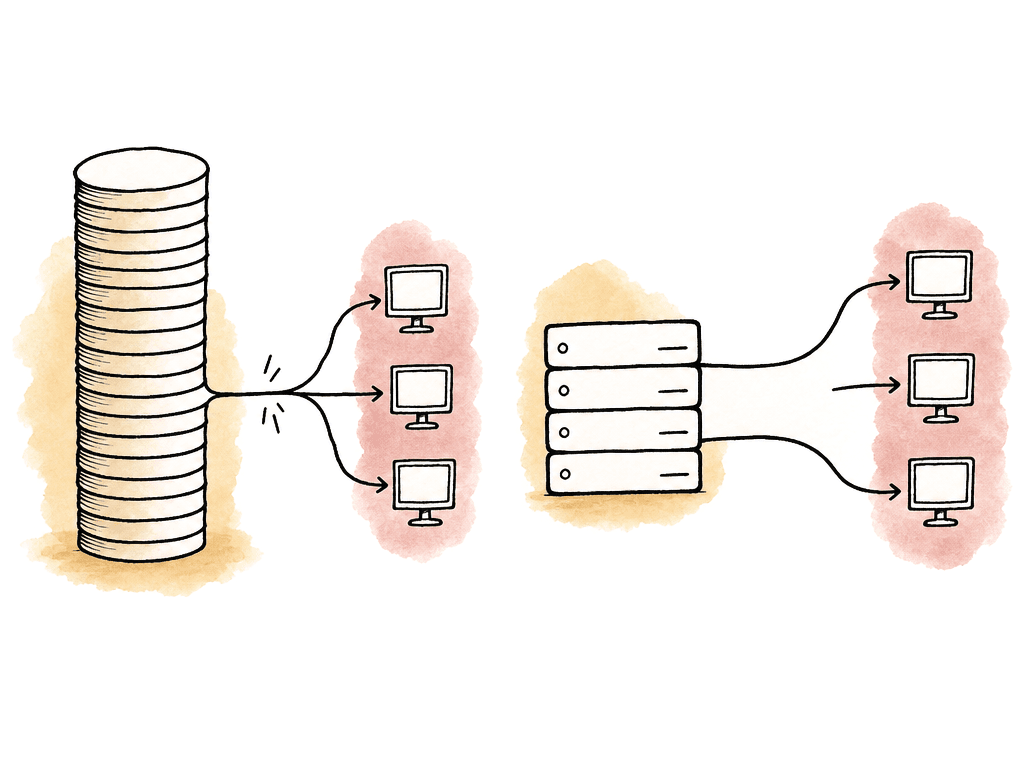
- HDD RAID can work for compressed media and larger capacity, but SSD or NVMe tiers help with heavy multicam, image sequences, cache, and lots of small project operations.
- Use redundancy, but remember RAID is availability, not backup. RAID 6 or equivalent dual-parity layouts are common for larger HDD arrays. Mirrored SSD pools can be useful for project databases and cache.
- File serving isn't usually CPU-bound until you add encryption, checksums, dedupe, transcodes, containers, or virtual machines. RAM helps with metadata, caching, and multiple services.
- 1GbE is rarely enough for serious shared editing. 10GbE is the realistic baseline for workstations. Larger teams may need 25GbE or multiple 10GbE links at the server.
- Leave room for more disks, more NICs, and a faster cache tier. Post workloads grow during a project, not politely between projects.
Pick an OS you can actually maintain
There's no single correct server OS for post. Windows Server, Linux, TrueNAS-style appliances, and commercial NAS operating systems can all work. The right choice depends on who will maintain it, what protocols you need, and whether your collaboration software supports the environment. Windows Server is often comfortable in facilities that already use Active Directory, SMB shares, and Windows-based workstations. It's also familiar for teams that need straightforward GUI-based permissions and application installers. Linux is strong for NFS, containers, automation, and database services, but it assumes someone can manage users, services, logs, and updates confidently. NAS appliances are attractive because they bundle storage management, shares, snapshots, and monitoring in one interface, but they can become limiting if you need deeper tuning or unsupported services. For mixed Mac and Windows editorial, SMB is usually the default protocol because both platforms support it well and permissions are easier to standardize. NFS can be excellent in Linux-heavy or specialized environments, but identity mapping and permissions need discipline. Don't choose NFS just because someone says it's faster. Choose it when your workstations, users, and applications are designed around it. A good server OS choice has documented, repeatable behavior. It should boot reliably, apply security updates only in a maintenance window or while services stay online, expose logs you can understand, and recover cleanly after a power event. If the only person who understands the box is a freelancer who built it six months ago, that's a future emergency.Use SMB and NFS deliberately
The storage protocol affects performance, permissions, file locking, and path consistency. In post, SMB is the most common choice for shared media because it works across macOS and Windows and integrates well with user accounts. NFS is often used where Linux workstations, render nodes, or application servers need high-performance mounts with predictable UID and GID mapping. For SMB shares, the important settings are less glamorous than people expect. Stable naming, sane permissions, and avoiding opportunistic weirdness matter more than chasing one magic tuning flag. A baseline SMB layout for editorial usually includes these choices:- One top-level share for active projects, rather than a separate share for every folder
- Group-based permissions, not one-off user exceptions
- Read/write access for editors and assistants who need to create project assets
- Read-only access for producers, review stations, or ingest-only roles where appropriate
- Consistent mount paths or drive letters across every workstation
- Server-side recycle bin or snapshots if the platform supports it
- Disabled guest access, with named users for accountability
Separate media sharing from project collaboration
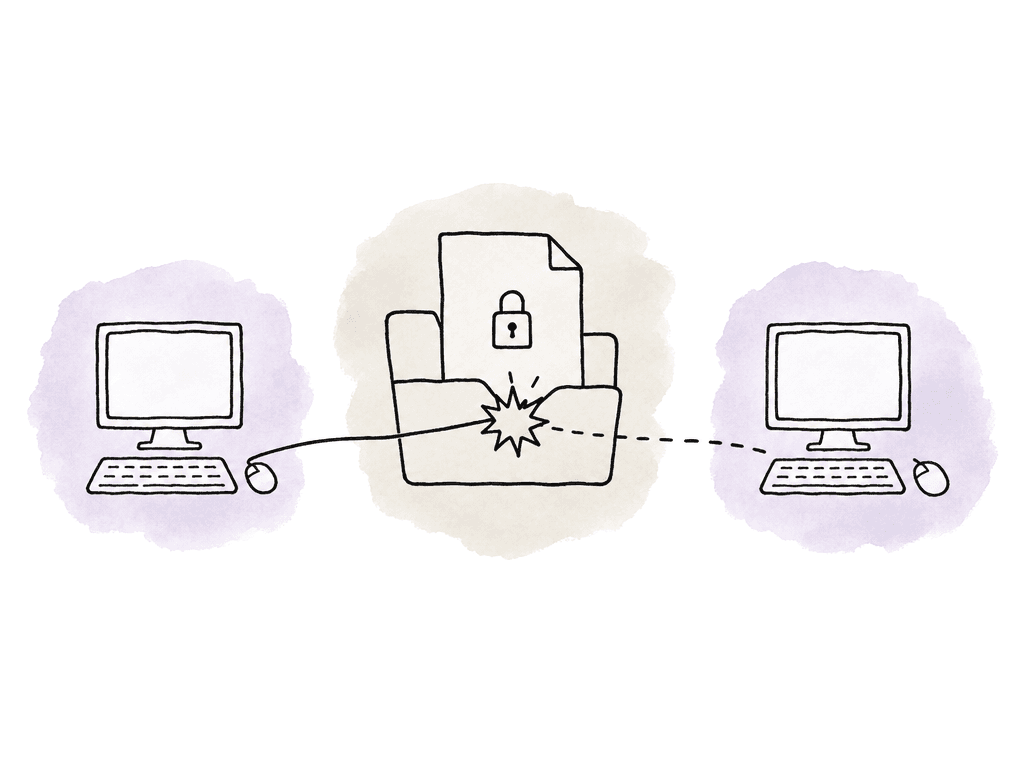
This is the part that catches teams moving from single-editor workflows. A shared folder doesn't automatically make project files safe for simultaneous editing. Some applications support project locking on shared project files. Some use a database. Some expect each editor to have a local project copy and sync through source control or an application-specific session server. Some project formats are effectively single-user even if the file sits on a network share. DaVinci Resolve is the clearest example: collaborative work is built around a network project library backed by PostgreSQL, not multiple editors opening the same file-based project from a NAS. The media can live on SMB or NFS storage, but the shared project state needs the supported project server model. That project server should stay on, stay reachable, and ideally live on the same low-latency network as the workstations. Your team can handle remote access through VPN in some setups, but exposing database ports directly to the internet is asking for trouble. Premiere Pro shared project workflows rely on project locking. You need to enable collaboration settings on every workstation, and each user or edit bay should have a unique name so other editors can tell who has a project locked. If everyone logs in as “Editor,” the lock technically works but the room loses the human information needed to resolve it quickly. Other production tools use session servers, project sharing servers, or source control. Unreal multi-user editing, for example, expects every machine to be on the same LAN or VPN, running the same engine version, and working from the same project content state. The larger lesson applies to editorial too: collaboration features assume version consistency. If one workstation is on a different app version, plugin version, project schema, LUT set, or media path, the server can't magically make that safe.Show lock owners and waiters
Project locking only helps if people understand what is locked, who owns it, and how to release it without Slack archaeology. Set up unique user identities from day one. Use real editor names, edit bay names, or a consistent combination like “Bay 03 - Maya.” Avoid shared operating system accounts for daily editorial work. Shared accounts make permissions simpler at first, but they destroy accountability and make locks harder to interpret. Your team should also separate live work from exchange material in project folders. Keep active project files, autosaves, exports, cache, and delivery files in distinct locations. A producer shouldn't have to browse through live project databases to grab a review export, and an assistant shouldn't be rendering temp files into the same folder that holds locked project files. The failure modes are predictable when teams manage sessions and locks poorly:- A project opens read-only because another user has it locked, but nobody knows who that user is.
- Lock files remain after a crash, making the project look unavailable.
- Two users duplicate a project locally, make changes, and overwrite each other during reconform.
- A user loses network connection mid-save and leaves the project in an uncertain state.
- Different app versions touch the same shared project and trigger compatibility issues.
Standardize paths before the first project lands
Path mapping requires no manual work while every stored path resolves; when it breaks every relink, it becomes the entire day. Every workstation should see shared media through a predictable path. On Windows, that may mean the same drive letter for all editors. On macOS, it may mean the same mounted volume name. In mixed environments, use the NLE’s path mapping tools where available, especially for Resolve collaboration between Mac and Windows. The goal is that a clip imported by one editor resolves correctly for everyone else without each machine hunting through a different mount point. Keep original camera filenames and folder structures intact during ingest. Assistants can organize bins and create editorial-friendly folders around the media, but casually renaming camera originals creates downstream trouble for relink, conform, VFX pulls, and audio turnover. A good ingest handoff includes a verified copy report, camera and sound logs, folder manifest, and any production notes. The shared server should preserve that chain of custody rather than becoming a junk drawer of renamed clips. A simple active project structure might include:- 00_Admin for schedules, notes, cue sheets, and manifests
- 01_Camera_Originals as read-only after verified ingest
- 02_Audio_Originals as read-only after verified ingest
- 03_Proxies or Optimized_Media for editorial media
- 04_Project_Files for NLE projects, bins, and autosaves
- 05_Graphics_VFX for plates, pulls, renders, and design assets
- 06_Exports for review, temp, and delivery outputs
- 07_Turnover for sound, color, VFX, and online packages
Tune for the edit day, not the benchmark
A storage benchmark can tell you whether the server is wildly underperforming. It can't tell you whether six editors will have a good afternoon cutting a multicam scene while an assistant generates proxies and someone else copies in 2 TB of new footage. Performance tuning starts with the network, so use wired Ethernet for edit stations. Wi-Fi is fine for producers downloading scripts, not for timeline playback. Put the server and edit bays on switches that can handle the aggregate throughput, not just the speed printed on each port. A 10GbE workstation connected to an oversubscribed switch still loses if the uplink to storage is saturated. Jumbo frames can help in some 10GbE environments, but only if your team configures every device in the path consistently. If you aren't prepared to validate the server NIC, switch ports, and workstation NICs together, leave MTU at the default and focus on fundamentals first. The biggest performance wins usually come from workload separation. Keep backups, checksum verification, transcodes, and large file copies from competing with live editing whenever possible. Schedule heavy jobs overnight or route them to a different storage tier. If your NAS supports quality-of-service controls, use them cautiously to prevent background tasks from starving playback. Cache strategy matters too. NLE cache, waveform files, render cache, and optimized media can crush a shared volume with small writes. Some teams keep cache local on fast workstation SSDs while shared media remains on the server. Others use a dedicated shared cache volume for consistency. The right answer depends on your app and workflow, but don't let unmanaged cache files fill the same volume that holds active camera media. When users report dropped frames, troubleshoot in layers. Test the same media locally, then from the share. Test one editor, then multiple editors. Check server disk latency, network utilization, switch errors, workstation CPU/GPU load, and whether background jobs are running. Teams often blame dropped frames on “the NAS” when the actual cause is a bad cable, sleeping drive, full cache disk, or one workstation pulling through 1GbE while everyone else is on 10GbE.Build permissions around roles
Permissions should protect the workflow without making normal work impossible. If permissions are too loose, originals get moved and project files get overwritten. If they're too strict, assistants can't fix the problem at 9 p.m. and everyone starts copying media locally. Use groups instead of assigning permissions user by user, and a small team can still keep this clean. Typical role groups map well to post responsibilities:- Admins can manage shares, users, snapshots, and recovery.
- Post supervisors can access all project areas and approve lock/session intervention.
- Assistant editors can ingest, organize, relink, create proxies, and manage project files.
- Editors can read originals, write project files, use proxies, and create exports.
- Producers can read admin files and exports without write access to live editorial folders.
- Finishers can access approved media, turnovers, and finishing assets without browsing every work-in-progress folder.
Treat backups as part of the server design
A shared server becomes the one place everyone depends on. That makes backup design just as important as disk speed. RAID protects against some drive failures, but it doesn't protect against accidental deletion, ransomware, project corruption, bad sync tools, fire, theft, or someone overwriting yesterday’s edit. Snapshots help, but snapshots on the same box aren't a full backup. You need at least one recoverable copy outside the active storage system.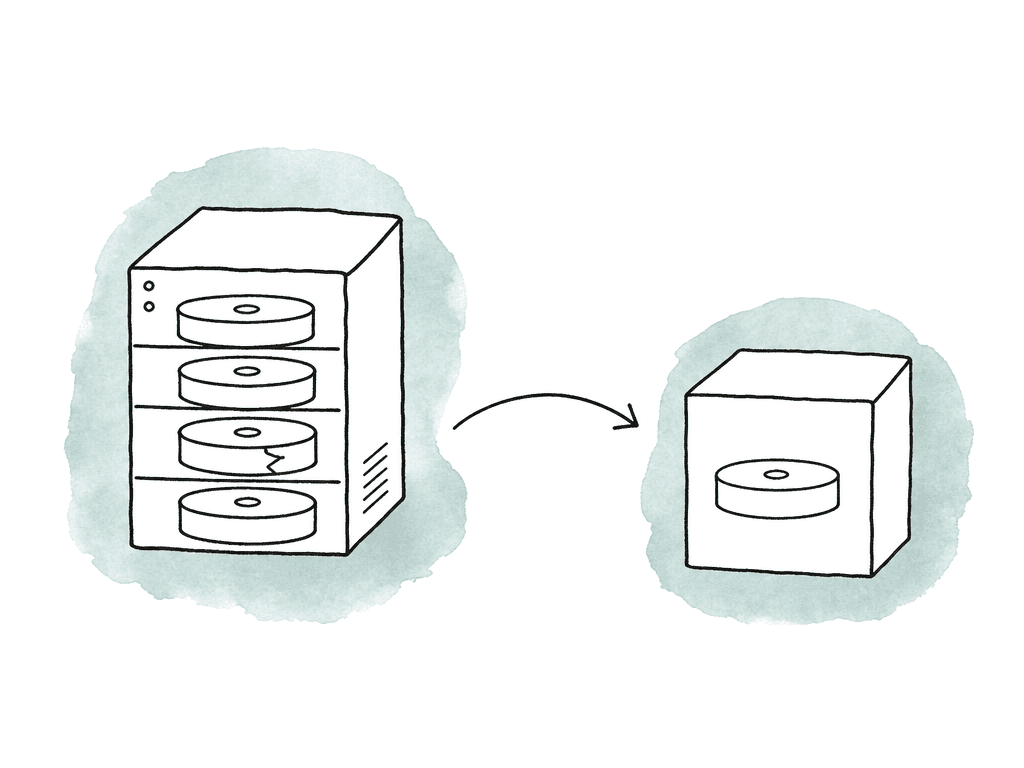
- How often your team backs up active project files during the day
- How often your team snapshots media volumes
- Where your team stores backups outside the primary server
- How long your team retains deleted files and old project versions
- Who receives backup failure alerts
- How often your team tests restores
- What your team archives at project close and what stays online
Remote editors change the design
Remote multi-editor access isn't just “open the share over VPN.” Video editing punishes latency, and shared project systems often assume a stable LAN. A VPN can work for project databases, session coordination, or lightweight project files, but full-resolution shared media over a typical home connection is usually painful. For remote teams, decide whether editors are working with local proxies, remote desktops into facility machines, or cloud/edge storage designed for media access. If the shared project server remains on-prem, keep the project service behind a VPN and avoid exposing database or file-sharing ports directly to the public internet. Standardize software versions and media paths even more aggressively, because remote troubleshooting takes longer. A reliable remote model often uses the central server as the source of truth while editors work against synced or delivered proxies. Camera originals stay protected at the facility. Assistants control ingest and proxy generation. Editors receive consistent proxy packages and return project changes through the supported collaboration workflow. Finishing then relinks to originals on the server. That may sound less glamorous than “everyone edits the same 8K media from anywhere,” but it survives real deadlines.The setup that usually works
For a small to mid-size in-house post team, a solid starting point is a dedicated NAS or storage server with 10GbE, redundant disks, snapshots, named users, group permissions, and SMB shares for active media. Project collaboration then follows the NLE’s supported model: project locking for file-based shared projects, a project database for Resolve, or a session/source-control model for tools that require it. Keep the server on a UPS. Disable workstation sleep during edit hours. Mount shares consistently. Make camera originals read-only after ingest. Put cache somewhere intentional. Schedule backups and heavy transfers away from peak edit hours. Give every user a unique identity. Test a restore before you need one. Check for recurring problems that cost editors time: relinks that only work on one machine, mystery locks, dropped frames when an assistant copies media, project files named “final final recovered,” and backups nobody has ever restored. A shared project server is successful when nobody talks about it during the edit day. Editors open the project, media is online, locks make sense, playback is stable, and yesterday’s work can be recovered. That's the bar worth designing for.FAQ
Only if the editing application explicitly supports that workflow. Shared storage gives everyone access to the same files, but it doesn't automatically protect project data from conflicts. Some NLEs use project locking, some use a database, and some expect separate local project copies or a dedicated collaboration service. Always follow the collaboration model supported by the software.
SMB is usually the practical default for mixed Mac and Windows editorial because permissions and mounting are easier to standardize. NFS can work very well in Linux-heavy or specialized environments, but it requires disciplined UID and GID mapping. The best choice is the protocol your workstations, server, users, and editing applications can support consistently.
For serious shared editing, 10GbE is a common baseline for edit workstations. 1GbE may be acceptable for light proxy work, but it's often too limited for high-bitrate media, multicam timelines, finishing, or several users playing media at once. Larger teams or higher-resolution workflows may need 25GbE, multiple server links, or a faster storage backend.
That usually means another user, edit bay, or stale session has the project or bin locked. Locking is meant to prevent two people from overwriting each other. Problems happen when users share the same login, workstations sleep while holding locks, or crashes leave stale lock files behind. Unique user identities and a documented process for clearing stale locks make this much easier to manage.
No. Snapshots are useful for recovering recently deleted or changed files, but snapshots on the same server aren't a complete backup. The server still needs recoverable copies outside the active storage system, such as another NAS, LTO, removable storage, cloud storage, or a nearline archive. Restores should be tested before a real failure occurs.
Local network design still matters, but you can reduce repeated downloads by caching shared media close to the edit rooms. Aspect can run a facility cache so the first editor pulls the file once and everyone else on that network reads it at LAN speed from an on-site cache node.