

Start with the delivery spec, then build the timeline
A finishing template is only useful if it encodes the spec exactly. If the spec says program starts at 01:00:00:00, the template should make that hard to miss. If the spec says file starts at 00:59:57:00 with a one-second slate and a two-pop at 00:59:58:00, the template should already be laid out that way. If the spec says no slate, no bars, and no leader, the template shouldn't contain hidden disabled clips that someone can accidentally turn back on. Master layouts often fall into these patterns. Use them as examples only:- A traditional long leader starts the file or tape before the hour, with bars and tone first, then slate, then black or countdown, and program starting at 01:00:00:00.
- A short file leader places the slate near 00:59:57:00, a one-frame or one-second two-pop at 00:59:58:00, then black until program start at 01:00:00:00.
- A clean program file begins on the first frame of program, with no bars, no slate, no countdown, and no commercial black.
- A VFX or pull-style slate is embedded as the first frame of the media, often only one frame long, followed immediately by the shot or pull.
- A textless element file is a separate file or tail section containing clean backgrounds for shots with text, graphics, subtitles, captions, or other burned-in visual elements.
Create a template family instead of a single master sequence
One template can't safely serve every destination. A broadcaster, distributor, streamer, festival, archive, and social team may all mean something different by “master,” so a safer approach is to maintain a small set of template families. A useful split looks like this:- The texted master is the normal finished program with all intended on-screen text, titles, lower thirds, graphics, branding, captions, and end credits.
- Textless elements provide clean background shots for every texted or graphics-based shot, usually delivered at the tail of the master or as a separate file.
- A full textless master rebuilds the entire program without text and graphics, which is useful when the show is graphics-heavy or the distributor asks for a complete clean version.
- A native or archival master is the highest-quality version in the original delivery frame rate, resolution, color space, and channel layout.
- A promo or cutdown master covers shorter spots that may use a different slate, timing, audio layout, and naming convention.
- A social master often has no slate or leader, with platform-specific aspect ratios, captions, safe areas, and first-frame requirements.
Build the front sequence so timecode does the policing
The front sequence is where template timing matters most. If the timing is correct, you can spot errors visually and with timecode, while loose timing forces manual calculation on every delivery when the team is already close to export. A classic tape-style file might start at 00:57:00:00, place bars and tone before the hour, slate before program, and start program at exactly 01:00:00:00. A shorter modern file spec may start at 00:59:57:00, show a slate for one second, place a two-pop at 00:59:58:00, hold black until 01:00:00:00, and then start the program. Both are valid if the spec asks for them. The mistake is mixing pieces from different standards because they feel familiar. Set the sequence start timecode first, then lay in the non-program elements as locked or clearly labeled clips. The program start should be at a memorable timecode, usually 01:00:00:00 unless the spec says otherwise. Don't slide the show to fit the leader. Build the leader so the show starts correctly. A front sequence template usually needs these elements in a fixed order:- Bars and tone, if required by the spec.
- Slate, with project and delivery metadata.
- Countdown or leader, if required.
- Two-pop, if required.
- Pre-start black.
- Program start at the specified timecode.
Use bars and tone only when they belong
Bars and tone are calibration references, so treat them that way. If a spec asks for them, they need to match the delivery format and levels. Dropping in bars from an old project can create a QC problem if the bars were generated for a different color range, frame size, or broadcast standard. For HD broadcast-style deliveries, specs often call for SMPTE color bars with a 1 kHz reference tone. The exact tone level depends on the delivery spec and facility standard. You may see references such as -20 dBFS, -18 dBFS, or older tool presets like -12 dB depending on region, format, and era. Don't assume the tone level from memory. Put the required level in the template name or slate notes if your team regularly services multiple specs. If the destination explicitly says no bars or slates, believe it. Some modern streaming and IMF-style deliveries want clean program media without leader elements, commercial black, cards, or placards. In that case, the finishing template should start at program or package the identification elsewhere, not hide a slate in the video just because the team is used to seeing one.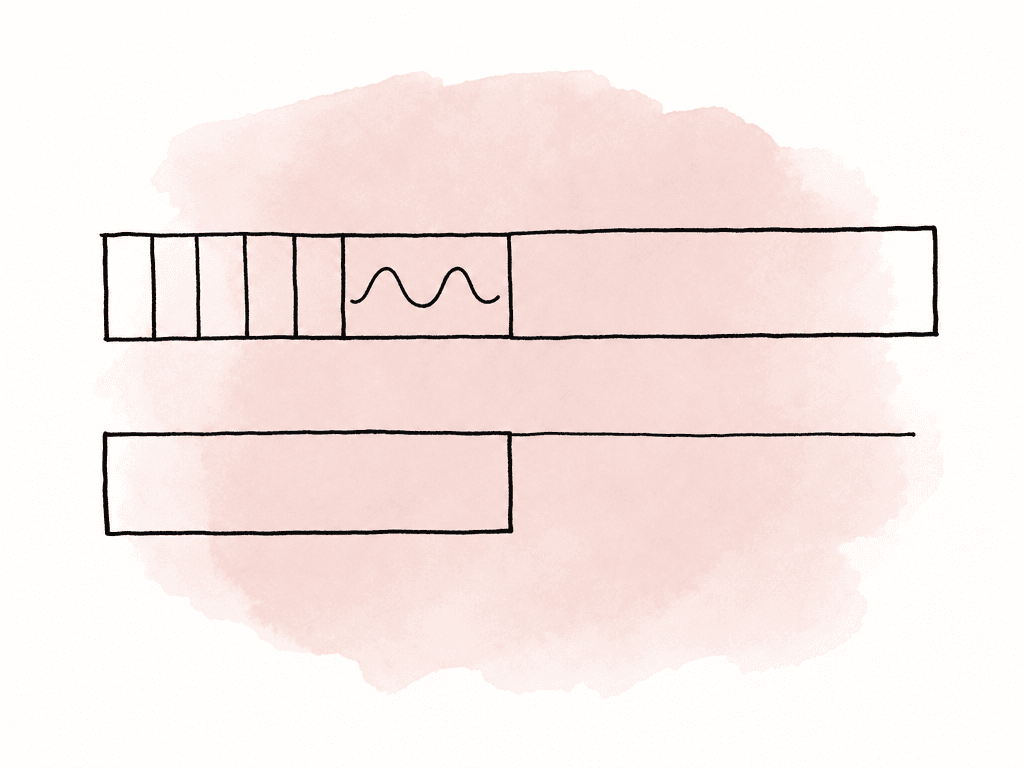
Make the slate useful and plain
A slate should identify the file without making someone open an email thread, which means it should be legible, accurate, and plain. Master slates often need the same basic data:- Program or series title.
- Episode title and episode number, when applicable.
- Version name, such as texted, textless, native print, promo, censored, airline, M&E reference, or festival.
- Delivery date or version date.
- Runtime or TRT, if the spec asks for it.
- Frame rate, resolution, aspect ratio, scan type, and color space.
- Audio configuration and track assignment.
- Production company, client, network, or distributor.
- Contact or facility information, if required.
- Any segment times, act breaks, or commercial blacks, if relevant to the delivery.
Decide how textless will be delivered before finishing starts
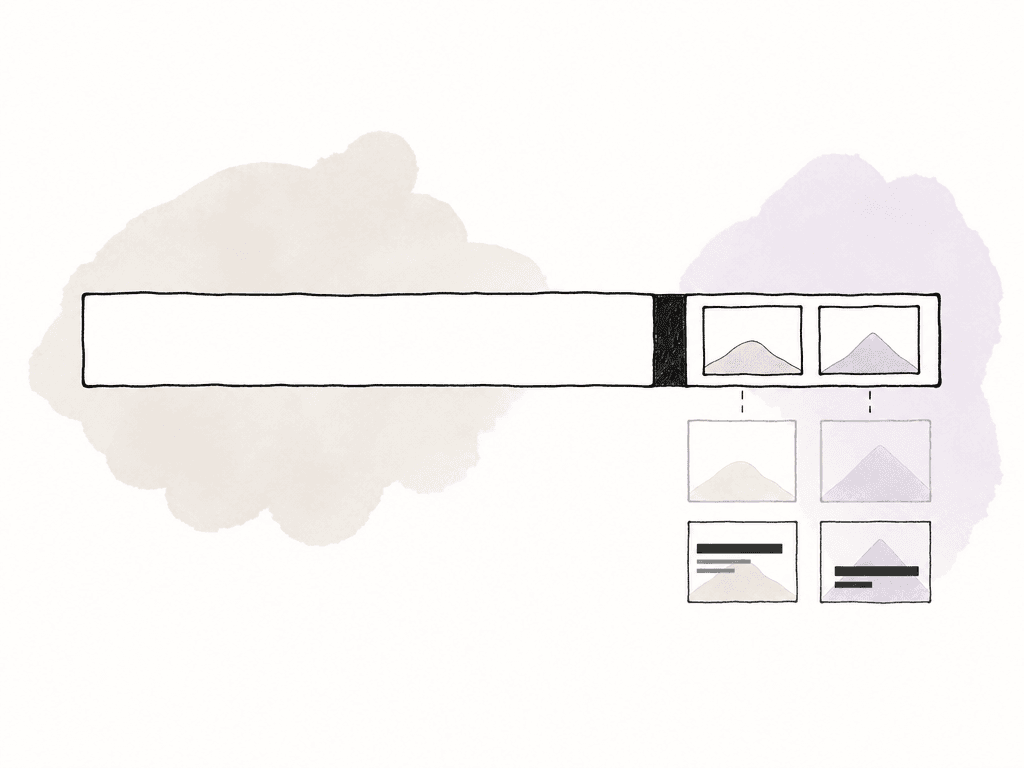
Textless definitions cause rework when they're left until the end of finishing. In practical delivery language, textless elements are clean video backgrounds for shots that contain visible text or graphics in the main program. That can include lower thirds, main titles, location cards, phone screens, subtitles, burned-in captions, graphic overlays, supers, maps, endboards, and sometimes credit elements. There are three common approaches, and each has tradeoffs:- Tail textless keeps the main program fully texted, then uses black to separate the end of program from a tail section of textless elements. This is convenient for distributors who expect a dual-purpose master.
- A separate textless elements file delivers the clean shots in a separate file with its own slate and timing. This keeps the main master clean and can be easier for asset management.
- A full textless master exports the entire program without text or graphics. This is heavier to build and QC, but often simpler when nearly every shot has on-screen text.
Keep text and graphics on tracks you can control
A finishing template should make texted and textless exports easy to separate, which starts with timeline organization. If graphics are mixed into video tracks randomly, textless becomes archaeology. A practical track layout might separate the timeline like this:- Base picture or graded render on lower video tracks.
- VFX and online fixes above picture.
- Textless replacement shots or clean plates on a dedicated track.
- Titles, lower thirds, subtitles, captions, bugs, and endboards on dedicated graphics tracks.
- Adjustment layers, mattes, and finishing effects on clearly named tracks.
- Reference overlays, guides, and burn-ins on disabled tracks that are never exported in final masters.
PICTURE_LOCK, GRADE_RENDER, TEXTLESS_COVERS, LOWER_THIRDS, SUBTITLES_BURNIN, FINISH_FIXES, and REVIEW_ONLY_DISABLED. The names aren't glamorous, but they prevent avoidable export mistakes.
Premiere Pro, Resolve, and Media Composer handle templates differently
The right template strategy depends partly on the tool doing the finishing. Premiere Pro, DaVinci Resolve, and Media Composer can all do this work, but they encourage different habits.| Tool | Common template setup | Works especially well for | Watchouts |
|---|---|---|---|
| Premiere Pro | Template project with prebuilt sequences, slate graphics, bars, tone, countdowns, markers, and export presets | Editor-driven versioning, promo work, social deliverables, and teams mixing editorial with graphics | Fonts, linked After Effects comps, mogrt versions, nested sequence visibility, and Media Encoder preset drift |
| DaVinci Resolve | Template timelines with markers, generator clips, Fusion titles, compound clips, color management, and Deliver page presets | Finishing pipelines where conform, grade, audio layout, texted versions, and textless versions stay in one environment | XML or AAF conform issues, timeline color management, render range settings, compound clips, and Deliver page configuration |
| Media Composer | Project or bin templates with front sequences, slates, countdowns, filler, tone, disciplined track layouts, and sequence versions | Episodic, broadcast, and long-form workflows that need strict timecode, bin structure, and version control | Title renders, font availability, graphics stability, mixdowns, filler, data tracks, and sequence start timecode |
Turn the template into a controlled asset
A finishing template should be versioned like any other production asset. If the network changes the slate requirement, or a distributor updates textless timing, you need to know which projects used the old version.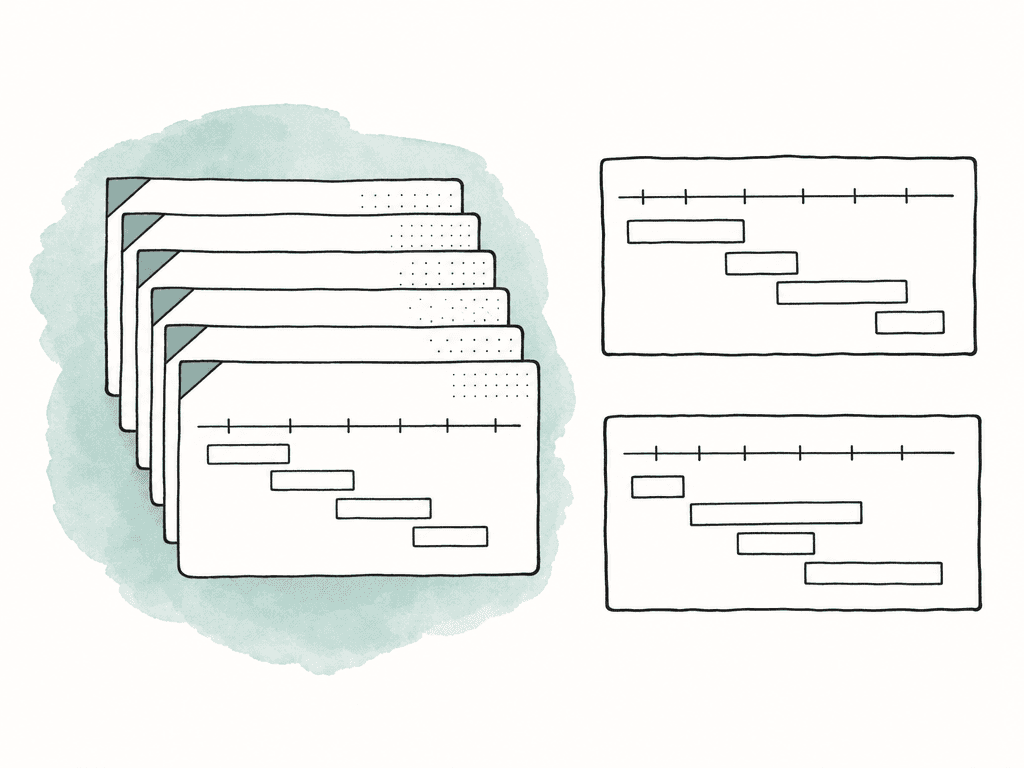
FIN_TEMPLATE_BROADCAST_1080p2398_TEXTED_v003
FIN_TEMPLATE_STREAMER_UHD_HDR_CLEANPROGRAM_v002
FIN_TEMPLATE_DISTRIBUTION_TEXTLESS_TAIL_v005
FIN_TEMPLATE_VFX_PULL_SLATE1FRAME_v001
Separate template changes from show changes
One common failure mode is using an active episode sequence as the new template. That almost always drags show-specific material into the next job: old markers, hidden graphics, disabled burn-ins, wrong audio labels, stale slates, or a textless tail from the previous episode. Keep a clean template project that isn't used for active finishing. When a show starts, duplicate from the template into the show project. If a spec change is discovered during the show, update the active show sequence and separately update the clean template after confirming the change applies beyond that one project. This separation prevents the worst kind of template bug: a mistake that silently reproduces across a whole season.Make common failures visible
Template errors tend to cluster around timing, versioning, and hidden layers. The template should be designed so those errors are easy to see during normal finishing work instead of surfacing only after export. Common failures include:- Program starts one frame early or late because leader duration was changed manually.
- Slate metadata doesn't match the exported file name.
- Tone level doesn't match the audio spec.
- Bars are generated in the wrong format or color range.
- Countdown or two-pop is included in a delivery that prohibits it.
- Textless elements are missing shots with burned-in graphics.
- A review burn-in, watermark, or guide layer is left enabled.
- Audio track assignments on the slate don't match the actual export.
- Texted and textless versions are made from different picture versions.
- Template version is unknown, so nobody can tell which spec it follows.
Keep slates connected to file names and export presets
The slate, sequence name, export preset, and final file name should all describe the same thing. If one says “Textless,” another says “Texted,” and the file name says “FINAL_FINAL,” the template isn't doing its job. A practical naming structure might include:- Project or series code.
- Episode or spot number.
- Version type.
- Resolution and frame rate.
- Color space or dynamic range, when relevant.
- Audio configuration.
- Version number or delivery date.
SHOW101_TEXTED_UHD_2398_HDR_51_STEREO_v04
SHOW101_TEXTLESS_ELEMENTS_UHD_2398_HDR_v04
SHOW101_PROMO30_TEXTED_HD_2997_STEREO_v02
Handle countdowns and two-pops carefully
Countdowns and two-pops are useful for sync and tradition, but they're also easy to misuse. A two-pop is generally placed two seconds before first frame of action or program start, often at 00:59:58:00 when program starts at 01:00:00:00. It should be short, usually one frame, and should match the audio routing expected by the spec. If the spec calls for pre-start black after the two-pop, the two-pop shouldn't smear into the black because of a transition, audio fade, limiter, or render handle. If the spec prohibits leader elements, don't include a two-pop just because sound turnover used one earlier in the process. A sound turnover sequence, color reference, and final master aren't automatically the same deliverable. Also be careful when conforming graded media back into the template. If the graded render starts at first frame of program, place it at 01:00:00:00 and leave the leader outside the graded media. If the colorist graded a full leader plus program file, confirm that the bars, slate, countdown, and program start survived exactly where expected. Don't assume the conform preserved the hour start until you inspect it.Review the template as it moves through finishing
Template problems are easier to fix when they're found at the stage that created them. When the sequence is duplicated, the timecode start and program start marker should still match the intended deliverable. When the slate is filled out, it should agree with the spec and the planned file name. When bars and tone are generated, they should match the required format and audio reference level. When textless is assembled, the full program should be reviewed for visible graphics so clean elements aren't missed. The exported file needs its own review because timeline state doesn't always equal rendered media. Open the finished export and look at the actual first frame, program start timecode, last frame, tail black, textless start, channel layout, and any elements the spec prohibits. If a delivery wants no slate, the exported file shouldn't begin with a slate. If a delivery wants textless at the tail, the exported file shouldn't end at program out. This is also where the tool comparison matters in practice. Premiere exports can be affected by disabled tracks, nested sequence visibility, linked comps, and Media Encoder preset drift. Resolve exports can be affected by timeline color management, render range, compound clips, and Deliver page settings. Media Composer exports can be affected by mixdowns, filler, data tracks, title renders, and sequence start timecode. Each system can export valid deliverables, and each has settings that can betray assumptions if they aren't checked.Make the template boring enough to survive a season
Reliable finishing templates are boring, explicit, and hard to misread. Cleverness is less useful than clarity here. They've the right timecode, put program start where the spec says, use calibrated bars and tone only when required, make slates legible and accurate, keep text and graphics organized so textless versions aren't rebuilt from memory, and carry their own version number. If you're building templates for a team, aim for fewer choices and clearer labels. A finishing artist shouldn't have to ask whetherMASTER_TEMPLATE_NEW_USE_THIS is the right one. An assistant editor shouldn't have to calculate where the two-pop goes, and a post supervisor shouldn't have to inspect six exports to find the one without bars.
A good template still goes through QC, but it removes a lot of avoidable mistakes before QC ever sees the file.FAQ
A finishing template should include the required timeline structure for a specific deliverable, including sequence start timecode, program start timecode, bars and tone if required, slate, countdown or two-pop if required, pre-start black, program placement, textless section if required, track layout, markers, slate fields, and export naming conventions.
No. Bars, tone, and slates should only be included when the delivery spec requires them. Some broadcast-style deliveries still require them, while many streaming, IMF, social, and clean program deliveries explicitly prohibit leader elements. The template should match the destination spec rather than a house habit.
Program start depends on the delivery spec. Many traditional broadcast templates place first frame of program at 01:00:00:00, with leader material before it. Other specs require the program to begin at the first frame of the file with no leader. The template should make the required program start obvious with timecode, markers, and locked leader structure.
Tail textless places clean background shots after the finished program, usually separated by black or a permitted card. A separate textless elements file contains only the clean shots in its own export. A full textless master is the entire program rebuilt without text or graphics. The correct approach depends on the distributor or broadcaster spec.
Templates should be treated as controlled production assets with clear names, version numbers, and change logs. A clean template project should be maintained separately from active show projects so episode-specific markers, graphics, audio labels, and textless elements do not accidentally become part of the next job.
Treat the template like a versioned production asset and keep its changes visible beside the files it affects. Aspect records file activity and version changes, which helps teams confirm when a template was updated, who changed it, and which version was used during the review workflow.


