

Retimes sit between editorial and finishing
Conforming is the process of rebuilding the locked edit against the high-resolution source media, usually original camera negative or finishing-quality transcodes. The edit system defines the sequence: clip order, timeline timecode, source timecode, clip names, reel names, and track structure. Resolve or another finishing system uses that information to relink the edit to the proper media. That works cleanly when the editorial proxy and the camera original agree on the basics:- Source timecode
- Clip name or reel name
- Timeline in and out
- Source in and out
- Frame rate interpretation
- Unique filenames or reliable reel metadata
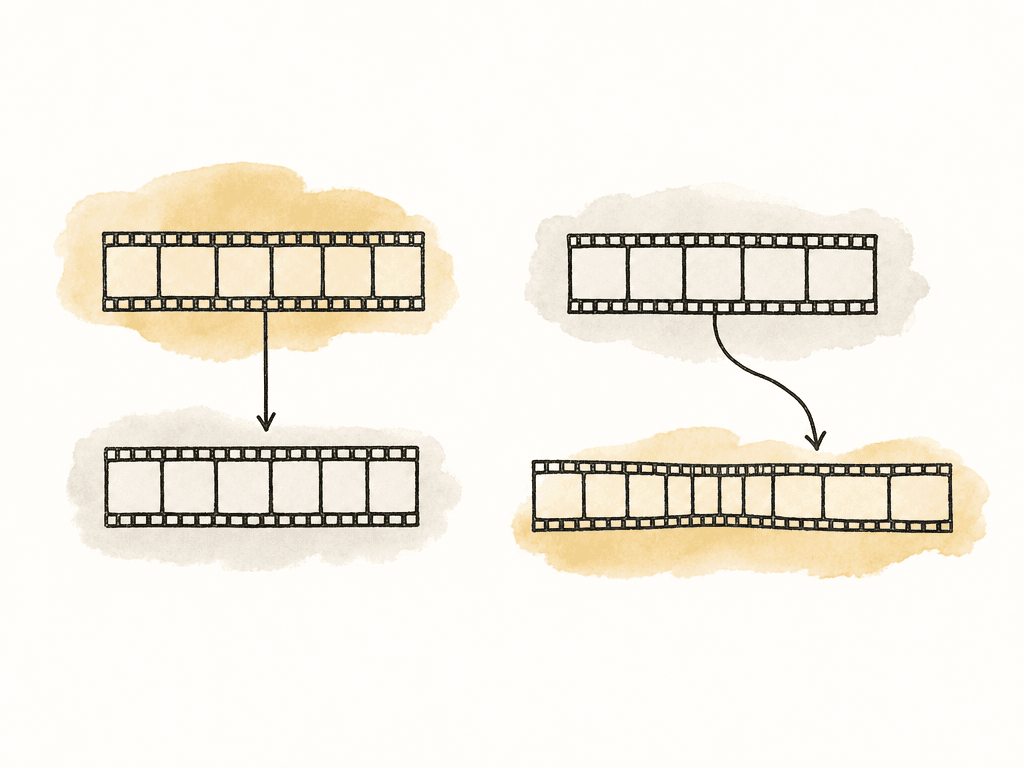
How AAF and XML communicate speed changes
AAF and XML are instruction files, and they don't carry the finished picture unless media is embedded or separately rendered. They describe the timeline so another application can rebuild it. For retimed clips, that description can include some combination of:- A constant speed percentage
- A reverse direction flag or negative speed value
- A source range and timeline duration
- Time remap keyframes
- Freeze-frame or frame-hold instructions
- Motion effect metadata
- Frame blending or interpolation hints, depending on the system
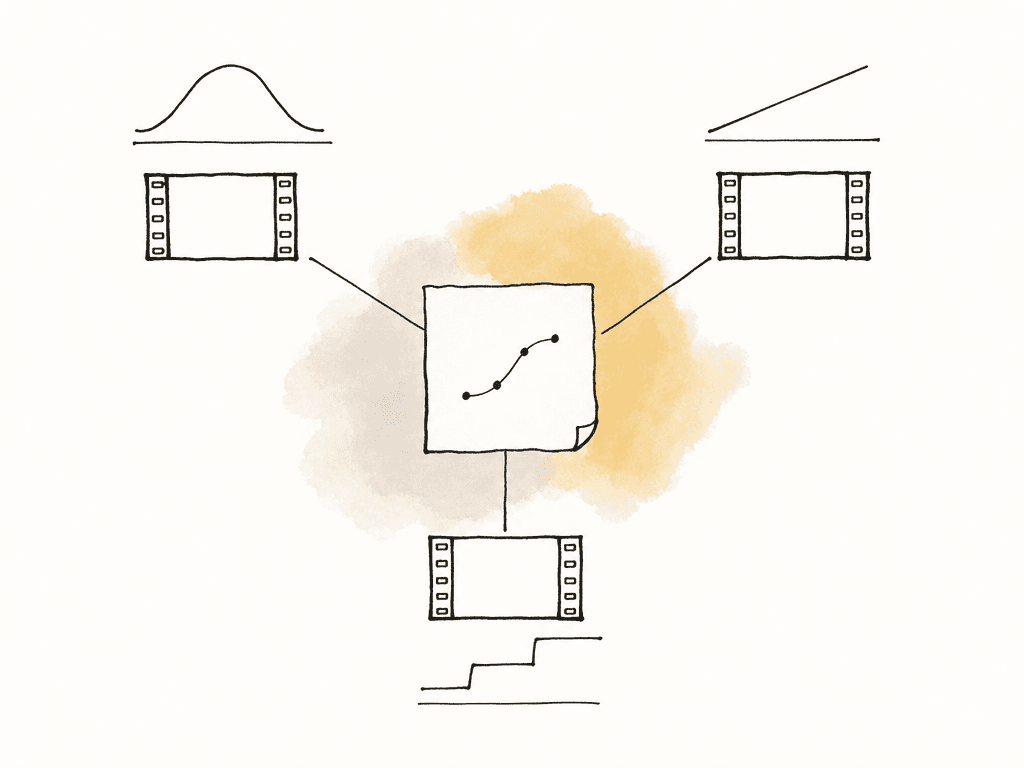
Why Resolve may not match the offline
Resolve has conform and native retiming tools, including constant and variable speed changes, freeze frames, retime curves, and frame interpolation options such as optical flow and Speed Warp in Studio. But Resolve can only rebuild what it receives and understands. Common retime failures show up in a few repeatable ways:- The clip relinks correctly but plays at the wrong speed.
- The first and last frames match, but the ramp timing drifts through the middle.
- A freeze frame becomes a very short still or disappears.
- A nested or compound retime imports as a normal-speed clip.
- Duplicate clip names or reel conflicts cause the retimed section to link to the wrong take.
Choose translation or baking shot by shot
You don't need to render every retime out of editorial. Baking everything can create unnecessary media, reduce grading flexibility, and hide source metadata. But trying to translate every speed effect can burn more time than it saves. Use the creative and technical complexity of the retime to decide.| Retime situation | Best handoff | Main risk if translated | Finishing approach |
|---|---|---|---|
| Constant speed change, such as 50 percent or 200 percent | AAF/XML instruction | Minor rounding or frame sampling differences | Relink to correct source, apply or verify speed, compare head and tail |
| Simple reverse shot | AAF/XML instruction or manual rebuild | Source in point may not represent the visible first frame | Find the first visible offline frame, then rebuild backward from that frame |
| Basic freeze frame | AAF/XML instruction or short baked section | Hold frame may shift, shorten, or disappear | Identify the held source frame and create an explicit hold for the correct duration |
| Keyframed speed ramp | Usually bake, unless finishing is rebuilding creatively | Curve shape may change between NLEs | Match to offline using visual anchors, or use a baked reference as the timing target |
| Optical flow, Speed Warp, fluid motion, or blended-frame retime | Usually bake | Motion estimation artifacts and interpolation will not match exactly | Use the approved bake, or rebuild in Resolve and get creative approval |
| Retime inside a nest, compound clip, multicam, or stacked effect | Usually bake or flatten with clear notes | Nested effect may import as normal speed or with missing layers | Render with handles, or provide a flattened reference plus source notes |
| Hero shot that needs grading latitude and exact timing | Hybrid handoff | Bake may limit image quality, rebuild may miss timing | Bake a reference, then rebuild from OCN in finishing and compare frame by frame |
- Constant speed changes such as 50%, 75%, 125%, or 200%
- Simple reverse shots
- Basic freeze frames without additional effects
- Overcranked slow motion where the camera original supports the intended playback
- Retimes that can be rebuilt quickly and visually matched in Resolve
- Variable speed ramps with keyframed acceleration
- Shots using optical flow, Speed Warp, fluid motion, or another motion estimation method
- Retimes inside nests, compound clips, multicam clips, or stacked effects
- Retimes combined with stabilization, reframing, warps, split screens, or graphics
- Any effect where the offline render is the creative source of truth
Keep proxy and original timing aligned
A lot of retime conform trouble starts earlier than the AAF/XML export. Offline workflows depend on proxies and camera originals matching in the fields used for relinking. That means your proxy workflow needs to preserve timecode, clip name, reel name, and frame rate interpretation in a predictable way. This is especially important with offspeed footage. A camera may record 50 fps, 60 fps, 100 fps, or 120 fps for a 23.976, 24, or 25 fps project. Editorial may cut the clip already slowed down, or may speed it back up for sync, or may apply an additional retime on top. If the proxy and OCN disagree on how that media is interpreted, the conform can use the wrong frames even when the visible edit looked fine offline. The finishing team should know how the footage was treated:- Did the camera shoot it offspeed?
- Did dailies interpret it to the project frame rate?
- Did editorial cut it at normal speed and then slow it in the NLE?
- Did someone slow it in the proxy file itself before editorial?
- Did editorial add a motion effect on top of an already offspeed source?
Bring an offline reference into Resolve
A locked offline reference is the fastest way to catch retime problems in Resolve. Import the AAF/XML, relink the media, then load the approved reference as an offline reference clip, and use it to compare the conformed timeline against the approved offline. Your team should check retimes at meaningful points inside the shot:- First visible frame of the retimed segment
- Last visible frame before the next cut
- Action beats such as footfalls, head turns, impacts, flashes, or camera bumps
- Music hits or sync moments
- The start and end of each speed ramp
- Any freeze-frame boundary
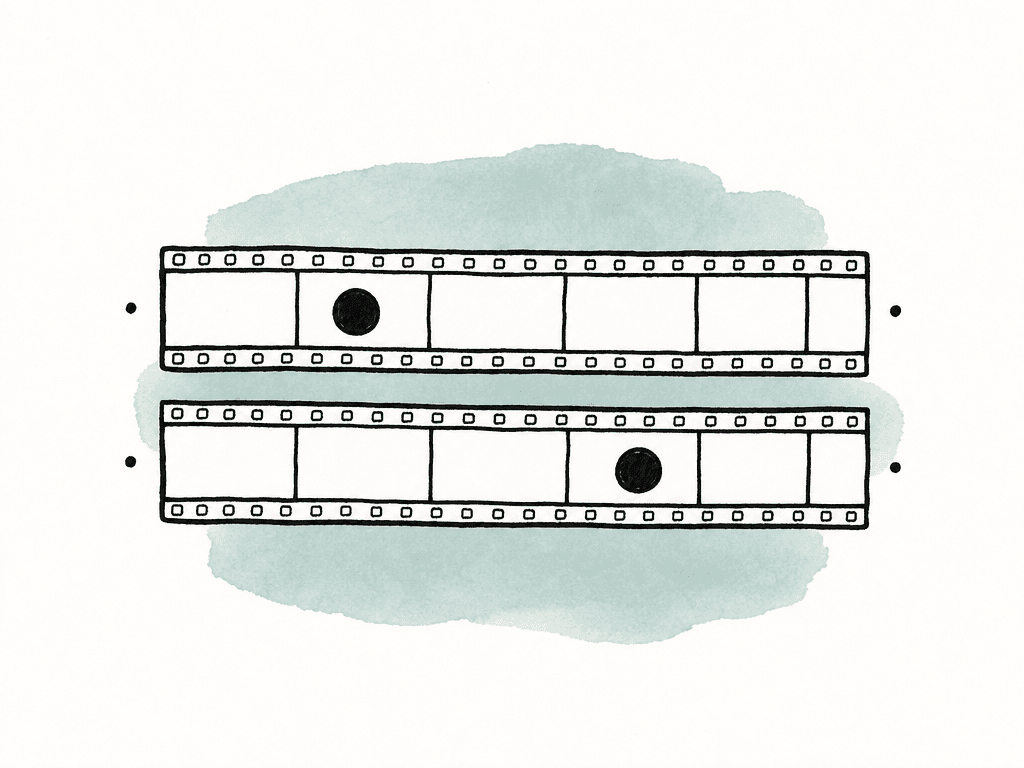
Repair constant speed changes first
Constant speed problems are usually the fastest to fix manually. Once you link the clip to the correct source media, adjust the clip speed so the source frames line up with the offline. For a constant retime, you need three facts:- Timeline duration of the shot
- Correct source start frame
- Correct source end frame or intended speed percentage
Rebuild speed ramps around visual anchors
Variable speed ramps are where manual conform becomes more craft than data entry. If the imported ramp is close but not exact, use the offline reference to find anchor points. Good anchors are visible events that occur on exact frames:- A hand touching a surface
- A flash frame
- A face turning to camera
- A beat where motion stops or changes direction
Render retimed sections when accuracy matters more than flexibility
Baking a retime means rendering the effect into a new media file and cutting that rendered file into the finishing timeline. This is the right move when the retime is an approved visual effect or when the interchange can't represent it reliably.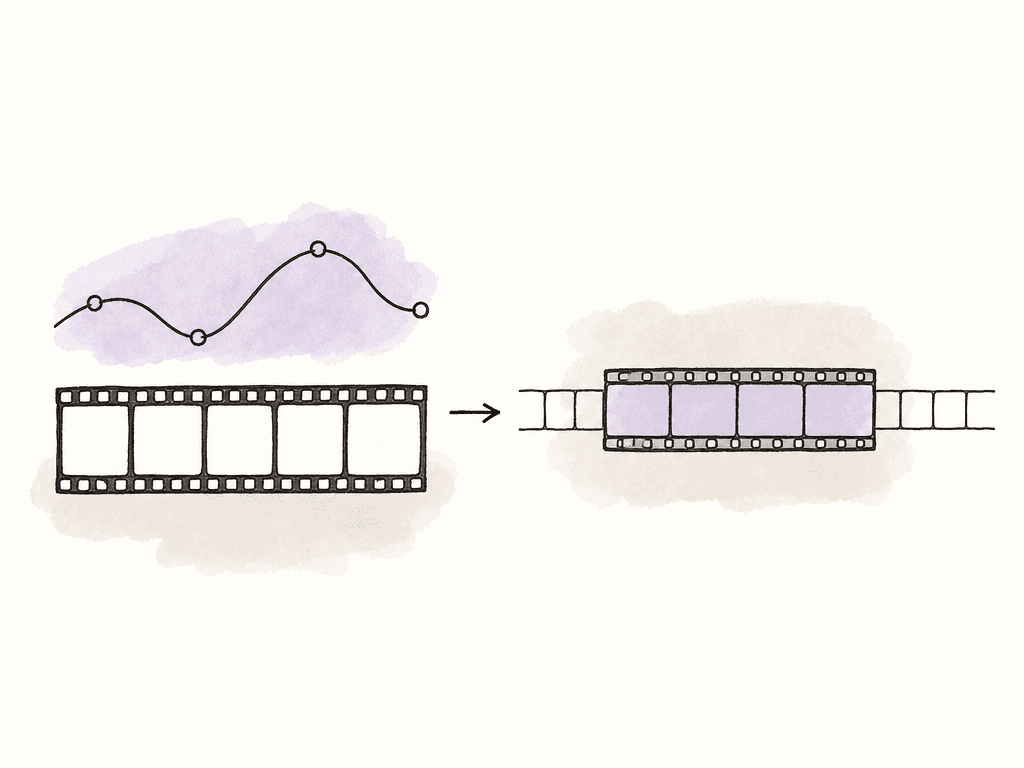
- A high-quality codec appropriate for finishing, such as ProRes, DNxHR, or EXR when needed
- Handles, commonly 12 to 24 frames or the show’s agreed handle length
- Matching resolution, frame rate, color pipeline, and scaling intent
- Source timecode preserved when possible
- Clear filenames that include sequence, shot, version, and retime status
- Notes describing what was baked, such as speed ramp, freeze frame, optical flow, stabilization, or resize
- A reference export showing the baked section in context
Communicate retimes as editorial decisions
Mark retimes clearly in the sequence and include notes with the turnover. A useful retime note is specific without becoming a novel:- Clip name and timeline timecode
- Type of retime: constant, ramp, reverse, freeze, optical flow
- Speed values if known
- Whether editorial baked the effect or finishing should rebuild it
- Handle length on baked renders
- Any stacked effects that affect the result, such as resize or stabilization
The real fix is deciding earlier
Retimed clips fail during conform because the workflow treated them like ordinary cuts, and they combine source-frame selection, time mapping, interpolation, and often other visual effects. For simple speed changes, keep the metadata clean, export AAF/XML, relink in Resolve, and verify against the offline reference. For complex speed ramps, optical flow, nested retimes, and approved timing effects, render with handles and clear metadata. For anything in between, decide based on how exact the motion needs to be and how much flexibility finishing needs. That decision is the fix. The manual tools matter, but the real win is knowing which retimes should travel as instructions and which should travel as picture.FAQ
Retimed clips fail because NLEs don't all describe speed effects the same way. AAF and XML can carry some speed information, but curve behavior, frame sampling, interpolation, freezes, nested effects, and optical flow settings may be interpreted differently in Resolve or another finishing system.
Constant speed changes, simple reverse shots, basic freeze frames, and overcranked slow motion are usually good candidates for translation, as long as the proxy and original media share reliable timecode, reel, clip name, and frame rate metadata. They should still be checked against the approved offline reference.
A speed ramp should usually be baked when its exact timing is already approved, when it uses keyframed acceleration, optical flow, Speed Warp, stabilization, reframing, graphics, nests, compound clips, or stacked effects. Baking is also safer when matching the offline precisely matters more than retaining full grading or retiming flexibility.
First confirm that Resolve is using the correct source media and source frames. If the shot is the wrong take, has the wrong source timecode, or starts from an unexpected part of the clip, fix reel, clip name, timecode, or relinking issues before adjusting speed. If the source frames are correct but the motion timing is wrong, then treat it as a retime problem.
Editorial should provide high-quality renders in an agreed finishing codec, with handles, clear filenames, matching frame rate and resolution, useful timecode where possible, and notes describing the baked effect. The delivery should also identify whether the baked render is the creative source of truth or only a reference for rebuilding from camera originals.
Use structured notes on the media, such as retime type, speed values, handles, optical flow, stabilization, resize, and whether the bake is authoritative. Aspect lets teams add project-specific fields to assets with custom metadata, so retime status travels with the media instead of living only in an email.


