- String-outs that show what exists
- Selects that isolate what is promising
- Story or theme timelines that test how ideas connect
| Timeline type | Main job | Best organized by | Do not use it for |
|---|---|---|---|
| String-out | Show what exists in context | Shoot day, interview, location, event, or full coverage category | Only the best moments, because that hides context |
| Selects | Isolate promising material | Topic, character, quality, emotional beat, or editorial function | Every usable second, because it becomes another string-out |
| Story or theme timeline | Test how ideas and scenes connect | Story beat, argument, emotional turn, or sequence idea | Polished cutting, unless the structure is already working |
| Rough cut | Shape the audience experience | Act, sequence, scene, or radio cut order | Storage for maybes, because it slows decisions |
Decide what each timeline is supposed to do
A string-out is a linear sequence of footage. It gives editors and directors a way to watch material in context, and it gives producers and the story team the same view. For documentary, a string-out can hold one shoot day or one interview. It can also hold all b-roll from a location, or every piece of coverage of a recurring subject. Selects are narrower. They're the pieces worth keeping: the strong, revealing, or visually useful moments pulled out of that larger body of footage. They're the shelf of ingredients you actually want near the stove. The distinction matters because each timeline answers a different question:- A camera-day string-out answers: “What did we shoot?”
- An interview string-out answers: “What did this person say, and how did it unfold?”
- A b-roll string-out answers: “What visual coverage do we have?”
- A selects reel answers: “What might actually make the film?”
- A rough cut answers: “What is the audience experiencing, in what order?”
Build the project around retrieval, not neatness
Folders and bins are useful, but they only solve part of the problem. They tell you where something lives, but they don't tell you why it matters. Start with a clean ingest and naming system before anyone starts pulling selects. Your team often can't recreate documentary media. Backups, consistent folder structure, and clear names protect the edit. Common top-level bins or folders include:- 00_PROJECT
- 01_MEDIA
- 02_AUDIO
- 03_SYNCED
- 04_STRINGOUTS
- 05_SELECTS
- 06_STORY
- 07_CUTS
- 08_EXPORTS
- 09_GRAPHICS_STILLS_ARCHIVE
2026-03-09_Factory_Interview_Maria is more useful than Factory stuff Monday.
The real value comes when your team pairs folder structure with metadata. Add information that helps the editor retrieve material by story need.
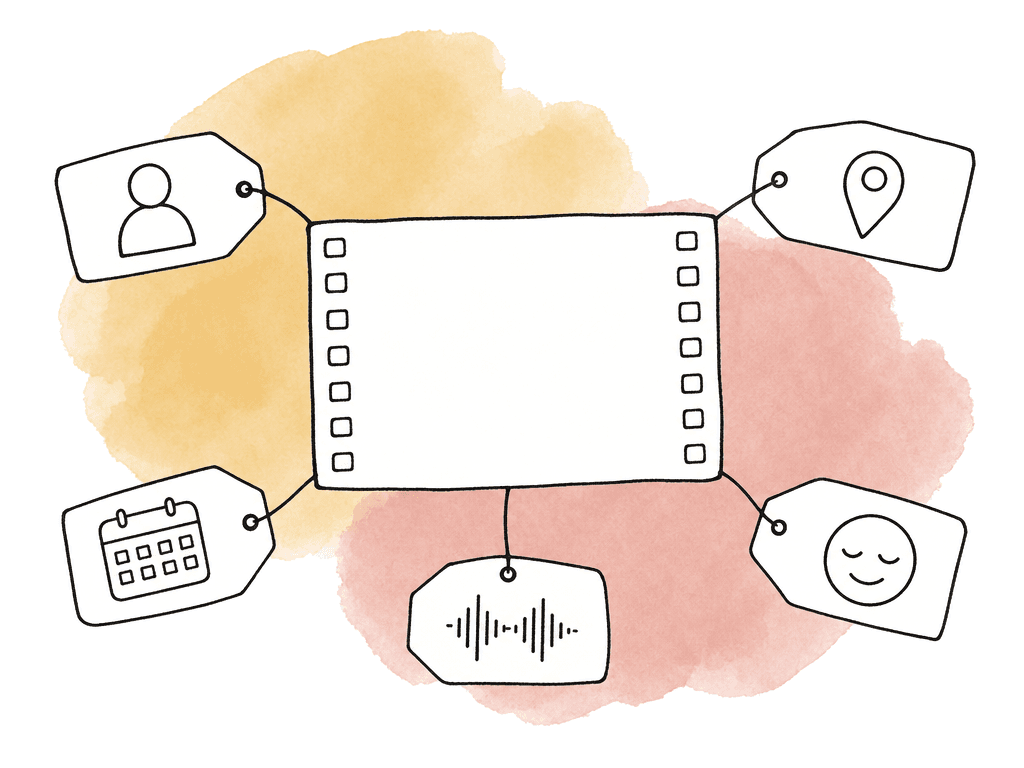
- Interview subject
- Location
- Shoot date
- Scene, event, or topic
- Character names
- Story beat
- Emotional tone
- Visual quality
- Audio quality
- Release or rights status
- Archival source
- Language
- Transcript status
Separate interview work from b-roll work
Interview footage and b-roll behave differently, so don't force them through the exact same selects process. Interviews are story-first. The editor needs clarity of thought, contradiction, and emotion. Setup and payoff count too, along with the transitions between them. Organize the best interview selects by what the person is saying rather than by when it was shot. B-roll is coverage-first. The editor needs geography, action, and cutaways. Process, texture, and transitions come next. Organize the best b-roll selects by subject, shot size, and movement, then by how usable each shot is. For interview-heavy films, create one string-out per interview or per subject session. Keep the full synchronized interview intact somewhere, then create a working string-out or duplicate sequence for pulling bites. If there are multiple cameras, preserve sync and camera angle relationships. If production audio was recorded separately, don't let selects become detached from the good audio. Accept that risk only when the NLE workflow preserves the relationship reliably. For b-roll, create string-outs by shoot day or location. Event and visual category work as organizing axes too. A day-based string-out is useful for review because it mirrors the shoot. A subject-based string-out is useful for editing because it mirrors need. A b-roll organization might include timelines like:- BROLL_Factory_Workers_Hands
- BROLL_Factory_Machines_Wides
- BROLL_Maria_Home_Life
- BROLL_City_Transitions_Night
- BROLL_Protests_Crowd_Reactions
Transcribe early, but don't stop watching
For interview-heavy documentaries, transcripts are now part of the core workflow. Text search can save days when a producer asks, “Didn’t someone say the policy changed in 2018?” It also lets story producers and directors work outside the NLE by marking quotes, grouping topics, and building early paper edits. Transcripts aren't a replacement for watching. They miss hesitation, irony, and eye movement. They also miss tension, silence, and the way one sentence lands after another. A quote that reads flat may be devastating on camera. A quote that reads perfect may be unusable because the subject laughs through it or the audio is bad. Use transcripts to speed discovery, then confirm in picture and sound. To prepare transcripts for the edit:- Generate transcripts for every synced interview
- Correct names, key terms, locations, and recurring phrases
- Add speaker labels where needed
- Mark strong quotes by topic or story beat
- Transfer useful transcript notes into the NLE as markers, comments, subclips, or timeline labels
- Keep transcript timecode aligned with source media
Create string-outs that someone can actually watch
A string-out shouldn't be a dumping ground with random clips in random order. It should be linear enough that someone can watch it and understand what they're seeing. For interviews, keep the order close to the original conversation during the first pass. That preserves context. Later, build topic or theme timelines that rearrange material by idea. If you skip the full interview context too early, you risk lifting quotes that sound stronger than they really are. For b-roll, choose an order that matches the editor’s likely use. Common options include:- Shoot order, for reviewing what happened on the day
- Location order, for understanding geography
- Shot size order, from wides to mediums to close-ups
- Action order, following a process from start to finish
- Subject order, grouping all coverage of one person or object
Pull selects with a consistent rating language
Selects work best when everyone knows what “selected” means. If one assistant pulls only perfect final-cut material and another pulls anything vaguely interesting, the editor will stop trusting the timelines. Create a simple rating language. Markers, clip colors, and custom metadata all work. So do bin names and stacked tracks. The exact mechanism depends on the NLE, but your team should share the meaning. A practical rating system might separate material this way:- Must-consider material has central story value, strong performance, and clean enough quality to use
- Possible material has a useful idea, but weaker delivery, duplicate thought, or technical issue
- Problematic but important material is story-critical, but has bad audio, bad focus, rights concern, or visual limitation
- Color or texture material is useful as visual support, transition, mood, or pacing relief
- Do-not-use-unless-needed material is redundant, weak, technically compromised, or context-dependent
Use subclips carefully
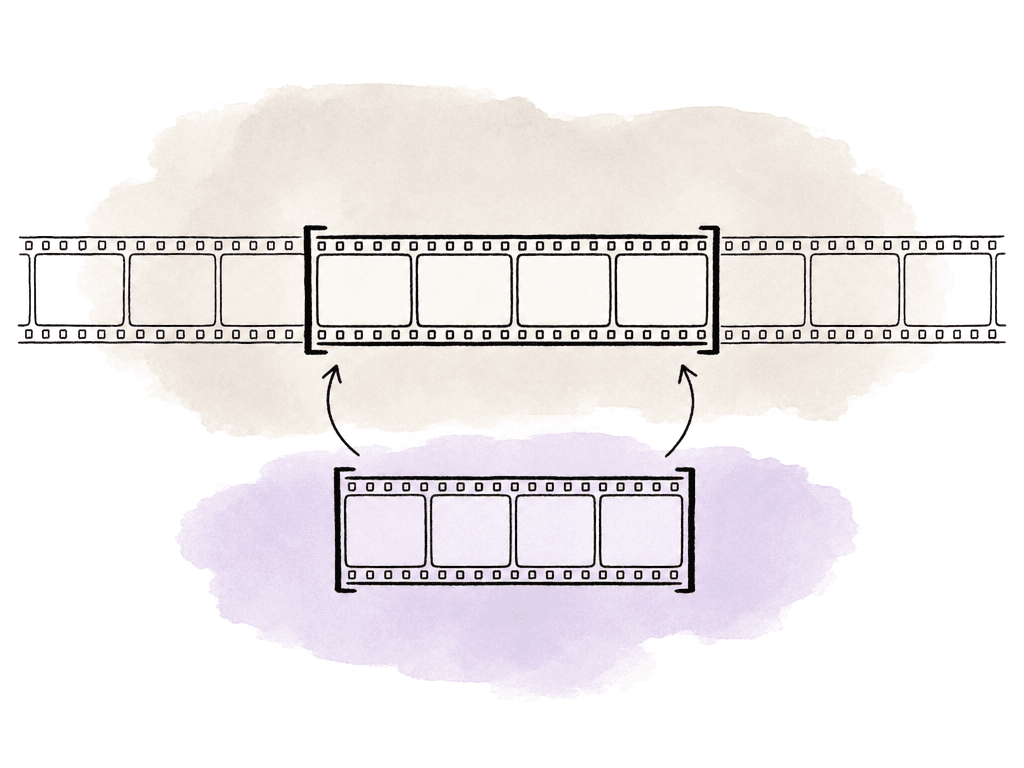
Subclips can be great for isolating interview bites and clean b-roll moments. They make bins searchable, and producers can browse material without loading long source clips. They also create problems when the workflow breaks timecode, loses handles, or disconnects synced audio. A subclip that hides the original context has the same effect. Use subclips when they support retrieval, but avoid using them as the only record of your choices. For a safer approach, maintain all of the following:- Full source clips and synced interviews
- Timeline-based selects with original timecode and handles
- Subclips or grouped clips for moments the team will reuse often
Build themed string-outs for story development
Once the first selects pass exists, start building themed string-outs. This is where documentary editing becomes story work. A themed string-out groups material by idea rather than source. One might hold interview bites from five people, verité moments, and archival clips. It might also hold stills and b-roll that relate to the same beat. The goal is to see whether the material supports a sequence.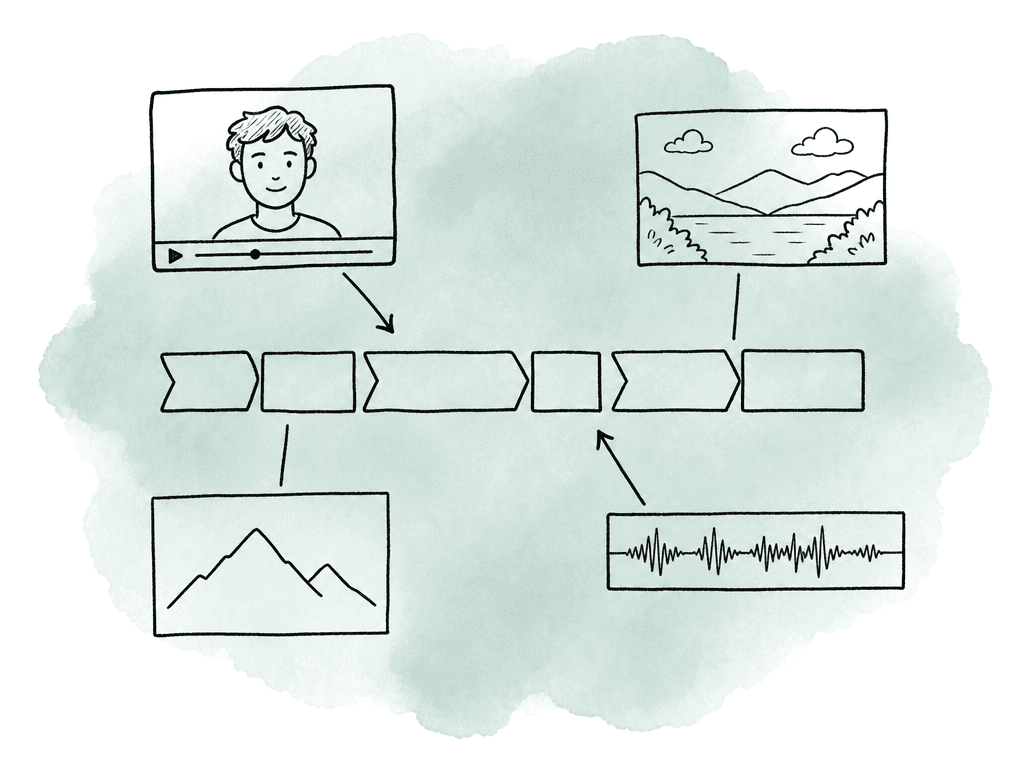
- Origin story
- First warning signs
- Institutional failure
- Money trail
- Aftermath
Start the rough cut as a radio cut
For many documentaries, especially interview-driven films, you should begin the rough cut with sound and structure. Build a radio cut using the strongest interview and narration material first. Ignore most b-roll and music. Leave color and polish until the spine works. A radio cut helps answer the questions that matter early:- Do we understand the situation?
- Do we care about the people?
- Is there a progression of ideas?
- Is there a real turn, conflict, or reveal?
- Where does the audience need breath?
Move selects efficiently inside the NLE
Most NLEs support some version of a three-sequence workflow: string-out, selects, and main edit. Some editors use stacked timelines or pancake editing, with the source string-out above the selects or edit timeline. Others prefer source monitor loading, match frame, or subclips. Text-based editing tools work too. The method matters less than the rule: never make the editor hunt twice. A common timeline setup is:- STRINGOUT for all reviewed material in a logical order
- SELECTS for trimmed useful moments grouped by topic, subject, or quality
- STORY for themed assemblies and sequence experiments
- CUT for the current rough cut or active edit
Watch for failure modes that slow documentaries down
Most selects workflows fail in predictable ways, which means your team can prevent them. Common problems include:- Giant selects timelines with no sections or labels
- Interview bites separated from transcript context
- Synced audio lost during duplication or export
- Multicam clips flattened too early
- Editors cutting from proxies that don't relink cleanly
Name timelines like someone else will open them
Keep timeline names plain and clear. If the project goes on for months, clever names become liabilities. A useful naming pattern includes date and type, then subject and version:- 2026-03-09_STRINGOUT_INT_Maria_v01
- 2026-03-09_SELECTS_INT_Maria_v02
- STORY_EvictionTimeline_v03
- BROLL_SELECTS_FactoryMachines_v01
- CUT_RoughAssembly_2026-04-18_v05
new selects, old selects, good stuff, or use this one final because those names always become lies.
For active edits, include the date or version number. For selects and string-outs, version only when the content meaningfully changes. If an assistant fixes a typo in a marker, that probably doesn't need a new selects version. If the team removes weak bites and reorganizes the sequence by story beat, it does.
Where the process ends
A strong documentary selects workflow produces confidence. The editor knows what exists. The director can compare options. Producers can find story beats. Assistants can support the edit without constant translation. Post supervisors can see where the material is healthy and where the team is still searching. Build string-outs to reveal the footage. Pull selects to reduce noise. Use transcripts to find language, but watch the footage to judge performance. Organize b-roll by editorial function. Build themed timelines to test story ideas. Then move only the strongest material into the rough cut and keep the path back to source clear. That's how you turn a mountain of documentary media into something the edit room can actually think with.FAQ
A string-out is a broad timeline that shows what footage exists. It is often organized by interview, shoot day, or location. A selects timeline is narrower. It holds the moments that seem useful or strong: revealing, emotional, or visually valuable. String-outs help the team review and understand the material. Selects help the editor work faster when building scenes, story sections, or a rough cut.
B-roll should be tagged by both content and editorial function. A basic tag might describe what is visible, such as "Maria enters apartment." A better tag might add how the shot can be used, such as "lonely dusk entrance, slow push, transition after court scene." Useful b-roll tags cover location, subject, and action. They also cover shot size, movement, and mood, plus visual quality and possible story use.
Subclips are useful for isolating strong interview bites or clean b-roll moments, but they shouldn't be the only record of a selection. Keep access to the full source clips and synced interviews, with original timecode and enough handles. Subclips that lose audio relationships, timecode, or context slow the edit later instead of helping it.
Transcripts should be created early, especially for interview-heavy projects. They make it easier to search for facts, quotes, names, dates, and story topics. Transcripts should support viewing rather than replace it. Editors still need to watch and listen for performance, emotion, and pauses. Irony, bad audio, and visual behavior rarely come through in text.
Build the rough structure from curated material rather than returning to raw footage for every decision. Interview-driven projects start with a radio cut of the strongest spoken material, then add visual selects once the story spine works. Vérité-driven projects start with scene selects organized around action, character behavior, and turning points, including entrances and exits. In both cases, the edit should preserve a clear path back to the source media.
Use metadata that reflects editorial need, not only where the footage came from. Aspect supports custom metadata fields for subject, topic, and rights status, plus transcript status and visual use. Assistants and editors can then retrieve moments by story function instead of hunting through bins.