Why VFX vendors ask for handles
A plate pull is a technical source package for work that has to survive notes, revisions, and reintegration into the edit. The visible cut frames are only the center of the problem.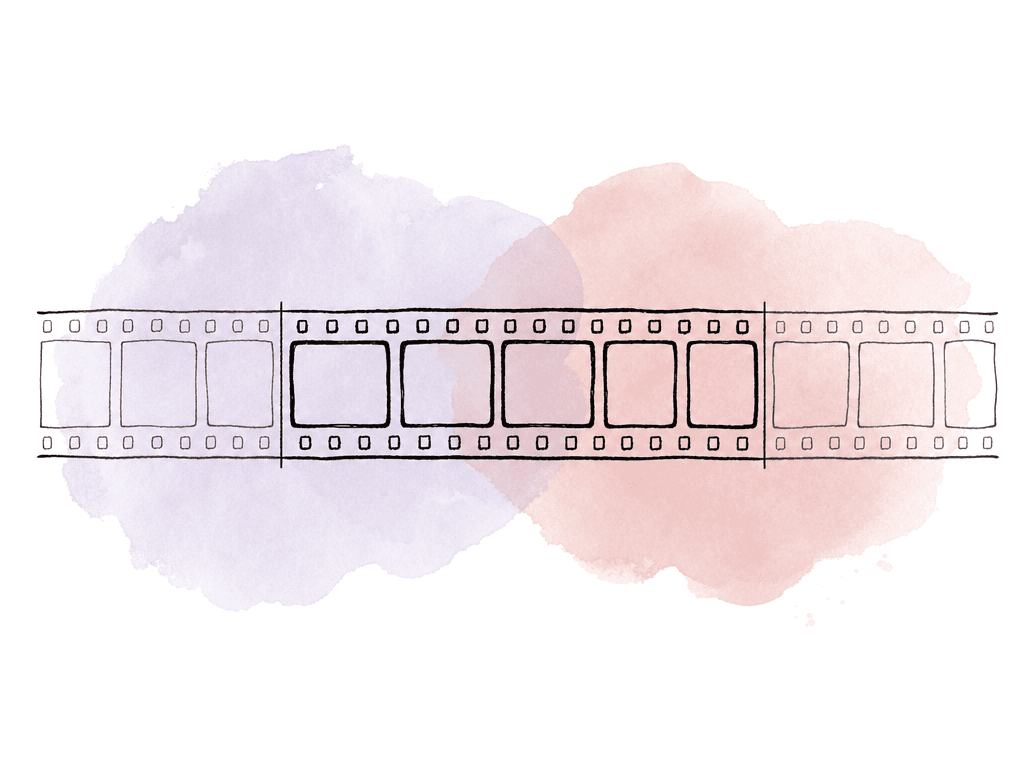
- A stabilized shot often needs frames outside the edit to smooth motion into and out of the edit.
- Trackers may need more motion before or after the selected edit to get a reliable solve.
- A roto shape, patch, or clean plate may need to be built before the first used frame so the result is already stable at the edit point.
- If editorial used a speed effect, the vendor may need source frames that aren't obvious from the edit duration.
- If the edit slips by a few frames, a handled render can often be reused instead of repulled.
The default handle length is a workflow decision
There's no universal handle length that fits every production. Some student or tightly controlled workflows turn over exact cut length plates by default and only add handles when requested. Larger episodic, feature, commercial, and streaming workflows often expect handles as part of the standard VFX pull. Both approaches can work, but they require different discipline. If the edit is locked, the work is simple, and the vendor has confirmed no handles are needed, exact-length plates are fine. That usually applies to very simple screen inserts, static monitor replacements, or isolated graphics work where the visible cut frames are all that matter. For most professional turnovers, though, no handles should be the exception. A few extra frames on a 40-frame shot aren't a big storage problem. A missing frame range on a high-priority shot during finishing is. A good handle policy accounts for three constraints: shot method, editorial status, and source availability. Technically complex shots need more handles. Edits that are still moving need more handles. Source clips that begin or end near the edit point need a note that the pull couldn't fully supply the requested handle.Standard handle lengths by shot type
Use these ranges as a starting point, then replace them with the show spec when one exists. The numbers assume the pull adds handles on both the head and tail.| Shot type | Suggested handles | Why |
|---|---|---|
| Simple screen insert or graphic comp | 8 frames | Enough for minor slips and cut reintegration |
| Basic paint, cleanup, or object removal | 8 to 12 frames | Gives paint and roto time to settle across edits |
| Green screen or bluescreen key | 8 to 16 frames | Supports edge work, garbage mattes, and continuity |
| Camera tracking or matchmove | 12 to 24 frames | Extra motion can improve track stability |
| Stabilized or reframed plate | 16 to 24 frames | Smooths motion and protects against edge reveal |
| Retimed shot or speed ramp | 24 frames or more | Source-frame needs may exceed visible cut duration |
| Dissolve, transition, or optical overlap | Cover the full overlap plus handles | The visible contribution extends beyond the event boundary |
| Heavy simulation, CG integration, or complex comp | 16 to 32 frames | Gives downstream departments room for pre-roll and revisions |
| Plate near source start or source end | As much as available | Your team must call out missing handles clearly |
Handles are only one kind of protection
Frame handles protect time, but they don't protect framing.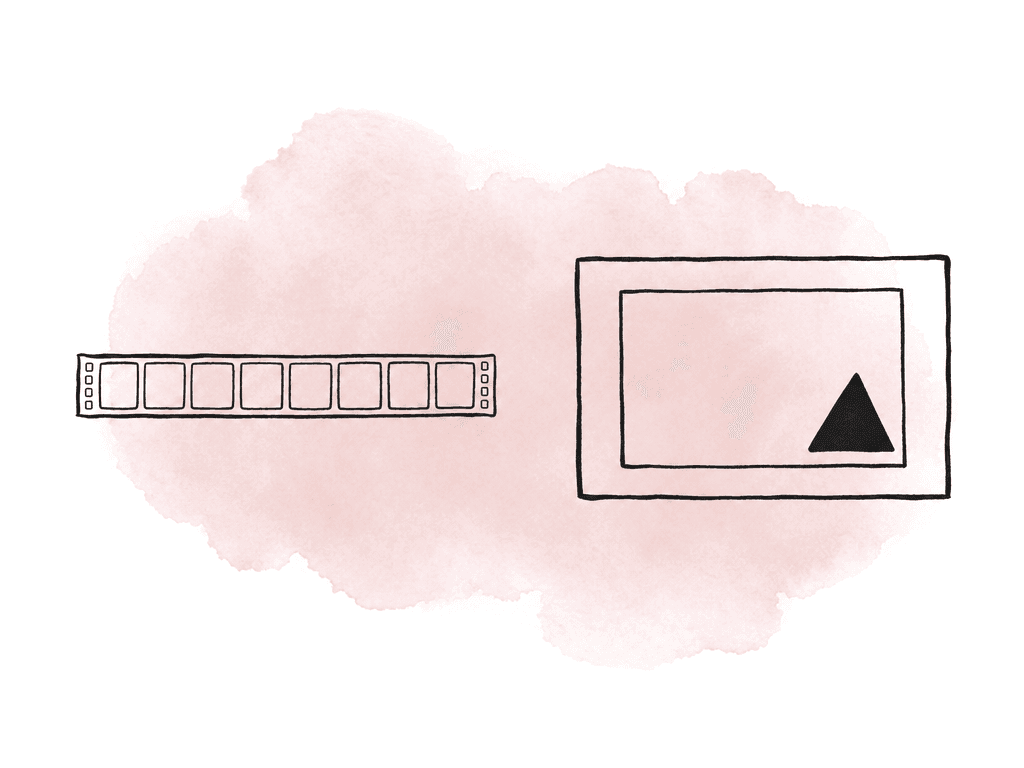
Retimes need special attention
Retimed shots are where handle assumptions break fastest. A timeline event may be 50 frames long, but the source frames used to create it might span 20 frames, 200 frames, or a non-linear range depending on the effect. If the speed effect is baked into a reference QuickTime but the vendor receives only the visible source range with default handles, they may not be able to reproduce the motion.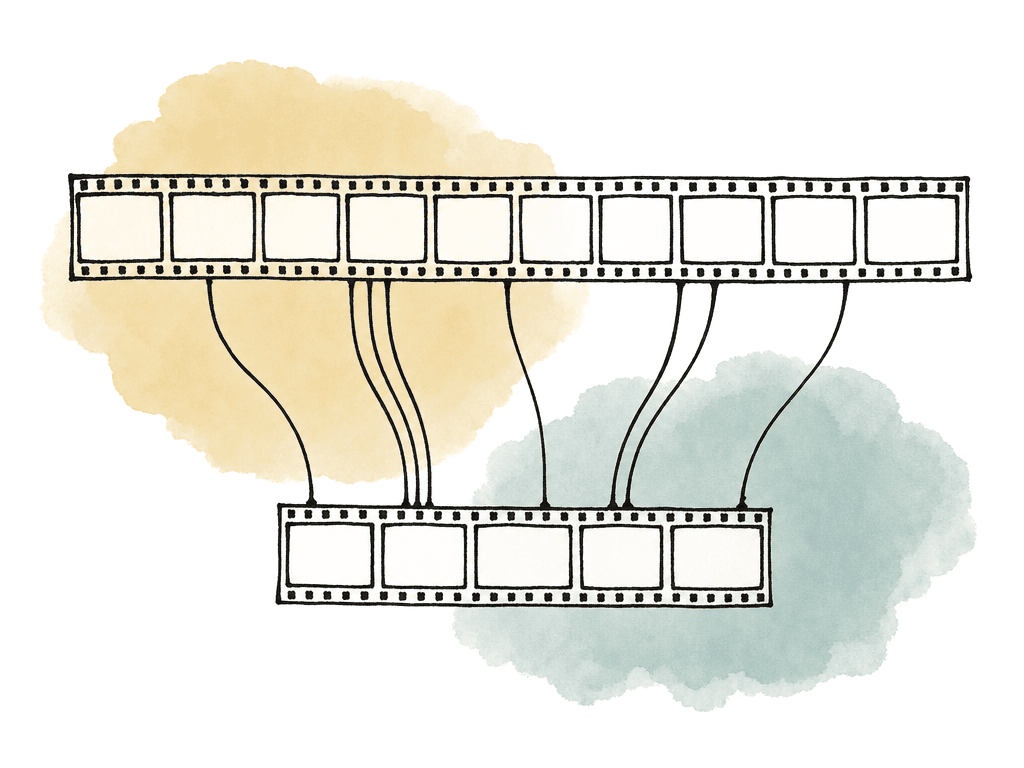
- The retime type: constant speed, speed ramp, reverse, freeze, timewarp, or blended effect.
- The visible cut range in timeline timecode.
- The source clip range used by the retime, including any available extra frames.
- A reference movie with burned-in timecode and shot name.
- Whether the vendor should work on the original-speed plate, a baked retimed plate, or both.
How to communicate handle requirements to editorial
The best handle request names the exact handles to add, is explicit, and machine-readable. Editorial shouldn't have to infer technical requirements from a note like “add handles where needed.” That creates inconsistent pulls and forces the assistant editor to become the decision point for every VFX method. A useful turnover request usually includes these fields:- Shot ID or VFX ID
- Source clip name or reel
- Timeline in and out
- Source in and out, if available
- Requested head handle
- Requested tail handle
- Plate format, such as EXR sequence, DPX sequence, or QuickTime
- Framing mode, such as full frame, extraction, UHD, HD, or overscan
- Color pipeline notes
- Retime notes
- Vendor or department destination
- Any known source-limit warnings
Where handle mistakes usually happen
Most handle problems happen because the pull path is more complicated than the visible edit. Common failure modes include:- The requested handle count was added to the timeline event, but the source media didn't have enough frames.
- A nested sequence, compound clip, multicam angle, or collapsed effect hid the true source clip.
- A retime was treated like a normal-speed event.
- The plate was exported from a cropped or resized timeline instead of the agreed source framing.
- The vendor expected handles on both sides, while editorial interpreted the number as total extra frames.
Verifying handles during the pull
Your team should verify handles while preparing the plates. The assistant editor, VFX editor, or finishing/pulls editor should be able to confirm three things for every plate: the cut range, the delivered range, and the available source range.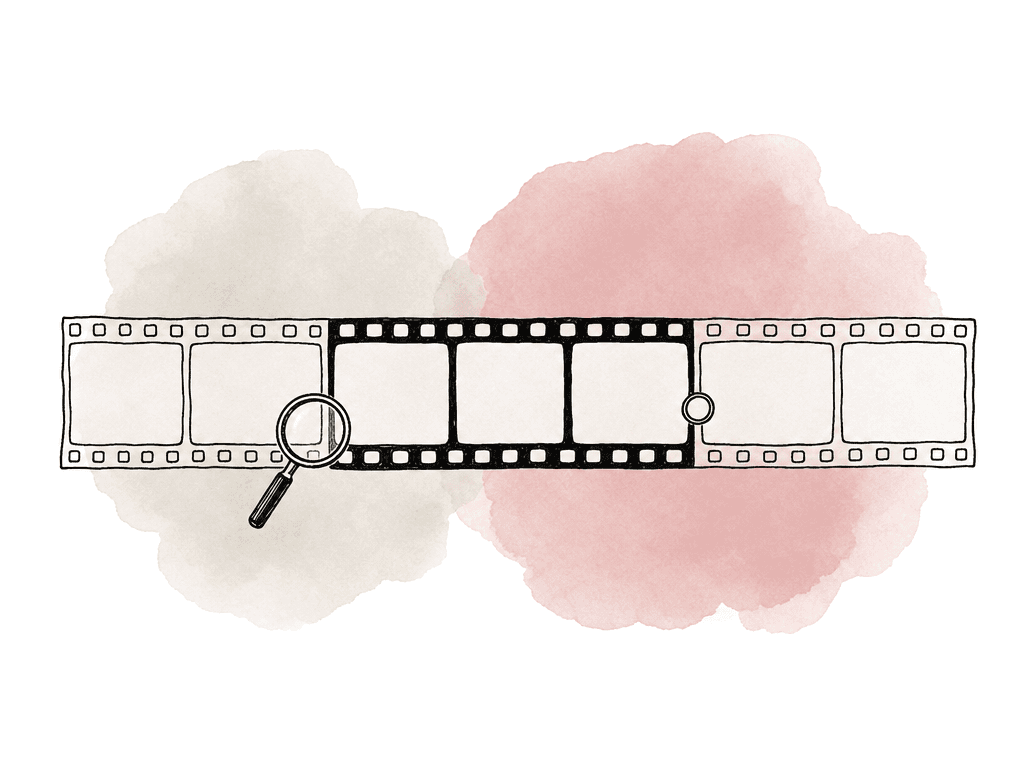
| Plate or case | Range to confirm | Inspection method | Clean result |
|---|---|---|---|
| Image sequence | Delivered frame count equals cut duration plus head and tail handles | Count files and spot-check the first frame, first cut frame, last cut frame, and last frame in a frame-aware viewer | The sequence contains the expected number of files and the cut frames are clearly identified |
| QuickTime plate | Duration, burn-in, first visible frame, and last visible frame | Open the file in a player or NLE that displays timecode and frame stepping | The file duration matches the requested handled range and the burn-in agrees with the turnover sheet |
| Retimed shot | Source range used by the retime and any baked timing reference | Compare the plate, retime notes, and reference movie with burn-in | The vendor can identify original-speed source frames and editorial timing |
| Source-limited shot | Requested handles compared with delivered handles | Compare source start and end against requested head and tail frames | Any missing head or tail frames are named in the turnover data |
Naming and frame ranges should make handles obvious
A plate can technically contain handles and still be confusing. If the file sequence starts at 1001 but nobody identifies which frame is the first cut frame, the vendor has to reverse-engineer the edit. That wastes time and creates avoidable mistakes. There are two common patterns. One is to start every plate sequence at a standard frame like 1001 and identify the cut-in frame in metadata or a turnover sheet. The other is to preserve source frame or timecode-derived numbering so the image sequence maps directly to the camera source. Both can work, but what matters is consistency across the show and clarity in the pull list. For handled plates, include enough context to answer these questions:- Which delivered frame is the first frame used in the cut?
- Which delivered frame is the last frame used in the cut?
- How many handle frames are present at the head and tail?
- Was either handle shortened because the source ran out?
- Does the reference movie show the cut length only, the handled length, or both?
When to ask for more than the default
Some shots deserve extra handles even if the show default is 8 or 12. The earlier you identify them, the less repulling you'll do. Increase handles when editorial is still testing cut points around the shot, or when the shot has conditions that make short handles risky:- unstable handheld motion, a long lens with drift, or a whip pan
- a complex camera move, foreground occlusions, or heavy roto
- water, smoke, or crowds
- hair
- practical interactive light that needs temporal analysis
What to do when handles are unavailable
Sometimes the source clip doesn't have the requested handles. The camera may have cut immediately before action, the slate may start too close to the edit, or the selected take may end at the exact moment editorial needs. In that case, don't silently deliver shorter handles and hope nobody notices. Call out the shortage in the turnover data. Use plain language like “requested 8 head / 8 tail, delivered 0 head / 8 tail due to source start.” Your team should mention any alternate take, longer source range, clean plate, or adjacent timeline media that might help. The vendor may still be able to work. They might hold a frame, create a clean plate, extend the edge, use adjacent frames, or request a different source. What they can't do efficiently is guess whether missing handles are intentional.Agree on a shared handoff spec
A good VFX handle workflow relies on a shared spec that editorial, post supervision, finishing, and vendors all understand. That spec should define the shared decisions your team will use during pulls:- the default handle length and per-shot override rules
- frame numbering convention
- plate format and framing policy
- color pipeline and retime handling
- how your team reports source-limited handles
FAQ
If there's no show-specific spec, 8 frames at the head and 8 frames at the tail is a practical default for many VFX turnovers. Increase that amount for shots involving stabilization, retiming, tracking, paint, roto, complex camera movement, transitions, or likely editorial changes.
In most VFX turnover workflows, “8-frame handles” means 8 extra source frames before the first cut frame and 8 extra source frames after the last cut frame. Because different teams and tools may describe handles differently, the turnover spec should state this clearly.
Retimed shots can use source frames in ways that don't match the visible timeline duration. A 50-frame timeline event may be based on a much shorter, longer, reversed, frozen, or non-linear source range. For retimes, provide the source range, timeline range, reference movie, retime type, and guidance on whether the vendor should work from original-speed media, a baked retime, or both.
A useful pull list should identify the shot ID, source clip or reel, timeline in and out, source in and out when available, requested head and tail handles, plate format, framing mode, color notes, retime notes, destination vendor or department, and any warnings about source-limited handles.
Deliver the available range, but clearly report the shortage in the turnover data. For example, note “requested 8 head / 8 tail, delivered 0 head / 8 tail due to source start.” Don't silently shorten handles, because the vendor needs to know whether missing frames are intentional, unavailable, or the result of an export problem.
Short handles should be recorded as part of the plate’s turnover data, not buried in an email thread. In Aspect, teams can attach structured fields such as requested handles, delivered handles, source-limit warnings, and retime notes as custom metadata.