

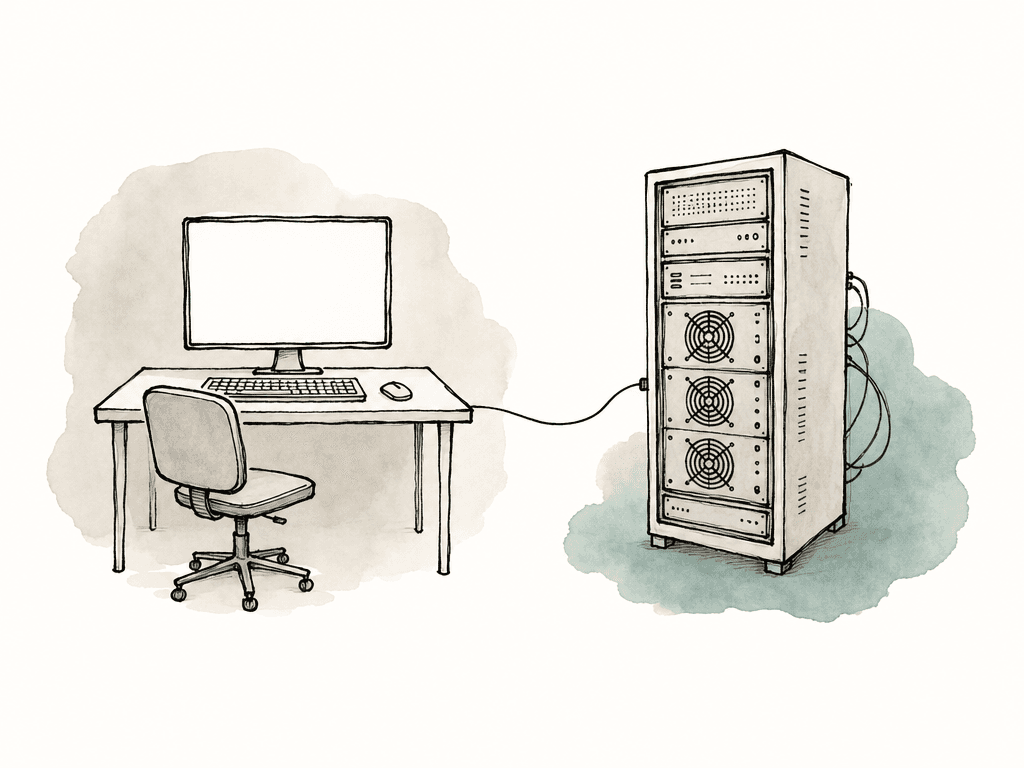
What KVM actually changes in a post facility
A traditional edit room puts the workstation, local peripherals, speakers, client monitor feeds, network drops, storage access, USB devices, and the editor’s desk in one physical room. That works until it doesn't: the room gets hot, the tower fan becomes part of the mix review, USB drives multiply under the console, and engineering has to interrupt sessions to troubleshoot a box hidden behind furniture. A machine room workflow separates the system into two sides:- The computer side, usually in a rack or machine room
- The user side, usually in an edit suite, finishing room, producer station, or shared editor desk
- The transport between them, usually fiber, copper, or IP networking
- The switching layer, if multiple rooms need access to multiple computers
Start with the room map, not the rack elevation
Before choosing gear, map the workflow in human terms. Which rooms are creative rooms? Which are support rooms? Which computers are fixed to a specific editor? Which computers are shared pools? Which systems need full-time local engineering access? Which rooms need dual monitor, ultrawide, HDR, high refresh, Wacom, control surface, jog wheel, or audio device support? The important constraints tend to fall into a few groups:- Resolution and refresh rate, such as dual 2560x1440, 4K 60, 5K, or 6K displays
- Color expectations, including whether the GUI monitor needs accurate color or only the reference monitor does
- USB behavior, especially tablets, panels, dongles, card readers, and audio devices
- Switching behavior, including whether users need instant switching between systems
- Distance between machine room and suites
- Network availability if using KVM over IP
- Tolerance for latency during trimming, scrubbing, multicam playback, and client-attended sessions
KVM over IP versus point-to-point fiber
The biggest architecture choice is usually KVM over IP versus a more traditional direct extension system, often fiber-based. Both can be right, but the wrong choice is pretending they solve the same problem.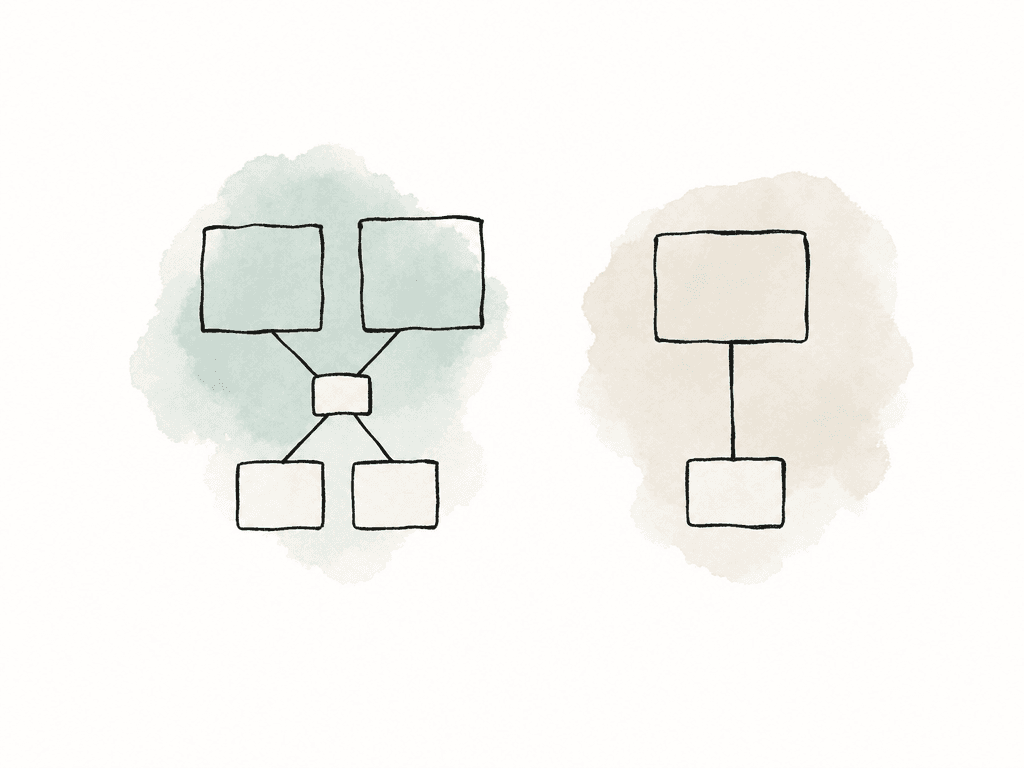
| KVM approach | Best fit | Strengths | Watchouts |
|---|---|---|---|
| KVM over IP | Facilities with shared rooms, pooled workstations, and frequent schedule changes | Flexible routing, easier expansion, multi-room access, software-based management | Needs disciplined network design, may be sensitive to congestion, jitter, switch configuration, and vendor compression choices |
| Direct fiber extension | Fixed rooms where one workstation maps to one user station | Predictable behavior, low latency, clean long-distance runs, simpler troubleshooting | Less flexible when rooms or workstation assignments change, may require more dedicated cabling |
| Dedicated KVM matrix | Facilities that need routing but still want purpose-built KVM behavior | Centralized switching, controlled access, more deterministic than general network routing | Higher planning cost, matrix capacity limits, physical patching and endpoint naming must be maintained |
| Hybrid design | Mixed facilities with finishing rooms, offline edit rooms, assistant pools, and engineering stations | Lets high-pressure rooms use the most predictable path while support rooms get flexible access | Requires clear room profiles, naming rules, support policy, and documentation so the system does not become confusing |
- KVM over IP favors flexible routing, easier expansion, and multi-room access patterns
- Fiber KVM favors predictable latency, clean long-distance runs, and less dependence on shared network behavior
- Fiber KVM can be easier to reason about when troubleshooting a single room path
- KVM over IP may require more network engineering discipline
- Fiber KVM may require more physical cabling and matrix planning
Don't confuse GUI KVM with reference monitoring
KVM is usually for the editor interface: keyboard, mouse, USB, and computer displays. It shouldn't automatically become your reference video path. In editorial, the GUI display path may be enough for cutting, bin work, prep, and general playback. But finishing, color, QC, and client review often need a separate video path from the workstation or I/O device to a calibrated display, projector, or routing system. That path may be SDI, HDMI, DisplayPort, or an IP video workflow depending on the room. This matters because KVM products often compress or process video differently than dedicated monitoring paths. Even when the image looks good, that doesn't mean it's appropriate for critical color judgment. For real-time editing, latency and responsiveness matter. For color-critical monitoring, signal integrity and calibration matter. Sometimes one path can satisfy both, but you should prove that in your room with your displays and your apps. A clean design labels these as separate systems:- GUI monitors for the NLE, bins, scopes, timeline, panels, and desktop
- Reference monitor feed for judging picture
- Audio monitoring path for sync and confidence
- USB control path for keyboard, mouse, tablet, panels, and peripherals
Latency is felt before it's measured
Editors notice latency as friction. The timeline doesn't stop exactly when they expect, and a trim feels soft. The playhead seems slightly behind the hand, mouse movement feels floaty, or a Wacom stroke registers late. None of those complaints sound like “the KVM transport has unacceptable round-trip delay,” but that may be the issue.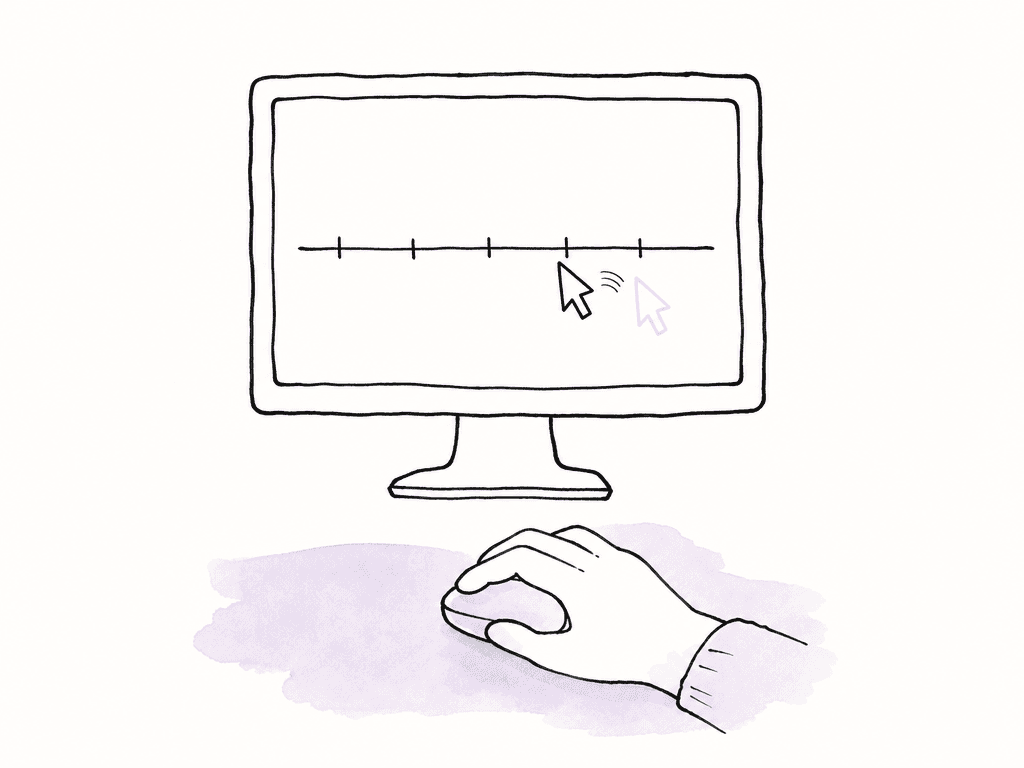
- Keyboard and mouse input delay
- USB device handling delay
- Video encode, transport, decode, and display delay
- Display processing delay in the monitor itself
- Application playback delay from the NLE, storage, GPU, or codec
- Audio monitoring delay, especially if routed separately
Bandwidth planning includes KVM traffic
Post teams are used to thinking about bandwidth for media: 4K, 8K, ProRes, DNxHR, EXR, DPX, proxy, shared storage, NAS, SAN, and cloud transfer. KVM adds a different kind of traffic. It's interactive, sensitive to jitter, and tied to the editor’s perception of the machine. For KVM over IP, the exact bandwidth depends on resolution, refresh rate, color depth, compression, number of displays, and vendor implementation. Your team has to plan for average throughput and whether the network can keep latency and jitter controlled while other post traffic is happening. Common traffic competing for attention includes:- Editors pulling media from shared storage
- Assistants generating proxies or optimized media
- Review files uploading or downloading
- Render nodes reading and writing frames
- Backup and archive jobs
USB is where “mostly works” becomes a support ticket
Video gets most of the attention, but USB is often where KVM workflows get messy. A keyboard and mouse are easy, but post rooms rarely stop there. Real rooms may include:- Wacom tablets
- Tangent, Blackmagic, Avid, or other control surfaces
- Stream Decks and macro pads
- Audio interfaces
- iLok and license dongles
- Card readers
- Webcams and microphones
- External drives
- Phones used for reference or transfer
- Specialized grading, review, or accessibility devices
Cable management for multi-room KVM
A machine room KVM install can become beautiful infrastructure or permanent archaeology. The difference is how seriously you treat labeling, path separation, and change management.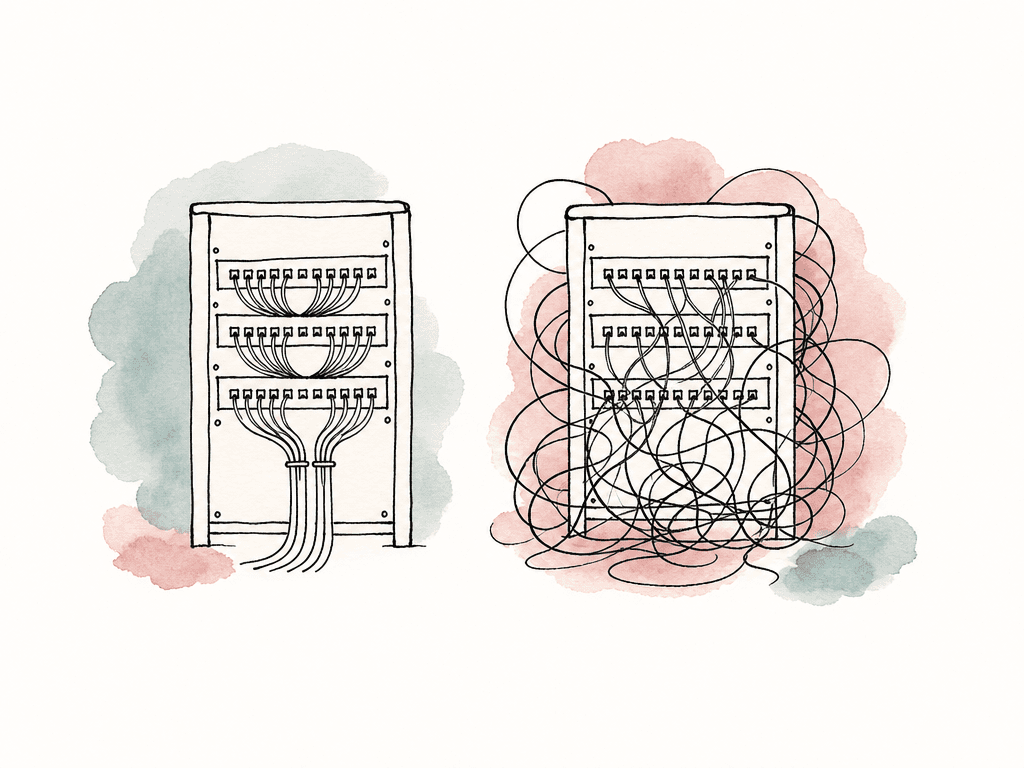
- DisplayPort, HDMI, or mini DisplayPort jumpers at the workstation
- USB from workstation to transmitter
- Fiber or copper transport to the room
- Network patching for KVM over IP systems
- Receiver-side display and USB cables
- Power for transmitters, receivers, and monitors
- Reference video cabling if separate from KVM
- Audio cabling if not embedded or handled elsewhere
Switching design should match how people work
KVM switching affects room scheduling and user behavior as well as technical routing. Some facilities want fixed one-to-one mapping: Edit 1 always controls Workstation 1. This is simple, stable, and easy to support, and the main benefit is noise and heat removal, not flexible sharing. Other facilities want pooled workstations: any edit room can connect to any available workstation. This is flexible, but it needs rules. What happens if an assistant connects to the wrong system during an editor’s session? Can two rooms view the same workstation? Can engineering take control without warning? Are there permissions by role or room? Shared KVM workflows need clear policy around:- Who can switch which rooms to which computers
- Whether a connection is view-only or full control
- How active sessions are protected
- How engineering access is requested during live work
- What happens after reboot, logout, or overnight maintenance
- How workstation names map to schedules and projects
Machine room placement changes support habits
Once workstations live in the machine room, support gets easier in some ways and stricter in others. Engineering can access every tower without crawling under desks, while cooling and dust control improve. Your team can back power with proper UPS circuits and rack and patch spare machines quickly. But editors lose the ability to solve small problems by touching the box. They can't reseat a USB cable under the desk, move a dongle, or press a power button unless you provide a path for that. That means your facility needs intentional answers for everyday actions. Common needs include:- Remote power cycling or managed PDUs
- Front-panel USB access in the machine room
- Documented dongle locations
- Local crash cart access for engineering
- Out-of-band management where supported
- Spare transmitters, receivers, power supplies, and fiber jumpers
- A known fallback room or workstation for active sessions
Failure modes to expect
KVM failures tend to present as creative complaints first and technical symptoms second. Build your support model around the language users will actually use. Typical symptoms include:- “The mouse feels weird”
- “The monitor came back at the wrong resolution”
- “Playback looks soft”
- “Audio feels out of sync”
- “The machine is on, but the room can't see it”
How to decide for your facility
For a small shop with a few rooms and fixed editors, direct KVM extension may be enough. Put the workstations in a ventilated machine closet or rack area, run reliable fiber or copper extenders to each room, and keep the routing simple. The main win is quieter rooms and easier support. For a mid-size facility with assistant pools, shared edit rooms, and changing schedules, KVM over IP or a matrix-based system becomes more attractive. The ability to route rooms to machines can save real time, especially when workstations are expensive and projects move around. For finishing, color, and high-pressure client rooms, be conservative. Prioritize low latency, stable USB, predictable monitor behavior, and a separate reference path. If flexible routing compromises the feel of the room, it isn't worth it. For hybrid facilities, split the design by room class. Not every desk needs the same system. A sensible split might look like this:- Finishing and color rooms use deterministic low-latency KVM paths
- Offline edit rooms use low-latency extension with stable dual-monitor support
- Assistant and ingest rooms use flexible KVM over IP access to shared systems
- Engineering gets controlled access to all endpoints
- Reference monitoring stays on its own trusted signal path where needed
FAQ
KVM over IP is usually a better fit when rooms and workstations need flexible routing, shared access, or frequent reassignment. Fiber-based KVM is often better for latency-sensitive rooms where predictable behavior, clean long-distance transport, and minimal dependence on network conditions matter more than flexibility.
It can sometimes carry a good-looking GUI image, but KVM shouldn't automatically be treated as the reference monitoring path. Finishing, color, QC, and client review rooms often need a separate calibrated SDI, HDMI, DisplayPort, or video-over-IP path for judging picture accurately. The GUI KVM path and the reference path should be designed and tested separately.
There's no single acceptable number because editors feel latency through real actions like trimming, scrubbing, stopping playback, using a tablet, or working in multicam. The best test is a side-by-side comparison between a local workstation connection and the KVM path using the actual NLE, displays, USB devices, and media workload expected in the room.
Many KVM systems handle basic keyboards and mice well, but post rooms often use tablets, control surfaces, license dongles, card readers, audio interfaces, webcams, and hubs. Some of these require more transparent USB handling, stable hot-plug behavior, or support for isochronous devices. Each supported device class should be tested before the KVM design is standardized.
It can, but only with careful network design. KVM over IP traffic is interactive and sensitive to latency and jitter, while post networks may already carry storage, proxy generation, renders, backups, uploads, and general office traffic. Many facilities use dedicated switches, VLANs, QoS, or a separate fabric for KVM to avoid intermittent performance complaints.
Keep KVM traffic predictable, then solve shared media access separately. Aspect can run an on-site cache so once one person in the building opens a file, the next editor can read it at full LAN speed.


