- 10-bit HEVC Main 10
- 4:2:0 chroma subsampling
- Rec. 2020 color primaries and PQ transfer
- BT.2020 non-constant luminance matrix
- Valid HDR10 metadata
Start with the HDR format, not the codec
H.265 is the compression format. The HDR formats — HDR10, HLG, HDR10+, Dolby Vision — are display workflows layered on top of the picture essence and metadata.
- HDR10 uses PQ, 10-bit video, Rec. 2020 signaling, and static metadata for the mastering display and content light levels.
- HLG uses a hybrid log-gamma transfer function and tolerates SDR display paths better, but it isn't the same as HDR10.
- HDR10+ adds dynamic metadata so tone mapping can vary scene by scene or shot by shot.
- Dolby Vision also uses dynamic metadata, but it's a licensed ecosystem with specific mastering, validation, and delivery requirements.
The core encode settings that make HDR work
For HDR10 streaming, the encode needs three categories of signaling: the bitstream profile and pixel format, the color volume tags, and the HDR metadata.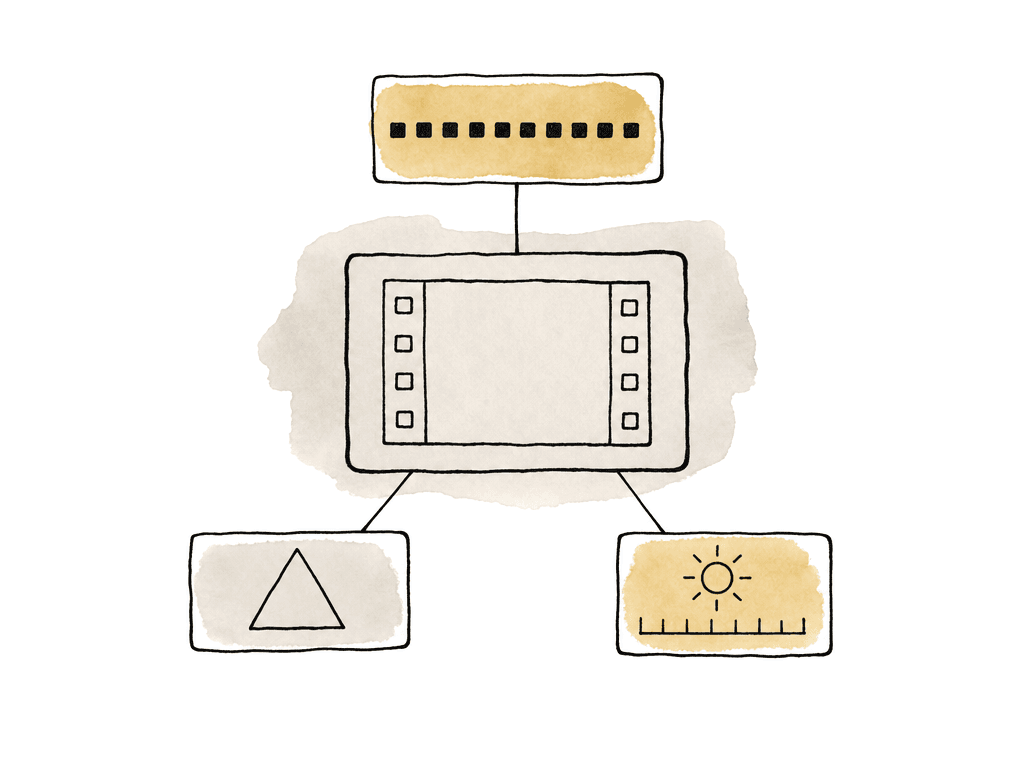
- Codec: H.265 / HEVC
- Profile: Main 10
- Color primaries: BT.2020
- Transfer characteristics: SMPTE ST 2084, also called PQ
- Static metadata: SMPTE ST 2086 mastering display metadata and CTA-861.3 content light metadata
| HDR10 signal | Expected value | Common x265 setting | Why it matters |
|---|---|---|---|
| HEVC profile and bit depth | Main 10, 10-bit | profile=main10, output-depth=10 | Required for normal HDR10 decode paths. An 8-bit file with HDR tags is not a valid HDR10 delivery. |
| Pixel format | 4:2:0 10-bit | -pix_fmt yuv420p10le | Broadest compatibility for streaming devices, TVs, and platform transcodes. |
| Color primaries | BT.2020 | colorprim=bt2020 or --colorprim 9 | Tells the display the color gamut used by the encoded image. Rec. 709 tags can make HDR color display incorrectly. |
| Transfer characteristics | SMPTE ST 2084, PQ | transfer=smpte2084 or --transfer 16 | Tells the playback chain the code values are PQ HDR rather than SDR gamma. |
| Matrix coefficients | BT.2020 non-constant luminance | colormatrix=bt2020nc or --colormatrix 9 | Keeps YCbCr conversion aligned with the intended HDR color volume. |
| Mastering display metadata | SMPTE ST 2086 values from the mastering display | master-display=... | Helps TVs and platforms tone map to displays with different peak brightness and black levels. |
| Content light metadata | MaxCLL and MaxFALL | max-cll=... | Gives the playback chain program-level brightness limits for tone mapping. |
--colorprim 9for BT.2020 primaries--transfer 16for PQ / SMPTE ST 2084--colormatrix 9for BT.2020 non-constant luminance--output-depth 10for 10-bit output--hdr10to signal HDR10 metadata behavior--hdr10-optfor typical 4:2:0 HDR10 encoding
Static metadata helps displays tone map
HDR10 static metadata describes the mastering environment and the content’s light levels. The playback device uses it to decide how to tone map the image onto its own panel.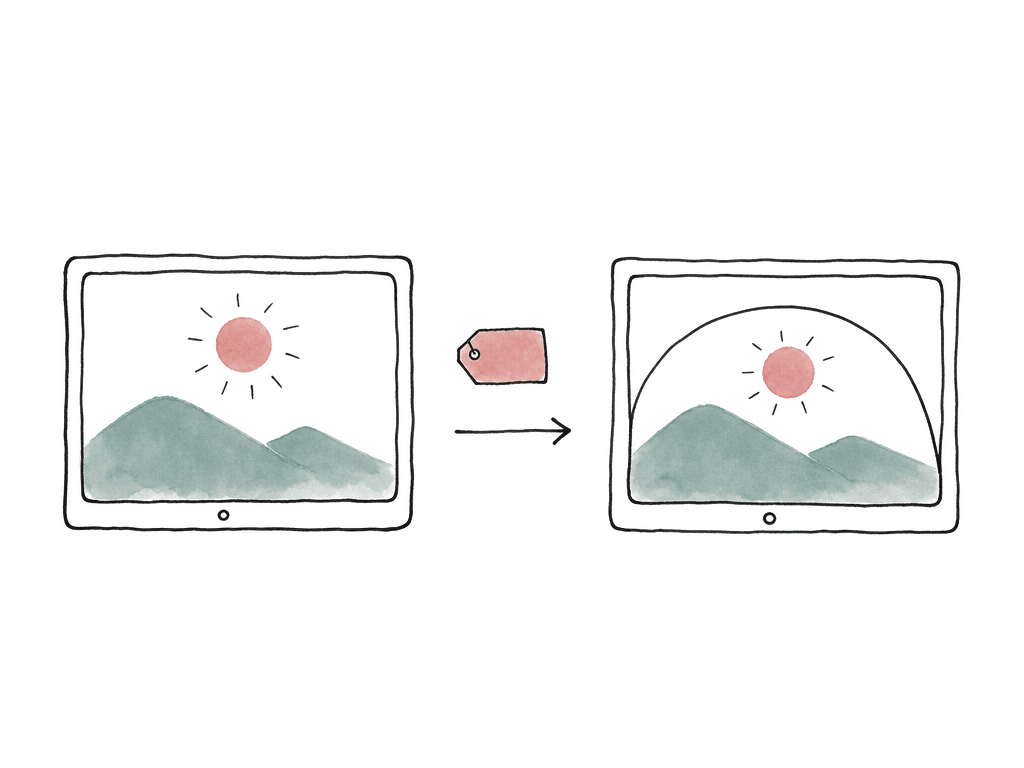
- Mastering display color volume, often referred to as SMPTE ST 2086
- Content light level metadata, commonly MaxCLL and MaxFALL from CTA-861.3
ffmpeg -i hdr_master.mov \
  -c:v libx265 \
  -pix_fmt yuv420p10le \
  -x265-params "profile=main10:colorprim=bt2020:transfer=smpte2084:colormatrix=bt2020nc:hdr10=1:hdr10-opt=1:master-display=G(13250,34500)B(7500,3000)R(34000,16000)WP(15635,16450)L(10000000,50):max-cll=1000,400" \
  -c:a aac -b:a 320k \
  output_hdr10.mp4
L(10000000,50) style notation is x265’s scaled representation of max and min luminance. Use the values from the actual mastering display, or from the mastering metadata supplied with the source.
If you're using a GUI encoder, look for settings named along these lines:
- HEVC profile: Main 10
- Export color space: Rec. 2020 PQ, HDR10, or equivalent
- Include HDR10 metadata
- Mastering display primaries and luminance
- MaxCLL and MaxFALL
Dynamic metadata changes the handoff
Static HDR10 metadata applies to the whole program. That is good enough for many streaming uploads, but it is coarse. A dark interior and a bright exterior get the same global metadata, so the TV or platform tone mapper has less to work with. Dynamic metadata formats exist to solve that:- HDR10+ carries dynamic metadata, usually scene-based or frame-based, alongside the HDR10-style base video.
- Dolby Vision carries dynamic metadata and may include additional profiles, compatibility layers, or platform-specific packaging requirements.
- Some encoders can pass or write HDR10+ metadata only with certain codec paths.
--dhdr10-info metadata.json
Keep editorial formats out of the delivery decision
A lot of HDR problems start earlier than export. Editorial may be cutting with proxies, optimized media, or long-GOP camera files. That's normal, and it shouldn't define the final streaming encode. H.265 is efficient because it's interframe compression, which means it stores differences across groups of pictures rather than complete independent frames. That is great for small streaming files and rough for editing. It gets worse with 10-bit 4:2:2 camera originals, with multicam or heavy effects, and on systems missing the right hardware decode block. For post, the cleaner order of operations is:- Camera originals or graded masters remain the image source of truth.
- Proxies or intraframe mezzanines handle editing performance.
- The final conform and grade output a high-quality HDR master.
- The HEVC streaming encode is made from that master.
Platform compatibility is narrower than “plays on my machine”
Consumer playback depends on the whole chain:- The file and its container
- The app, the OS, and the GPU
- The cable, the display, and any platform transcode

- A current HDR TV using the platform’s native app
- A recent HDR-capable phone or tablet
- A Windows or Mac system with HDR output actually enabled
- A streaming box connected to an HDR display
- The packaged stream, if your team will deliver the file as HLS or DASH
Inspect the file, then watch it
Use both technical inspection and real playback, because neither is enough alone. A media inspection tool should report the essentials:- HEVC Main 10
- BT.2020 color primaries
- PQ / SMPTE ST 2084 transfer
- BT.2020 non-constant luminance matrix
- Mastering display metadata
- Crushed shadows or clipped highlights
- Washed-out color or wrong saturation
- Playback that simply looks SDR
Metadata mistakes that break HDR
Most HDR delivery failures are mismatches between the image and the tags. Common failure modes include:- Encoding 8-bit video while tagging it as HDR
- Leaving export color space at Rec. 709
- Omitting mastering display metadata for an HDR10 deliverable
- Using full range when the expected delivery is limited range
- Judging HDR playback on an SDR desktop path
A sane delivery recipe
For a standard HDR10 streaming file, build the HEVC encode from an approved HDR master rather than from a random timeline preset. Configure it like this:- 10-bit HEVC Main 10, 4:2:0
- Rec. 2020 primaries, PQ transfer, BT.2020 non-constant luminance matrix
- Valid HDR10 static metadata
FAQ
No. 10-bit HEVC only confirms the bit depth and codec profile. For HDR10, the file also needs correct color signaling, usually BT.2020 primaries, PQ transfer, BT.2020 non-constant luminance matrix, and valid HDR metadata such as mastering display data plus MaxCLL and MaxFALL.
A common safe target is HEVC Main 10, 10-bit, 4:2:0, limited range, BT.2020 color primaries, SMPTE ST 2084 PQ transfer, BT.2020 non-constant luminance matrix, and HDR10 static metadata. The exact bitrate, GOP structure, audio format, and container should follow the platform delivery spec.
No. HDR metadata describes how HDR graded image data should be interpreted. It doesn't create HDR picture information. Adding PQ, BT.2020, or HDR10 metadata to an SDR Rec. 709 master can cause incorrect brightness, saturation, and tone mapping on playback.
HDR metadata has to be present wherever the target platform looks for it. Many workflows put HDR10 signaling in the HEVC bitstream, and containers can carry color and HDR metadata too. Some transcode and packaging systems preserve one location while dropping the other. Inspect the packaged HLS, DASH, or uploaded version, not only the source MP4.
The usual causes are missing or wrong color tags, HEVC Main instead of Main 10, 8-bit output, Rec. 709 signaling, missing HDR10 mastering metadata, unsupported dynamic metadata, or a playback path that isn't HDR capable. Test on the actual app, device, cable path, and display your viewers will use. If the file was uploaded, confirm the platform has finished its HDR processing.
Treat consumer-device testing like a review pass rather than a loose email thread. Aspect gives reviewers frame-accurate comments and annotations, so a note about clipped highlights, washed-out playback, or missing HDR mode lands on the exact frame in the review workflow.