
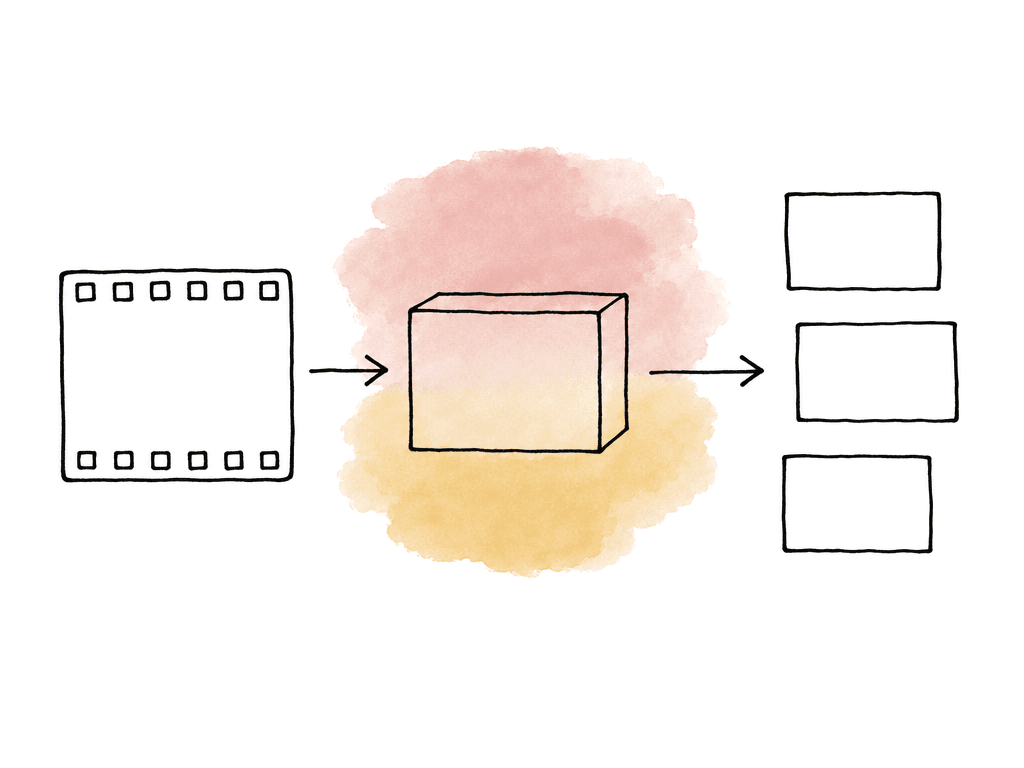
The preset decision that actually matters
For most post teams, the decision tree is simple. H.264 in an MP4 container is the safest upload preset when you need broad compatibility. It plays everywhere: YouTube and Vimeo, plus the clients and producers in your review workflows. H.265 is useful when file size is a real constraint and your encoding system can produce a clean HEVC file without slowing the room down. ProRes 422 HQ is a good Vimeo option when the project benefits from a higher-quality mezzanine upload and the team can tolerate the larger file and longer transfer. YouTube’s own upload guidance centers on H.264 in an MP4 container. Vimeo accepts most major codecs, but explicitly recommends H.264, H.265, and Apple ProRes 422 HQ for best results. So the default presets shouldn't be exotic. Make them plain and repeatable, so the next assistant editor can identify them in the export queue. A good delivery preset library has these variants:- YouTube 1080p H.264 MP4
- YouTube UHD H.264 MP4
- Vimeo 1080p H.264 MP4
- Vimeo UHD H.264 MP4
- Vimeo ProRes 422 HQ upload
- Optional H.265 versions for longform or bandwidth-constrained uploads
Vimeo_UHD_ProRes422HQ_Upload knows immediately that it isn't the same output as Vimeo_UHD_H264_ClientPreview.
| Preset | Container | Video codec | Best use | Main tradeoff |
|---|---|---|---|---|
| YouTube H.264 upload | MP4 | H.264 High Profile | Routine YouTube uploads and broad playback compatibility | Larger than HEVC at similar visual quality |
| Vimeo H.264 upload | MP4 | H.264 High Profile | Default Vimeo uploads, client-friendly files, and normal turnaround | Less robust than ProRes for gradients, grain, and heavy texture |
| Vimeo H.265 upload | MP4 | H.265/HEVC | UHD or longform uploads where transfer size matters | Slower encoding and less reliable local playback on older systems |
| Vimeo ProRes 422 HQ upload | MOV | Apple ProRes 422 HQ | High-value Vimeo uploads when source quality matters more than file size | Much larger files and longer uploads |
Build from the timeline, not from the platform player
Your export should start from the finished sequence settings and the actual delivery intent. Unless there's a clear reason not to, match the final timeline on resolution and frame rate, on aspect ratio and field order, and on color space. For most SDR web delivery, the baseline should look like this:- Progressive scan
- Square pixels
- Constant frame rate
- Native timeline frame rate
- Native timeline aspect ratio
- Rec.709 for standard SDR work
- AAC audio at 48 kHz for compressed MP4 delivery
YouTube upload preset settings
YouTube’s recommended upload settings are specific enough to turn into a clean preset. The normal choice is H.264 video in an MP4 container with AAC-LC audio. Use these settings as the base for a YouTube H.264 preset:- Container: MP4
- Video codec: H.264
- Profile: High
- Scan type: Progressive
- Entropy coding: CABAC
- B-frames: 2 consecutive B-frames
- GOP: Closed GOP, about half the frame rate
- Bitrate mode: Variable bitrate
- Audio codec: AAC-LC
- Audio sample rate: 48 kHz
- Audio channels: Stereo, or stereo plus supported surround where needed
- Fast Start: moov atom at the front of the file
- Edit lists: Avoid edit lists
- MP4 container with H.264 High Profile
- Progressive scan and VBR
- AAC audio
- Fast-start or web-optimized output
- 720p at 24, 25, or 30 fps: around 5 Mbps
- 1080p at 24, 25, or 30 fps: around 8 Mbps
- 1440p at 24, 25, or 30 fps: around 16 Mbps
- 2160p at 24, 25, or 30 fps: around 35 to 45 Mbps
- 720p at 48, 50, or 60 fps: around 7.5 Mbps
- 1080p at 48, 50, or 60 fps: around 12 Mbps
- 1440p at 48, 50, or 60 fps: around 24 Mbps
- 2160p at 48, 50, or 60 fps: around 53 to 68 Mbps
- Noisy concert footage or dense particles
- Fast camera moves, water, or confetti
- Film grain and dark gradients
Vimeo upload preset settings
Vimeo gives teams a little more room in the upload file. Its compression guidance recommends H.264, H.265, and ProRes 422 HQ. Vimeo’s OTT guidance lists a 250 GB file size limit. For normal upload workflows, H.264 MP4 is still the best default. ProRes 422 HQ earns the larger file on high-value masters and screenings, on portfolio work, and on any piece where gradients or texture matter. A solid Vimeo H.264 MP4 preset should use:- Container: MP4
- Video codec: H.264
- Profile: High where available
- Scan type: Progressive
- Frame rate: Native and constant
- Resolution: Match the finished sequence
- Pixel aspect ratio: Square pixels
- Bitrate mode: VBR
- Audio codec: AAC
- Audio sample rate: 48 kHz
- Container: MOV
- Video codec: Apple ProRes 422 HQ
- Resolution: Match the finished sequence
- Frame rate: Native and constant
- Scan type: Progressive
- Audio: Uncompressed PCM or high-quality audio settings from the finishing app
Where H.265 fits
H.265, also called HEVC, can deliver similar visual quality to H.264 at a smaller file size, especially at UHD resolutions. Vimeo recommends H.265 as one of its preferred codecs. YouTube accepts HEVC uploads in many workflows, but its published recommendation still points editors toward H.264 MP4. The tradeoff is time and compatibility. H.265 is slower to encode and slower to QC on older machines. It also complicates approval workflows when a stakeholder downloads the file and tries to play it locally. Hardware encoding helps, but hardware encoders vary in quality. A fast HEVC export from one workstation may not look as good as a slower software encode, or as a higher-bitrate H.264 export from another. Use H.265 when smaller transfers justify the additional compatibility checks. Choose the upload format based on these needs:- H.264 MP4 for routine YouTube and Vimeo uploads
- H.265 MP4 for UHD uploads where bandwidth or storage is tight
- ProRes 422 HQ for Vimeo when upload quality matters more than transfer size
- A separate ProRes or DNxHR master for archive, not as a replacement for platform-specific uploads
Aspect ratio and resolution choices
Don't force every export into 16:9 just because the platform player is often 16:9. Export the actual finished frame.
- Exporting a vertical sequence inside a horizontal 16:9 frame
- Adding black bars in the edit instead of using the correct sequence raster
- Scaling UHD media down to HD, then upscaling it back to UHD for upload
- Misinterpreting pixel aspect ratio on legacy or broadcast-derived media
- Cropping captions, lower thirds, or graphics because the export preset used the wrong dimensions
Bitrate is content-dependent
Bitrate recommendations are useful starting points, but the content decides whether they're enough. Compression has an easy time with a clean interview. It has a hard time with handheld night exteriors, smoke, and rain. Grain and fast cuts are hard. So are screen recordings full of tiny text, and animated gradients.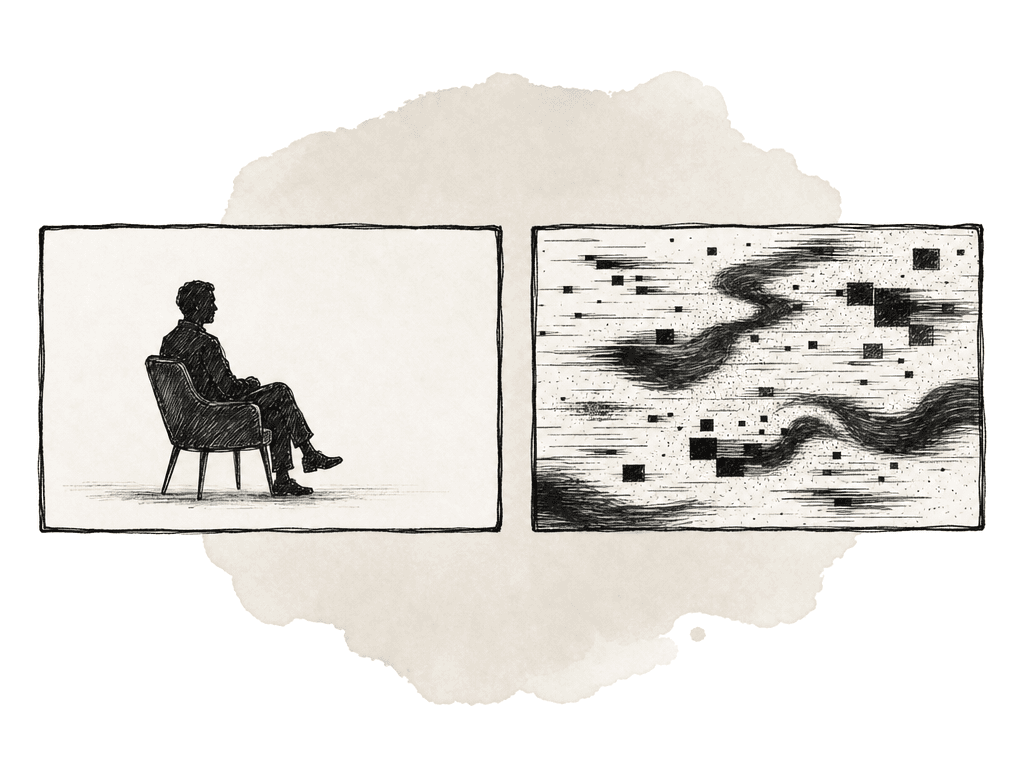
- Banding in skies, walls, shadows, or gradients
- Blockiness in dark areas
- Smearing in fast motion
- Crawling noise around titles or fine patterns
- Softened texture in skin, fabric, foliage, or grain
- Increase the upload bitrate
- Use a better encoder mode
- Export from a higher-quality source
- Choose a mezzanine upload where the platform supports it
Avoid generation loss
The best way to re-encode a file is to export again from the project or finishing application. Don't transcode a compressed approval copy into another compressed upload. Vimeo says this directly in its guidance, and it matches normal post-production practice.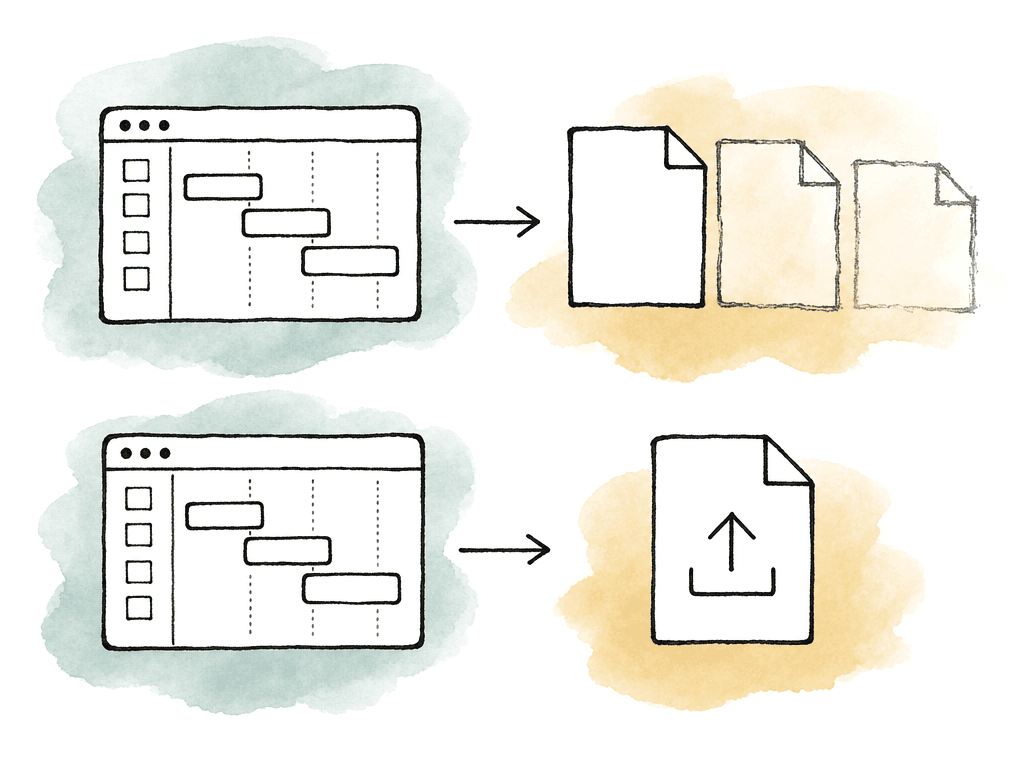
- Camera original to proxy
- Proxy to review MP4
- Review MP4 downloaded from a platform
- Downloaded MP4 re-exported for YouTube or Vimeo
- Platform transcodes again
- Camera originals or high-quality intermediates into edit
- Conform or relink for finishing
- Export a high-quality master
- Encode platform upload from the master or directly from the finishing timeline
- Keep the platform upload file with the delivery record
Audio settings that don't cause surprises
Audio is less mysterious than video, but it still causes delivery problems. Use 48 kHz audio for both platforms. For MP4 exports, AAC-LC is the safe default. YouTube supports AAC-LC, Opus, and newer immersive options in certain workflows, but AAC-LC is still the normal web video delivery choice. For stereo web uploads, keep it simple:- Codec: AAC-LC
- Sample rate: 48 kHz
- Channels: Stereo
- Bitrate: 320 kbps when available, or another high-quality AAC setting
How to test the preset once
Test the preset on material that's hard enough to expose problems. Use a short test timeline with the kinds of shots your team actually delivers:- A dark scene with gradients or shadow detail
- Fast motion or handheld camera movement
- Fine texture such as hair, fabric, foliage, or grain
- Graphics, subtitles, and lower thirds
- A shot with saturated color
- A typical dialogue section with final mix audio
- Export with the preset.
- Watch the file locally.
- Upload it privately or unlisted.
- Compare the platform playback once transcoding finishes.
Naming and maintaining presets
Preset names should remove ambiguity. Include the platform and the raster, then the codec and the purpose, plus the frame rate when it matters. For example:YouTube_1080p_H264_UploadYouTube_UHD_H264_UploadVimeo_UHD_HEVC_UploadVimeo_UHD_ProRes422HQ_UploadArchive_UHD_ProRes422HQ_Master
The clean export wins
YouTube and Vimeo are going to transcode your upload. What you control is the quality, structure, and correctness of the file you hand them. For YouTube, default to H.264 MP4 with these settings:- Progressive video, High Profile, VBR
- AAC-LC audio at 48 kHz
- Fast Start enabled, no edit lists
FAQ
H.264 in an MP4 container is the safest default for both platforms because it's widely supported, easy to review, and aligns with YouTube’s recommended upload guidance. H.265 can be useful for UHD files when upload size is a constraint, but it may take longer to encode and can create playback or QC issues on older systems. Vimeo also supports ProRes 422 HQ for higher-quality uploads when file size and transfer time are acceptable.
ProRes 422 HQ can give Vimeo a cleaner source file to transcode, especially for high-value work with gradients or texture, grain, or heavy motion. The tradeoff is much larger file size and longer upload time. For routine web delivery, H.264 MP4 is the practical default. For portfolio pieces, screenings, and premium client work, ProRes 422 HQ is worth using if the schedule supports it.
Use YouTube’s published recommendations as a starting point, not as a strict ceiling. For SDR video, common targets include about 8 Mbps for 1080p at 24 to 30 fps, about 12 Mbps for 1080p at 48 to 60 fps, about 35 to 45 Mbps for UHD at 24 to 30 fps, and about 53 to 68 Mbps for UHD at 48 to 60 fps. Noisy, fast-moving, dark, or highly detailed material often benefits from higher upload bitrates.
A compressed review file has already lost image information. If it's downloaded, re-exported, and then uploaded to YouTube or Vimeo, the platform transcode starts from a degraded source. That can increase banding and blockiness, along with smearing and soft edges. The better workflow is to encode the platform upload from the finishing timeline, a conformed project, or a high-quality master.
In most cases, no. Export the finished frame at its intended dimensions instead of baking black bars into a 16:9 file. Baked-in letterboxing or pillarboxing can cause the platform player to display the video inside additional framing, especially on phones, embedded players, or non-standard layouts. Use the correct sequence raster and scale only when there's a deliberate delivery requirement.
Export a short stress test, upload it privately or unlisted, then compare the local file and the platform playback after processing finishes. Frame-specific notes are important because compression problems often appear in one gradient, title, or fast-motion shot. Aspect supports frame-accurate comments and annotations in the review workflow.