
Start with the stage of the job
Most teams touch the same media in several different ways before finishing. The list runs from ingest and offline editorial through review, conform, and color, then on to VFX and finishing, then mastering and archive. One ProRes flavor rarely fits all of those stages. Choose a ProRes flavor based on the stage of production and the information the file needs to carry:| Workflow stage | Usually use | Why it fits | Usually avoid |
|---|---|---|---|
| Offline editorial, multicam, remote cuts | ProRes Proxy | Keeps files small, improves playback, and makes transfers easier while preserving edit decisions for conform | Using it as the only finishing, color, VFX, or delivery source |
| General optimized editorial | ProRes 422 or ProRes 422 LT | Gives smoother editing than many camera codecs without the storage load of HQ or 4444 | Using it when alpha, 4:4:4 color, or maximum finishing headroom is required |
| Online editorial and 4:2:2 mezzanine | ProRes 422 HQ | Balances high image quality, broad compatibility, and manageable storage for serious 4:2:2 work | Using it for transparent graphics or as a blanket transcode when Proxy or LT would do |
| Graphics, VFX returns, alpha elements | ProRes 4444 | Carries full chroma and can include alpha in the same file | Using 422 HQ when transparency must travel with the media |
| HDR finishing, aggressive grade, high-end VFX | ProRes 4444 XQ | Provides the most ProRes headroom for 4:4:4:4 sources, HDR, and heavy image manipulation | Using it for routine offline, review files, or sources that cannot benefit from the extra data rate |
- Offline editorial: ProRes Proxy
- General optimized editorial: ProRes 422 or ProRes 422 LT, depending on the source and facility standard
- Online editorial and high-quality 4:2:2 mezzanine: ProRes 422 HQ
- Graphics, VFX pulls, alpha, high-quality 4:4:4 interchange: ProRes 4444
- HDR finishing, heavy grading, extreme VFX, high-quality 4:4:4:4 sources: ProRes 4444 XQ
Why the flavors behave differently
ProRes is an intra-frame mezzanine codec. In plain language, each frame is compressed as its own picture rather than depending heavily on neighboring frames the way long-GOP delivery codecs do. That's a big reason ProRes is common in editorial and finishing. NLEs find it easier to scrub and play, and easier to render and recompress, than many acquisition or streaming codecs. The flavor names describe two different things:- Sampling family: 4:2:2 or 4:4:4:4
- Data rate target: how much bandwidth the codec is allowed to use for the image
Data rates you can plan around
ProRes bit rates are nominal because they scale with resolution and frame rate, and actual files vary with image content. Still, the standard 1080p 29.97 targets are useful for storage planning. Approximate target data rates at 1920 x 1080, 29.97 fps:| ProRes flavor | Approx. data rate | Approx. storage per hour | Typical role |
|---|---|---|---|
| ProRes Proxy | 45 Mbps | 20 GB/hour | Offline editorial, remote cuts, low-bandwidth review |
| ProRes 422 HQ | 220 Mbps | 99 GB/hour | Online editorial, high-quality 4:2:2 mezzanine |
| ProRes 4444 | 330 Mbps | 149 GB/hour | 4:4:4 workflows, graphics, alpha, VFX interchange |
| ProRes 4444 XQ | 500 Mbps | 225 GB/hour | HDR finishing, heavy grading, high-end VFX, high-quality 4:4:4:4 sources |
ProRes Proxy is for speed
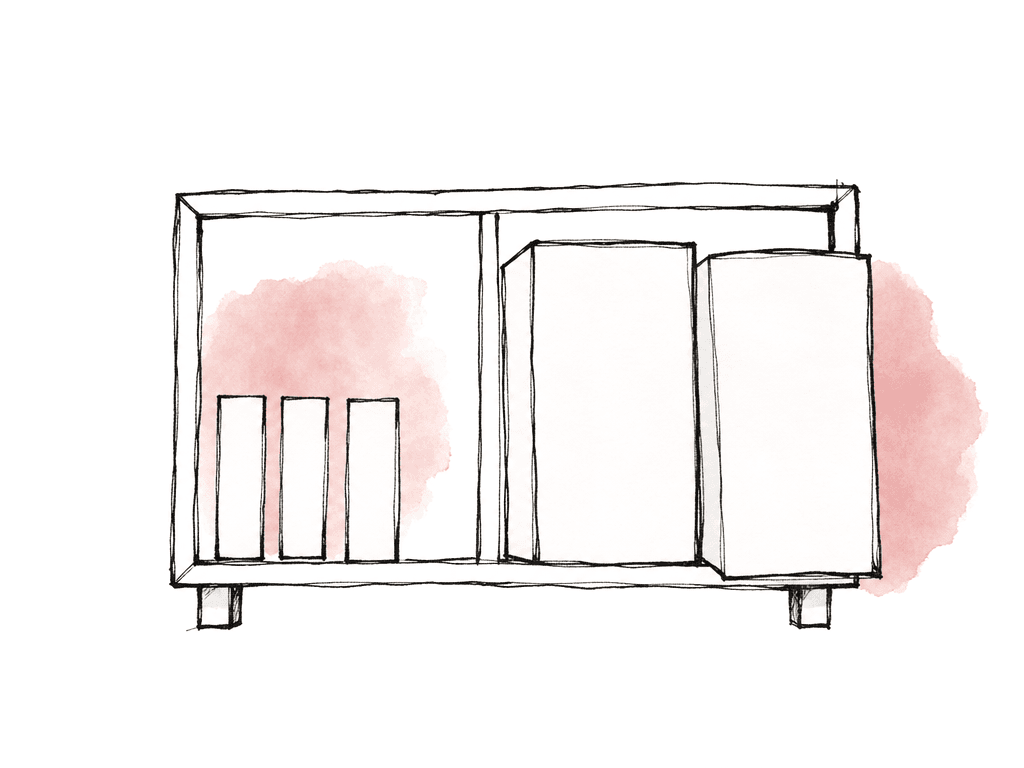
ProRes Proxy is built for low data rate, smooth playback, and smaller files. It's the right choice when editorial needs responsiveness more than finishing fidelity. That covers multicam and remote editorial, assistant prep, and story cuts. It also covers offline work where the final conform will relink to the camera originals or higher-quality transcodes. A good proxy workflow keeps the editorial experience light while preserving the information needed for conform. The proxy doesn't need to match the original’s full resolution, but it does need to behave like a stand-in for the same clip.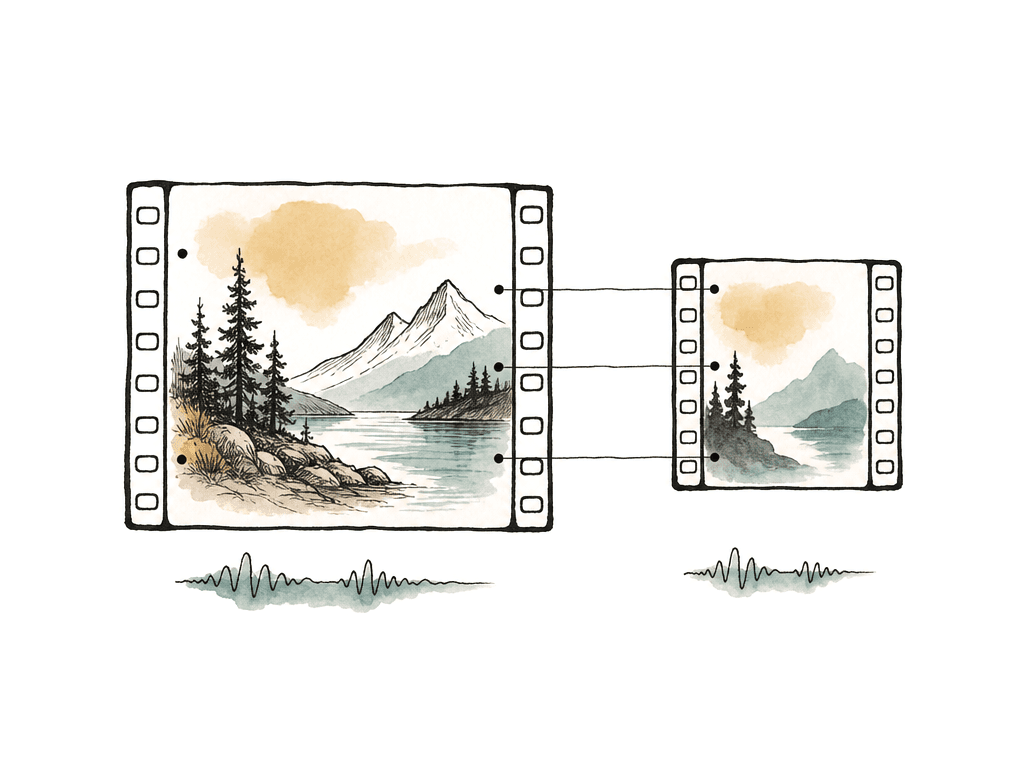
- Matching timecode
- Matching reel, clip name, or unique source metadata used by the conform
- Matching audio channel layout where the NLE requires it
- Consistent frame rate interpretation
- Predictable file naming and folder structure
ProRes 422 HQ is the safe online workhorse
ProRes 422 HQ is often the point where image quality, compatibility, and storage feel balanced for serious 4:2:2 workflows. It is a strong choice for online editorial and finishing prep. It also suits broadcast-style mezzanine files and high-quality exports for color, especially when the source is high-quality 4:2:2 camera media. Compared with lower 422 flavors, it uses a higher data rate and gives the image more room to survive rendering, grading, and additional compression. That counts when your team will use the file as a working master or pass it between departments. ProRes 422 HQ makes sense when:- The source is 10-bit 4:2:2 or better, but the workflow doesn't need alpha
- Your team will use the file for online editorial, color prep, or mastering support
- The team needs a high-quality mezzanine that most post systems can read easily
- Storage is available, but 4444 or 4444 XQ would be excessive
- The deliverable chain still includes later compression to H.264, HEVC, XDCAM, IMF, or another distribution format
ProRes 4444 is about channels
ProRes 4444 is where the workflow changes from “high-quality video” to “high-quality video plus full chroma and possibly alpha.” That alpha channel is the deciding factor for many real jobs. Use ProRes 4444 for:- Motion graphics with transparency
- Lower thirds, bugs, overlays, and titles that need alpha
- VFX plates or returns where 4:4:4 color matters
- Compositing elements that your team will layer in another system
- High-quality RGB-style interchange between finishing tools
ProRes 4444 XQ is justified when the grade or VFX will punish the image
Apple describes ProRes 4444 XQ as the highest-quality ProRes format for 4:4:4:4 image sources, including alpha channels. It's designed for very high data rates, high dynamic range imagery, and workflows where blacks or highlights may be stretched significantly during VFX or finishing. That's the key phrase: stretched significantly. Aggressive tone mapping and HDR finishing qualify. So do heavy keys, deep color manipulation, and multiple VFX generations. In those cases, compression artifacts that were invisible in a normal Rec. 709 grade become visible once the image gets pushed hard.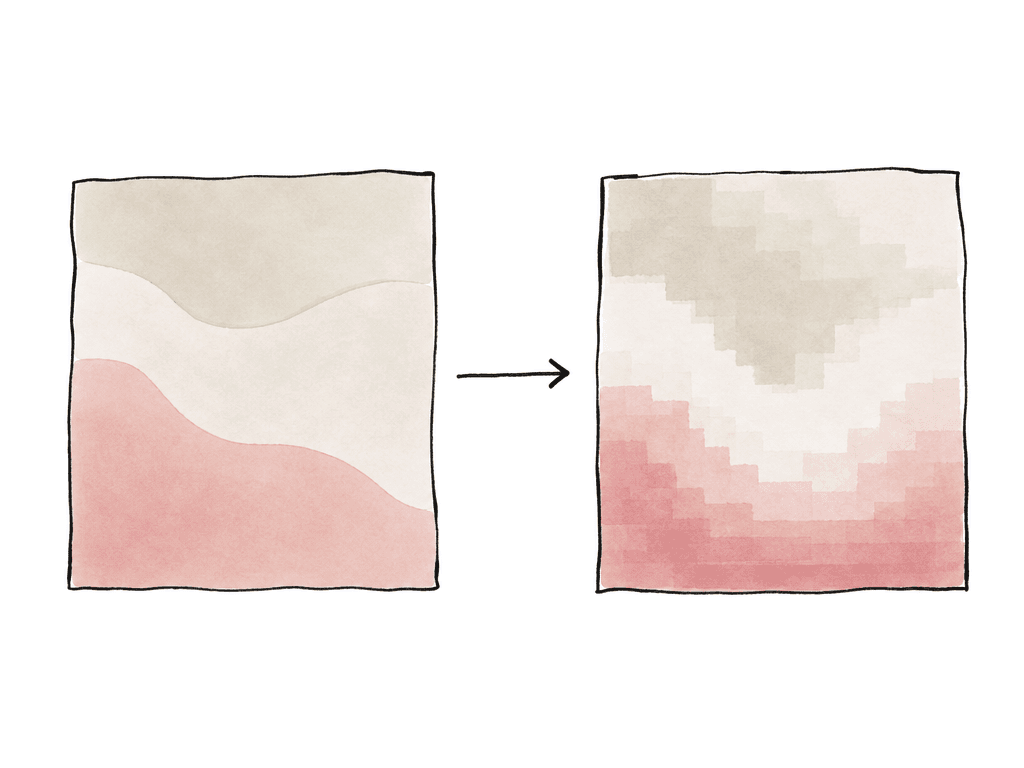
- The source is high-quality 4:4:4, RGB, log, HDR, or otherwise rich enough to benefit
- The project is finishing in HDR or preserving extended dynamic range
- VFX will perform aggressive keys, pulls, composites, or tone-scale operations
- Your team may render, process, and re-render the file across multiple departments
- The storage and network plan can actually support the data rate
- The receiving tools support the format reliably
Alpha changes the decision immediately
Alpha is one of the clearest decision points in the ProRes family. If transparency must travel inside the media file, you're in 4444 territory, because ProRes 422 variants don't carry alpha. For editorial teams, this appears in three places:- Graphics packages from design or motion teams
- VFX returns that need to composite over picture
- Textless, clean, or localized elements that need to be rebuilt downstream
ProRes RAW is a different conversation
ProRes RAW and ProRes RAW HQ often get pulled into the same codec discussion because the name is similar. They're related, but they solve a different problem. ProRes RAW applies ProRes-style compression to raw sensor data, preserving raw flexibility in a format designed for performance. That isn't the same as ProRes 4444 XQ. ProRes 4444 XQ is a high-quality rendered video codec for 4:4:4:4 image sources. ProRes RAW is for raw camera data, where debayering and ISO may still be open. So may white balance and other raw processing decisions. If your team captures the project in ProRes RAW, the decision changes shape. It becomes a question of when to stay raw, when to generate proxies, and what format to render for VFX, color, or delivery. Many teams still create ProRes Proxy for editorial. They then conform back to the raw media, or render high-quality ProRes intermediates once image decisions are locked.Storage math should happen before transcode day
Codec decisions get expensive once the media has already been copied and duplicated, then synced and distributed. Even rough math up front helps. Use this simple estimate:Mbps x 0.45 = GB per hour
So a 220 Mbps ProRes 422 HQ file is about 99 GB per hour. A 500 Mbps ProRes 4444 XQ file is about 225 GB per hour at the 1080p 29.97 reference rate. Scale up for 4K and higher frame rates. Scale up again for multicam, versions, and backups.
For a real production, the storage footprint includes more than the camera duration:
- Original camera files
- Audio originals
- Proxy media
- Optimized or mezzanine transcodes
- Render cache
- VFX pulls and returns
- Review exports
- Final masters
- Backups and shuttle copies
A decision rule that holds up in production
Choose the lowest ProRes flavor that preserves what the next stage actually needs. For offline editorial, the next stage needs edit decisions, sync, and timecode. It also needs metadata and smooth playback. ProRes Proxy covers that. For online editorial and high-quality 4:2:2 interchange, the next stage needs a strong mezzanine image without alpha. ProRes 422 HQ covers that. For graphics and compositing, the next stage may need full chroma and transparency. That is ProRes 4444. For HDR finishing, heavy VFX, or images that your team will push hard, the next stage may need maximum 4:4:4:4 headroom. ProRes 4444 XQ can be right, but only when the source and finishing path justify it. For each handoff, identify the image information the recipient needs and the storage and transfer cost of preserving more. Different stages of the same show can use different ProRes flavors.FAQ
Use ProRes Proxy for offline editing when the priority is smooth playback, smaller files, multicam performance, or remote editorial. The proxies should preserve timecode, clip identity, audio mapping, and frame rate interpretation so the cut can relink cleanly to camera originals or higher-quality media later.
Choose ProRes 4444 when you need 4:4:4 color sampling, RGB-style interchange, or an embedded alpha channel. ProRes 422 HQ is high quality, but it doesn't carry alpha. That rules it out for transparent graphics, lower thirds, overlays, VFX returns with transparency, or compositing elements that need to layer over picture.
ProRes 4444 XQ is most justified for high-end 4:4:4:4 sources, HDR finishing, aggressive grading, demanding VFX, heavy keying, or workflows with multiple high-quality render generations. It's usually overkill for normal offline editing, review exports, and projects sourced from heavily compressed 8-bit 4:2:0 media where the extra data rate can't restore missing image information.
At 1920 x 1080 and 29.97 fps, ProRes Proxy is roughly 20 GB per hour, ProRes 422 HQ is about 99 GB per hour, ProRes 4444 is about 149 GB per hour, and ProRes 4444 XQ is about 225 GB per hour. UHD 4K at the same frame rate is roughly four times larger. Higher frame rates, versions, renders, audio, and backups increase the total footprint further.
No. Transcoding low-quality footage to a higher ProRes flavor can make a more editing-friendly or more robust mezzanine file. It can't recreate bit depth, chroma resolution, dynamic range, or detail that wasn't captured in the original. For example, 8-bit 4:2:0 footage doesn't become true 12-bit 4:4:4 simply because it's transcoded to ProRes 4444 XQ.
Keep one authoritative media set and let editors access it on demand instead of cloning terabytes of mezzanine files. Aspect lets teams mount a project like a drive and work from a shared cloud filespace, so ProRes media can stay centralized while editors open what they need in Finder, File Explorer, or their NLE.