

Start with the delivery family, not the wrapper
“MXF OP1a” isn't a complete delivery spec. It tells you the file is a single interleaved package holding video and audio essence. It says nothing about the exact codec, the audio layout, or the timecode mode. It is equally silent on descriptive metadata, caption carriage, and required identifiers. For broadcast delivery, the requirement is often a constrained MXF profile: AS-03, AS-11, AS-11 UK DPP HD, AS-11 X1, or AS-11 X9. Broadcasters also publish their own variants based on one of those. These profiles exist because generic MXF leaves too much room for interpretation. Your team should make one of these first decisions:- For finished program delivery to a broadcaster or publisher, expect an AS-11-style requirement or a house spec derived from it.
- For program delivery where traffic metadata is delivered separately, AS-03 concepts are common, with file metadata used to identify and verify the content against external systems.
- For production interchange across ingest, edit, server, playout, archive, and fulfillment, AS-10 may be relevant, especially in XDCAM-style production workflows.
- For NLE-native media exchange, OP-Atom or vendor-specific MXF may be correct for edit workflows, but that isn't the same as a broadcast delivery master.
The metadata automation systems actually care about
Automation systems care about metadata that answers a few operational questions. What is this file? Does it match the scheduled asset? Where does playback begin? Which tracks should be routed? Are captions or subtitles present? Is this the right version?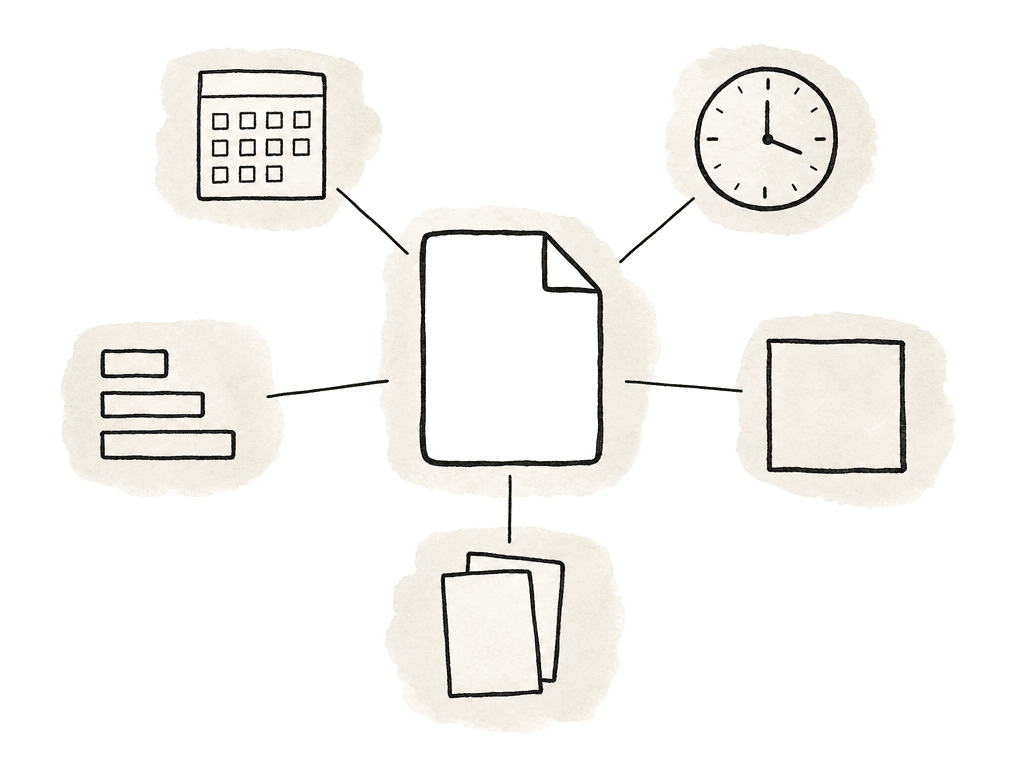
| Metadata area | Typical fields | Why automation cares | Common failure pattern |
|---|---|---|---|
| Structural and identifiers | Material Package name and UMID, File Package UMID, track IDs, essence descriptors, operational pattern | Lets ingest, MAM, QC, archive, and playout systems identify the MXF as a coherent asset | File plays, but is rejected as unsupported, duplicate, mismatched, or not linked to the expected record |
| Timing | Material Package timecode, start timecode, drop-frame mode, edit rate, duration, segment timing | Tells automation where playback starts and how captions, parts, replacements, and schedules line up | Timecode mismatch, one-frame duration errors, caption drift, wrong segment timing |
| Descriptive metadata | Program title, series, episode, production number, version, synopsis, originator, rights, broadcaster IDs | Connects the media file to traffic, portal, compliance, and scheduling records | File name looks correct, but embedded metadata is missing, inconsistent, or not accepted by the broadcaster shim |
| Audio and captions | Track count, channel layout, track labels, language tags, M&E, audio description, caption presence, caption carriage | Determines routing, language selection, accessibility handling, and compliance checks | Valid audio or captions are present, but automation cannot identify roles, languages, or required presence signaling |
- Material Package name
- Material Package UMID
- File Package name
- File Package UMID
- Track IDs
- Track names
- Essence descriptors
- Duration
- Operational Pattern, commonly OP1a for delivery
- Codec and essence container labels
- Material Package timecode track
- Start timecode
- Drop-frame or non-drop-frame mode where applicable
- Edit rate
- Duration in frames
- Segment or part timing, if the delivery spec supports program segmentation
- Program title
- Series title
- Episode title or number
- Production number
- Version or edit identifier
- Synopsis or description, where required
- Originator or production company
- Rights or usage fields, where required
- Audio description presence
- Sign language presence
- Subtitles or captions present
- Clock, part, or segmentation information
- Broadcaster-specific IDs
- Audio track count
- Channel layout
- Track labels
- Language tags
- Stereo, dual mono, 5.1, M&E, audio description, or other role labels
- Captions or subtitles presence
- Caption format and carriage method
- Ancillary data descriptors where applicable
UMID matters for ingest and relinking
The UMID, or Unique Material Identifier, gets ignored until an ingest system rejects the file or an NLE relinks it strangely. In MXF, identifiers can link essence and metadata within a file, link file material to external metadata, and connect metadata stored in the MXF with records in other systems. Automated broadcast environments rarely handle a media file in isolation. The file gets matched against traffic systems, media asset management records, and QC reports. It also has to line up with replacement deliveries, archive entries, and playout schedules. A well-formed file typically has UMIDs at package level. Depending on the application, systems may care about:- Material Package UMID
- File Package UMID
- Source Package identifiers
- Track IDs that are unique within a package
- Spanning IDs when a production format splits material across files
Timecode needs to match the delivery logic
Timecode is one of the easiest metadata fields to set casually. Once a file has cleared review and QC, then traffic matching and playout testing, changing it is expensive. Automation systems use timecode for one or more jobs:- Confirming the program starts at the expected point
- Matching part timings or segment markers
- Validating caption timing
- Supporting replacement of acts, parts, or versions
- Supporting archive and downstream edit references
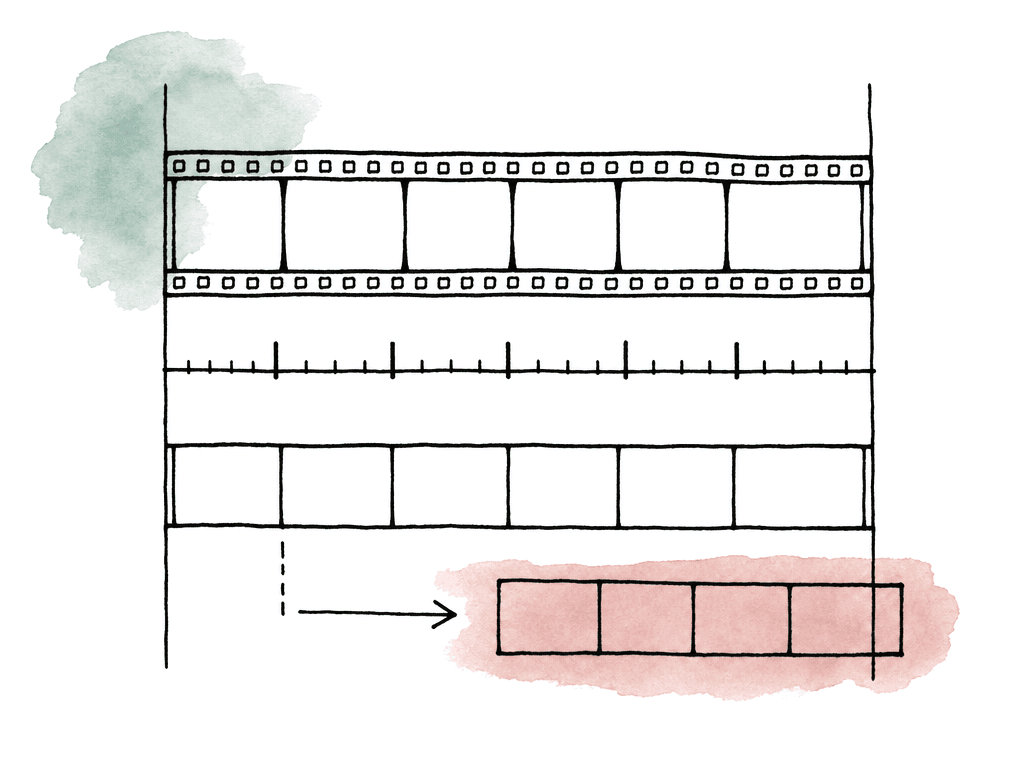
- Exporting from a sequence that starts at 00:00:00:00 when the broadcaster expects 10:00:00:00.
- Mixing drop-frame and non-drop-frame assumptions on 29.97 fps material.
- Rewrapping a file and losing the original timecode track.
- Exporting captions from a different timeline version than the MXF master.
- Trimming leader or tail without updating duration and part metadata.
Descriptive metadata can be embedded, external, or both
Many delivery problems come from assuming descriptive metadata is “paperwork,” while the broadcaster expects some of it inside the MXF. MXF supports descriptive metadata as plug-ins carried in header metadata. AS-11 builds on that model for finished program contribution and delivery. AS-11 UK DPP HD, AS-11 X1 for UHD, and AS-11 X9 for North American AVC delivery each define a constrained package for a specific business purpose. Each also sets codec constraints and representation rules for descriptive and technical metadata. Depending on the spec, your team may need to deliver descriptive metadata as:- MXF descriptive metadata sets
- AS-11 Core descriptive metadata
- Broadcaster-specific descriptive metadata
- Embedded XML documents in header metadata
- External sidecar metadata submitted through a portal or traffic system
Embedding metadata during export
The best time to get MXF metadata right is during the master export or wrapping stage. Fixing metadata after export is possible in some workflows, but it carries risk. Not every tool can rewrite MXF header metadata safely. A careless rewrite disturbs identifiers and indexes, or changes durations and essence references. A reliable export setup usually starts with these decisions:- Delivery spec or shim
- MXF operational pattern
- Video codec and profile
- Audio track count and channel layout
- Caption or subtitle carriage
- Start timecode and timecode mode
- Package name and file naming convention
- Required descriptive metadata fields
- Whether your team enters metadata in the NLE, imports it from XML, adds it by a wrapping tool, or injects it by a delivery system
Verification belongs inside the workflow
Verify the file at every point where the MXF is created or wrapped, transcoded, or where metadata is modified. Waiting until the final upload is how teams discover that a perfectly viewable master has the wrong start time or unlabeled audio. It may also be missing AS-11 metadata, or carrying a package identifier the receiving system doesn't like. Use different tools for different questions:- General media inspection tools are good for codec, duration, frame rate, audio channels, and basic timecode visibility.
- Command-line probing tools are useful for repeatable reports in automated pipelines.
- MXF-aware analyzers are better for package structure, operational pattern, header metadata, descriptors, indexes, and UMIDs.
- Use AS-11, DPP, or broadcaster-specific validators when the delivery target is a formal constrained profile.
- Your team still needs full QC systems for picture, audio, captions, loudness, gamut, and delivery compliance.
Failure modes that look like mystery rejections
Broadcast MXF failures look vague from the outside. The portal returns “invalid metadata,” “unsupported MXF,” “timecode mismatch,” or “audio configuration error.” Underneath, the cause is specific. Common metadata-related failure modes include:- The file is OP1a MXF, but not the required AS-11 or broadcaster shim.
- The Material Package timecode starts at the wrong value.
- Duration in header metadata doesn't match the essence duration.
- Audio tracks are present but not labeled correctly.
- Descriptive metadata is missing required fields.
Different broadcasters, different rules
The hardest part of MXF metadata is managing variation. AS-11 itself is a family of constrained delivery specifications. UK DPP HD, UHD-oriented X1, and North American X9 exist because different markets and business requirements need different constraints. Individual broadcasters then add their own naming rules and metadata fields. They may also specify audio layouts and caption expectations, or their own portal validation and traffic matching behavior. The practical way to manage this is to treat each broadcaster requirement as a separate deliverable profile, not as a small tweak to “the MXF preset.”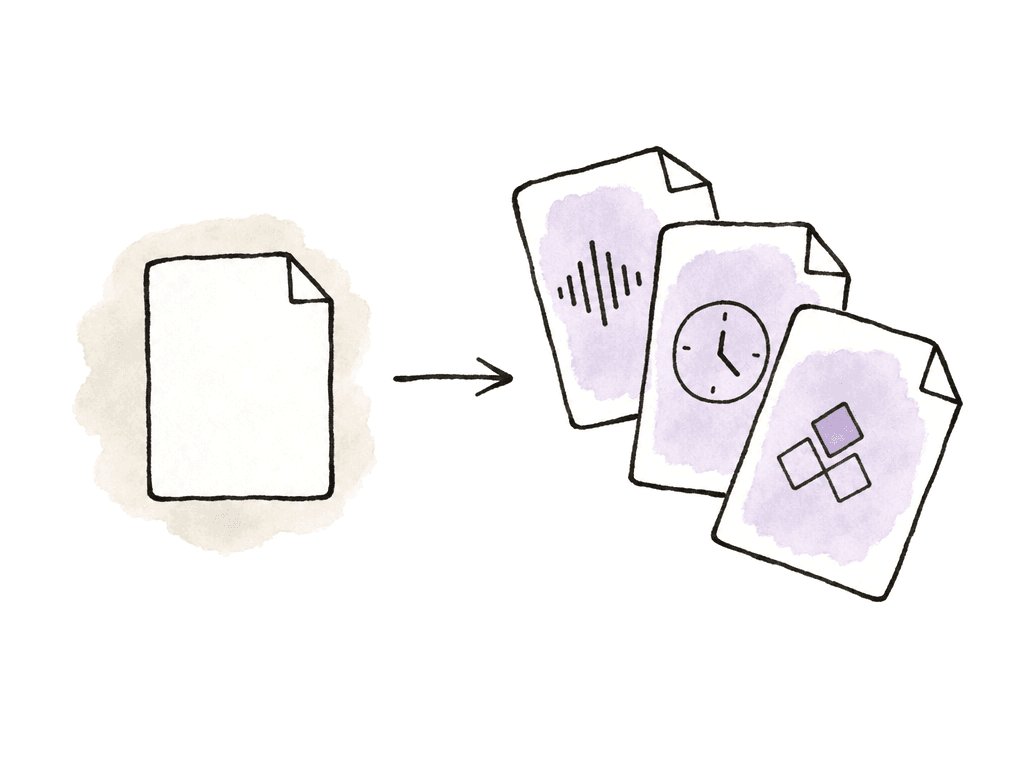
- Accepted MXF family and shim
- Required codec, raster, frame rate, and bit depth
- Audio layout, labels, languages, and silence rules
- Caption or subtitle format and presence signaling
- Start timecode and drop-frame requirements
- Required embedded descriptive metadata
- Required external metadata or portal fields
- File naming convention
- Whether bars, tone, slate, clock, leader, or tail are expected
- Approved validation tool or report format
An MXF metadata workflow
A sane workflow is simple: define the target, export to the target, inspect against the target, then preserve the evidence. In prep, collect the broadcaster delivery spec and confirm the exact profile, not just “MXF.” In finishing, set the timeline start and audio layout to match that profile, along with captions and sequence metadata. During export, use the most specific conforming preset available. Then populate package and descriptive metadata from an approved source. After export, inspect the file with a general media tool and a profile-specific validator when one exists. If the file needs a transcode or rewrap after finishing, repeat the metadata inspection after that step. Don't assume a pass on the mezzanine export means the delivered wrapper is still compliant. The goal is a file the automation system has nothing to say about. Correct identifiers and correct timecode. Correct descriptive metadata and correct audio labels. A profile the broadcaster actually asked for. Get those right and the file clears ingest and QC, then scheduling, playout and archive, with nobody rescuing it by hand.FAQ
Usually not by itself. MXF OP1a describes the file structure, but it doesn't define the full delivery requirement. Broadcasters often expect a constrained profile or shim: AS-11, AS-11 UK DPP HD, AS-11 X1, AS-11 X9, AS-03, or a house specification. Codec, audio layout, timecode, captions, descriptive metadata, and identifiers all have to match the broadcaster’s delivery document.
The structural group covers Material Package name, Material Package UMID, File Package name, File Package UMID, track IDs, track names, essence descriptors, duration, operational pattern, and codec labels. The timing group covers timecode track, start timecode, and edit rate. The descriptive and audio groups cover audio layout, language tags, caption presence, program title, version ID, production number, and broadcaster-specific asset IDs. The exact field list depends on the broadcaster and delivery profile.
Sometimes, but it should be done carefully with MXF-aware tools. Rewriting metadata after export can disturb header metadata and identifiers, or change indexes, durations, and essence references if the tool isn't appropriate for the delivery profile. It's safer to populate required metadata during export or wrapping, then validate the file immediately after any metadata change.
General inspection tools can confirm codec, frame rate, duration, channel count, and basic timecode. Command-line probes are useful for repeatable pipeline reports. MXF-specific analyzers are better for package structure, UMIDs, operational pattern, essence descriptors, and header metadata. For formal delivery profiles, use an AS-11, DPP, or broadcaster-specific validator when available.
Broadcasters use different MXF profiles and metadata fields. They also differ on audio layouts, caption rules, timecode expectations, file naming conventions, and portal validation systems. A file that's valid for one delivery target may fail another because the metadata doesn't match that broadcaster’s shim or house specification. Treat each broadcaster’s requirement as a separate deliverable profile.
Keep those files in one governed project space instead of scattering them across local drives, transfer links, and email threads. Aspect gives editors, assistants, and post supervisors one shared cloud filespace, so the MXF, validation report, captions, metadata spreadsheet, and broadcaster spec stay together for everyone working on the delivery.