The profile map
Here is the short version most teams need when building an Avid pipeline:- DNxHR LB: low-bandwidth 8-bit 4:2:2 media for proxies and offline editorial.
- DNxHR SQ: standard-quality 8-bit 4:2:2 media for better-looking offline, light effects, and screenings where LB is too soft.
- DNxHR HQ: high-quality 8-bit 4:2:2 media for finishing only when 8-bit is acceptable.
- DNxHR HQX: high-quality 12-bit 4:2:2 media for 10-bit and 12-bit camera sources, grading, and most high-end 4:2:2 finishing.
- DNxHR 444: 12-bit 4:4:4 media for RGB, log, VFX pulls, graphics, and finishing where chroma fidelity matters.

| DNxHR profile | Bit depth and chroma | Best fit | Use it when | Be careful when |
|---|---|---|---|---|
| LB | 8-bit 4:2:2 | Lightweight offline and proxy media | You need smooth playback, low storage use, remote-friendly media, or many hours online | Reviews, reframes, temp effects, or focus checks need more detail |
| SQ | 8-bit 4:2:2 | Higher-quality offline and review media | Proxies need to look better for screenings, multicam, temp effects, or client review | Storage or bandwidth is tight and LB would be acceptable |
| HQ | 8-bit 4:2:2 | High-quality 8-bit media | The source and delivery path are 8-bit, or the job does not require a 10-bit finish | The source is 10-bit log, HDR, RAW-derived, or intended for serious grading |
| HQX | 12-bit 4:2:2 | High-quality 4:2:2 finishing media | You need a practical finishing or graded return format for 10-bit or 12-bit 4:2:2 workflows | The material truly needs RGB or 4:4:4 chroma fidelity |
| 444 | 12-bit 4:4:4 | RGB, graphics, VFX, and 4:4:4 finishing | Keys, edges, gradients, graphics, VFX pulls, or the color pipeline benefit from 4:4:4 | The source and delivery are 4:2:2 and HQX would preserve what the workflow needs |
Match the profile to the workflow stage
Avid workflows tend to separate three concerns: cutting performance, visual confidence, and finishing quality. Trying to satisfy all three with one media set often creates unnecessary storage and playback problems. For offline editorial, the main job of the media is to cut smoothly, relink cleanly, and travel easily. DNxHR LB is built for that. It gives assistants and editors enough image quality to make decisions without pushing every workstation and shared storage volume into finishing-mode bandwidth. DNxHR SQ is a good middle ground when the offline has to hold up in reviews. It suits documentary, reality, and multicam work. Agency review sessions benefit too, because people react badly to very soft proxies. SQ is also the better proxy when editors are doing temp reframes and split screens. The same goes for stabilizes and other basic effects that need more detail than LB gives them. For finishing, your team should make the profile decision from source bit depth and chroma sampling. If the camera originals are 10-bit log, or RAW debayered to 10-bit 4:2:2, DNxHR HQX is the practical finishing target. If graphics, VFX, or color need 4:4:4, use DNxHR 444 for those elements or for the finishing render path. The important part is that each profile has a job. LB and SQ are there to make editorial fast. HQX and 444 are there to preserve detail through finishing. HQ sits between those worlds, so don't choose it blindly just because it says “high quality.”How Media Composer treats DNxHR natively
DNxHR is an Avid-native codec family, so Media Composer can work with it efficiently when your team creates and wraps the media in the expected way. In normal Avid-managed media workflows, DNxHR media lives as MXF media under the Avid MediaFiles structure. When the format and project settings match, Media Composer can often rewrap or fast import instead of performing a full transcode. That native behavior matters for assistant editors. Say you receive a DNxHR QuickTime, an OP1a MXF, or a third-party generated file. Media Composer may link to it, import it, or consolidate it. It may also transcode it, depending on the wrapper, codec, and media creation settings. The codec being DNxHR doesn't guarantee that dragging the file into an Avid media folder will work. This is where a lot of preventable failures happen:- Your team places a generic MXF directly into an Avid MediaFiles/MXF numbered folder, but it isn't Avid OP-Atom media.
- Your team imports a DNxHR 444 file into a project whose media creation setting is DNxHR HQX or HQ, causing a mismatch prompt.
- A third-party transcode uses the right codec name but the wrong wrapper for Avid-managed media.
- A proxy transcode changes filename, timecode, source ID, or audio channel structure, making relink unreliable later.
- Your team sets a project to an HD raster, so high-resolution DNxHR transcode options aren't available in the way the team expects.
Resolution and project raster affect your options
DNxHR supports high-resolution frame sizes, but Media Composer’s available transcode choices depend on project setup. Avid’s high-resolution workflow guidance calls out an important behavior: in HD projects, the transcode menu is limited to HD formats. If you link high-resolution sources inside an HD project, you may not see the high-res or fractional proxy options you expected. That matters for shows that cut in 1080 while finishing in UHD or 4K. A 1080p project can be convenient, especially for standard 16:9 UHD work, but assistants need to understand what happens during transcode. Say you need high-res DNxHR media or specific proxy dimensions. You may have to switch temporarily to a larger-than-HD project raster, create the transcodes there, then return to the editorial project setup. Frame size decisions also affect relink and finishing. Baking a resize into the transcode is different from using FrameFlex metadata to reframe source media. A baked resize can be fine for editorial proxies. It creates confusion later if the finishing team expects the sequence to reference the original raster and use source-side framing metadata.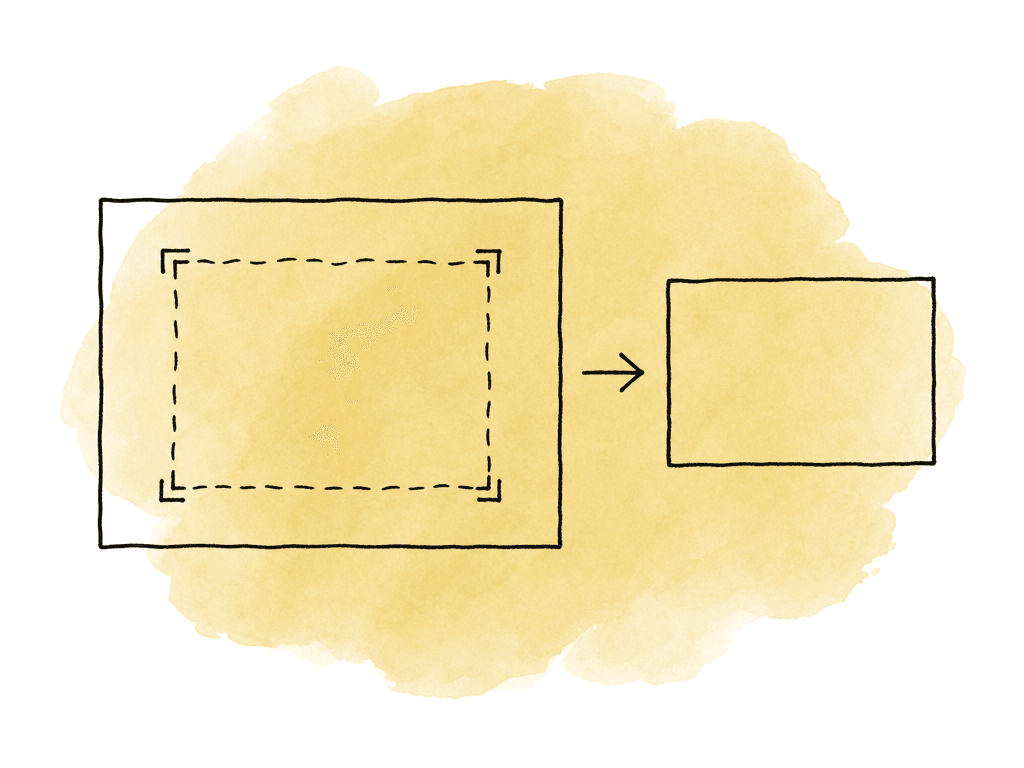
- Link to camera originals and confirm source metadata.
- Create proxies at the agreed editorial raster and DNxHR profile.
- Preserve source timecode, source file name, reel or tape metadata, and audio layout.
- Use FrameFlex intentionally for reframes instead of accidentally baking framing decisions into proxy media.
- Relink or conform against the original camera media, high-res DNxHR transcodes, or graded returns depending on the finishing plan.
Storage and bandwidth planning by profile
DNxHR profiles scale with frame size and frame rate. UHD at 59.94 costs roughly twice as much bandwidth as UHD at 29.97. DCI 4K costs more than UHD, and multicam multiplies everything. So plan storage from Avid’s DNxHR bandwidth tables for the exact raster and frame rate, then add headroom for real-world playback. For quick planning, these rough ranges are useful for UHD 3840x2160 at common editorial frame rates: Avid publishes these per stream. At UHD 3840x2160, in megabytes per second:| Profile | 23.976 fps | 29.97 fps | 59.94 fps |
|---|---|---|---|
| LB | 17.14 MB/s | 21.42 MB/s | 42.85 MB/s |
| SQ | 55.07 MB/s | 68.84 MB/s | 137.67 MB/s |
| HQ | 83.26 MB/s | 104.08 MB/s | 208.15 MB/s |
| HQX | 83.26 MB/s | 104.08 MB/s | 208.15 MB/s |
| 444 | 166.61 MB/s | 208.27 MB/s | 416.54 MB/s |
Choosing between LB and SQ for proxies
LB is the default proxy answer when performance and storage are the priority. It's especially useful when editors are remote or working on laptops. High camera hours and many simultaneous users push the same way. SQ is worth the extra size when offline image quality affects the work. Common examples include:- Heavy reframing from UHD or 4K sources.
- Temp comps, split screens, stabilizes, and speed effects.
- Client or network review directly from editorial exports.
- Interviews or archive where fine texture and focus judgment matter.
- Multicam where LB compression makes matching angles harder.
Choosing between HQ, HQX, and 444 for finishing
For finishing, start with bit depth and chroma. DNxHR HQ is 8-bit 4:2:2. It can be a good high-quality editorial or delivery-adjacent format when the source and delivery are both 8-bit, or when the job doesn't justify a 10-bit finishing path. For modern log camera workflows, HDR work, or serious grading, it's the wrong ceiling. DNxHR HQX is the workhorse for high-quality 4:2:2 finishing, because it supports higher bit depth. If you're rendering graded media back from Resolve to Media Composer for final assembly, HQX is often the right choice for 10-bit workflows. Avid’s own Resolve roundtrip guidance recognizes DNxHR and DNxHD as supported interchange families, which is one reason they remain common in Avid finishing pipelines. DNxHR 444 is for cases where 4:4:4 matters. That includes RGB graphics, some VFX plates, and certain log finishing paths. It also includes any workflow where chroma subsampling would visibly damage edges or keys, gradients, or composited material. Use 444 when the images need it and the storage can support it. A mixed finishing pipeline is normal. Camera-originated 4:2:2 material might finish as HQX, while graphics or VFX returns come back as 444. The key is to document which deliverables expect which profile, so assistants don't accidentally transcode everything down to a lower media creation setting.Relink depends on metadata discipline
DNxHR profiles don't make relink safe by themselves. Relink works when Media Composer can match the editorial media back to the original or alternate media using consistent identifiers. Your proxy workflows should preserve the fields the conform will need:
- Source file name or source path.
- Start timecode and duration.
- Reel, tape, or source ID strategy.
- Clip name conventions.
- Audio channel count and ordering.
- Frame rate and project rate interpretation.
- Camera metadata needed by color or VFX.
Roundtripping with Resolve and other tools
DaVinci Resolve supports DNxHR and DNxHD, which makes DNxHR a common bridge between Media Composer and color. A typical Avid-to-Resolve-to-Avid path might send an AAF with linked camera originals to Resolve, then render graded DNxHR HQX or 444 media back for final assembly in Media Composer. Your return profile should reflect the grade and delivery path. HQX is the practical return format for 10-bit 4:2:2 mastering. 444 is appropriate when the color pipeline, graphics, or VFX require it. Your team should not use LB and SQ for graded final returns unless the return is only for offline review. The danger in roundtrips is silent mismatch. If Resolve renders DNxHR 444 but Media Composer media creation is set to HQX or HQ, you may see import prompts or different behavior. It depends on whether you preserve the source resolution and profile or transcode instead. That isn't something to discover during final output. Test a short roundtrip before the full grade starts, using the actual profile, wrapper, and project raster, plus the real handles, audio, and color management.A sane default for most Avid pipelines
Choose a DNxHR profile based on the work the file needs to support:- Offline editorial: DNxHR LB at the agreed proxy raster.
- Higher-quality offline or review-heavy shows: DNxHR SQ.
- Standard 10-bit 4:2:2 finishing returns: DNxHR HQX.
- Graphics, VFX, RGB, or 4:4:4 finishing: DNxHR 444.
- Avoid DNxHR HQ for 10-bit finishing unless everyone understands the 8-bit limitation.
FAQ
Use DNxHR LB when the priority is smooth playback, small files, or remote editorial. LB also suits projects with large camera-hour counts. Use DNxHR SQ when offline media needs to look better for reviews, temp effects, reframing, multicam, or focus judgment. Both are 8-bit 4:2:2 profiles, but SQ uses more bandwidth and storage than LB.
DNxHR HQ is 8-bit 4:2:2, so it isn't the safest finishing choice for 10-bit log, HDR, or serious grading workflows. DNxHR HQX is the better 4:2:2 finishing profile, because it supports higher bit depth. HQ can still be useful when the source and delivery path are 8-bit, or when the job doesn't require a 10-bit finish.
Choose DNxHR 444 when the workflow needs 4:4:4 chroma fidelity. That covers RGB graphics, VFX plates, keying, compositing, certain log finishing paths, and deliverables that benefit from full chroma resolution. If the camera source and delivery are 4:2:2, DNxHR HQX is usually more practical and storage-efficient.
Yes, DNxHR is an Avid-native codec family, but native behavior depends on the wrapper and how the media was created. Avid-managed media normally lives as OP-Atom MXF files inside the Avid MediaFiles folder structure. A DNxHR QuickTime, OP1a MXF, or third-party generated file may need linking, consolidating, importing, or transcoding, depending on the exact file and project setup.
Start with the DNxHR data rate for the exact raster, frame rate, and profile, then convert megabits per second to gigabytes per hour. Divide Mb/s by 8 to get MB/s, then multiply by 3.6 to estimate GB per hour. For example, 100 Mb/s is about 45 GB per hour, while 700 Mb/s is about 315 GB per hour. Multiply by camera hours, streams, multicam angles, renders, backups, and online storage needs.
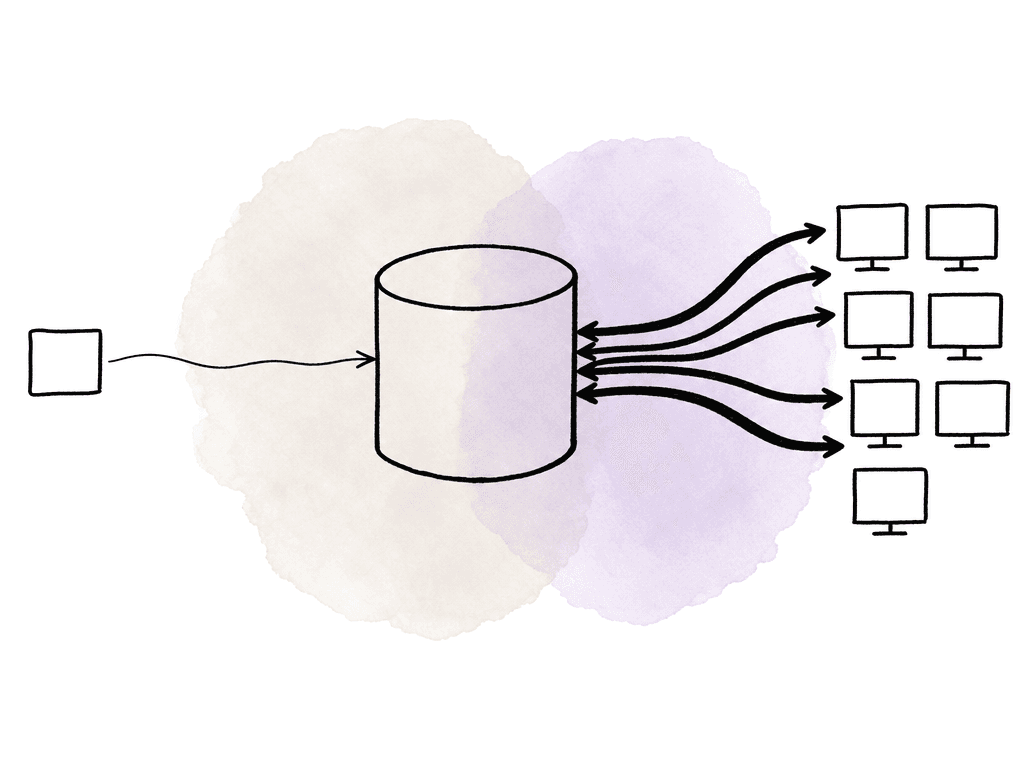
For remote Avid editorial, create one tested DNxHR LB or SQ proxy set, then give editors access to the same media instead of distributing duplicate folders. Aspect lets teams mount one shared project space so editors and assistants work from the same proxy media, with fewer handoff delays and fewer relink surprises in a shared cloud filespace.