What changes when you choose RAW instead of XAVC-I
XAVC-I is a finished video recording format. It bakes more of the camera processing into the file, usually as log video with a defined color space such as S-Gamut3.Cine/S-Log3. You still have good grading room, especially with 10-bit 4:2:2 material, but you're grading a video signal. Sony RAW and X-OCN are closer to a digital negative workflow. X-OCN stands for eXtended tonal range Original Camera Negative. It stores the sensor information in a compact 16-bit MXF file, giving color and finishing teams more latitude than a normal 10-bit video codec. Sony positions X-OCN as a way to get many of the benefits of RAW without the huge file sizes associated with uncompressed RAW. On some cameras and recorders, you may be dealing with Sony RAW, X-OCN, or both, so the exact choice depends on camera body, firmware, recorder, resolution, and frame rate. The post consequences are straightforward:- XAVC-I is easier to edit natively and easier to hand around.
- RAW and X-OCN preserve more image information for grading and finishing.
- XAVC-I usually produces faster dailies and smaller storage bills.
- RAW and X-OCN require more deliberate color management and conform testing.
- RAW and X-OCN are safer when the final image is still unknown during production.
| Workflow factor | XAVC-I | X-OCN | Sony RAW |
|---|---|---|---|
| Storage load | Lowest and most predictable | Higher than XAVC-I, lower than uncompressed RAW | Highest, especially at high resolutions or frame rates |
| Grading headroom | 10-bit 4:2:2 log video for normal correction and look work | 16-bit negative-style capture with more latitude | Maximum sensor-data flexibility for color and VFX |
| NLE behavior | Broad native support in current editorial systems | Version and hardware dependent, often safer through proxies | Most dependent on finishing tools, plugins, and a tested conform path |
| Dailies speed | Fastest path to sync, review, and edit | Slower because decode, color, and transcode choices matter | Slowest unless dailies hardware and workflow are built for it |
| Delivery pressure | Best fit for tight turnaround and direct editorial paths | Good fit when finishing needs higher latitude | Best fit when premium grade, HDR, VFX, or archive value outweighs time |
Data rate and storage are core workflow issues
The codec decision becomes real when the DIT or assistant editor starts calculating card turns, shuttle drives, shared storage, cloud transfers, and backup windows. RAW sounds like a picture-quality decision, but on set it's also a logistics decision. XAVC-I is intra-frame H.264/AVC. “Intra” means each frame is compressed independently, which makes it more edit-friendly than Long GOP codecs while still keeping file sizes manageable. Sony designed XAVC as a professional 4K and high-frame-rate ecosystem with reduced bitrates and smaller file sizes compared with less efficient approaches. In plain terms, XAVC-I is built for productions that need high image quality without letting storage run the show. RAW and X-OCN move the balance toward image flexibility. X-OCN is much more compact than uncompressed RAW, with Sony describing file sizes as up to 60% smaller than RAW in its CineAlta workflow material, but it's still usually a heavier post commitment than XAVC-I. The exact difference varies by camera, resolution, frame rate, crop mode, and X-OCN quality setting. A rough planning model is more useful than a single universal number:| Recording choice | Typical storage behavior | Post impact |
|---|---|---|
| XAVC-I HD | Lightest of this group | Easy editing, fast copies, simple proxies if needed |
| XAVC-I 4K/UHD | Moderate, predictable | Often workable natively on modern systems |
| XAVC-I high frame rate | Scales up quickly | Still simpler than RAW, but dailies and storage need planning |
| X-OCN | Heavier than XAVC-I, lighter than uncompressed RAW | Strong grading latitude with manageable negative storage |
| Sony RAW / uncompressed RAW-style capture | Heaviest | Best reserved for workflows built to carry it |
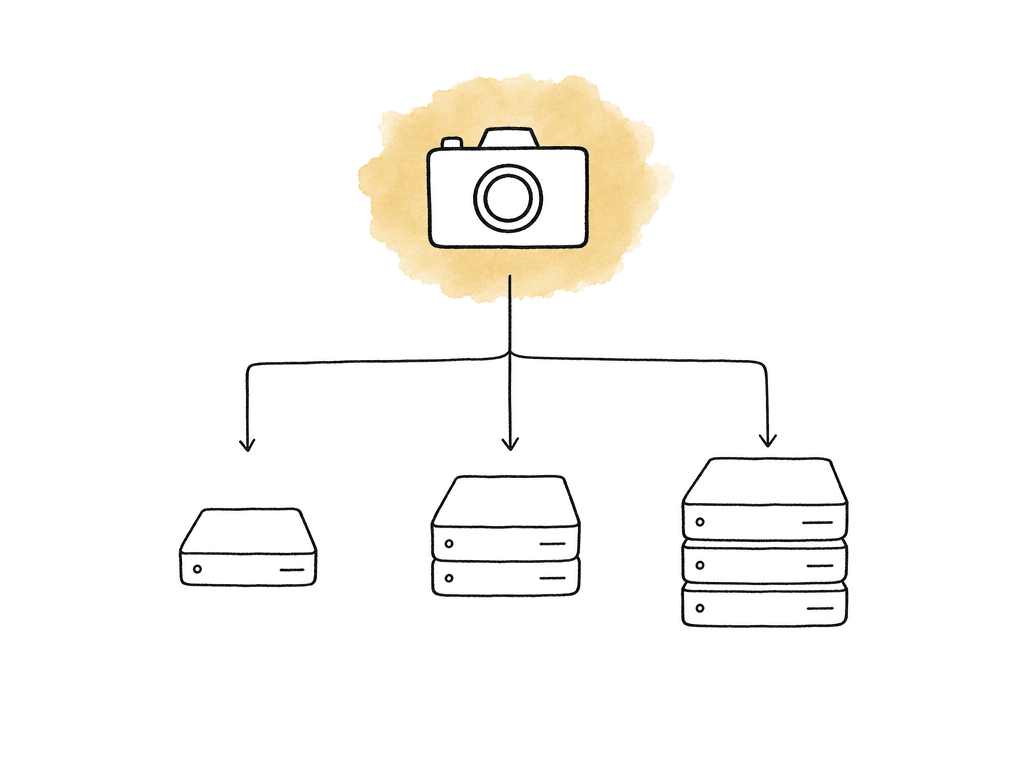
- Camera originals and checksum backups
- LTO or archive copies
- Proxy or mezzanine transcodes and audio sync outputs
- Review files and color renders
- Turnovers and final deliverables
What you actually see in the grade
The visible difference between Sony RAW/X-OCN and XAVC-I depends heavily on the scene. In a well-exposed interview with controlled lighting and a normal Rec. 709 finish, the gap may be small. In a high-contrast scene with saturated practicals, mixed color temperatures, underexposed skin, heavy sky recovery, or an HDR finish, the extra information in RAW or X-OCN becomes more valuable.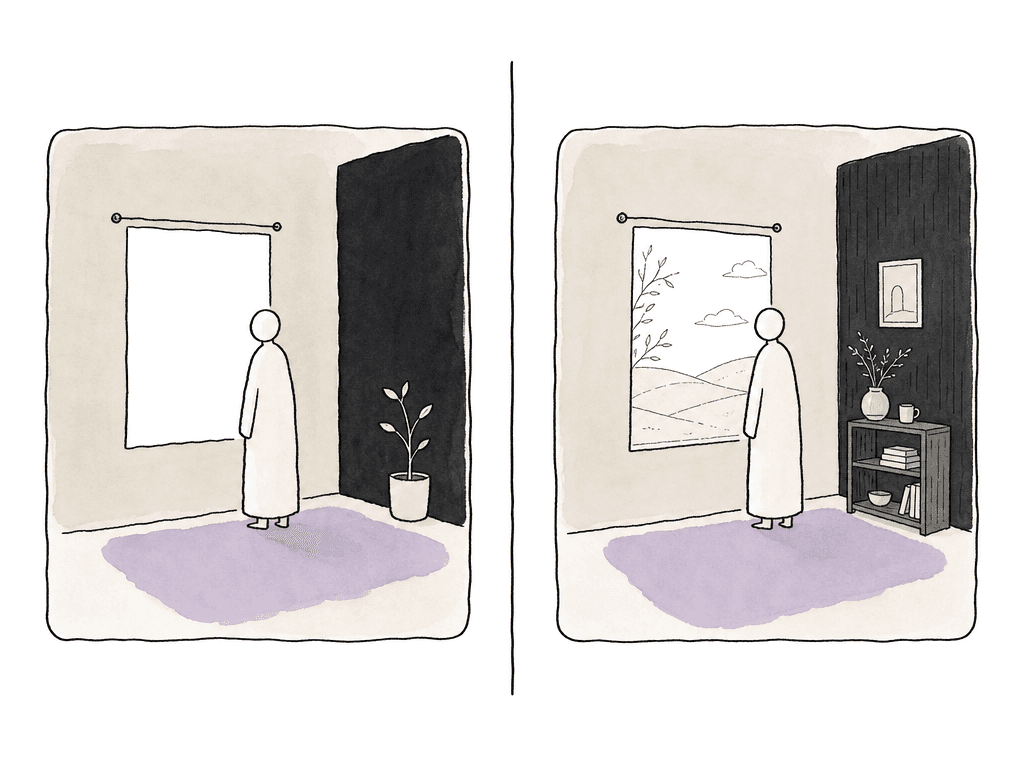
- White balance changes that would punish baked video more quickly.
- Highlight handling in scenes with windows, skies, LEDs, fire, or specular hits.
- Shadow shaping when the exposure was intentionally low or slightly missed.
- VFX pulls, keys, and integration where image manipulation is heavier.
- Long-term archive value when future remasters are plausible.
NLE support is good, but “supported” isn't the same as ready
XAVC-I is usually the lower-friction editorial choice because it's a professional Sony format based on MPEG-4 AVC/H.264, commonly wrapped for professional workflows, and widely supported by current NLEs. Sony’s own workflow guidance notes that many NLE platforms can handle HD and 4K XAVC natively, which lets some productions skip traditional dailies generation and go straight to editorial. That doesn't mean every workstation should cut camera originals. XAVC-I is easier than many RAW workflows, but 4K intra-frame media still needs CPU/GPU, fast storage, and a sensible shared-storage setup. A multicam timeline, high-frame-rate material, noise reduction, LUT stacks, and remote editorial can still justify proxies. RAW and X-OCN compatibility is more version-sensitive. Finishing systems are generally built for this kind of media, but editorial departments may be less consistent. Camera model, firmware, recording mode, operating system, NLE version, GPU drivers, and installed Sony components can all matter. Your test should use the exact recording mode planned for production, not a random sample clip from a different camera or firmware. In the first workflow test, run the media through the actual path it will take:- Offload with checksum verification.
- Open camera originals in the intended NLE or finishing system.
- Apply the intended color management or show LUT.
- Sync production audio.
- Create proxies or editorial transcodes if needed.
- Export AAF, XML, or other turnover files.
- Relink or conform back to camera originals in the grading system.
- Render a short review and delivery-style file.
Dailies get faster or slower based on the recording choice
Turnaround time is where the difference gets political. Everyone may agree that RAW is better in theory until the first shoot day wraps late, the director wants selects by breakfast, and the assistant editor is still waiting on transcodes. With XAVC-I, productions have several fast options: editorial may cut natively, your team can generate dailies quickly because decode and color handling are simpler, and your team can make review files from camera originals or from lightweight proxies. If the camera team exposes consistently and uses an agreed monitoring LUT, the dailies process can run without extra color fixes or format troubleshooting. With RAW or X-OCN, dailies become more of a color-managed process. Your post team has to decide how to debayer or decode the image, which transform to use, which LUT or CDL to apply, and whether the dailies should prioritize speed or represent the intended final look. Your team may also need longer to copy, verify, transcode, and upload the files. The difference is especially noticeable when the show has remote stakeholders. XAVC-I can shorten the path from card to review because there's less data to move and fewer image-processing choices. RAW gives better source material, but most directors, producers, and editors are still reviewing compressed viewing files. If nobody in the review chain benefits from RAW until the final grade, production needs to decide whether the delay is acceptable. A common compromise is to shoot RAW or X-OCN for the A-camera narrative or hero material, while using XAVC-I for behind-the-scenes, pickups, quick-turn interviews, or lower-risk coverage. That can work well, but only if post knows before day one. Mixed formats affect LUTs, transcodes, relink rules, archive structure, and color matching.Delivery pressure favors XAVC-I unless finishing needs the negative
Most deliverables aren't RAW, and broadcasters, streamers, agencies, distributors, and social platforms usually want finished masters, textless elements, audio deliverables, captions, review encodes, and archive assets. The acquisition format matters because it affects the path to those outputs, not because the final delivery will preserve the camera format. XAVC-I can be a strong acquisition format when the delivery schedule is tight. The media is already in a professional video format, editorial tools understand it well, and the offline-to-online path can be straightforward. For many broadcast, branded, digital, and corporate jobs, the finishing team can grade XAVC-I camera originals directly or conform from proxies without needing a RAW decode pipeline. RAW or X-OCN makes more sense when the finishing requirements justify keeping the digital negative alive until the end. That includes high-end color sessions, HDR mastering, VFX pulls, theatrical or premium streaming expectations, and projects where the footage may be repurposed later. In those cases, the extra time in dailies and conform can protect the final master. Archive is part of delivery thinking too, and XAVC-I archives are smaller and easier to restore quickly. RAW and X-OCN archives may be more valuable creatively, but they require a clearer plan for future software support, camera metadata, LUTs, color decisions, and project files. If a production archives RAW but loses the viewing LUTs and color pipeline notes, future restoration becomes harder than it needed to be.Where XAVC-I is the better workflow
XAVC-I is often the correct professional choice when the production values speed, simplicity, and predictable post behavior. It tends to fit best when:- The final grade is moderate rather than extreme.
- The camera team will control exposure and white balance on set.
- Dailies need to turn around overnight or same day.
- Storage, upload bandwidth, or backup windows are limited.
- The show can't afford a fragile conform.
Where RAW or X-OCN earns the cost
RAW or X-OCN is worth choosing when your color team will push the image hard, when the final look isn't fully known, or when the project’s value depends on preserving as much camera information as possible. It tends to fit best when:- The project has a dedicated color pipeline.
- HDR delivery is expected or likely.
- VFX needs the cleanest possible source.
- The show has enough storage, backup time, and transcode capacity.
- Long-term remastering or premium archive value matters.
Make the choice with post before camera prep ends
The worst version of this decision happens when production chooses RAW because it sounds premium, then post discovers the team built the schedule for XAVC-I. The second-worst version is choosing XAVC-I for speed, then realizing the grade needed RAW-level flexibility. Make the decision in a short workflow conversation with camera, post, editorial, color, and whoever owns delivery. The conversation doesn't need to be formal, but it does need real answers. What camera and firmware? What recording mode? What resolution and frame rates? How many hours per day? How fast does editorial need dailies? Who is syncing audio? Will editorial cut originals, proxies, or transcodes? What system will your team use for conform? Is HDR required? Are there VFX turnovers? How much storage is actually available? If the answers are uncertain, shoot a short test and push these pieces through the whole pipeline:- One normal scene and one high-contrast scene
- One skin-tone setup and one intended LUT
- One audio sync test and one proxy generation
- One editorial turnover and one conform back to camera original
FAQ
Yes. XAVC-I is often good enough for professional grading when exposure, white balance, and monitoring are handled well on set. Sony XAVC-I commonly provides 10-bit 4:2:2 recording, which gives colorists solid room for balancing, matching, secondaries, and stylized SDR grades. RAW or X-OCN becomes more valuable when the grade involves heavy recovery, HDR mastering, difficult lighting, VFX pulls, or major creative reinterpretation of the image.
Not automatically. RAW and X-OCN preserve more image data, but they need a proper color-managed workflow to look correct. If LUTs, viewing transforms, debayer settings, or metadata are mishandled, RAW footage can look inconsistent or wrong in editorial. The advantage appears when the finishing team uses the extra latitude for color, HDR, highlight control, shadow shaping, or VFX.
XAVC-I is usually faster for dailies. It produces smaller files than RAW-style capture, is easier for many systems to decode, and often requires less color pipeline setup before editorial review files can be made. RAW and X-OCN dailies can take longer because the workflow may involve heavier copying, verification, debayer or decode settings, LUTs, CDL handling, audio sync, and proxy generation.
Often, yes. Current professional NLEs commonly support Sony XAVC-I, and many productions can edit it natively if workstations and storage are fast enough. Native editing may still be impractical for multicam, high-frame-rate footage, remote workflows, older machines, or timelines with heavy effects and LUTs. In those cases, proxies or editorial transcodes are still the safer option.
Choose XAVC-I when turnaround, editorial simplicity, storage efficiency, and predictable NLE support matter more than maximum finishing flexibility. It's a strong choice for broadcast, corporate, documentary, social, branded, and fast-turnaround work, especially when the final delivery is SDR and the grade isn't extreme. Choose RAW or X-OCN when HDR, VFX, heavy color work, premium finishing, or long-term archive value justifies the added workflow cost.
For RAW-heavy jobs, the fastest workflow is usually to avoid making every editor download full camera originals before they can begin. Aspect lets editors open large media from a mounted shared filespace and stream only the bytes their NLE needs, so a 100GB source file can start playing without a full local copy.